-
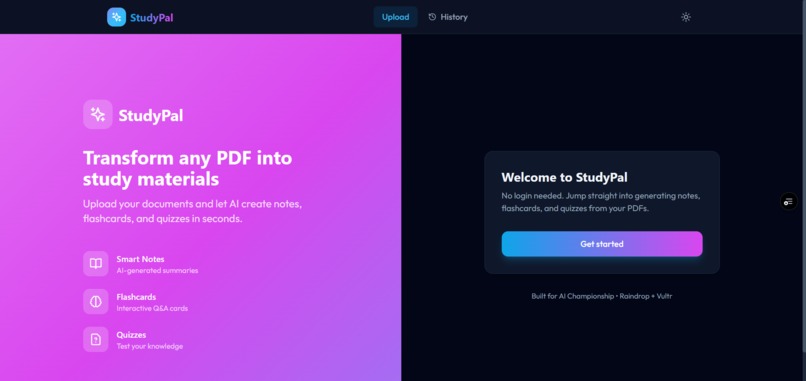
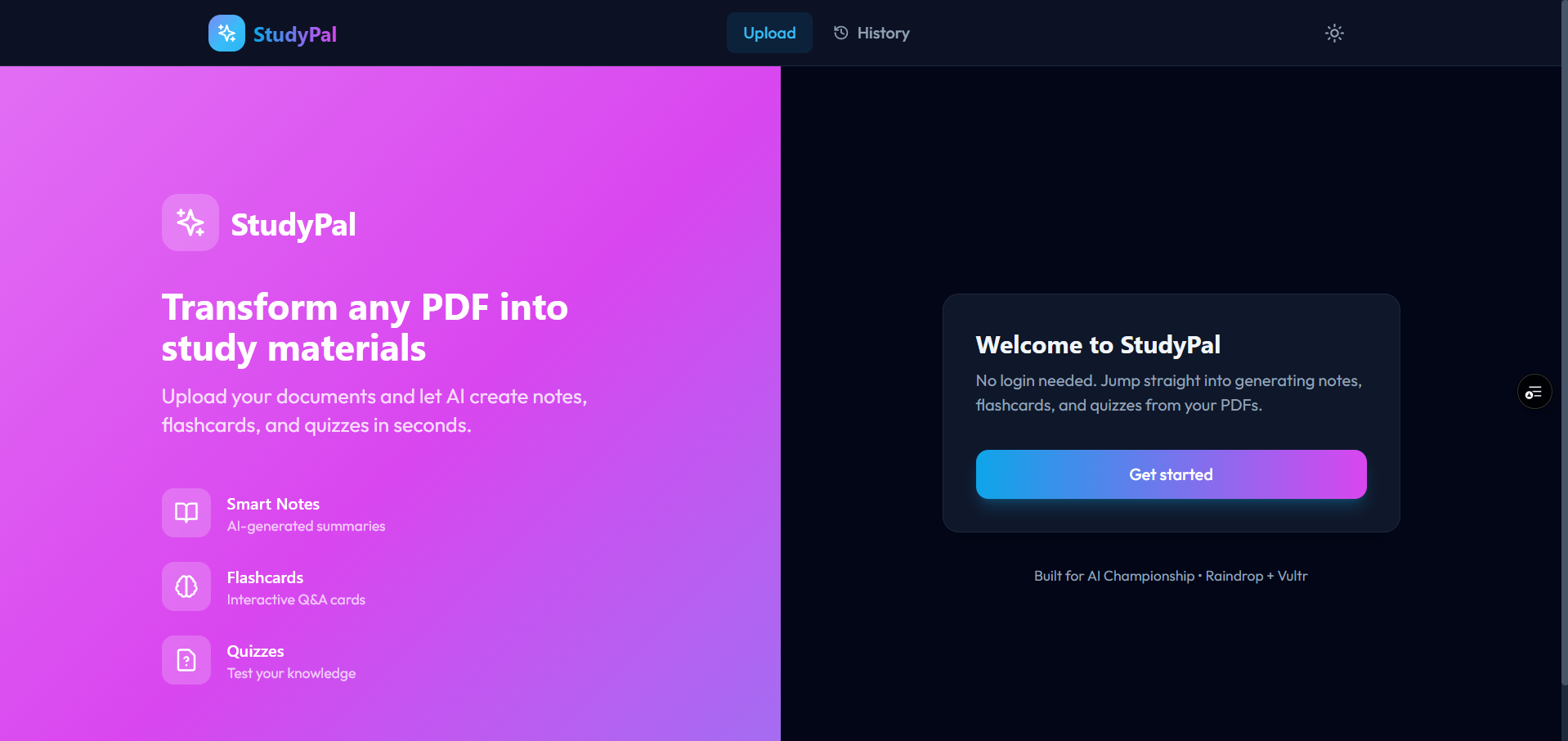
Landing Page
-
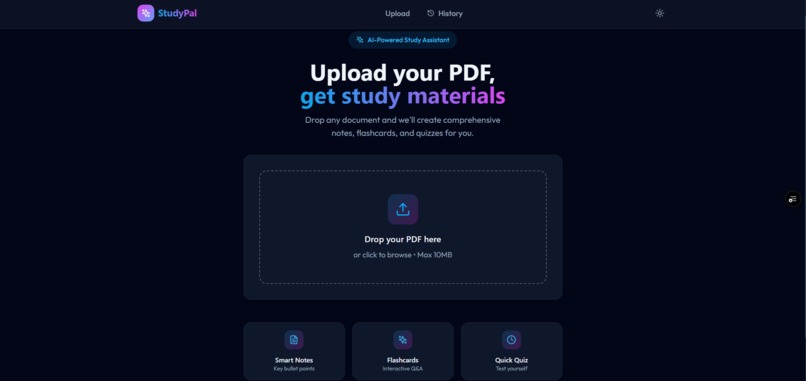
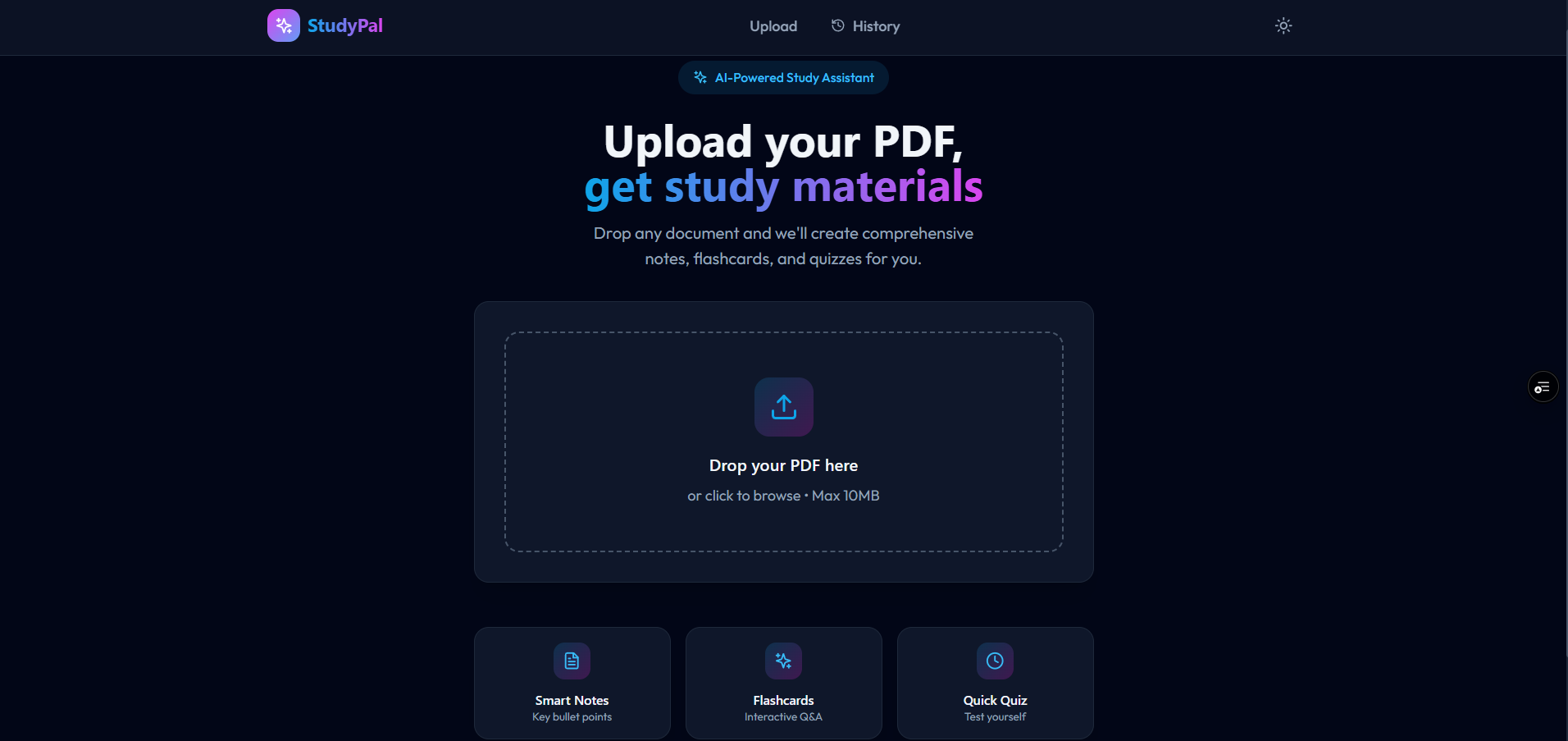
Uppload Page
-
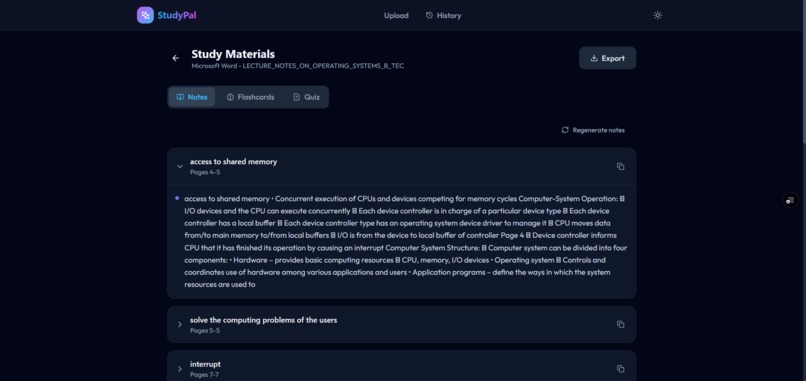
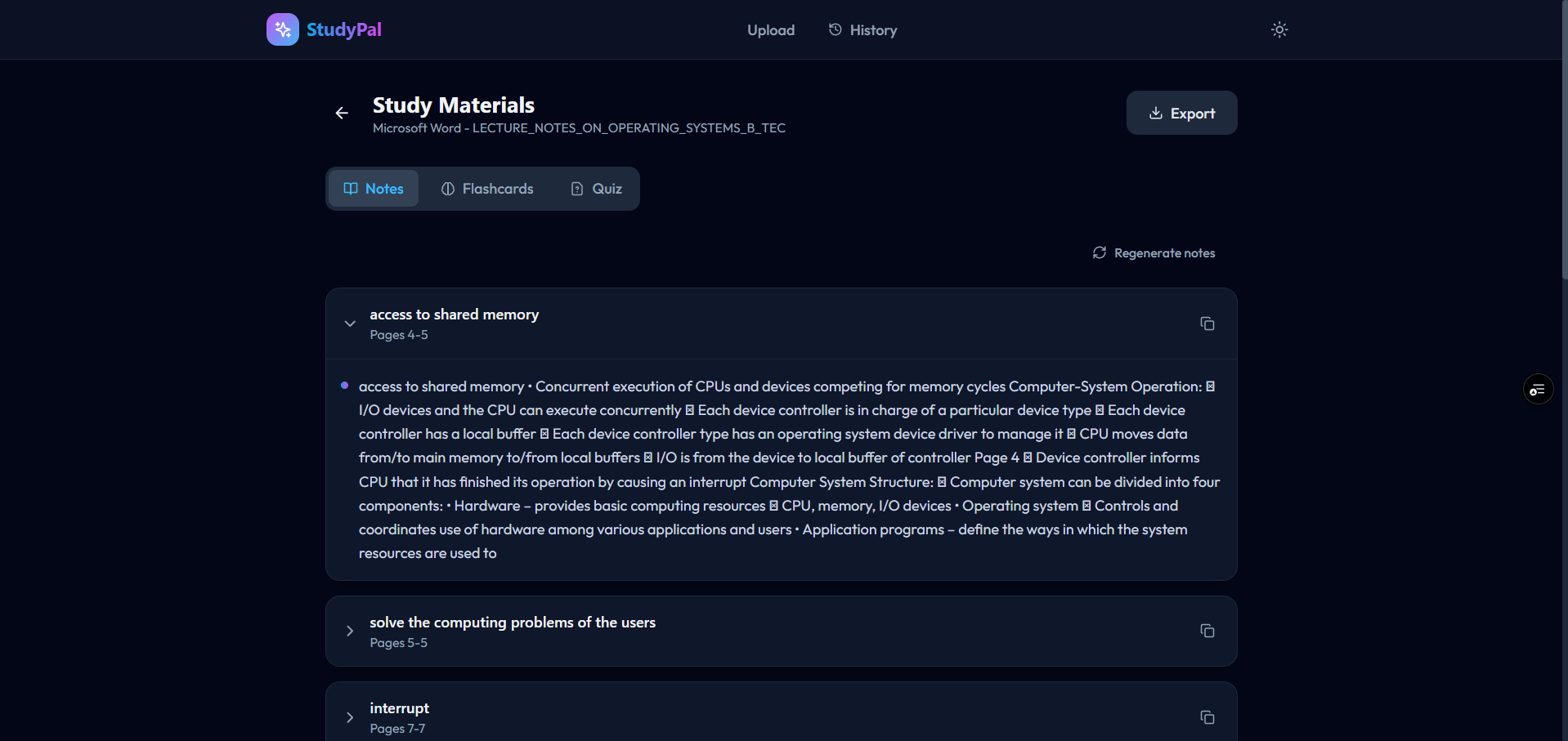
Analyzed Result
-
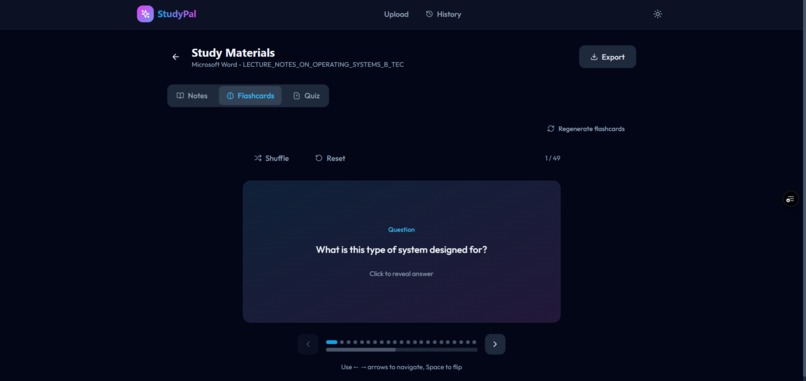
Flash Cards Page
-
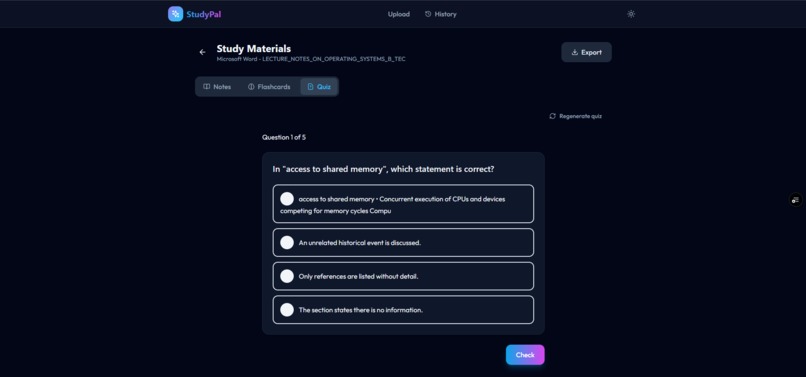
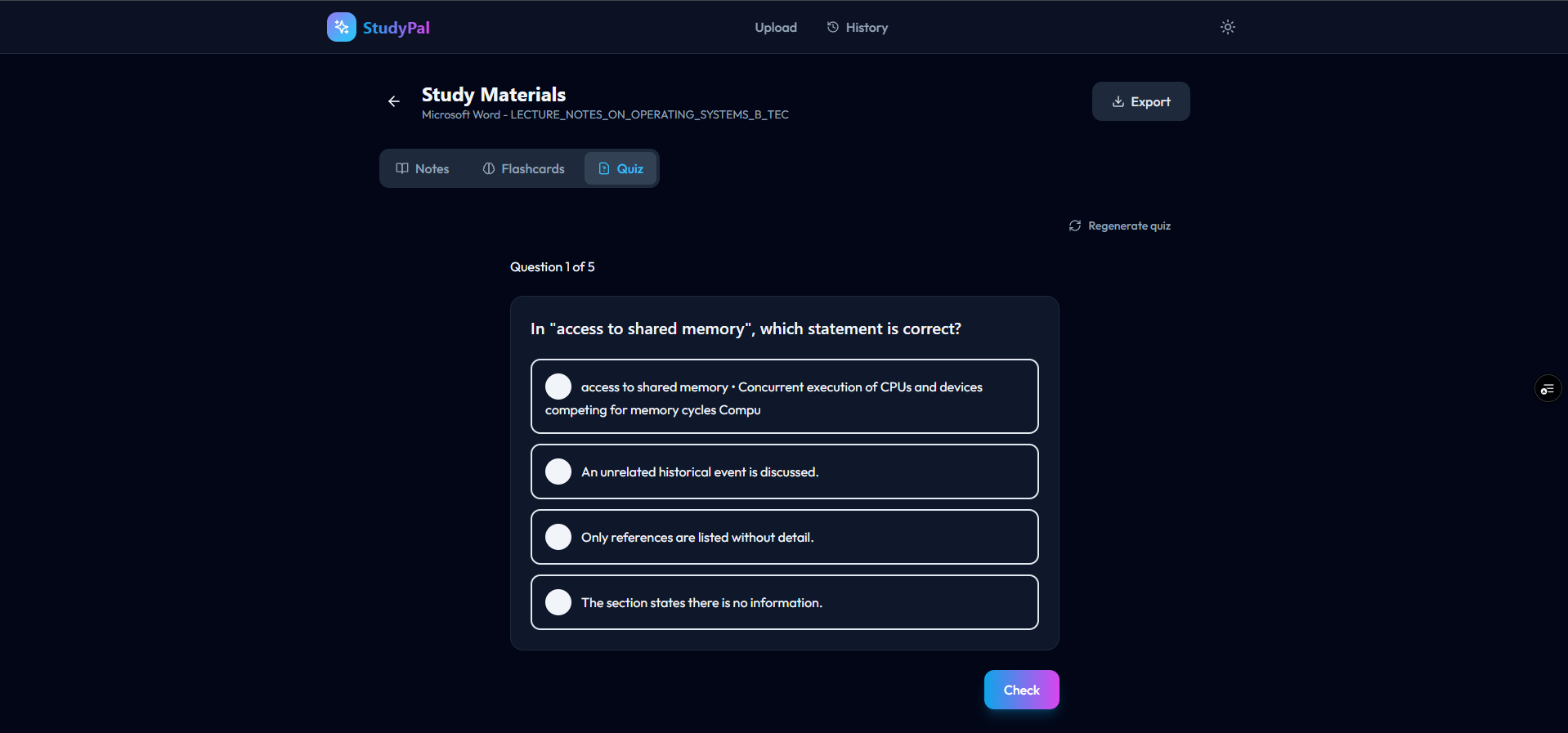
Quiz Page

Inspiration
As students, we all know that feeling: the night before an exam, staring at a huge PDF full of slides, notes, or scanned pages and thinking, “Where do I even start?” I kept scrolling up and down, screenshotting bits, and trying to make my own notes, and it felt like most of my time was spent organizing instead of learning. I wanted something that could sit between “I have this messy PDF” and “I have clear notes, flashcards, and quizzes.” That gap is what inspired StudyPal – a small tool that acts like an AI study buddy, not just another PDF viewer.
What it does
StudyPal takes any PDF you upload and turns it into actual study material:
- Smart notes – short, focused bullet points that highlight the main ideas instead of dumping the whole document back at you.
- Flashcards – Q&A cards that avoid generic labels like “Unit 1” and instead ask questions that test real understanding.
- Quizzes – multiple‑choice questions with clear right answers so you can quickly check what you know.
- History – a list of your past uploads, so you can revisit old study sessions.
- Clean, dark‑mode friendly UI – a simple interface that feels calm and easy to use, especially during late‑night study sessions.
The goal is that you can upload a PDF and, a minute later, you’re looking at something you can actually revise from.
How we built it
I split StudyPal into three main pieces:
Frontend (React + Vite + Tailwind)
The frontend is a single‑page app with a friendly landing page, a drag‑and‑drop upload area, a progress tracker, and separate views for notes, flashcards, quizzes, and history. React Router handles navigation, and a small API helper talks to the backend.Backend (Node.js + Express)
The backend exposes REST endpoints like/api/upload,/api/status/:jobId,/api/summarize, and/api/results/:jobId. It keeps track of jobs, knows when the worker has finished processing a PDF, and then calls the AI to generate content. This is also where all the prompts live, plus logic to clean the AI output and throw away low‑quality results.Worker (Python + Flask + pdfplumber)
The worker receives the raw PDF file, extracts the text and headings, and splits the content into chunks that are easier for the AI to handle. It tries to skip things like tables of contents and schedules, which don’t make good study material, and then sends the processed text back to the backend via a secure callback.
For the AI layer, I used Google Gemini. I spent a lot of time writing and refining prompts, adding examples of “good” vs “bad” outputs, and then building filters to remove generic lines like “Unit 1” or random timestamps. On top of that, there’s a JSON parsing helper that tries to recover from messy model output (like when the AI wraps JSON in code blocks).
Finally, I deployed everything using Railway (for the backend) and Render (for the worker), with a static deployment for the frontend, wired together with environment variables.
Challenges we ran into
Getting good AI output
At first, the AI produced long, messy text, generic questions, and flashcards like “Chapter 3 – 7 hours.” It technically “worked,” but it wasn’t something a real student would want to use. I had to iterate on prompts, shorten instructions, add examples, and then write post‑processing code to score, filter, and clean every card and quiz question.Handling real‑world PDFs
Not all PDFs are clean. Some have weird layouts, scanned text, or pages that are just tables of contents. A simple “split every X characters” approach wasn’t good enough. I had to design a chunker that looks at headings, skips obvious non‑content pages, and still keeps context for the AI.Connecting services across platforms
The worker and backend were deployed on different providers (Render and Railway). I hit a lot ofConnectionRefusederrors and incorrect ports before finally getting the callback URLs and networking right. It was a good lesson in how small configuration details can break an otherwise working system.Working within free tiers
Free hosting comes with cold starts, rate limits, and timeouts. The app would sometimes “hang” while a service was waking up. To handle this better, I added retries, longer timeouts where it made sense, and clearer status messages in the UI so users know what’s happening.
Accomplishments that we're proud of
- Turning a simple idea into a full end‑to‑end product with a frontend, backend, and worker that actually run online, not just on my laptop.
- Taking AI output from “technically correct but useless” to something that feels much closer to real study material through prompt design and careful cleanup.
- Creating a UI that is clean, responsive, and has small touches like dark mode, animations, and history so it feels like a polished app.
- Making the system resilient enough to handle malformed JSON, slow workers, and deployment quirks without completely breaking the user experience.
What we learned
- Building with AI is as much about controlling and shaping the output as it is about calling the model. Good prompts, chunking strategies, and cleanup logic matter a lot.
- Distributed systems are powerful but unforgiving: callbacks, ports, domains, and environment variables all need to line up correctly, especially when different parts live on different platforms.
- With thoughtful UX (progress indicators, clear errors, and retries), even a project running on free tiers can feel surprisingly smooth to use.
- Small utility functions—like JSON sanitizers and content filters—can make a huge difference in how “smart” or “dumb” the final product feels.
What’s next for StudyPal – AI PDF Study Assistant
- Adding optional accounts and syncing, so students can log in and keep their study sessions across devices.
- Introducing more question types like fill‑in‑the‑blank, short answers, and spaced‑repetition scheduling based on how you perform on the flashcards.
- Supporting more input formats (slides, Word docs, images/OCR) so you can throw almost any study material at StudyPal.
- Making the app even more personalized, adapting difficulty and style as it learns what each student struggles with.
- Continuing to refine the UI and possibly bringing it to mobile so quick revision sessions are just a tap away.
Overall, StudyPal is my attempt to turn overwhelming PDFs into something friendlier: a set of notes, flashcards, and quizzes that make studying feel a little less stressful and a lot more structured.
Built With
- docker
- express.js
- flask
- google-gemini-api
- javascript
- node.js
- pdfplumber
- python
- railway
- react
- render
- tailwind-css
- vercel
- vite

Log in or sign up for Devpost to join the conversation.