Inspiration
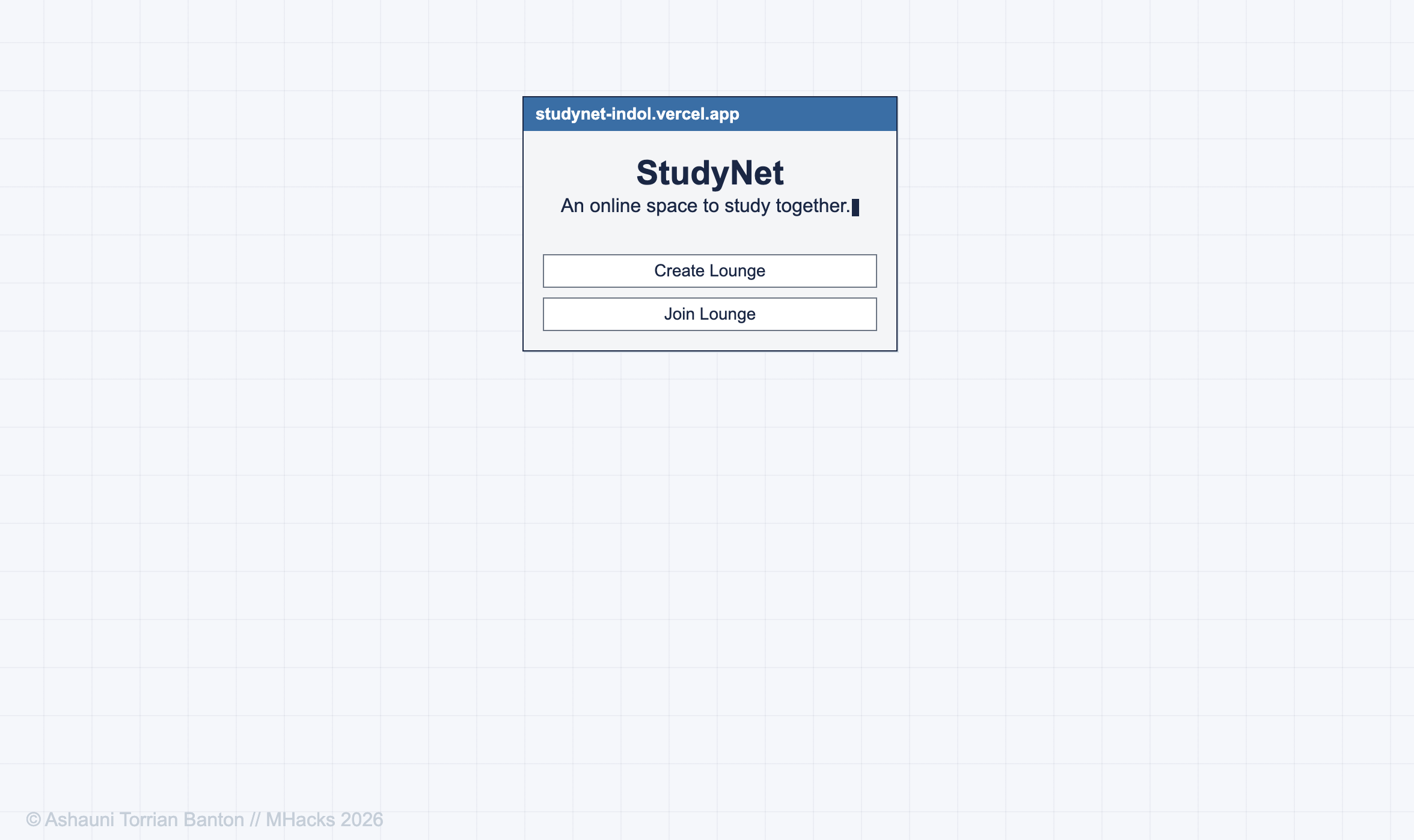
We’re a very online, and the platforms we use are often built to distract us. At a demanding university, studying can feel especially isolating, while the internet around us constantly competes for our attention. I wanted to see if I could redefine our relationship with the internet by taking it back to a time when it felt more like a place than something that was everywhere. That became the inspiration for StudyNet’s simple, sleek AOL-style design: a digital study lounge that feels like somewhere you can actually be, rather than another feed to scroll. I also wanted the space to support focus without sacrificing social connection. I love studying with my long-distance friends but I can barely see when she tries to lift up her notebook to show me her math problem. The Pomodoro technique has helped me, and so many other people, find focus, so it became a natural foundation for StudyNet. StudyNet is my attempt to make the internet feel less distracting and more like a place to be together.
What it does
StudyNet combines the connection of an online community with tools that make focused studying easier.
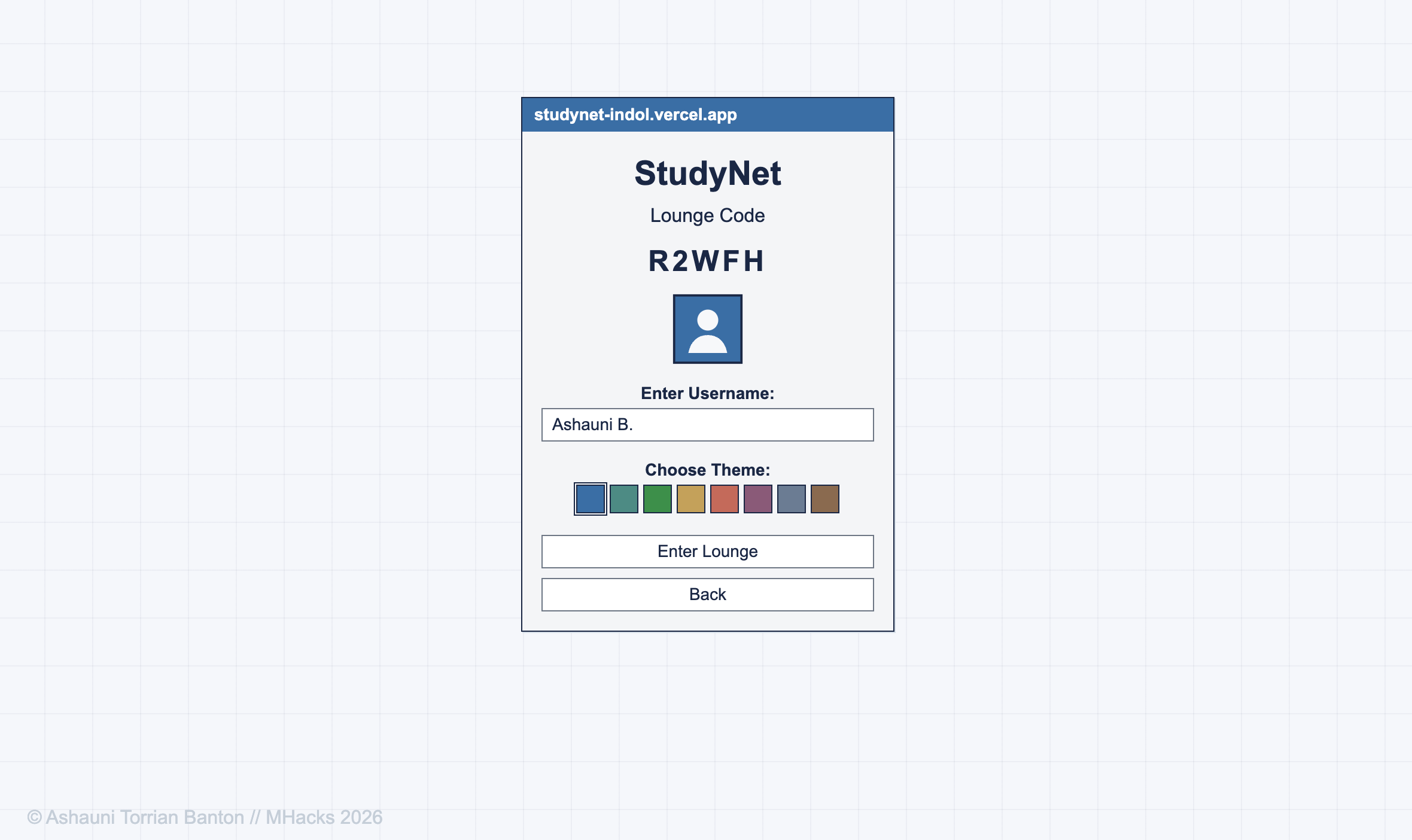
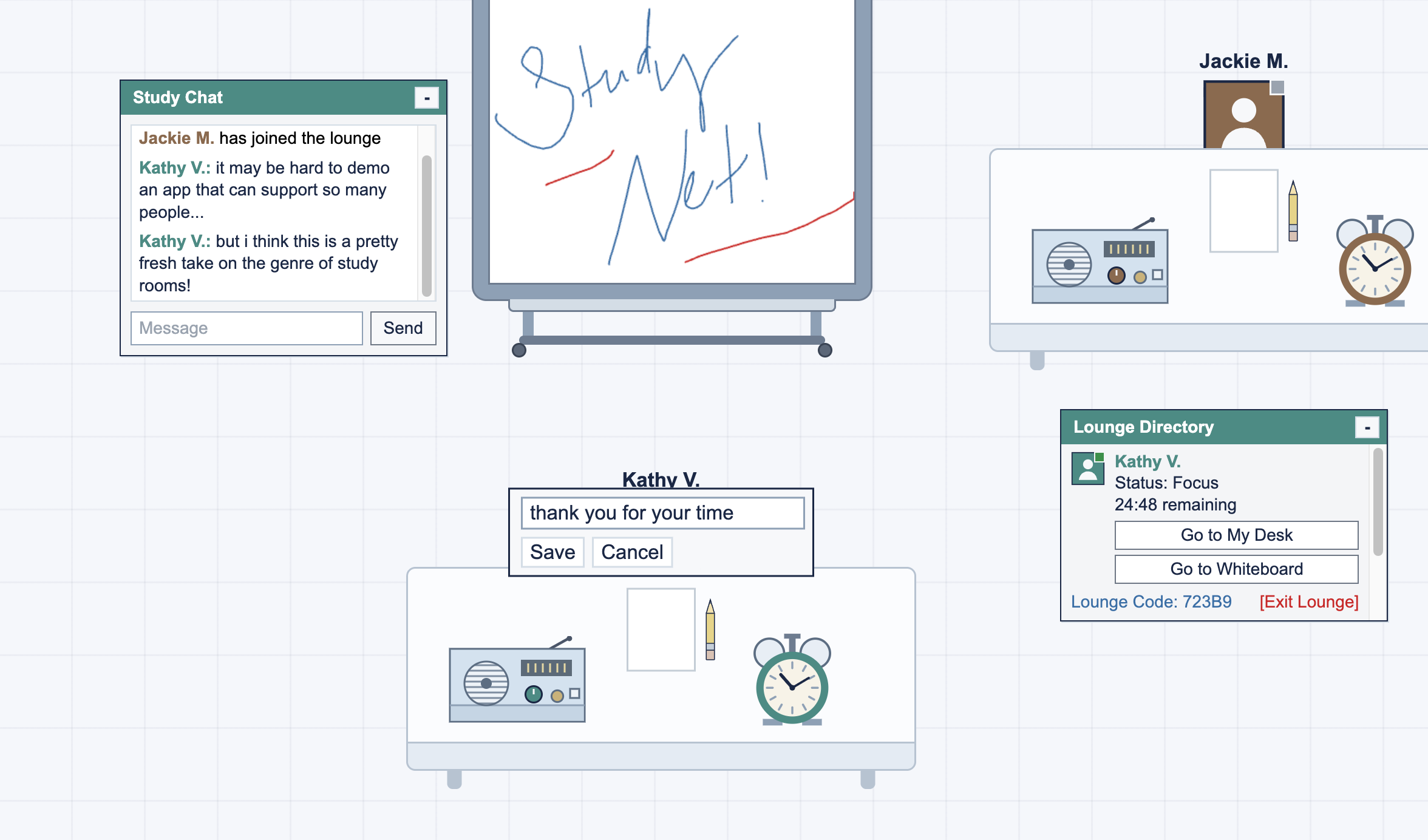
- Create or join a room with friends and build a shared space for studying together.
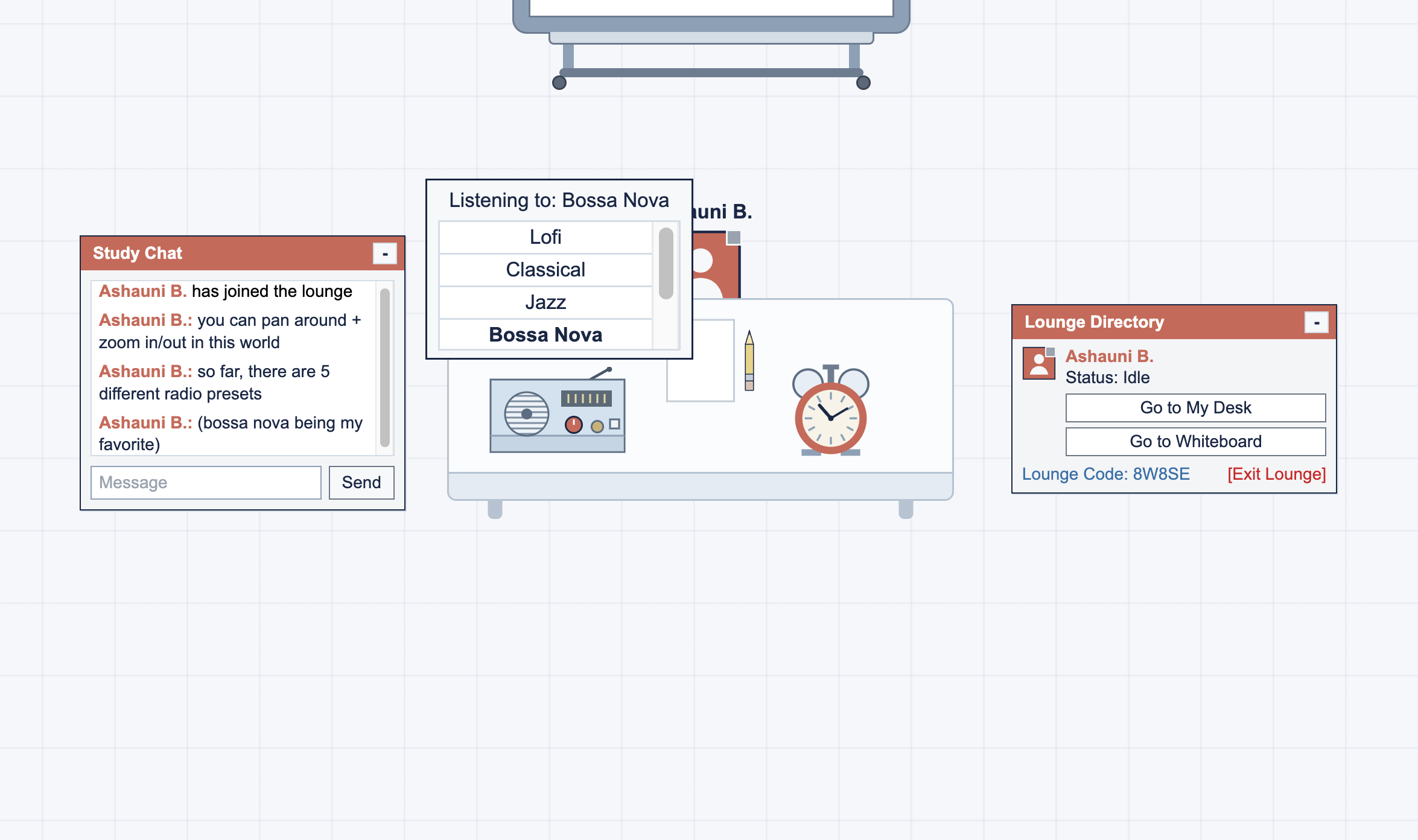
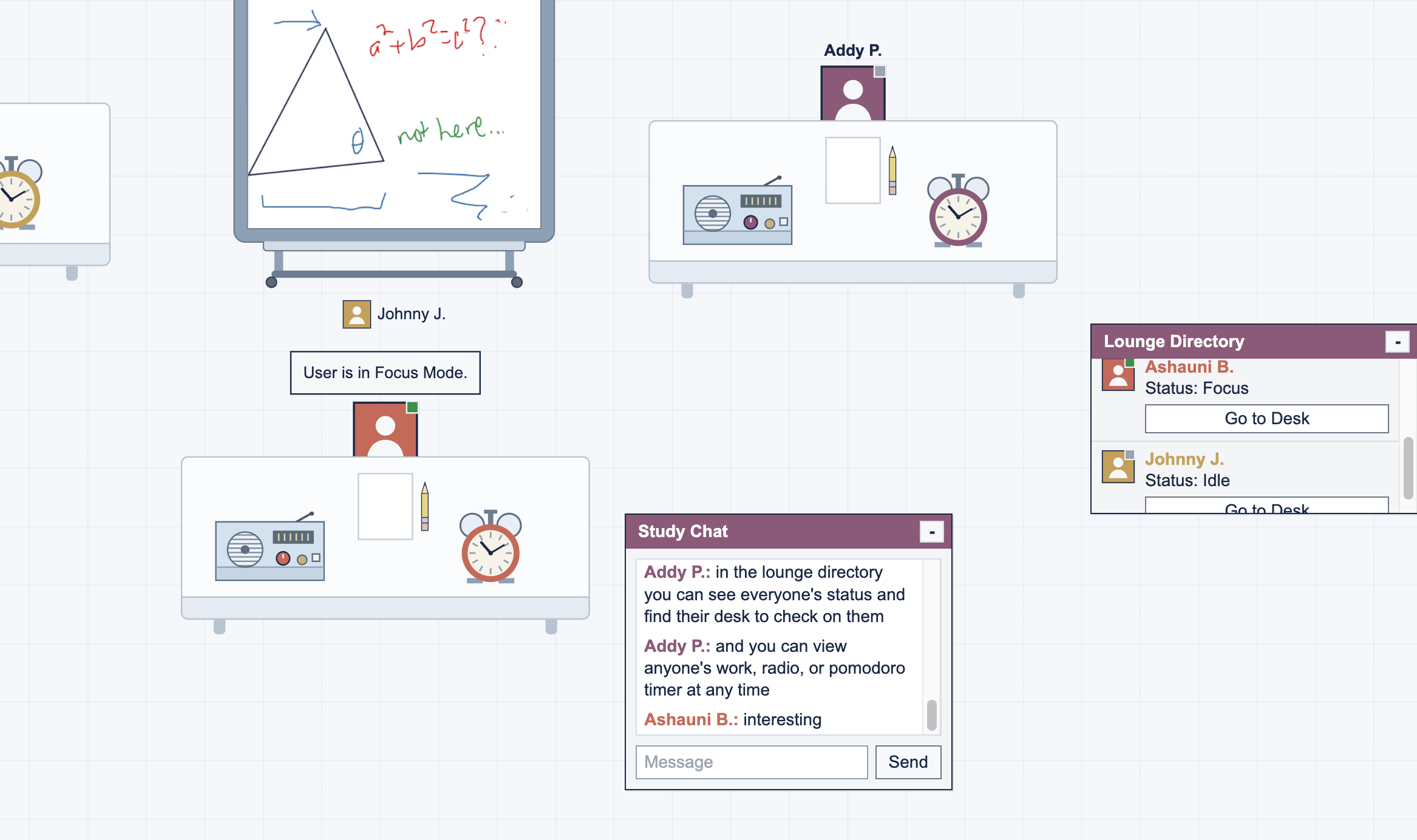
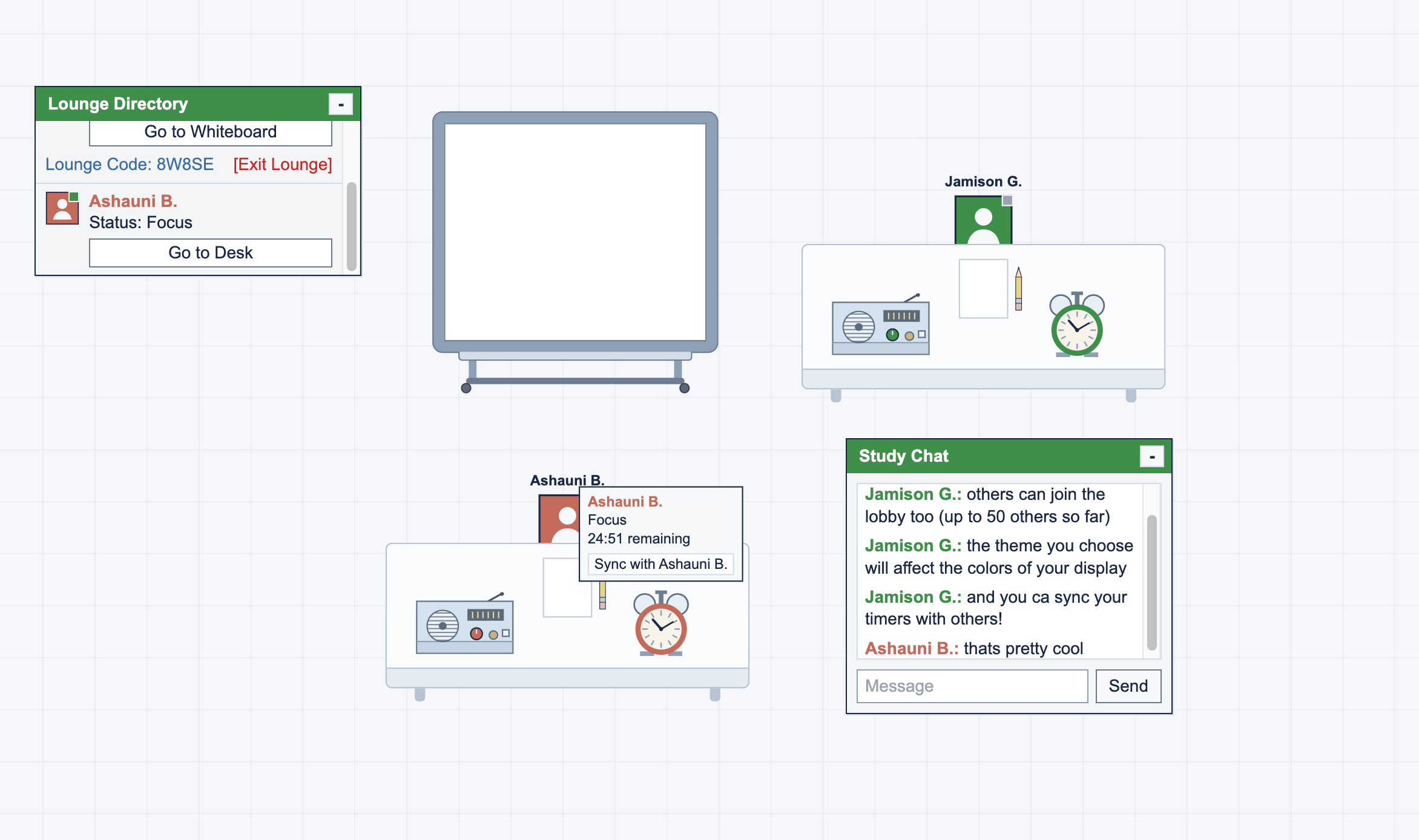
- Visit other desks to see what they’re working on, what they’re listening to, and what they’re up to.
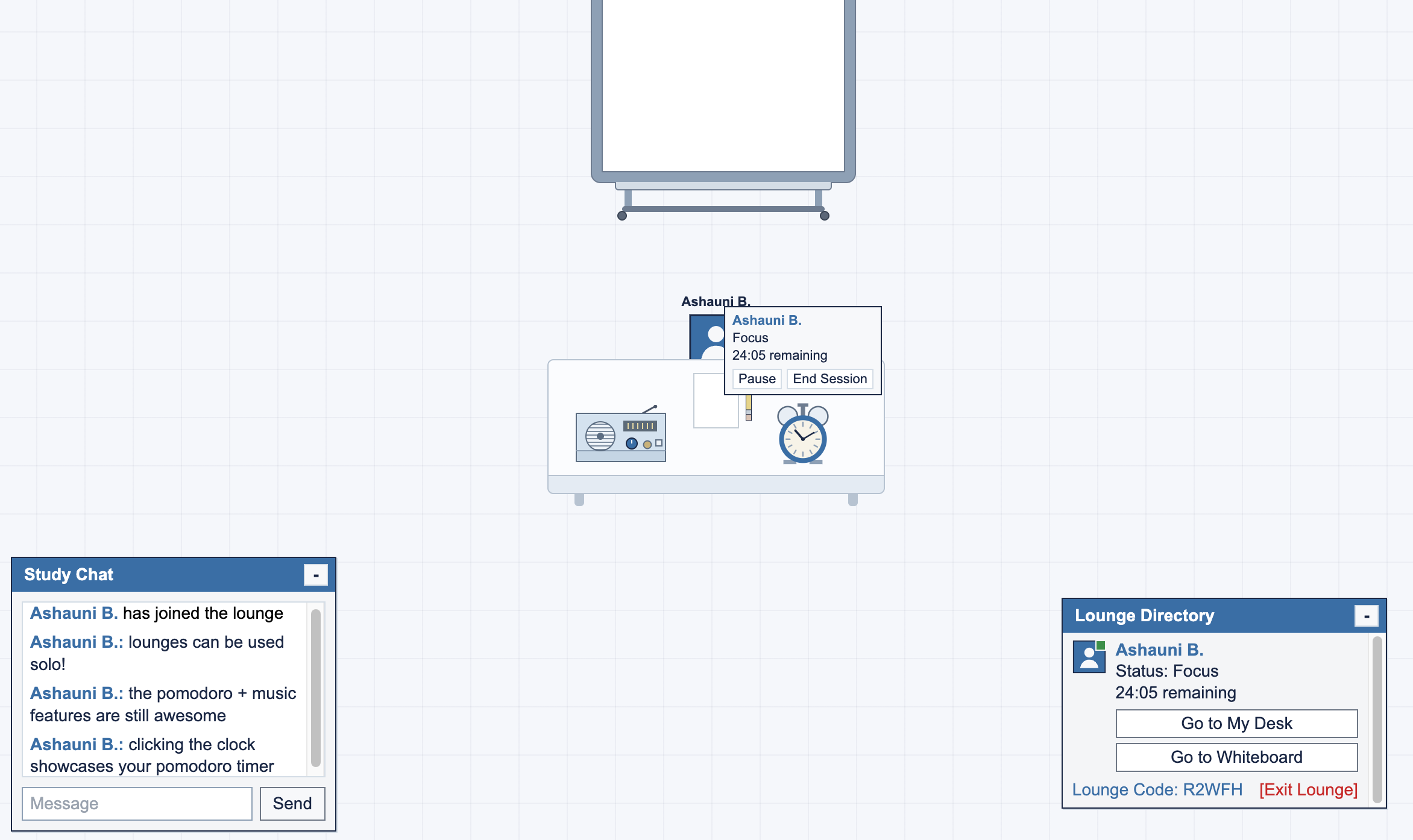
- Start a Pomodoro session, stay accountable, and sync your timer with others.
- Talk with everyone in the lounge through an AOL-inspired instant messenger.
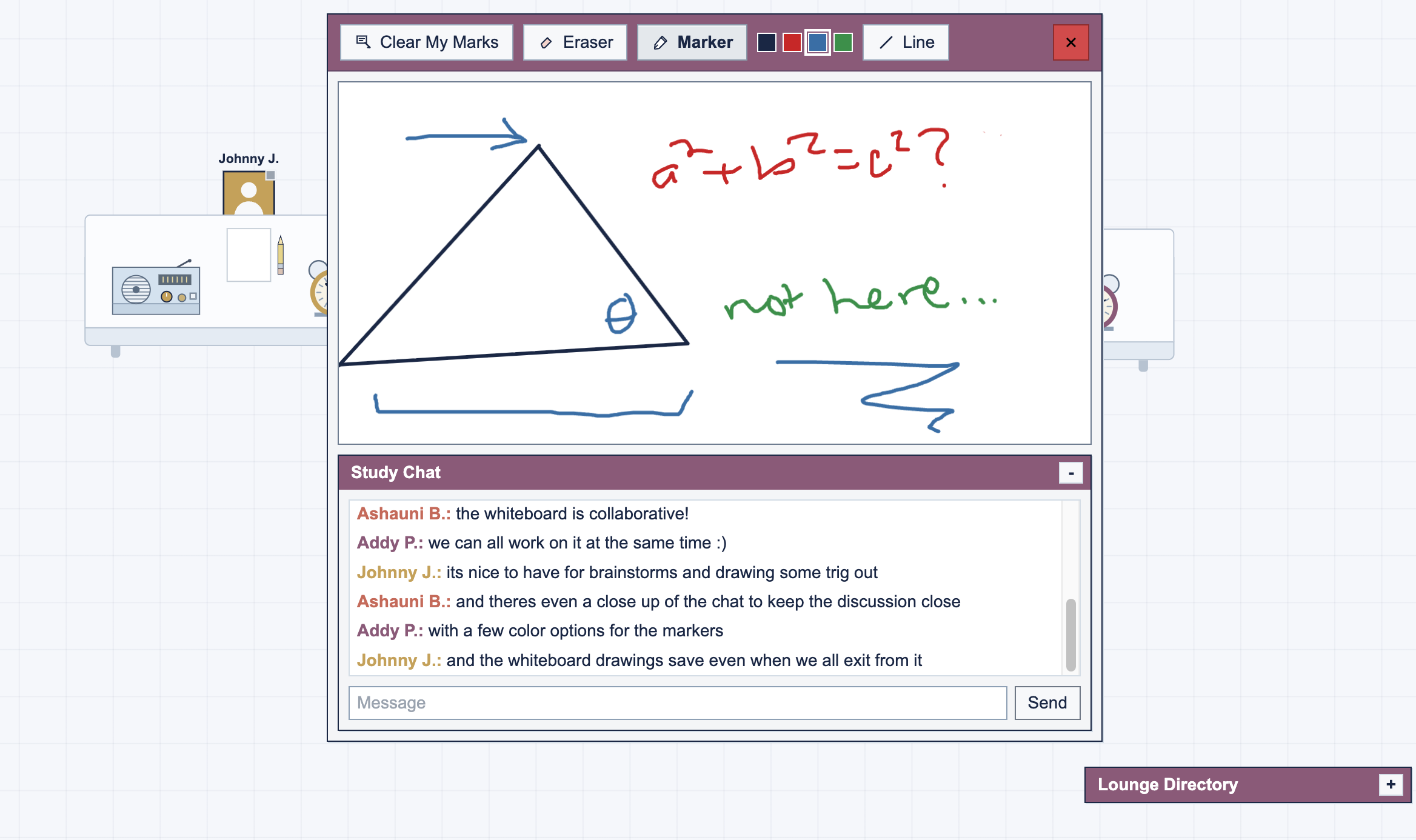
- Draw, brainstorm, and work on ideas together in real time.
- Customize your avatar, theme, current work, and radio while making your desk your own.
- Play Connect Four and hang out with friends when it’s time to step away from studying.
How I built it
I mainly built StudyNet with React, TypeScript, HTML/CSS, and SpacetimeDB. I knew I wanted the site to feel live, so real-time interaction became a big focus of the project. SpacetimeDB handles the shared state behind the rooms, users, chat, Pomodoro timers, desks, whiteboard, radio, and Connect Four, so changes show up for everyone in the room as they happen. I used Cursor to build and debug the project as I went, which helped me move quickly from the initial idea to a fully multiplayer experience.
Challenges I ran into
One of the biggest challenges was figuring out how to make StudyNet feel social while still being genuinely focused on work. I didn’t want the social side to become another distraction, but I also didn’t want the experience to feel like studying alone in a productivity app. I had to find ways for people to naturally interact through things like visiting each other’s desks, seeing what they’re working on and listening to, chatting, syncing Pomodoro sessions, collaborating on the whiteboard, and playing games during breaks. The challenge was making all of those interactions feel like part of the same study experience rather than separate features competing for attention.
Accomplishments that I'm proud of
I’m most proud of making StudyNet feel like an actual place you have to move through, rather than a dashboard. I could have put persistent controls on the screen to change your Pomodoro, switch songs, update what you’re working on, or check what your friends are doing. Instead, you have to walk over to your desk and interact with the objects there. If you want to see what a friend is working on or listening to, you actually go to their desk. Even checking in on friends becomes something you do during a break. There’s no overhead dashboard telling you everything at once. I think that makes StudyNet feel much more like being in a real office or study space, and much less like using another productivity app.
What I learned
I learned and improved at:
- Using SpacetimeDB as a shared source of truth with tables, reducers, subscriptions, and synchronized state across multiple clients.
- Keeping critical multiplayer logic server-authoritative so Pomodoro sessions and Connect Four remain consistent for every connected user.
- Synchronizing real-time client state for chat, presence, whiteboard strokes, desk activity, and other room interactions without page refreshes.
- Managing multiplayer state lifecycles including joins, leaves, disconnects, cleanup, and isolated room state.
- Connecting a React and TypeScript frontend to SpacetimeDB Maincloud and deploying the frontend through Vercel while maintaining a separate real-time backend.
What's next for StudyNet
Future ideas include Spotify integration, private note-passing, host controls, study-hour tracking, and more ways for friends to take breaks together.
Built With
- css
- cursor
- html
- react
- spacetimedb
- typescript
