-
-
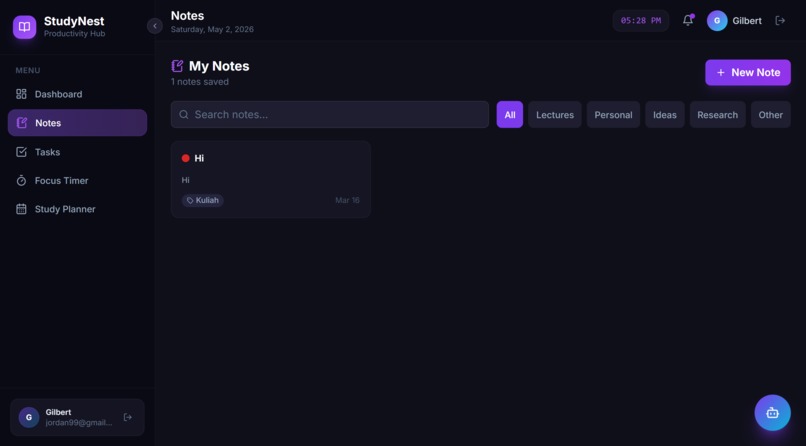
Notes Page
-
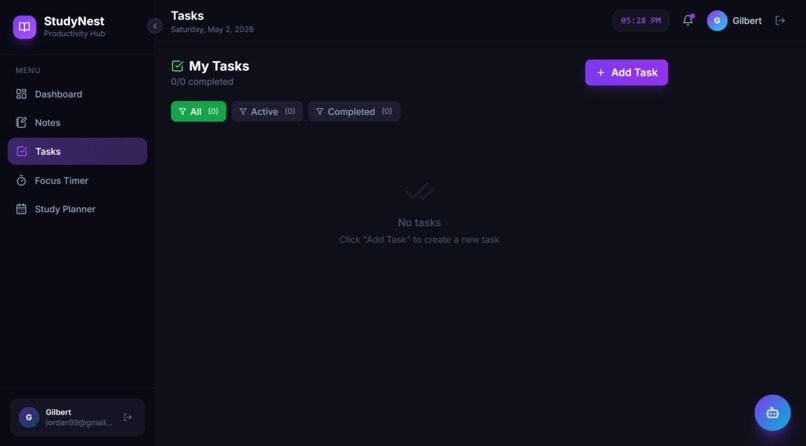
Task Page
-
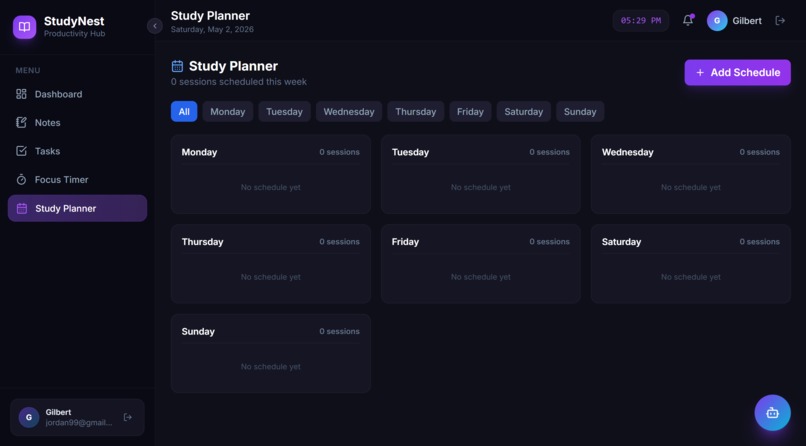
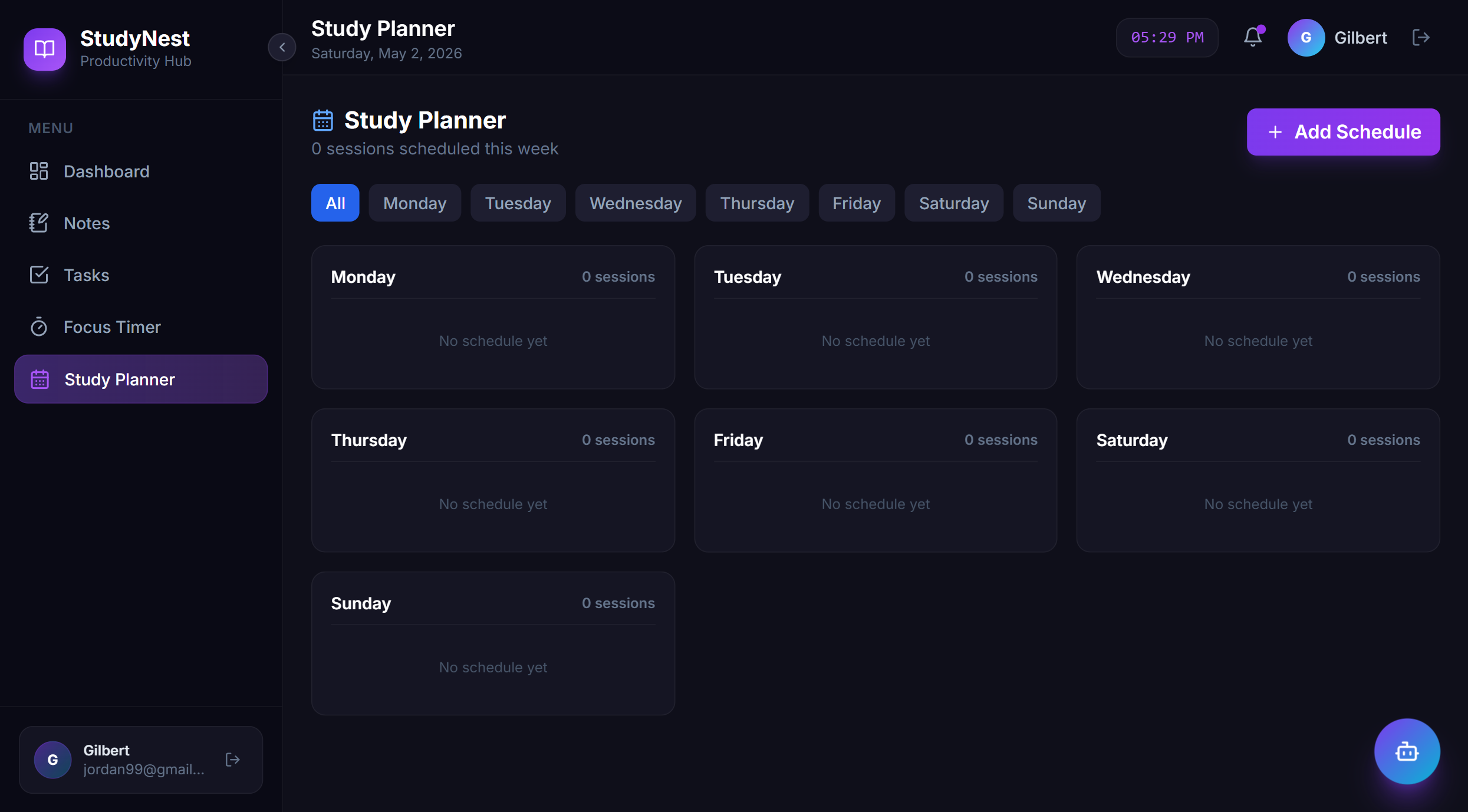
Study Planner Page
-
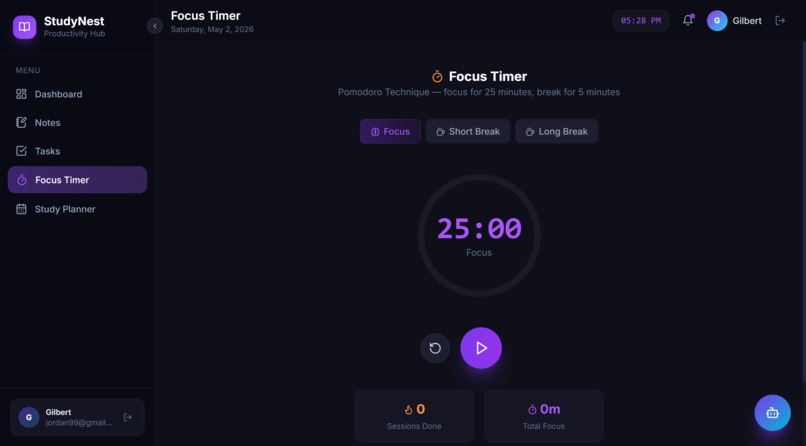
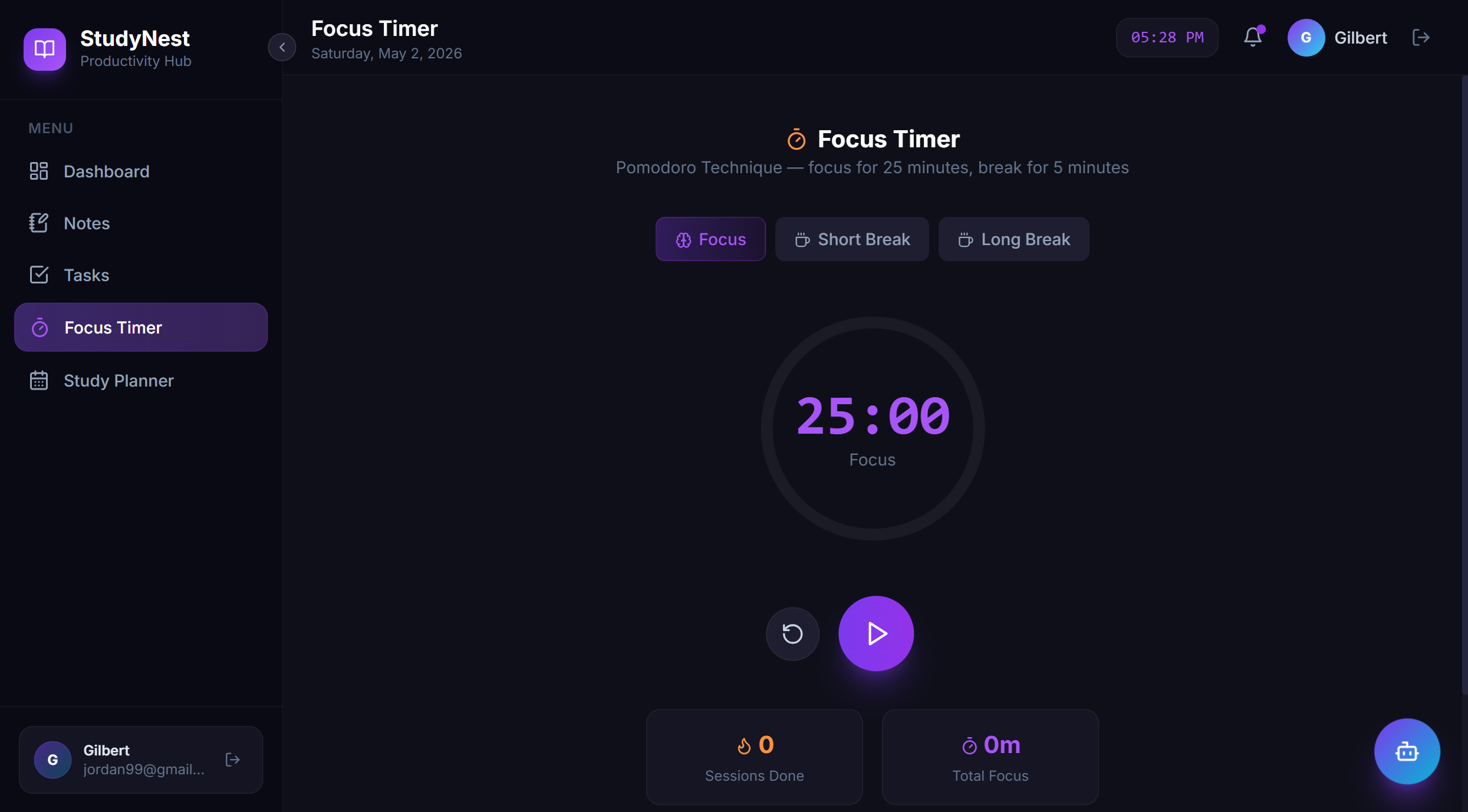
Focus Timer Page
-
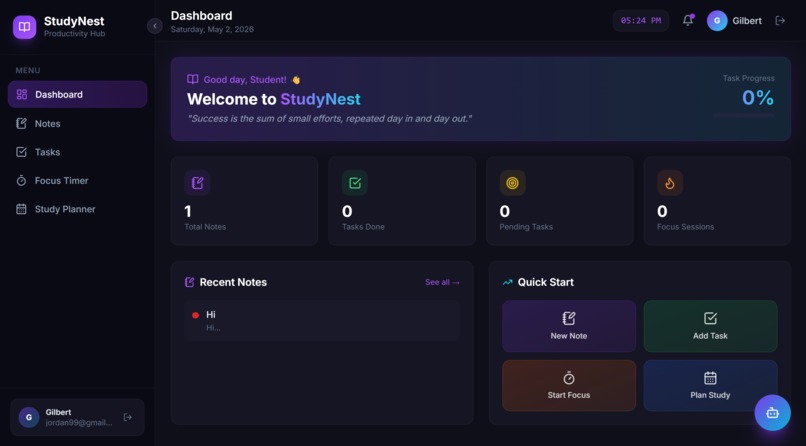
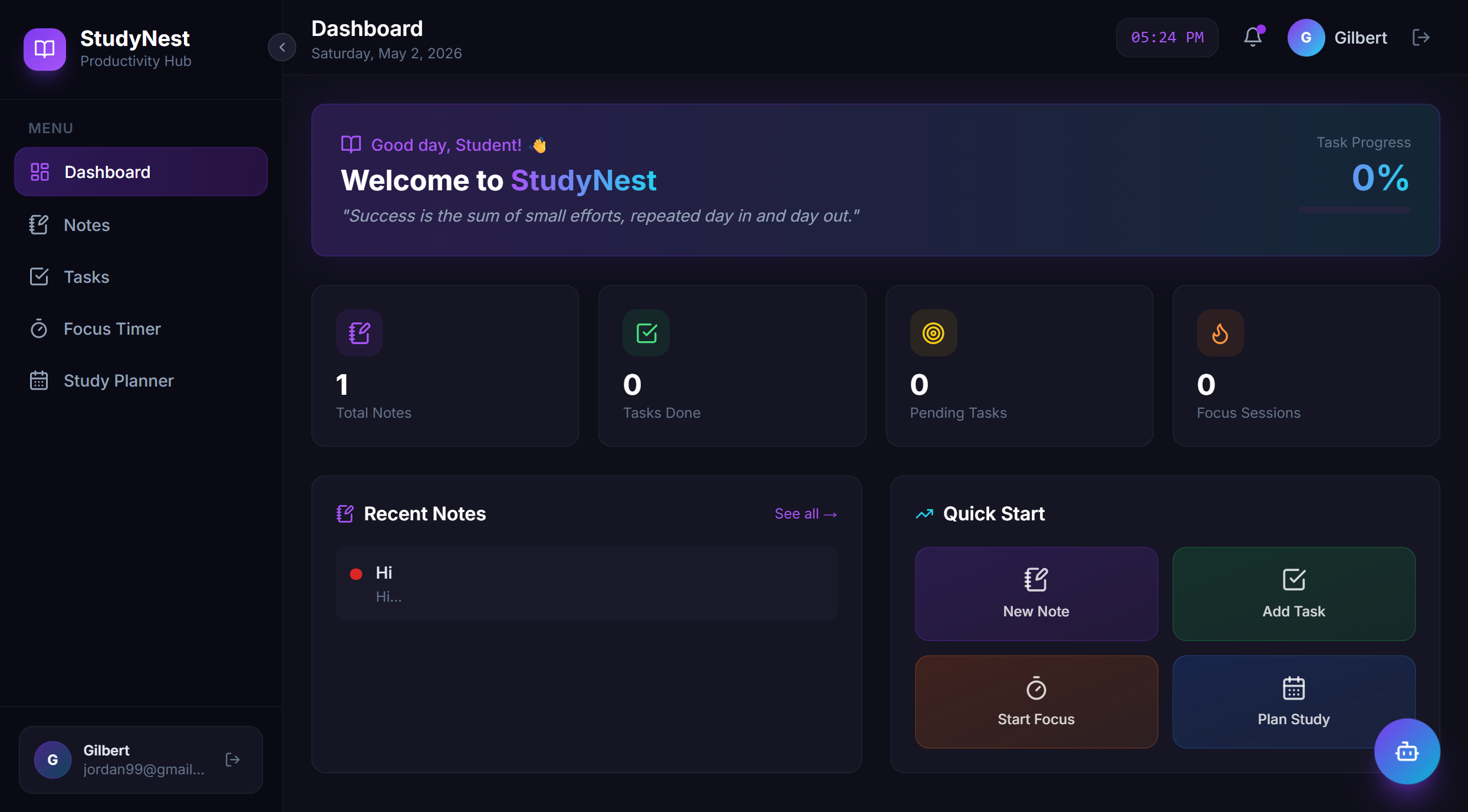
Dashboard Page
-
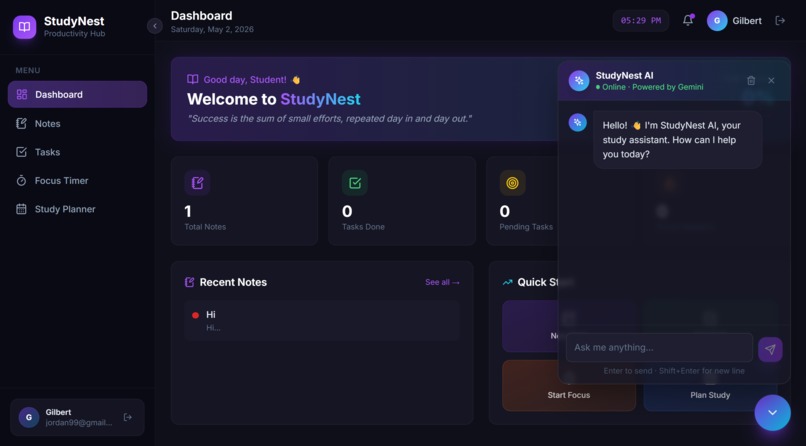
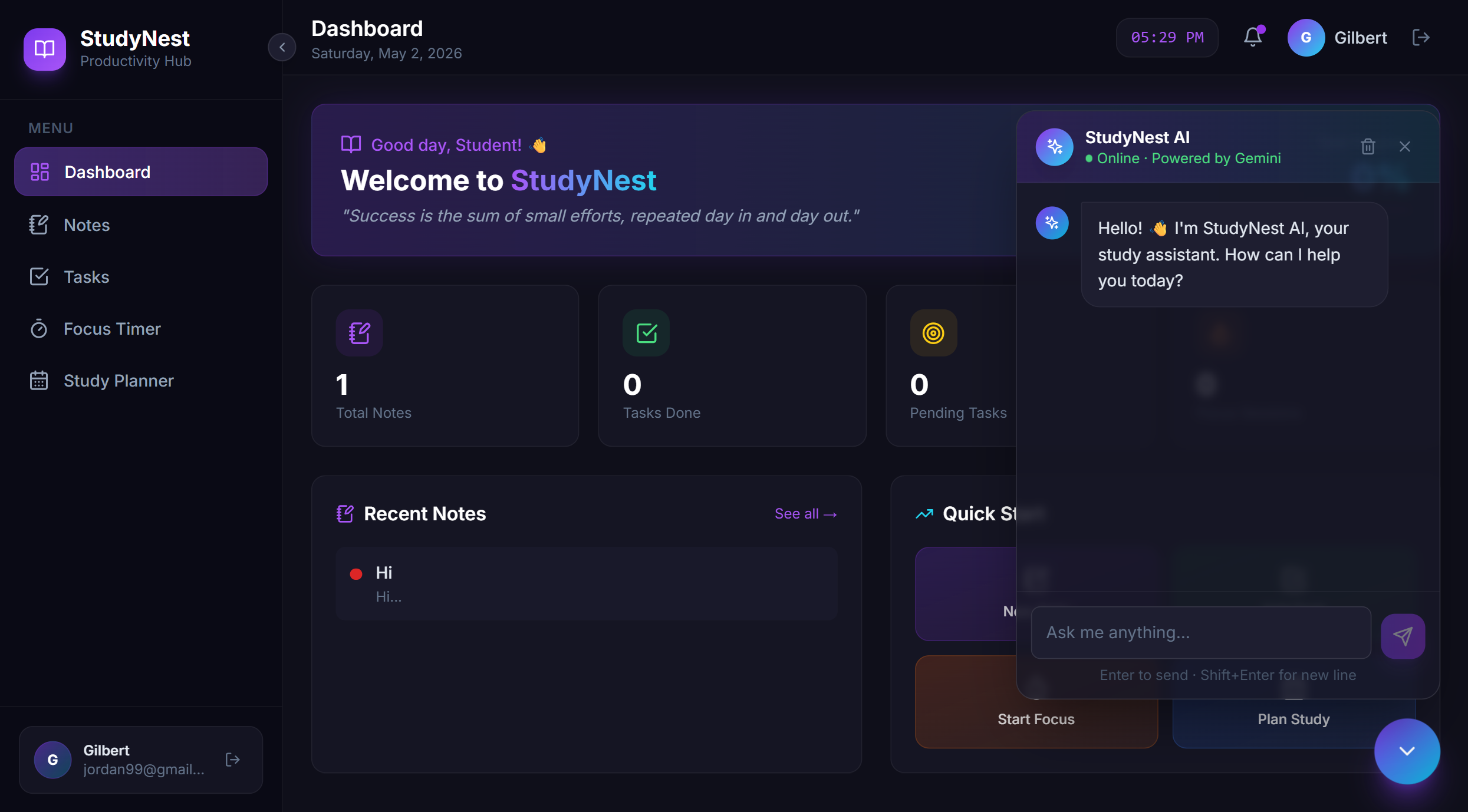
AI Chat
Inspiration
Every student knows the struggle, notes scattered across multiple apps, tasks forgotten without a proper tracker, study sessions interrupted by distractions, and no clear picture of the week ahead. We were tired of juggling five different tools just to get through the semester.
We asked ourselves: why isn't there one beautiful, focused space built specifically for students? That question became the spark for StudyNest, a cozy, productive nest where everything a student needs lives in one place.
What it does
StudyNest is an all-in-one academic productivity web app with five core features:
| Feature | Description |
|---|---|
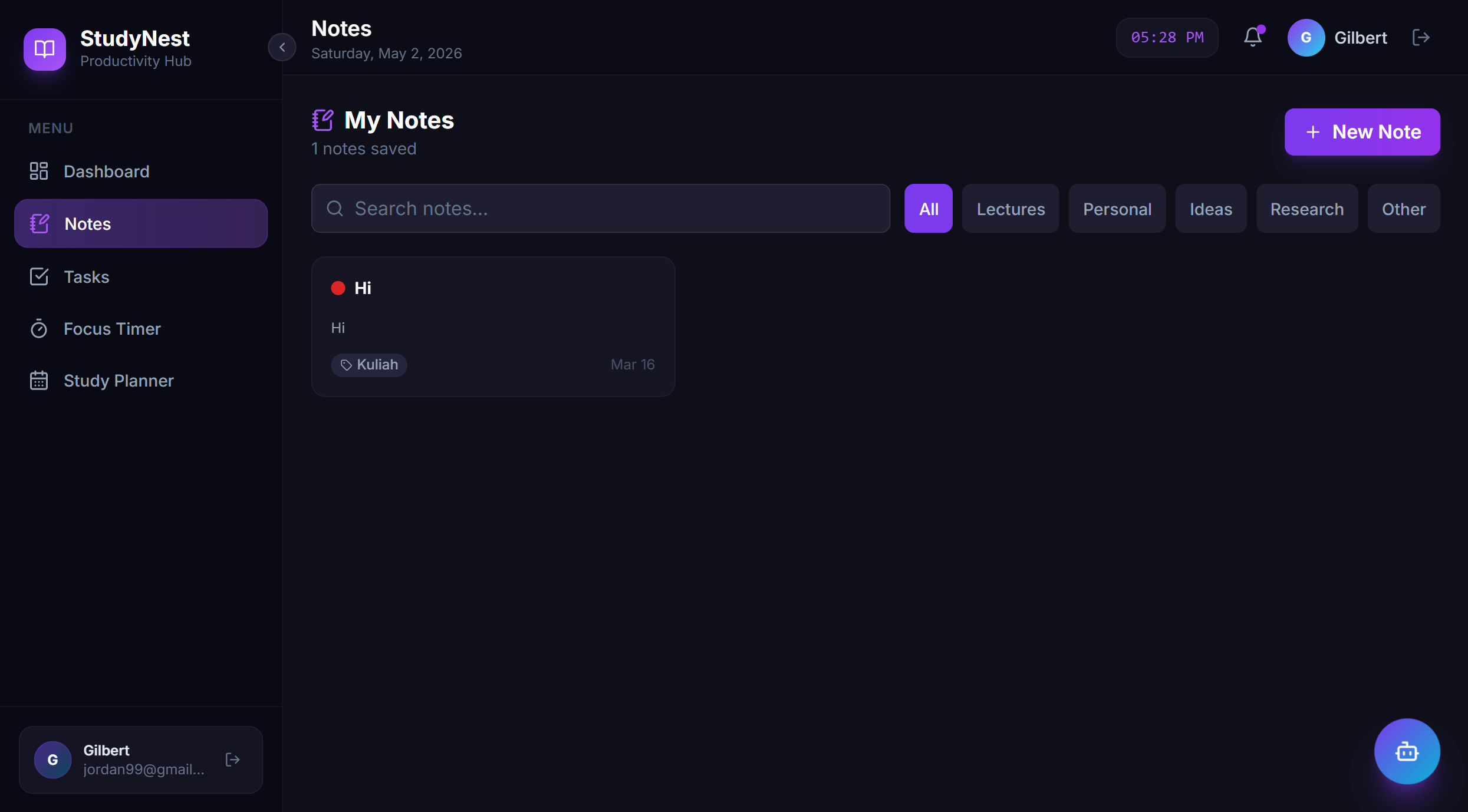
| 📝 Notes | Create, edit, and delete notes with custom categories and color labels, synced to the cloud in real time |
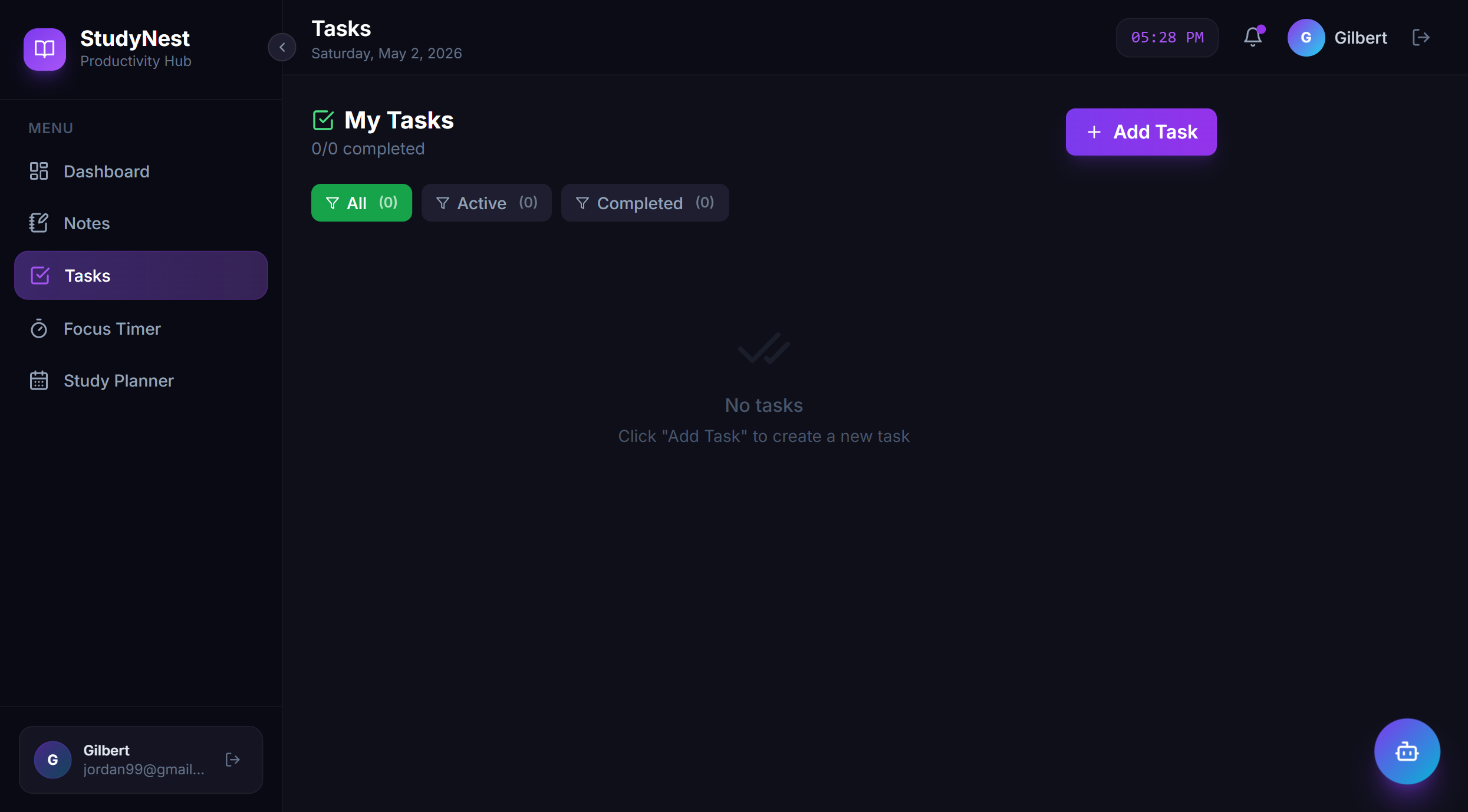
| ✅ Task Manager | Manage your to-do list with priority levels (High / Medium / Low), optional deadlines, and a live progress bar |
| ⏰ Focus Timer | A Pomodoro-based circular countdown timer 25 minutes of deep focus, followed by 5 or 15 minute breaks, with session tracking and an audio bell |
| 📅 Study Planner | A weekly schedule board where you can add study sessions per day, assign subjects, set time ranges, pick colors, and view all days in a grid |
| 🤖 AI Chat (StudyNest AI) | A floating AI assistant powered by Google Gemini that helps with study tips, concept explanations, summaries, and motivation — responding in whatever language you write in |
The app also features a Dashboard that aggregates key stats (total notes, tasks completed, focus sessions) and surfaces motivational quotes and quick-action shortcuts.
Authentication is handled via Firebase Auth (email/password and Google Sign-In), ensuring every user's data is completely private and isolated.
How we built it
We built StudyNest entirely on the front end, no custom backend server required.
- Frontend Framework: React 18 + Vite for a fast, component-driven development experience.
- Styling: Tailwind CSS v3 with a custom dark-mode design system — glassmorphism cards, gradient accents, and micro-animations.
- Icons: Lucide React.
- Database: Firebase Firestore (real-time NoSQL). Each user's data lives under their own
sub-collection:
users/{uid}/notes,users/{uid}/tasks, etc. - Authentication: Firebase Authentication with email/password and Google OAuth.
- AI Integration: Google Gemini API (
gemini-3.1-flash-lite-preview) called directly from the browser. - Deployment: Vercel.
The codebase is organized around React custom hooks (useNotes, useTasks, usePlanner)
that encapsulate all Firestore logic, keeping feature components clean and focused purely on UI.
Challenges we ran into
1. Real-time data & auth synchronization
Getting Firebase Auth state and Firestore onSnapshot listeners to cooperate correctly was
tricky, especially ensuring listeners are properly torn down when a user logs out or a
component unmounts. This required careful use of useEffect cleanup functions.
2. Per-user data isolation
Designing a Firestore path structure that cleanly separates each user's data while keeping
queries simple was a key early architectural decision. The users/{uid}/collection pattern
turned out to be the right call.
3. Pomodoro timer accuracy
Browser setInterval drift means a 1-second interval isn't perfectly precise. We worked
around this by decrementing a state counter and trusting the interval cadence for UX purposes
— accurate enough for a study timer.
Accomplishments that we're proud of
- 🎨 A genuinely beautiful UI, dark mode, glassmorphism cards, gradient accents, and smooth fade/slide animations that make the app feel premium, not just functional.
- ⚡ Zero-backend architecture, a full-featured, multi-user, cloud-synced app with absolutely no custom server, just Firebase and Vercel.
- 🤖 Context-aware AI assistant, the Gemini-powered.
- 🔐 Proper auth + data isolation, every feature is scoped to the logged-in user's Firestore sub-collection, so no user can ever see another's data
- 📦 Clean, scalable codebase, reusable custom hooks abstract all data logic away from UI components, making the project straightforward to extend
What we learned
- How to design a Firestore data model that scales per-user without a backend,
sub-collections under
users/{uid}map perfectly to Firebase Security Rules - The full power of React custom hooks as the right abstraction layer between UI and data
,
useNotes,useTasks,usePlannereach cleanly encapsulate an entire data domain - How to integrate Google Gemini into a web app: structuring multi-turn conversation history, setting system prompts, and handling streaming and error states gracefully
- That Tailwind CSS + a well-thought-out design token system can produce a design that looks custom-crafted, not framework-default, if you invest in the CSS variables upfront
- The importance of auth-gated Firestore listeners, attaching an
onSnapshotlistener beforeuidis defined causes silent failures, always guard every listener with an early return on!uid
What's next for StudyNest
- 📊 Analytics Dashboard. weekly/monthly study heatmaps, focus streak tracking, and subject-wise time-spent breakdowns
- 🔔 Smart Reminders. push notifications via Firebase Cloud Messaging for upcoming deadlines and scheduled study sessions
- 🤝 Collaborative Study Rooms. shared notes and planner boards for study groups to plan and work together in real time
- 📱 Progressive Web App (PWA) offline support and installability so students can use StudyNest without an internet connection
- 🔒 Backend API + Proper Key Management moving the Gemini API call server-side to protect the API key in production
Demo Project: https://studynest-puce.vercel.app/ Github Repo: https://github.com/GilbertTiovan/studynest


Log in or sign up for Devpost to join the conversation.