-
-
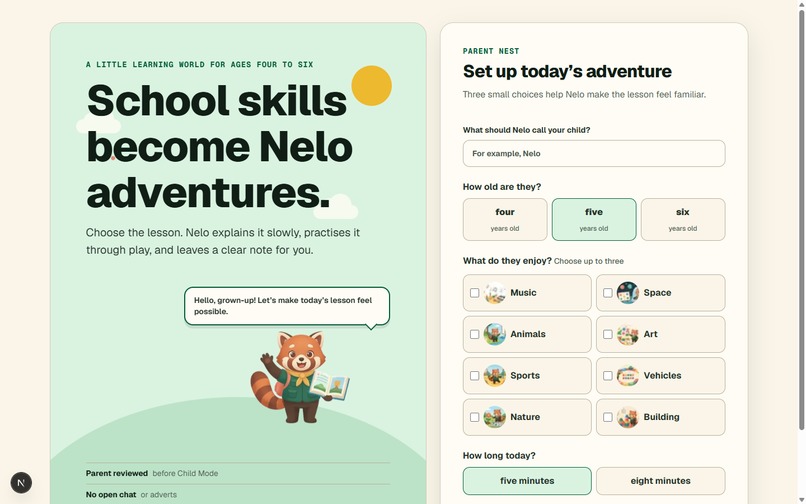
Landing Page
-
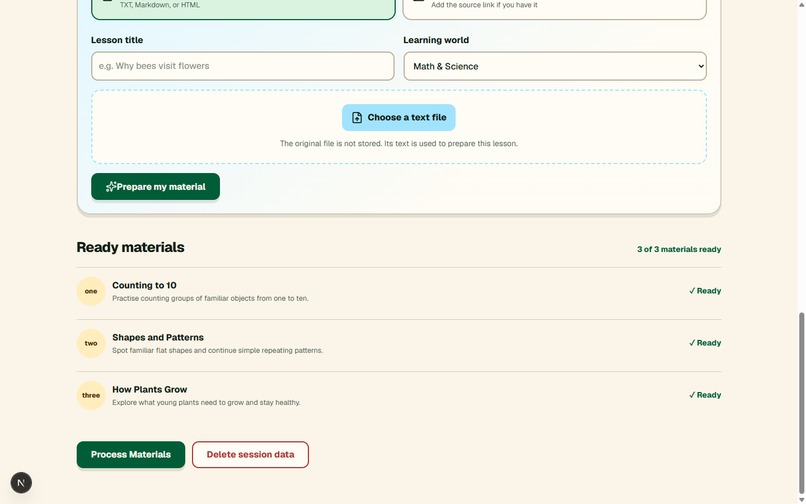
Materials
-
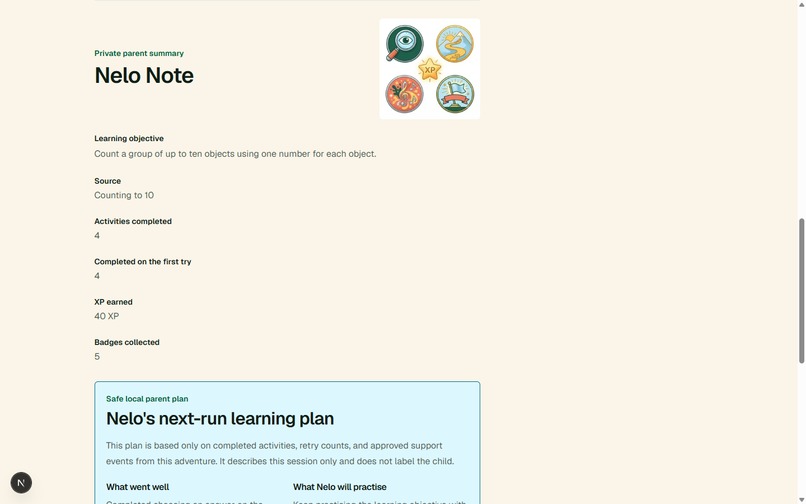
Parent Review
-
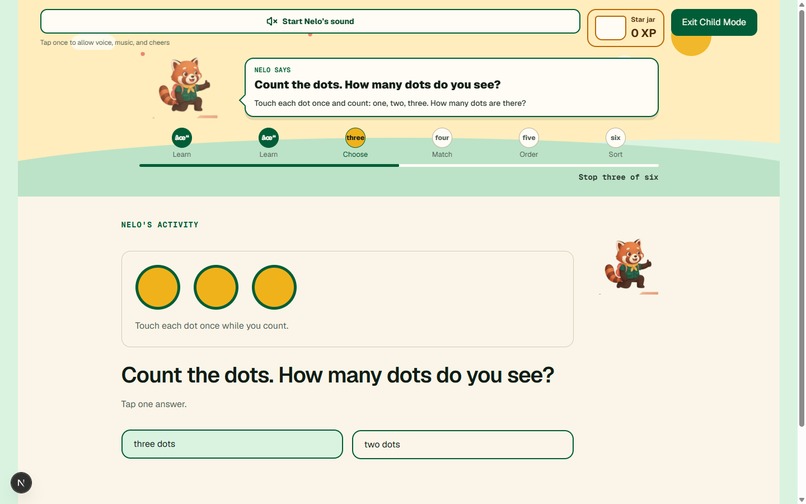
Activity
-
Reward
Inspiration
The foundation of many of our dislikes for certain subjects was laid as early as ages 4 to 6, often because those subjects weren't broken down effectively for us at the time.
One of the most underused applications of AI is in education, especially for young children, largely due to safety and other concerns. I started thinking about a use case for kids aged 4-6 to explore the school subjects they dislike, along with hobbies and other custom subjects parents might add.
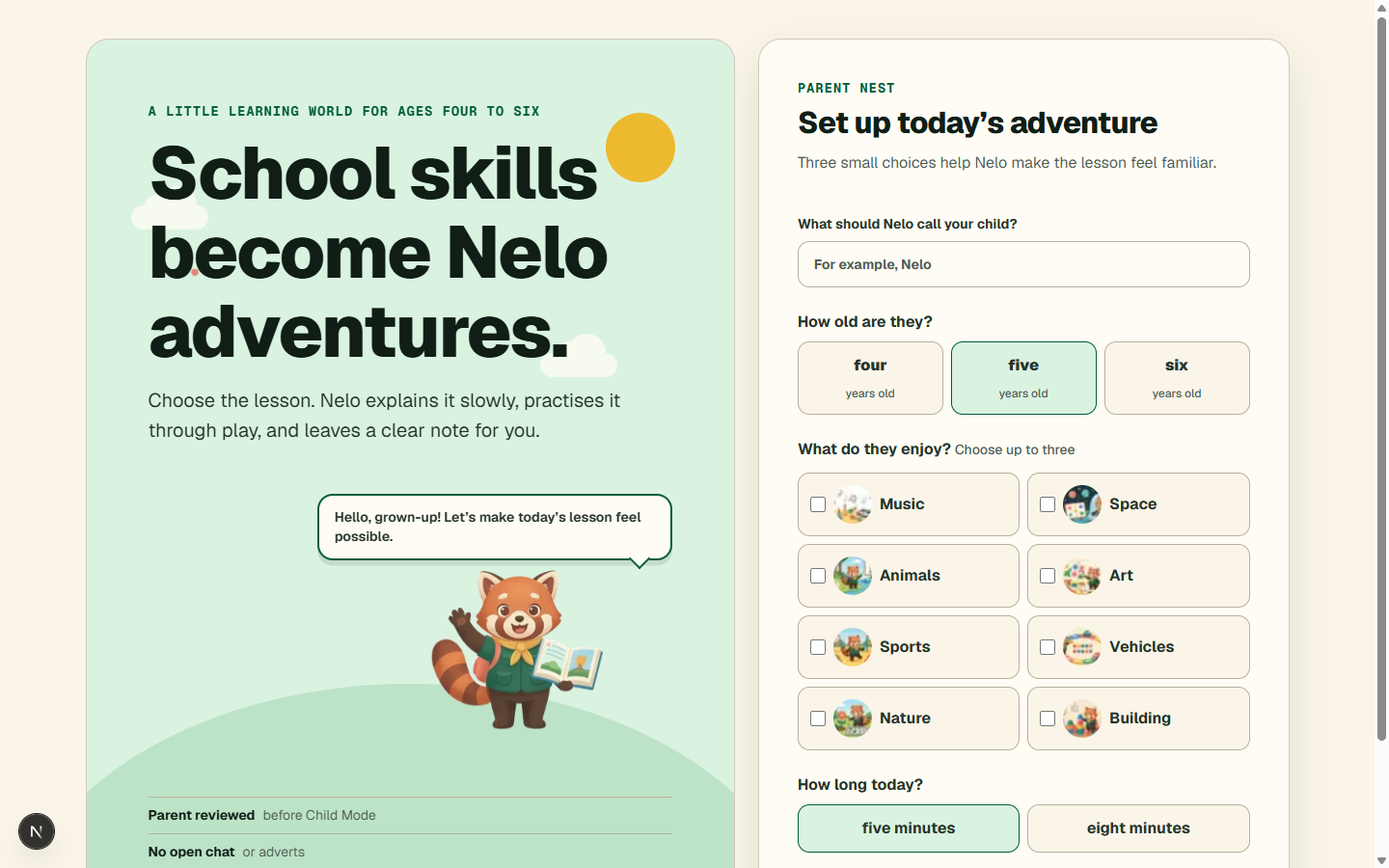
I learned that young children learn best when learning feels like play. So I wanted to create a calmer, more visual learning space for children aged four to six, one that gives them a friendly guide, simple activities, celebration, stringnet guardrails and a parent to learn alongside. And that is what StudyNest does.
What it does
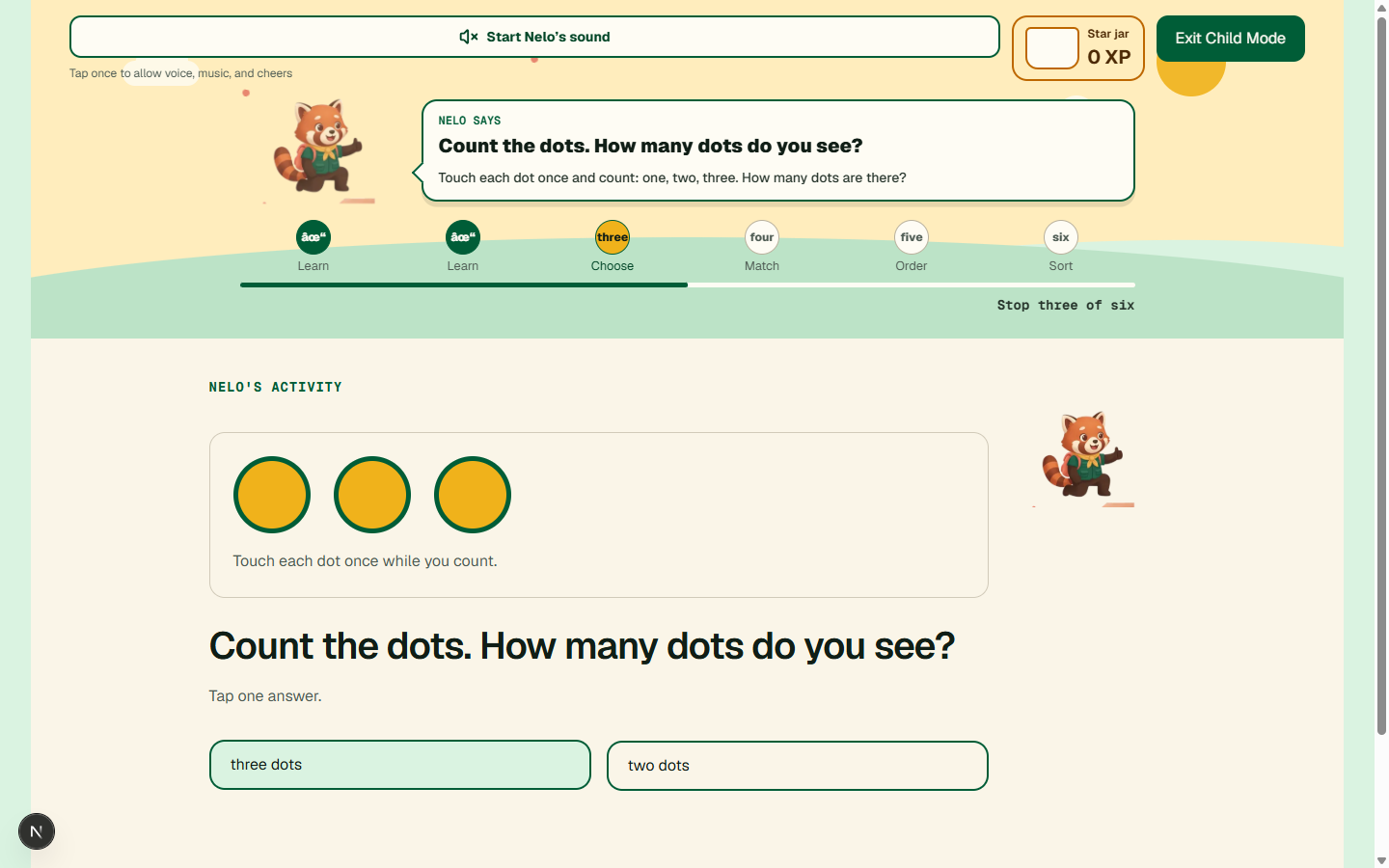
StudyNest turns early-learning topics into short guided adventures with Nelo, a friendly learning companion. Children can explore maths and science, art, music, and beginner coding through visual explanations, spoken guidance, rhythm activities, matching, sorting, ordering, and tap-to-choose games.
Each lesson is designed for ages four to six. Instead of giving children long text or difficult questions, StudyNest explains ideas with concrete visuals: counting dots, colour-mixing examples, plant-growth steps, clap patterns, and simple coding diagrams. Nelo gives gentle encouragement, while XP and badges make progress feel rewarding.
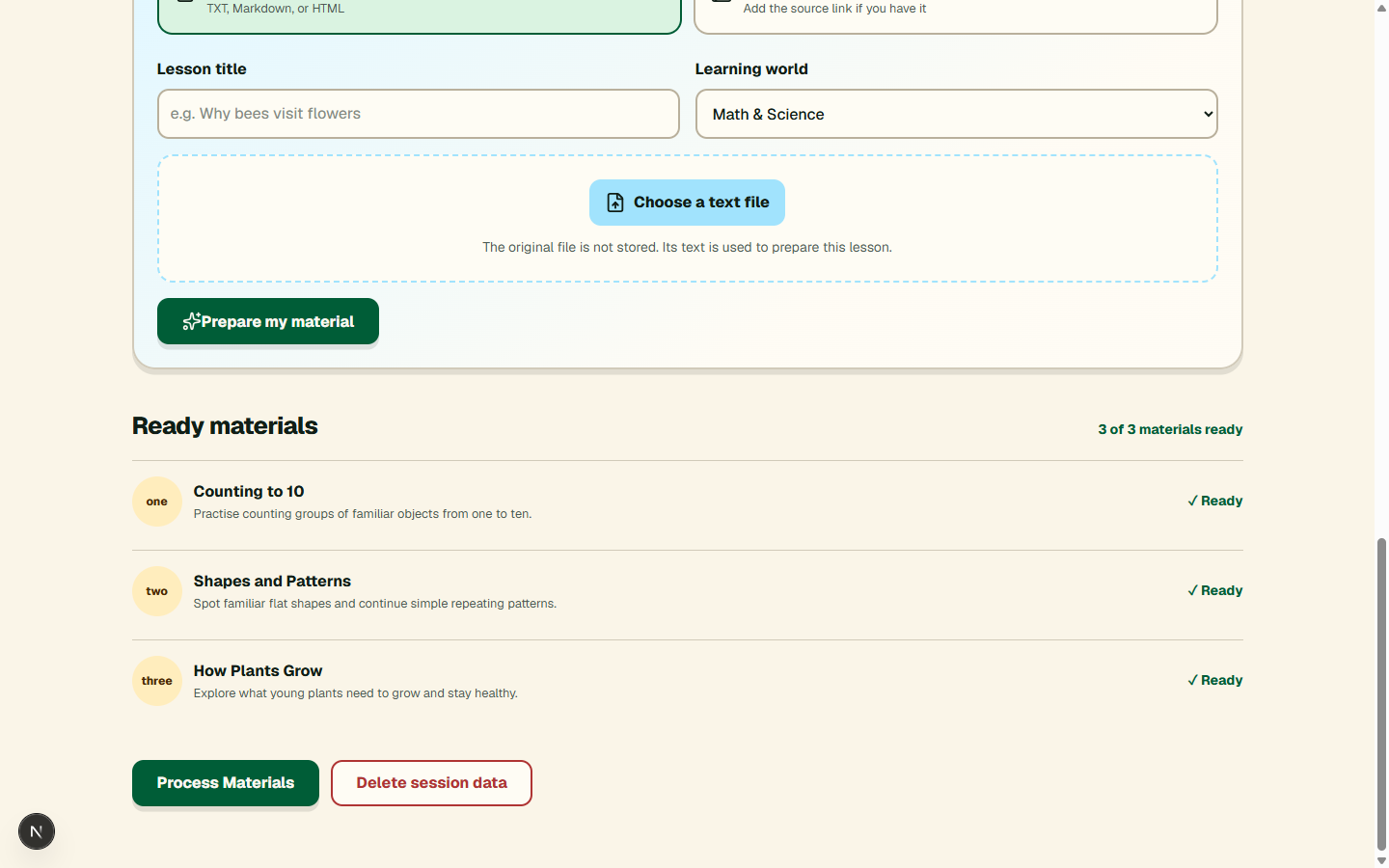
Parents can use ready-made demo lessons or upload their own notes and paste articles. StudyNest prepares the material into a child-friendly lesson flow, which the parent can review before starting Child Mode.
Safety and parent control are built into the experience. Children cannot move into parent areas without a grown-up gate, and parents review uploaded or AI-prepared material before it reaches Child Mode. Lessons are intentionally short, use age-appropriate language, and avoid open-ended browsing, ads, chat with strangers, or unsafe outside links. Sound, music, and voice are optional, and parents can disable them at any time.
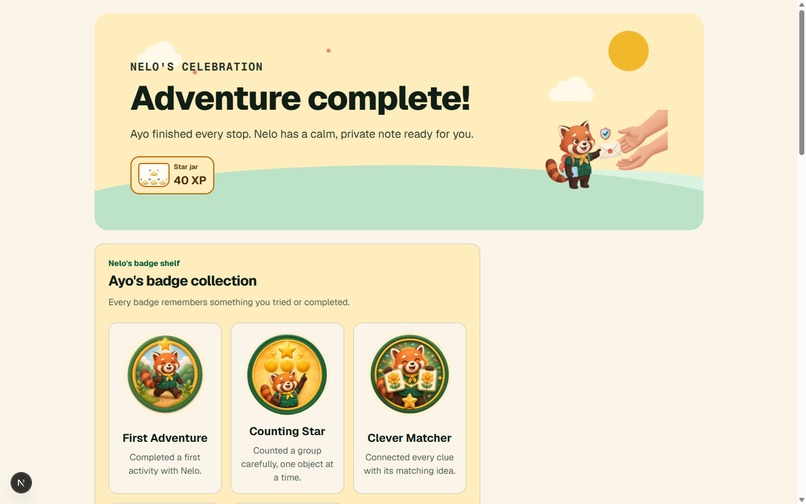
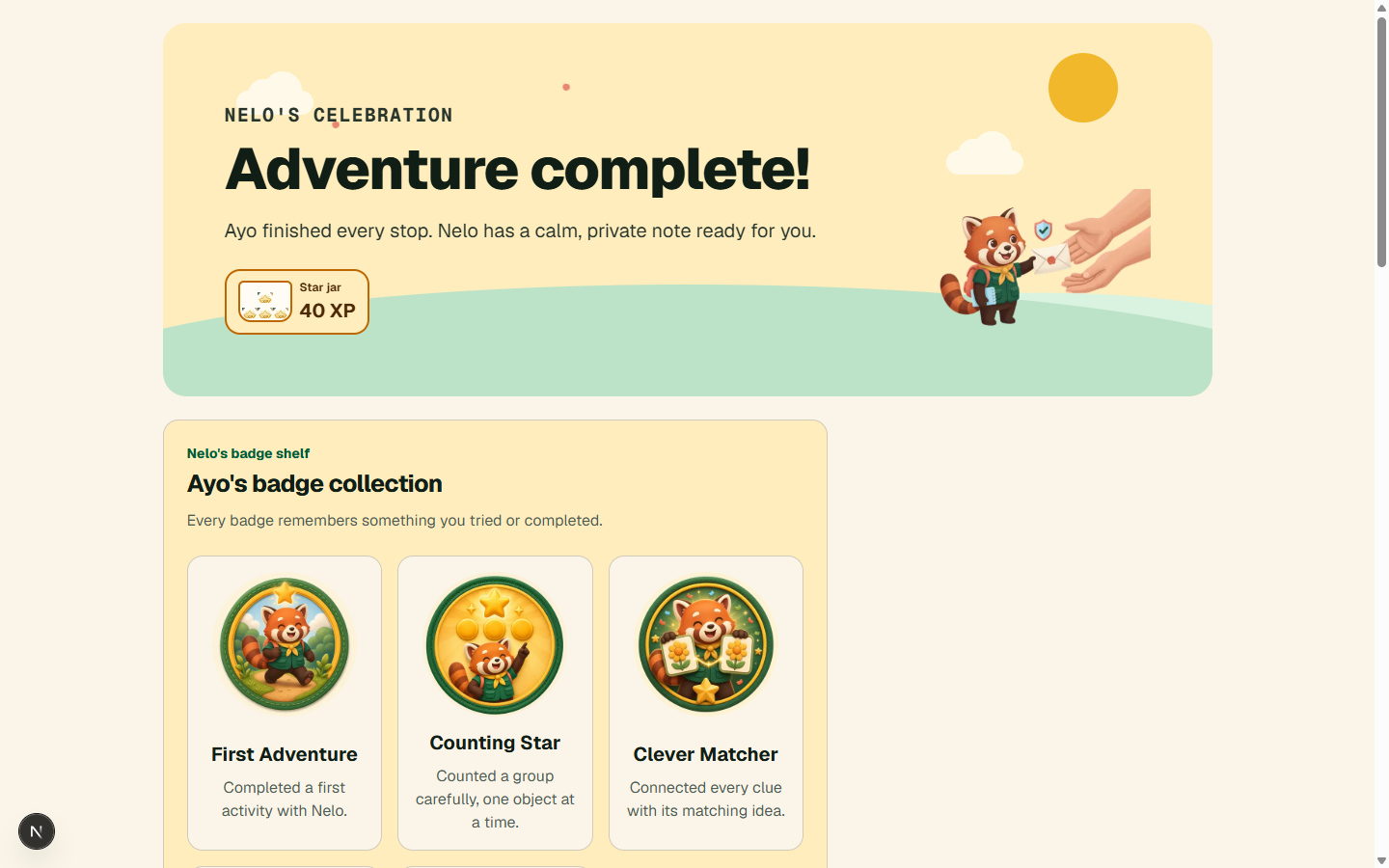
Children earn XP, unlock badges, receive encouragement, and can use sound controls for Nelo's voice, music, and celebration effects. If a child struggles repeatedly, StudyNest can offer a smaller, kinder support step instead of simply marking them wrong.
How we built it
We built StudyNest with Next.js, React, TypeScript, and Tailwind CSS. We designed a storybook-style interface with responsive layouts, custom Nelo artwork, visual teaching diagrams, sound controls, parent gates, badges, and progress tracking.
We also added an AI-ready learning-support workflow that can use a child's learning patterns to offer simpler help after repeated incorrect attempts. Parent-uploaded materials can be transformed into safe, age-appropriate activities.
Challenges we ran into
Our biggest challenge was making lessons genuinely understandable for four- to six-year-olds. We simplified language, changed number-heavy instructions into words, and added visual examples such as counting dots, colour-mixing equations, music beats, plant growth, and simple webpage diagrams.
Another challenge was browser audio rules. We designed the sound experience so it starts from a child or parent interaction and remains optional, rather than making learning dependent on audio.
Accomplishments that we're proud of
- Built a complete child learning journey instead of a simple quiz app.
- Made learning visual, playful, and age-appropriate across several subjects.
- Added parent-uploaded materials alongside demo content.
- Created XP, badges, Nelo encouragement, and judge demo shortcuts.
- Kept parents in control with review screens, parent gates, and sound settings.
How we used Codex
We used Codex to build and improve StudyNest. Codex helped us plan the app structure and build the Next.js user interface. It helped us create Nelo's learning activities, visual lesson cards, XP rewards, badges, sound controls, and the Parent Nest.
Codex also helped us test the app, fix build errors, prepare the GitHub repository, and deploy the app.
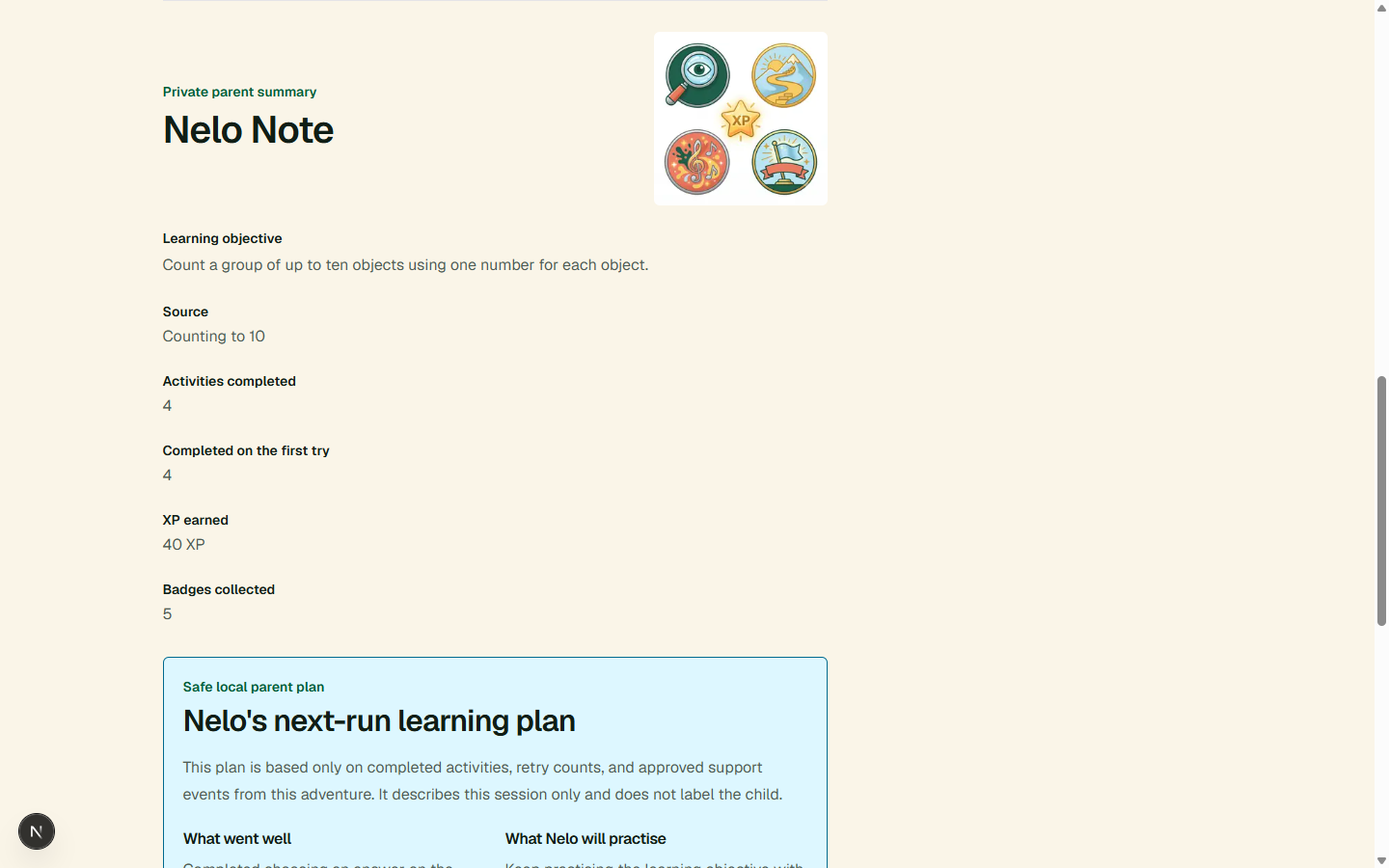
GPT-5.6 terra also supports an optional parent-facing plan for the next learning session. It does not chat with children. The app checks its output and uses a safe local plan when AI is not available. It improves the children learning experience on the go.
What we learned
We learned that thoughtful child-focused design is not just about adding bright colours. It is about reducing cognitive load, showing ideas visually, using short clear instructions, celebrating effort, and making every interaction feel safe and understandable.
What's next for StudyNest
Next, we want to deepen the adaptive learning system so StudyNest can recognize a child's learning patterns over time and recommend the right level of support. We also plan to expand subjects, add more parent insights, and make uploaded learning materials even easier to turn into meaningful adventures.
Built With
- api
- css
- next.js
- openai
- playwright
- react
- tailwind
- typescript
- vitest
- zod


Log in or sign up for Devpost to join the conversation.