-
-
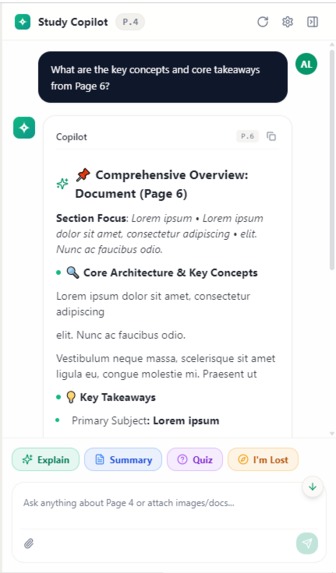
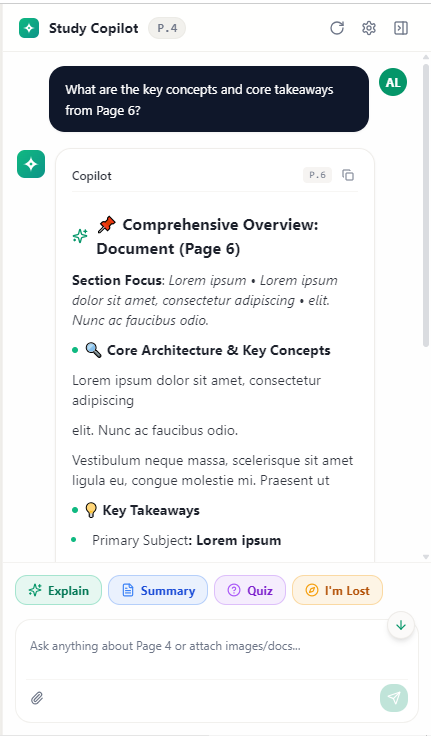
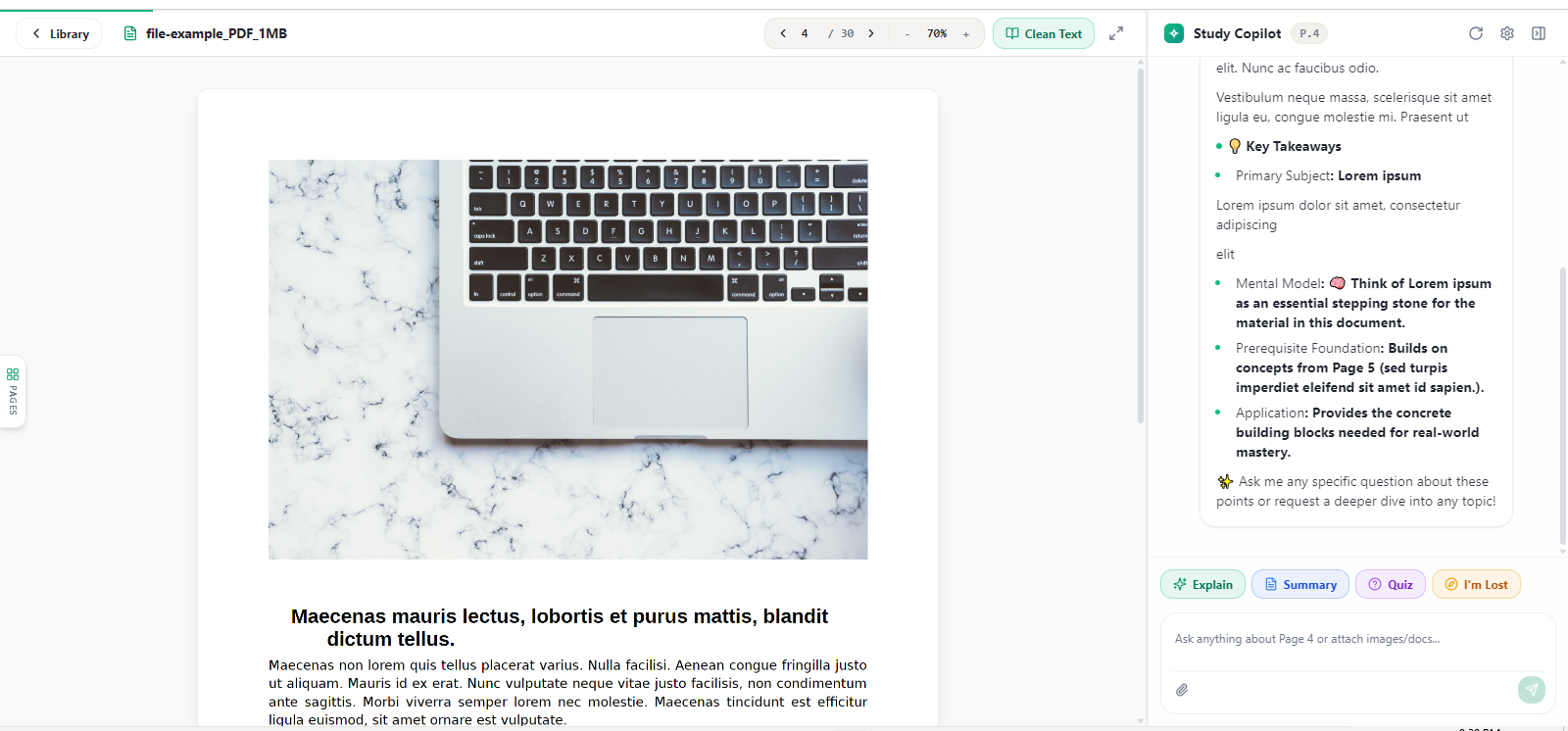
Ask a question, get key concepts + takeaways instantly.
-
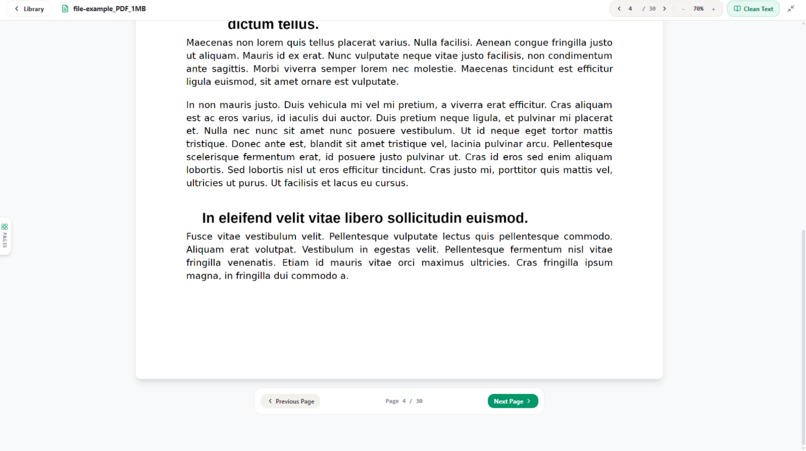
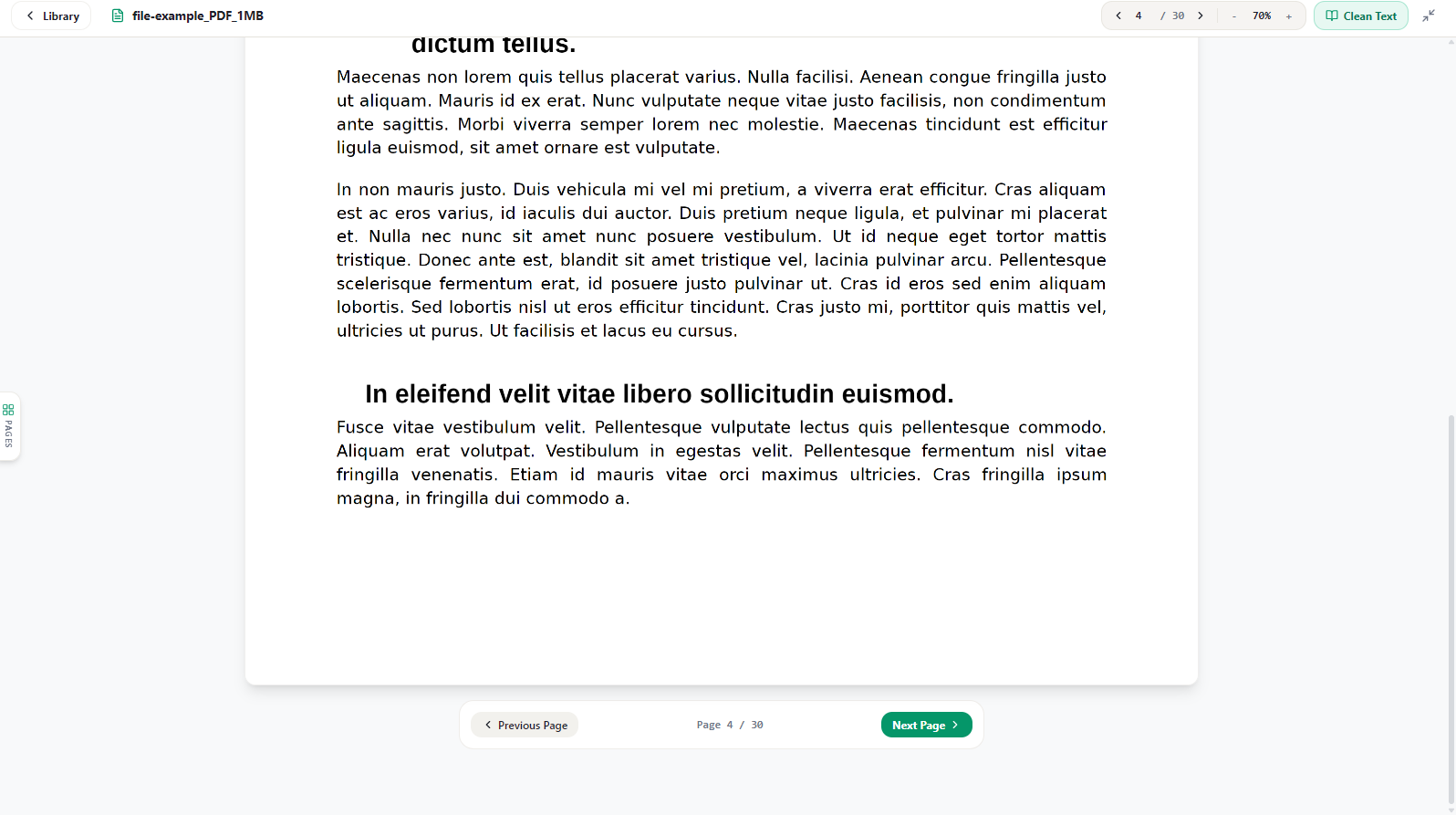
Clean, distraction-free reading view.
-
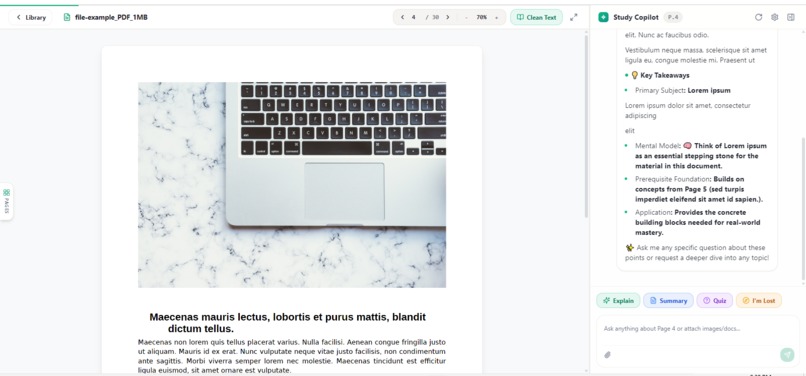
Read and get AI insights side by side.
-
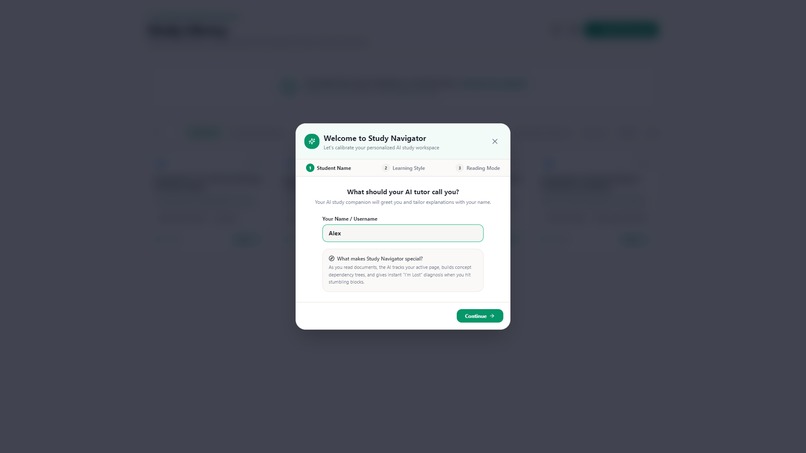
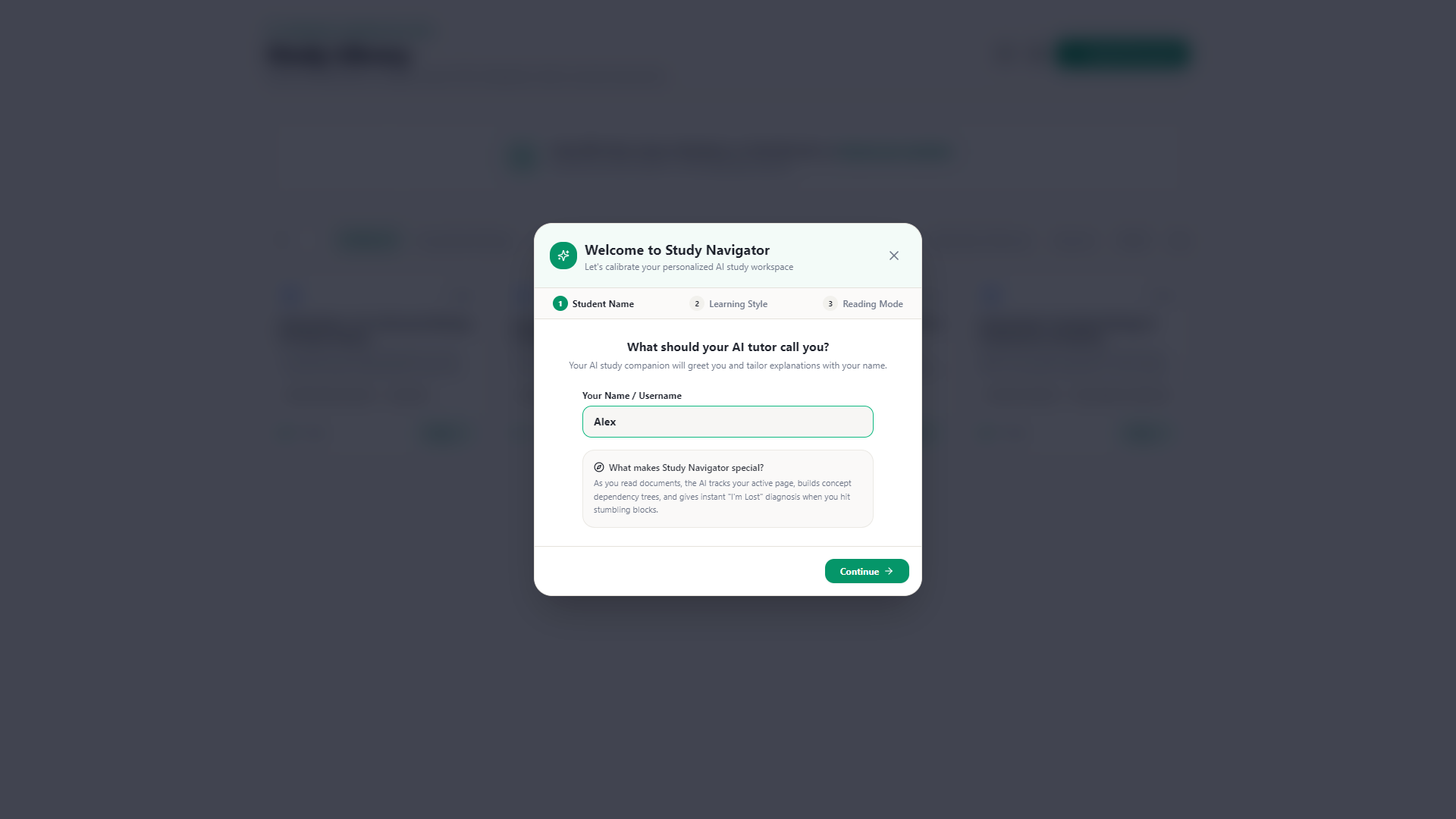
Set up your AI tutor in seconds — name, learning style, reading mode.
-
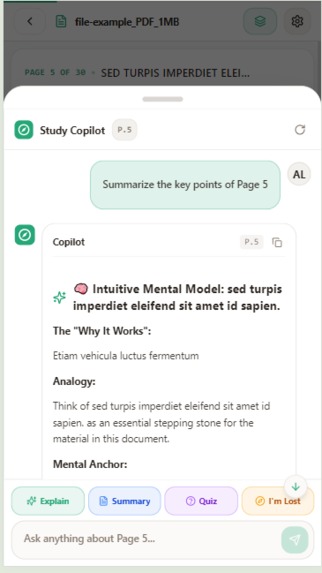
Summaries that actually help you understand, not just memorize.
-
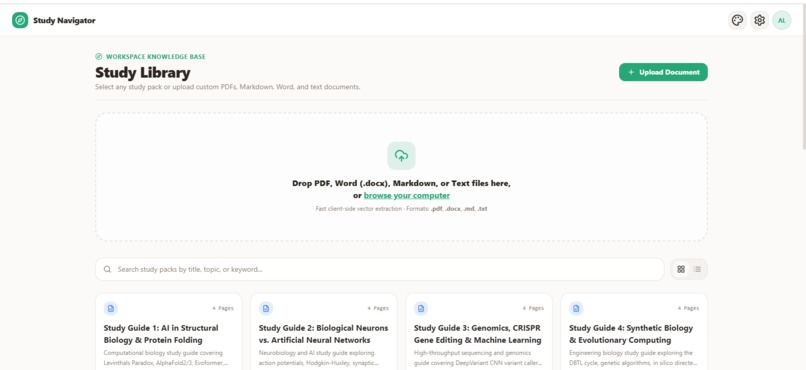
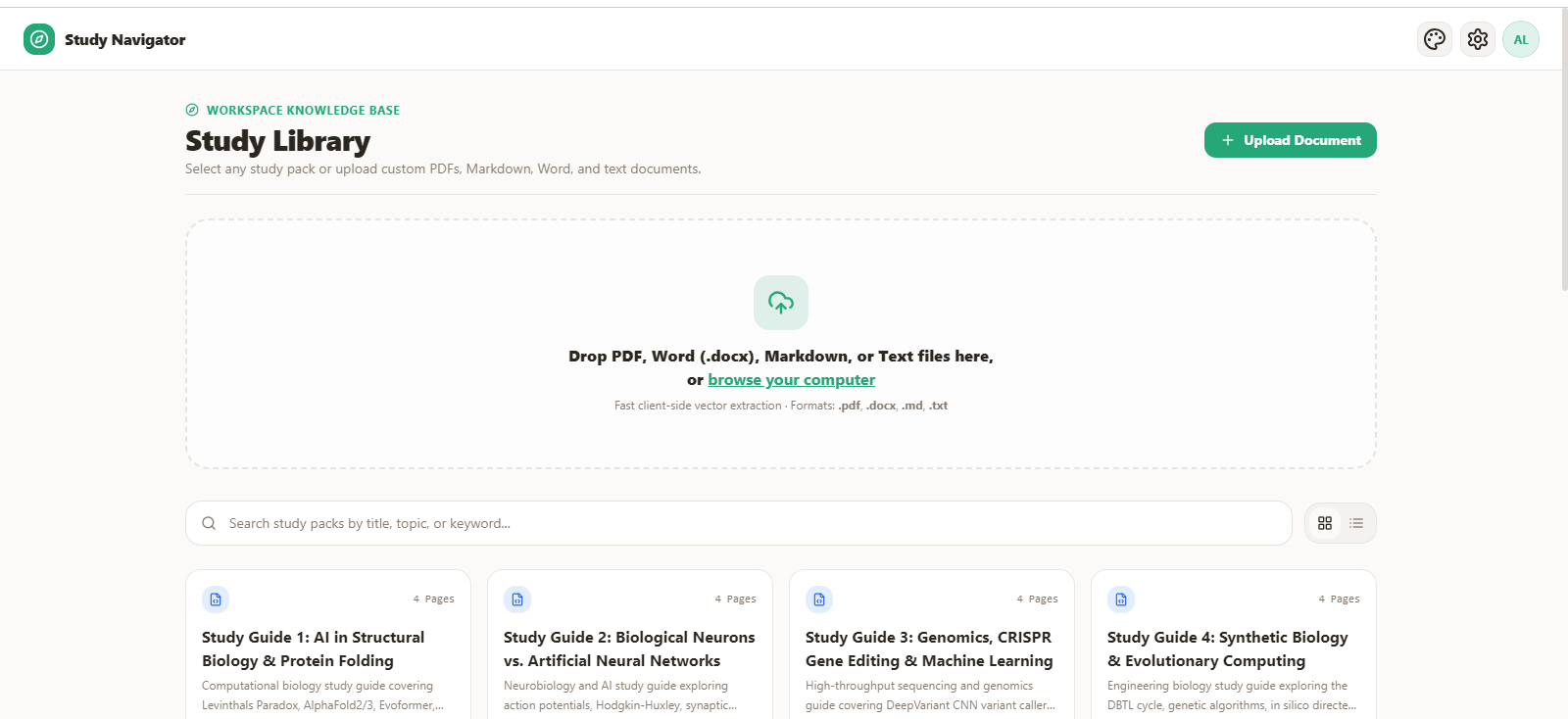
Upload any document, search your library, and dive right in.
-
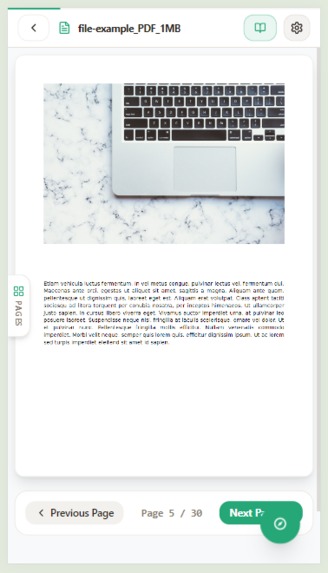
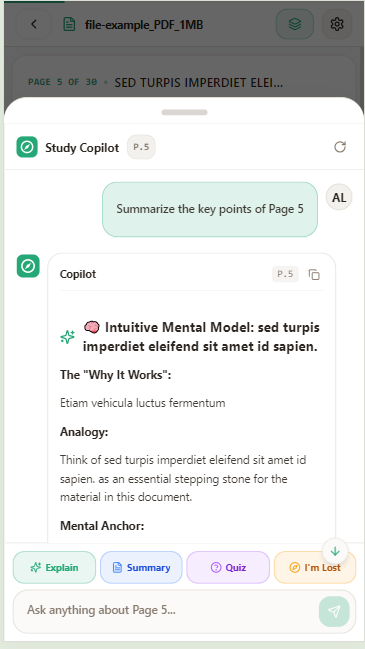
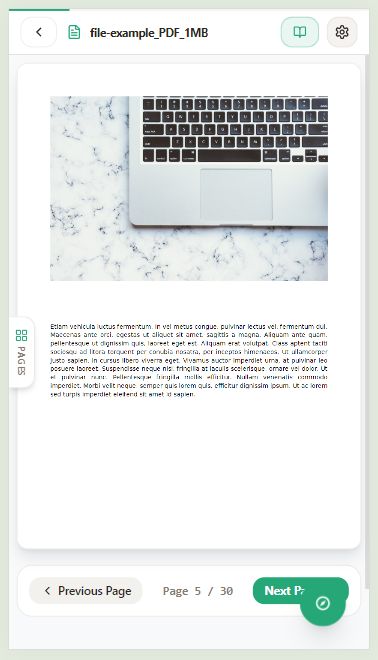
Read on the go, page by page.
Inspiration
Studying from PDFs, lecture notes, and other documents can quickly become frustrating. Students often spend more time searching through pages and trying to understand complicated sections than actually learning.
We wanted to build something that could turn static study materials into an interactive learning experience. That idea became StudyNavigator — a tool designed to help students navigate their learning materials, understand difficult concepts, and get answers without constantly getting lost in their notes.
What it does
StudyNavigator allows students to upload their study materials and interact with them using AI.
Instead of manually searching through a document, students can:
- Upload PDFs, notes, and other learning materials.
- Ask questions about the uploaded content.
- Get AI-powered explanations of difficult concepts.
- Quickly find relevant information inside their materials.
- Use the AI as a study companion while learning.
- Navigate large documents without losing track of what they are studying.
The goal is to make studying feel less like searching through a pile of documents and more like having an intelligent guide alongside you.
How we built it
We built StudyNavigator as a modern web application with a responsive interface focused on keeping the learning experience simple and distraction-free.
The frontend was built with React, TypeScript, Vite, and Tailwind CSS. Uploaded study materials are processed so that the AI can understand their content and use it when answering questions.
We integrated AI models for document understanding and question answering, allowing students to interact with their materials conversationally.
We also used Firebase for application infrastructure such as authentication and data management, while Vercel was used for deployment.
The application was developed iteratively, with a major focus on making the interface feel like a real study environment rather than simply another AI chatbot.
Challenges we ran into
One of our biggest challenges was figuring out how to make AI responses useful when working with large documents. Simply sending an entire PDF to an AI model isn't always practical, so we had to think about how the relevant parts of a document could be processed and provided to the model.
Another challenge was designing an interface that didn't overwhelm students with too many AI features. We wanted StudyNavigator to feel straightforward enough that a student could immediately understand how to use it.
We also had to work through the usual challenges of connecting the frontend, AI services, document processing, authentication, and deployment into one reliable application.
Accomplishments that we're proud of
We're proud that we turned a simple idea — "help students stop getting lost in their study materials" — into a working interactive application.
We're especially proud of:
- Building a complete end-to-end study experience.
- Creating an interface designed specifically around studying.
- Making uploaded learning materials interactive instead of static.
- Connecting document processing with AI-powered question answering.
- Building the project within the constraints of a hackathon.
- Creating something that can potentially be useful beyond the competition.
Most importantly, StudyNavigator isn't just designed to answer questions. It's designed to help students navigate the learning process itself.
What we learned
We learned that building an AI application is about much more than connecting an API to a chat interface.
We learned how important context, document processing, UX design, and reliability are when building AI-powered products.
We also learned to iterate quickly. Ideas that looked good during development sometimes didn't work as well once they were actually inside the application, so continuously testing and improving the experience was essential.
The project also taught us how to think more carefully about how AI can be used as a tool for education rather than simply as a general-purpose chatbot.
What's next for StudyNavigator
StudyNavigator is only the beginning.
Next, we want to make the platform much more capable as a complete AI study environment. Planned improvements include:
- Interactive lessons generated from uploaded materials.
- Automatic quizzes and practice questions.
- Flashcards generated from study materials.
- Study plans based on upcoming exams and learning goals.
- Progress tracking so students can see what they understand and what needs more work.
- Visual explanations and diagrams for difficult concepts.
- Voice-based studying for learning without constantly reading the screen.
- Better document understanding and more accurate answers with improved retrieval.
- Support for more types of learning materials beyond PDFs.
Our long-term vision is for StudyNavigator to become an AI learning companion that can guide a student from their study material all the way to actually mastering it.
Built With
- groq
- mistral-api
- pdf.js
- react
- tailwind
- typescript
- vercel
- vite


Log in or sign up for Devpost to join the conversation.