-
-
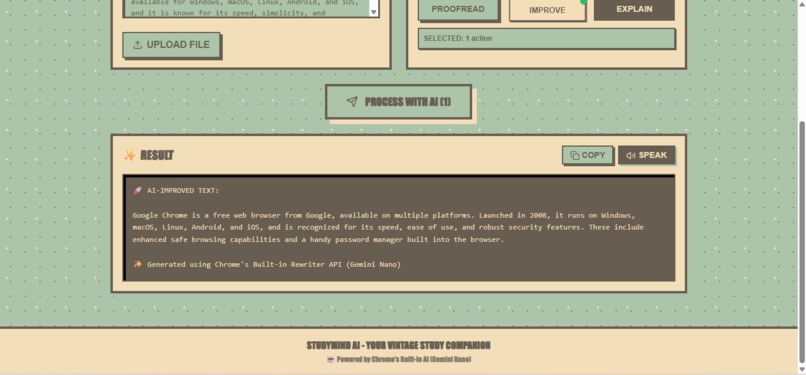
StudyMind Result
-
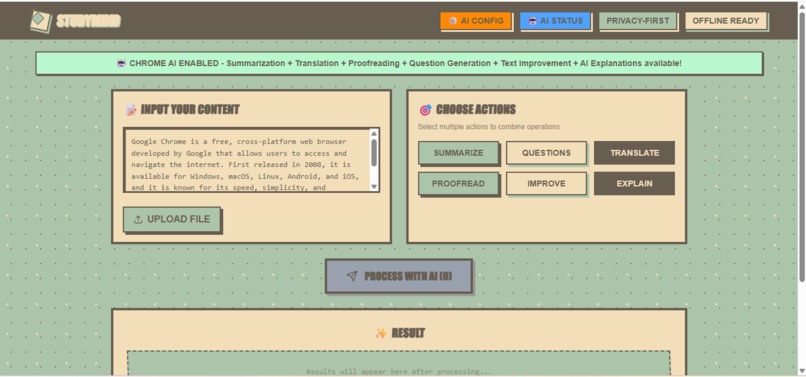
StudyMind No Result
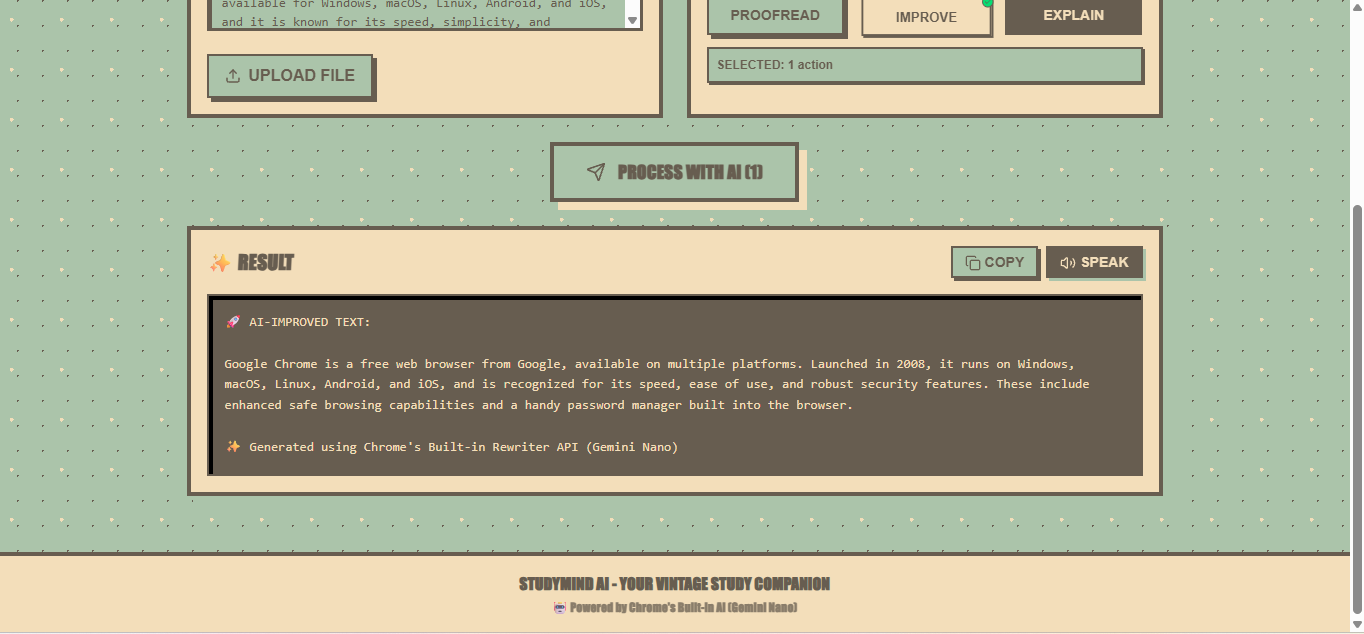
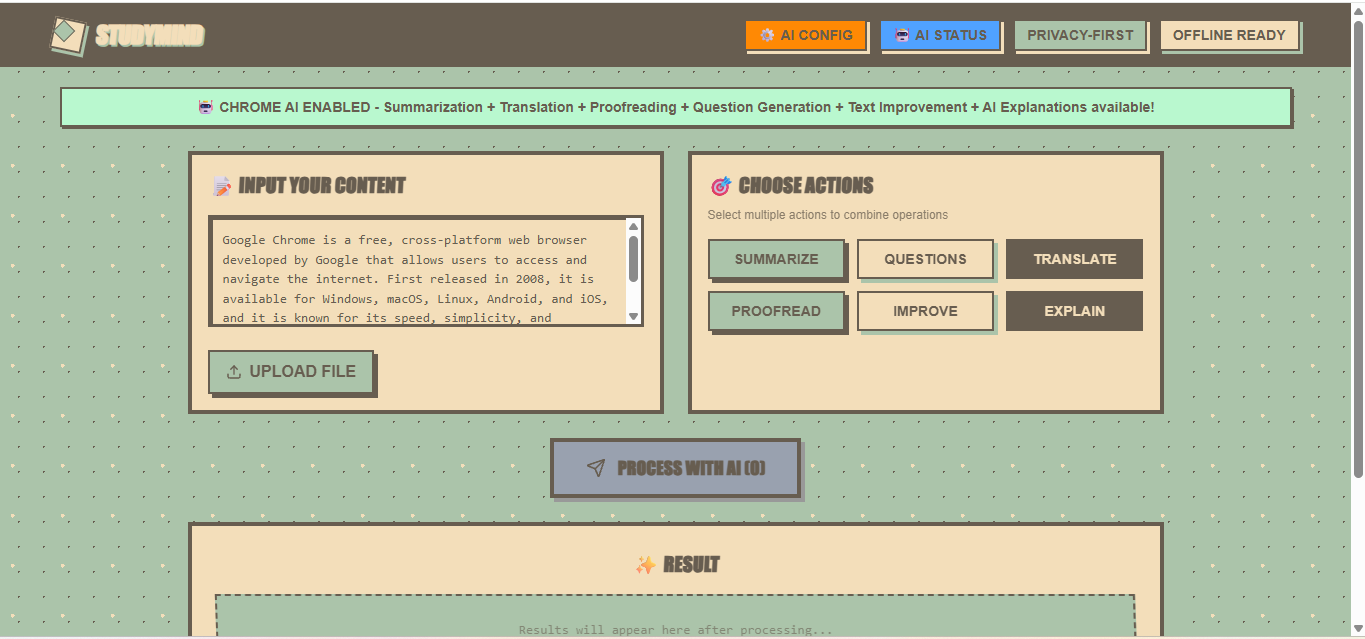
Inspiration
As an Indonesian university student, I face a daily struggle that millions of students across developing countries experience: processing academic content in English takes 3-5 times longer than it should. Whether it's dense research papers, complex textbooks, or technical documentation, the language barrier significantly impacts learning efficiency. What bugged me even more was that all the AI tools out there required uploading my work to cloud servers. For sensitive academic stuff or when my internet is flaky (which happens a lot), that's just not practical. When Chrome announced Built-in AI APIs, I saw my chance: build a study assistant that works completely offline and keeps everything private. StudyMind AI is basically the tool I wished existed when I was pulling all-nighters trying to understand dense academic papers.## What it does
How we built it
Stack: Next.js 14 + TypeScript + Tailwind CSS 6 Chrome Built-in AI APIs Deployed on Vercel
I built an AI Manager that handles all the Chrome APIs and falls back gracefully when something isn't available. The UI lets you drag-and-drop files, select which AI actions you want, then displays all results in tabs with easy copy-paste. The tricky part was making everything work together smoothly—processing PDFs, extracting text from images, handling audio, and running multiple AI operations in parallel without freezing the browser.
Challenges we ran into
Origin trial chaos → Each API needed separate registration. Had to build a system that detects which APIs are available and adapts accordingly. API failures → Chrome AI APIs are experimental, so they fail sometimes. Added retry logic and clear error messages so users aren't confused. Performance → Running 6 AI operations at once can lag. Implemented parallel processing with progress indicators and let users choose which actions to run. Chrome Canary only → Stable Chrome doesn't support these APIs yet. Documented setup clearly and added browser compatibility checks.
Accomplishments that we're proud of
Accomplishments that we're proud of ✅ 6 different Chrome AI APIs working together seamlessly ✅ Completely offline - zero server costs, zero data collection ✅ Fast & smooth - parallel processing delivers results in seconds
What we learned
Technical stuff:
Client-side AI is way more powerful than I expected Progressive enhancement and fallbacks are crucial for experimental APIs Good prompting makes a huge difference in output quality Local AI processing is totally viable for real applications
Product stuff:
Building something I personally need kept me motivated Simple + polished beats complex + buggy every time Clear documentation is just as important as clean code
What's next for StudyMind
PWA for mobile app experience AI-generated study plans Visualize concept connections across documents Voice commands for hands-free studying Export to Notion, Google Docs, etc.
Built With
- chromeapi
- next.js
- vercel


Log in or sign up for Devpost to join the conversation.