-
-
Features
-
Highlights
-
PDF Reader View
-
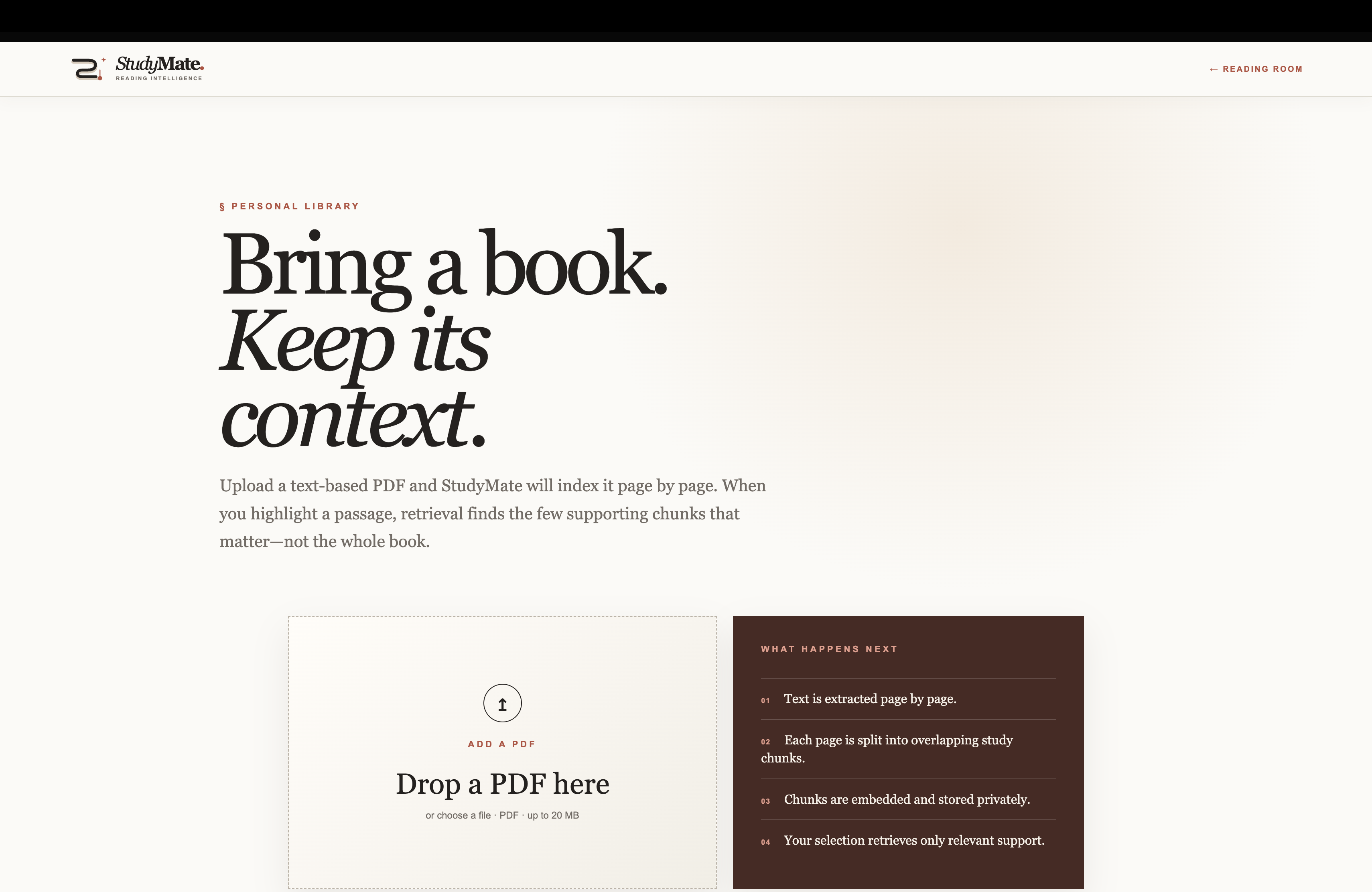
Library Upload screen
-
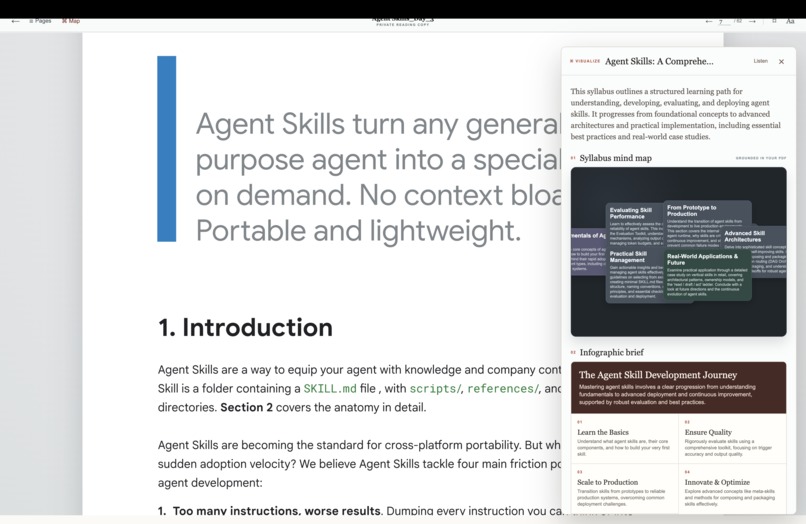
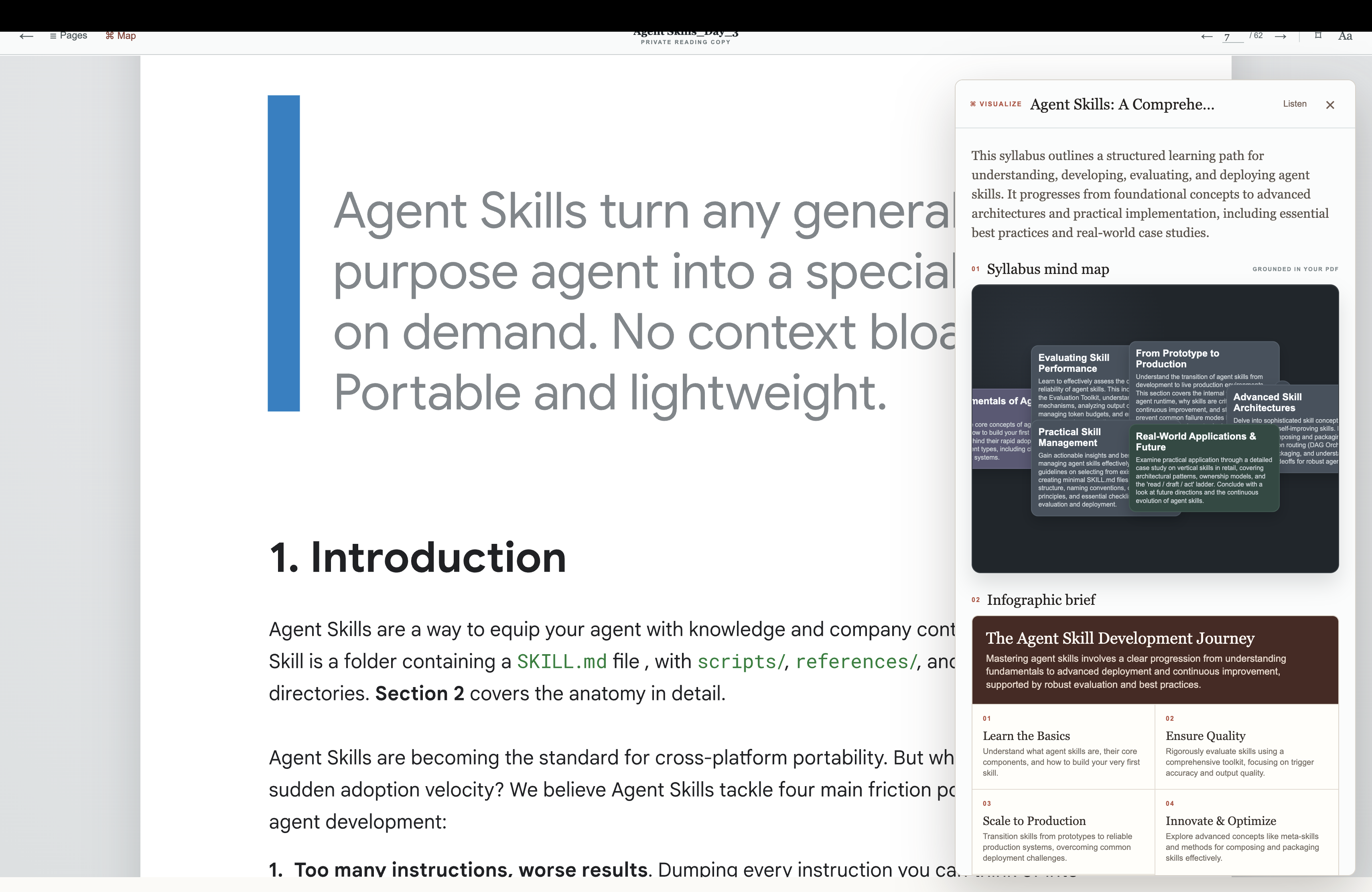
Mind Maps in Viewer
-
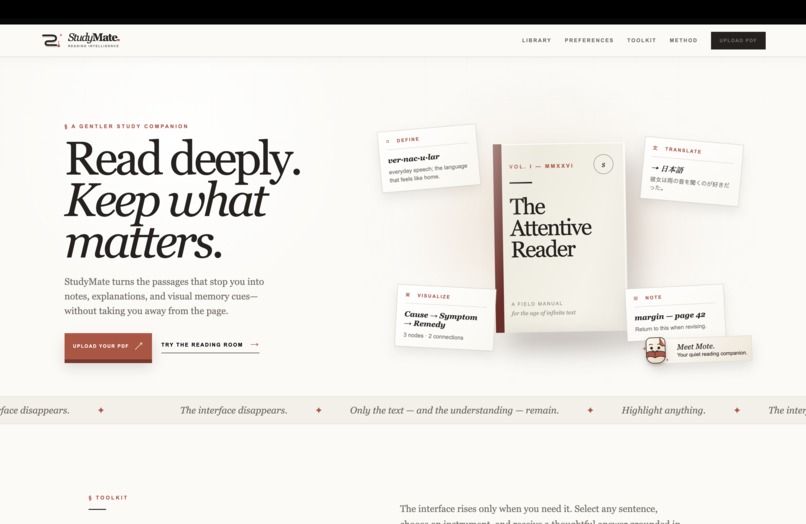
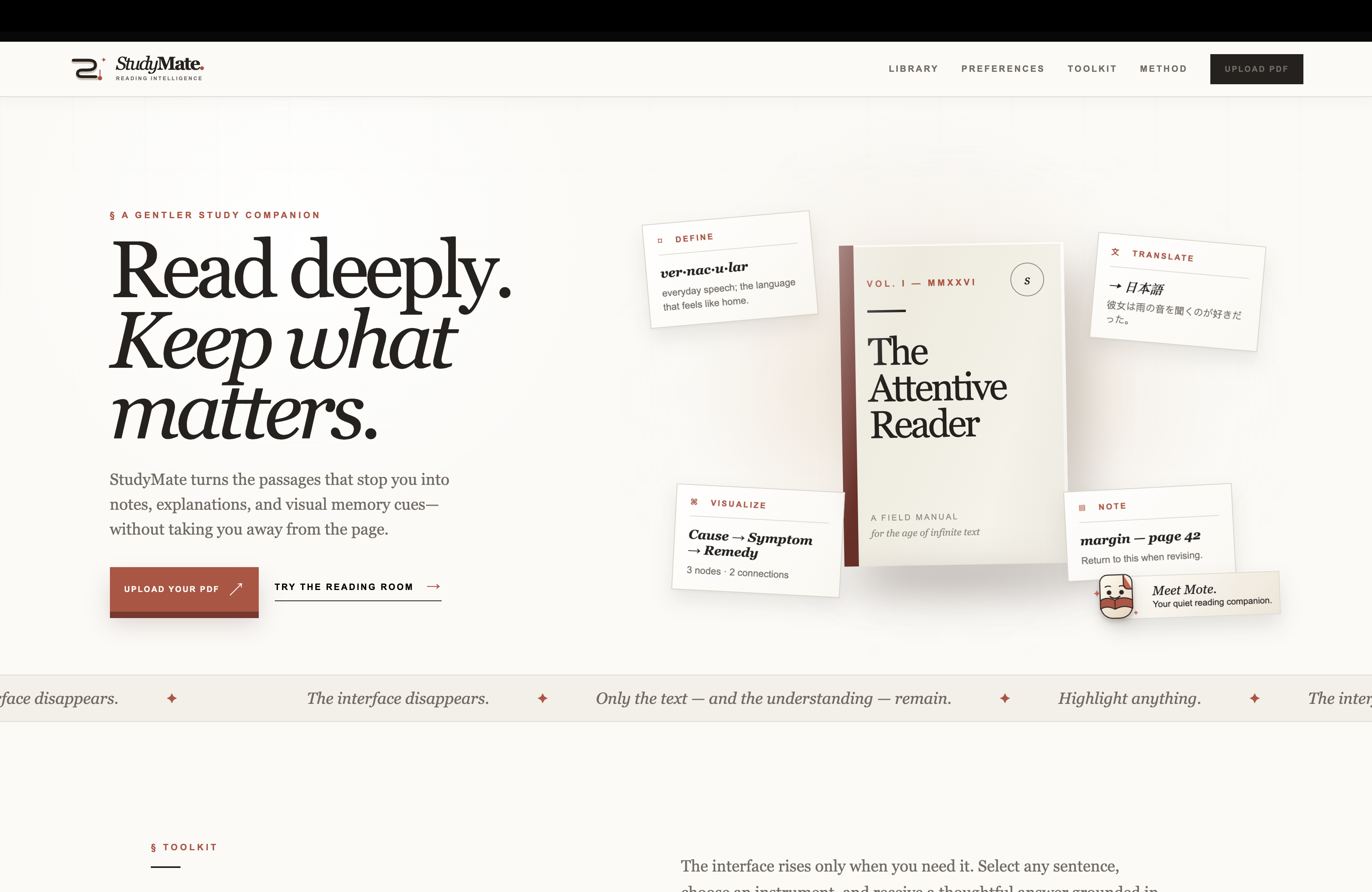
Homescreen
-

Some Info
Inspiration
StudyMate was inspired by a common learning problem: understanding a difficult PDF often requires constantly switching between a reader, dictionary, translator, notes app, and diagram tool.
These interruptions break concentration and make it harder to connect ideas across a document. We wanted to create a calmer reading experience where the learner could keep the original PDF visible and call on helpful study tools only when needed.
The interface was influenced by Apple’s clean document-reading experience, Notion’s minimalist design philosophy, and the contextual study workflow of modern AI research tools.
What it does
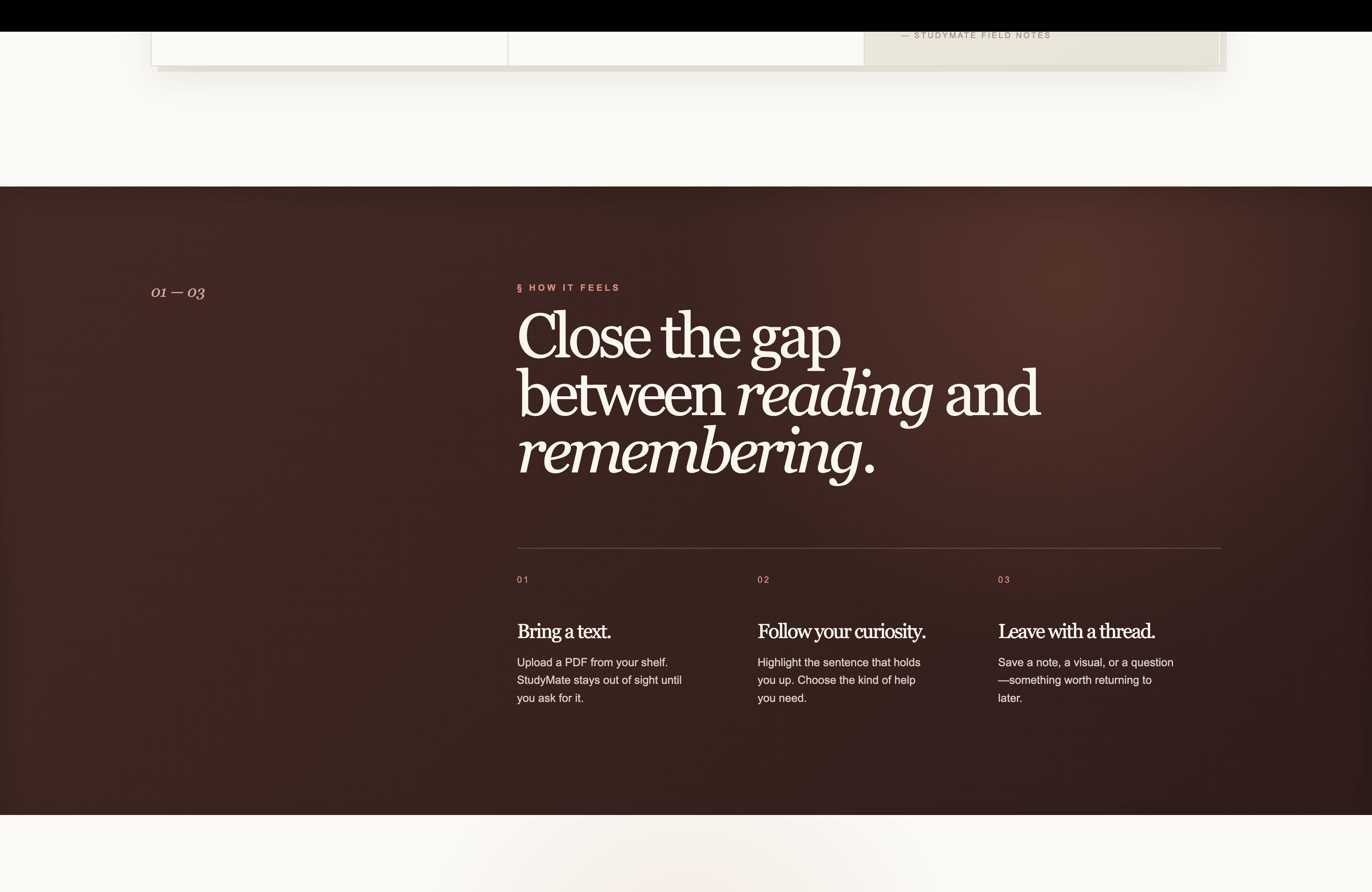
StudyMate is a private, PDF-first AI reading companion.
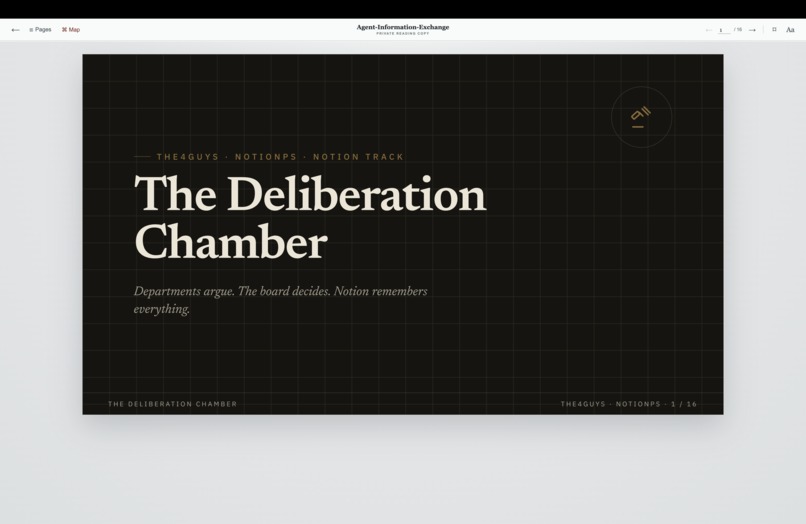
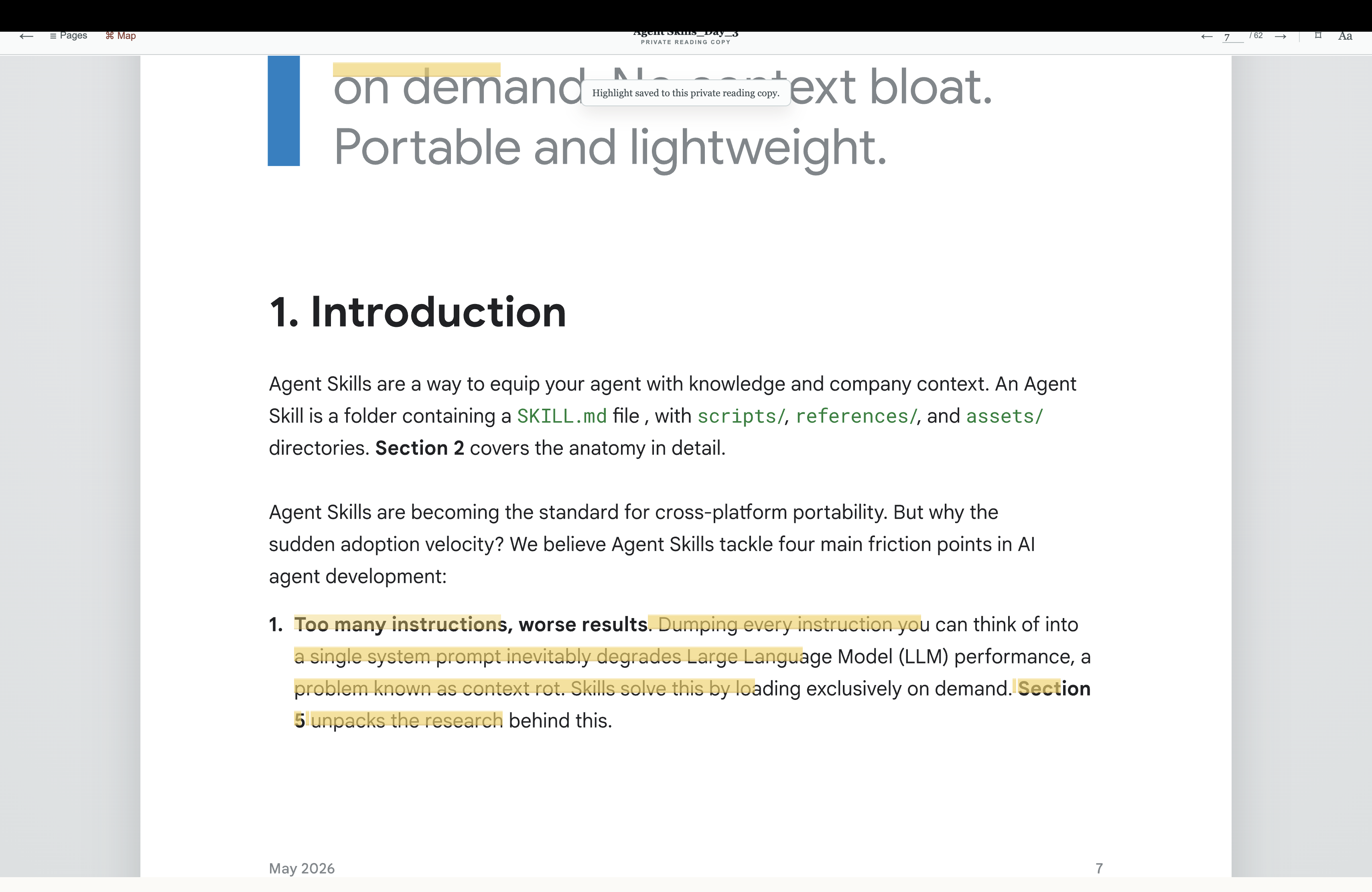
Users can upload a PDF and open it in a focused reading room that preserves the original page layout, typography, diagrams, tables, and spacing. The reader supports page navigation, arrow-key navigation, search, bookmarks, reading history, and adjustable reading controls.
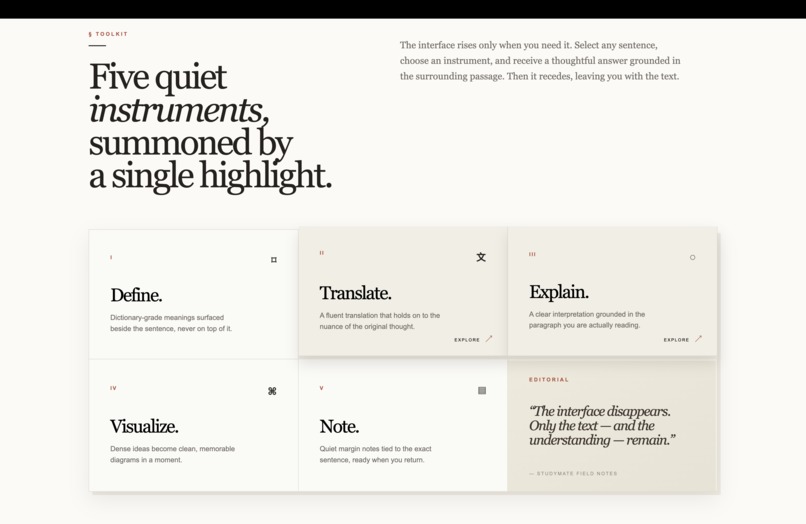
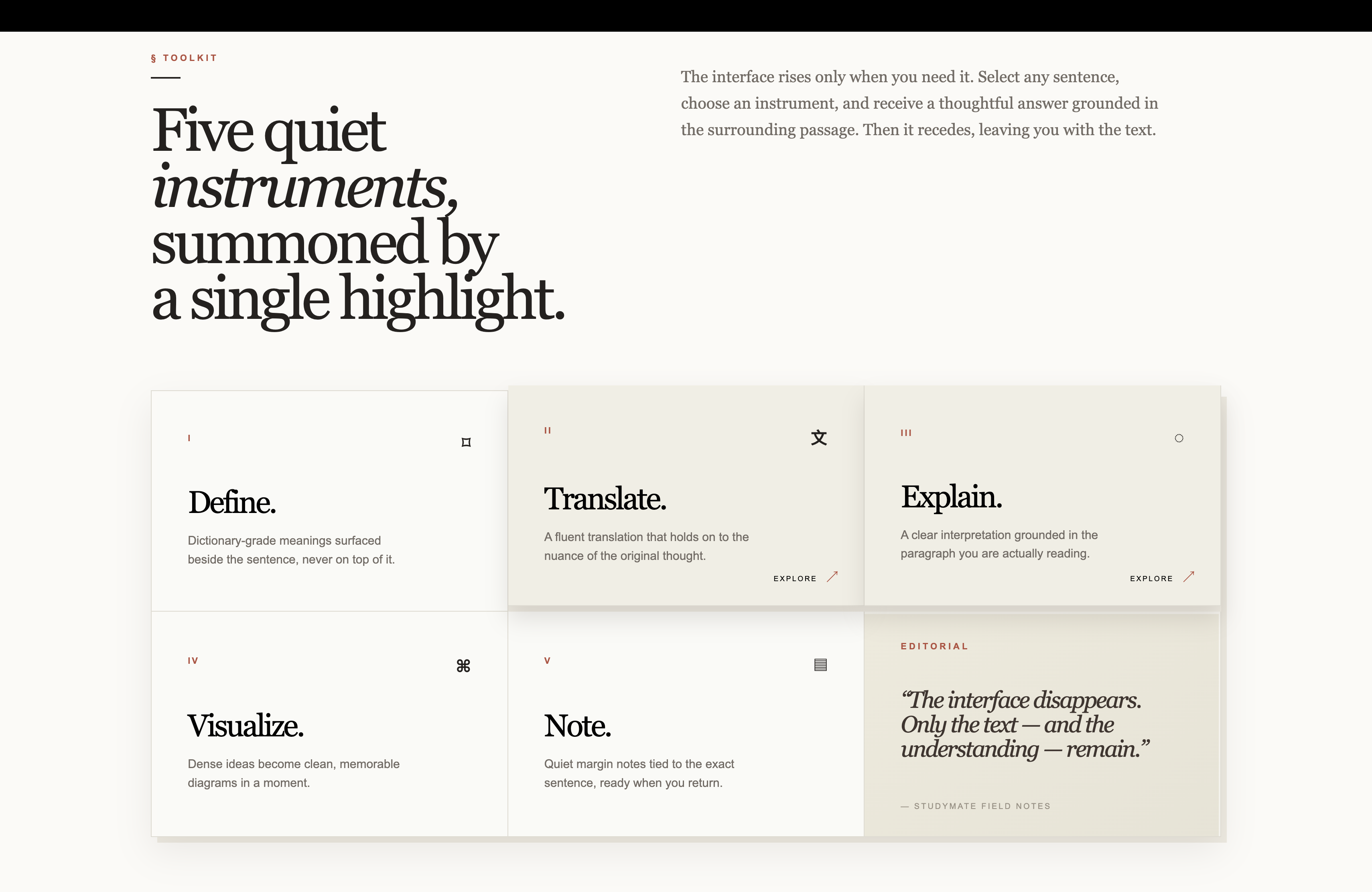
When the user selects text, contextual tools appear:
- Define explains difficult words and concepts in different tones.
- Translate converts selected passages into the learner’s preferred language.
- Visualize creates mind maps for a selected passage, page, chapter, or whole book.
- Note attaches a personal note to the relevant passage.
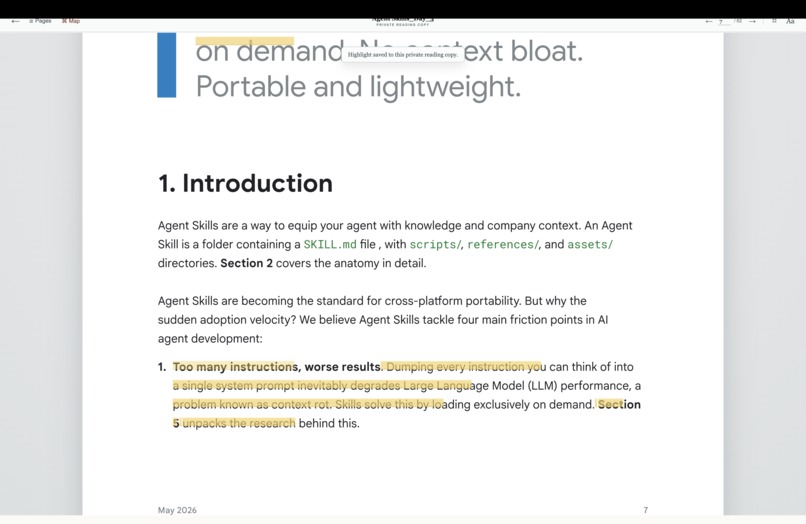
StudyMate also supports highlight, underline, and strikethrough markup. Completed study actions appear as small markers attached to the source text, keeping the document readable while making previous insights easy to revisit.
How we built it
The project uses Next.js, React, TypeScript, PDF.js, Supabase, pgvector, Gemini, and Headroom AI.
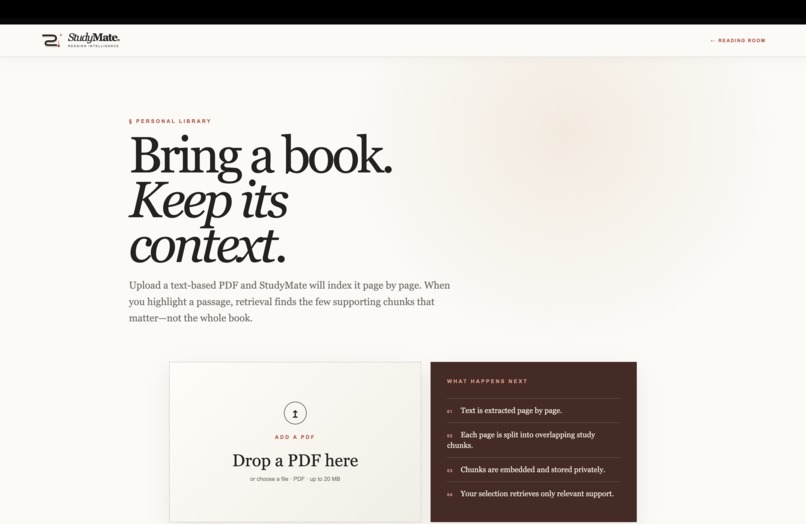
The RAG pipeline extracts text page by page, divides it into overlapping study chunks, generates embeddings, and stores them privately with page metadata. When a learner selects a passage, StudyMate retrieves the most relevant supporting chunks before sending the grounded context to the configured AI provider.
The visualization engine converts structured concepts and relationships into a left-to-right hierarchy with connected nodes and curved branches. Whole-book maps use index or syllabus-like content when available, and otherwise distribute evidence across the document.
Codex helped us plan the architecture, implement the reader and RAG pipeline, build the AI study actions, design the mind-map engine, debug PDF worker and upload issues, improve error handling, and refine the interface.
Challenges we ran into
Preserving the original PDF while allowing text selection was one of the biggest challenges. Early extracted-text views did not accurately represent the original document, so we moved to a PDF.js canvas with an aligned selectable text layer.
We also encountered upload failures, long indexing times, stale AI results, clipped reader content, responsive layout problems, and mind maps disappearing after generation. We addressed these with streamed processing states, bounded retries, runtime validation, persistent local study shelves, viewport-safe scrolling, and clearer recovery messages.
Privacy was another important consideration. Original PDFs remain in private Supabase Storage, retrieval is scoped by user identity, and API keys remain server-side.
Accomplishments that we're proud of
We created a complete reading workflow rather than a collection of disconnected AI buttons. The reader keeps the source document central, while study tools appear only when the learner actively requests help.
We are especially proud of the grounded mind-map experience, paragraph-level study markers, native PDF rendering, private document handling, and the calm visual system designed to reduce distraction.
What we learned
We learned that useful AI assistance depends heavily on source context. A generic explanation is less valuable than an answer grounded in the exact passage and surrounding document.
We also learned that interaction design matters as much as model output. Clear loaders, meaningful error messages, non-obstructive panels, and persistent study markers make AI features feel trustworthy and understandable.
What's next for StudyMate
StudyMate is being developed through a progressive, phase-based process. This submission represents a working milestone of the product.
Future phases will include OCR for scanned documents, larger-document and background processing, cross-device synchronization, collaborative study spaces, exportable mind maps, richer chapter detection, adaptive revision tools, and downloadable study guides.
Built With
- artificial-intelligence
- codex
- document-intelligence
- edtech
- education
- gemini
- gpt-5.6
- headroom-ai
- mind-maps
- natural-language-processing
- next.js
- pdf-reader
- pdf.js
- pgvector
- postgresql
- react
- retrieval-augmented-generation
- supabase
- typescript

Log in or sign up for Devpost to join the conversation.