-
-
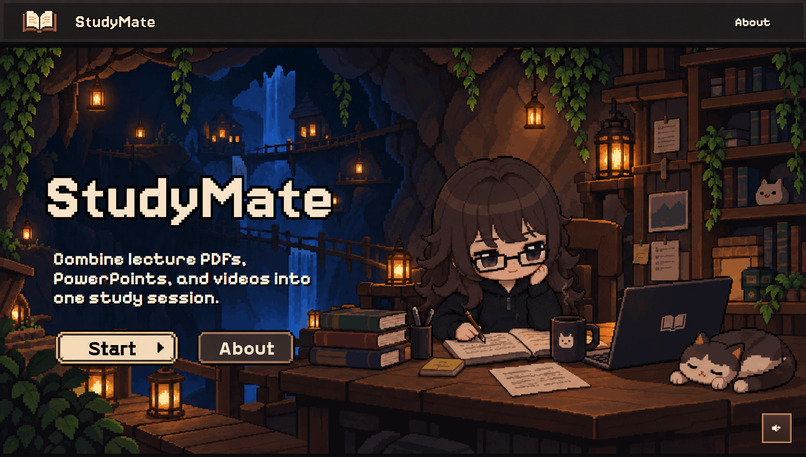
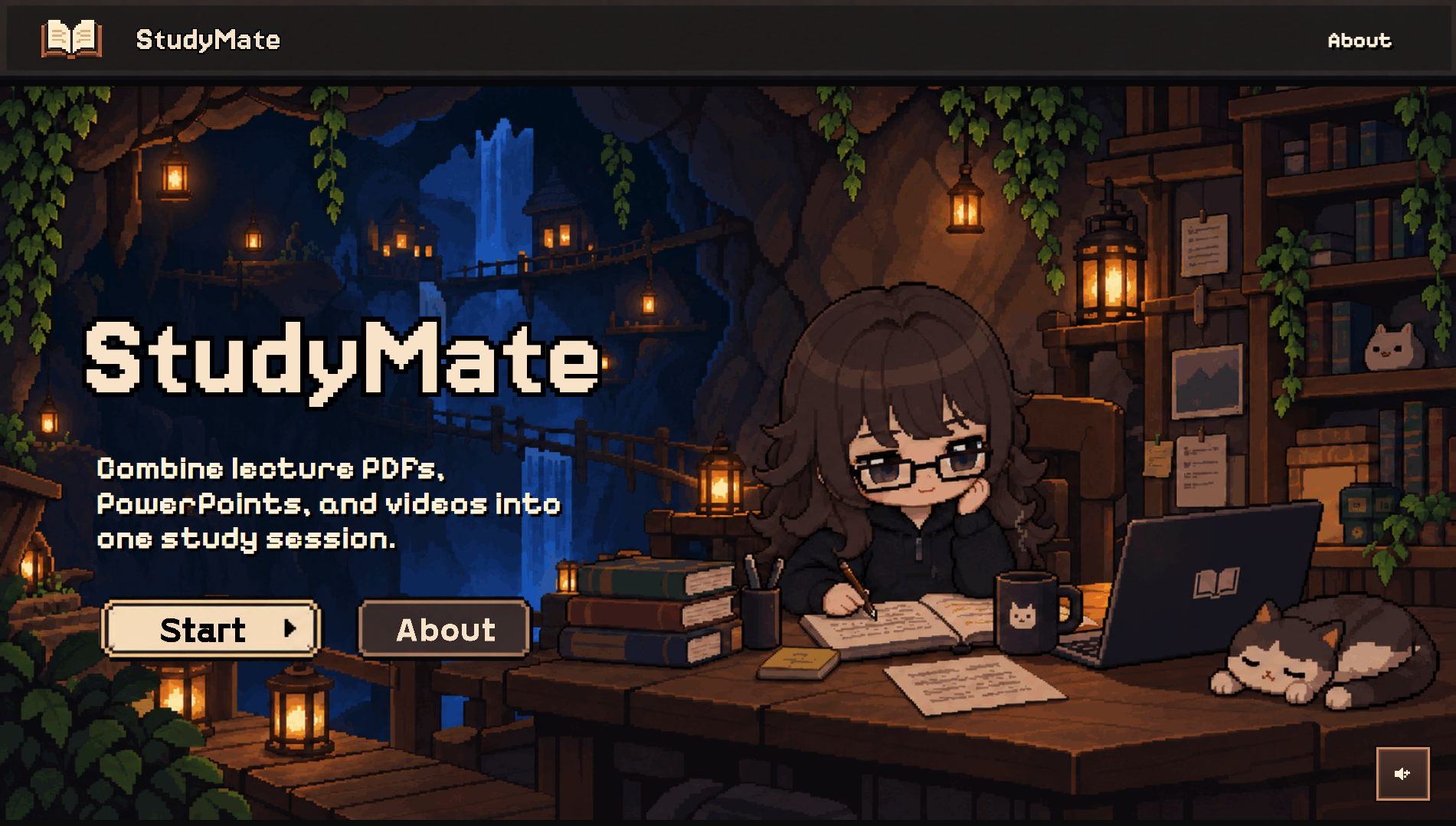
Home Page
-
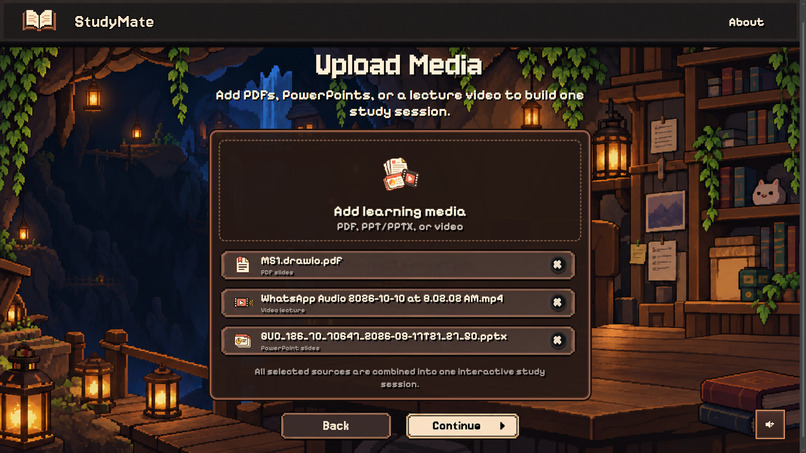
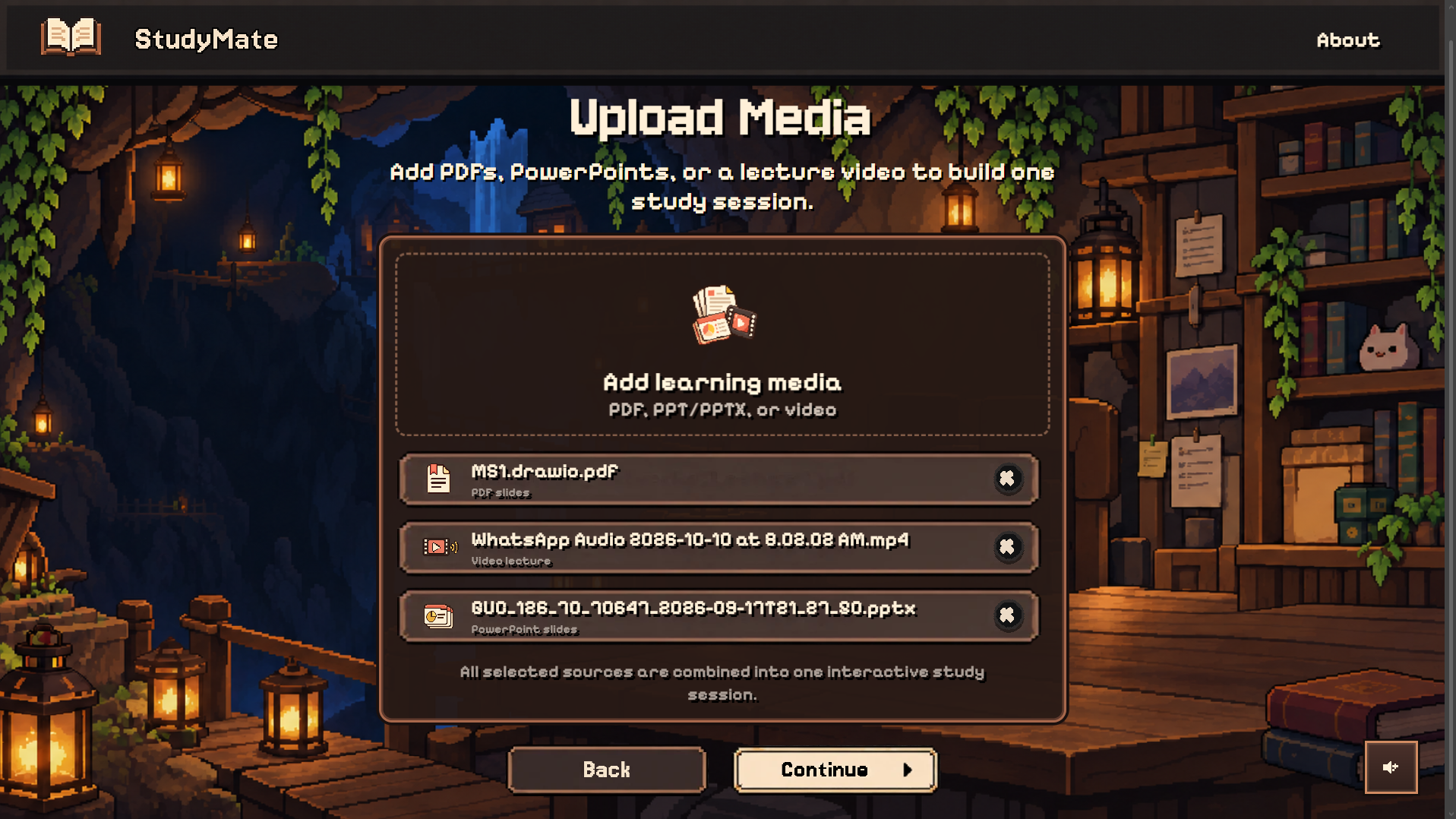
Upload Page
-
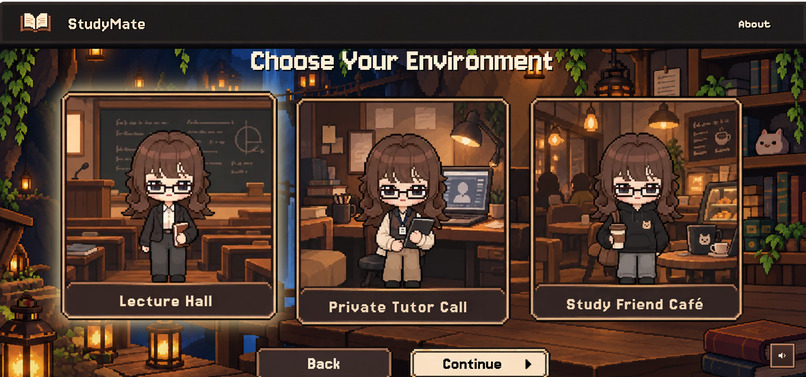
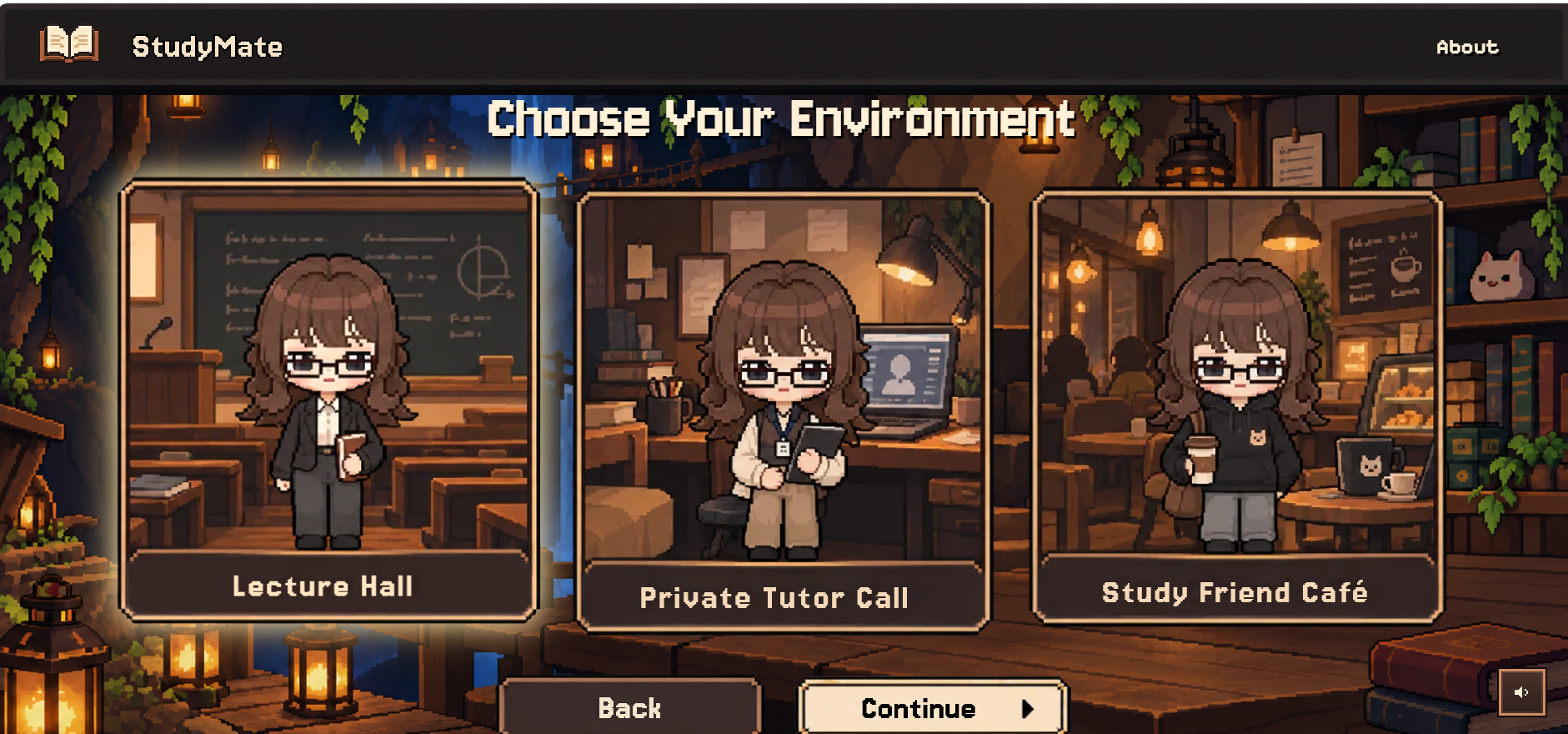
Choose Environment Page
-
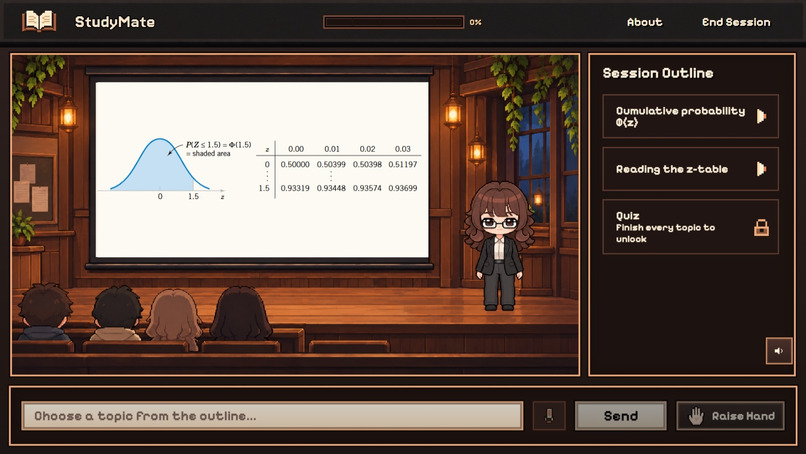
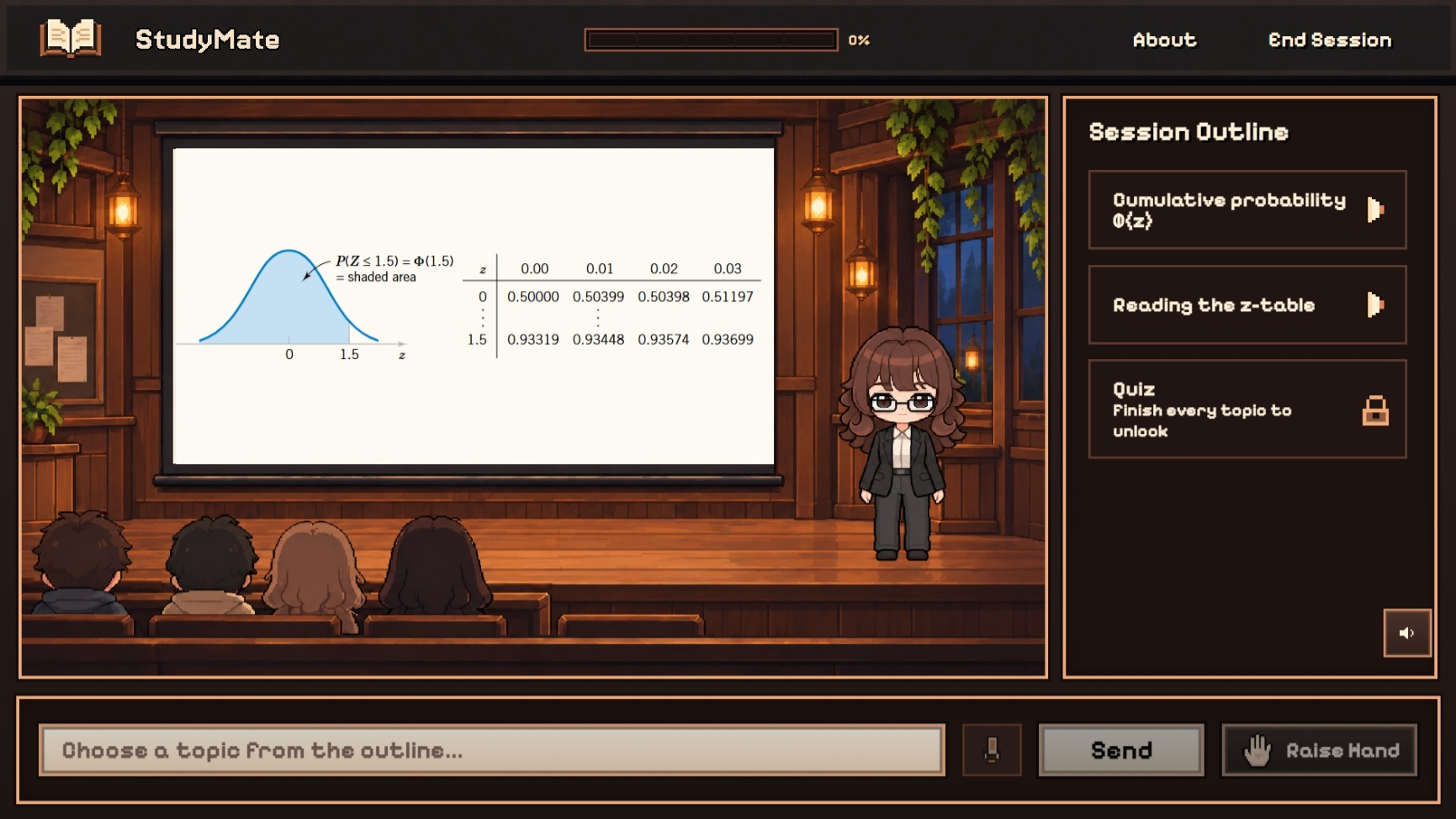
Lecture Hall Page
-
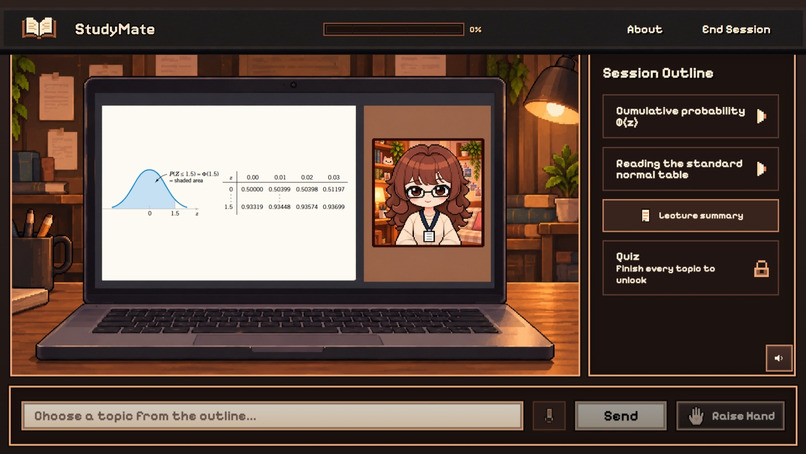
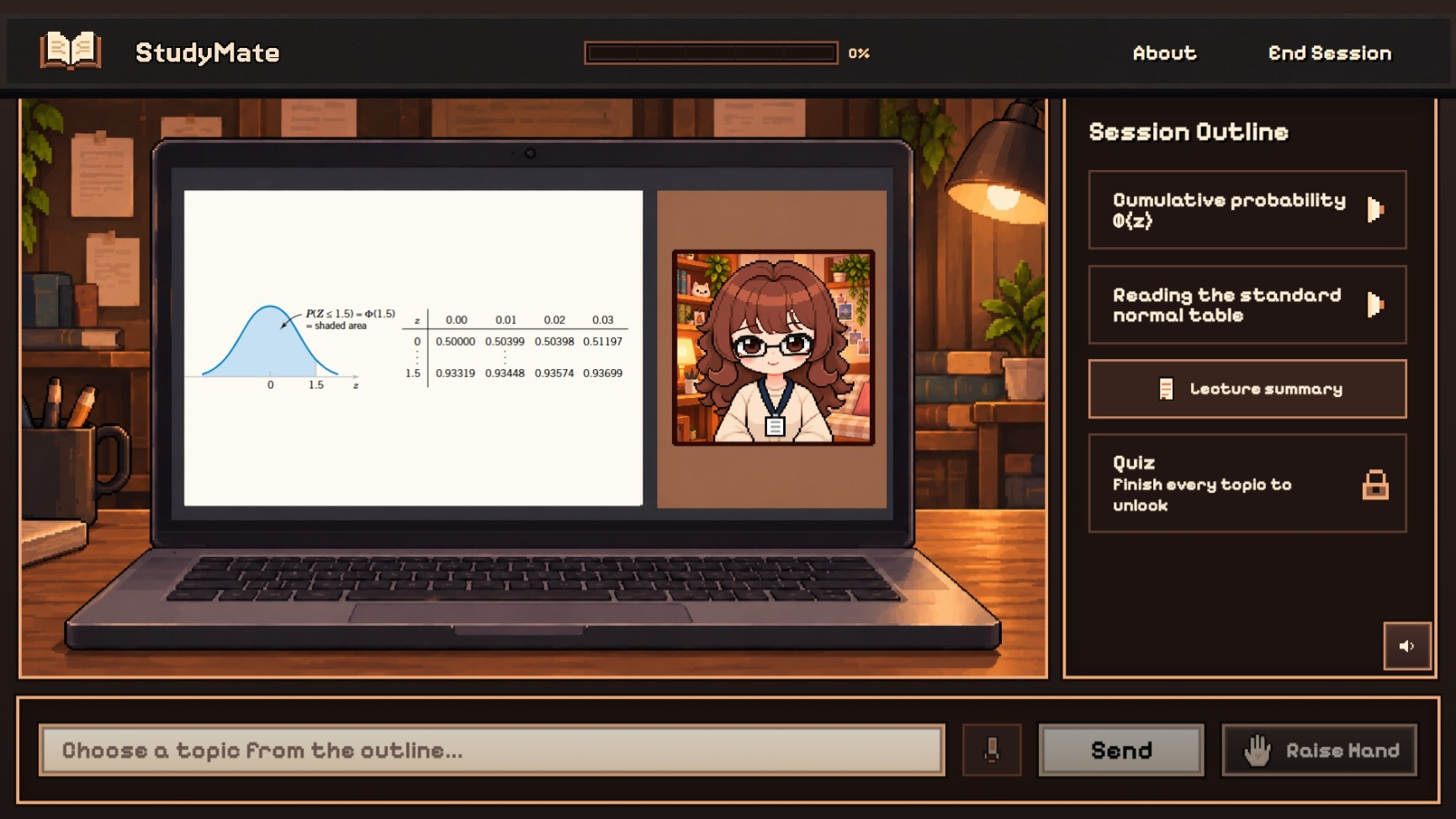
Private Tutor Page
-
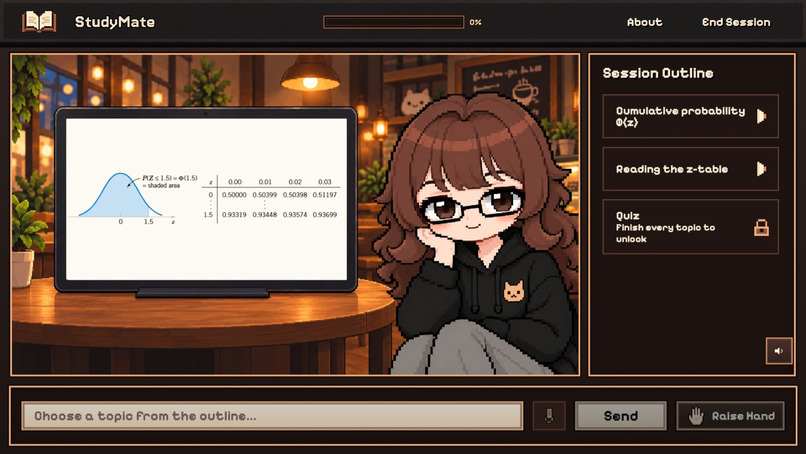
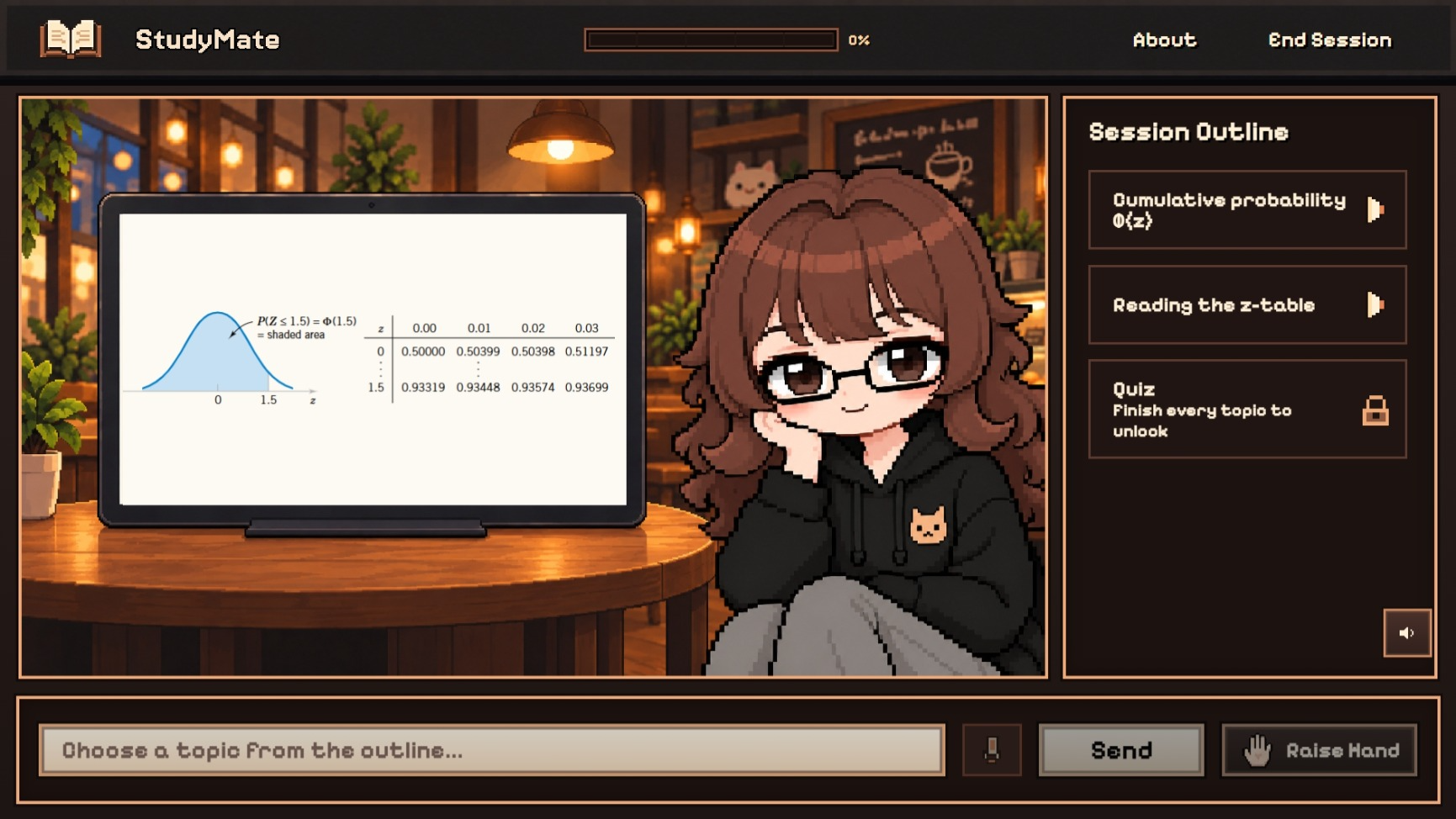
Cafe Page
Inspiration
Students do not study from one perfect resource. They have lecture slides with unexplained diagrams, textbook pages with extra detail, and recorded lectures where the explanation they need is buried somewhere in the video.
The usual alternatives are frustrating. YouTube may explain the general topic but not the exact material their professor uses. A generic chatbot can summarize uploaded files, but it often produces a wall of text and leaves the student responsible for deciding what to ask next, which slide to discuss, and how to return to the lesson after an interruption. It does not feel like attending a lecture; it feels like managing a chat.
We built StudyMate around a simple idea: your own course material should be able to teach you back. Instead of giving students another blank chat box, StudyMate turns their PDFs, PowerPoints, and lecture videos into a structured, interactive tutoring session that stays grounded in the original material.
What it does
StudyMate is a multimodal AI study companion for lecture slides, textbook-style PDFs, PowerPoints, and lecture videos.
A student uploads their learning materials, chooses a learning environment, and starts a guided session with Regina, their AI tutor. StudyMate processes the material into one ordered knowledge base, identifies the lesson’s main topics, and creates a topic-by-topic teaching plan.
Rather than merely summarizing the upload, Regina teaches through short explanation segments and keeps the source material visible. When she explains a concept, diagram, or figure, StudyMate can display the original PDF or PowerPoint page that the explanation comes from. Each processed unit preserves its original source file and page, slide, or video timestamp.
The session is designed to behave like a real, structured lesson:
- Regina introduces the material and guides the student through a topic outline.
- She explains concepts using the student’s own sources instead of generic examples.
- She asks checkpoint questions during the lesson to test understanding.
- If the student answers incorrectly, she gives a hint and lets them retry before revealing the explanation.
- Students can raise their hand during an explanation, ask for clarification, and resume from the exact point where the lesson paused.
- If a question belongs to another topic, StudyMate keeps the session structured instead of allowing the conversation to derail.
- At the end, StudyMate generates an adaptive quiz that focuses on concepts the student struggled with during the session.
Lecture videos are included through timestamped transcription, so explanations spoken in a recording become part of the same learning context as the slides and PDFs.
How we built it
StudyMate has a React + Vite frontend and a Python FastAPI backend.
The first challenge was creating a unified multimodal knowledge base. We normalize each upload into structured LectureChunk records while preserving where every unit came from:
- PDFs and textbook-style documents: processed page by page with PyMuPDF.
- Slides and PowerPoints: PPT/PPTX files are converted to PDF and processed through the same slide-aware pipeline.
- Images, diagrams, and visual pages: pages with low text density or meaningful visual content are interpreted with Featherless AI, so diagrams are not ignored just because they contain little extractable text.
- Lecture videos: FFmpeg extracts audio, then Groq Whisper creates timestamped transcript segments.
Every chunk keeps its source filename, source type, original page/slide number, or timestamp. Visual PDF and PowerPoint sources are cached for the in-session viewer so the tutor can synchronize an explanation with the page it is discussing.
The tutoring logic is orchestrated with LangGraph. Each active session has a TeacherState that stores the lesson outline, current topic, current slide, explanation segment, pending question, answer attempts, completed topics, weak topics, interaction mode, and conversation history.
This state is what makes StudyMate different from a normal chatbot. It allows the tutor to remember where the student is, pause when they raise their hand, answer in context, return to the saved explanation segment, and use mistakes from the lesson to adapt the final assessment.
Featherless AI is used for visual interpretation and structured teaching content. Pydantic validates the model’s structured outputs. Fish Audio provides spoken tutoring, while Groq Whisper supports both lecture-video transcription and voice input from students. PDF.js renders the original source material in the frontend.
Challenges we ran into
The hardest problem was not accepting multiple file types; it was making them behave like one coherent lesson without losing source grounding.
A tutor may explain a text-heavy textbook page, switch to a PowerPoint diagram that makes the idea clear, and use a detail that was only stated in a lecture recording. We needed a global lesson sequence while still preserving the original file and source location for every piece of material.
We also had to solve interruption handling. In a normal chatbot, asking a question can easily derail the original task. In StudyMate, a raised-hand question must pause the tutor, preserve the exact explanation segment, use the relevant source context, and then return the student to the lesson rather than restarting or forgetting the flow.
Finally, adaptive assessment needed to be meaningful. We did not want a quiz that simply generates random questions at the end. StudyMate records weak topics during live checkpoint questions, then uses those learning signals to guide the final quiz and future quiz attempts.
Accomplishments that we're proud of
We are proud that StudyMate is not just “chat with your PDFs.”
It is a working multimodal tutoring flow that accepts PDFs, PPT/PPTX presentations, and lecture videos; preserves source metadata; turns the materials into a guided session; synchronizes explanations with relevant visual sources; handles interruptions; and adapts its assessment to the student’s mistakes.
Our favorite feature is the raise-hand flow. The student can interrupt naturally, ask about an earlier slide, get an explanation connected to the relevant material, and continue from the exact place where Regina stopped. This makes the tutor feel much closer to a real lesson than a one-directional summary or generic chat response.
We are also proud of the adaptive quiz behavior. Incorrect answers during tutoring are not lost after the conversation ends—they become signals that help StudyMate focus assessment on the concepts that need more practice.
What we learned
We learned that personalized tutoring is not only about generating good explanations. It needs a reliable model of the lesson and the learner.
LangGraph gave us a way to explicitly represent the tutor’s state: what it is currently teaching, which source page it is using, what the student has already completed, whether a question is pending, and where the student struggled. That structure is what allows StudyMate to guide the student instead of making the student continuously guide the AI.
We also learned that multimodal learning is more than accepting many uploads. A useful system must preserve the connection between an explanation and its original source, especially when the important information lives in a diagram, figure, slide, or moment in a lecture recording.
What's next for StudyMate
Our next goal is to turn StudyMate from a strong session-based tutor into a continuous learning companion for an entire course.
We plan to add persistent learner profiles across sessions, more explicit source citations and clickable timestamp navigation, a visual course map of topics and prerequisites, diagnostic onboarding for new students, revision materials for weak topics, and study plans based on upcoming exams and learning progress.
Most importantly, we want StudyMate to remember a student’s academic journey across lectures, not just what was uploaded today. The long-term vision is an AI tutor that knows the course, teaches from the student’s real materials, connects relevant concepts to previous lectures, remembers what they struggle with, and becomes more useful as they learn.
Team Information
- Bushra Magdy Mohamed (Leader)
- Miriam Ahmed
- Layan Ismaeil
