-
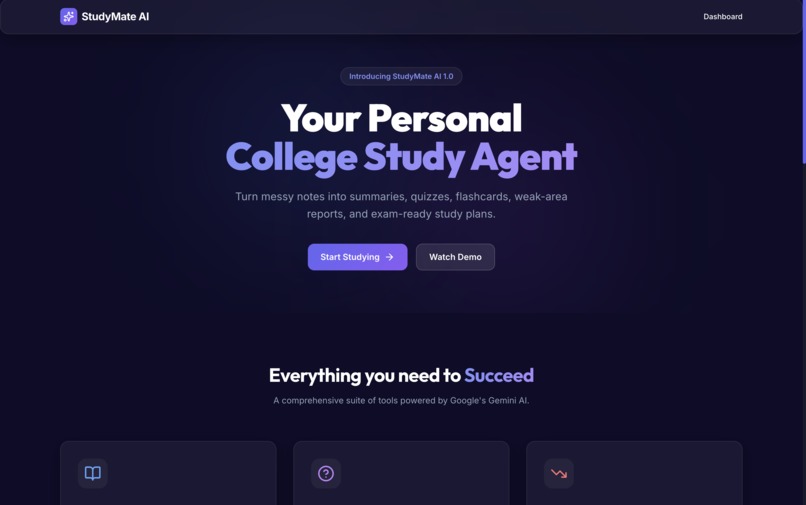
The study agent
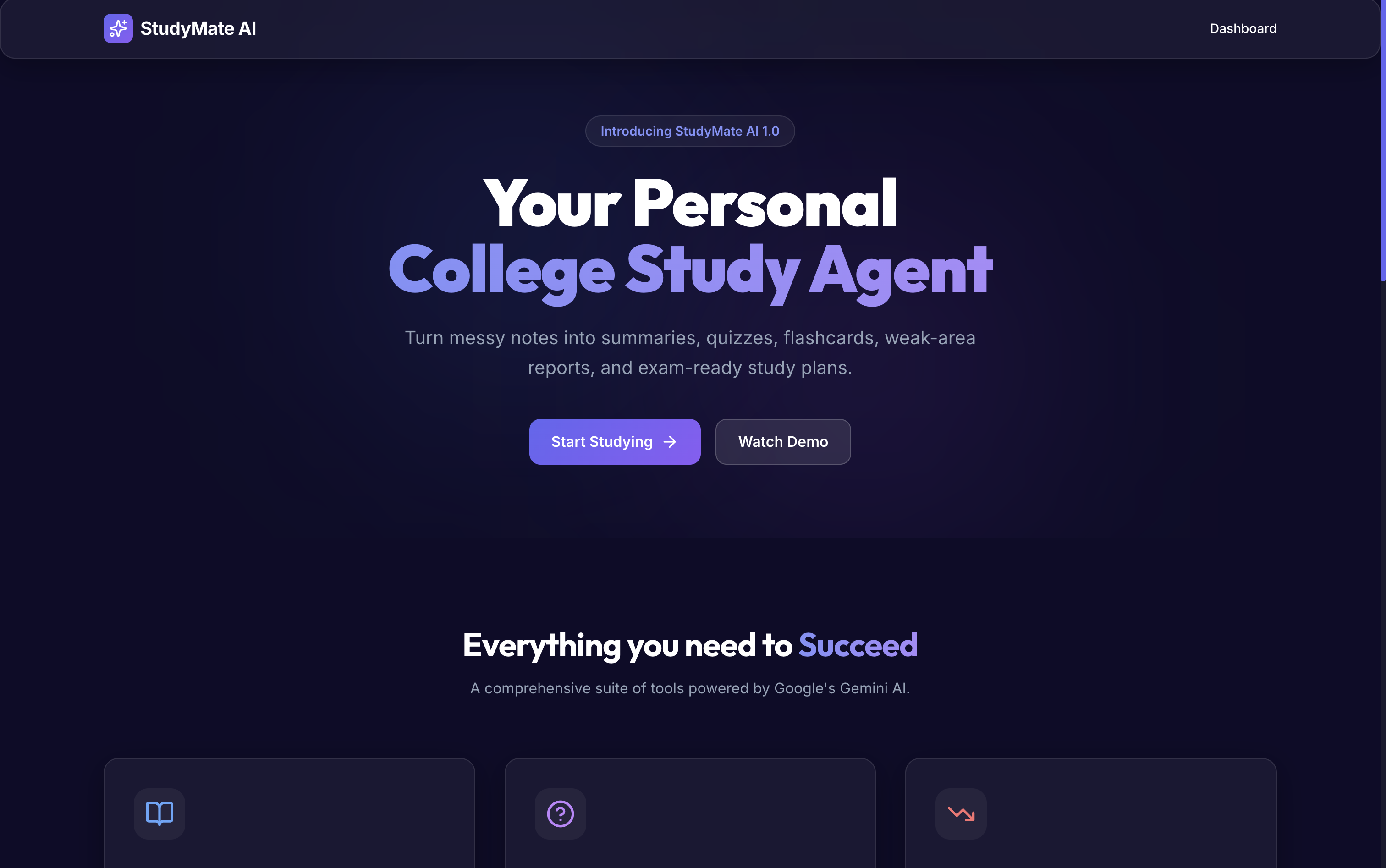
Inspiration
StudyMate AI was inspired by the everyday struggles of college students. Many students have messy lecture notes, long PDFs, exam pressure, and very little time to organize everything properly. I wanted to build something that works for students — a personal study agent that can turn confusing study material into clear summaries, quizzes, flashcards, weak-topic analysis, and a practical study plan.
The main idea was simple:
students should spend more time learning and less time organizing notes.
What it does
StudyMate AI is a personal college study agent that helps students prepare smarter for exams.
Users can enter a subject, topic, difficulty level, exam date, and notes. The app then generates:
- Simple AI-powered summaries
- Important key points
- MCQ quizzes
- Flashcards for active recall
- Weak topic analysis based on quiz performance
- A personalized study plan
- Exportable revision material
It is designed to make studying more structured, interactive, and exam-focused.
How I built it
I built the project as a full-stack AI web application.
The frontend is made with:
- React
- Vite
- Tailwind CSS
- Framer Motion
- Lucide icons
The backend is made with:
- Node.js
- Express.js
- Gemini API
The frontend collects the student’s notes and study details, then sends them to the backend. The backend communicates with Gemini AI to generate summaries, quizzes, flashcards, weak area reports, and study plans. The results are displayed in a clean dashboard-style interface.
Challenges I faced
One major challenge was making the AI output structured and useful instead of just giving a normal chatbot-style answer. I had to design prompts carefully so that the AI generated proper JSON-like responses for summaries, quizzes, flashcards, and study plans.
Another challenge was connecting the frontend and backend properly, especially while preparing the project for deployment. Handling API routes, environment variables, CORS, and deployment settings helped me understand how real full-stack projects work.
Designing a polished UI was also a challenge because I wanted the app to look like a serious hackathon project, not just a simple college assignment.
What I learned
While building StudyMate AI, I learned:
- How to build a full-stack AI application
- How to connect React with an Express backend
- How to use Gemini API for real project features
- How to structure AI prompts for better output
- How to manage frontend states for quizzes, summaries, and study plans
- How to prepare a project for GitHub and deployment
- How important UI/UX is for making an AI product useful
Most importantly, I learned that AI becomes powerful when it solves a real problem for a specific group of people. In this case, that group is students.
What's next
In the future, I would like to add:
- PDF upload support
- Subject-wise saved study sessions
- Progress tracking dashboard
- Voice-based doubt solving
- Calendar reminders for study plans
- Support for handwritten notes
- Collaborative study groups
StudyMate AI can grow into a complete student productivity platform that helps students prepare for exams with less stress and better structure.
Built With
- css
- express.js
- framer-motion
- github
- google-gemini-api
- html
- javascript
- localstorage
- lucide-react
- node.js
- react
- render
- tailwind-css
- vite
