-
-
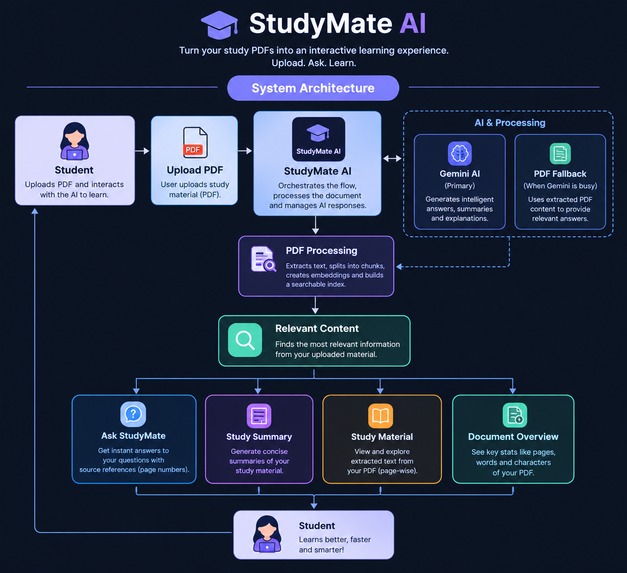
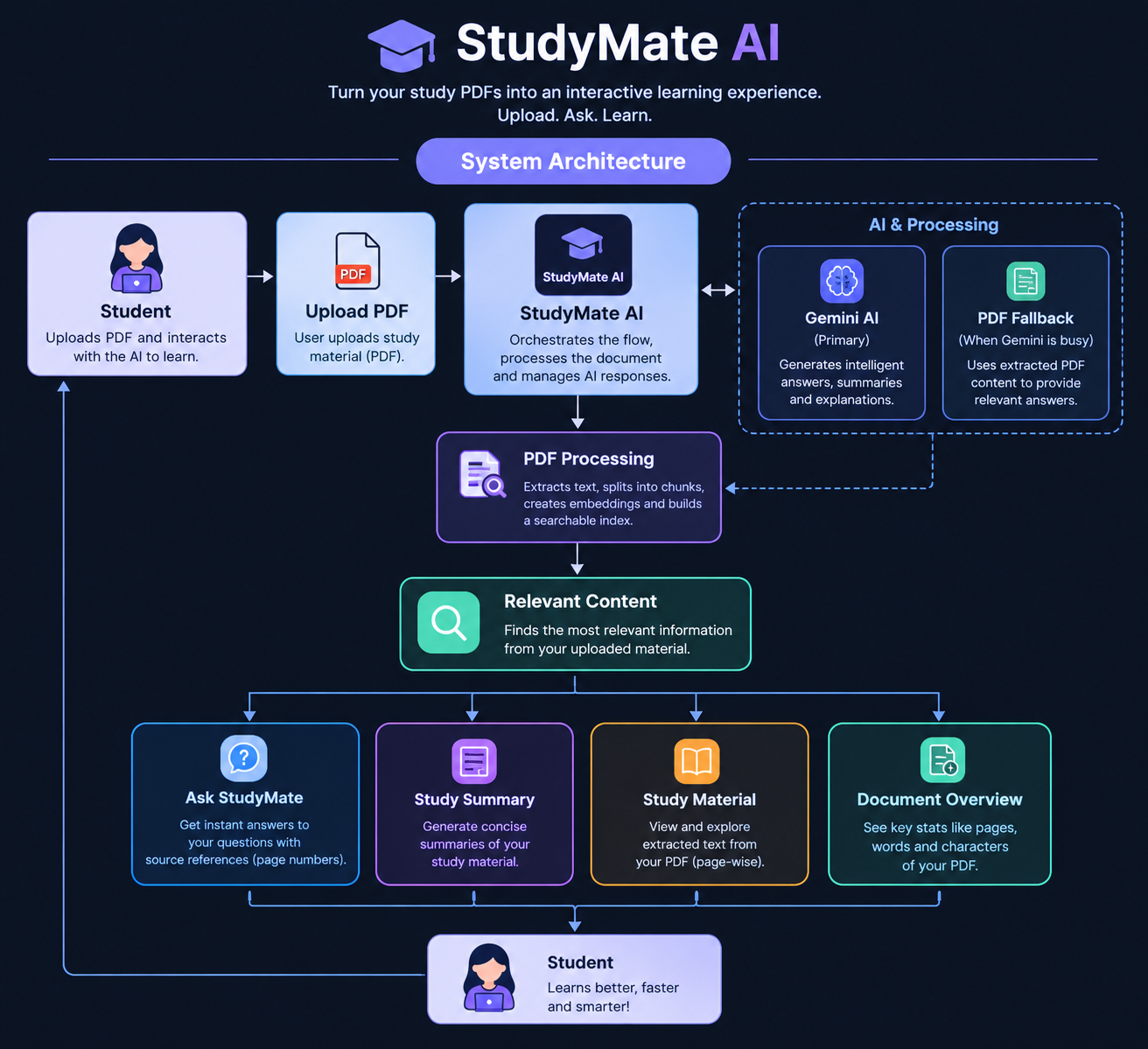
Architecture
-
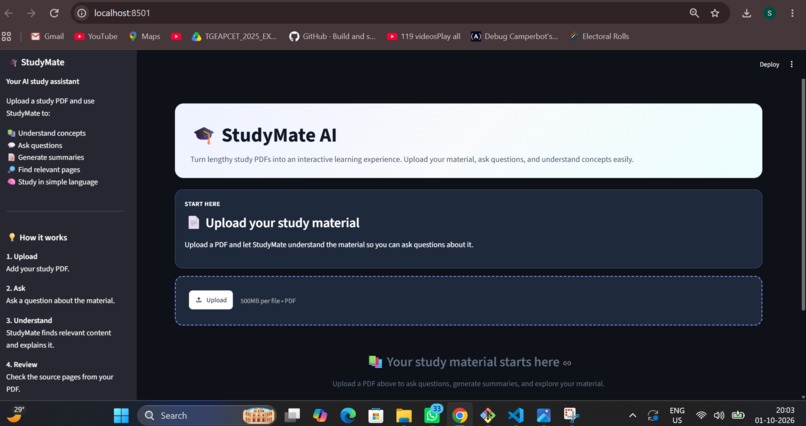
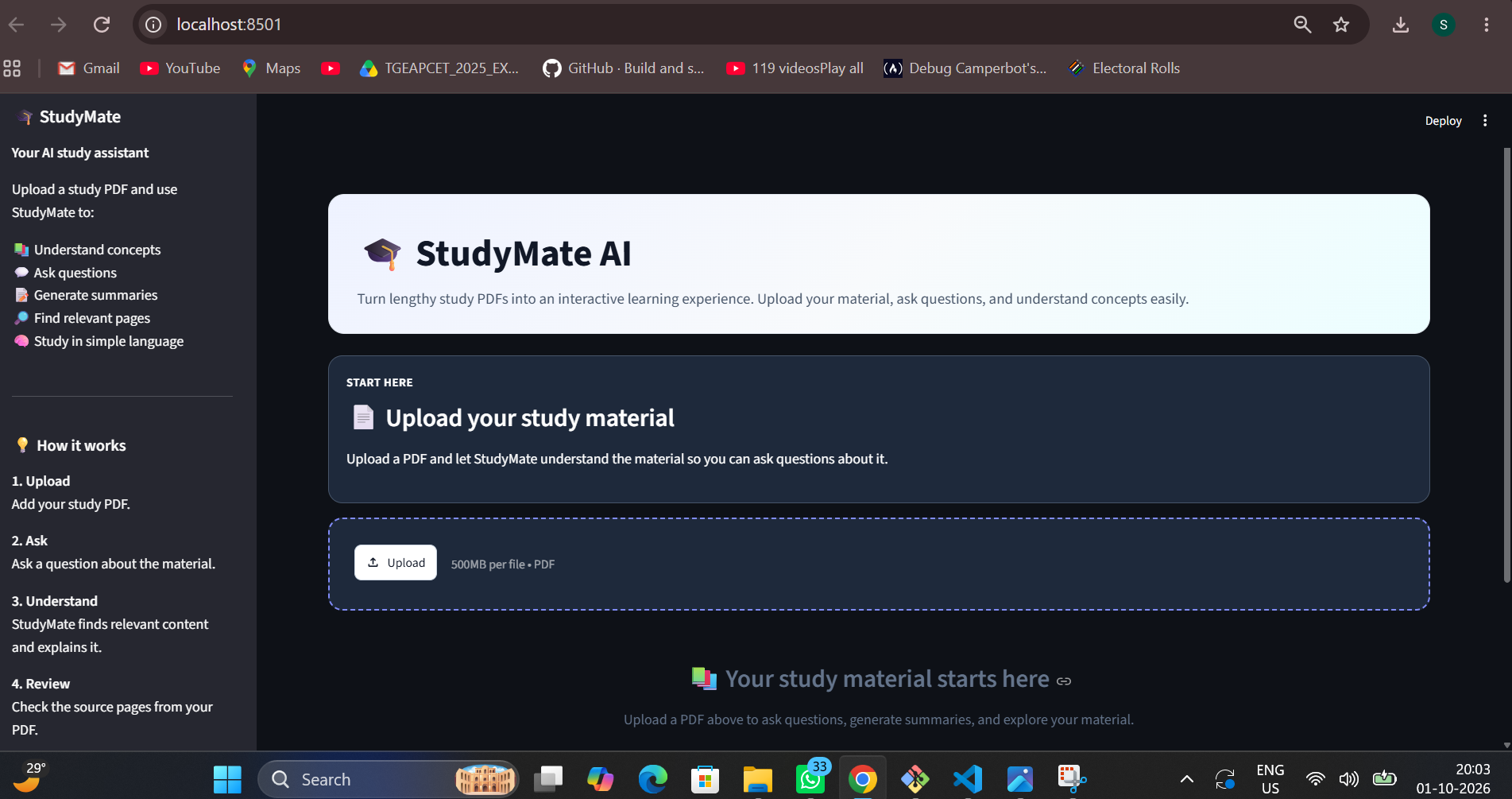
HomePage
-
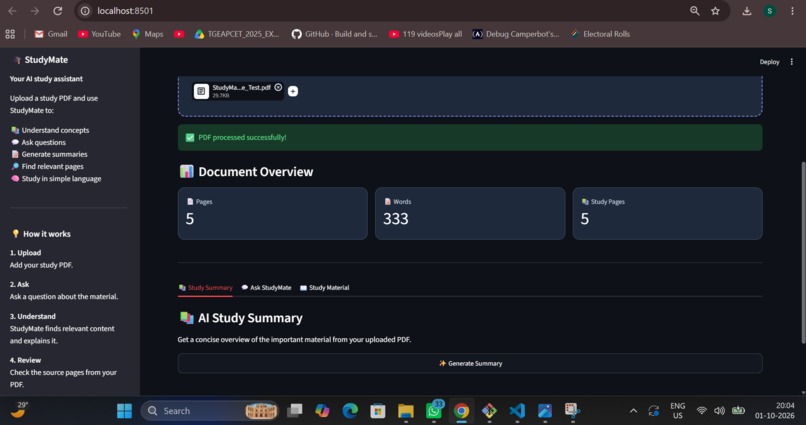
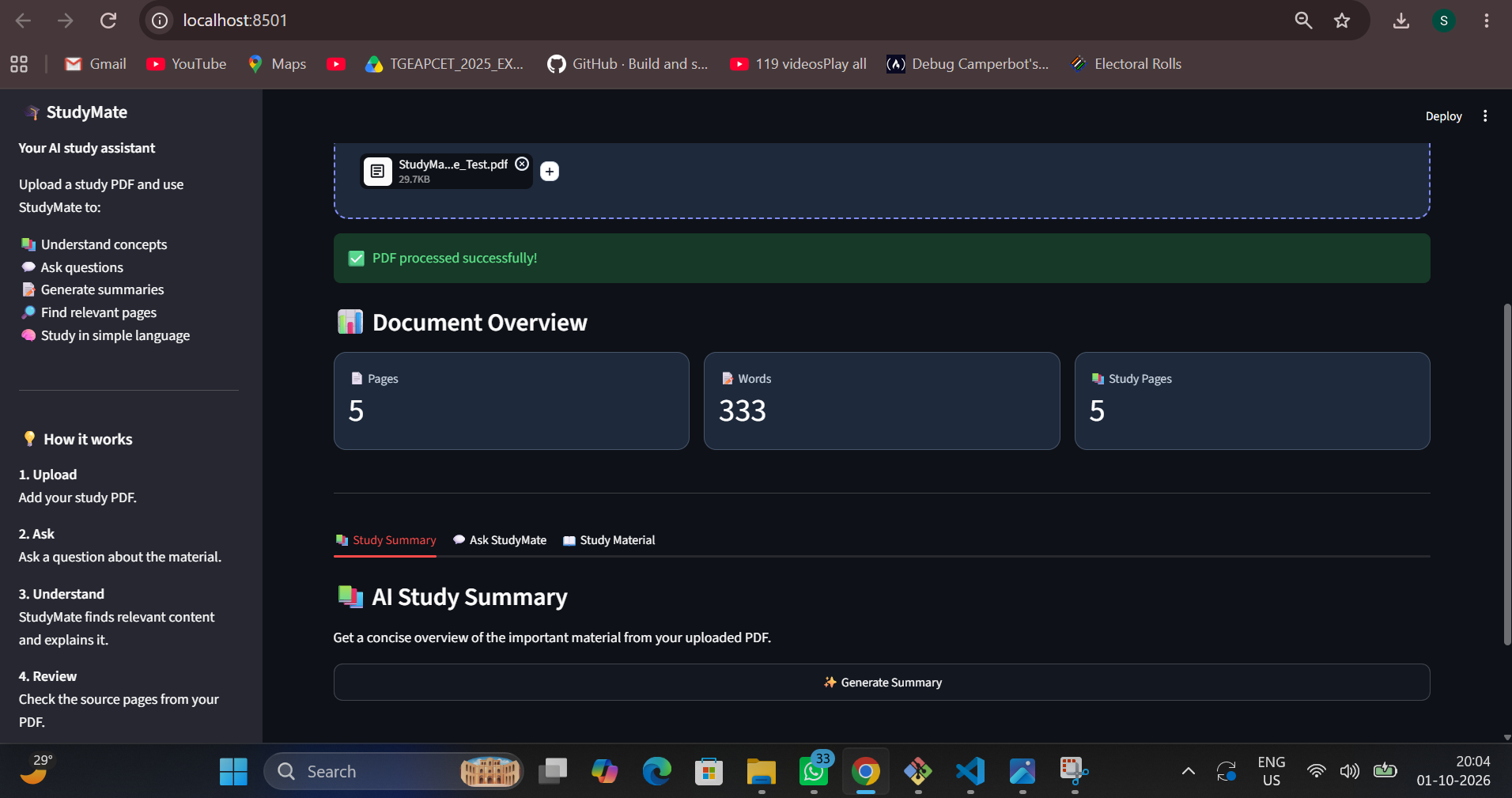
DocumentOverview
-
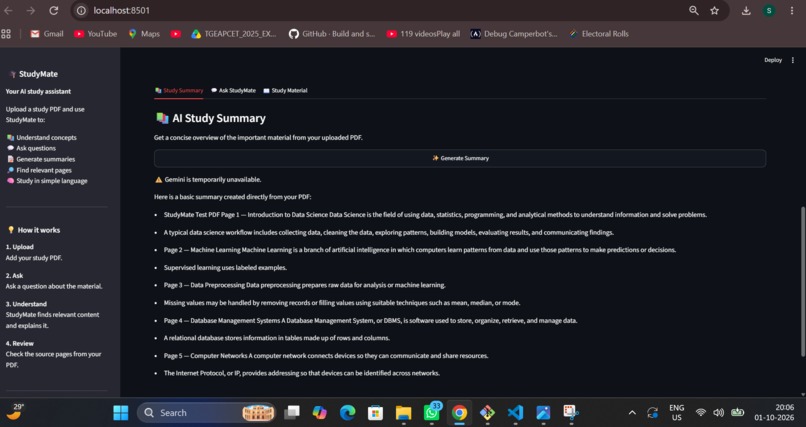
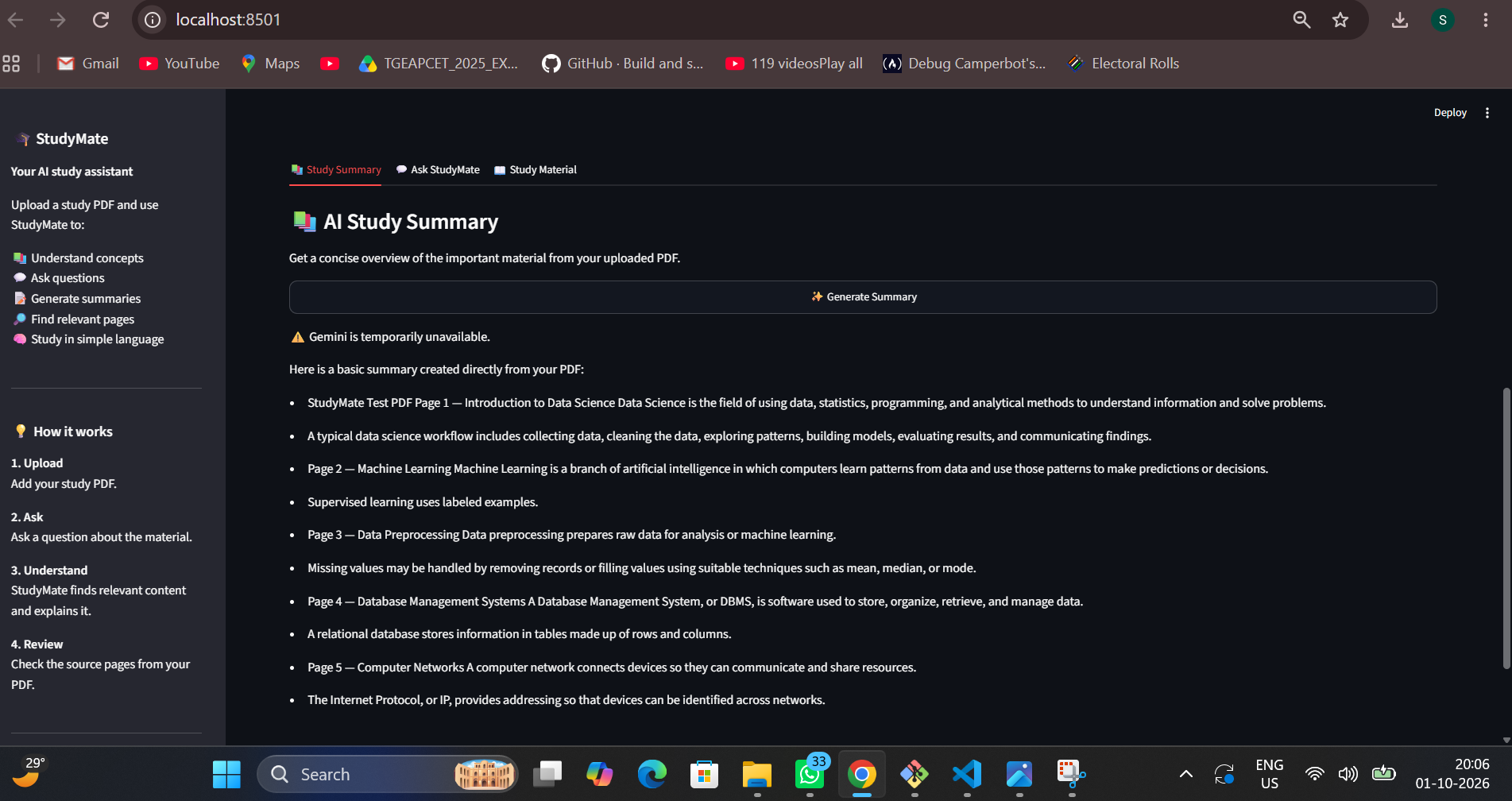
StudySummary
-
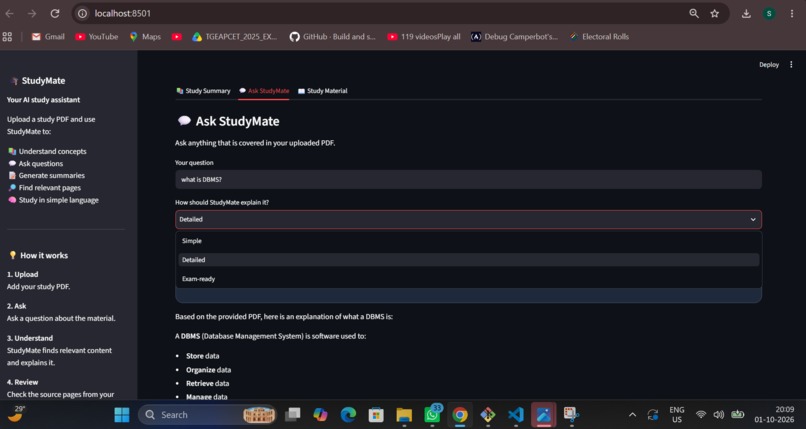
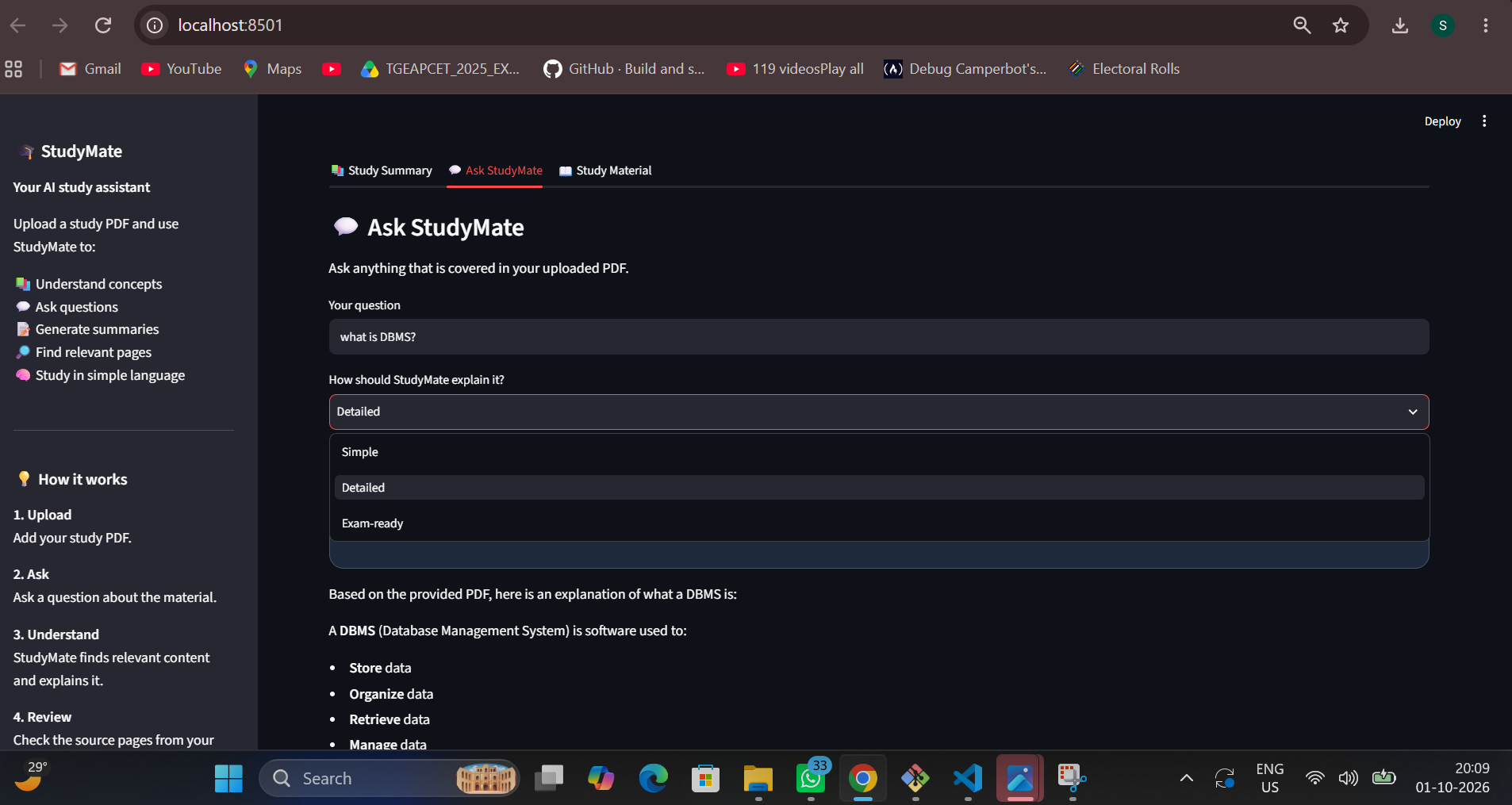
Ask StudyMate 01
-
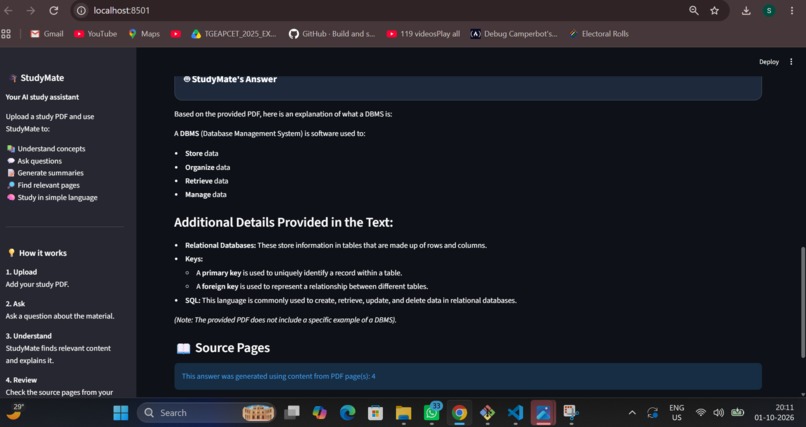
Ask StudyMate 02
-
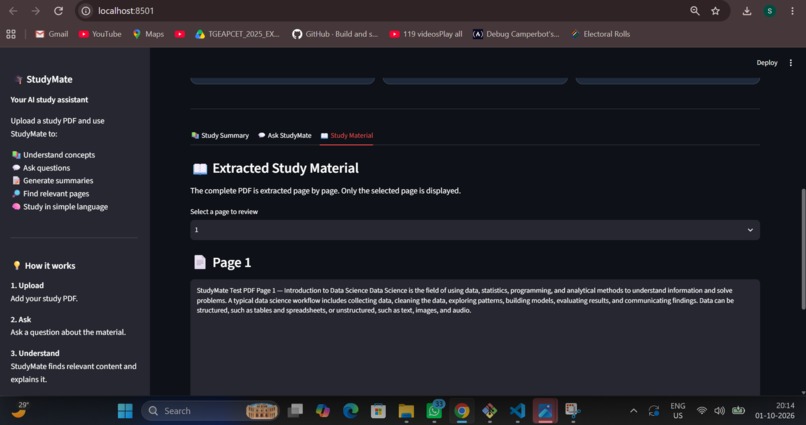
StudyMaterial
Inspiration
Students often have to go through lengthy PDFs and study materials to find specific information or understand difficult concepts. Traditional PDF readers mainly provide reading and search features, but they do not provide personalized explanations based on the study material.
I built StudyMate AI to make studying from large PDFs easier and more interactive.
What it does
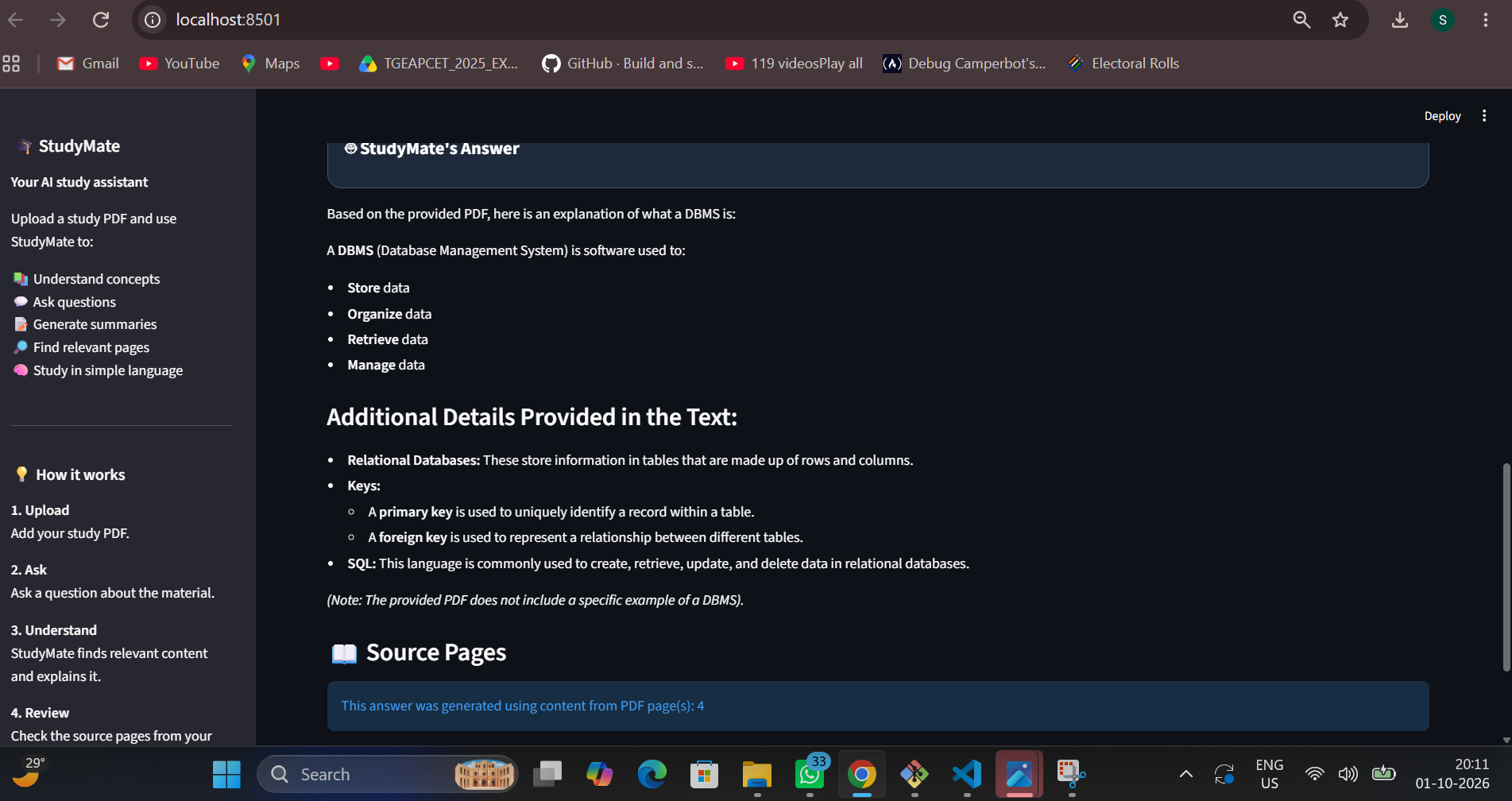
StudyMate AI is a PDF-based study assistant that allows users to:
- Upload large study PDFs
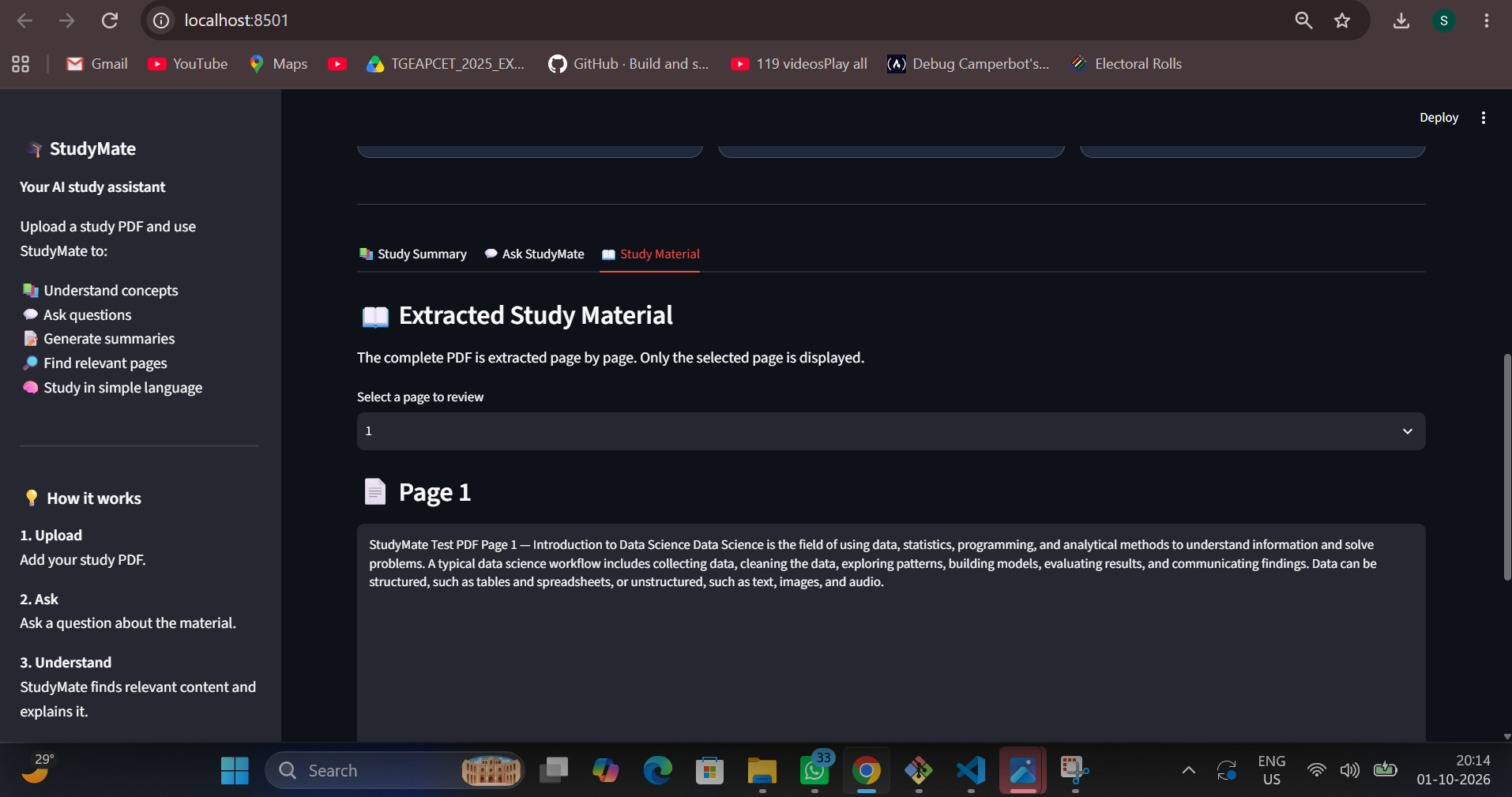
- Extract and search the complete document
- View document statistics and source pages
- Generate a simple study summary
- Ask questions about the uploaded material
- Choose Simple, Detailed, or Exam-ready explanations
- Browse extracted study material page by page
- Continue working even when the AI service is temporarily unavailable through a PDF-based fallback
How I built it
StudyMate AI was built using Python and Streamlit. PyPDF is used to extract content from uploaded PDFs. The application searches the document for relevant content before generating an answer, which helps avoid sending an entire large document to the AI model at once.
Google Gemini API is used for AI-powered explanations and summaries when available. A PDF-based fallback provides relevant extracted content when the AI service is unavailable.
Challenges
One of the main challenges was handling large PDF files efficiently. Some study documents contain hundreds of pages and hundreds of thousands of words, so processing the entire document for every question would be inefficient.
Another challenge was handling temporary AI service availability issues. I added a PDF-based fallback so that users can still receive relevant information from their uploaded material.
What I learned
While building StudyMate AI, I learned how to build a Streamlit application, work with PDF text extraction, connect an application to an AI API, improve document search, handle large files, and design a more useful study-focused user experience.
Future Improvements
Future versions could improve semantic search, citation accuracy, response quality, and support for additional document formats.

Log in or sign up for Devpost to join the conversation.