-
-
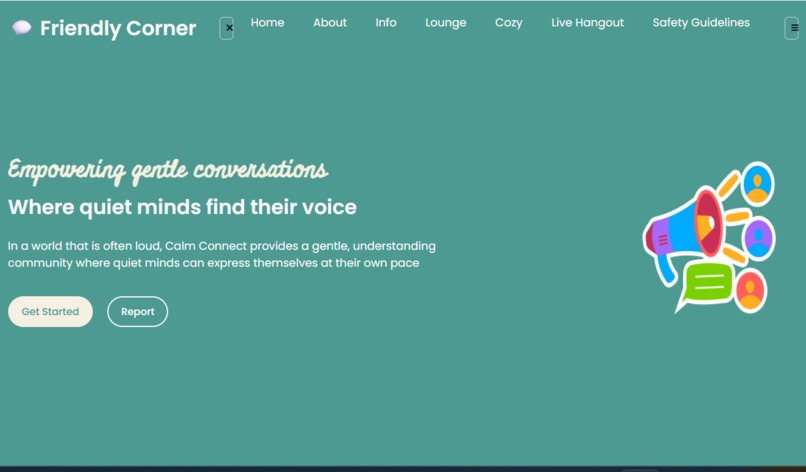
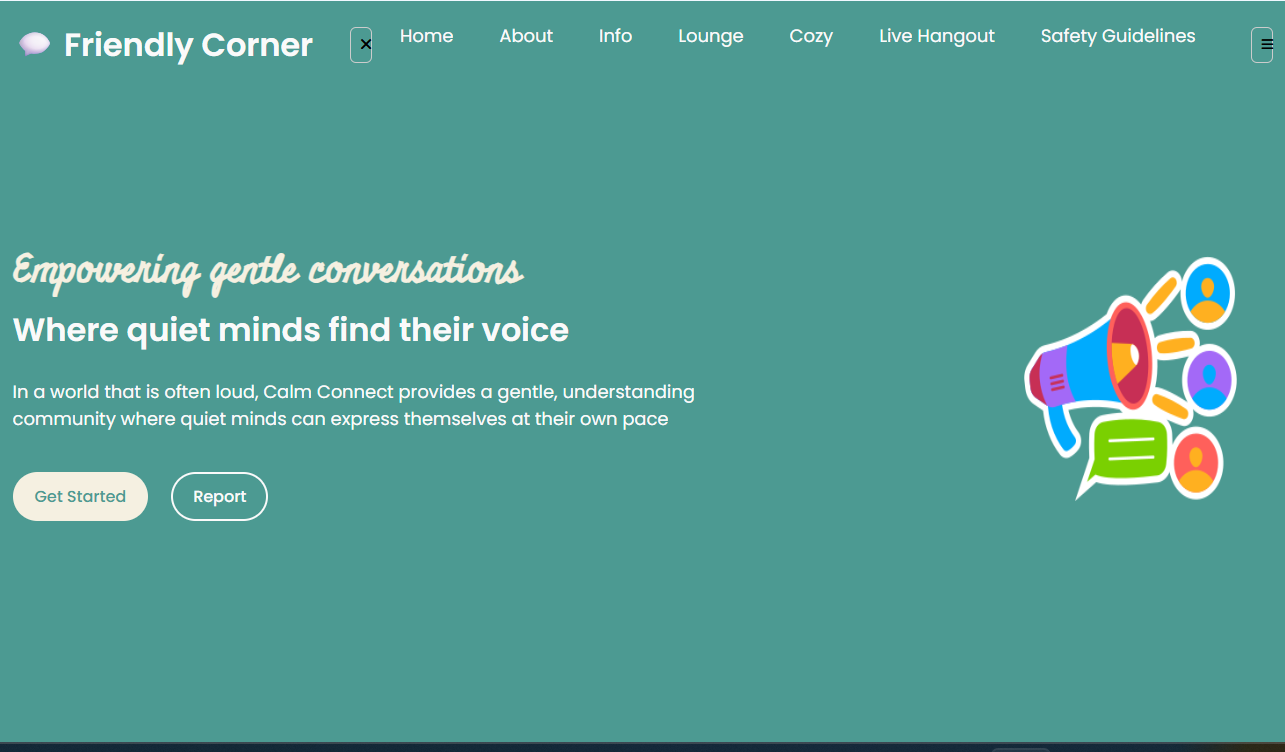
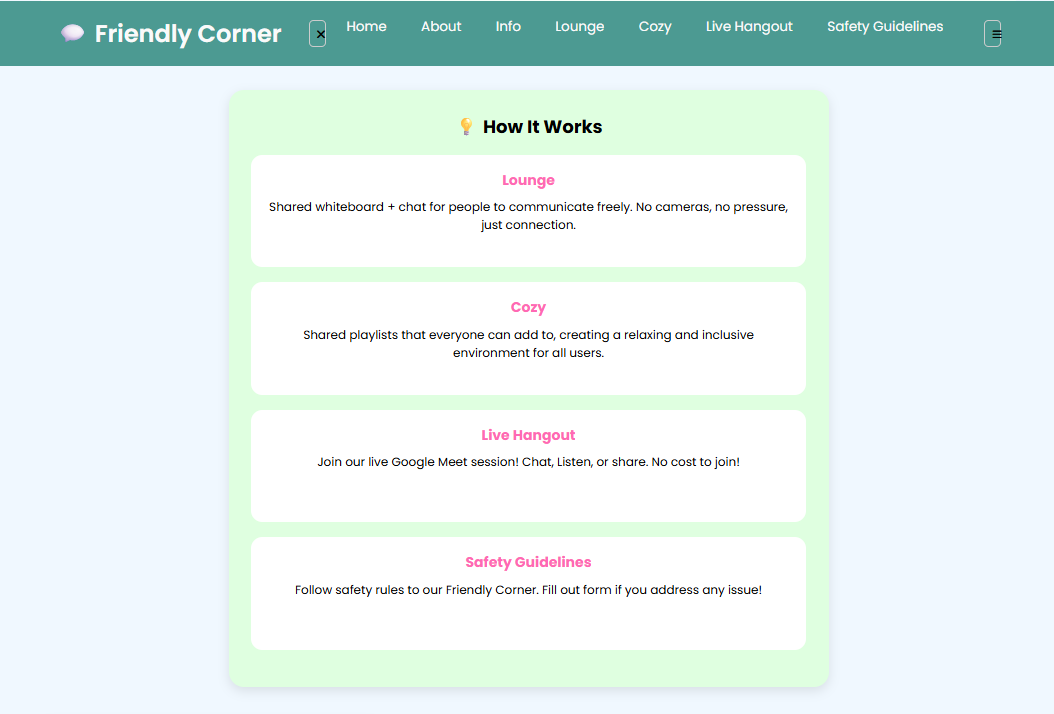
This is Home Section. It talks about to welcome to Friendly Corner which is a safe space to connect, share, and support each other.
-
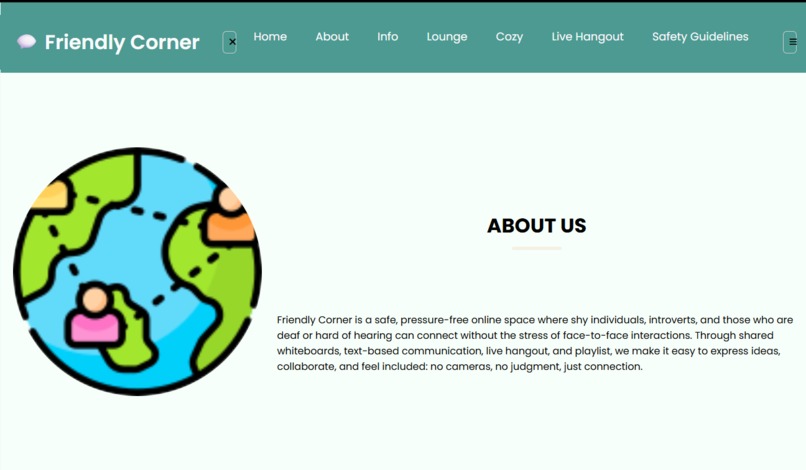
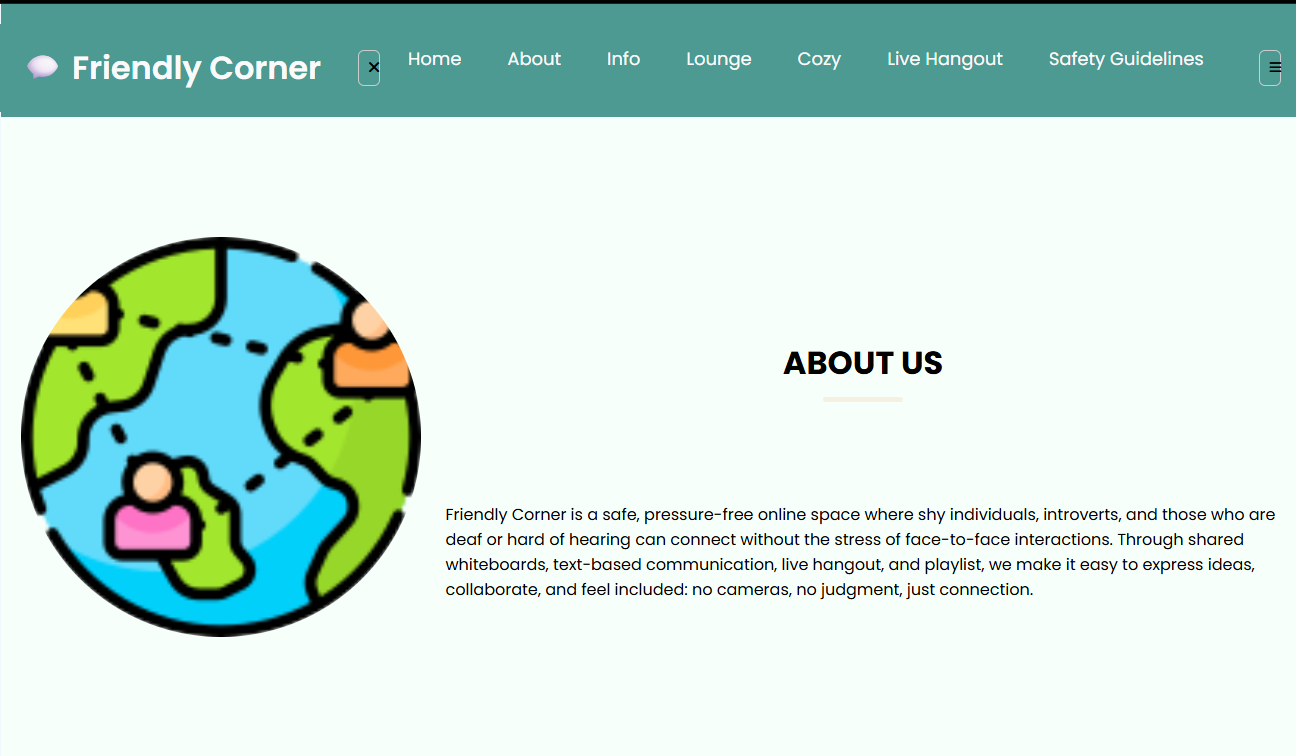
This is About Section. It tells a brief description about the Friendly Corner.
-
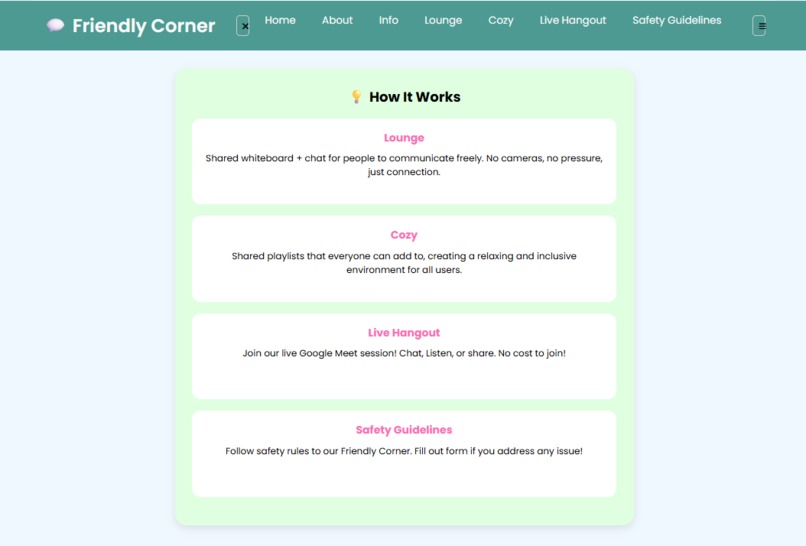
This is Info Section. It let you to know what is included in this safe space and how you can contribute to the activities.
-
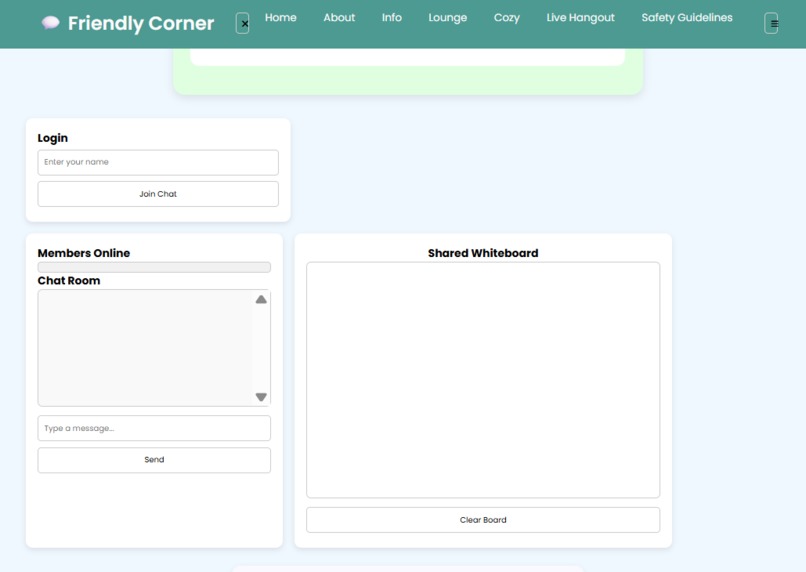
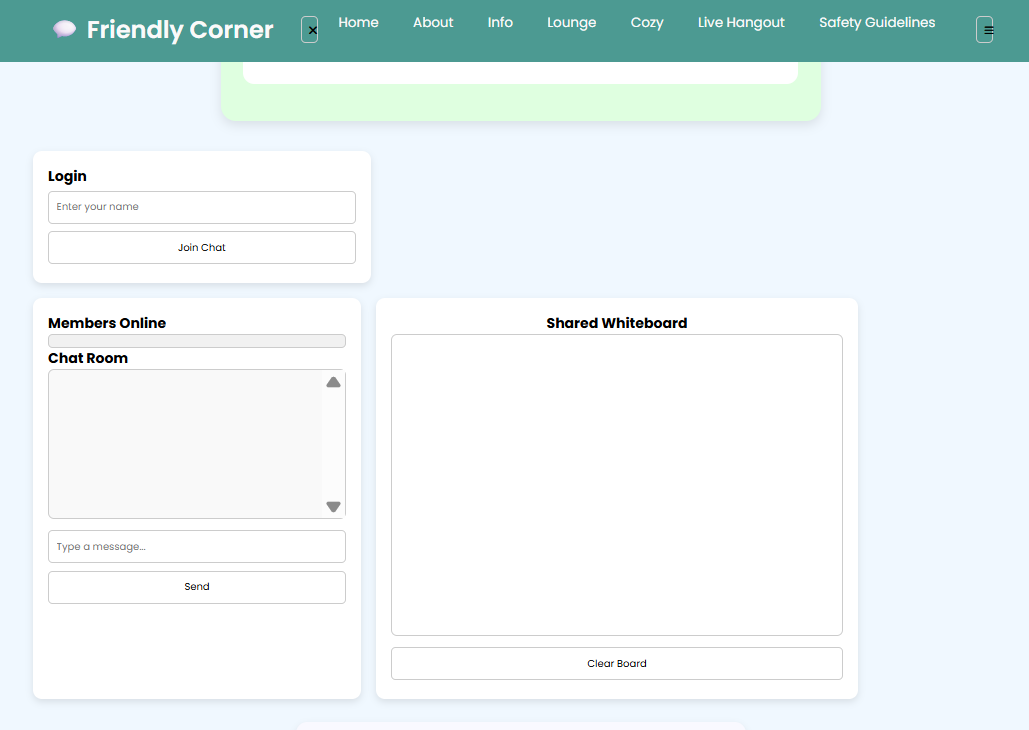
This is Lounge Section. This is usually for hearing aid/shy individual to connect and share things by chatting and doodling in whiteboard.
-
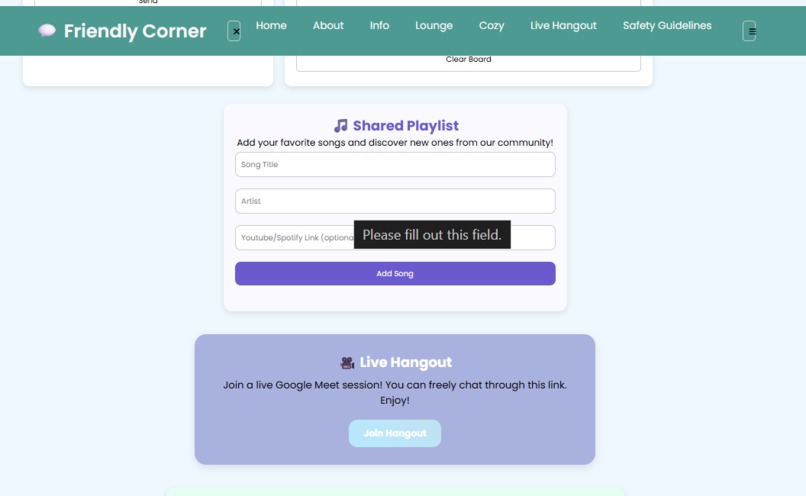
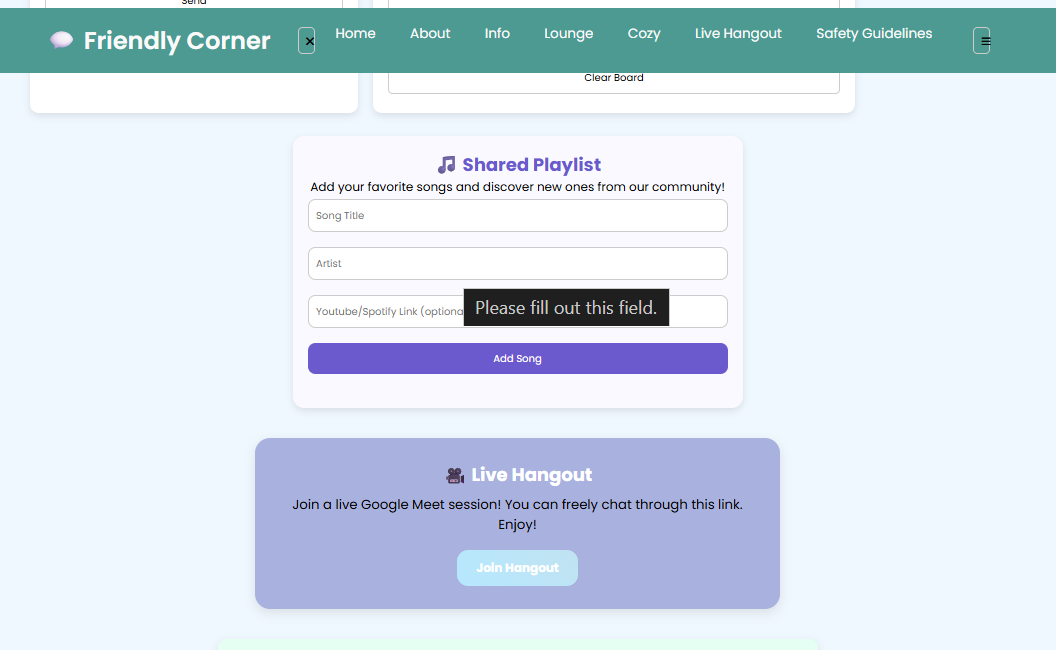
This is Cozy and Live Hangout Section. Cozy is the shared playlist that all people can share. Live hangout is to hang out with people.
-
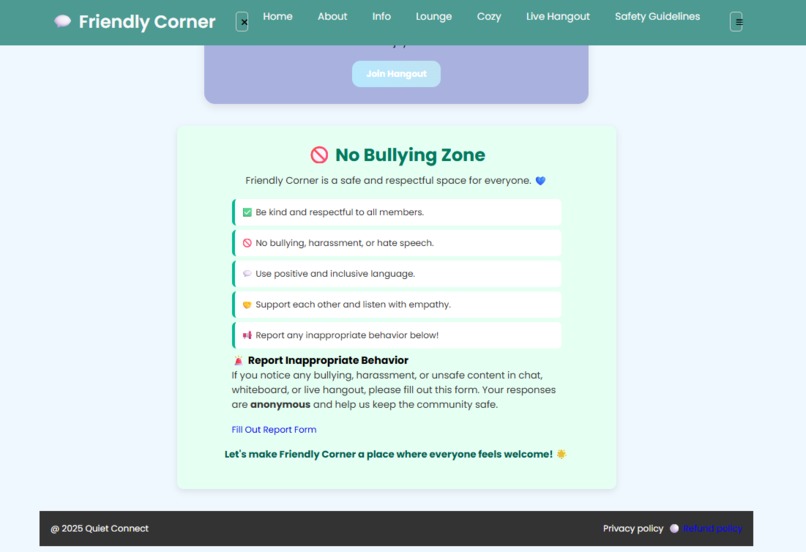
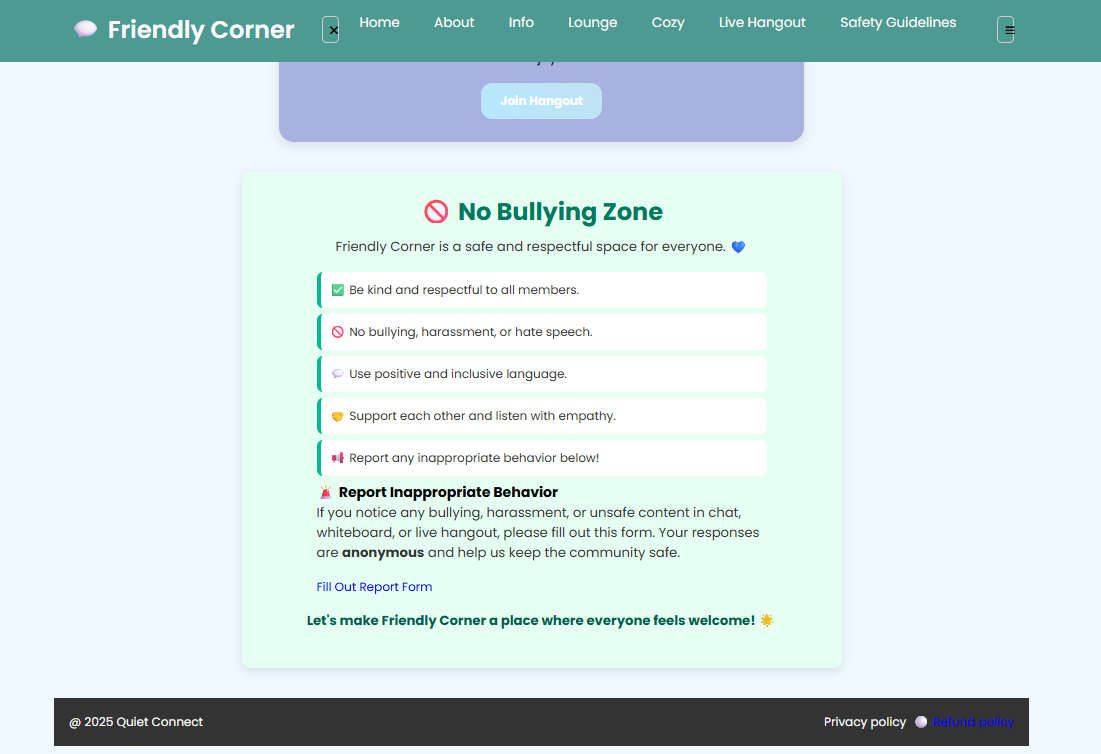
The last section is Safety Guidelines as it is very important to secure this website properly and does not hurt other people's behavior.
Inspiration
The inspiration for Friendly Corner came from a desire to create a safe and welcoming online space for shy individuals and those with hearing aids who may find traditional video-first communication intimidating.
What it does
We envisioned a platform where members could still connect meaningfully, whether through shared playlists, live hangouts, whiteboard doodles, or chat, without feeling pressured to be "on camera" all the time.
How we built it
We built Friendly Corner using:
- HTML/CSS for structure and styling
- JavaScript for interactivity, whiteboard, and shared playlists.
- Socket.IO for real-time chat and whiteboard collaboration
- Google Meet Web SDK for the optional live hangout feature.
- LocalStorage to preserve user data like playlist contributions and chat while doodling in the whiteboard.
Challenges we ran into
- Real-time synchronization of the whiteboard and chat so all users could see updates instantly.
- Ensuring the Google Meet Hangout feature worked smoothly for participants to talk and chat freely.
- Designing for accessibility, making sure audio-based features had text or visual alternatives.
- Balancing multiple features without making the site overwhelming for first-time users.
Accomplishments that we're proud of
- Built an inclusive space for shy users to connect comfortably.
- Added live hangouts, whiteboard, chats, and feedback.
- Made features easy to use and expandable for the future.
What we learned
Throughout the process, we learned:
- How to use real-time WebSocket for collaborative features.
- How to integrate third-party APIs (YouTube embeds) into an existing web app.
- Best practices for building an accessible interface for users with hearing differences.
- How to use localStorage for a persistent, no-database setup.
- The importance of keeping the UX simple yet engaging.
What's next for Friendly Corner
We plan to add:
- Multiplayer mini-games for casual fun
- A lightweight user profile system for better personalization.
- More customizable accessibility settings for diverse communication needs.
- People can now talk freely, while being a deaf or shy individual, once this web app gets published.

Log in or sign up for Devpost to join the conversation.