-
-

Study with StudyMate
-
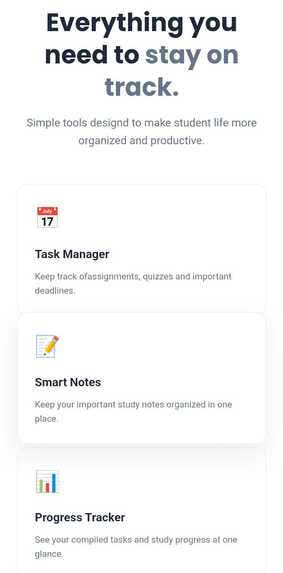
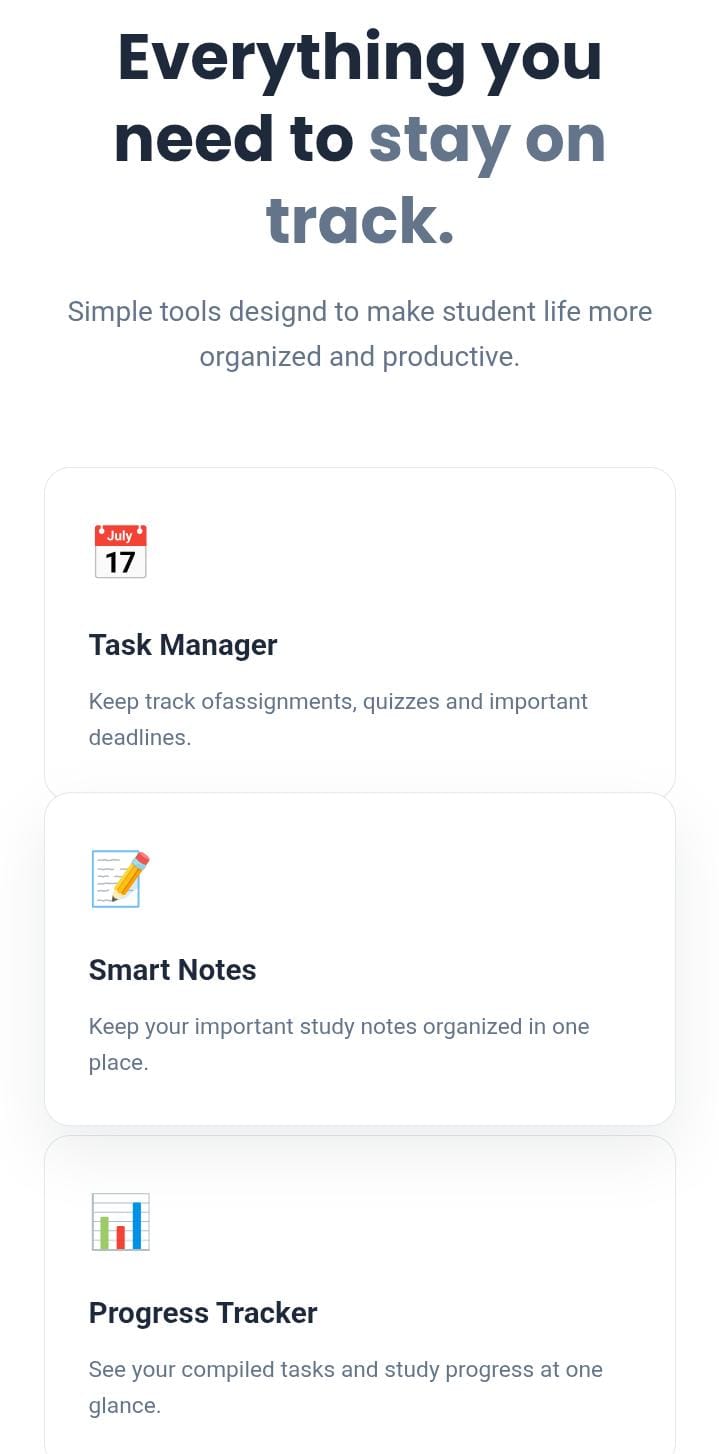
What StudyMate do
-
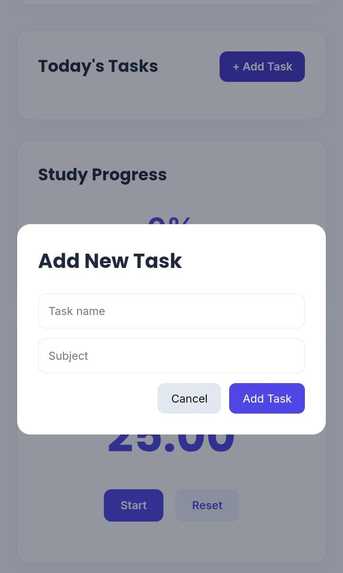
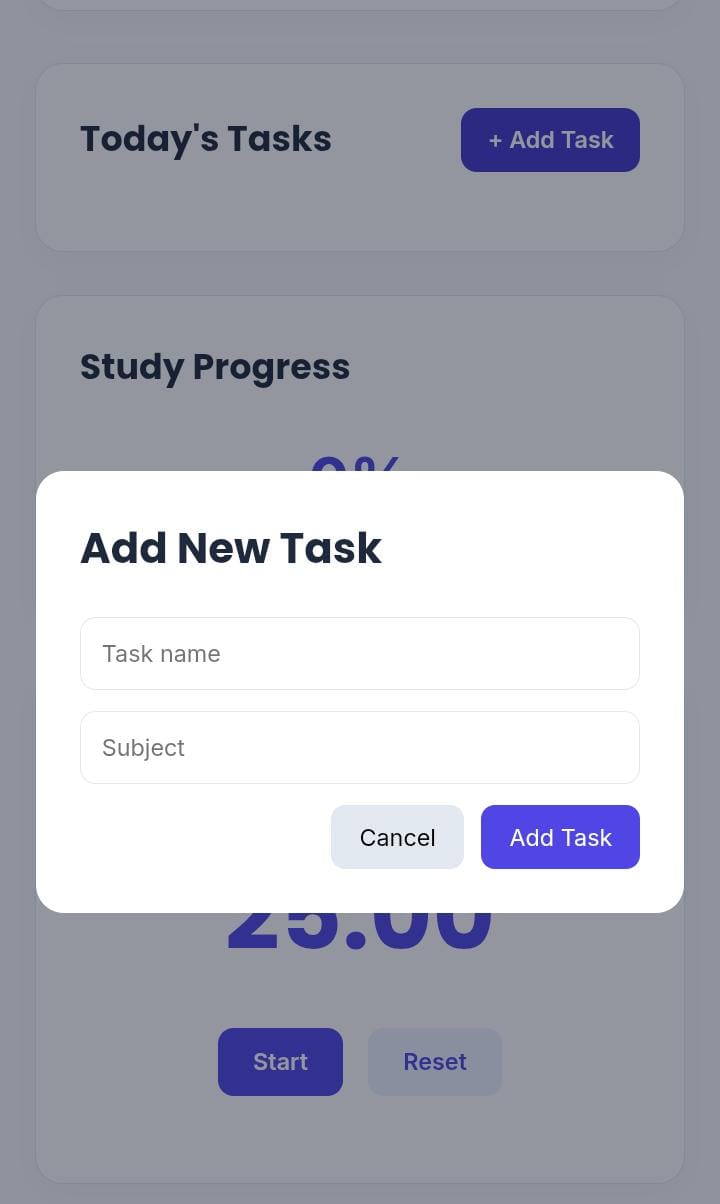
Add Tasks to your List
-
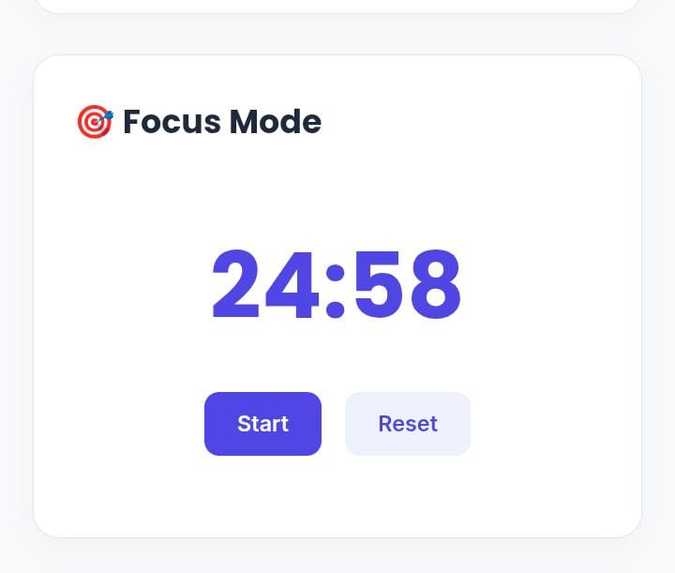
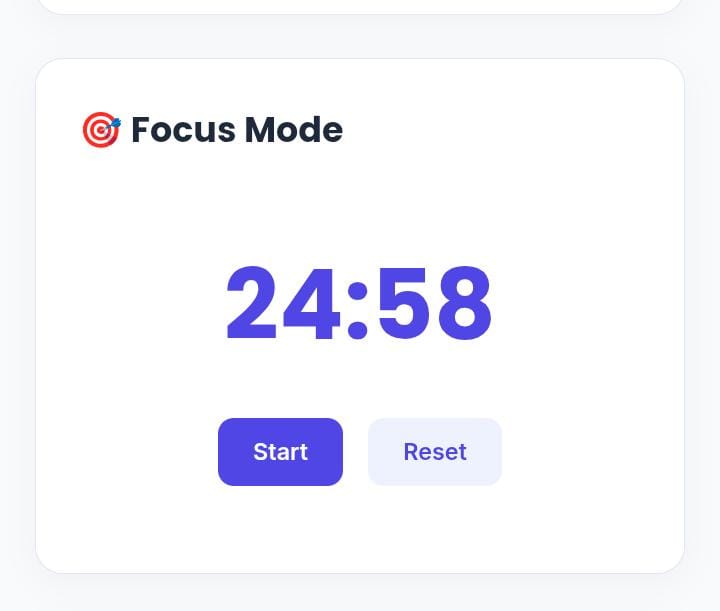
Focus-Timer

## Inspiration As a student , I know how hard it is to actually stick to a study plan. We'd make a schedule and then forget about it, or set a timer and get distracted five minutes in. I wanted to build something simple that could actually help me (and other students) plan what to study and stay focused while doing it.
What it does
StudyMate lets you:
- Make a study plan for your subjects/topics
- Use a timer to stay on track while studying
- Create and organize study plan
- Track overall study Progress
- Marks task as completed
How I built it
I built StudyMate it using HTML/CSS along with JavaScript for interactive features. The timer start at 25 minutes and countdown every second until it reaches zero. User can pause or reset the timer when needed.
The task and notes features use browser local storage to save information.so the data can remain available when the page is refreshed.
Challenges I ran into
This was my first time building something like this in a hackathon, so I ran into a few problems:
- Getting the timer logic to work properly.
- Getting the interactive buttons and features o work correctly.
- Building and connecting multiple feature in limited time.
- bugs with the UI
What I learned
- How to create an interactive web application using HTML,CSS, Javascript.
- How Javascript can be used to create a countdown timer.
- How to turn a simple idea into Project.
What's next for StudyMate
IN the future, I would like to add user accounts and cloud storage so student can access their study data from different devices. I would liked to add reminders, more detailed progress analytics, customizable study sessions, and personalized study recommendation.

Log in or sign up for Devpost to join the conversation.