-
-
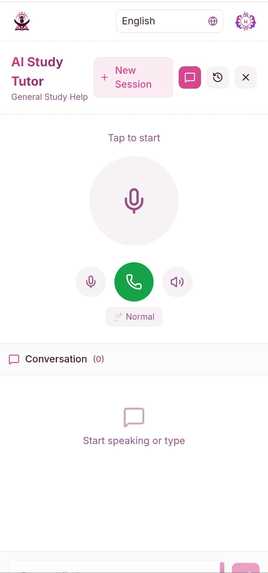
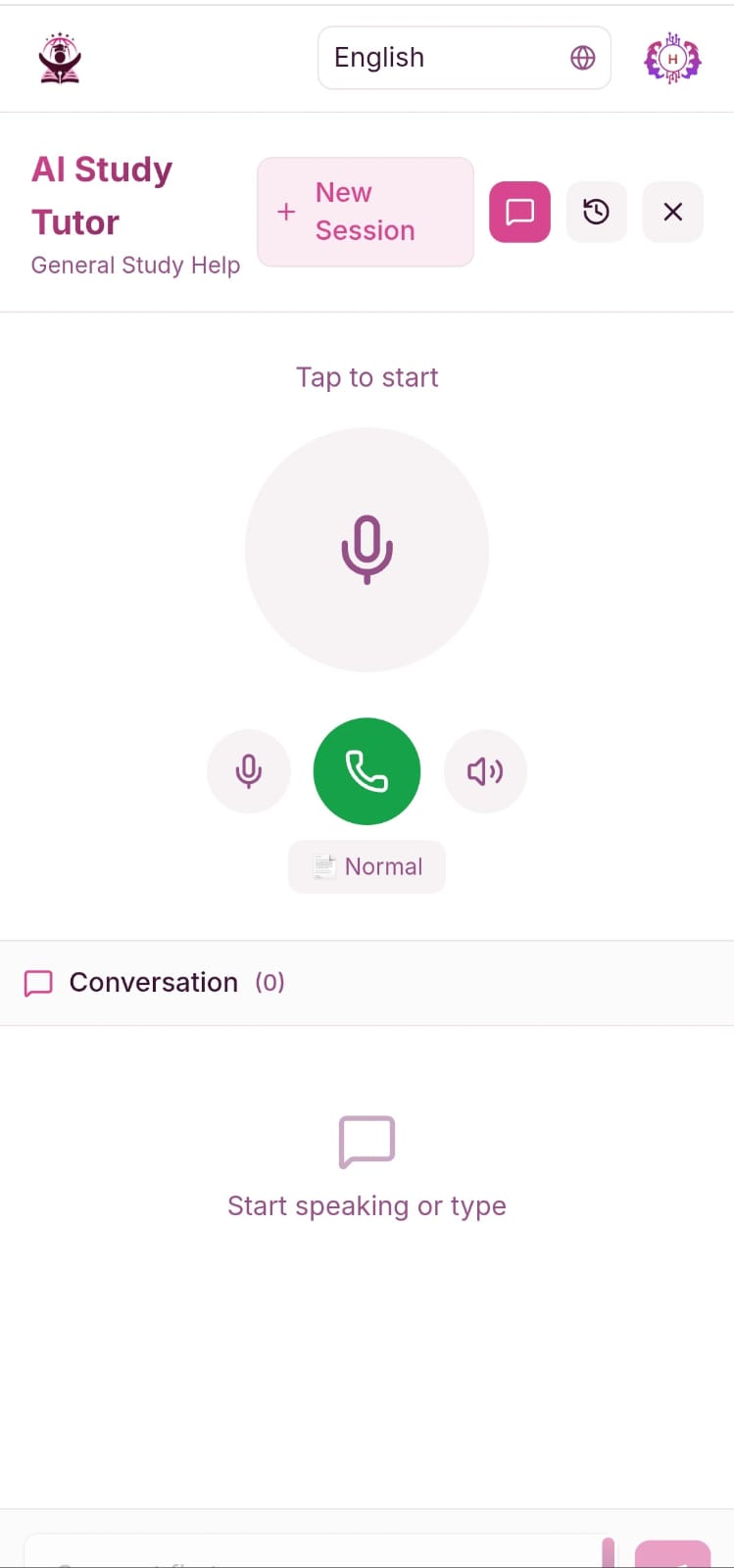
Live Audio
-
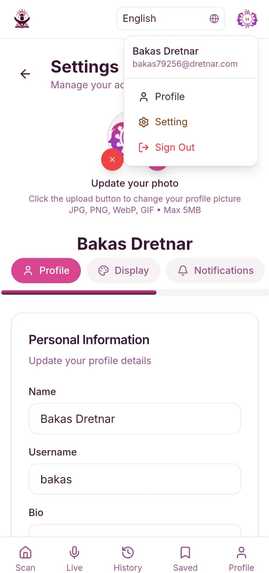
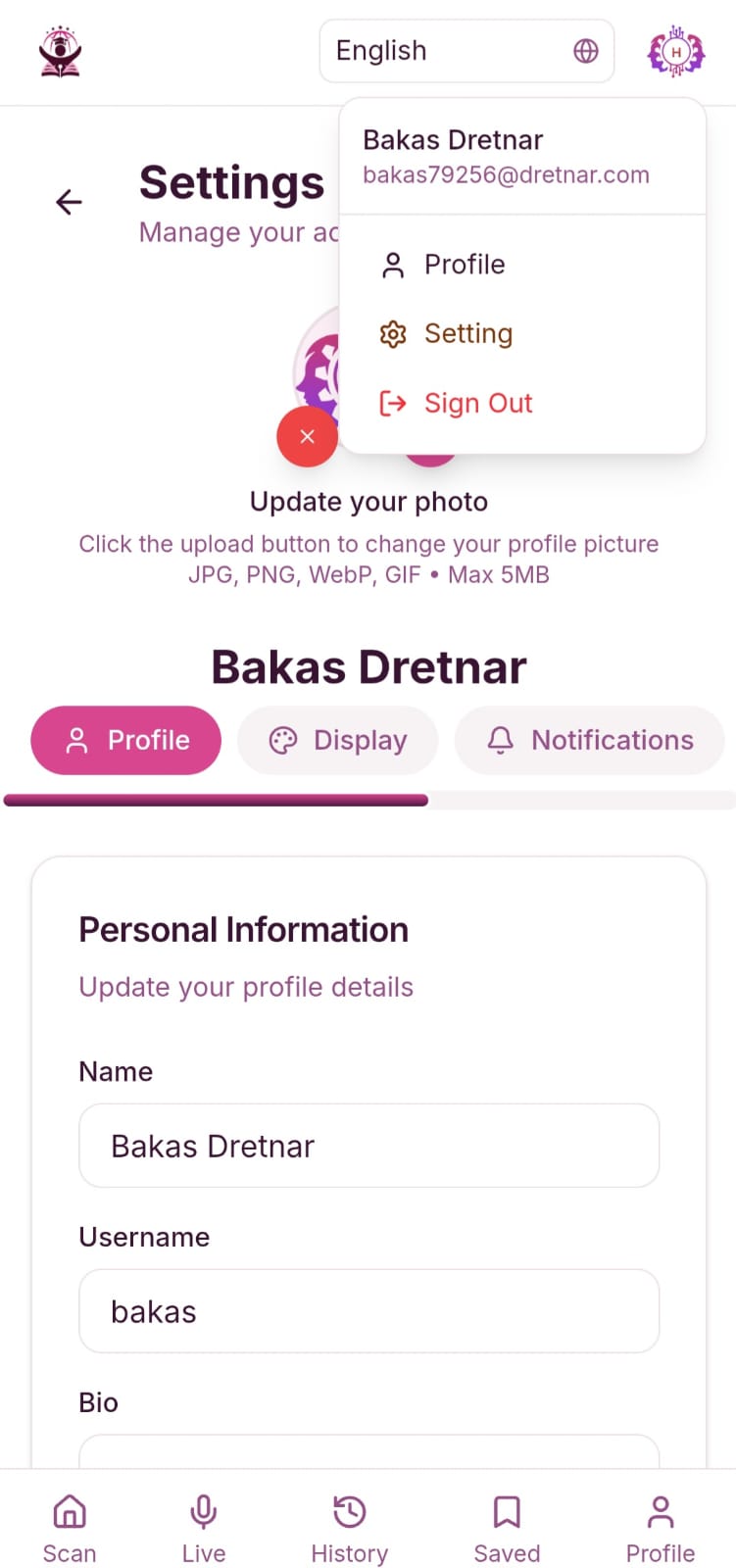
User Settings Page
-
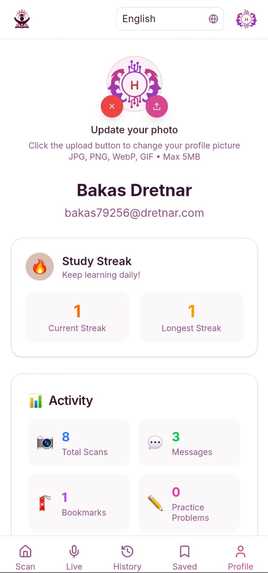
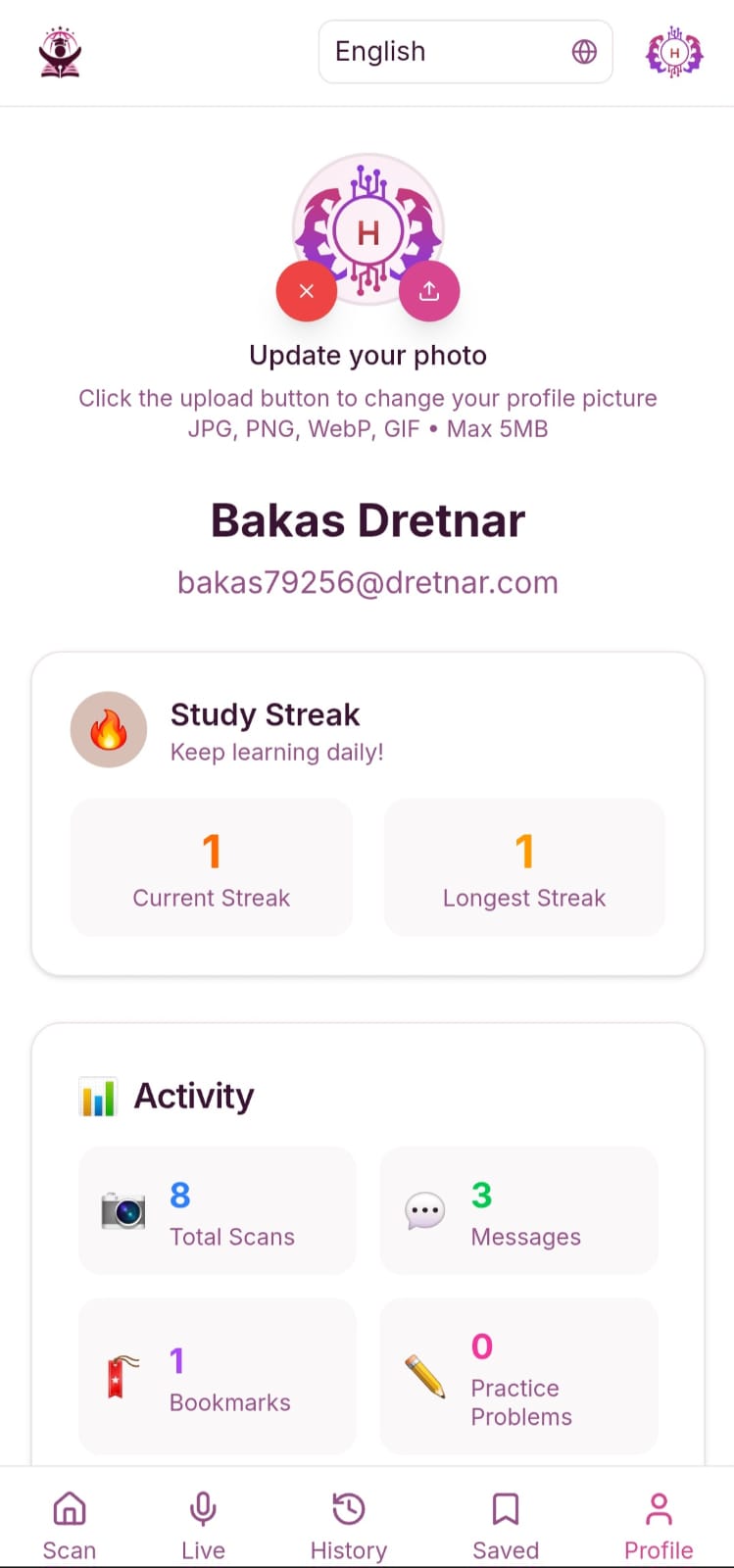
Profile Page
-

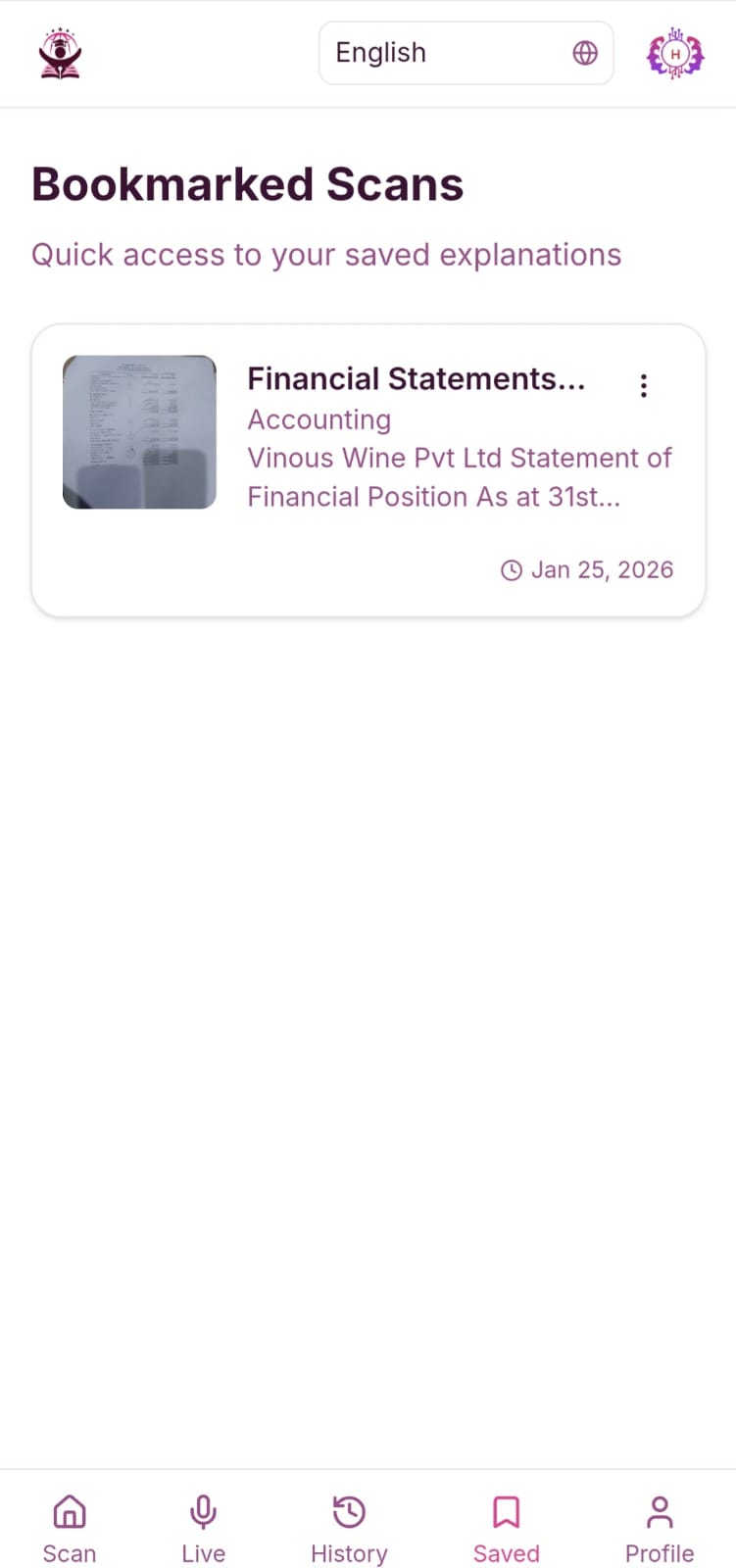
Bookmark Page
-
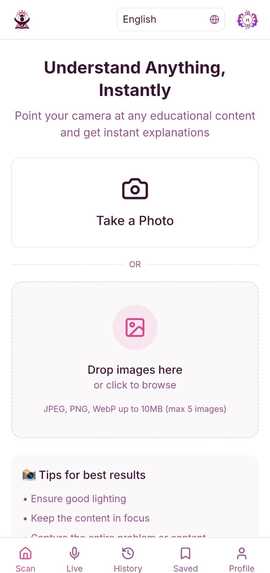
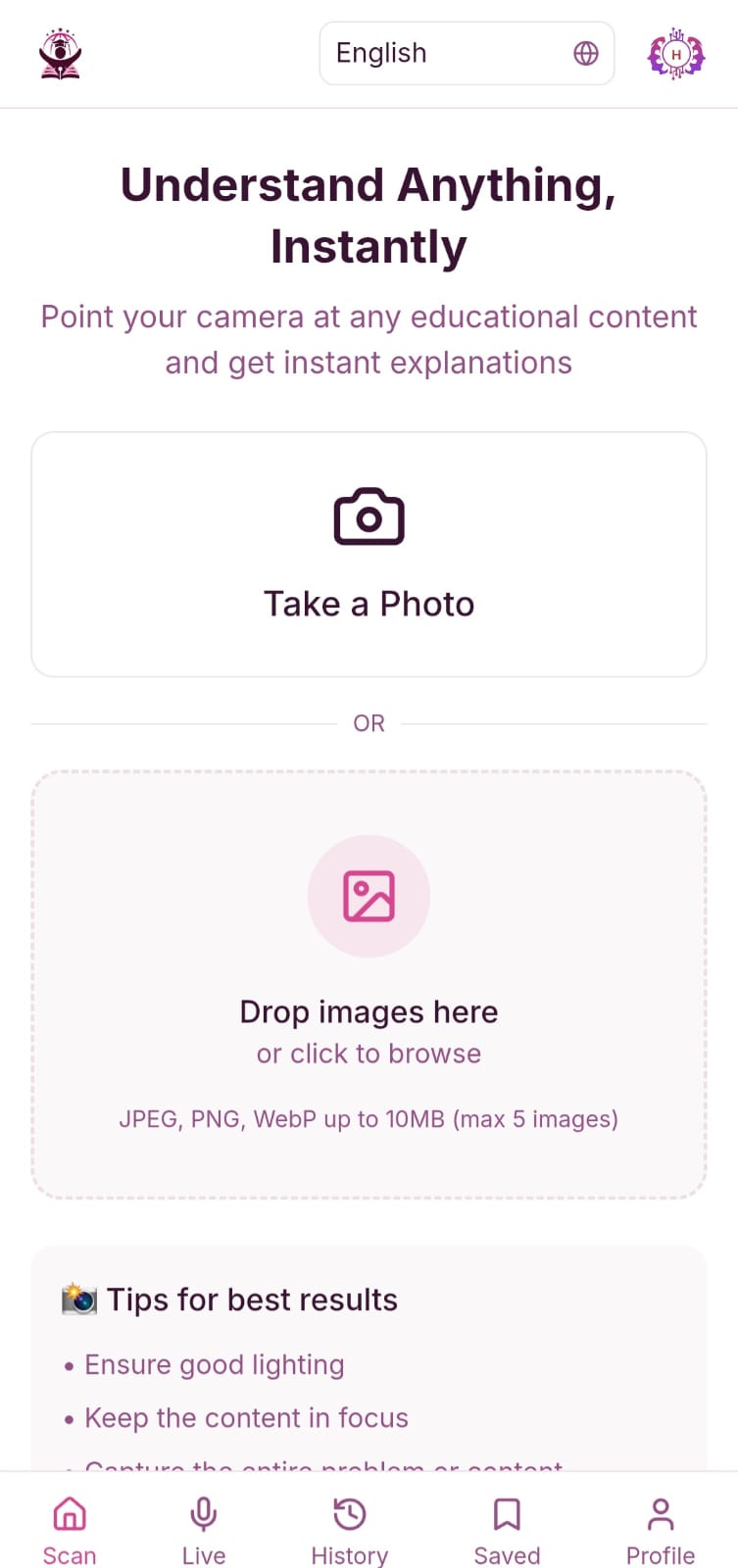
Home Page
-
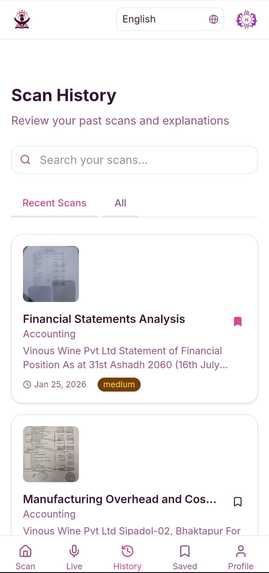
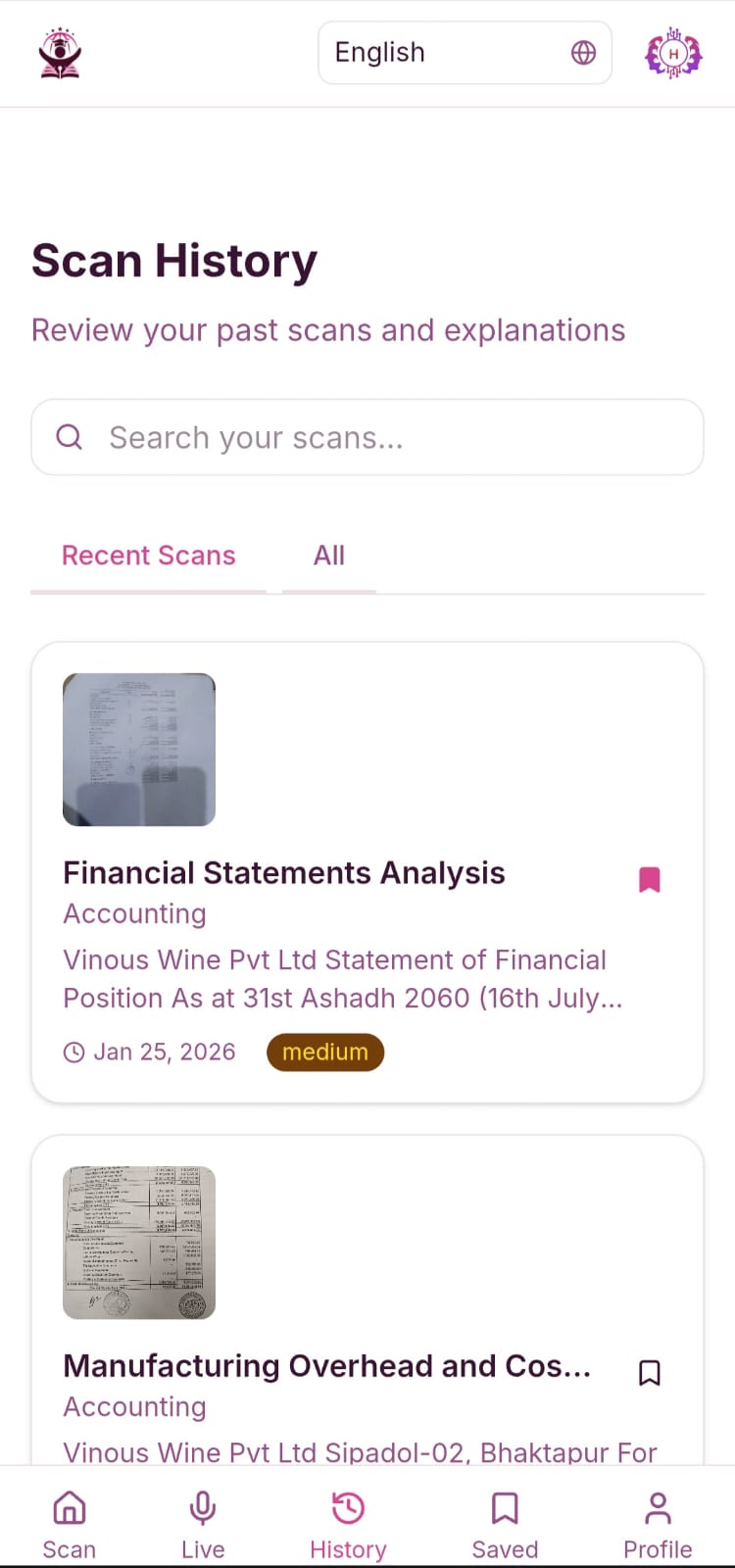
History Page
Inspiration
As a student, I’ve spent countless late nights staring at textbooks, feeling stuck and overwhelmed. Whether it was a calculus problem that didn’t make sense, a biology diagram that looked like abstract art, or a passage in a language I couldn’t fully grasp, I wished there was a way to just ask and get an explanation, right then and there. But tutors are expensive, parents aren’t always available, and online searches often lead to confusing or irrelevant results.
That’s why I built StudyLens an AI powered visual learning companion that helps students understand anything they’re learning, instantly. Using Google’s Gemini 3, StudyLens can “see” through your camera, “read” handwritten notes, interpret diagrams, and explain concepts step by step in your preferred language. It’s like having a patient, knowledgeable tutor in your pocket, available 24/7.
The project was inspired by:
- The global shortage of accessible, affordable tutoring
- Language barriers in education
- The rise of multimodal AI that can truly understand and explain visual content
- My own experience as a learner who often felt “stuck”
What I Learned
Building StudyLens was a deep dive into:
- Multimodal AI – Integrating Gemini 3’s vision, language, and reasoning capabilities
- Real-time audio processing – Enabling live voice interaction with the AI
- Progressive Web Apps (PWAs) – Creating an installable, camera enabled web app that works across all devices
- Edge computing – Optimizing response times with Vercel and Cloudflare
- Multi-language support – Handling right to left languages, translation, and cultural context
- Subscription & payment systems – Implementing Stripe with regional pricing
One of the biggest challenges was making the AI explanations feel natural and pedagogical—not just correct, but genuinely helpful. I also learned to balance feature richness with performance, especially for users on slower networks.
How I Built It
Architecture
StudyLens is built as a Progressive Web App (PWA) using:
- Frontend: Next.js 15 with React 19, Tailwind CSS 4, and shadcn/ui
- Backend: Node.js with Hono for edge ready API routes
- Database: PostgreSQL on Neon with Drizzle ORM
- AI: Google Gemini 3 (Vision + Language)
- Storage: Cloudflare R2 for image hosting
- Payments: Stripe for subscriptions
- Auth: NextAuth.js with Google OAuth
Key Features Implemented
- Live Camera + Upload – Capture or upload textbook pages, notes, diagrams
- Gemini 3 Vision Analysis – Extract text, detect subjects, interpret diagrams
- Step-by-Step Explanations – AI breaks down solutions clearly
- Multi-Language Support – 10+ languages including Hindi, Nepali, Arabic
- Live Audio Tutor – Talk to the AI, ask followups, get spoken explanations
- Practice Problems – Generate similar questions to test understanding
- User Accounts & History – Save scans, bookmark explanations
- Subscription Model – Free tier (5 scans/day) + Premium (unlimited)
Feature Enhancement Roadmap
Phase 1: Enhanced Video Tutor
- Real-time whiteboard solving with live feedback
- AI avatar tutor with customizable appearances
- Group study mode with shared AI moderation
- Interactive video quizzes with adaptive difficulty
Phase 2: Advanced Learning Tools
- Augmented Reality (AR) learning overlays
- Gamified educational challenges with camera interaction
- Parent-teacher connection dashboard
- Special needs accessibility modes (sign language, audio-only, haptic feedback)
Phase 3: Smart Learning Ecosystem
- Emotion-aware teaching based on facial analysis
- Personalized learning path generation
- School and classroom integration
- Global collaborative learning networks
Development Timeline
I followed a strict 29-day roadmap:
- Week 1: Foundation – setup, database, Gemini integration
- Week 2–3: Core MVP – camera, analysis, explanations, multi-language
- Week 4: Polish – audio features, PWA, performance, testing
The entire app is deployed on Vercel and fully functional without login for demo purposes.
Challenges Faced
- Gemini API Latency – Optimizing prompts and using streaming responses to keep wait times under 5 seconds
- Cross-browser Camera Access – Ensuring consistent behavior on iOS Safari, Android Chrome, and desktop
- Real-time Audio Processing – Syncing voice input with visual context and maintaining conversation state
- Offline Support – Implementing service workers for core PWA functionality
- Rate Limiting & Cost Management – Balancing free tier usage with API costs
Despite being a solo developer, I was able to build and deploy a fully-featured, production-ready app in under a month—thanks to modern tools, clear planning, and the incredible capabilities of Gemini 3.
Built With
- cloudflare
- drizzle-orm
- framer-motion
- gemini
- neon
- next
- next-pwa
- nextauth
- node.js
- postgresql
- shadcn
- stripe
- vercel
- zustand


Log in or sign up for Devpost to join the conversation.