-
-
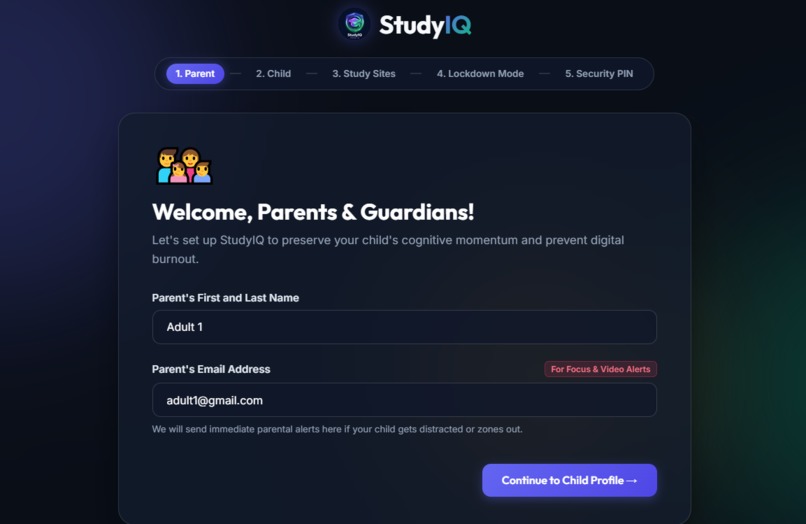
Sign up page
-
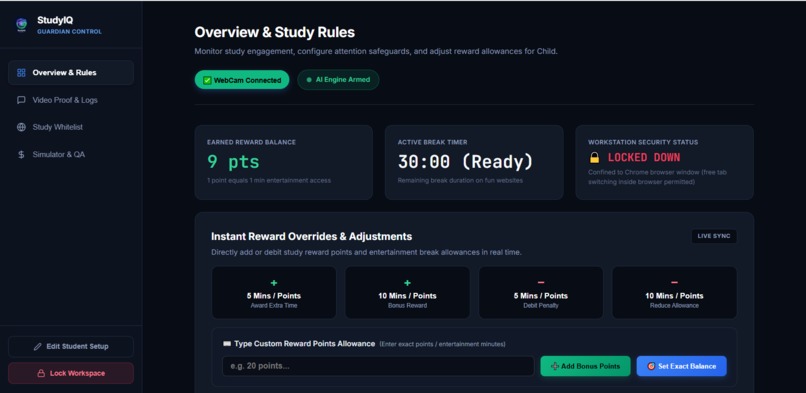
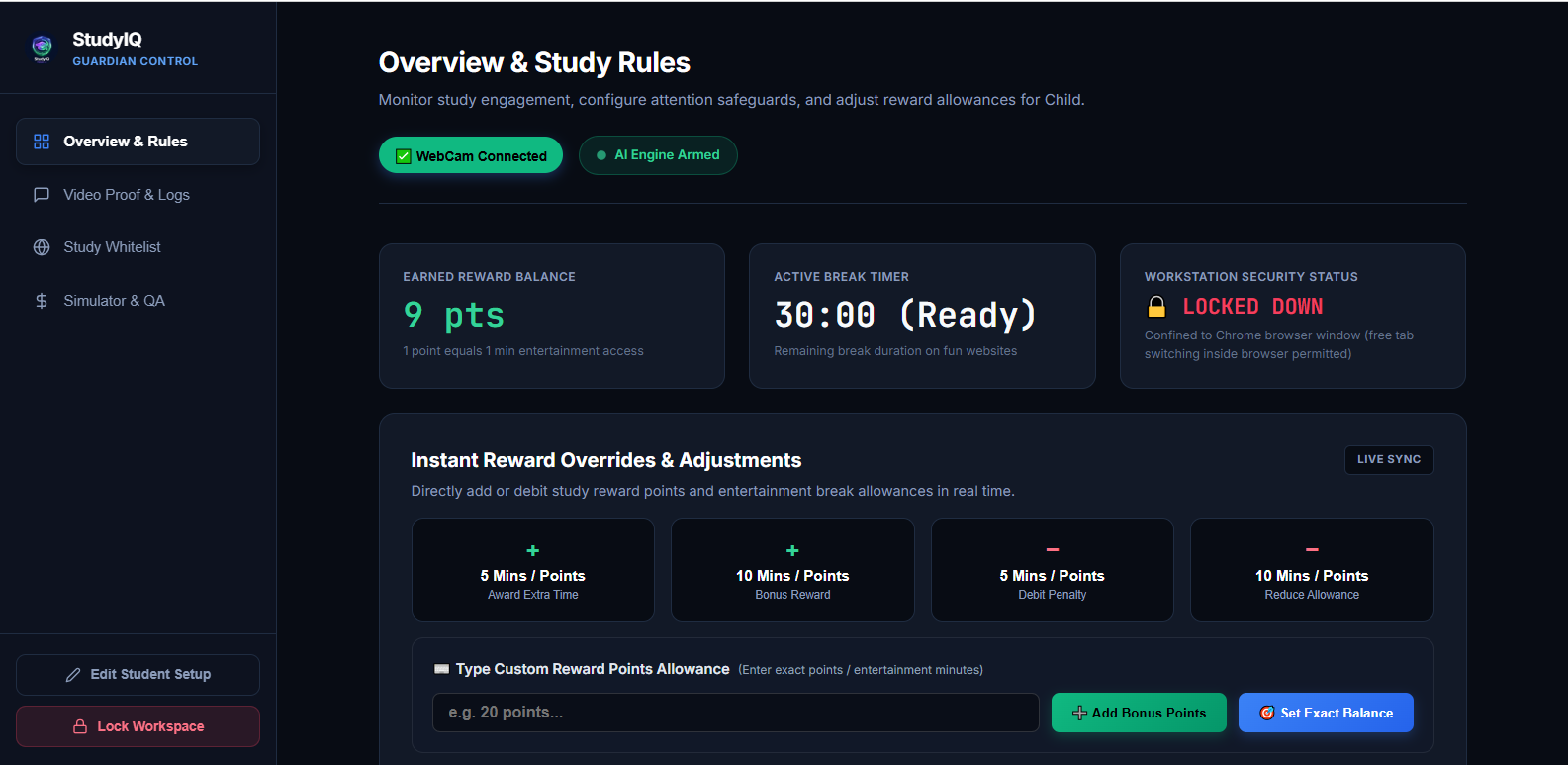
Parental Dashboard
-
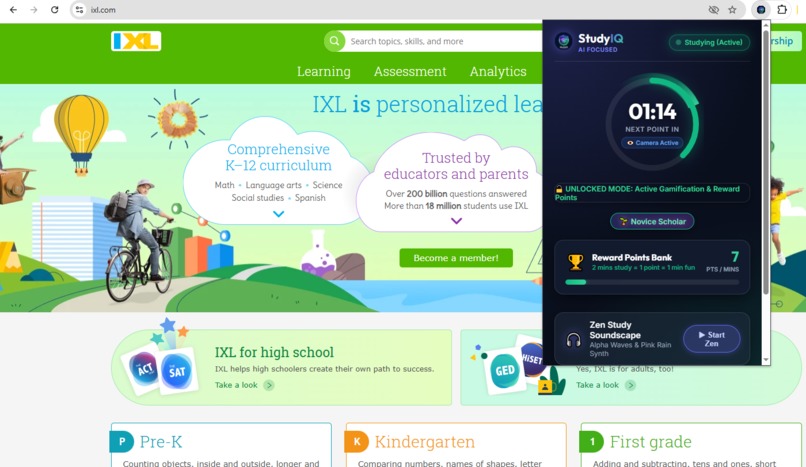
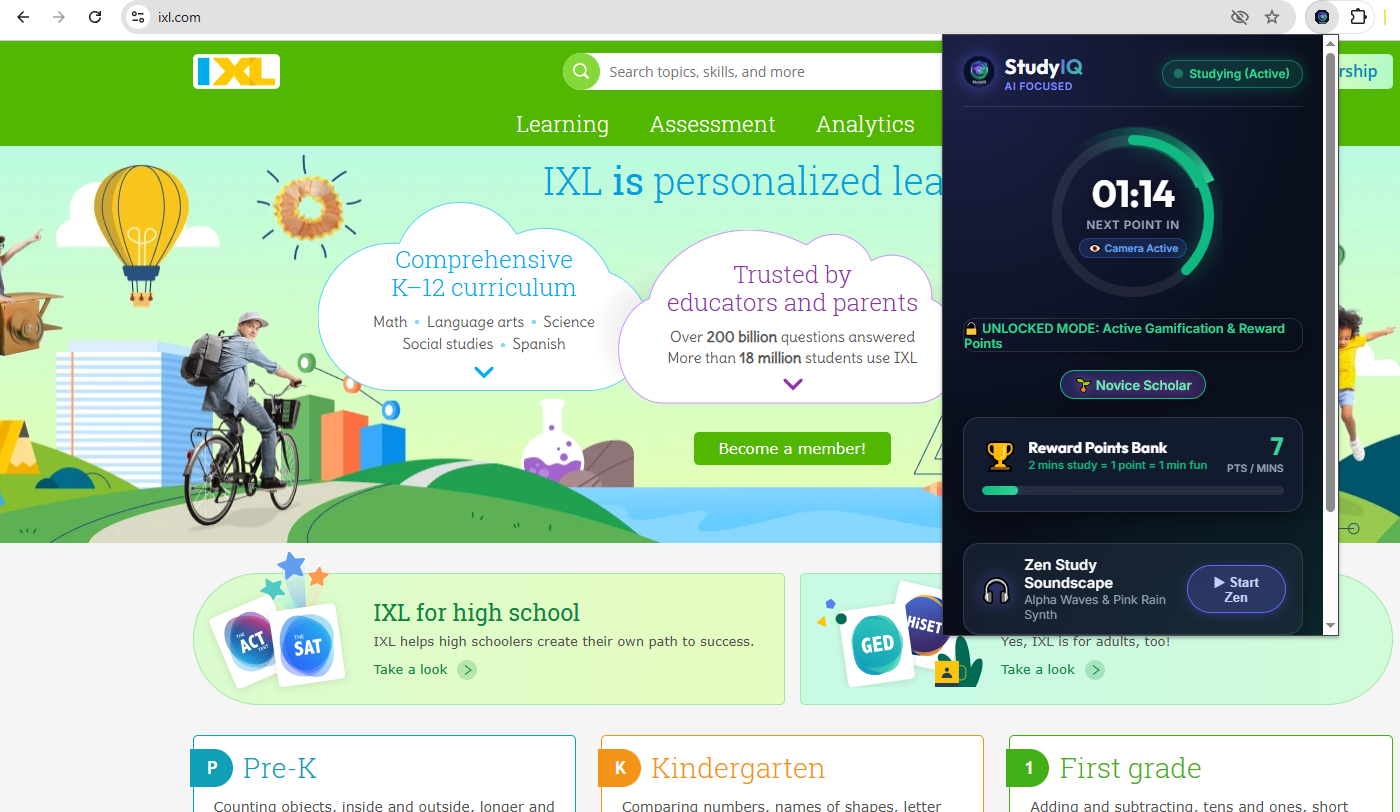
Child Extension
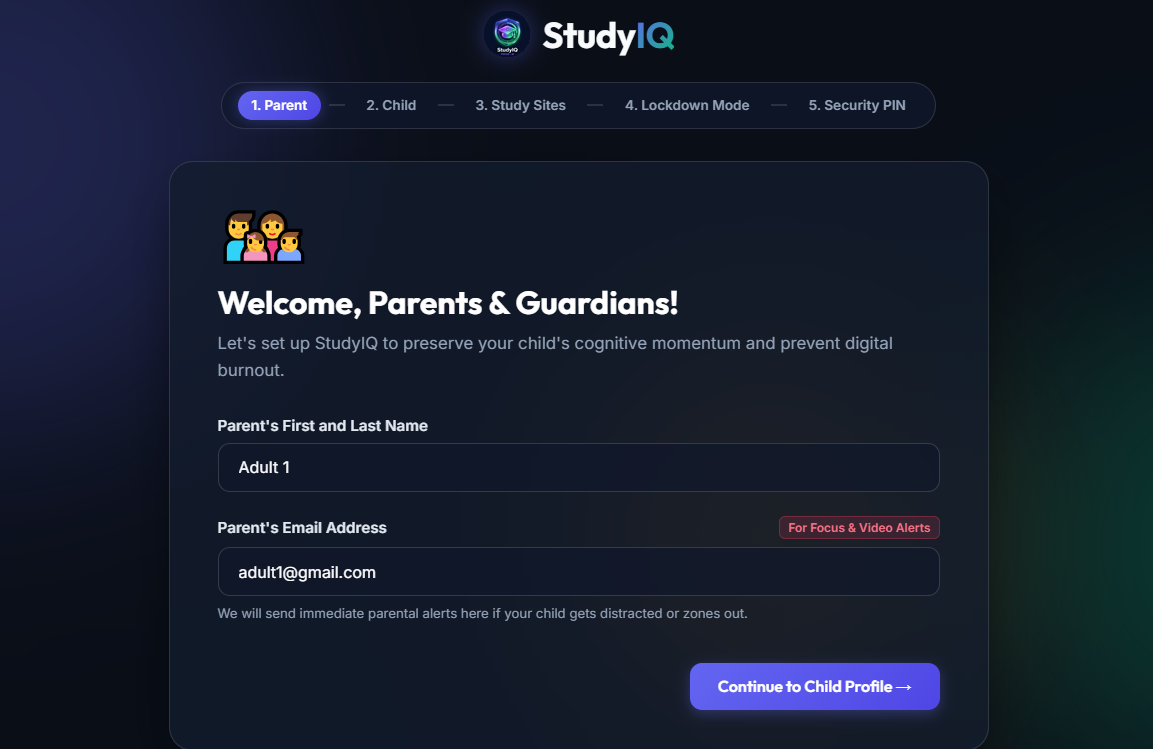
Inspiration
Let us be real: staying focused when you are supposed to be doing homework on your laptop is really hard. Whenever I open Khan Academy to study math, it is way too tempting to just open another tab to watch YouTube, play online games, or honestly just go to ChatGPT or Chegg and have AI solve the questions for me.
My parents tried using those normal website blocker apps, but they are honestly super annoying. When a blocker simply locks you out of everything, you just feel trapped and immediately try to figure out how to disable or uninstall it. Plus, even with blockers, it is so easy to just space out and stare at the wall during online study sessions without anyone noticing.
We thought: Why can't studying feel more like a video game where you actually earn your fun screen time? That inspired us to create StudyIQ, a smart browser extension that rewards you for real studying, stops you from cheating with AI, and gently reminds you when you start spacing out.
What it does
StudyIQ replaces boring rigid blockers with a fun point system and a smart parental shield. Here is what it does:
- Earn Your Break Time: Instead of locking fun websites completely, StudyIQ uses a reward system. For every 2 minutes you spend actively studying on educational websites, you earn 1 Reward Point, which equals 1 minute of fun entertainment web time. Once your points run out, entertainment websites close and tell you to get back to work!
- AI Webcam Zone-Out Shield: While you study, StudyIQ uses your laptop webcam in the background to see if you are actually paying attention. If it sees that you looked away and spaced out for too long, a friendly voice reminds you to look back at your screen and focus. It also records a short 30-second video so your parents can see when you got distracted!
- Smart AI Cheating Blocker: Instead of just guessing which sites are bad, our built-in AI evaluates random webpages when you open them. If the AI figures out that a website is an AI chatbot, homework essay writer, or automatic solver, it immediately locks the screen and forces you to ask for your Guardian PIN every single time.
- Tamper-Proof Extension Vault: To stop anyone from trying to sneakily delete or turn off the extension when homework gets tough, opening the Chrome extensions page always asks for the parental secret PIN.
- Relaxing Study Sounds: You can press a button in the menu to play peaceful pink rain sounds mixed with special focus soundwaves that help drown out noisy siblings and keep your brain in study mode.
How we built it
We designed simple math formulas to make sure the studying worked like a fun arcade game and tracked how you earn and spend screen time. If you look at your total study minutes as ( T_{study} ) and the fun entertainment minutes you spend as ( T_{fun} ), your balance of saved points at any time is calculated like this:
$$\text{Saved Points} = \frac{T_{study}}{2} - T_{fun} - \text{Penalties}$$
We also used a simple formula for our webcam attention monitor. Whenever the computer vision detects that your face turns away from the learning website, it counts up the seconds you spend distracted. If the total distracted time goes over our focus limit, it sets off the spoken reminder warning:
$$\text{Warning Trigger} = \sum (\text{Seconds Looking Away}) \ge \text{Limit}$$
We structured everything to run inside a quiet background workspace in Chrome so it monitors attention and checks websites without slowing down your computer or interrupting your typing.
Challenges we ran into
The hardest part was figuring out how Chrome handles background scripts. Originally, when we played our relaxing study audio or turned on the webcam checker from the small drop-down popup window, everything would stop the second you clicked somewhere else on your screen! We had to spend hours researching how to build an invisible background document that keeps the audio and webcam running silently while you jump between different tabs.
Another challenging thing was making sure the AI correctly separated normal fun websites from cheating homework solver websites. We had to teach our code to check both the website address and ask the cloud AI models in real time so it always locks homework cheat sites with the parental PIN without glitching.
Accomplishments that we're proud of
We are really proud that we got a real AI webcam checker and sound synthesizer running inside a Chrome extension with zero annoying errors or glitches! It feels really awesome to open up an AI homework solver site and watch our own project instantly jump in and lock the page down asking for a parental PIN.
We are also really proud of how cool the menu looks. Instead of looking like a basic school project, it has dark mode colors, glowing timer circles, and rank titles that grow from Novice Scholar all the way up to StudyIQ Grandmaster_ as you earn more points!
What we learned
We learned a massive amount about how web browsers talk to background pages, how to handle webcams securely inside browser extensions, and how to connect our projects to cloud AI models. More importantly, we learned that designing tools to help teenagers focus works way better when you give them fair reward points instead of just treating them like prisoners with boring website blockers.
What's next for StudyIQ
Next, we want to build a matching mobile phone app that syncs up with your computer. That way, when you earn break minutes by studying on your laptop, you can actually spend your reward points to unlock social media apps on your phone! We also want to add fun friend leaderboards so you and your classmates can challenge each other to see who can get the highest study streak during the school week.
Built With
- chrome
- css3
- google-gemini-api
- html5
- javascript
- local-storage
- manifest-v3
- media-stream-api
- openai-api
- web-audio-api
- webcam


Log in or sign up for Devpost to join the conversation.