-
-
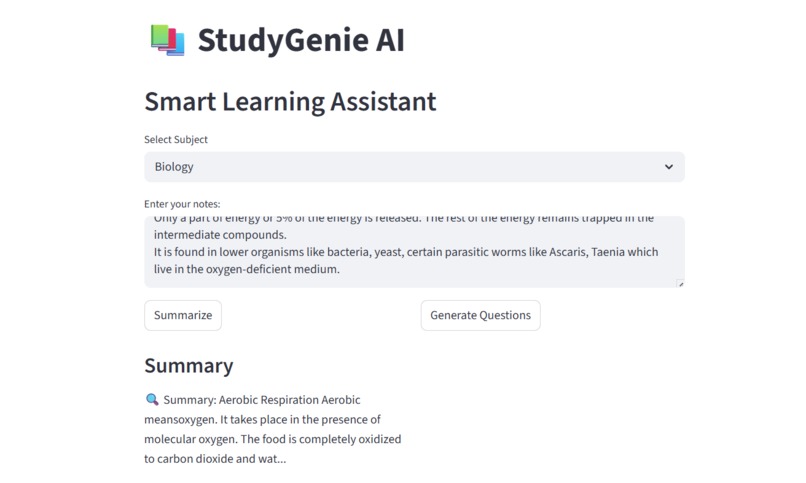
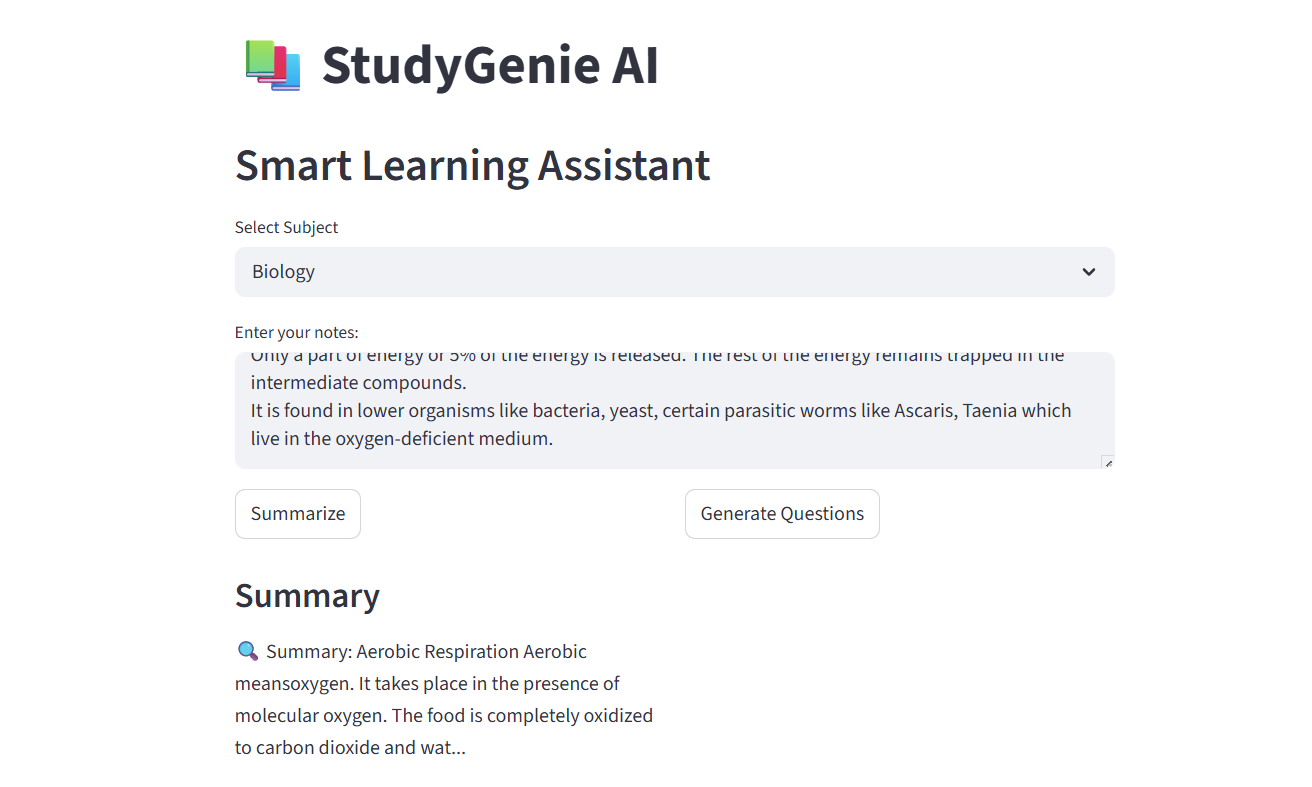
StudyGeine AI main interface with subject selection and input area
-
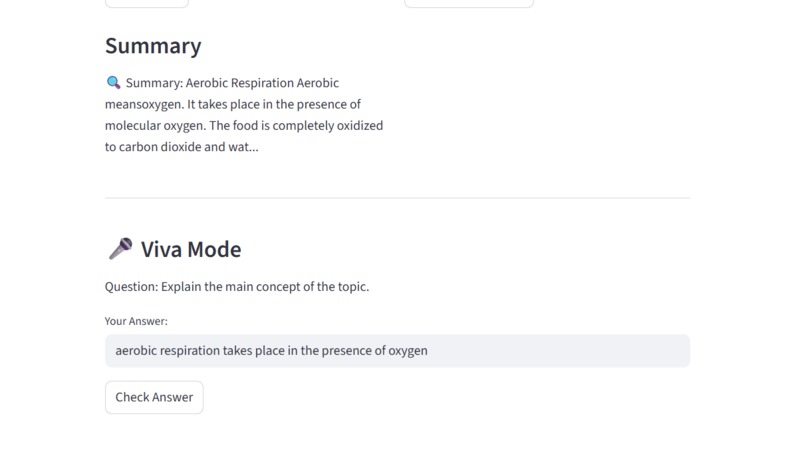
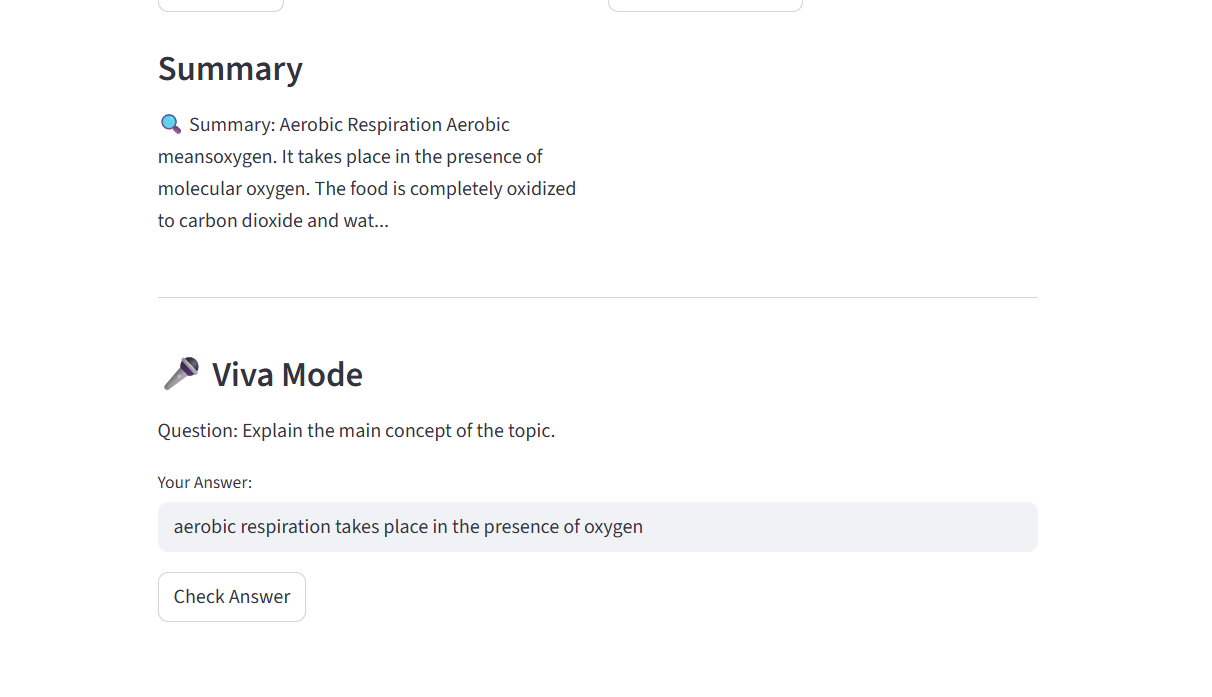
generated summary and interactive viva mode with answer evaluation
Problem statement
Students often struggle to understand large amounts of study material and prepare for viva exams effectively. Traditional studying is time-consuming and lacks interactive practice. This leads to poor understanding, low confidence, and inefficient learning.
Solution overview
StudyGenie AI is a smart learning assistant that helps students quickly understand content by generating concise summaries and interactive viva questions. Users input text, and the system processes it to provide simplified summaries and evaluate answers in real-time, improving learning efficiency.
AI usage explanation
AI is used to process and analyze input text to generate meaningful summaries and relevant viva questions. It improves the solution by automating understanding and assessment, which would otherwise require manual effort. The AI enables intelligent interaction, making learning more engaging and effective compared to traditional methods.
Inspiration
The idea for StudyGenie AI came from the common difficulty students face while studying large amounts of content in a limited time. Preparing for exams often requires summarizing notes, practicing questions, and getting ready for viva sessions, which can be time-consuming and inefficient. This inspired me to build a single platform that simplifies and improves the learning process.
What it does
StudyGenie AI is a smart study assistant that helps students learn more effectively. It allows users to input their notes and get a concise summary, generate practice questions, and use an interactive viva mode to test their understanding. The application also includes subject selection to make learning more personalized.
How I built it
I built this project using Python and Streamlit. The user interface was designed to be simple and intuitive so that anyone can use it . The core logic includes text processing for summarization, basic question generation, and an evaluation system in viva mode that provides feedback based on user responses.
Challenges I ran into
As a beginner, setting up the development environment and understanding how to run a web app using Streamlit was challenging. I also faced issues with file paths, running the application, and structuring the project properly. However, by debugging step-by-step, I was able to overcome these challenges.
What I learned
Through this project, I learned how to build a functional web application using Streamlit, handle user inputs, and design interactive features. I also improved my problem-solving skills and gained confidence in building real-world projects.
What’s next
In the future, StudyGenie AI can be enhanced by integrating real AI models for advanced summarization and question generation, adding voice-based viva interaction, and expanding support for more subjects and learning styles.
Built With
- python
- streamlit


Log in or sign up for Devpost to join the conversation.