-
-
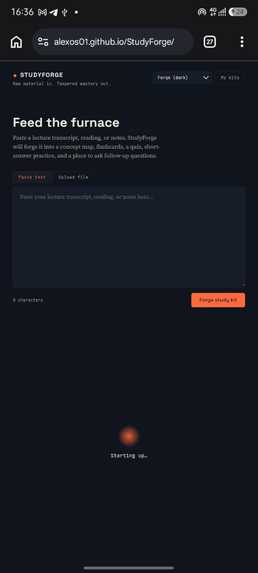
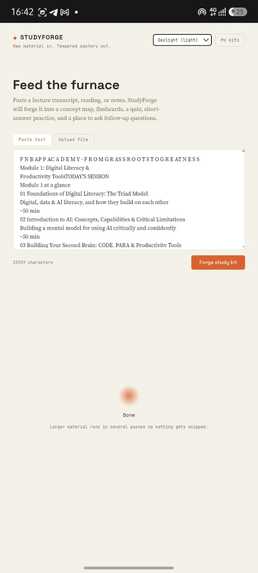
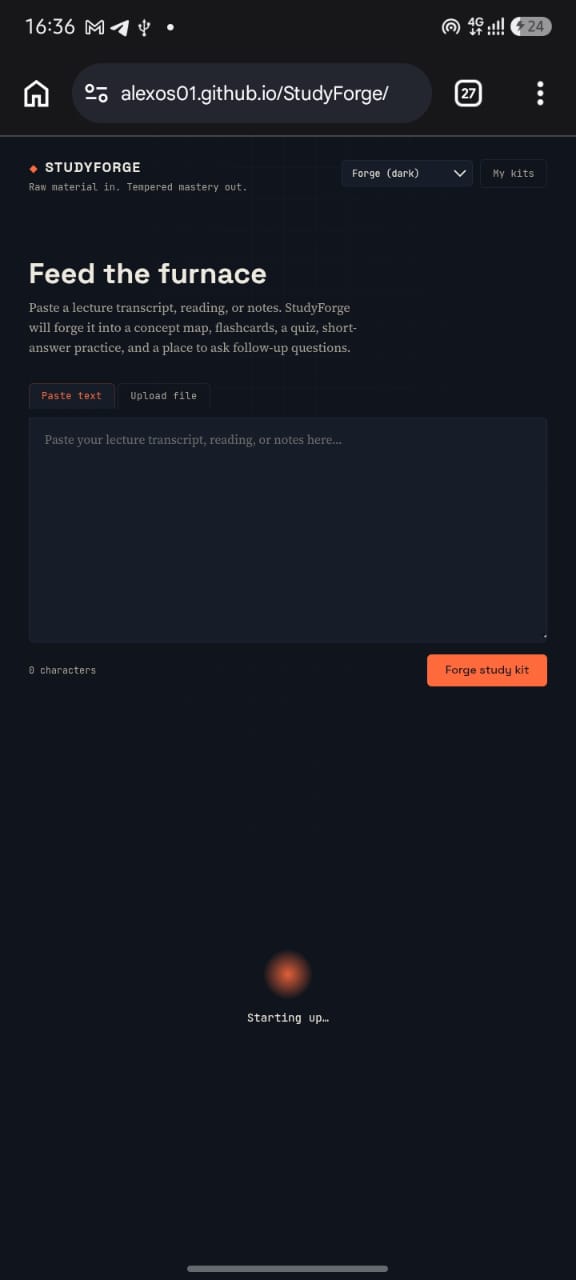
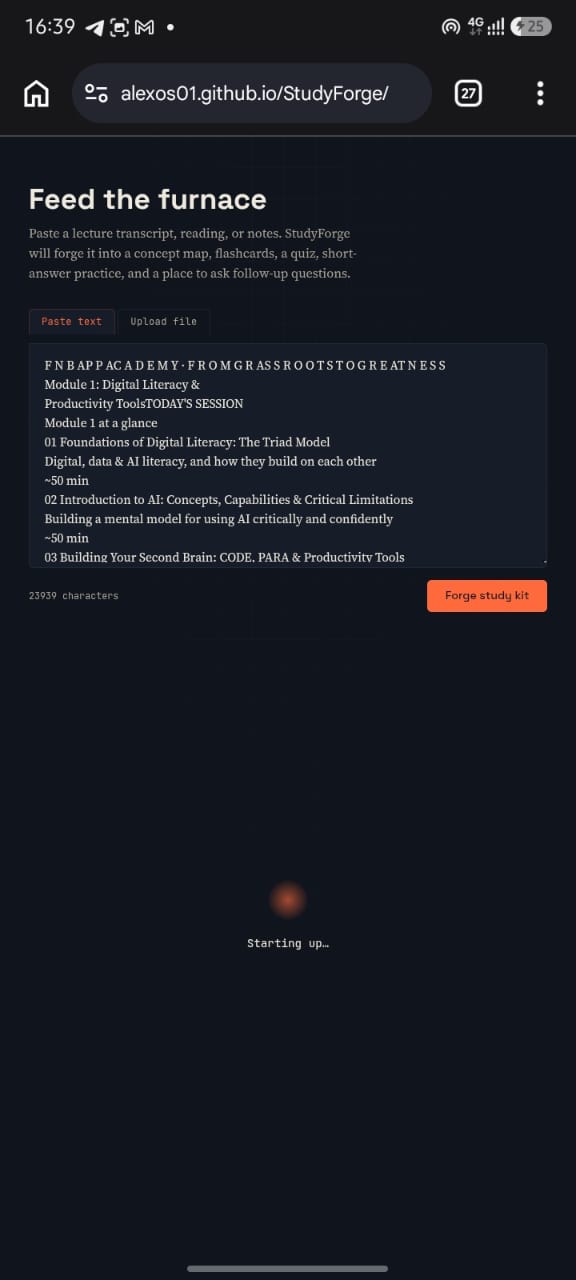
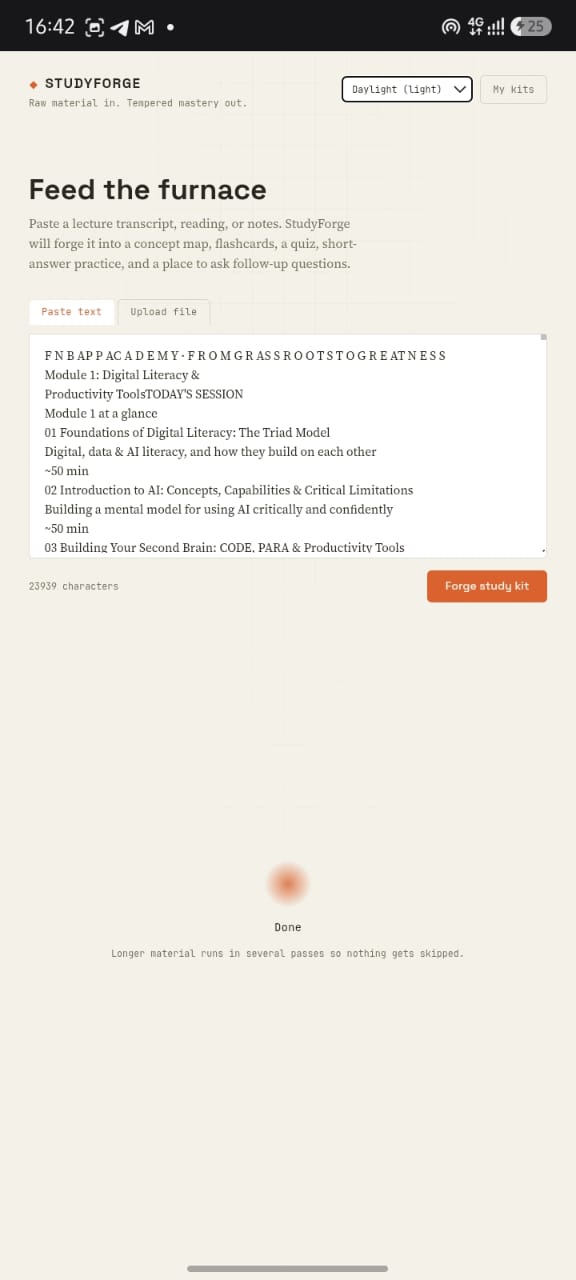
You can paste text
-
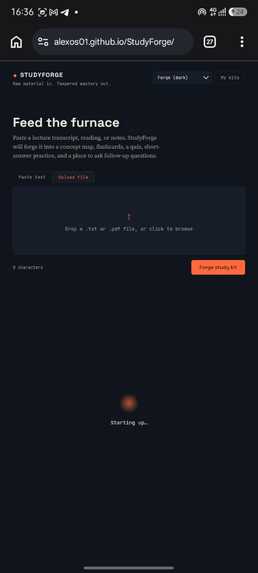
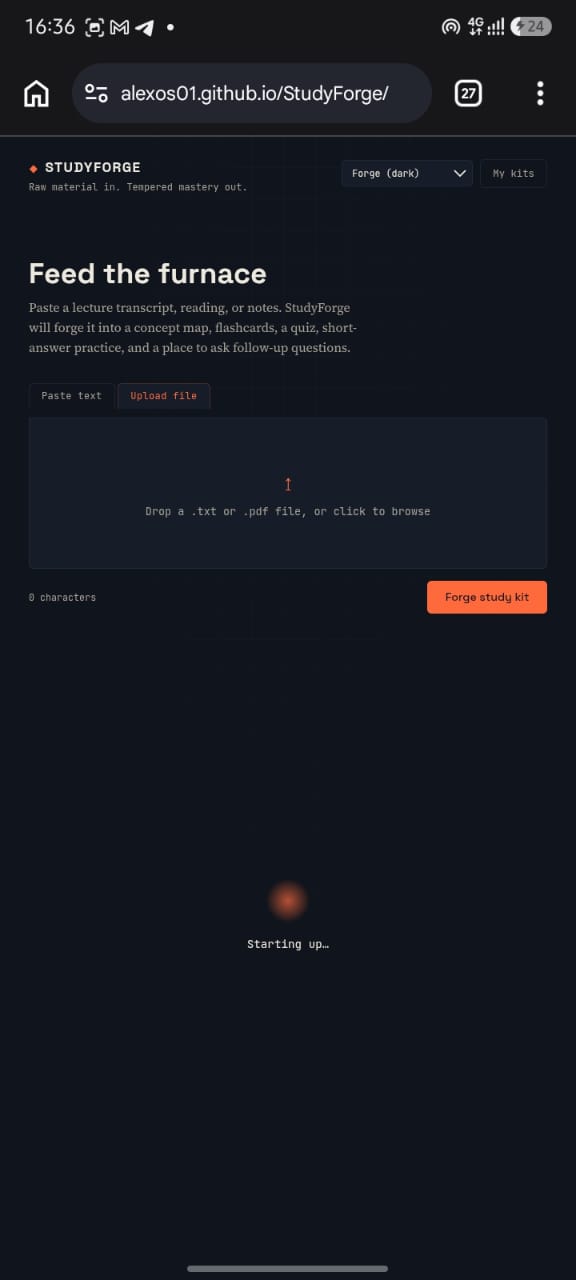
you can upload pdfs or pictures
-

-
-
-
-
-
-
-
-
-
-

-

-
Inspiration
College students don't lack study material they're drowning in it. A single course can mean hours of lecture recordings, dense readings, and scattered notes, and turning all of that into something you can actually study from takes real work: figuring out what matters, testing yourself on it in more than one way, and knowing what to go back and review when you get something wrong. Most "AI study tool" demos stop at summarization. We wanted something that closes the loop a tool that doesn't just tell you what's in your notes, but actually finds out what you don't know yet and fixes that gap on the spot.
What it does
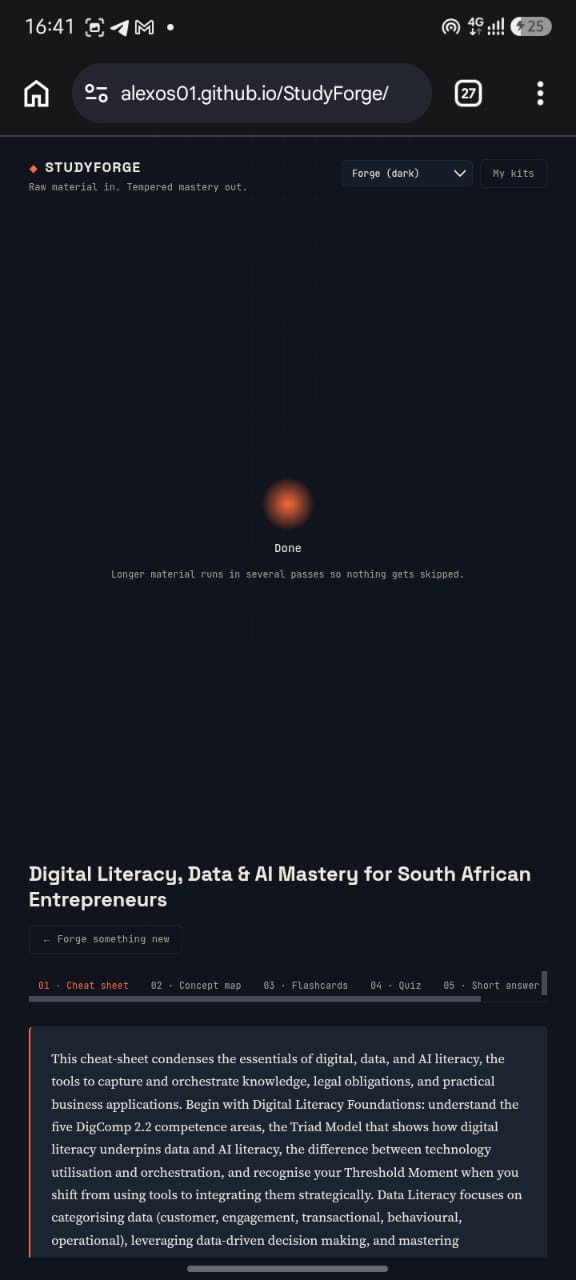
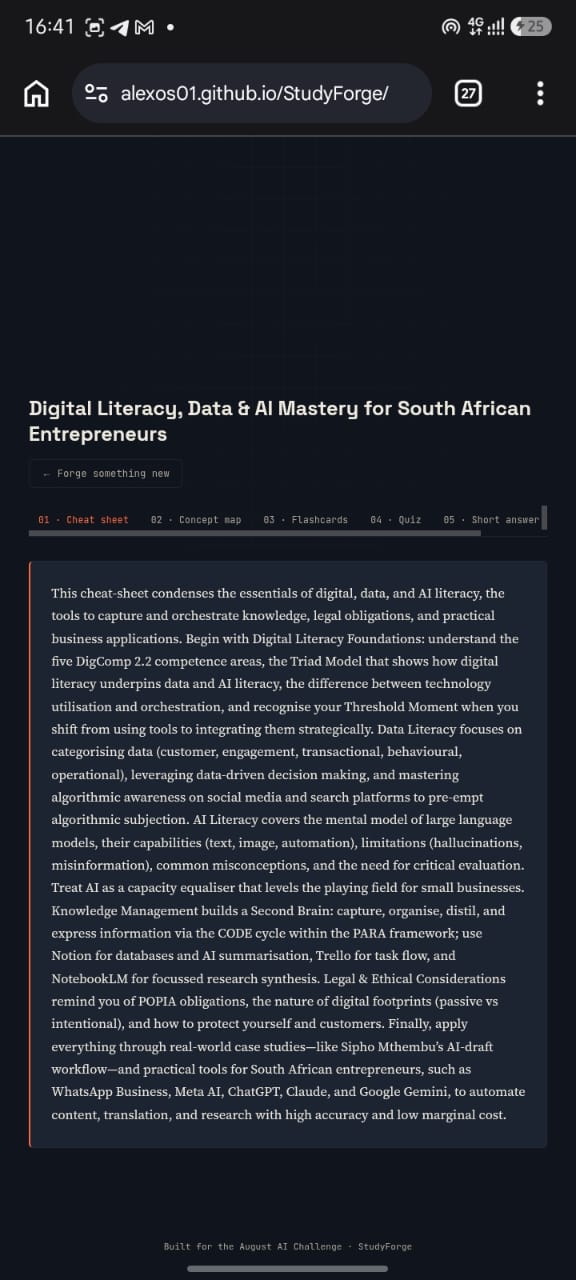
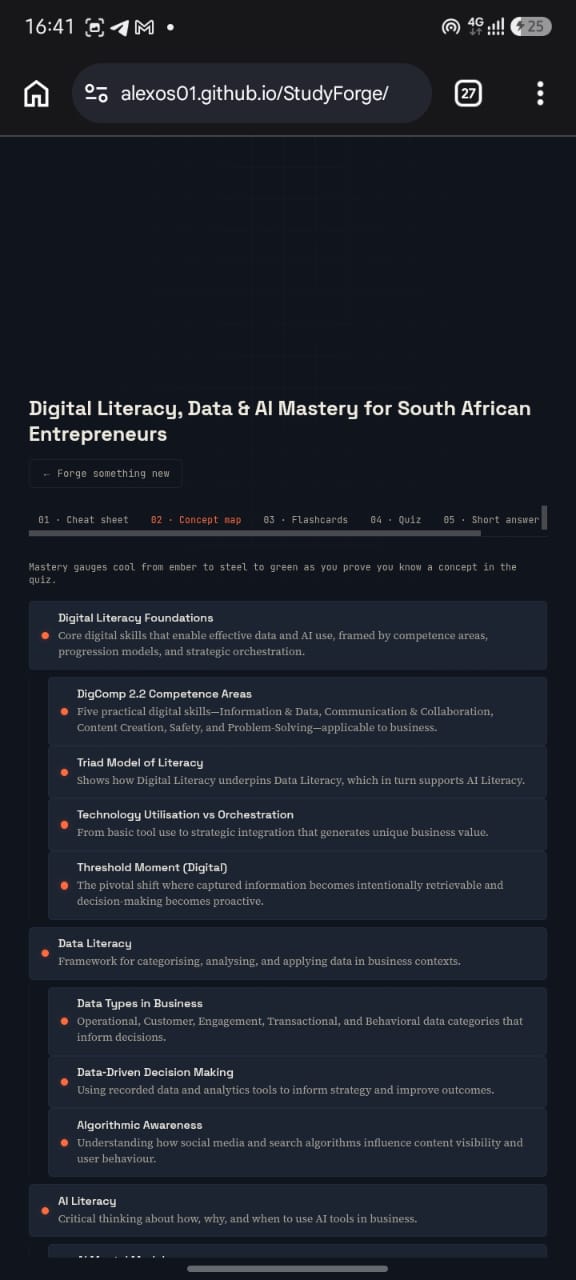
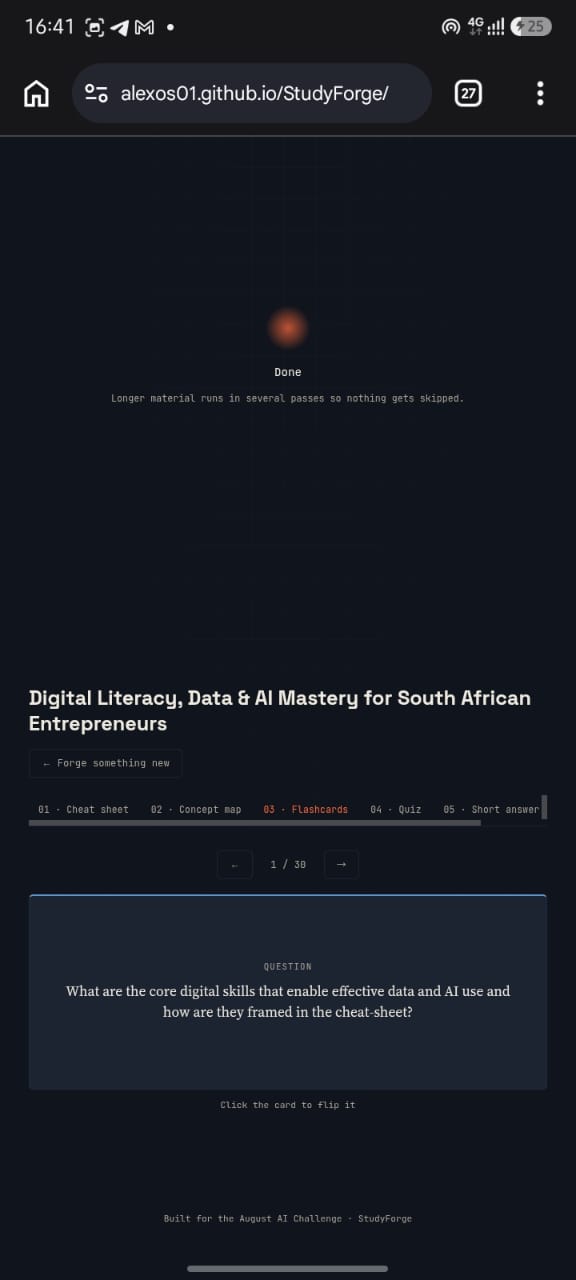
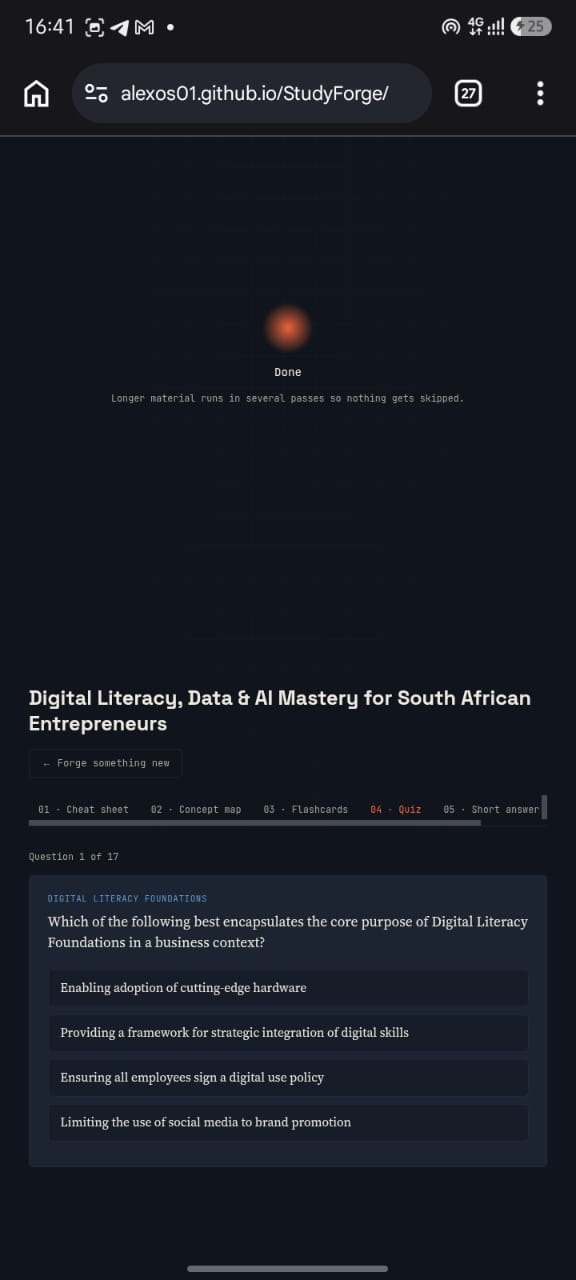
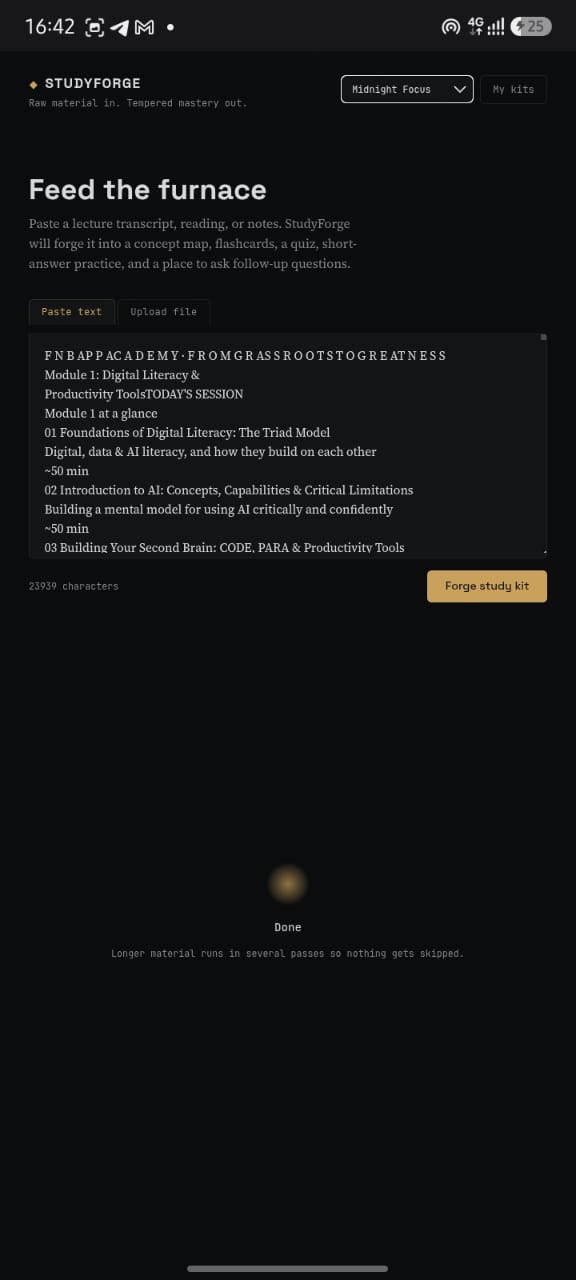
StudyForge turns a lecture transcript, reading, or set of notes into a full, adaptive study kit:
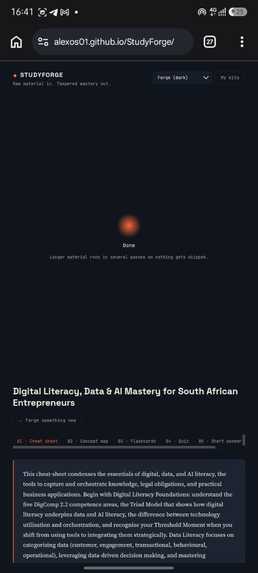
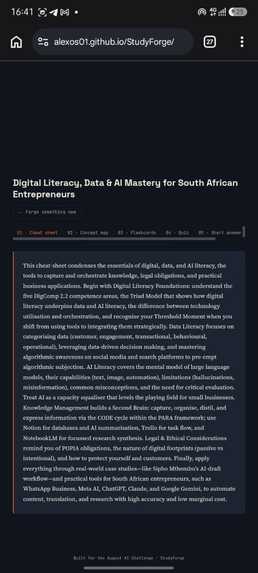
- Cheat sheet — a tight summary covering every major topic, not just the first few pages.
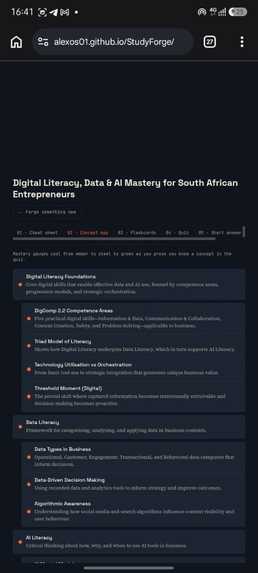
- Concept map — a hierarchy of every concept in the material, each with a live "mastery gauge" that starts untested (ember) and cools to steel (missed, needs review) or tempered green (mastered) as you actually prove you know it.
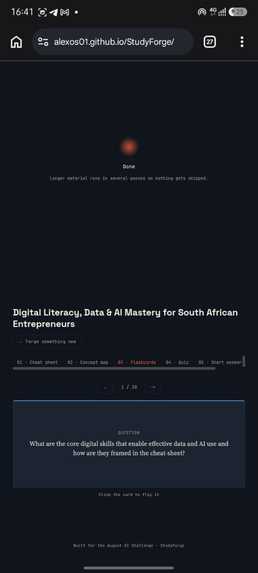
- Flashcards — spaced-repetition-ready, generated to cover every concept, not just the flashiest ones.
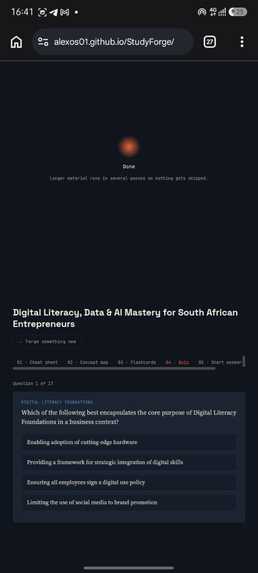
- Multiple-choice quiz — every concept tested at least once. Get a question wrong and StudyForge doesn't just mark it red; it generates a targeted re-explanation on the spot, grounded in your actual source material, plus an analogy, and lets you retry just the concepts you missed.
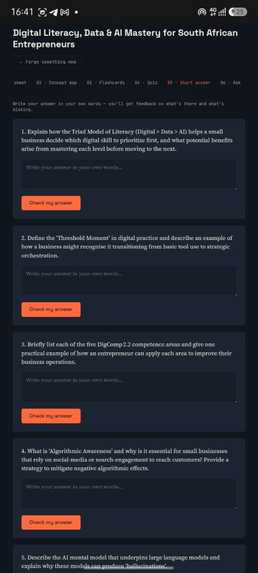
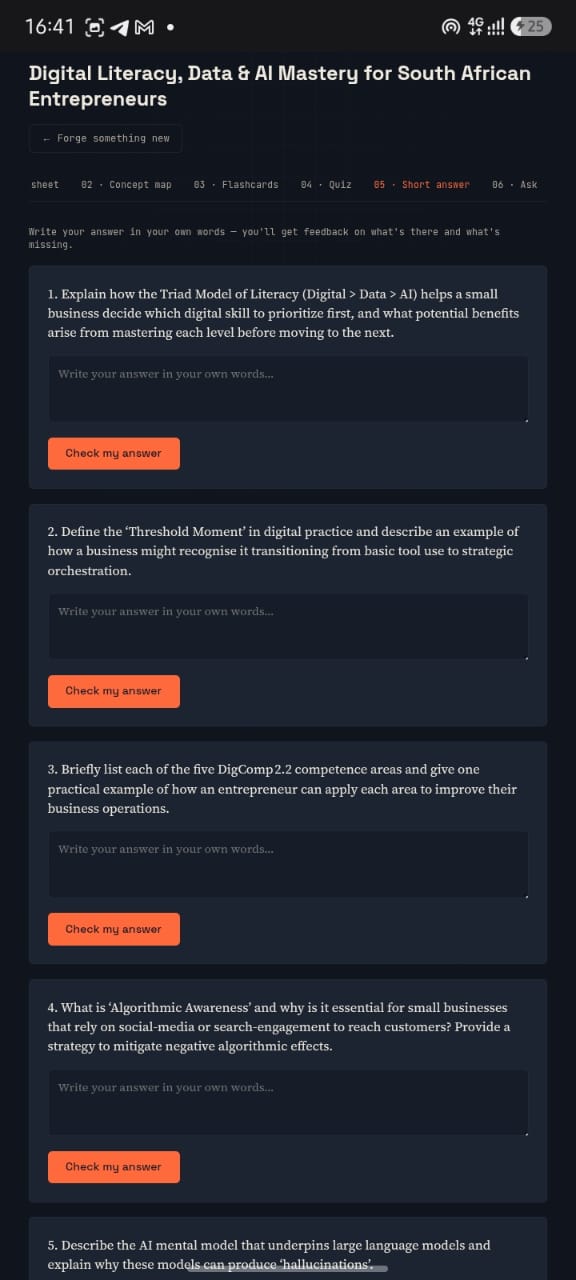
- Short answer — free-response questions that make you explain ideas in your own words, graded against a model answer with specific feedback on what's there and what's missing.
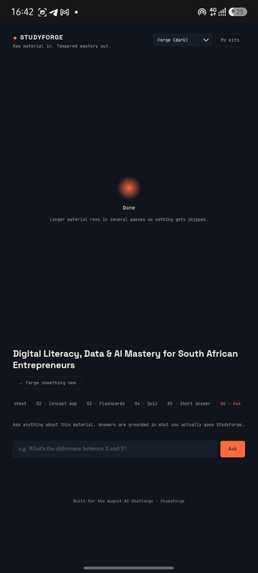
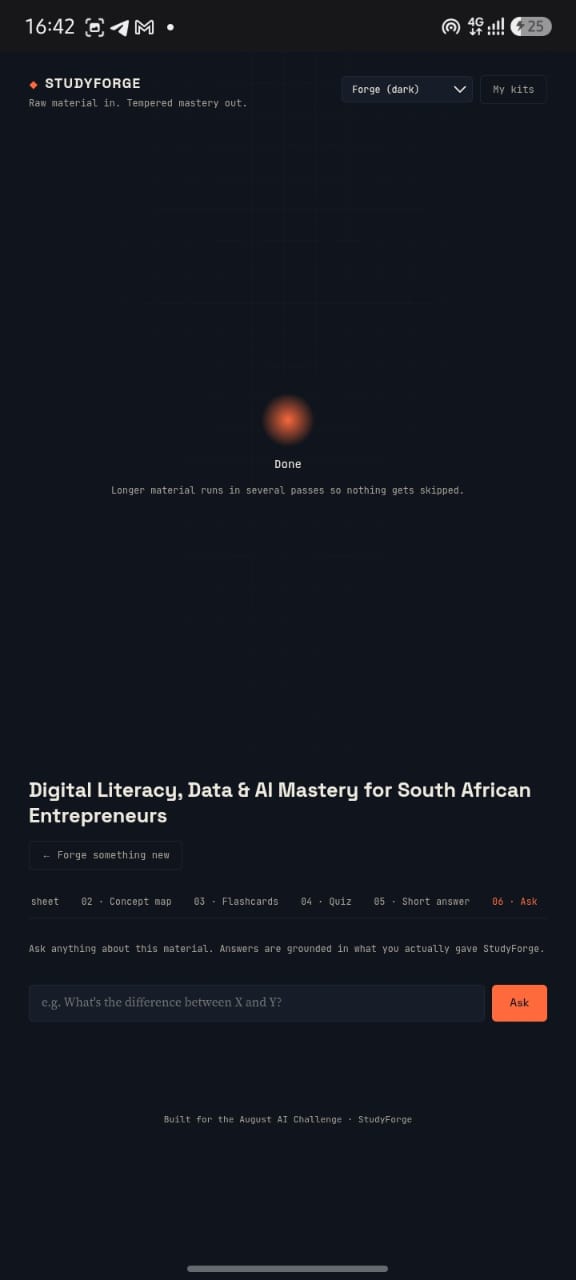
- Ask — a running Q&A thread for anything the kit didn't cover, answered from your material instead of a generic response.
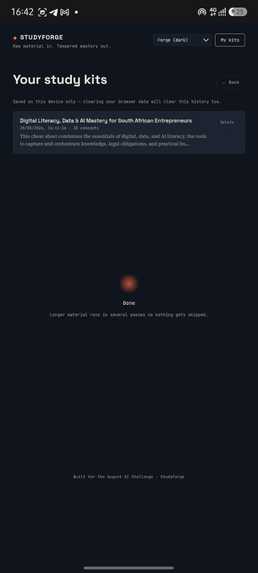
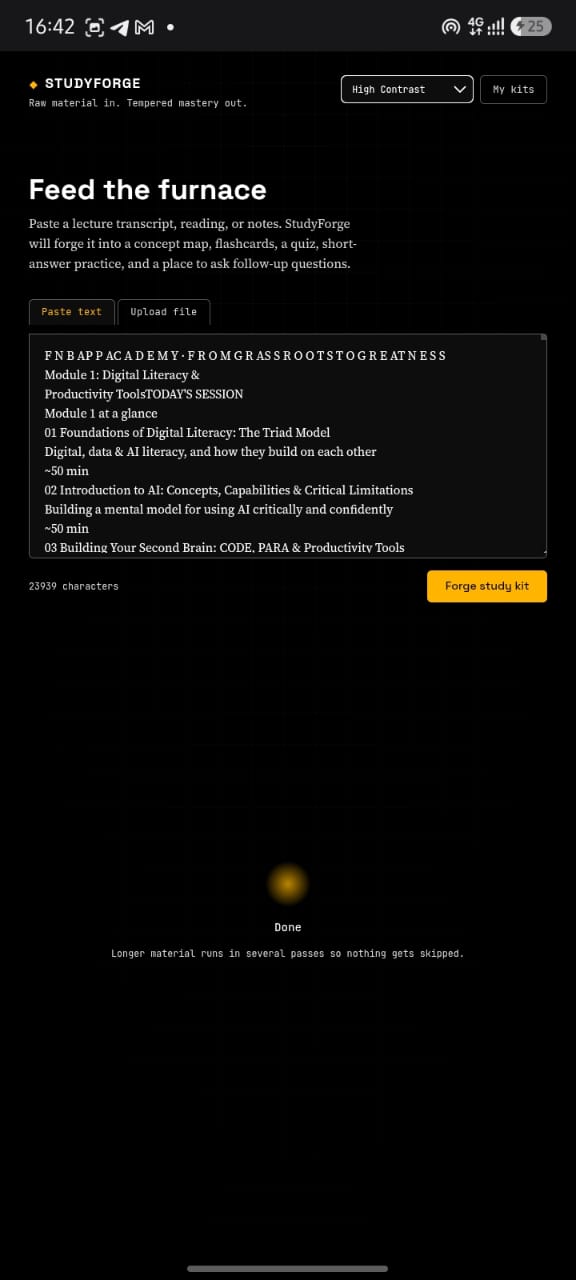
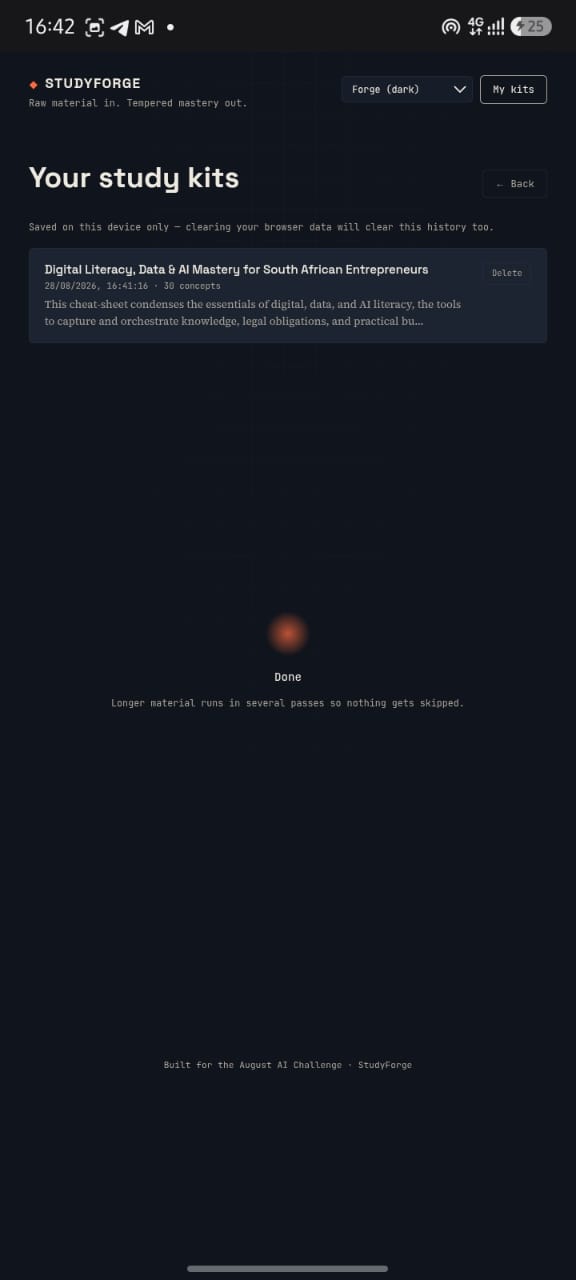
Every kit is saved automatically to a local history so you can come back to it later, and the whole thing is skinned in four selectable themes (including a high-contrast accessibility mode and a low-stimulation "Midnight Focus" mode) because not every student studies best under the same screen.
How we built it
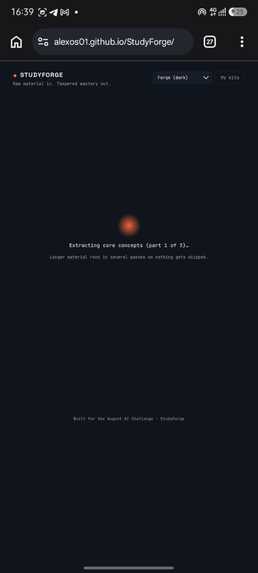
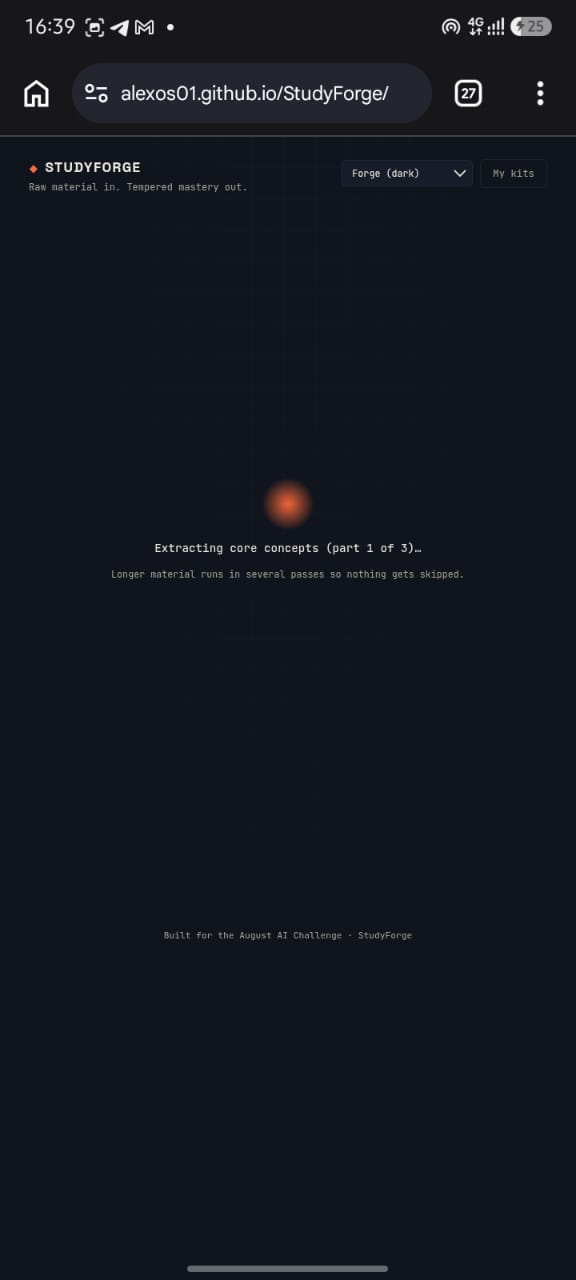
The backend is FastAPI talking to a model on Ollama Cloud through its OpenAI-compatible endpoint, with SQLite for persistence. Kit generation runs as a real background job with distinct, honest stages "Extracting core concepts (part 2 of 5)," "Making sure nothing was missed," "Building flashcards," "Writing the quiz" and the frontend polls actual job status, so the progress label on screen always matches what's genuinely happening on the server, instead of a fake timer cycling through generic messages.
To make sure long material actually gets fully covered instead of quietly truncated, we split source text into paragraph-aware chunks, extract concepts from every chunk (map), then merge and deduplicate them into one clean concept map (reduce) with explicit prompt instructions at every downstream stage (flashcards, quiz, short answer) that every concept has to be touched, not just the interesting ones.
The frontend is deliberately plain HTML/CSS/JS with no build step, styled around a "forging" metaphor raw material in, tempered study tools out with CSS custom properties driving four full themes from one shared layout.
Challenges we ran into
LLMs don't always write valid JSON. Once we started testing against real, dense course material, we hit cases where the model's structured output was cut off mid-response or had a small formatting slip a doubled comma, a trailing comma before a closing bracket. Rather than let one malformed response fail an entire study kit, we built a layered recovery pipeline: sanitize common mistakes in place (zero data loss), retry with more headroom if the model genuinely ran out of tokens, and as a last resort, repair only up to the exact character position where parsing actually failed so a defect in the middle of a response can't silently corrupt everything that was generated after it.
Comprehensive coverage vs. reliability. We initially instructed the model to be maximally exhaustive every concept, no matter how minor. On content-dense material that produced 40+ concepts, which then blew through token budgets downstream when generating flashcards and quiz questions for all of them. We had to explicitly cap concept extraction (12 per chunk, 30 in the final merged map) to keep every stage reliably completable, while still keeping coverage genuinely comprehensive for a real exam's scope.
A sneaky CSS bug. For a while, dismissing the loading screen didn't actually hide it, it turns out an ID selector setting display: flex on the loading panel silently overrode the browser's built-in behavior for the hidden attribute, since author styles beat user-agent styles regardless of specificity. The fix was a single [hidden] { display: none !important; } rule, but tracking down why a "hidden" element kept rendering took real debugging.
Scoping login. We built out a full optional login system (JWT sessions, guest-to-account migration) so history could follow a student across devices and then pulled it back out. It added real surface area for bugs without being core to the pitch, and a purely local, no-signup history model was simpler and more reliable for the timeframe we had.
Accomplishments that we're proud of
- A genuinely self-healing generation pipeline: we can inject a truncated response or a malformed-JSON defect and StudyForge recovers cleanly instead of surfacing a raw error.
- Real, honest progress reporting instead of a fake loading animation.
- A study tool that actually closes the loop wrong quiz answers and short-answer attempts feed back into a live, visual mastery map instead of just being graded and forgotten.
- A visual identity that doesn't look like a default AI-app template the forge metaphor runs all the way through the color system, the mastery gauges, and four cohesive themes.
What we learned
- Treat LLM structured output as untrusted input, always. Even with response-format JSON mode, small formatting mistakes happen at scale, and building for that from the start is much easier than bolting it on after a demo breaks.
- "Cover everything" and "stay reliable" are in tension, and that tension needs an explicit, deliberate scope decision not an assumption that a bigger prompt just works.
- Cutting a feature (login) can be as valuable as shipping one, when it isn't load-bearing for the core experience.
What's next for StudyForge
- Direct YouTube / lecture-recording transcription as an input source, so students don't have to find a transcript first.
- Spaced-repetition scheduling for flashcards (SM-2), so review timing adapts over days, not just within one session.
- Exporting the cheat sheet as a printable PDF.
- Multi-document study kits combining several readings or lectures into one unified concept map for a whole unit or exam. -User authentication and cross device sync: Re-implementing email login so the data automatically syncs across all your devices. -Persistent history and cloud storage: Upgrading dedicated web hosting with expanded database storage to save your user history permanently. -Upgrade from free tier limits so it can supports higher uploads.
Built With
- css3
- fastapi
- html5
- javascript
- ollama
- openai-api
- pypdf
- python
- rest-api
- sqlite
- uvicorn

Log in or sign up for Devpost to join the conversation.