-
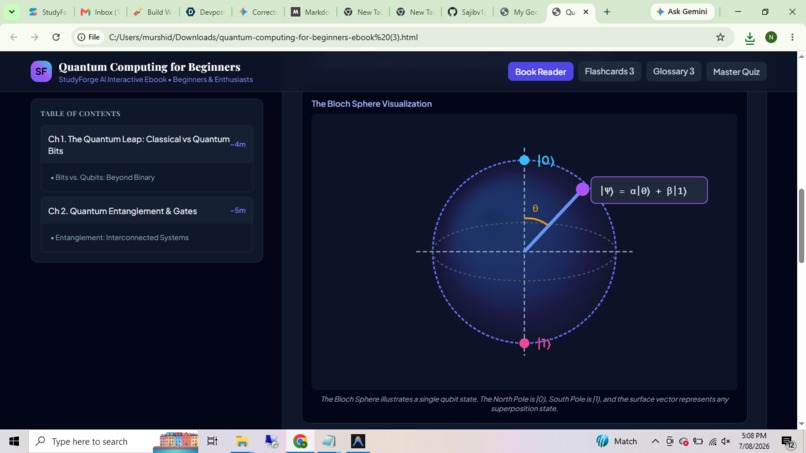
An Ebook
-

The Homepage
-
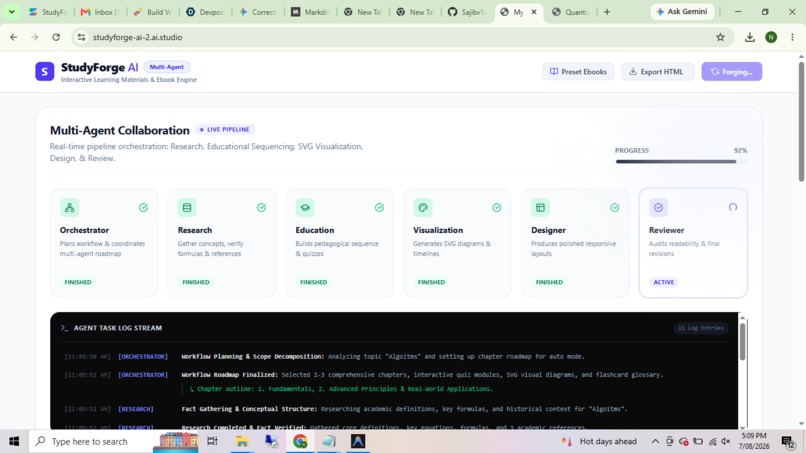
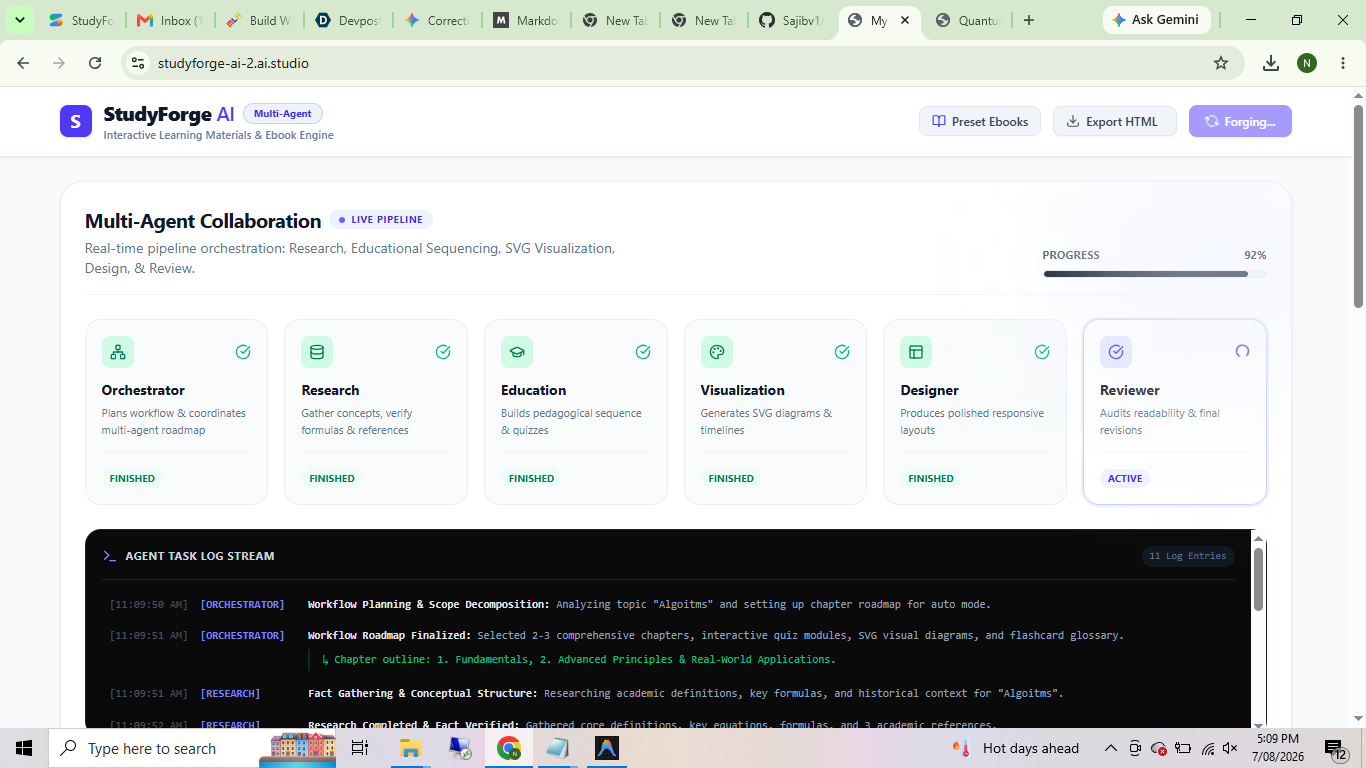
MultiAgent generation
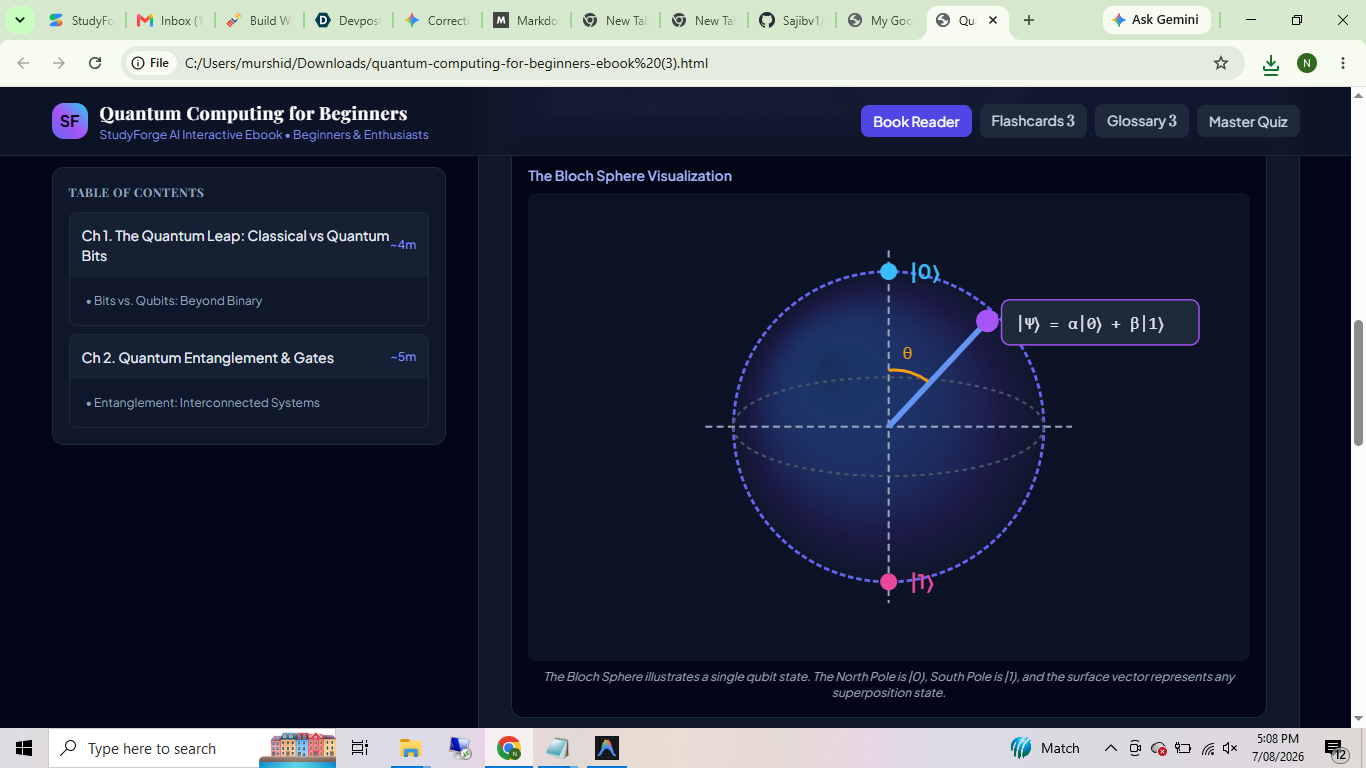

📖 Project Story
💡 Inspiration
The idea for StudyForge AI was born from a simple frustration: studying from static textbooks feels outdated in the age of AI. We imagined a world where any learner could type in a topic — say "Quantum Entanglement" or "Graph Neural Networks" — and instantly receive a beautifully formatted, interactive study ebook complete with diagrams, quizzes, and flashcards.
What truly excited us was the potential of multi-agent AI architectures. Instead of a single monolithic prompt, what if we could orchestrate specialized agents — a Researcher, an Educator, a Visualizer, a Designer, and a Reviewer — each contributing their expertise to produce something far richer than any one model call could achieve? That vision became StudyForge AI.
🧠 What We Learned
Building this project pushed us deep into several domains:
Multi-Agent Orchestration — We designed a pipeline of 6 specialized agents, each with a distinct role. The Orchestrator plans the chapter roadmap, the Research agent gathers facts and verifies formulas, the Education agent drafts pedagogical sequences and quizzes, the Visualization agent generates SVG diagrams, the Designer applies themes and typography, and the Reviewer audits the final output. Coordinating these agents via Server-Sent Events (SSE) taught us how to stream real-time progress to the frontend.
Structured AI Output — Getting Gemini to produce valid, parseable JSON for a deeply nested ebook schema (chapters → sections → diagrams, quizzes, widgets) was a masterclass in prompt engineering. We learned to enforce strict JSON formatting rules and built a multi-pass sanitization pipeline to handle edge cases like LaTeX escaping.
LaTeX in the Browser — Rendering math like $E = mc^2$ or the Schrödinger equation:
$$i\hbar \frac{\partial}{\partial t} \Psi(\mathbf{r}, t) = \hat{H} \Psi(\mathbf{r}, t)$$
required integrating KaTeX with react-markdown via remark-math and rehype-katex. Getting inline math ($\alpha, \beta, \gamma$) and display math to coexist with Markdown formatting was surprisingly nuanced.
- Self-Contained HTML Export — We built a custom HTML exporter that bundles an entire ebook — styles, SVG diagrams, interactive JavaScript widgets, quiz logic, and all content — into a single downloadable HTML file that works completely offline. This required careful inlining of CSS, sanitization of SVG content, and embedding interactive widget scripts.
🔨 How We Built It
The application follows a full-stack TypeScript architecture:
User Input → Express Backend → Multi-Agent SSE Pipeline → Gemini API
                                      ↓
                              Real-time Agent Steps
                                      ↓
                           React Frontend (Live Updates)
                                      ↓
                         Interactive Ebook Viewer + HTML Export
Backend (
server.ts) — An Express.js server hosts the multi-agent generation endpoint (/api/generate-ebook-stream). It streams agent progress events via SSE, then calls the Gemini 3.6 Flash model with a carefully crafted prompt containing the full ebook JSON schema. A secondary endpoint (/api/iterate-ebook) allows users to refine generated content with follow-up instructions.Frontend (
src/) — A React 19 + TypeScript SPA built with Vite. Key components include:MultiAgentShowcase— A live dashboard showing each agent's status (thinking → working → completed) with color-coded cards and animations.GenerationModal— A multi-step form with three generation modes: Auto, Semi-Guided, and Full Prompting for maximum control over output parameters like teaching style, diagram types, color palette, and depth.EbookViewer— A responsive preview with desktop/tablet/mobile viewports, code view toggle, and one-click HTML download.PresetGallery— Pre-built sample ebooks for instant exploration.
Design System — Tailwind CSS 4 powers the UI with 6 curated themes (Nordic, Cyberpunk, Academic, Dark Mode, Emerald, Warm Amber). Framer Motion provides smooth page transitions and micro-animations throughout.
🚧 Challenges We Faced
JSON Parsing Reliability — The biggest challenge was getting Gemini to consistently output valid JSON. LaTeX backslashes (
\alpha,\frac{}{}), literal newlines inside strings, and unescaped control characters would breakJSON.parse(). We built a two-stage sanitization pipeline: first cleaning control characters inside quoted strings, then fixing invalid backslash escape sequences — turning raw LaTeX like\alphainto properly escaped\\alpha.SVG Diagram Quality — AI-generated SVG content was unpredictable. Sometimes Gemini would output malformed SVGs, or diagrams that didn't scale properly. We had to implement fallback rendering, viewport normalization, and careful sanitization to ensure diagrams display correctly across devices.
Streaming Architecture — Implementing SSE for real-time agent progress required careful connection management — handling client disconnects, buffering events, and ensuring the final ebook payload was delivered atomically after all agent steps completed.
Offline HTML Export — Bundling everything into a single self-contained HTML file meant inlining all CSS, embedding SVG content directly, and wrapping interactive JavaScript widgets in sandboxed
<script>blocks — all while maintaining correct encoding and escaping.Math Rendering Pipeline — Getting the
react-markdown → remark-math → rehype-katexpipeline to work seamlessly with both inline math ($x^2 + y^2 = r^2$) and display blocks required careful configuration and handling of edge cases where Markdown syntax conflicted with LaTeX delimiters.
🌟 What Makes It Special
StudyForge AI isn't just another AI wrapper — it's a transparent multi-agent system where users can watch the AI thinking process unfold in real-time. The combination of structured ebook generation, interactive quizzes with hints and explanations, SVG visual diagrams, flashcard glossaries, and one-click offline HTML export creates a genuinely useful learning tool that goes far beyond simple text generation.
Built With
- ai
- aistudio
- antigravity
- express.js
- gemini
- gen
- react
- tailwind-css
- vite

Log in or sign up for Devpost to join the conversation.