-
-
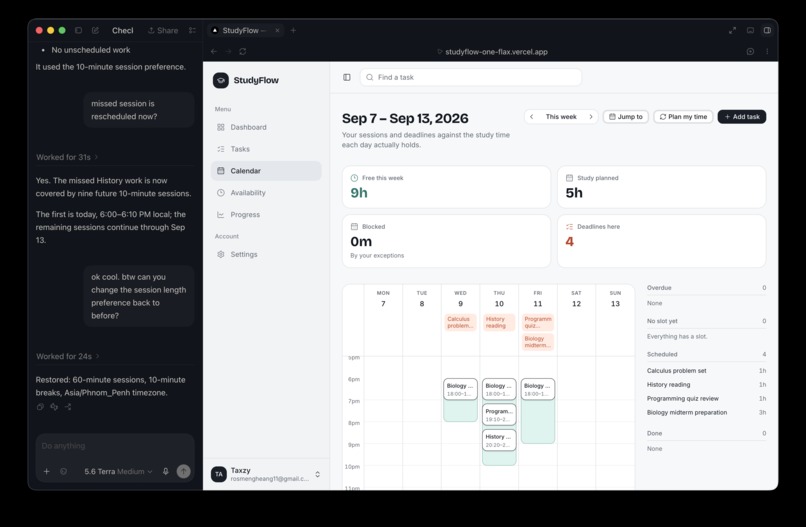
Visualizes deadlines and scheduled study sessions, while WebMCP lets the agent simulate, draft, and apply schedule changes.
-
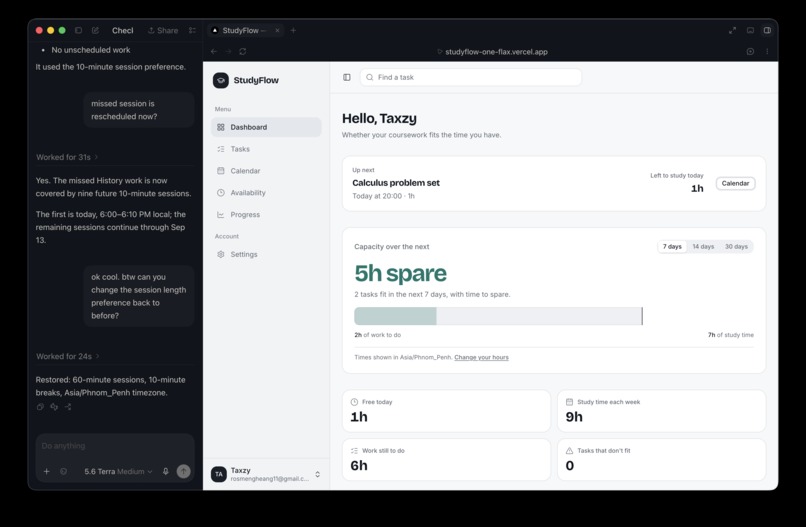
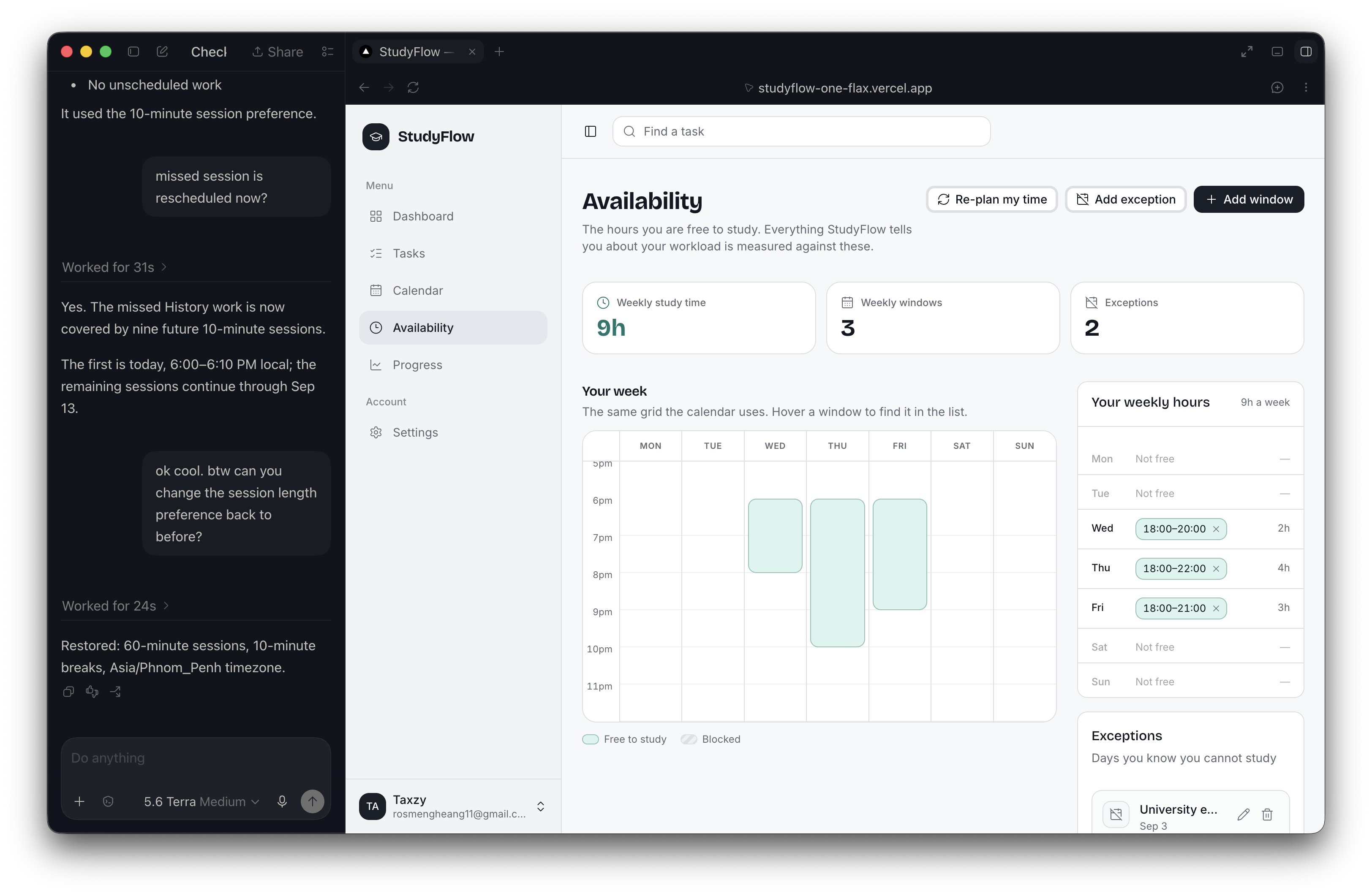
Lets students manage recurring study hours and blocked periods, which the agent can also update through WebMCP.
-
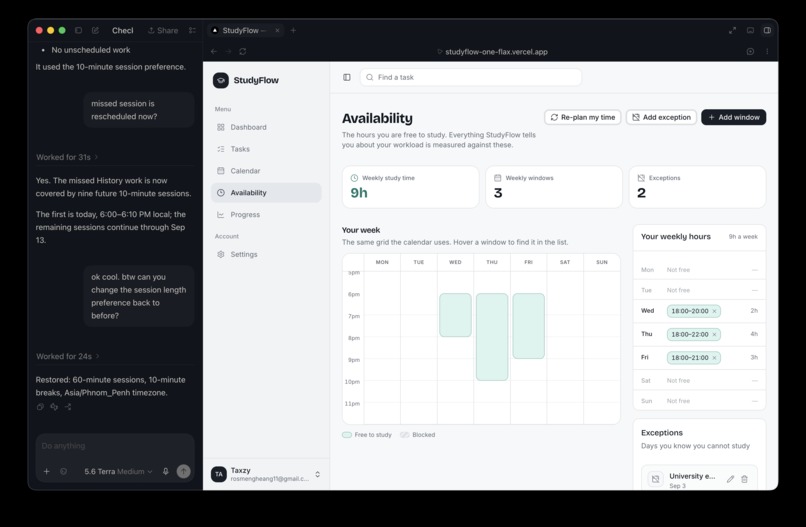
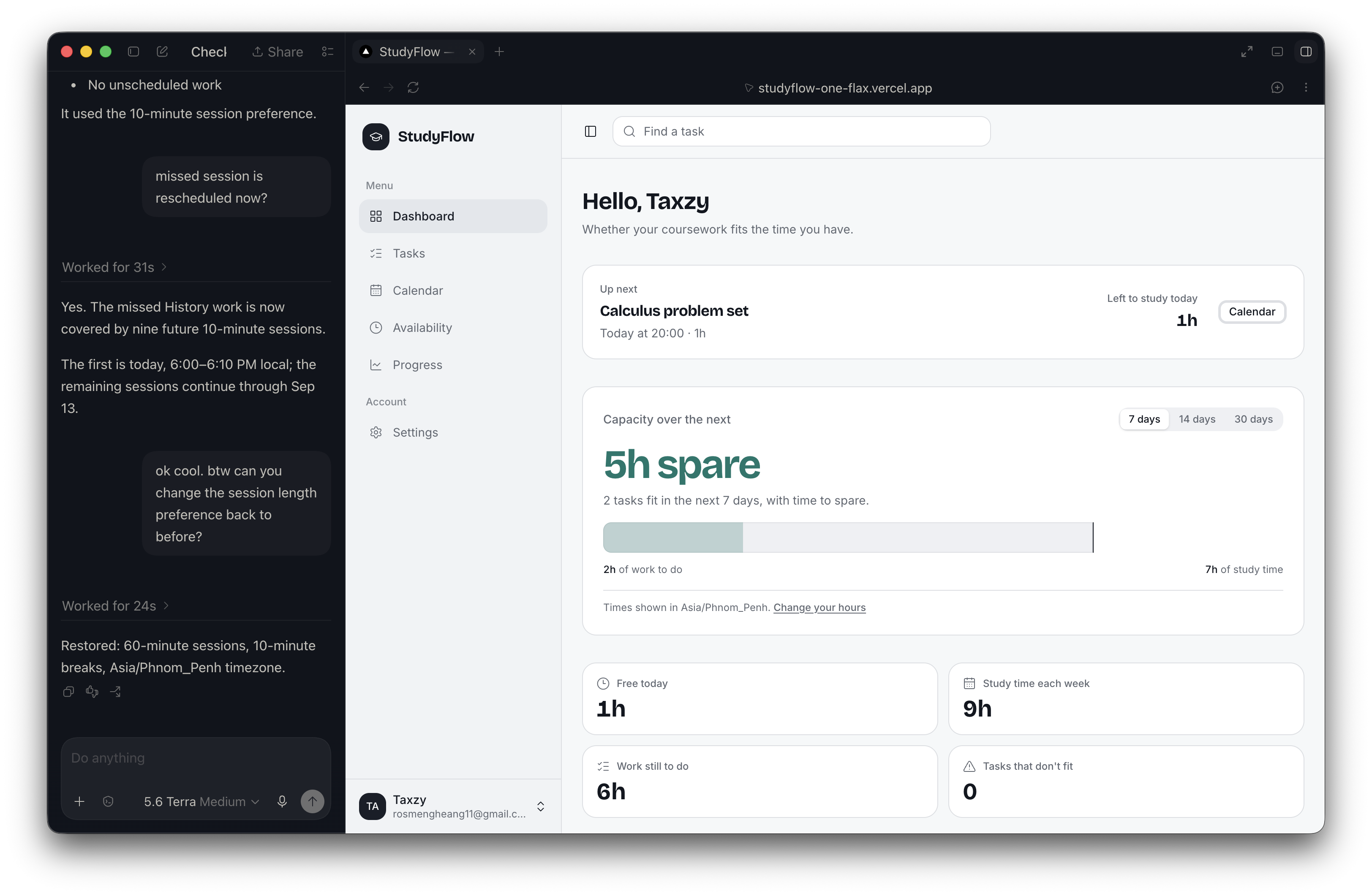
Overview of upcoming work, workload, and study capacity, with the same planning context available to the agent through WebMCP.
Inspiration
Students often know what work they need to finish, but they don't know if it will fit into the time they have. We did a survey with 16 students and found that the majority 31.3% of the students say that the actual time taken to complete their task is usually longer than they estimated. 50% of the students said they experience increased stress due to planning difficulties. So, as fellow students, we understand that, so we are inspired to build StudyFlow.
What it does
StudyFlow compares academic tasks and deadlines with a student’s available study time. It helps students manage tasks, review their workload, and create realistic study schedules.
WebMCP fits StudyFlow because we think planning is an iterative process. Students usually need to ask questions, explore alternatives, and make changes based on their current workload. WebMCP lets the agent interact with StudyFlow’s tasks, availability, and scheduling engine.
For this hackathon, we added WebMCP with 9 tools:
- Read Study Plan State
- Add Academic Task
- Update Study Time
- Manage Academic Task
- Simulate Study Plan
- Draft Study Plan
- Accept Study Plan
- Reject Study Plan
- Record Missed Study Session
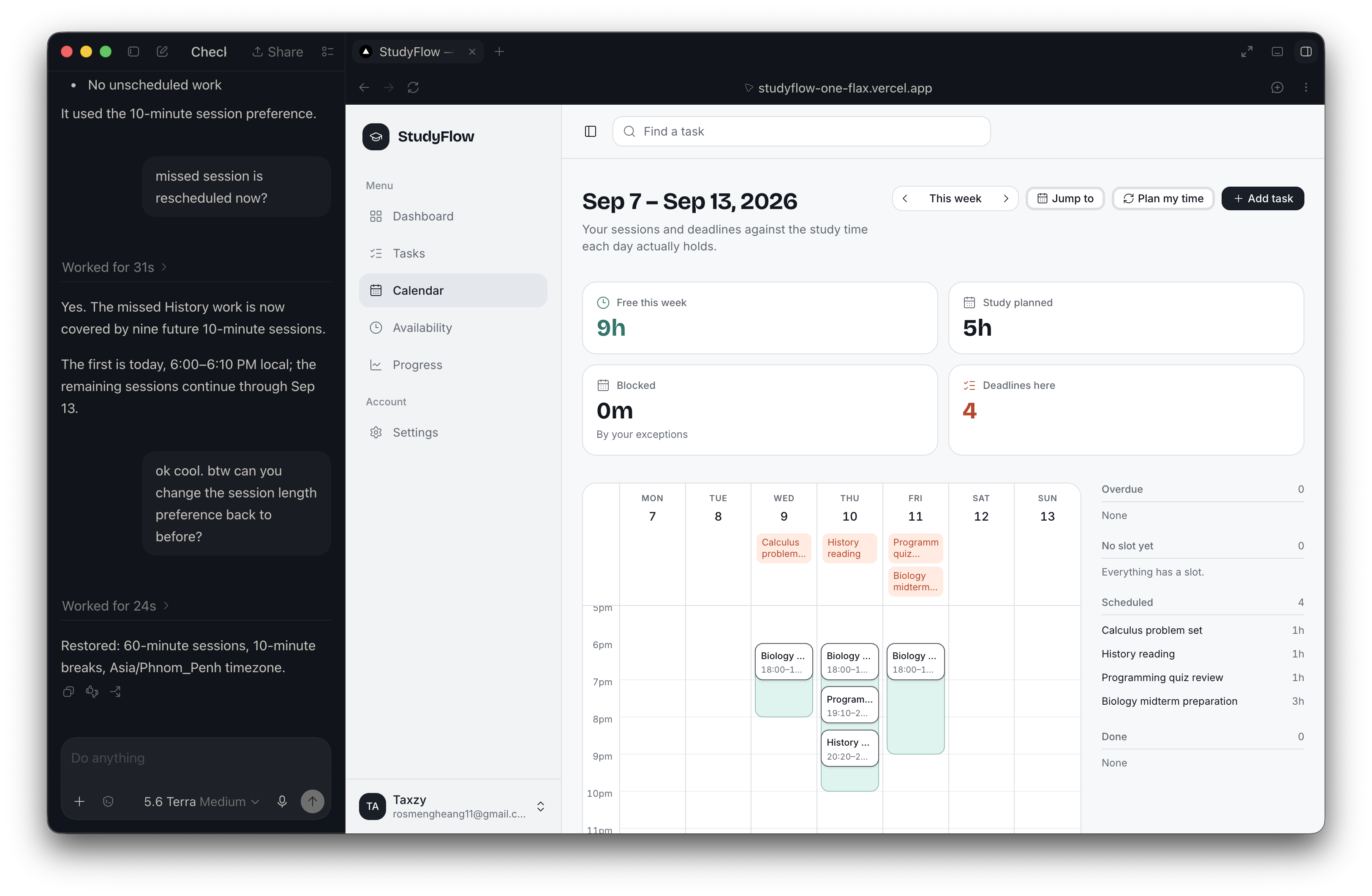
These tools let a student work with an agent through the full planning process. The agent can understand the situation, test changes, prepare a plan, and help the student recover after a missed session.
How we built it
We started building StudyFlow by brainstorming the features we want and turning them into concrete specifications. We then used agentic coding tools to build the specification part by part. And then we would do manual verification and code review of the AI generated code.
After starting this hackathon, we connected the frontend to WebMCP. and then add tools where they each have an input schema, purpose, and result. We also added a backend simulation endpoint where the agent can simulate schedules with hypothetical availability, blocked periods, or deadlines without saving them.
Challenges we ran into
- We had to think of how we design the WebMCP tools while making sure we keep the user in the loop. The user should be able to approve or reject actions that would make changes to their persisted schedule.
- Since the WebMCP tool calls are outside of our React flow, we had to make an event system so that we can refresh our UI when the tool call is done.
Accomplishments that we're proud of
Our main accomplishment that we are proud of is that StudyFlow is agent compatible. With this new interface, we will be able to reach more users and allow them to have a natural interaction with our web app.
What we learned
We learned how to add WebMCP agent tools to an app in way where we had to think about the quality of human-agent interaction. Meaning, we had to come up with a tool where the user can discuss and iterate on their schedule with hypothetical conditions while leveraging our scheduling engine. We believe that it is similar to how we normally use AI agents, so it should feel familiar for our users and hope they find this WebMCP addition useful.
Of course, we learned how to add WebMCP into our website and add tools that allow AI agents to perform actions in our web app. It is going to be a very valuable technical experience for us as we're going deeper into the AI era.
What's next for StudyFlow
Next, we want StudyFlow to learn from actual study time and be able to estimate task duration using AI. We also want to offer more ways to compare possible schedules.
Built With
- cp-sat
- fastapi
- next.js
- postgresql
- python
- render
- typescript
- vercel

Log in or sign up for Devpost to join the conversation.