Inspiration
Looking at a Canvas to-do list with 15 assignments due in the next two weeks is paralyzing. You know you need to start early, but figuring out when to work on what, for how long, and in what order requires mental energy you don't have. Manual planning takes time, and most students end up winging it or cramming. We built StudyFlow AI to automate the entire process: pull your assignments, generate a realistic study plan, and put it directly on your calendar.
What it does
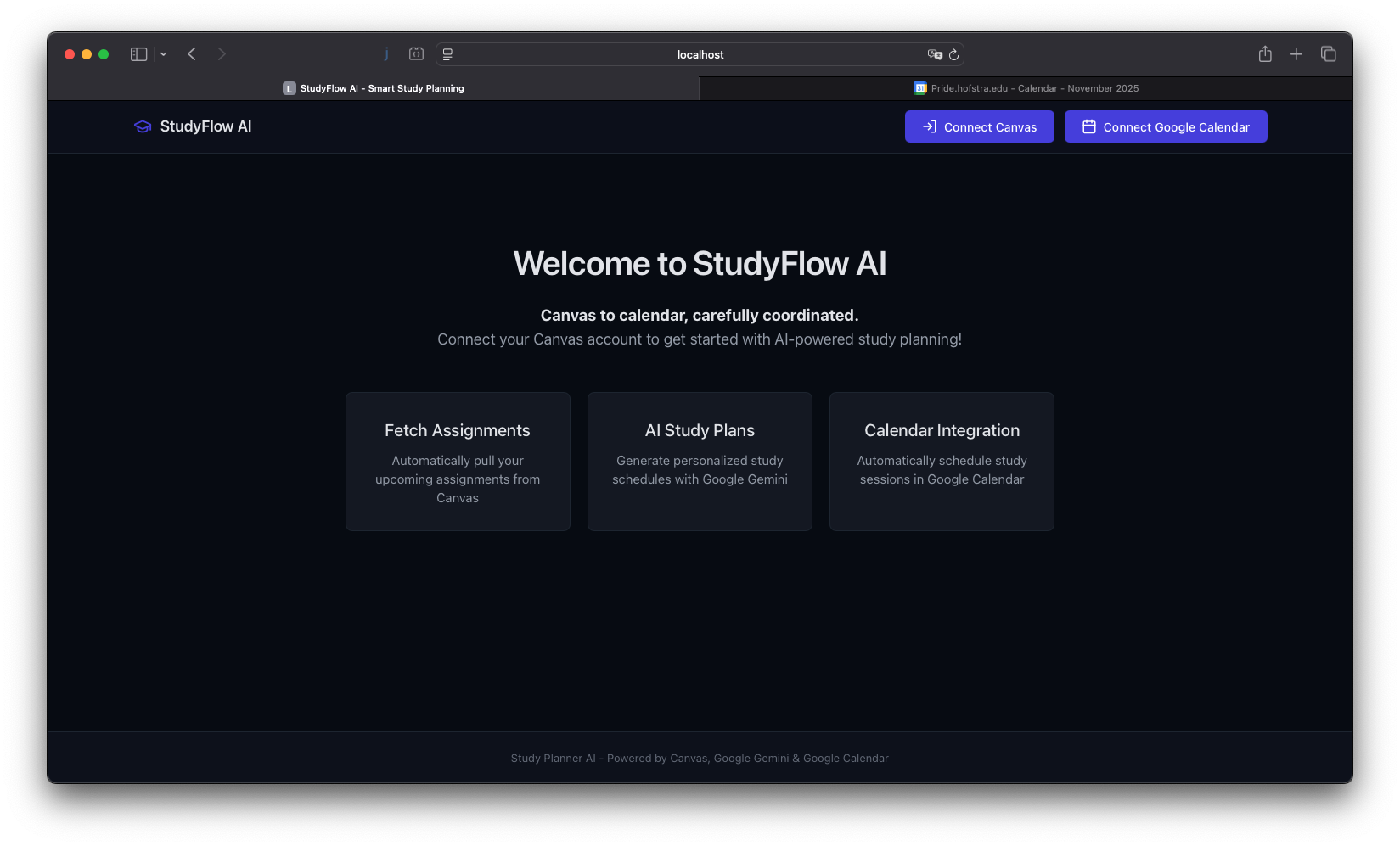
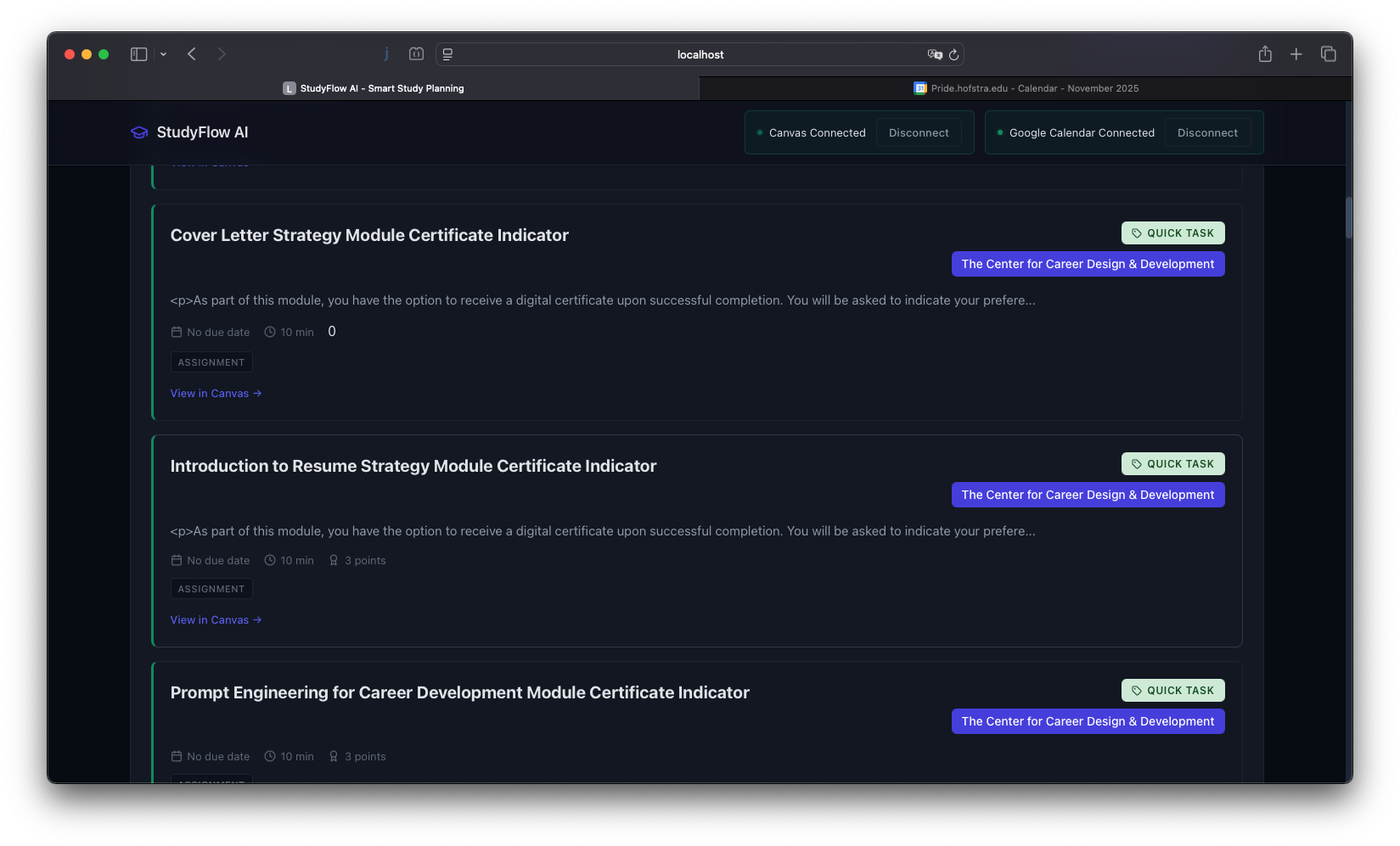
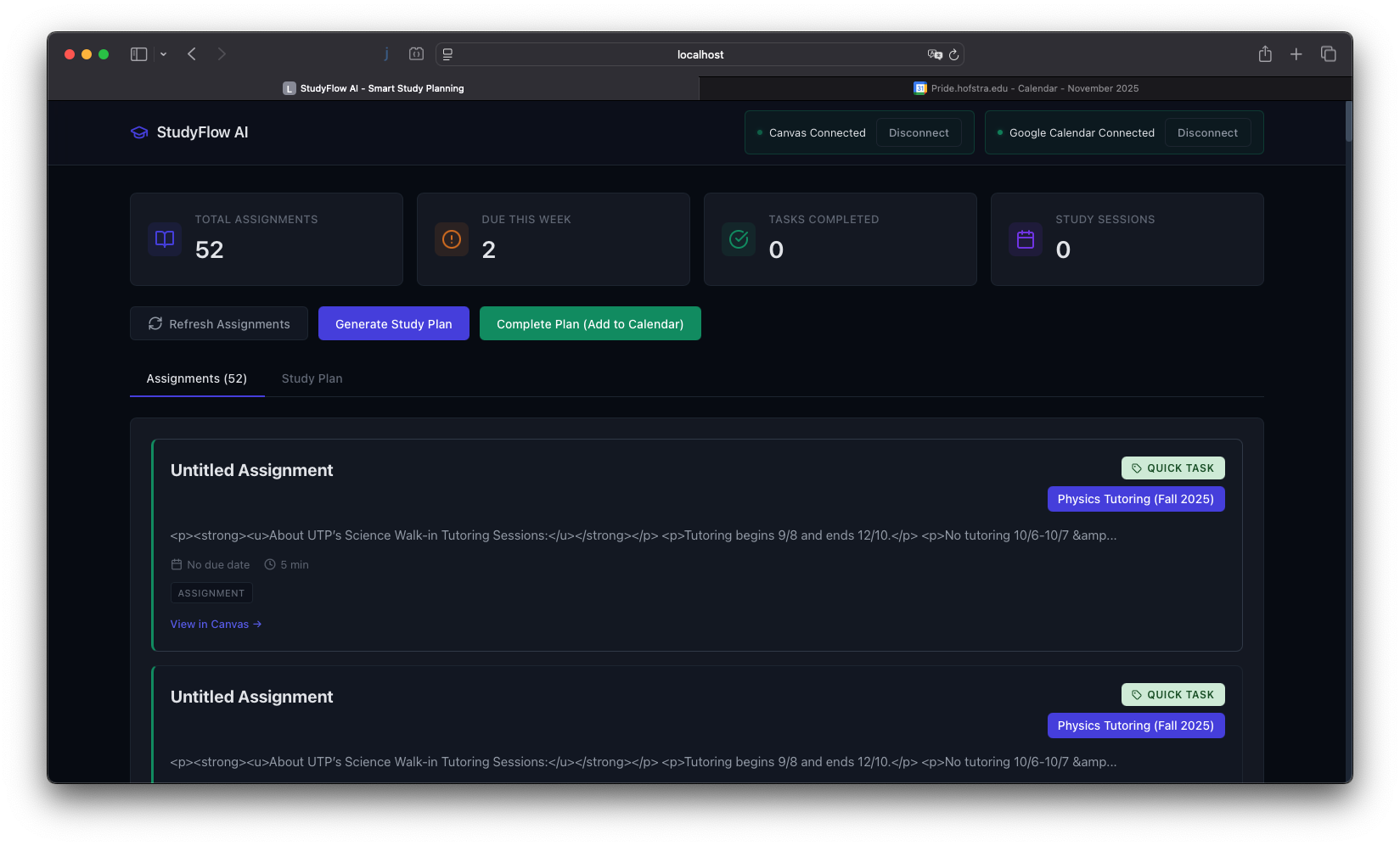
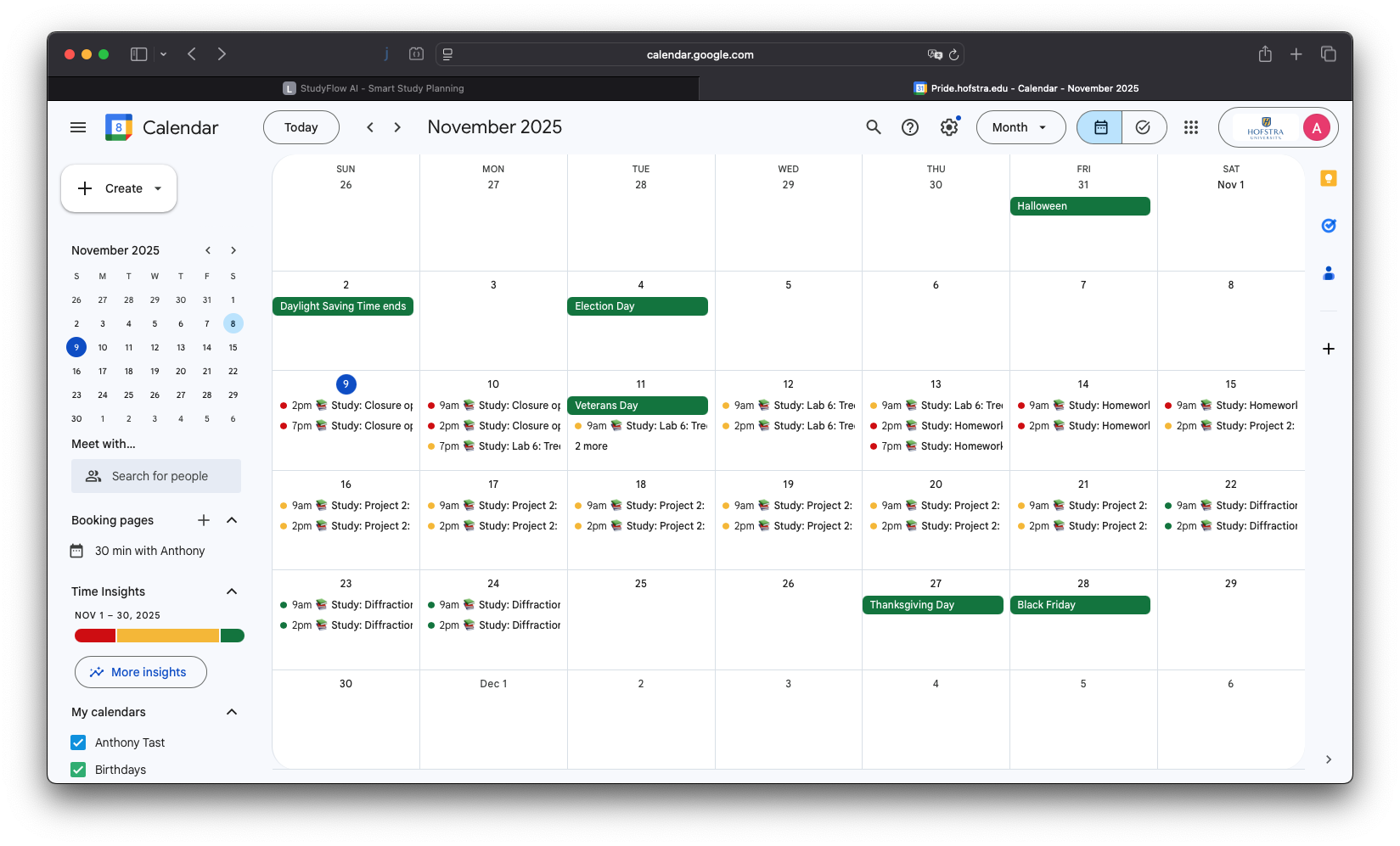
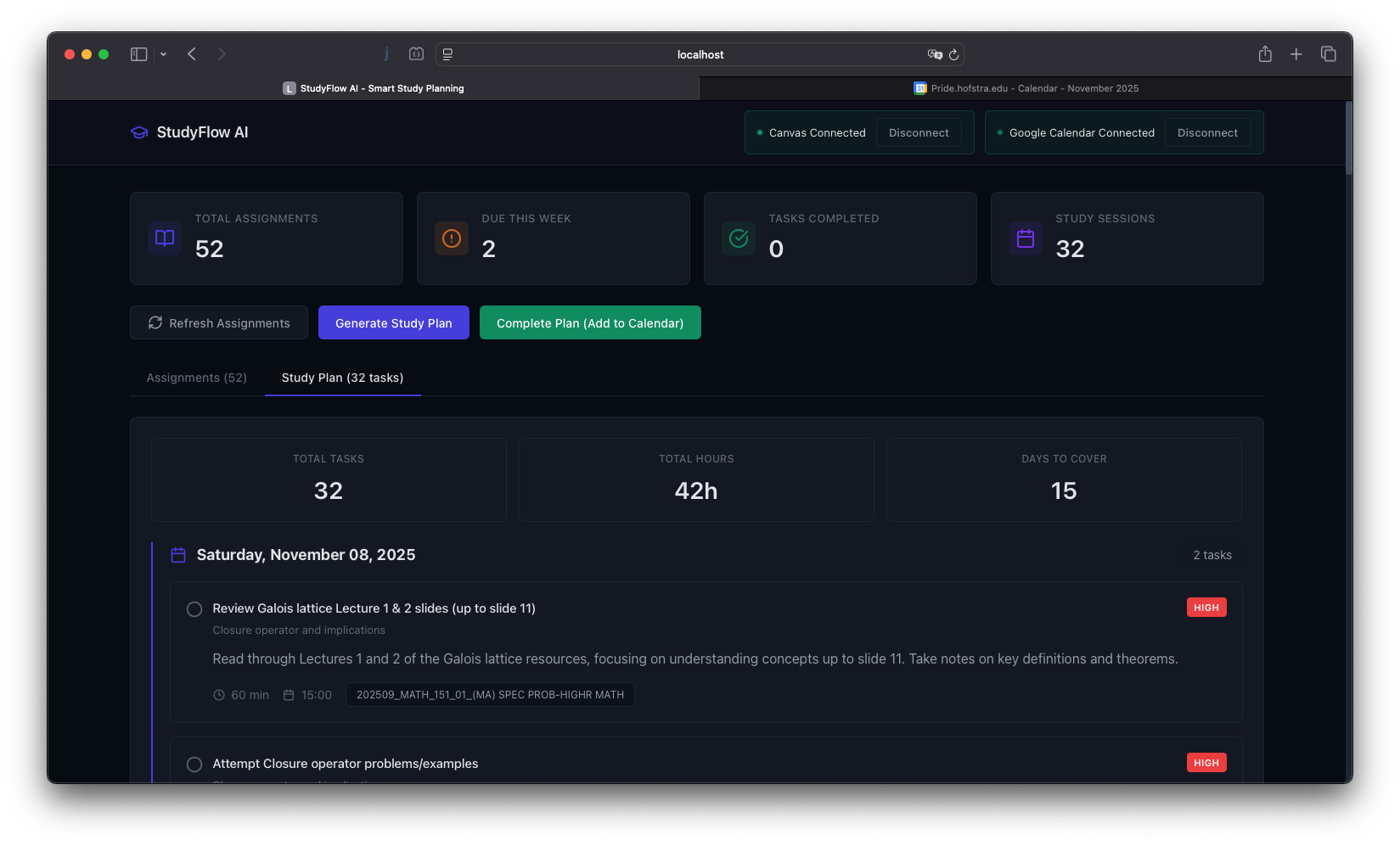
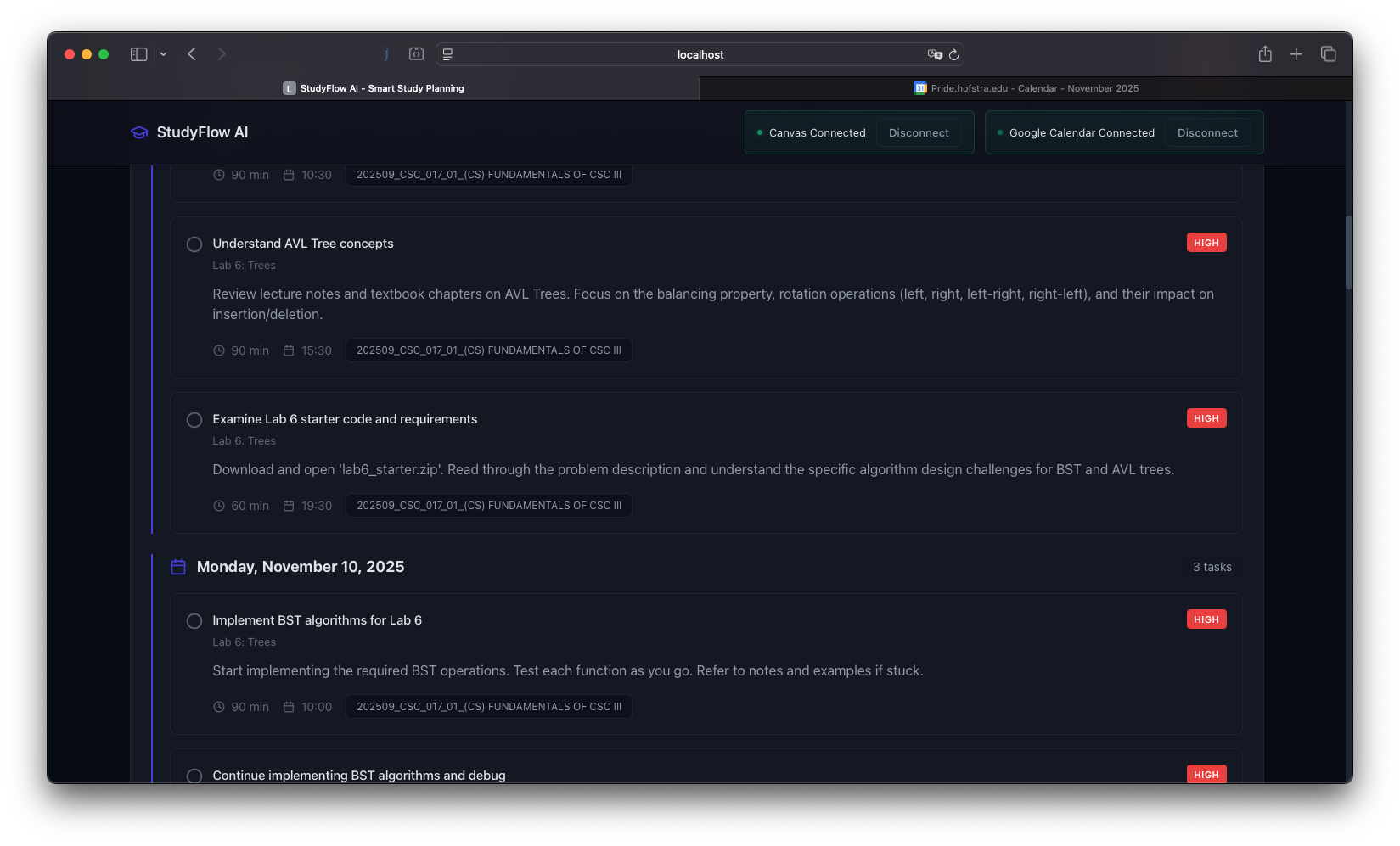
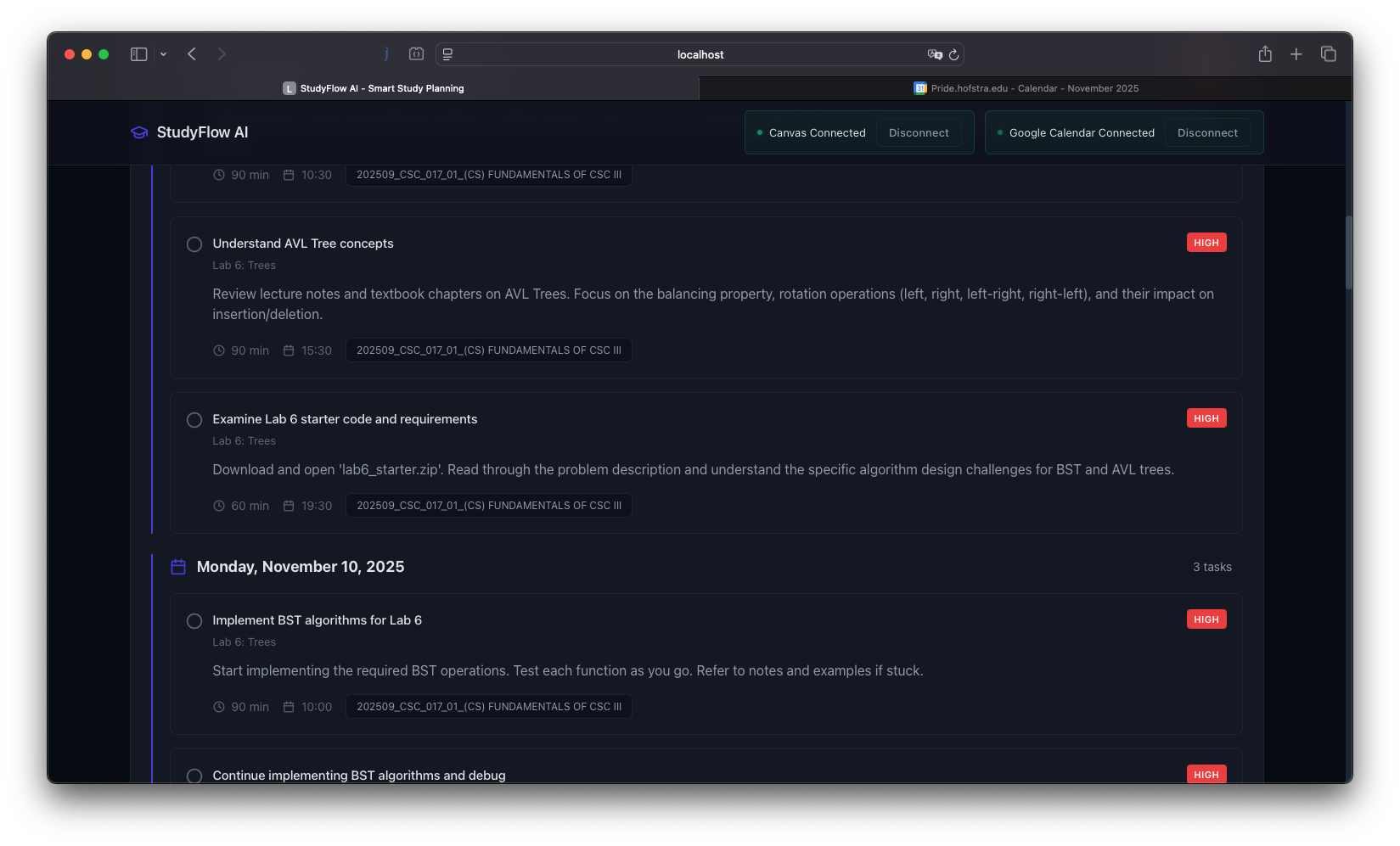
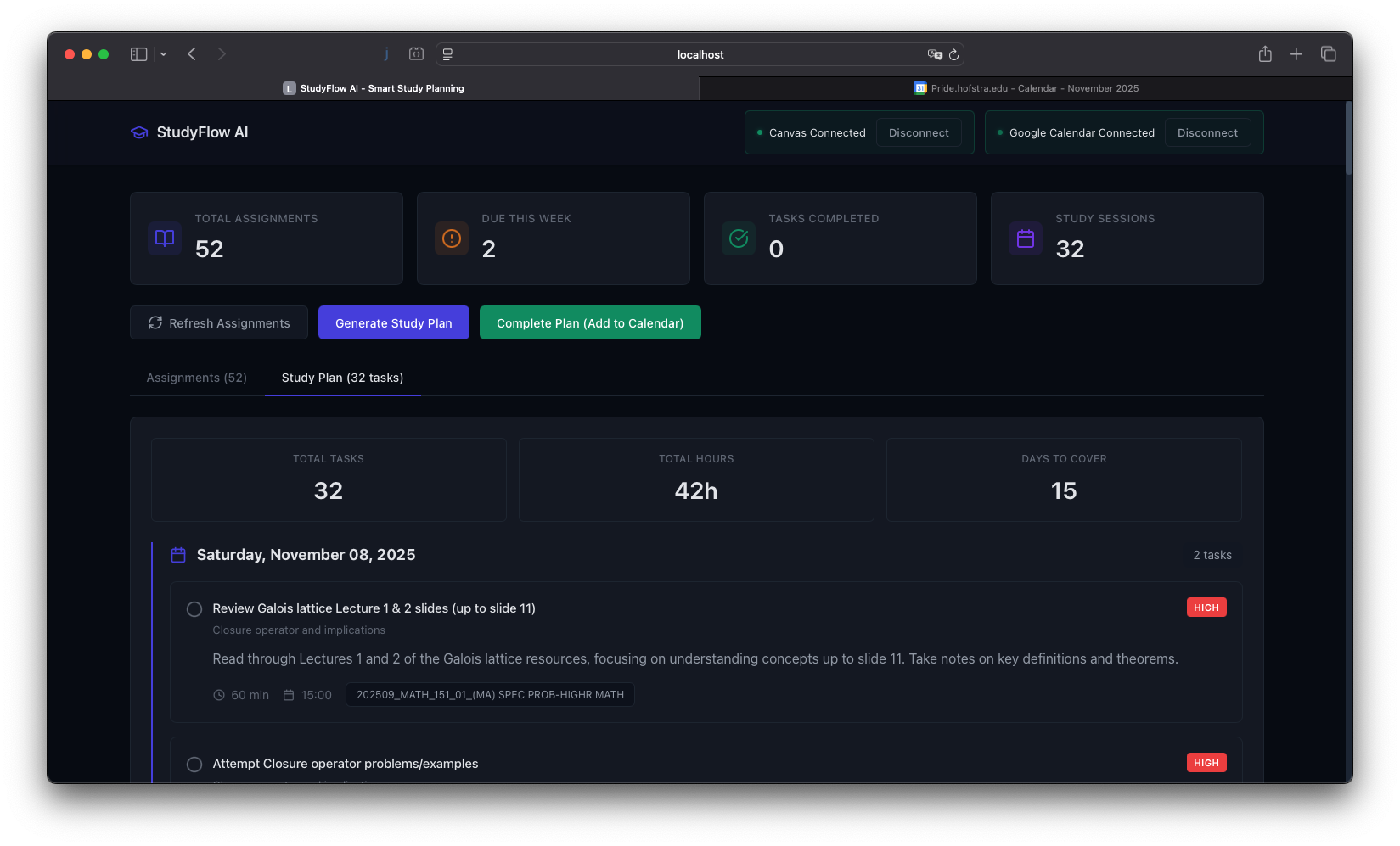
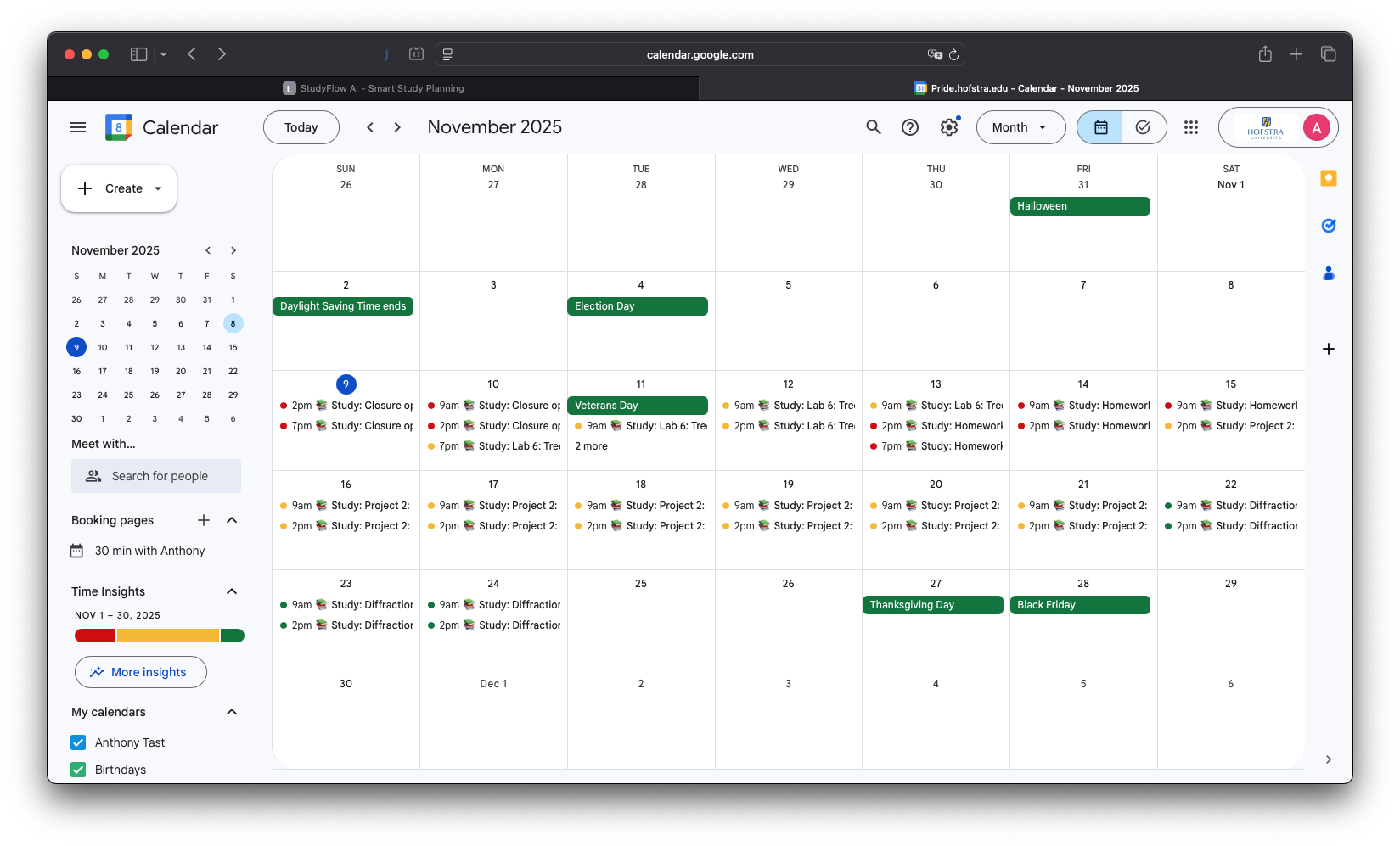
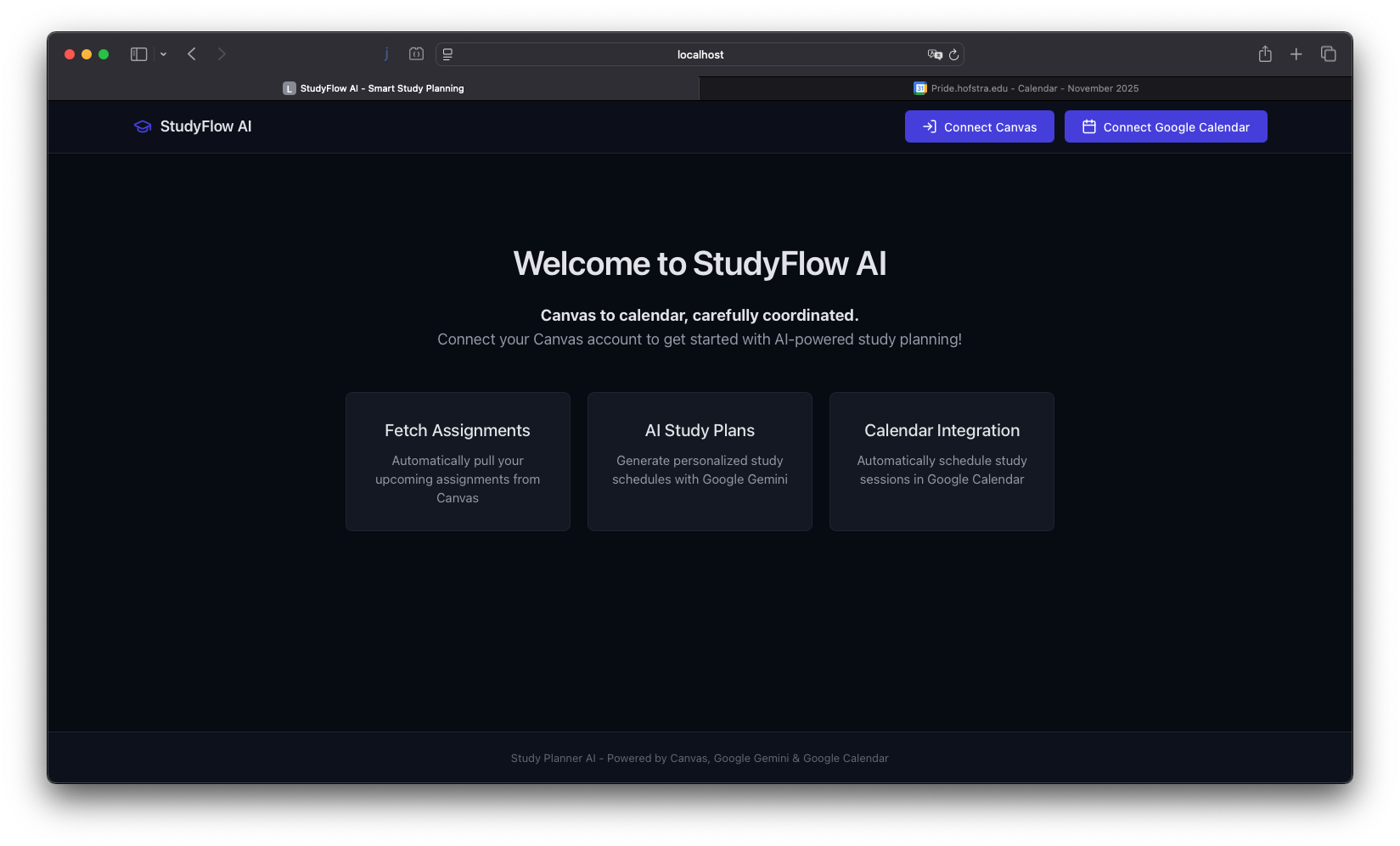
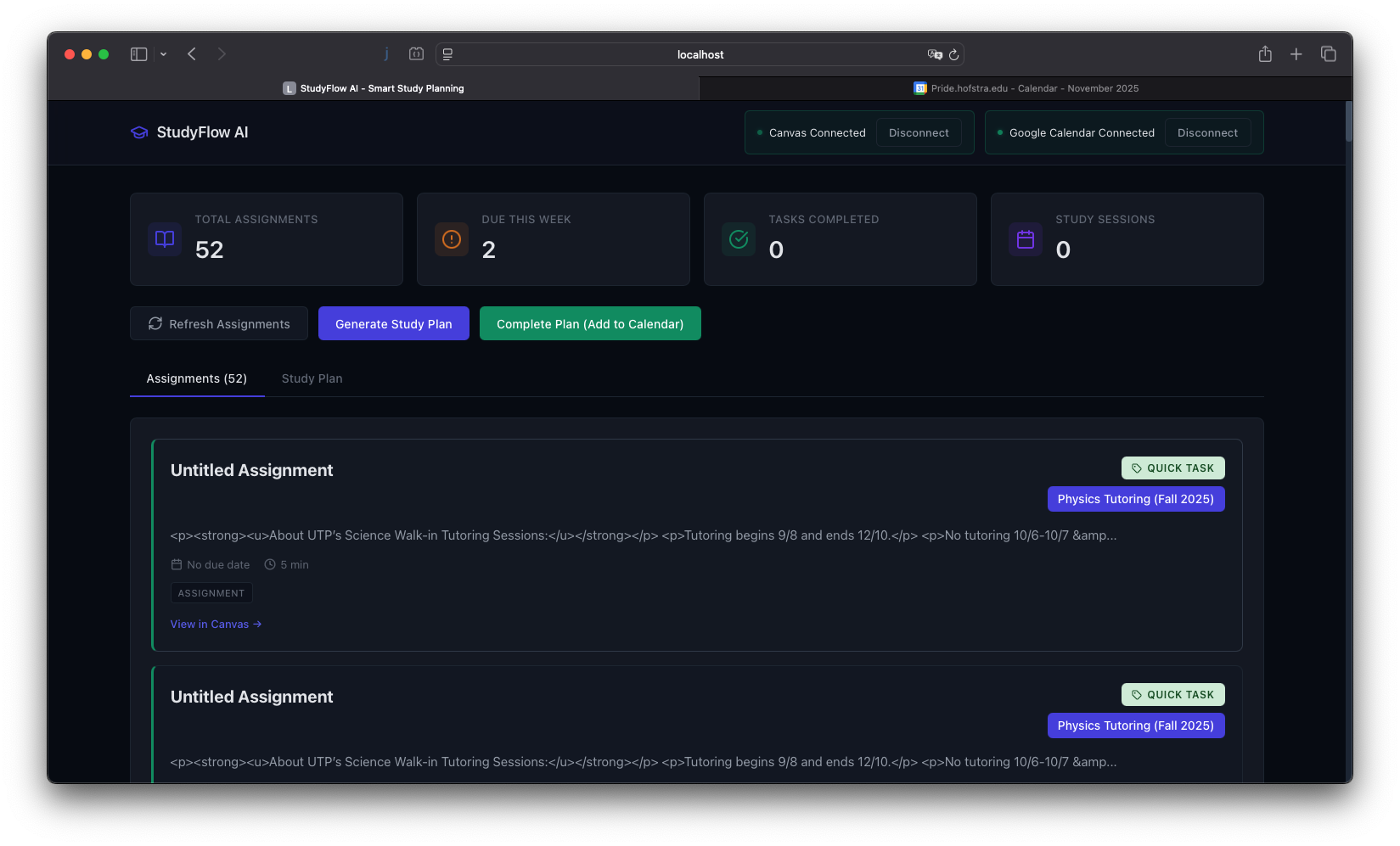
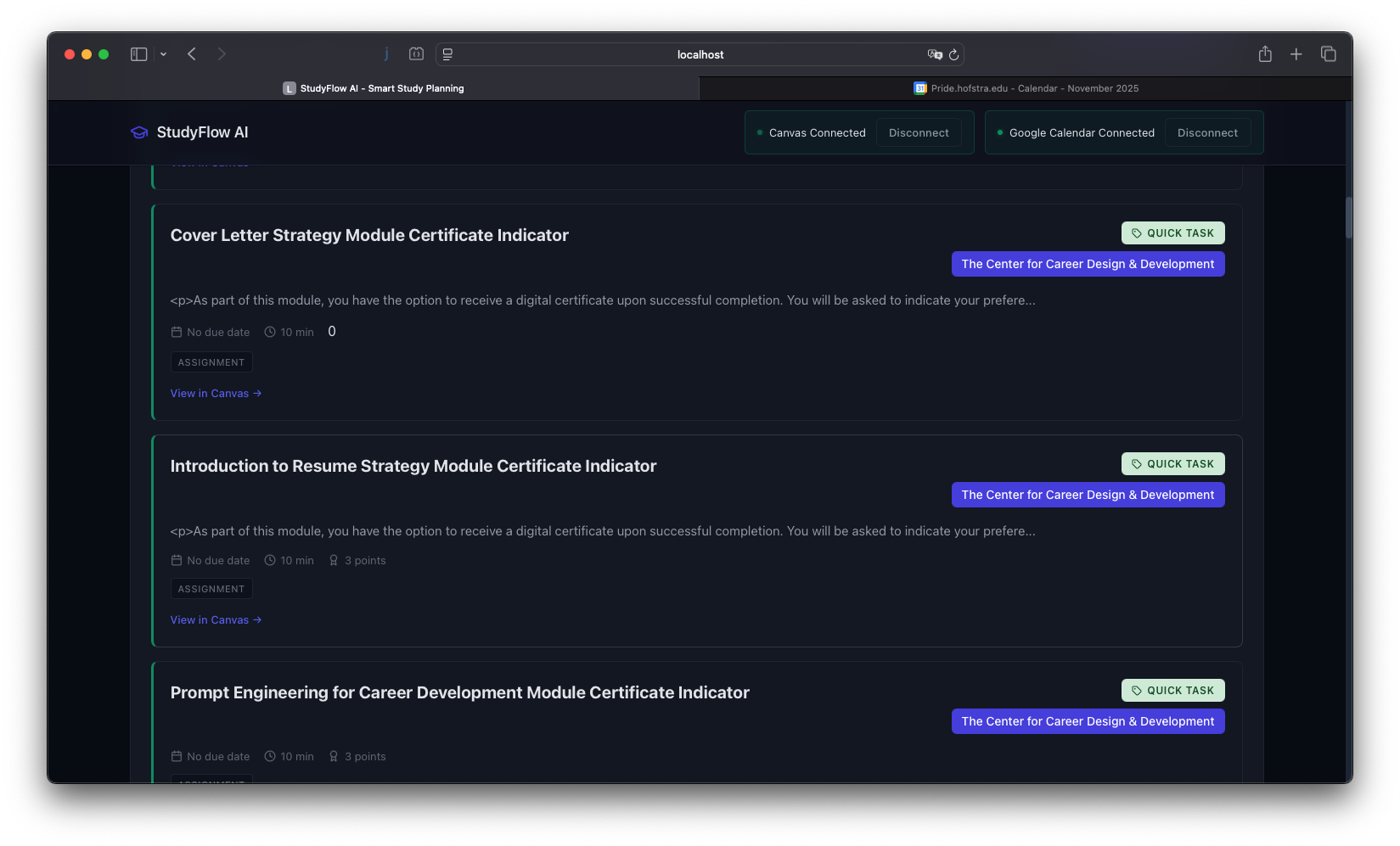
StudyFlow AI connects Canvas, Google Gemini, and Google Calendar to automate study planning. It fetches your upcoming assignments from Canvas, sends the details to Gemini with context about due dates and workload, and receives back a structured study plan with specific tasks and time allocations. The app then creates calendar events for each study block, accounting for your existing schedule. You get a complete, personalized study timeline without lifting a finger.
How we built it
We built a FastAPI backend that handles three API integrations. It authenticates with Canvas to fetch assignment data, sends formatted prompts to Google Gemini through OpenRouter, and creates calendar events via the Google Calendar API. The frontend is a Vite React app that displays your assignments and generated plan. OAuth 2.0 handles authentication across platforms. The trickiest part was prompt engineering: getting Gemini to consistently return properly structured JSON that we could parse and convert into calendar events.
Challenges we ran into
OAuth 2.0 across three different services was complicated. Each platform has different token refresh requirements and scopes. Getting consistent JSON output from Gemini required extensive prompt iteration. The AI would sometimes return valid responses in slightly different formats, breaking our parser. Time zone handling between Canvas timestamps, AI-generated times, and Google Calendar events created subtle bugs. Canvas API documentation is incomplete in places, so we had to experiment to figure out the correct endpoints and data structures. Balancing automated scheduling with real-world constraints like existing calendar events and reasonable work hours took careful algorithm design.
Accomplishments that we're proud of
We successfully integrated three major APIs into a working end-to-end system. Our prompt engineering achieves reliable JSON formatting from Gemini over 95% of the time. The app handles calendar conflict detection and schedules study blocks around existing commitments. Instead of vague study reminders, it generates concrete tasks like "Complete problem set questions 1-5" or "Review chapters 7-9 notes." The entire flow from Canvas assignment to calendar event happens automatically, which was our original goal.
What we learned
Multi-API integration requires careful error handling at every step. Prompt engineering is more precise than we expected; small wording changes significantly affect AI output structure. Time zone conversions need to happen at specific points in the data pipeline to avoid inconsistencies. OAuth flows are tedious but necessary to implement correctly. The gap between a working demo and a reliable product is mostly error handling and edge cases. Building useful tools requires understanding actual user workflows, not just technical possibilities.
What's next for StudyFlow AI
Adaptive rescheduling that detects when you're behind and adjusts future blocks accordingly. Historical tracking to learn how long different assignment types actually take you, improving time estimates over time. Spaced repetition scheduling for exam preparation. A mobile app for notifications and quick schedule adjustments. Support for multiple calendars so personal and academic events stay separate. Integration with productivity techniques like Pomodoro timers. Analytics showing completion rates and study patterns. Long-term, machine learning to understand your optimal study times and personalize scheduling based on your actual behavior patterns.
Built With
- fastapi
- google-calendar
- instructure-canvas
- javascript
- node.js
- openrouter
- python
- react

Log in or sign up for Devpost to join the conversation.