-
-
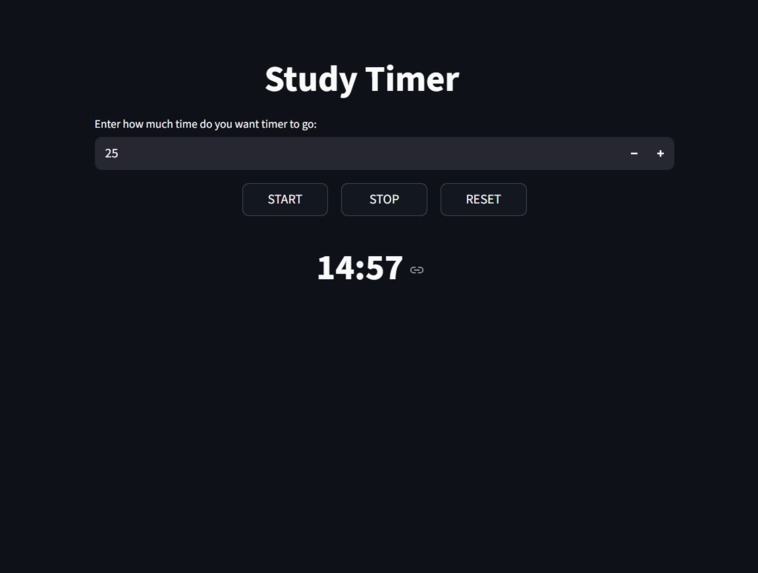
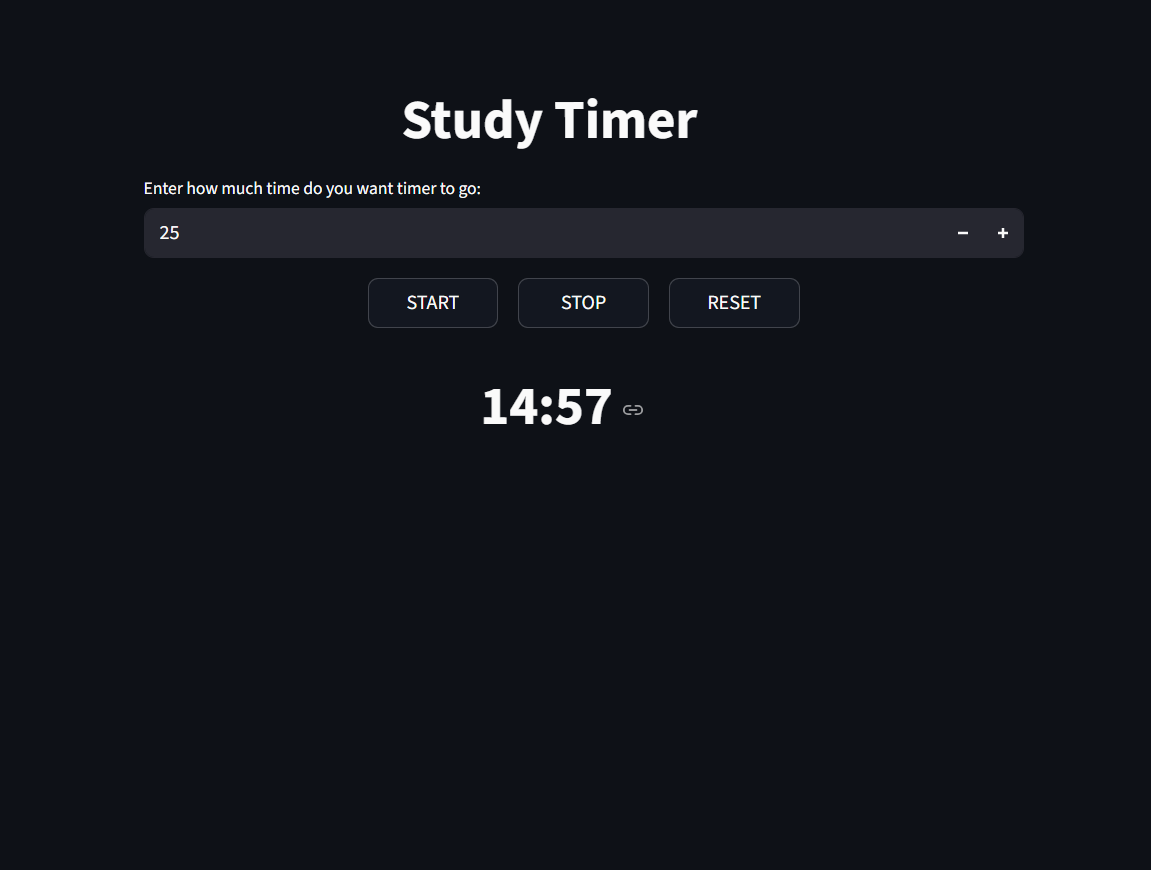
Study Timer
-
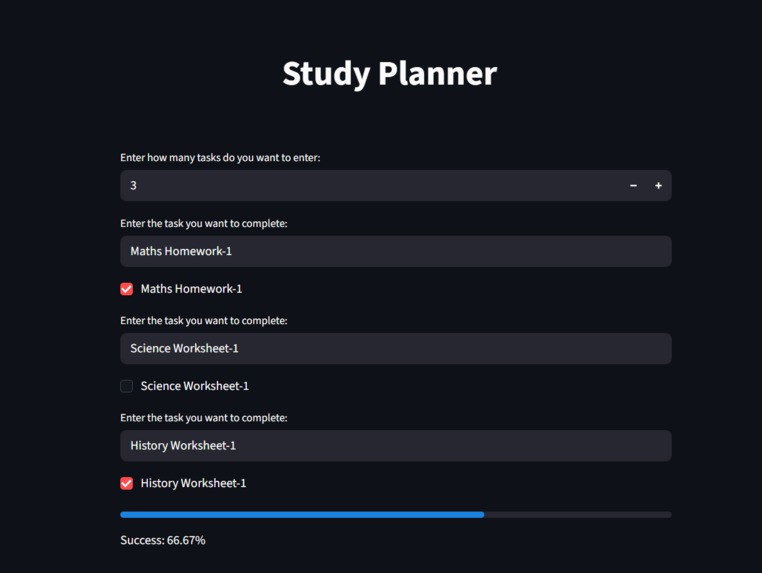
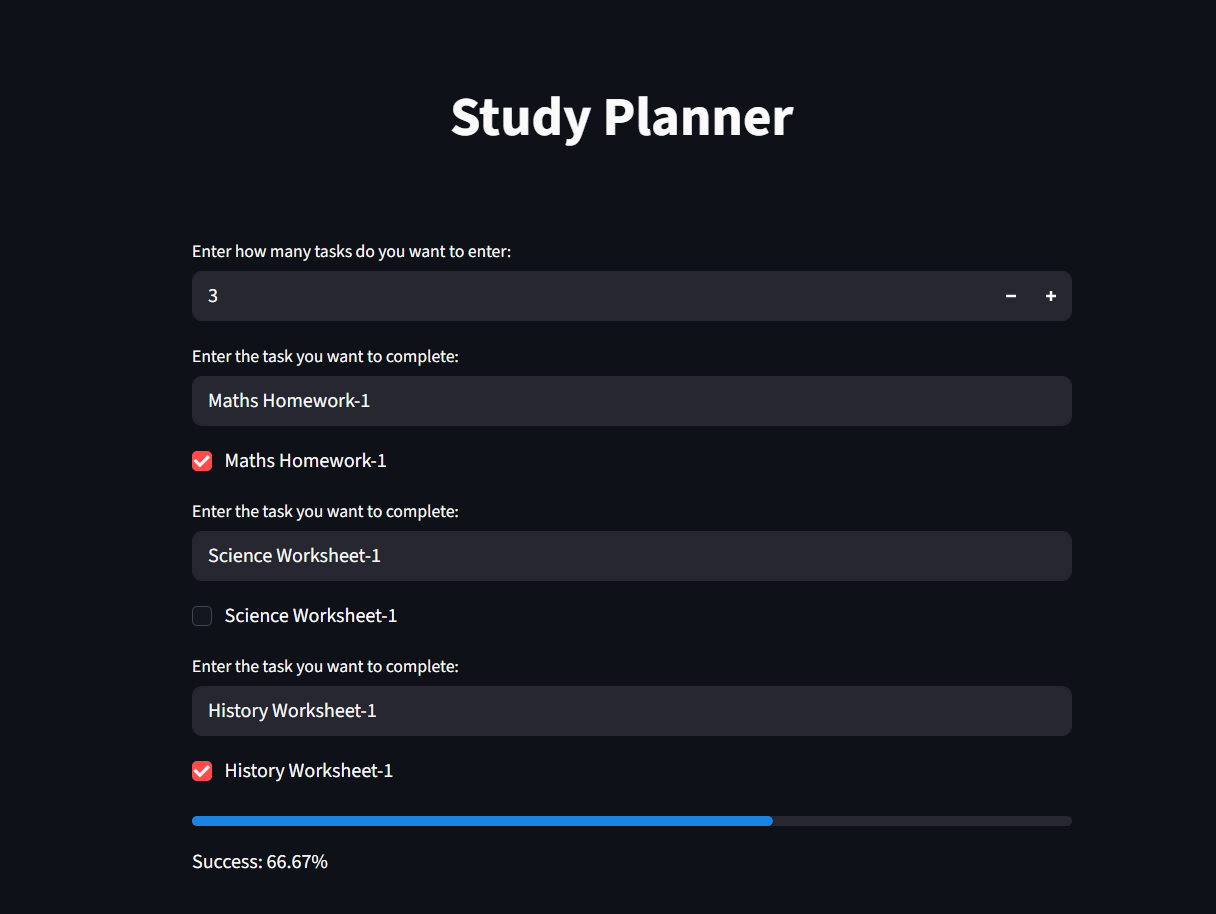
Study Planner
-
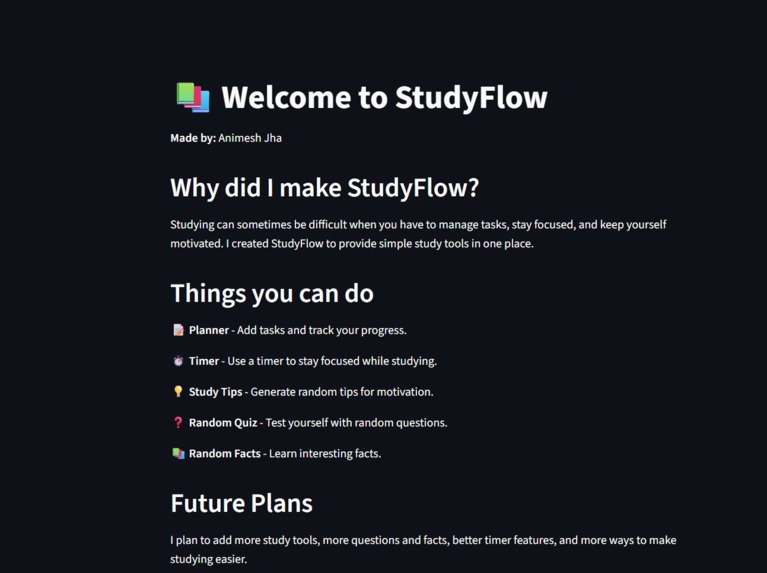
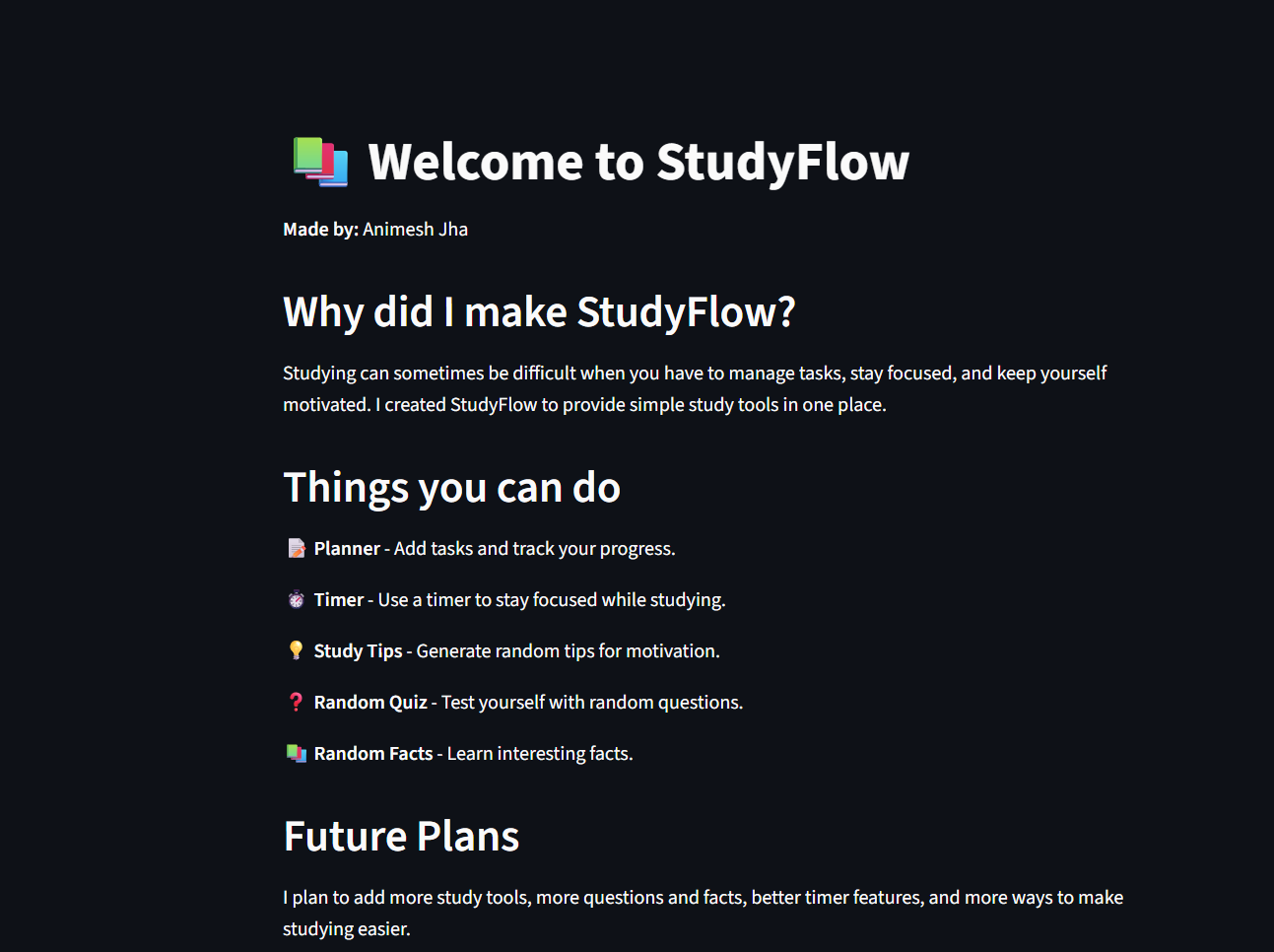
Home Screen
-
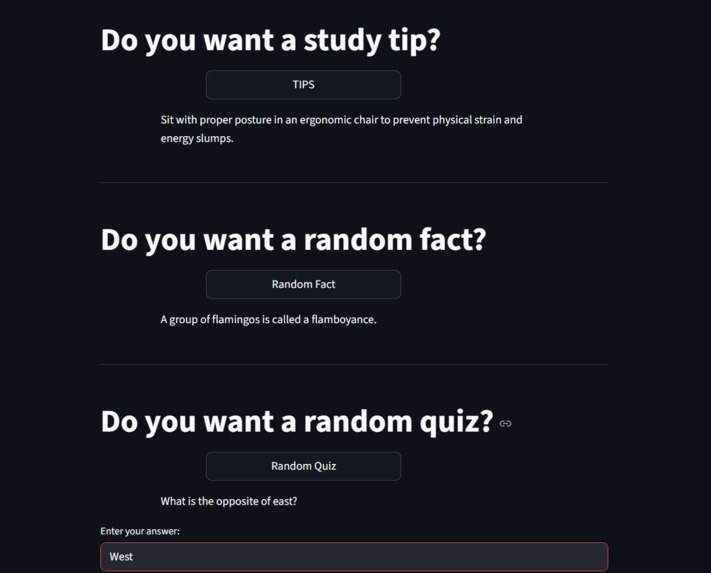
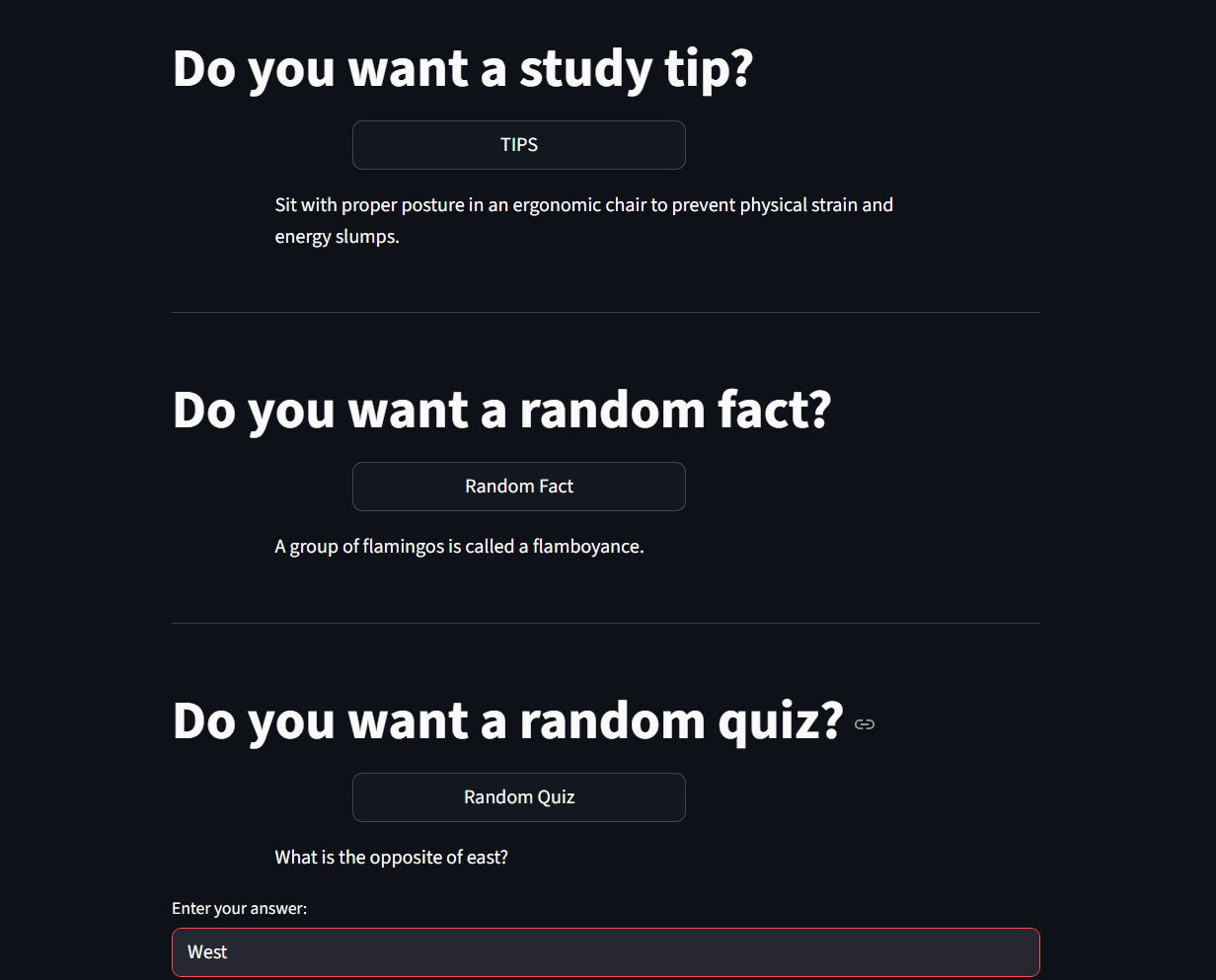
Other Things
Project Story — StudyFlow
About the Project
I created StudyFlow as a simple study companion that brings useful study tools into one place. I wanted to make studying easier by combining a planner, timer, quizzes, study tips, and random facts in one application.
What I Learned
While building StudyFlow, I learned more about Python, Streamlit, session state, functions, randomization, and object-oriented programming. I also learned how Streamlit reruns an application and how st.session_state can be used to keep information from being lost between reruns.
How I Built It
I built StudyFlow using Python and Streamlit. I created separate pages for the Planner, Timer, and Helpful Things. The Planner uses session state to remember tasks and completion status, while the Timer uses elapsed time calculations and Streamlit fragments to update smoothly. The Helpful Things page uses Python's random module to generate quizzes, study tips, and facts.
Challenges I Faced
One of my biggest challenges was understanding Streamlit's rerun behavior. At first, my Planner would forget the tasks when I moved between pages or interacted with the app. I solved this by learning and using st.session_state.
The Timer also required some debugging because stopping the timer initially caused it to reset instead of remembering the remaining time. I fixed this by calculating the elapsed time and saving the remaining time before stopping.
Building StudyFlow taught me that debugging is an important part of programming. Instead of giving up when something didn't work, I learned to find the cause, understand it, and improve my code.
Built With
- object-oriented-programming
- python
- streamlit

Log in or sign up for Devpost to join the conversation.