-
-
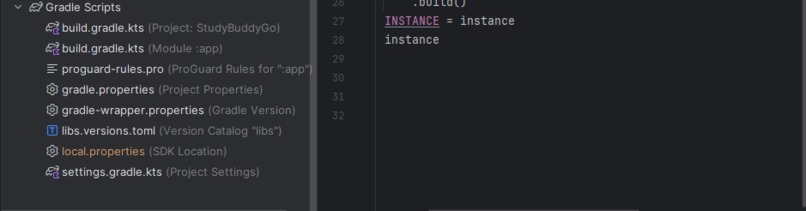
Structure Part 3
-
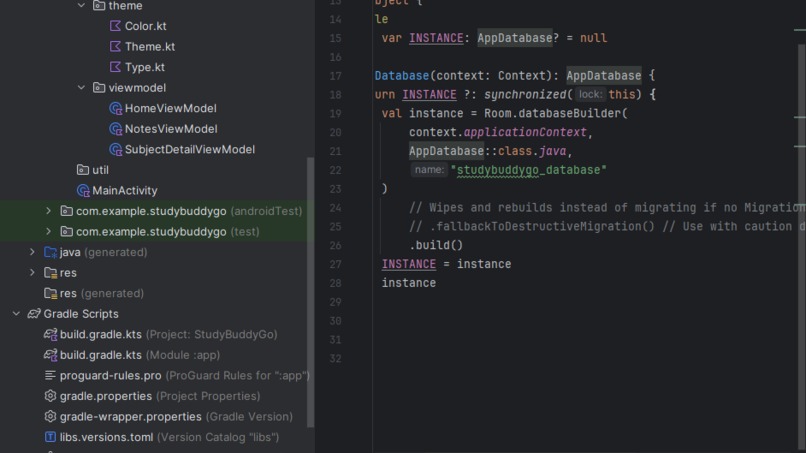
Structure Part 2
-
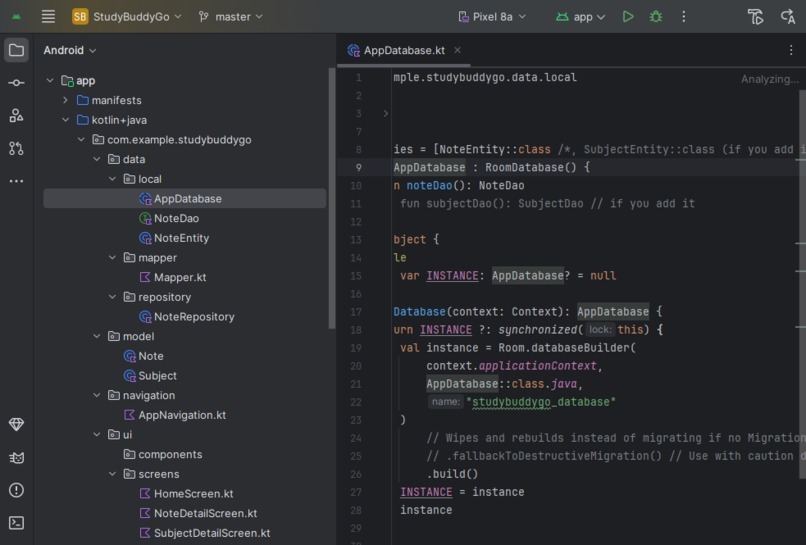
Structure Part 1
-
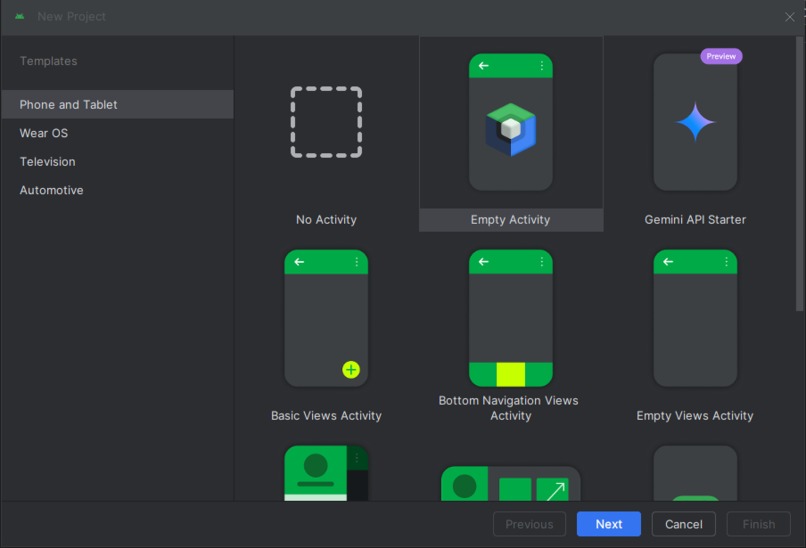
Project Initiation Phase
Inspiration
Inspiration Behind StudyBuddyGo: Making Education an Adventure
The inspiration for StudyBuddyGo stemmed from a simple belief: learning shouldn't be a chore; it should be an adventure. I observed countless students, including myself, facing the common hurdles of traditional education – disengagement, rote memorization, and a feeling of isolation in their studies. It became clear that the immense power of technology, which captivates and connects us in so many other areas of life, was being underutilized in making learning truly enjoyable and effective.
I envisioned an application that could transform study sessions from monotonous tasks into engaging quests. The "Buddy" in StudyBuddyGo signifies the importance of collaborative learning and mutual support, fostering a sense of community rather than competition. The "Go" reflects the dynamic, accessible, and on-the-move nature of modern learning, breaking free from the confines of a physical classroom.
StudyBuddyGo was therefore engineered to weave in elements of gamification, interactive content, and personalized learning paths. The goal was to spark curiosity, celebrate small victories, and empower students to take control of their educational journey, making the pursuit of knowledge not just a necessity but a genuinely fun and rewarding experience. It’s about unlocking potential by making learning an active, engaging, and joyful process.
What it does
StudyBuddyGo revolutionizes learning by transforming education into a fun, engaging adventure. We leverage cutting-edge technology to create a personalized learning experience tailored to each student's unique pace and style. Say goodbye to one-size-fits-all and hello to a world where learning is exciting, interactive, and designed just for you, helping students unlock their full potential and discover a genuine love for knowledge.
How we built it
How StudyBuddyGo Was Built:
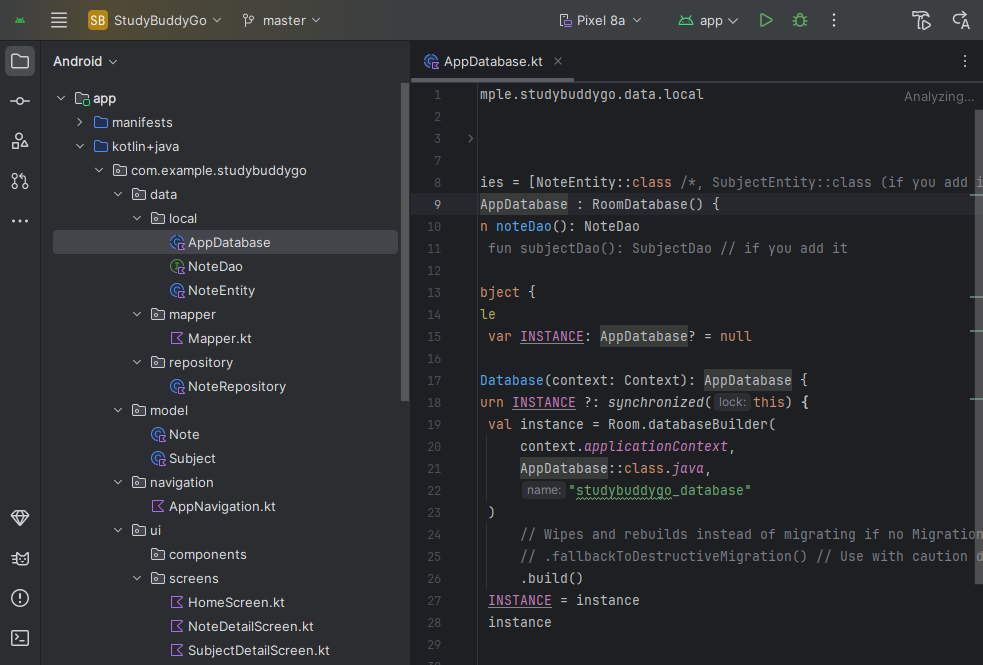
Android Studio served as the official Integrated Development Environment (IDE) for the development of the StudyBuddyGo Application. It provided a comprehensive suite of tools for writing code, designing user interfaces, debugging, and testing applications.
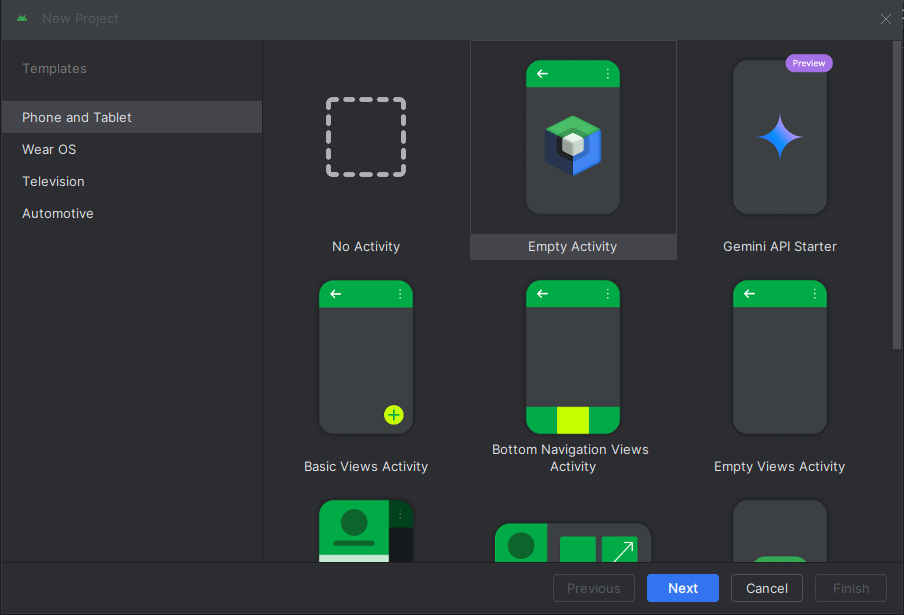
Project Setup in Android Studio: I started by creating a new project in Android Studio, selecting Kotlin as the primary language.
Core Logic and Features (Kotlin): The fundamental functionalities of a study buddy app – such as user authentication, profile creation, searching for study partners, scheduling study sessions, chat features, and potentially progress tracking
User Interface (UI) Development: XML: Traditionally, Android UIs are built using XML layouts. Android Studio provides a visual layout editor and tools to create these XML files, defining the structure and appearance of screens and components.
Jetpack Compose (Kotlin): StudyBuddyGo uses Compose; its UI would be predominantly Kotlin-based.
Working with Data: The app would likely interact with a backend server to store user data, study session information, and messages. Libraries like Retrofit (for network requests) are commonly used, configured within the Kotlin/Java code.
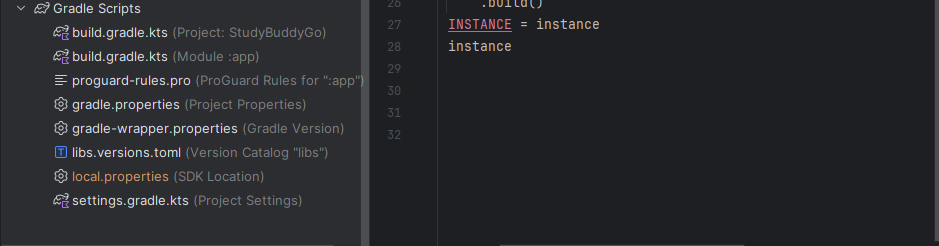
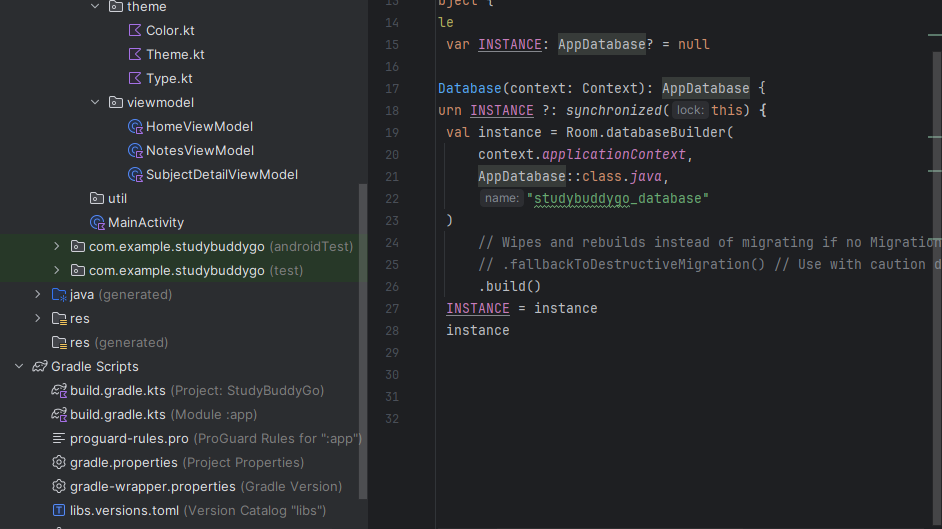
Local data storage (e.g., user preferences, cached data) might be handled using SQLite (often via the Room persistence library) or DataStore, again implemented in Kotlin.
Utilizing Android SDK and Jetpack Libraries: StudyBuddyGo leveraged the Android SDK (Software Development Kit) to access device features.
Building and Debugging: Android Studio would be used to compile the Kotlin and Java code, along with XML resources, into an APK (Android Package Kit) that can be installed and run on Android devices or emulators. The IDE's debugging tools would be crucial for identifying and fixing issues.
Challenges we ran into
The major challenge I ran into when creating the application was the debugging stage. There were errors reflecting on the app, and it took me a couple of hours and even days to figure out the next step during the development process.
Accomplishments that we're proud of
The moment the app was built successfully, I had a huge smile on my face.
What we learned
I learned that if something is important to you, then stay consistent and never give up.
What's next for StudyBuddyGo
The next stage of the process would be registering the app on the Google Play Store by buying a registration package on the Google Play Console. I also plan on purchasing a better laptop and a new phone for development and testing purposes.
Built With
- java
- kotlin


Log in or sign up for Devpost to join the conversation.