-
-
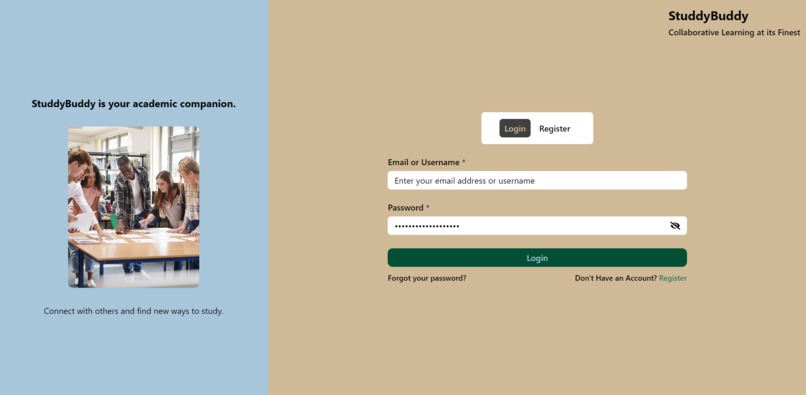
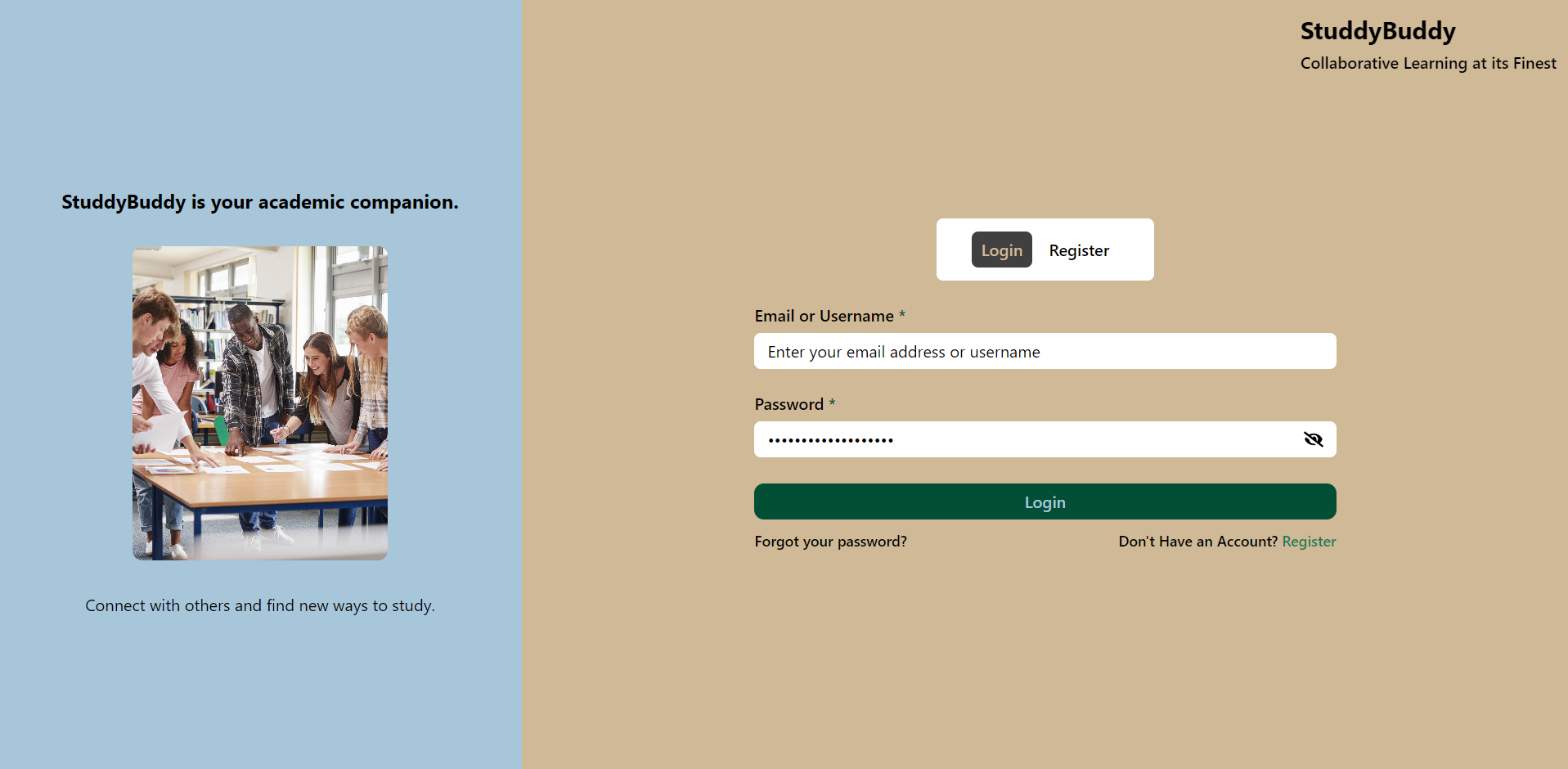
Home Page
-
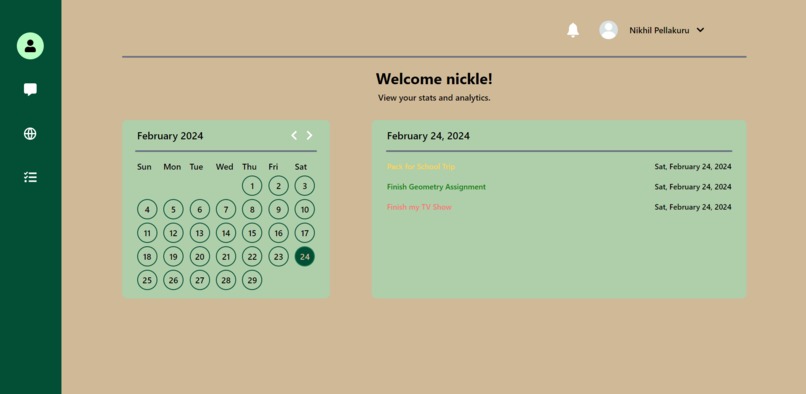
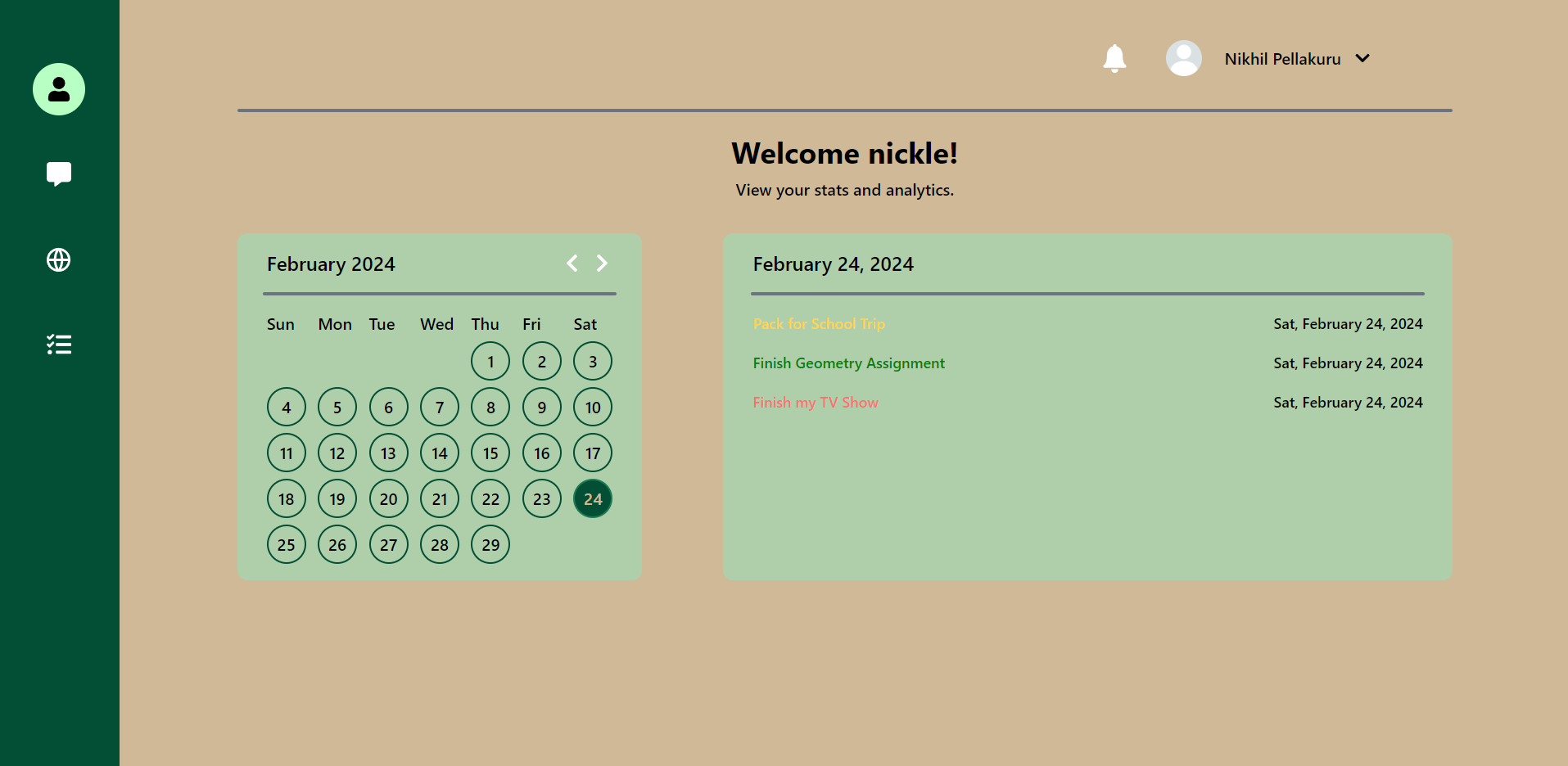
User Dashboard with Tasks
-
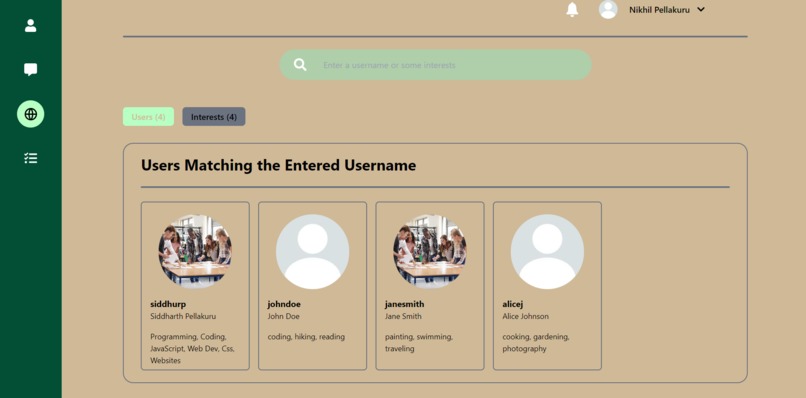
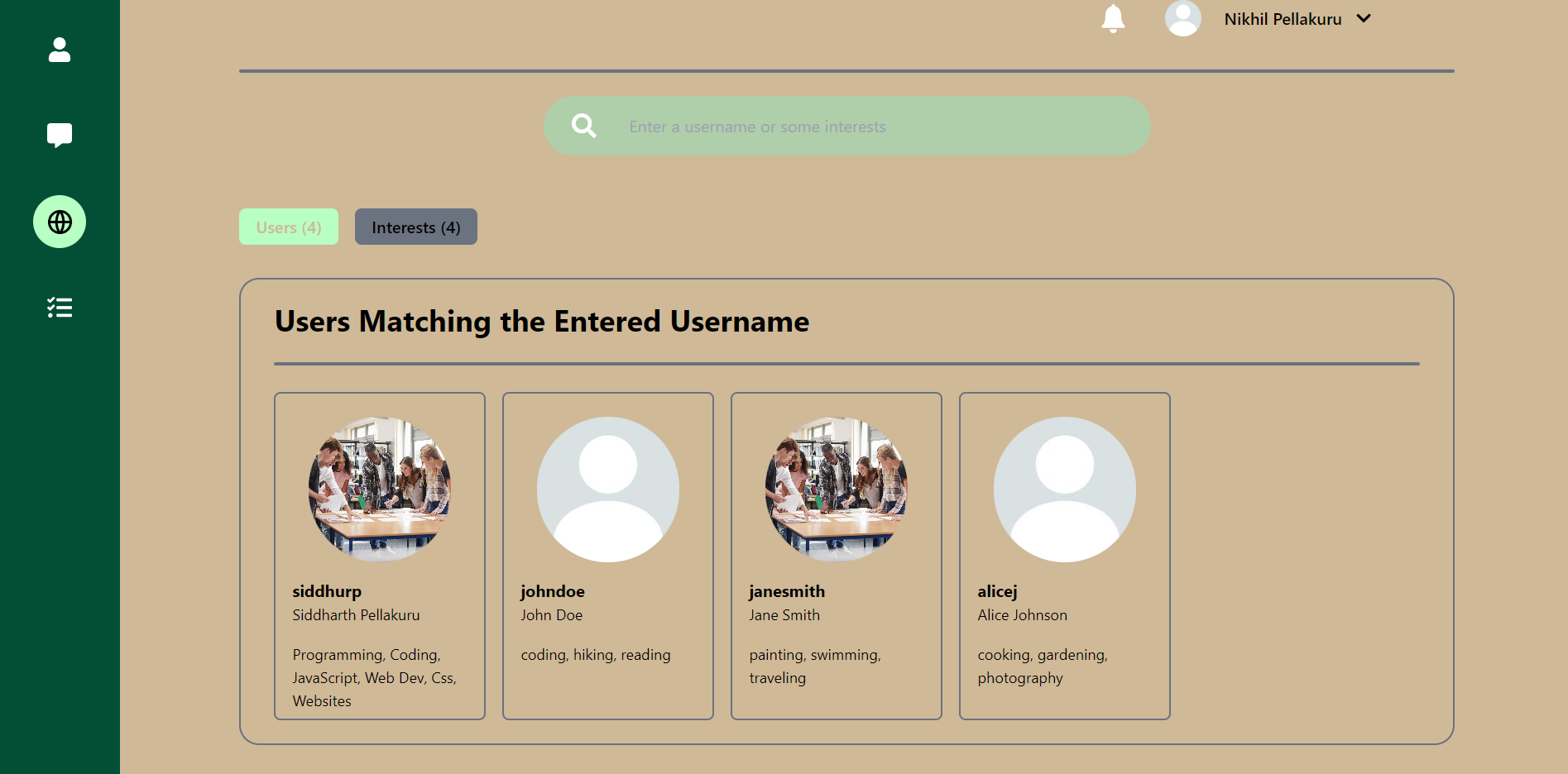
User Search
Inspiration
So many people struggle to communicate because of specific barriers that prevent further collaboration. Some people are shy and don't know who the right people to talk to are. So I thought of a solution to that problem.
What it does
StudyBuddy allows students to find peers with similar interests and communicate with them through a messaging tab in the application. Also, users can create tasks and view tasks on a nice calendar displayed on their dashboards. A sidebar allows StudyBuddy users to easily navigate through different tabs with popup text when necessary. Settings and notifications can be viewed at the top of the page through the user information header.
How I built it
StuddyBuddy has two main components, a backend and a frontend. For my backend, I used node.js to code and express.js server, utilizing PostgreSQL to store user information, chats, and tasks. For the actual chat itself, I used socket.io to enhance the response times of user messages and allow for quick messaging. By using an express.js app, as mentioned earlier, I create multiple get and post requests that allow the front end to easily communicate with the data stored in the backend. For my front end, I used ReactJS to create a nice application with lots of features that HTML and CSS would've been harder to implement. For styling my application, I utilized Tailwind CSS so I could easily and quickly create beautiful colors. Any icons found on my application were easily brought in by React Icons, a site specially made for adding SVG icons into ReactJS applications. In the chat tab, socket.io-client is used to connect to the socket server on the backend and create a fast connection between users. To store data such as usernames and names, I used js-cookie, a JavaScript library popularly used for setting, getting, and deleting web cookies.
Challenges I ran into
I ran into many challenges in the span of coding my application. First was the errors. While creating things like forms that required connecting with the backend, I sometimes made mistakes in routes and names which caused the connection to not work. This was more frustrating because the site didn't crash, just the backend, which I solved by going to the Chrome Developer Tools and finding out the problem through logging data. Another problem was managing my time. I sometimes spent lots of time on a small part of the project without focusing on the big picture and wasted the day.
Accomplishments that I'm proud of
I am proud of how I was able to create such a large project in a short period of time and find errors and debug them without getting very frustrated. It was very time-taking and I worked through it.
What I learned
I learned how to work with sockets in this project (the chatting). It's a very useful topic and can be utilized in many projects today.
What's next for StudyBuddy
StudyBuddy has a very large future, which is another reason it is a great application. Some features I plan on adding to my project are group texting, video meetings, calls, media messages, desktop and mobile notifications, a mobile application, and much more.
Built With
- axios
- cookies
- cors
- express.js
- icons
- node.js
- nodemon
- postgresql
- react
- react-router
- socket.io
- socket.io-client
- tailwind
- toasts

Log in or sign up for Devpost to join the conversation.