-
-
StudyAI Extension
💡 Inspiration
Studying online can feel overwhelming — endless tabs, distractions, and scattered notes make it hard to focus. We wanted to build something that feels like having a personal AI companion who understands your goals, keeps you focused, and helps you learn smarter. That’s how StudyBuddy was born — an AI partner built right into your browser to make learning easier, personalized, and fun.
🚀 What it Does
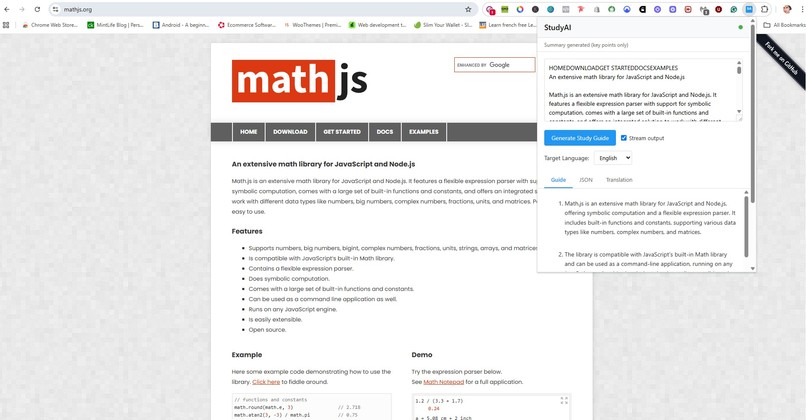
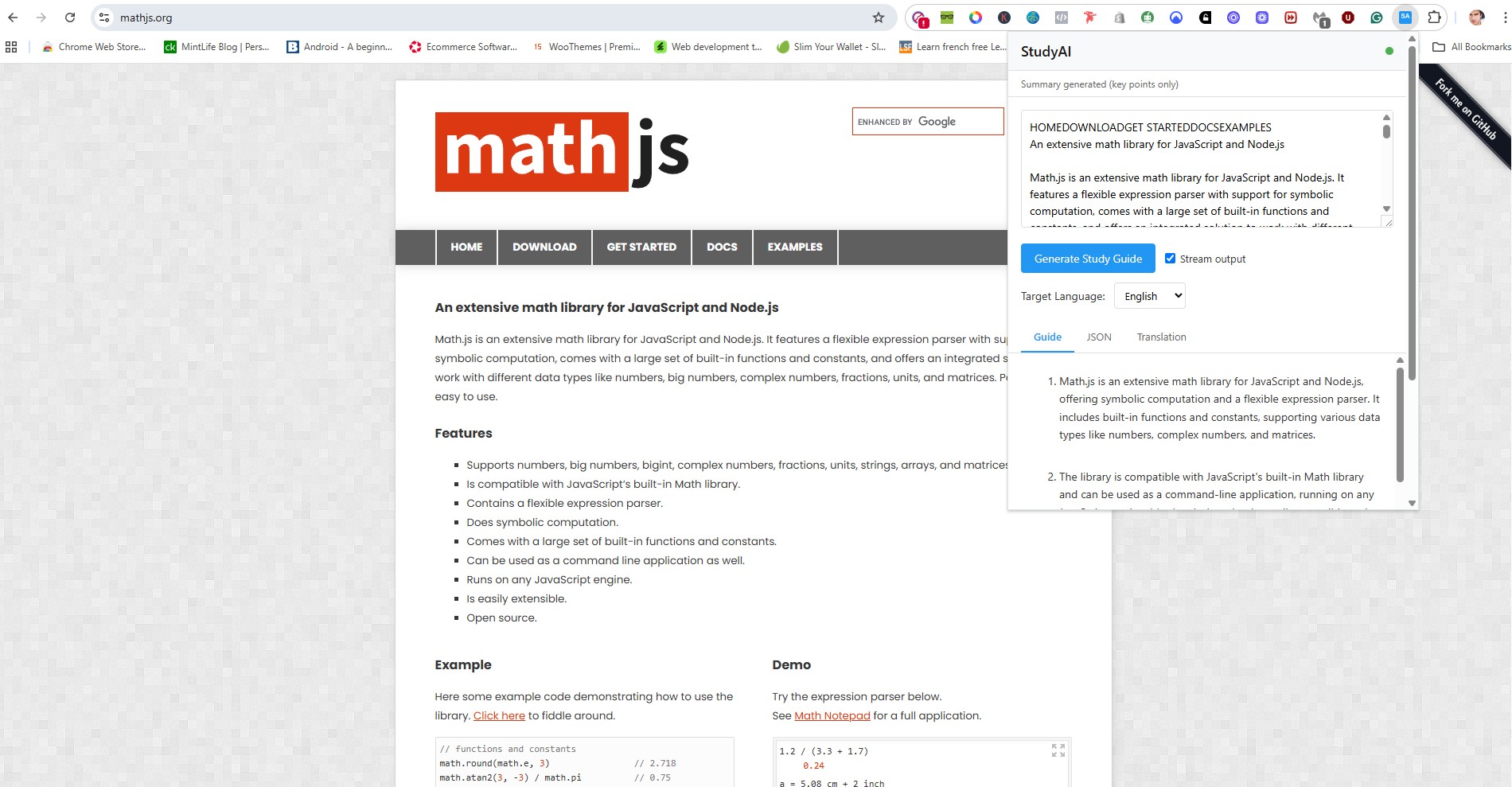
StudyBuddy is an AI-powered Chrome extension that helps students study efficiently and stay consistent by combining summarization, tutoring, and motivation — all offline.
🧠 AI Tutor: Ask questions and get instant answers from your current tab’s content. 📝 Smart Summaries: Automatically condenses long pages, PDFs, and videos into key points. 📊 Progress Insights: Tracks study time, focus sessions, and topic coverage privately on-device. 🎯 Focus Mode: Blocks distractions and helps maintain deep work flow. 💬 Motivation Boosts: Provides micro-reminders and motivational quotes based on your study progress.
🛠️ How We Built It
Frontend: Built with HTML, CSS, and TypeScript as a Chrome extension interface. AI Backend: Powered by Gemini Nano, leveraging Chrome’s built-in AI APIs for on-device summarization and reasoning. Prompt API: Used Chrome’s Prompt API for structured summarization and quiz generation. Local Storage: User preferences and progress stored securely using Chrome’s storage.sync API. Speech Features: Added text-to-speech and voice commands for accessibility and hands-free study sessions.
🧩 Challenges We Ran Into
Balancing performance and accuracy while keeping everything on-device. Designing an intuitive UI that doesn’t interrupt the user’s browsing flow.Handling different content formats — text, video, and PDFs — smoothly. Ensuring privacy-first architecture with no external API calls.
🏆 Accomplishments That We’re Proud Of
Successfully integrated Gemini Nano to power AI summaries entirely offline. Built a fully functional prototype within the hackathon timeline. Created a minimal, distraction-free design that students love. Optimized AI prompts to work efficiently within Chrome’s local compute limits.
📚 What We Learned
How to use Chrome’s built-in AI APIs for real-time learning assistance. The importance of user experience when designing AI assistants. Techniques for prompt engineering and on-device inference optimization. That even simple AI tools can make learning more engaging when thoughtfully designed.
🔮 What’s Next for StudyBuddy 🎓 Build a personalized curriculum recommender that adapts to user progress. 📱 Launch StudyBuddy Mobile with Chrome Sync for Android and iOS. 🌐 Integrate multimodal input — image and handwriting recognition for note summaries. 🧩 Add collaborative study rooms for group sessions moderated by AI. 🚀 Release publicly on the Chrome Web Store and expand to educational institutions.

Log in or sign up for Devpost to join the conversation.