-
-
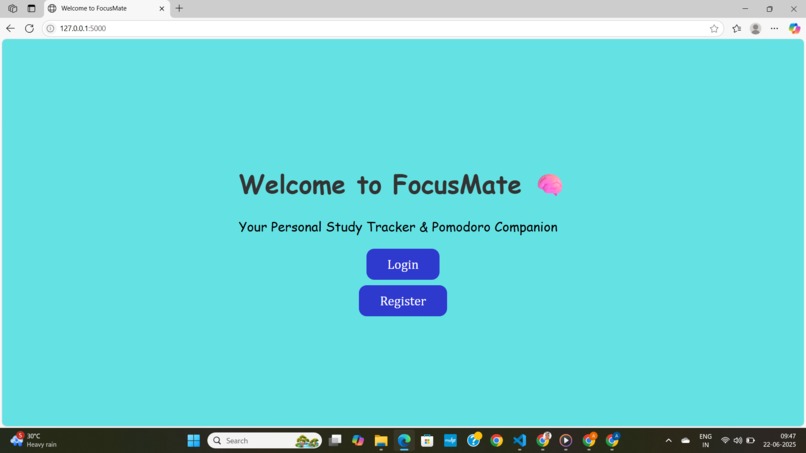
Landing page of website
-
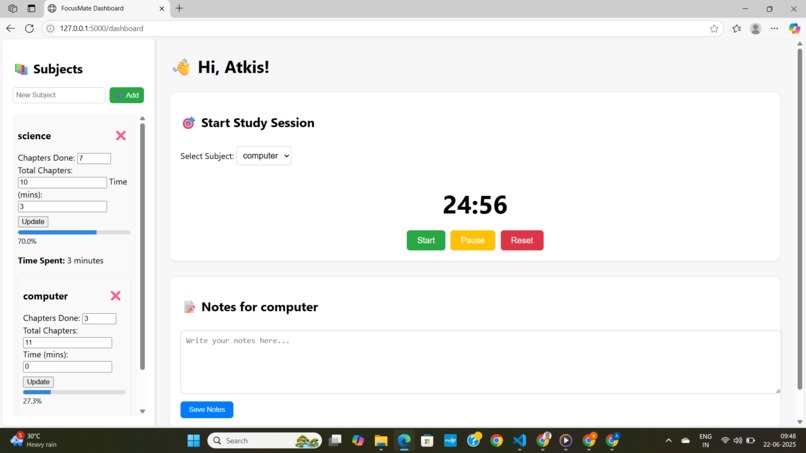
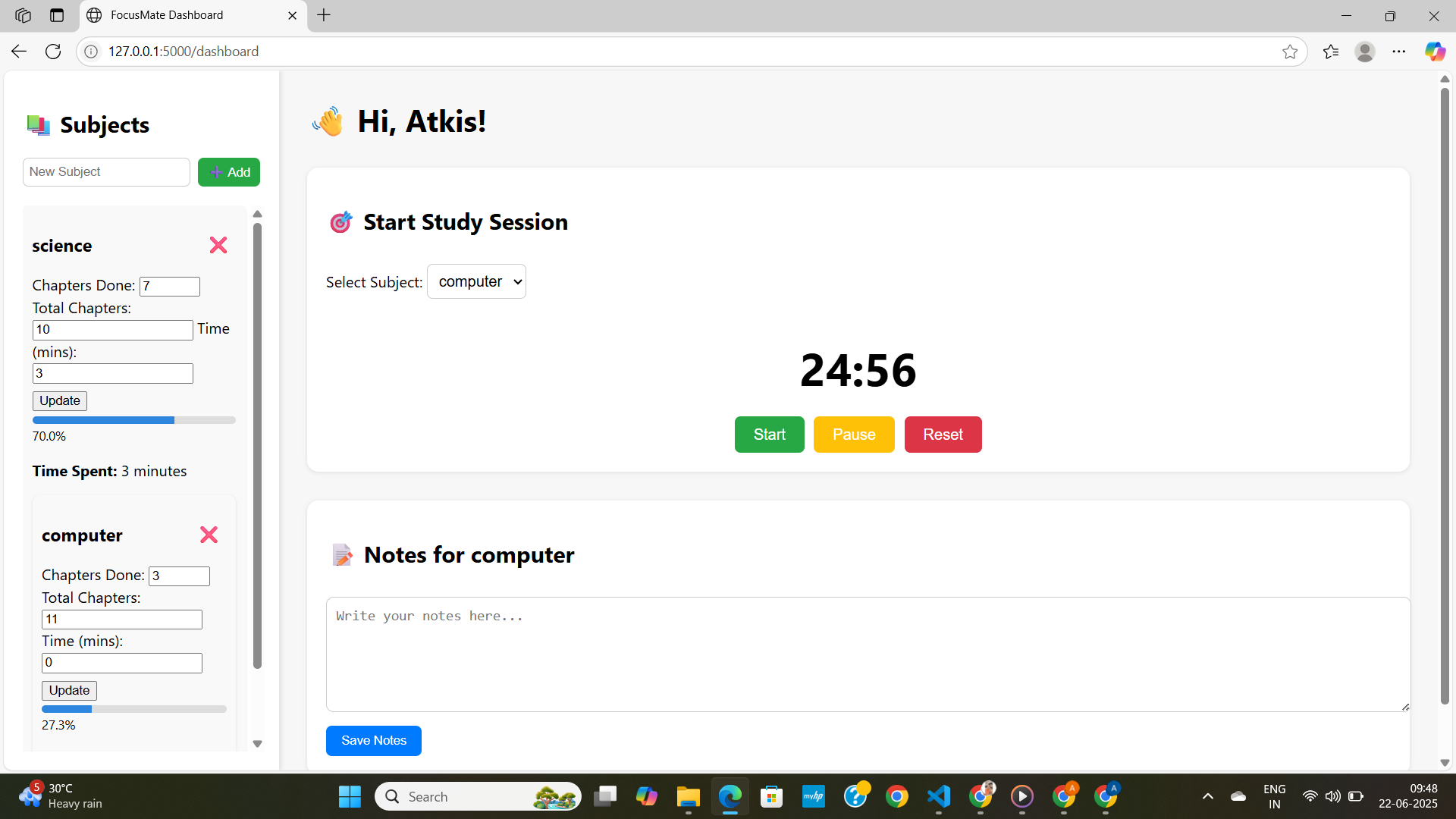
Dashboard after user login
Inspiration
Studying without a plan often leads to burnout and procrastination. We wanted to build a simple but effective tool that motivates students to track their sessions, organize subjects, and stay focused—all in one place.
What it does
FocusMate is a student productivity dashboard prototype. It allows users to:
✅ Log in / Register (Session-based, no full DB)
✅ Add, delete, and update subjects
✅ Track chapters completed and time spent
✅ Use a Pomodoro-style timer to focus
✅ Take notes per subject
✅ View live progress bars for each subject
All of this works in the browser and is handled via Flask sessions—no database needed for this version.
How we built it
Frontend: HTML, CSS (custom styling)
Timer: Vanilla JavaScript with DOM-based updates
Backend: Python Flask (lightweight, session-based)
Templating: Jinja2 for rendering subject data dynamically
Challenges we ran into
Timer event listeners not working initially due to script loading issues
Updating subject time with the timer (later decided to simplify this)
Keeping the UI clean while handling multiple forms and updates
Accomplishments that we're proud of
Clean UI with working subject cards and update logic
Fully functional study session timer
Proper session-based subject tracking with notes
A complete, demo-ready prototype that feels real and usable!
What we learned
Handling multiple forms in Flask
Managing sessions to simulate a user database
DOM manipulation and event binding in JS
How to design a tool that encourages consistent study habits
What's next for FocusMate
🗂️ Add SQLite/PostgreSQL database for storing data permanently
🧠 Integrate AI suggestions for smart study tips
📄 Upload PDFs to auto-generate summaries using free AI APIs
📊 Analytics & charts to show study trends and subject-wise time
🚀 Deploy online on Render or Vercel for others to try
Built With
- css-(custom-styling)-timer:-vanilla-javascript-with-dom-based-updates-backend:-python-flask-(lightweight
- data
- for
- frontend:-html
- jinja
- rendering
- session-based)
- subject
- templating:


Log in or sign up for Devpost to join the conversation.