-
-
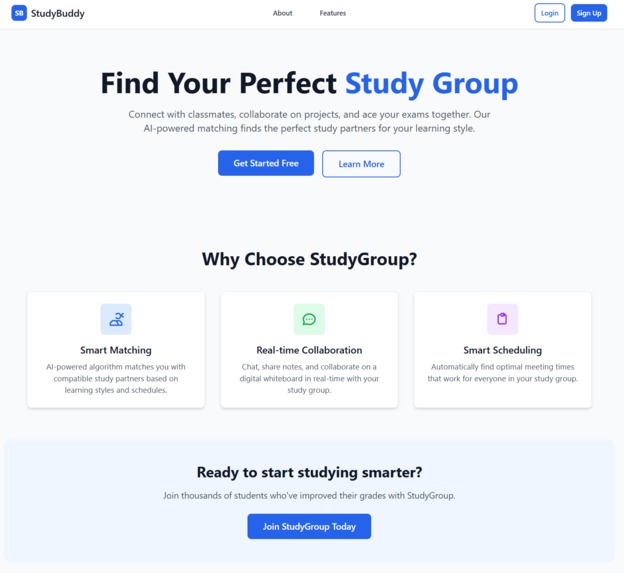
Landing Page
-
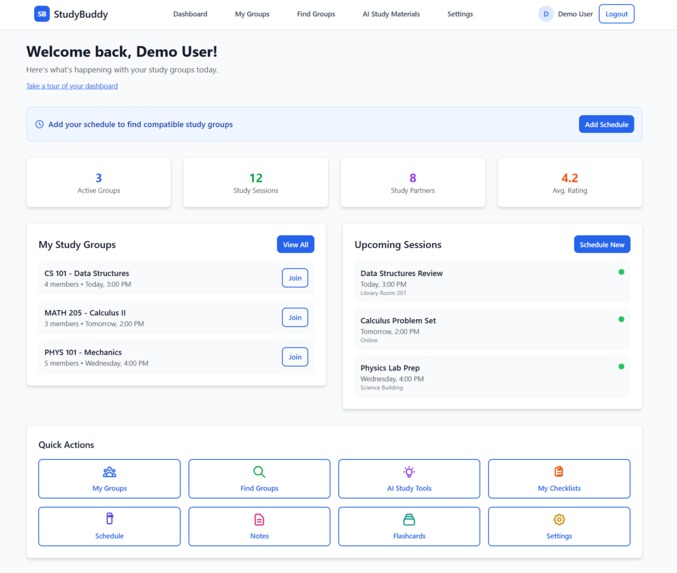
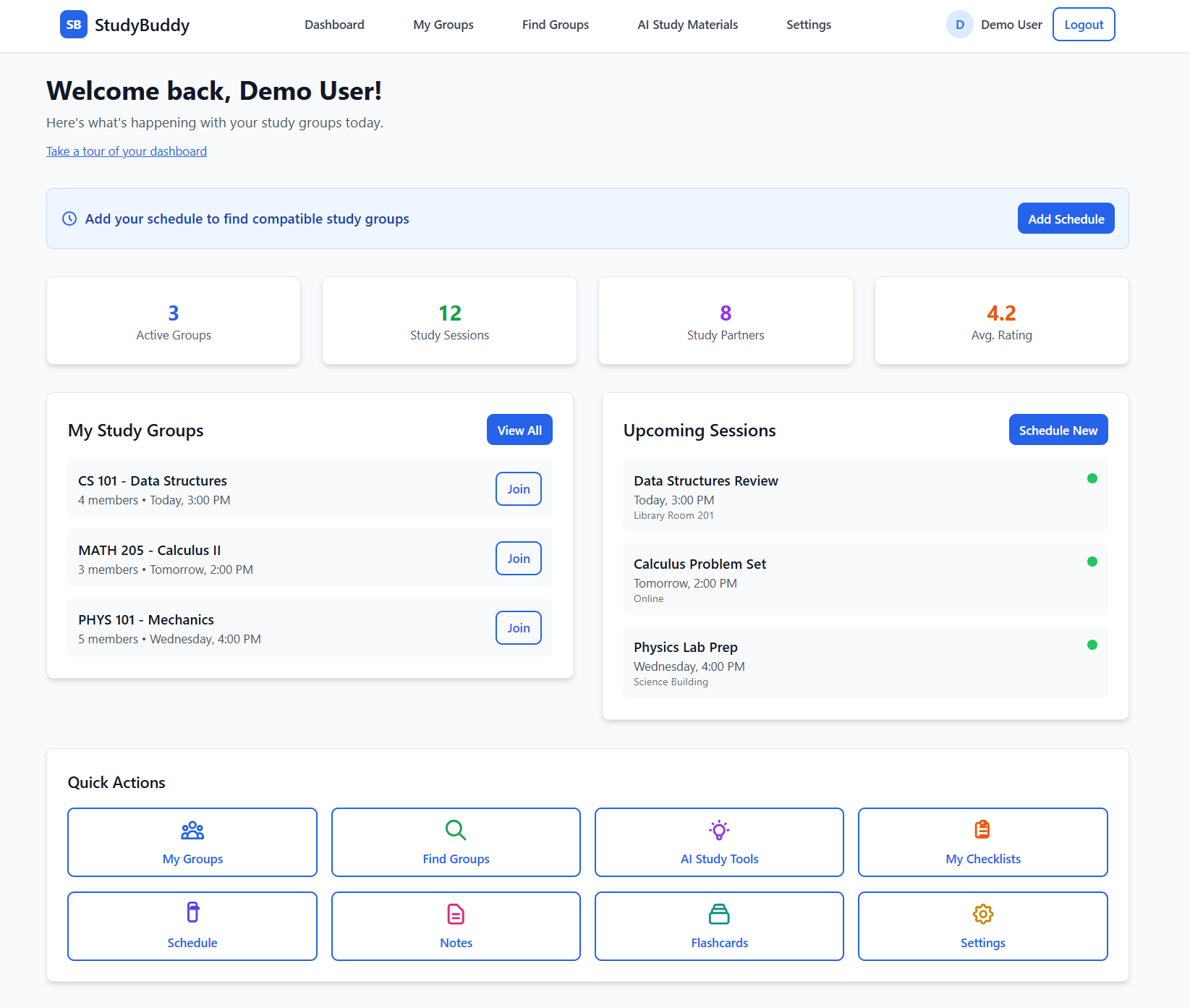
Dashboard Page
-
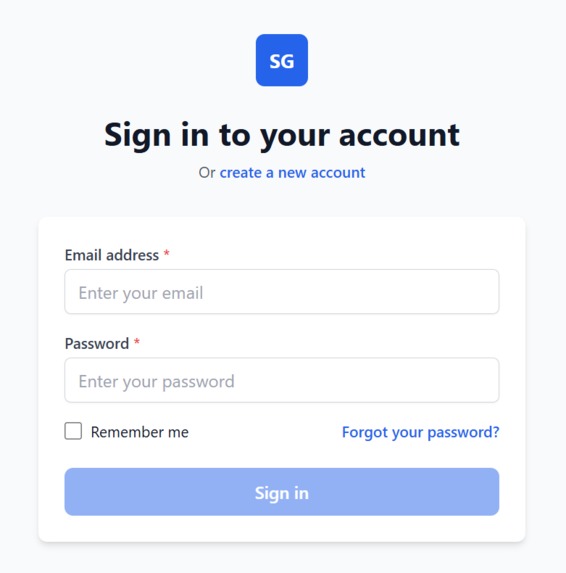
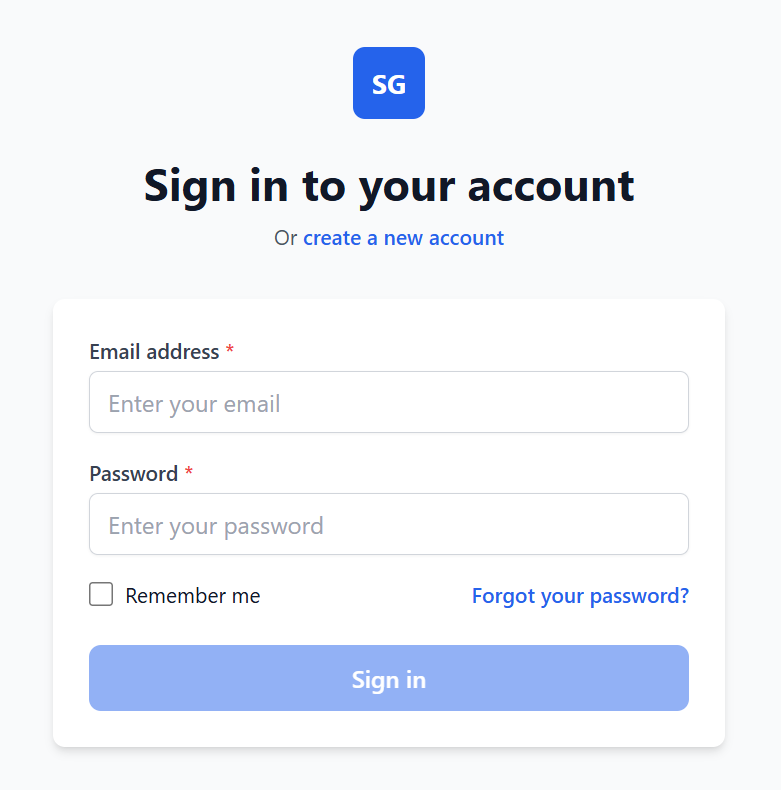
Sign-in Page
-
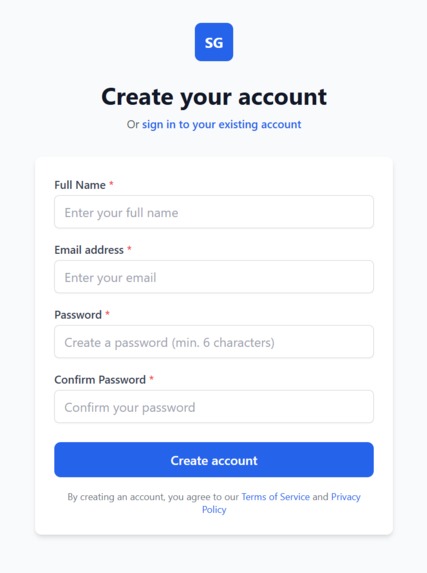
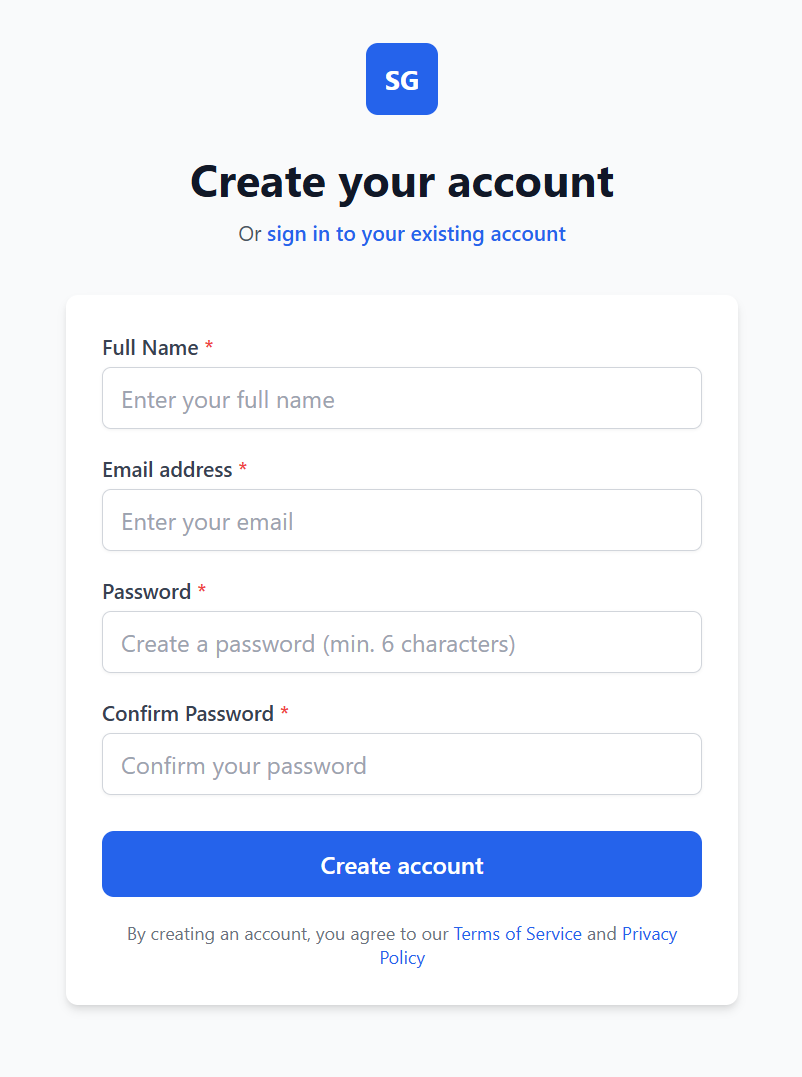
Sign-up Page
-
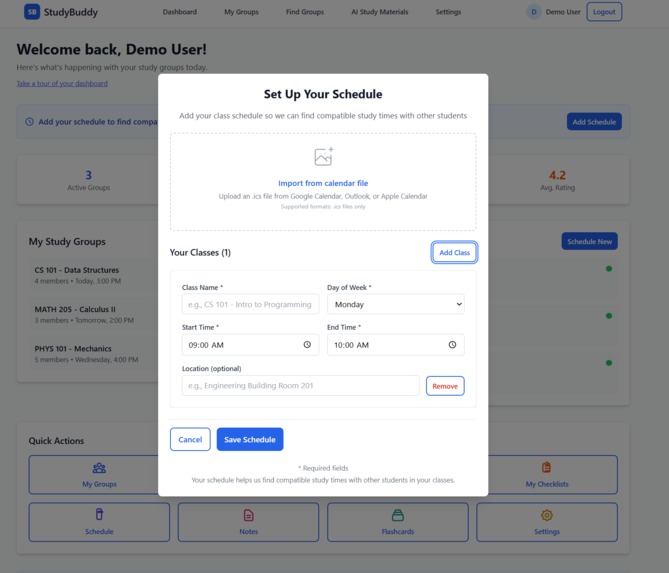
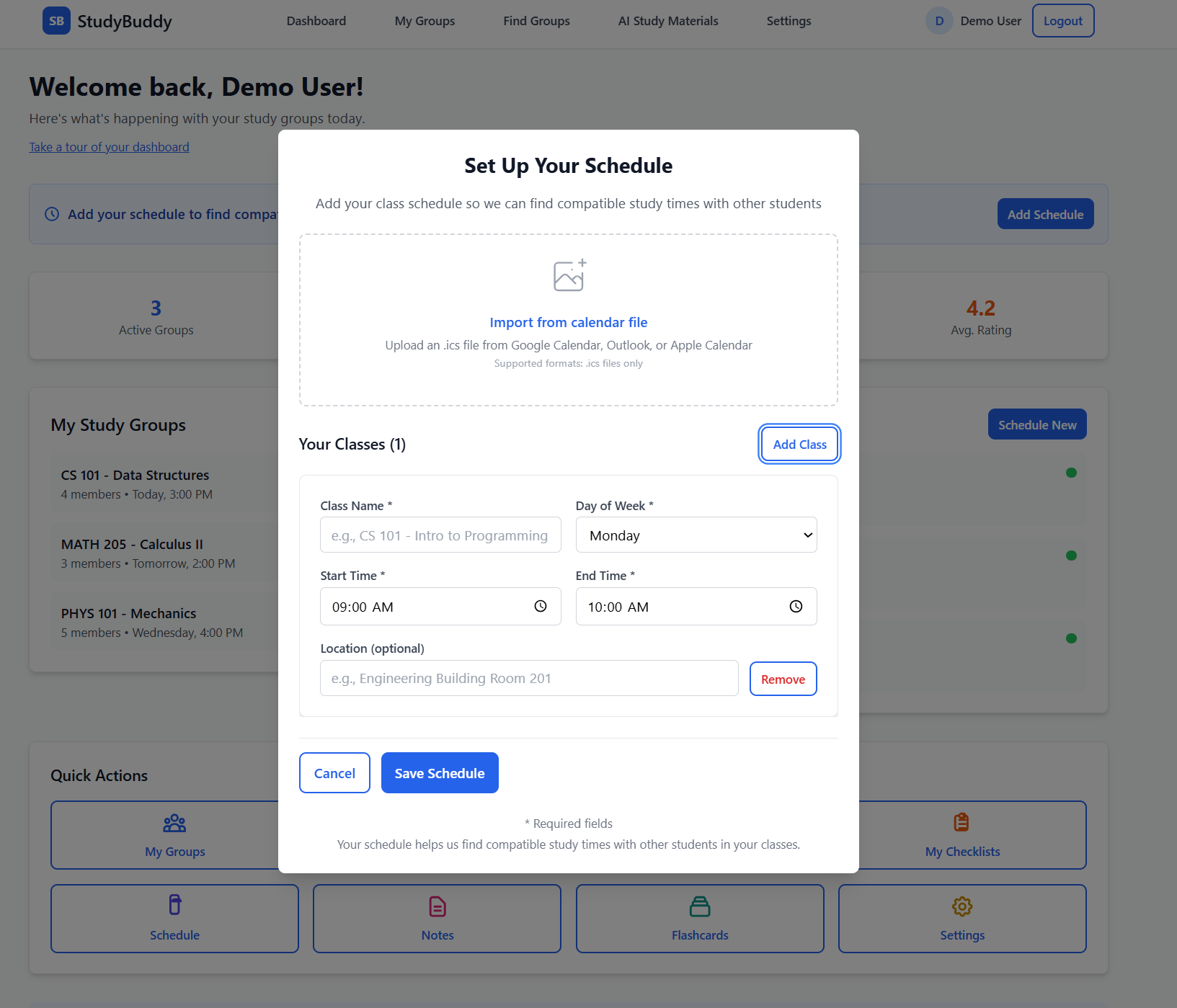
Set-Up Schedule Page
-
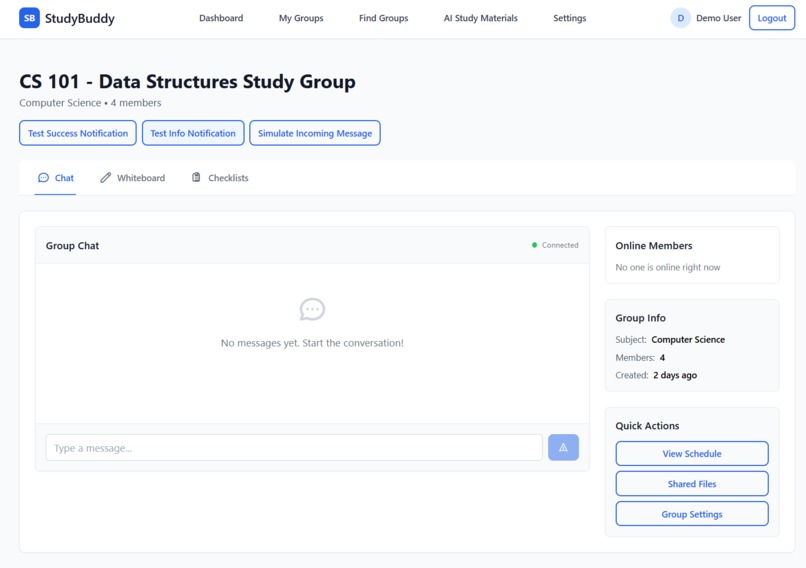
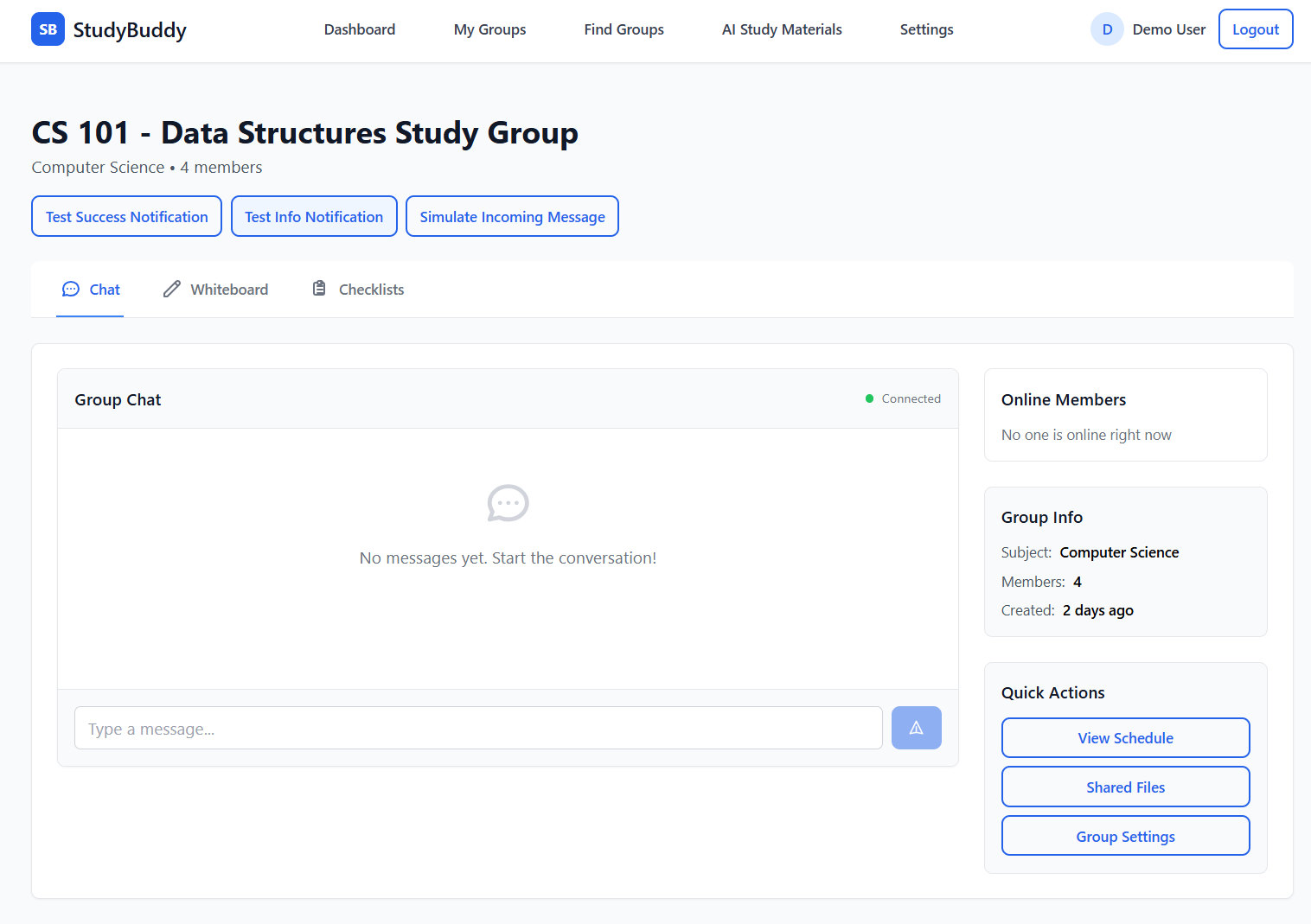
Study Group Chat Page
-
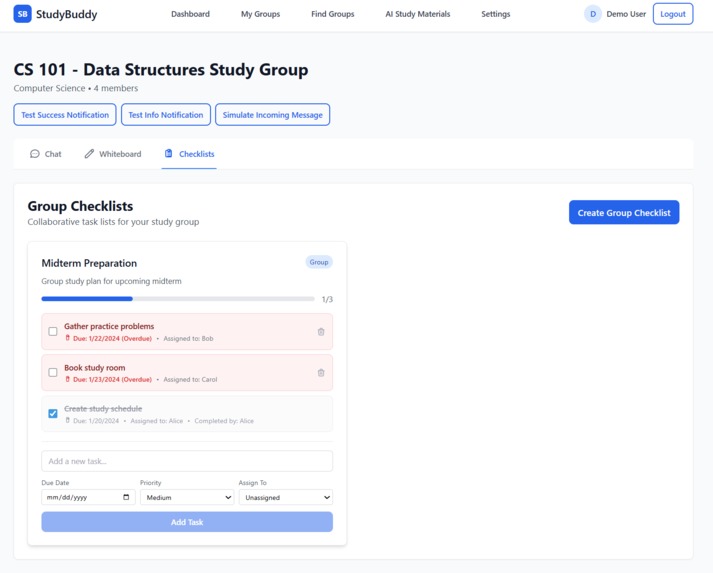
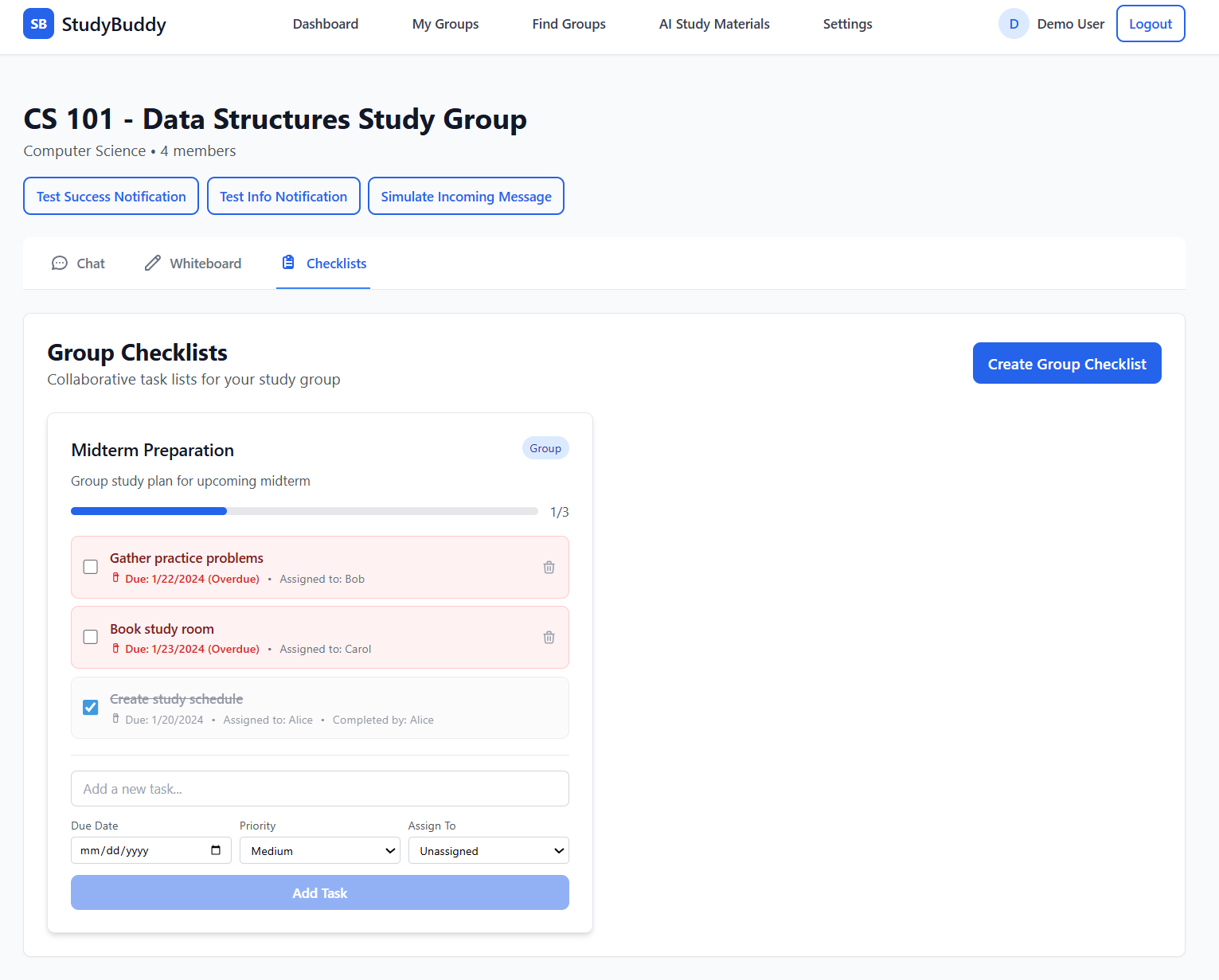
Study Group Checklist Page
-
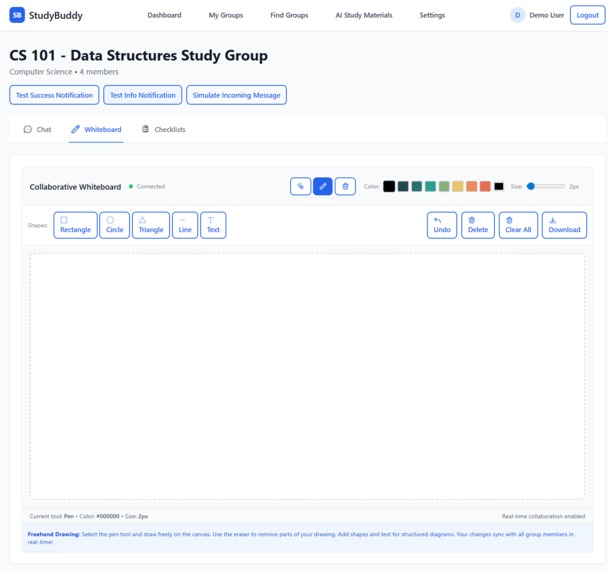
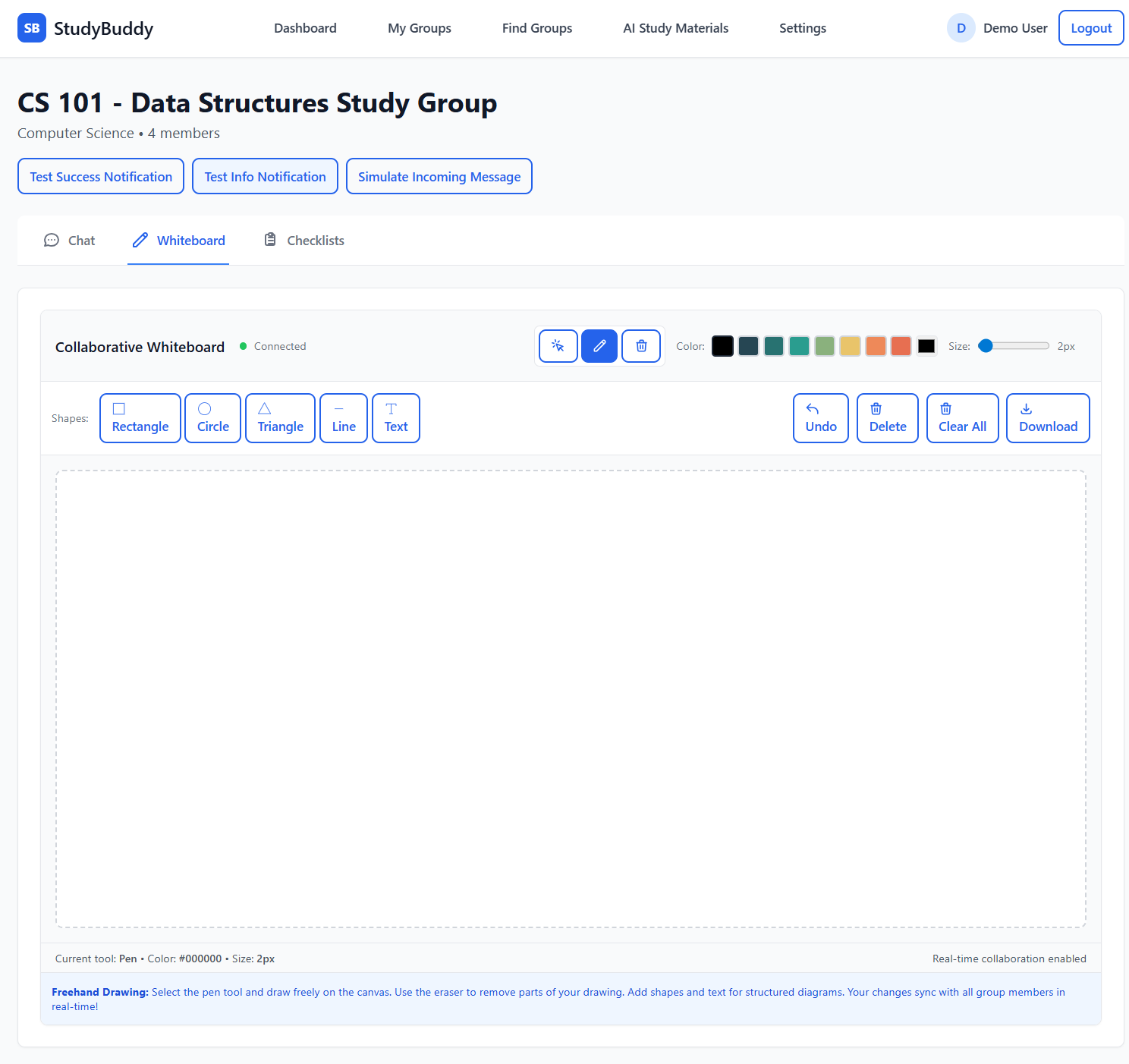
Study Group Whiteboard Page
-
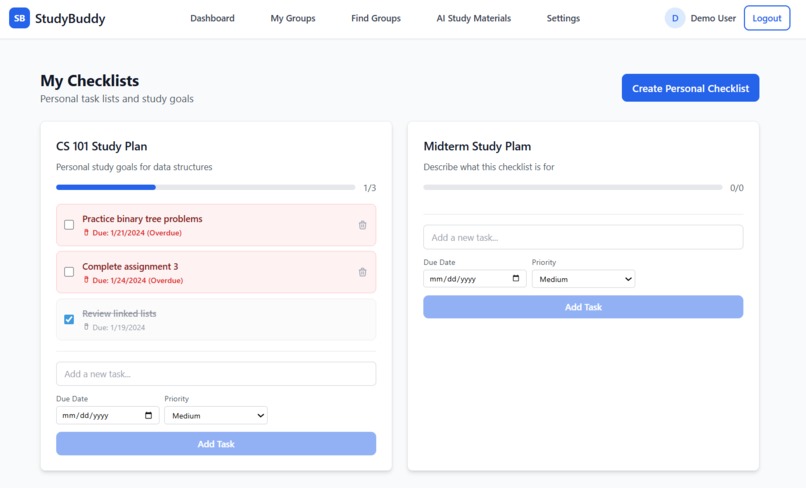
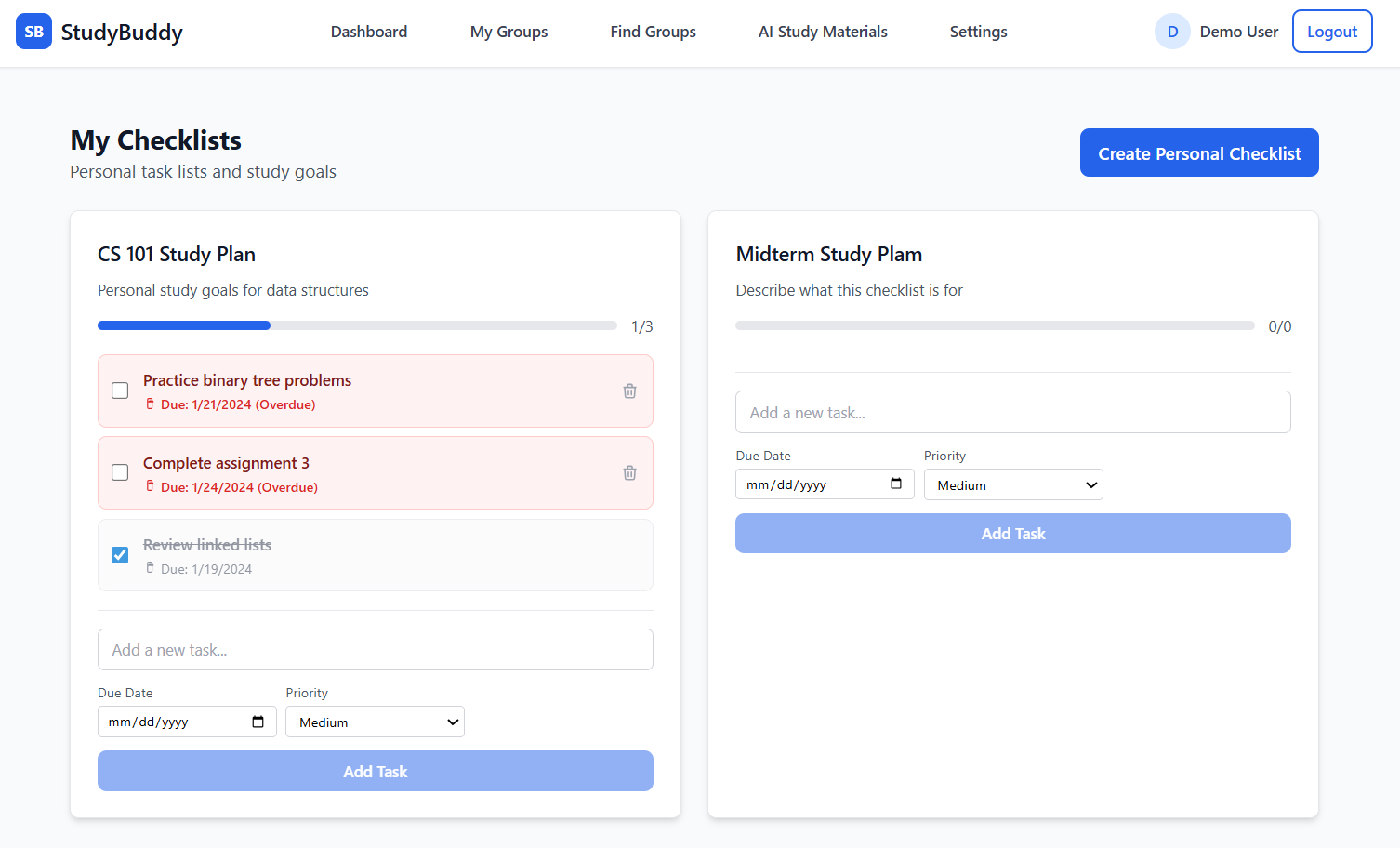
Personal Checklist Page
-
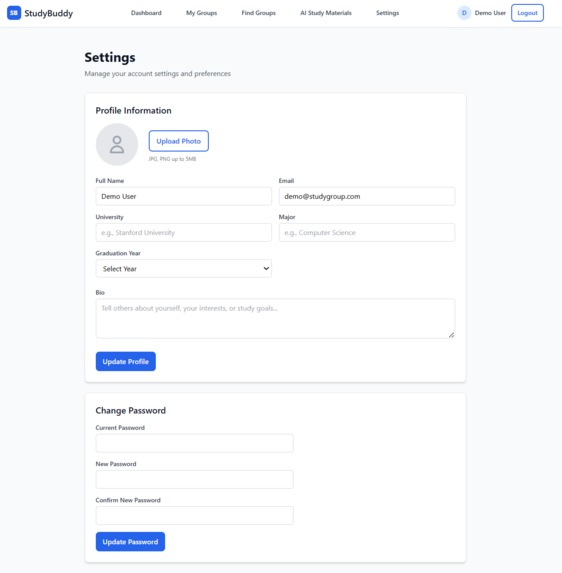
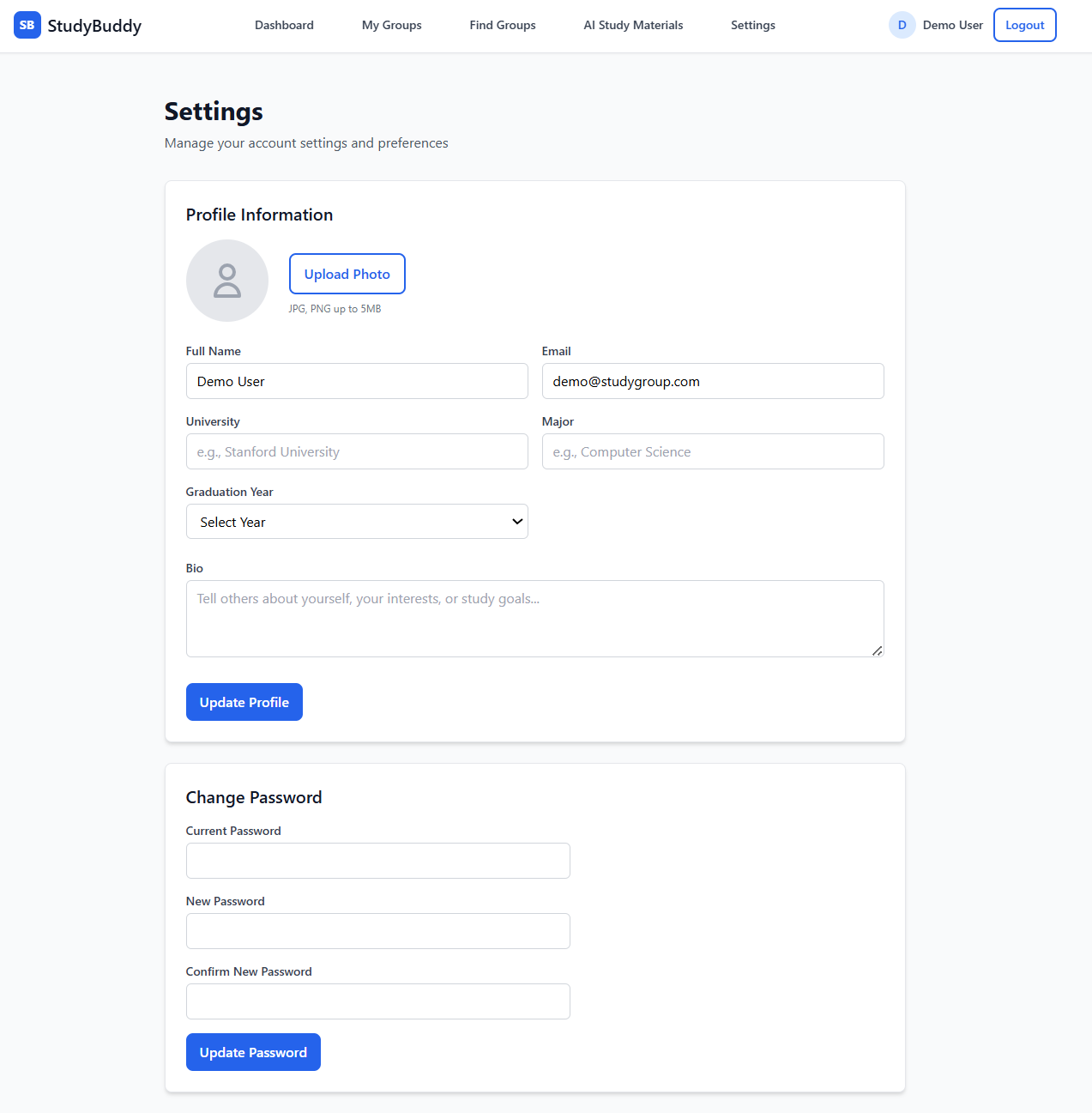
Settings Page - Part 1
-
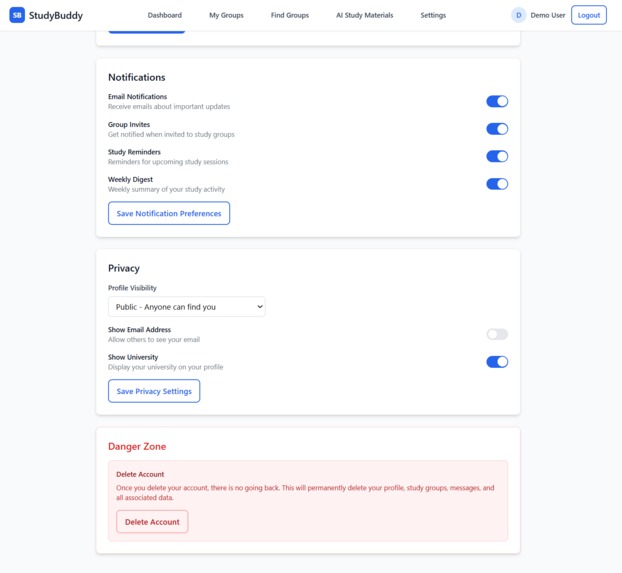
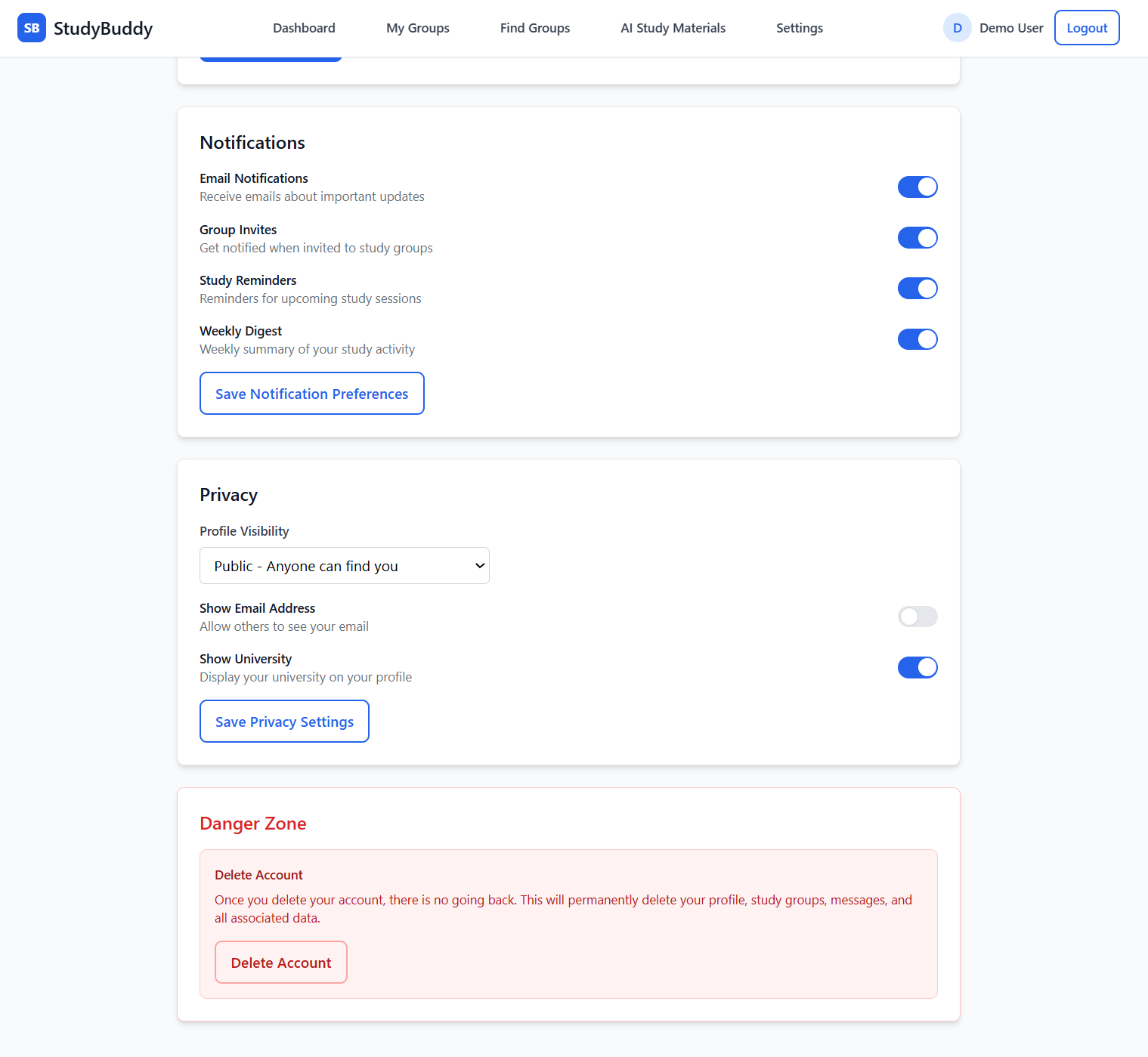
Settings Page - Part 2
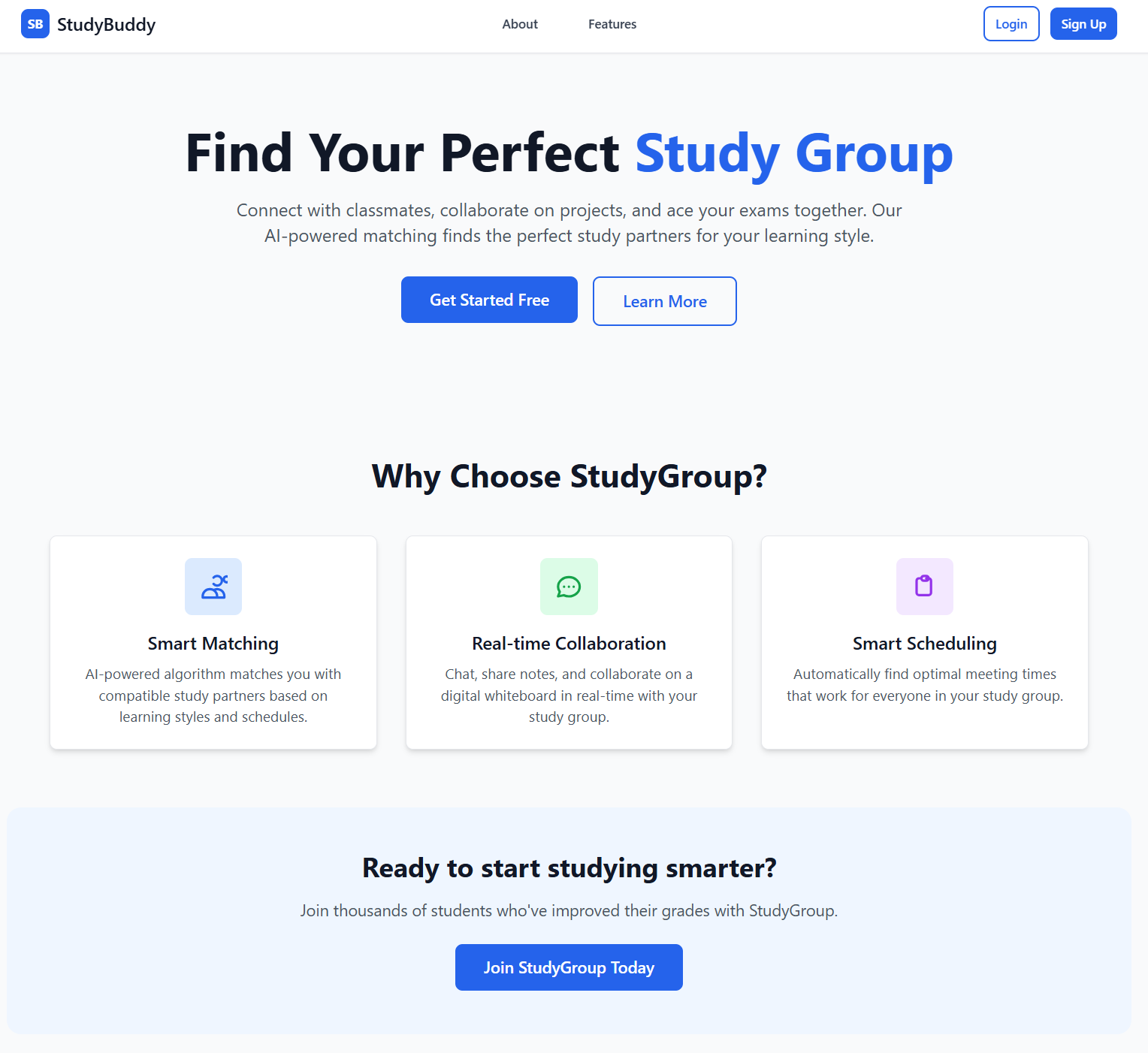
StudyBuddy - Smart Study Group Collaboration Platform
Inspiration
As computer science students, we've all experienced the frustration of trying to coordinate study groups. Picture this: you have a crucial exam coming up, you want to form a study group with 4-5 classmates, but everyone has different class schedules, work commitments, and preferred study locations. What should be a simple "let's meet tomorrow" turns into an endless chain of group texts, scheduling conflicts, and missed opportunities.
We realized that while there are countless productivity and scheduling apps, none are specifically designed for the unique challenges students face. Students don't just need to find "any" meeting time - they need to consider class locations (meeting near the engineering building after everyone's CS lecture makes sense), campus-specific preferences, and study-focused collaboration tools. This gap in the market inspired us to create StudyBuddy.
What it does
StudyBuddy is an AI-powered platform that transforms how students collaborate and learn together. Our solution addresses three core pain points:
Smart Scheduling: Our intelligent algorithm analyzes everyone's class schedules, location preferences, and availability patterns to automatically suggest optimal meeting times. No more back-and-forth messaging - just smart, instant coordination.
AI-Powered Quiz Generation: Students can upload their study materials (PDFs, lecture notes, textbooks) and our AI instantly generates personalized quizzes to help groups master the content together. This transforms passive study sessions into active, engaging learning experiences.
Location Intelligence: StudyBuddy suggests convenient meeting locations based on where group members have classes, making every study session effortless to attend. If everyone just finished lectures in the engineering building, why meet across campus?
Real-time Collaboration: Built-in tools for live collaboration, progress tracking, and group communication keep everyone engaged and accountable.
How we built it
Frontend:
- React.js for a responsive, intuitive user interface
- Tailwind CSS for clean, modern styling
- Socket.io for real-time collaboration features
- React Router for seamless navigation
Backend:
- Flask (Python) for our API server
- Google's Gemini AI for intelligent quiz generation and content processing
- Firebase Firestore for scalable, real-time data storage
- Custom scheduling algorithms optimizing for multiple constraints
Key Technical Components:
Intelligent Scheduling Algorithm: We developed a multi-factor optimization system that considers:
- Individual availability windows
- Day preferences (some students prefer weekdays, others include weekends)
- Location proximity based on class schedules
- Group size optimization
AI Content Processing: Integration with Gemini AI to parse uploaded study materials and generate contextually relevant quiz questions with varying difficulty levels.
Location-Aware Recommendations: Campus-specific logic that suggests meeting spots based on recent class locations and walking distances.
Challenges we ran into
Complex Scheduling Logic: Creating an algorithm that balances multiple constraints (time, location, preferences) while remaining fast and user-friendly was incredibly challenging. We went through multiple iterations, initially trying brute-force approaches that became computationally expensive with larger groups.
AI Integration Complexity: Getting Gemini AI to consistently generate high-quality, contextually appropriate quiz questions required extensive prompt engineering and error handling. We had to build robust parsing systems to handle varied response formats.
Real-time Data Synchronization: Ensuring that schedule updates, group changes, and quiz results sync seamlessly across all users required careful state management and conflict resolution strategies.
User Experience Balance: Creating an interface that's powerful enough for complex scheduling but simple enough for stressed students to use quickly was a constant design challenge.
API Rate Limiting and Error Handling: Managing external API calls, especially for AI processing, while maintaining a responsive user experience required implementing intelligent caching and fallback strategies.
Accomplishments that we're proud of
Functional AI Integration: Our quiz generation feature works with various document types and generates genuinely helpful study materials, not just generic questions.
Polished User Experience: Despite the technical complexity behind the scenes, we created an interface that feels intuitive and fast.
Technical Robustness: Our system handles edge cases gracefully, from conflicting schedules to various document formats, making it reliable for daily student use.
What we learned
Algorithm Design: We gained deep insights into multi-constraint optimization problems and learned how to balance computational efficiency with result quality. Understanding when to use heuristic approaches versus exhaustive search was crucial.
AI/ML Integration: Working with Large Language Models taught us the importance of prompt engineering, response validation, and building resilient AI-powered features that handle edge cases gracefully.
Full-Stack Development: This project pushed our skills across the entire technology stack, from database optimization to frontend performance, teaching us how different technical decisions impact the overall user experience.
Scalability Considerations: We learned to think about how our algorithms and database design would perform with thousands of concurrent users.
What's next for StudyBuddy
Advanced AI Features:
- Personalized study recommendations based on learning patterns
- Automatic study material summarization and key concept extraction
- Predictive analytics for optimal study timing based on individual performance patterns
Campus Integration:
- Direct integration with university systems (Canvas, Blackboard, student information systems)
- Real-time classroom availability and booking
- Campus event integration for study-friendly timing
Enhanced Analytics:
- Group performance tracking and insights
- Study habit optimization recommendations
- Success prediction models to identify at-risk students
Scale and Expansion:
- Multi-university deployment with campus-specific optimizations
- Mobile app development for iOS and Android
- Integration with popular student tools (Notion, Google Workspace, Microsoft Teams)
Community Features:
- Public study group discovery for students taking similar courses
- Peer tutoring marketplace integration
- Achievement systems and gamification to encourage consistent participation
StudyBuddy represents more than just a scheduling app, it's a platform that could fundamentally change how students approach collaborative learning, making education more accessible, efficient, and engaging for the next generation.

Log in or sign up for Devpost to join the conversation.