StudyBean
Often, students struggle with time management and organization. With a full schedule it is even tougher to keep track of where everything is.
Come exam season, students waste time sifting and searching through their classes pages when they could be getting straight to studying.
Our solution was to create a program that will :
- gather all of the class information / documents to generate course notes / summaries / study guides for exam times into one place
- reference where to find relevent information
- be a helpful and cheerful guide through your exam prep
Thus, StudyBean was born. Your personal AI librarian.
Main Functionality
Our app lets a student:
Download course materials from Canvas
- Uses the Canvas LMS API to automatically download all of:
- Module files
- Files linked inside Canvas pages
- Files and external resources linked from the Syllabus tab
- Uses the Canvas LMS API to automatically download all of:
Loads all text from downloaded files as AI context
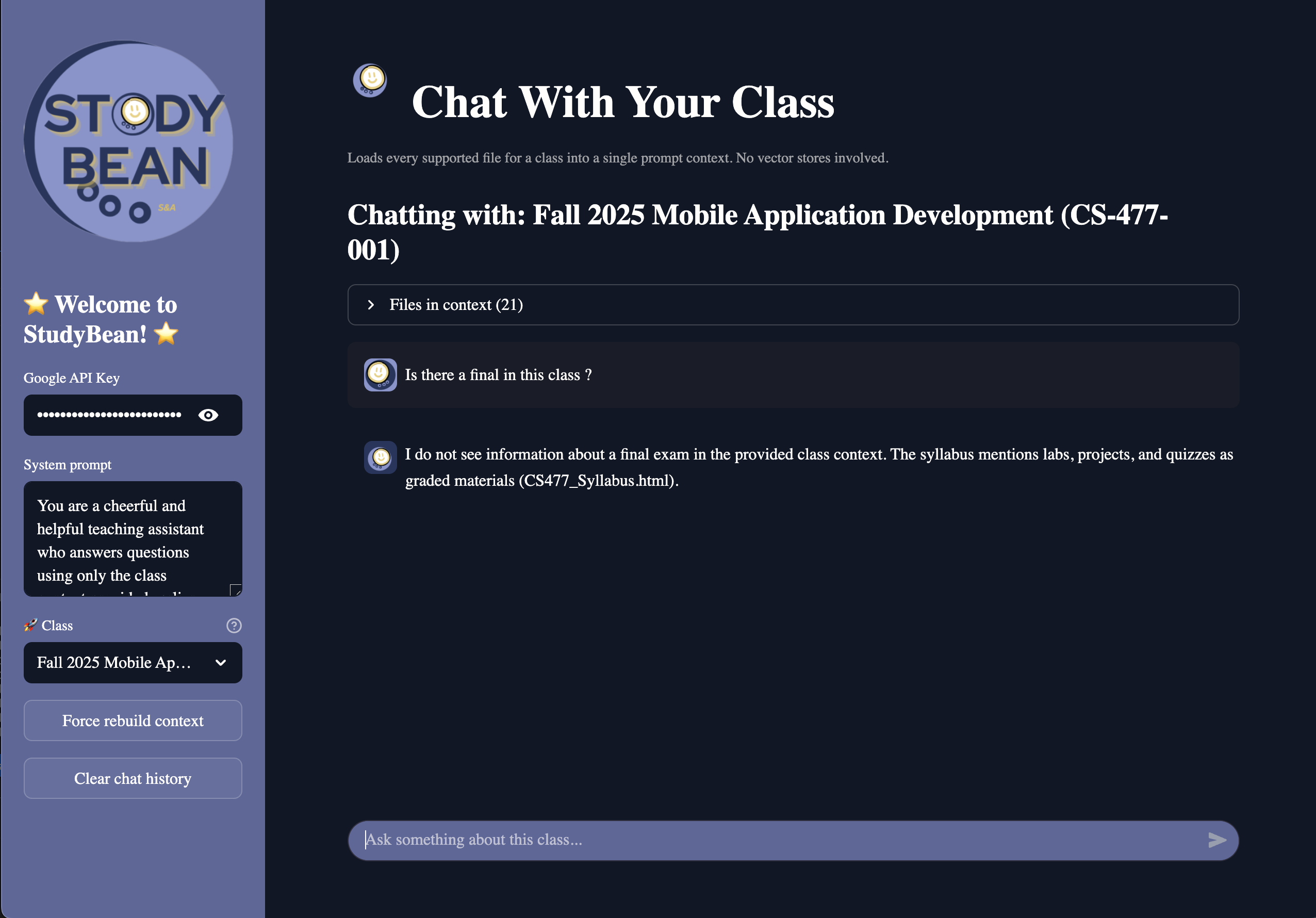
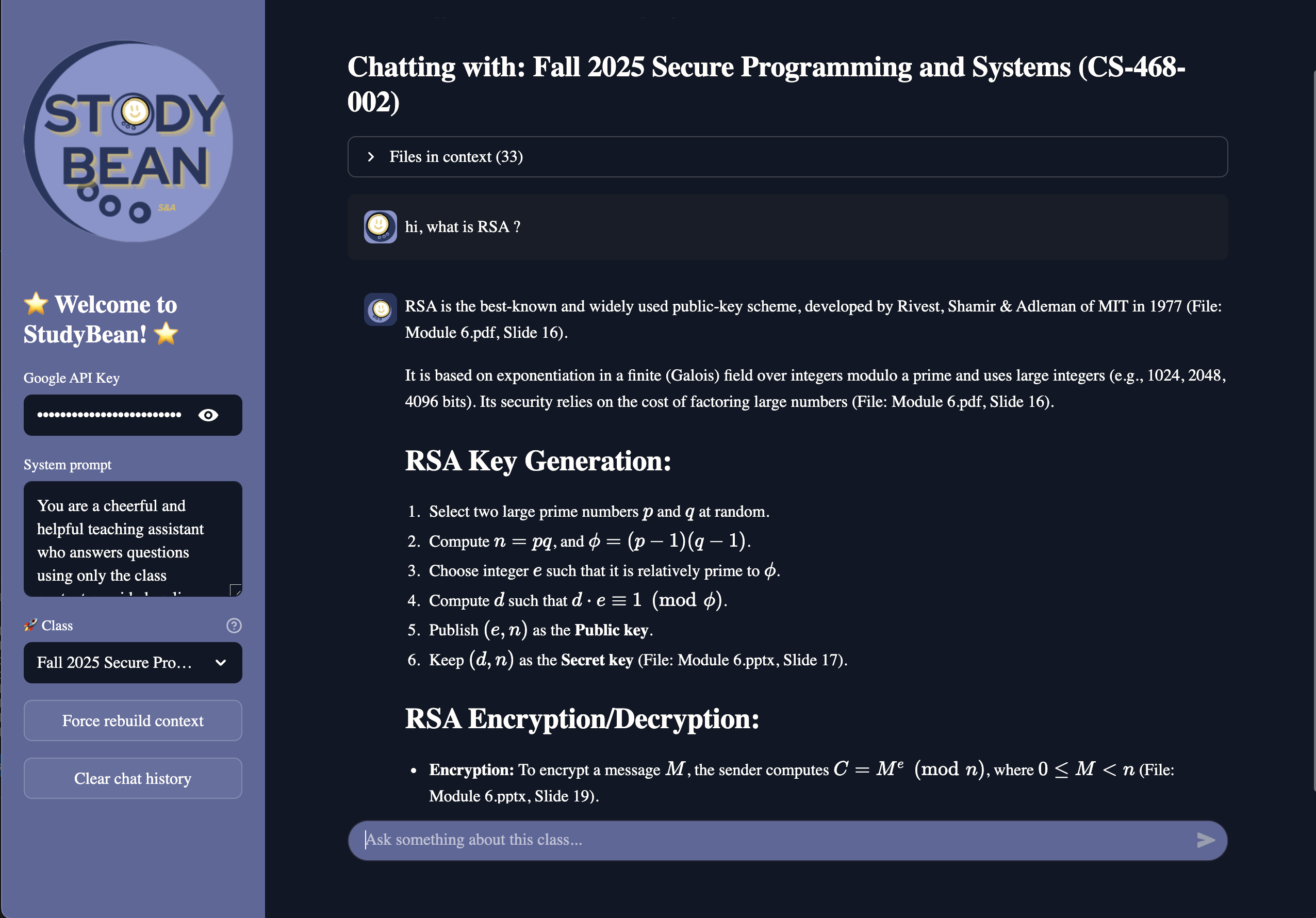
- A user may ask a question like: > “What are the topics covered on the midterm for this class?”
- Then, using only the given course context, the bot will :
- Answer directly
- Cite the filename(s) it used
- Admit “I don’t know” if the answer isn’t present in the materials
*All with: *
- a custom theme and tweaked UI
- Fully integrated course content and syllabus/schedule info per course
Implementation
Backend / Data pipeline
- Python +
canvasapito talk to the Canvas REST API - A downloader that:
- Iterates over course modules
- Handles both direct
Fileitems andPageitems - Parses page HTML to extract Canvas file links and external file links
- Adds a separate pass for
syllabus_bodyso files in the Syllabus tab are not missed
UI
- Streamlit frontend
- Sidebar controls for:
- System prompt choice: choose between neutral or cheerful tone
- Class selector
- “Force rebuild context” button that clears caches and rebuilds from disk
LLM/AI integration
- We tested multiple language models and settled on using
gemini 2.5 flashpaired withlangchain - We construct a one holistic prompt containing prompt:
- serialized class context
- internal assistant prompt
- regular user/assistant message history
- The model is explicitly told to:
- Only answer from the provided context
- Cite filenames where possible
- Say it doesn’t know if the answer can’t be found
Development Challenges
Some challenges we ran into while developing :
**Canvas’ file structure
- Files are found in multiple directories, and there is not always consistency across courses. The kind of file and location can be spread out among:
- Modules
- Pages inside modules
- The Syllabus, which is linked to a course directly rather than a separate page, and requires a unique query compared to other canvas files.
- Assignment pages
- Links to external sites, embedded video files
Syllabus edge cases
- Some classes simply use the syllabus page to upload a pdf of the syllabus and class schedule
- Others contain
.htmlfiles, or otherwise externally host their syllabus/schedule. - We had to:
- Allow for
htmlsupport - Accommodate downloading external URLs when no ID exist
Context size
- We made the decision to swap models mid-development when we realized our original chosen model did not have the context space for dozens of files across multiple courses.
- Too further mitigate context limits, we converted each file into text before feeding it to the model
Built With
- gemini
- google-ai
- instructure-canvas
- langchain
- python
- streamlit


Log in or sign up for Devpost to join the conversation.