-
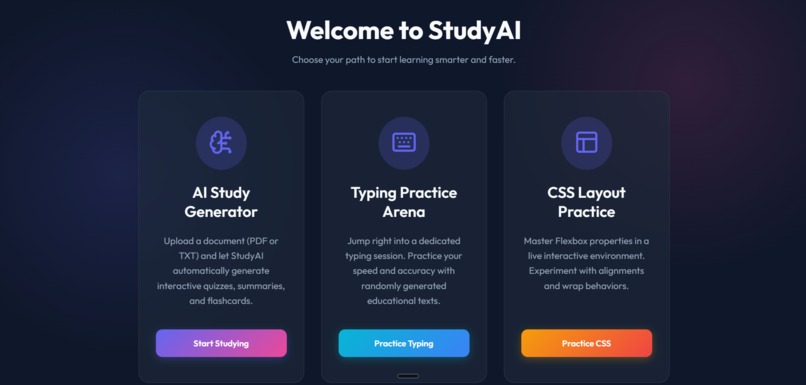
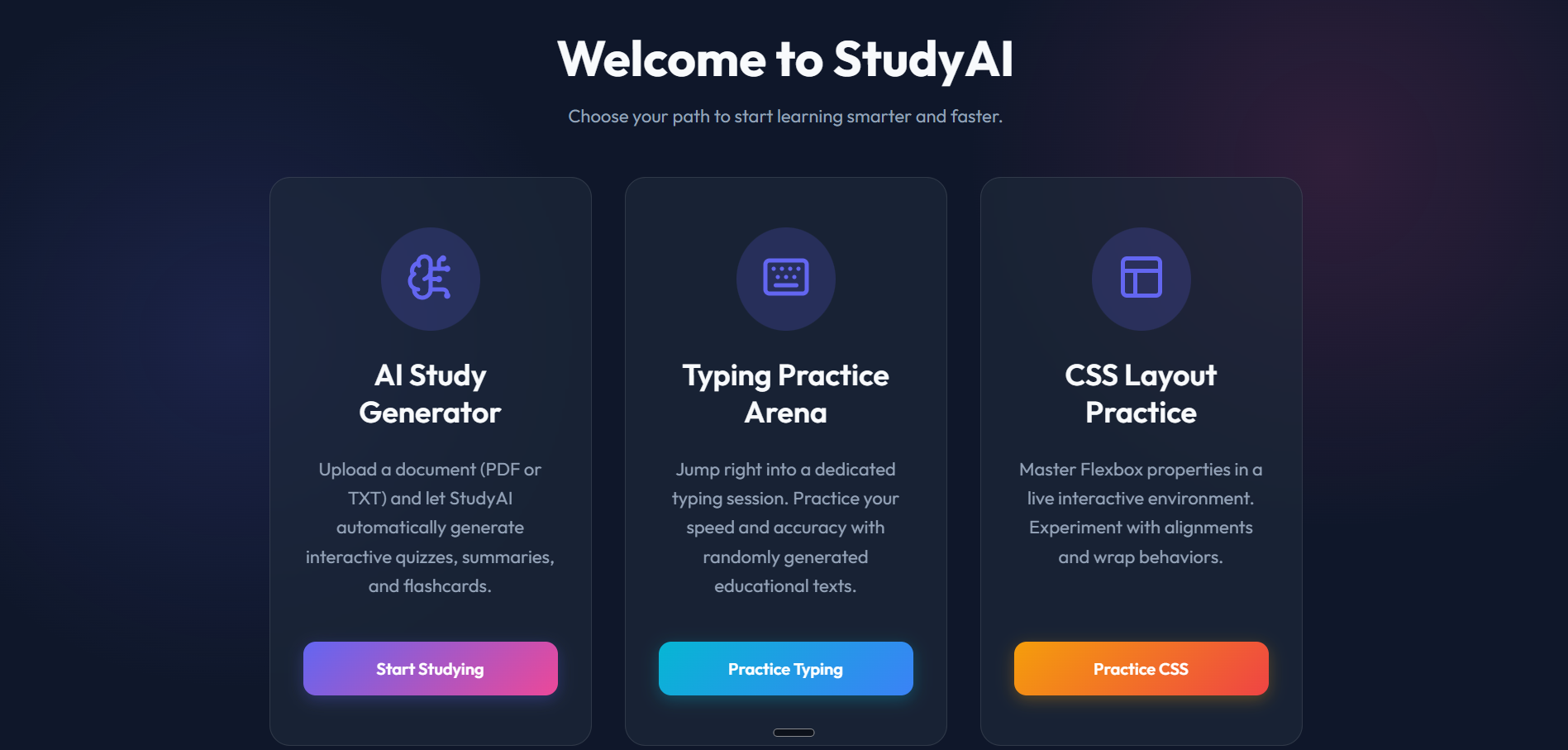
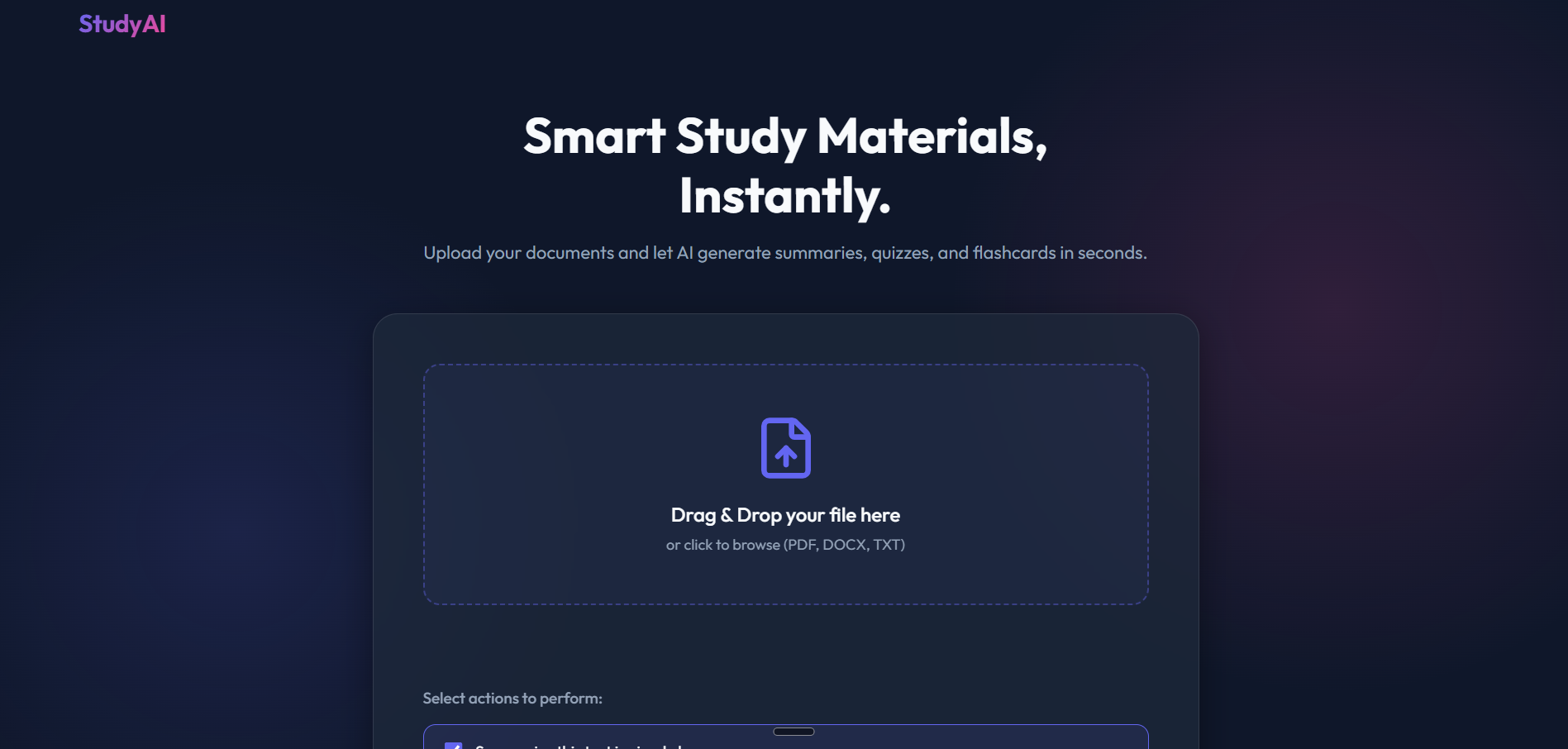
Home Page (index.html) Entry portal with sleek navigation for the AI Study Generator, Typing Practice Arena, and CSS Layout Lab.
-
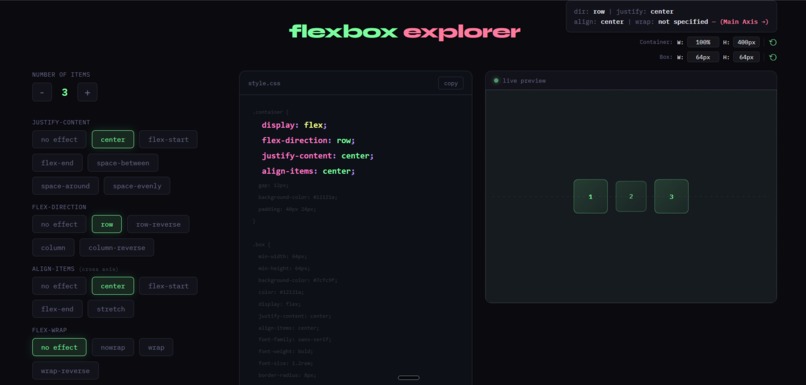
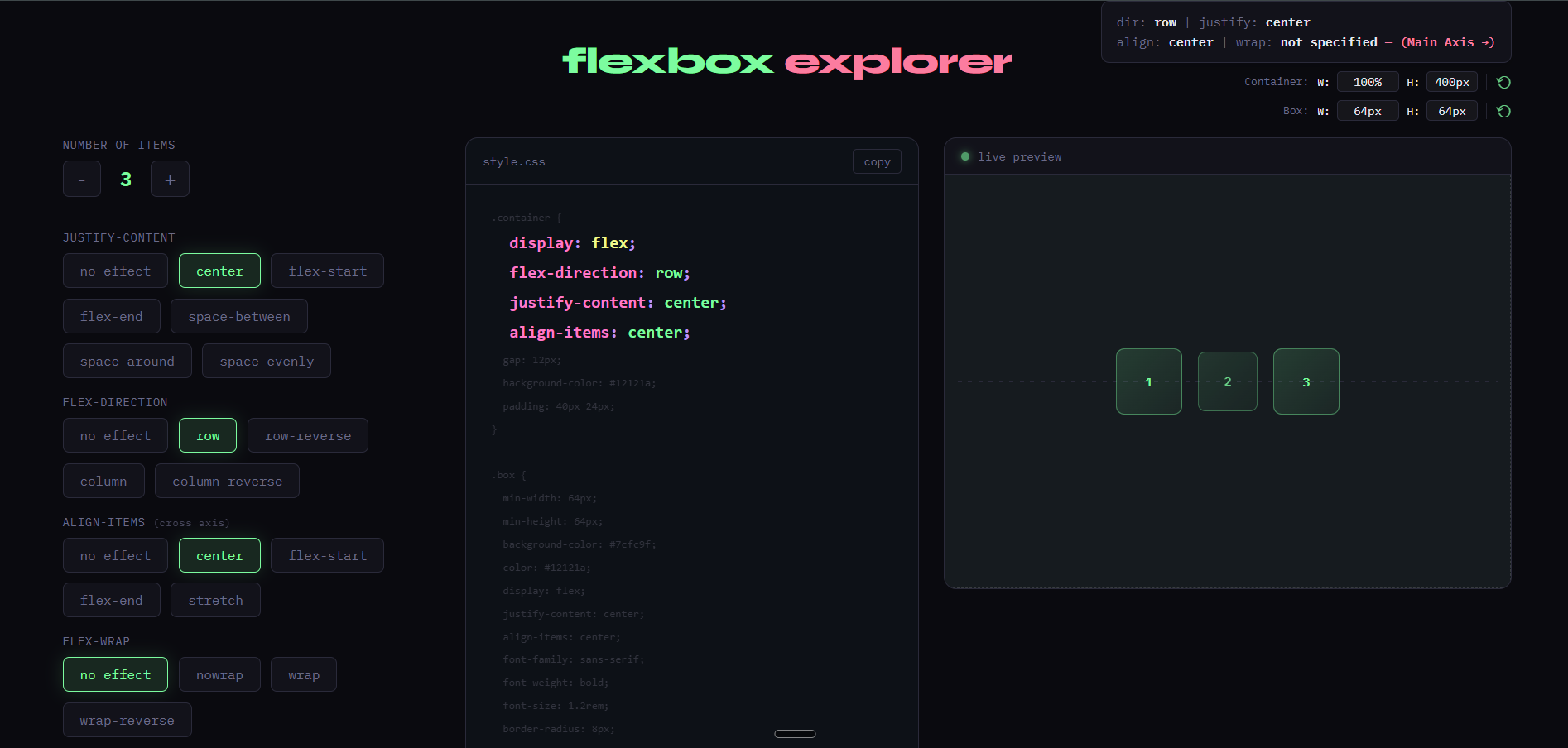
CSS Practice: Sandbox for mastering Flexbox. Features live controls for direction and alignment with real-time visual previews.
-
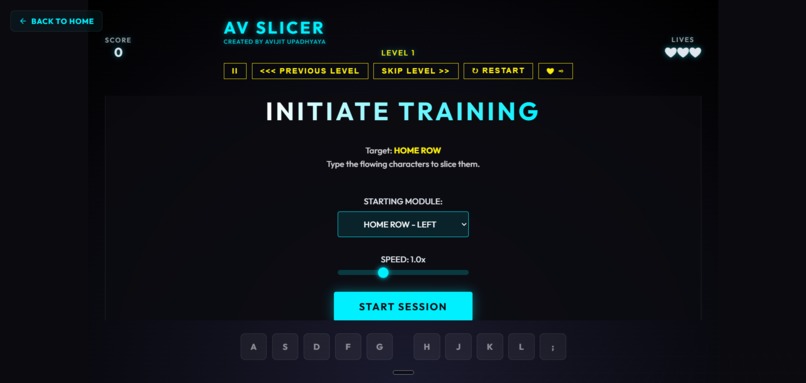
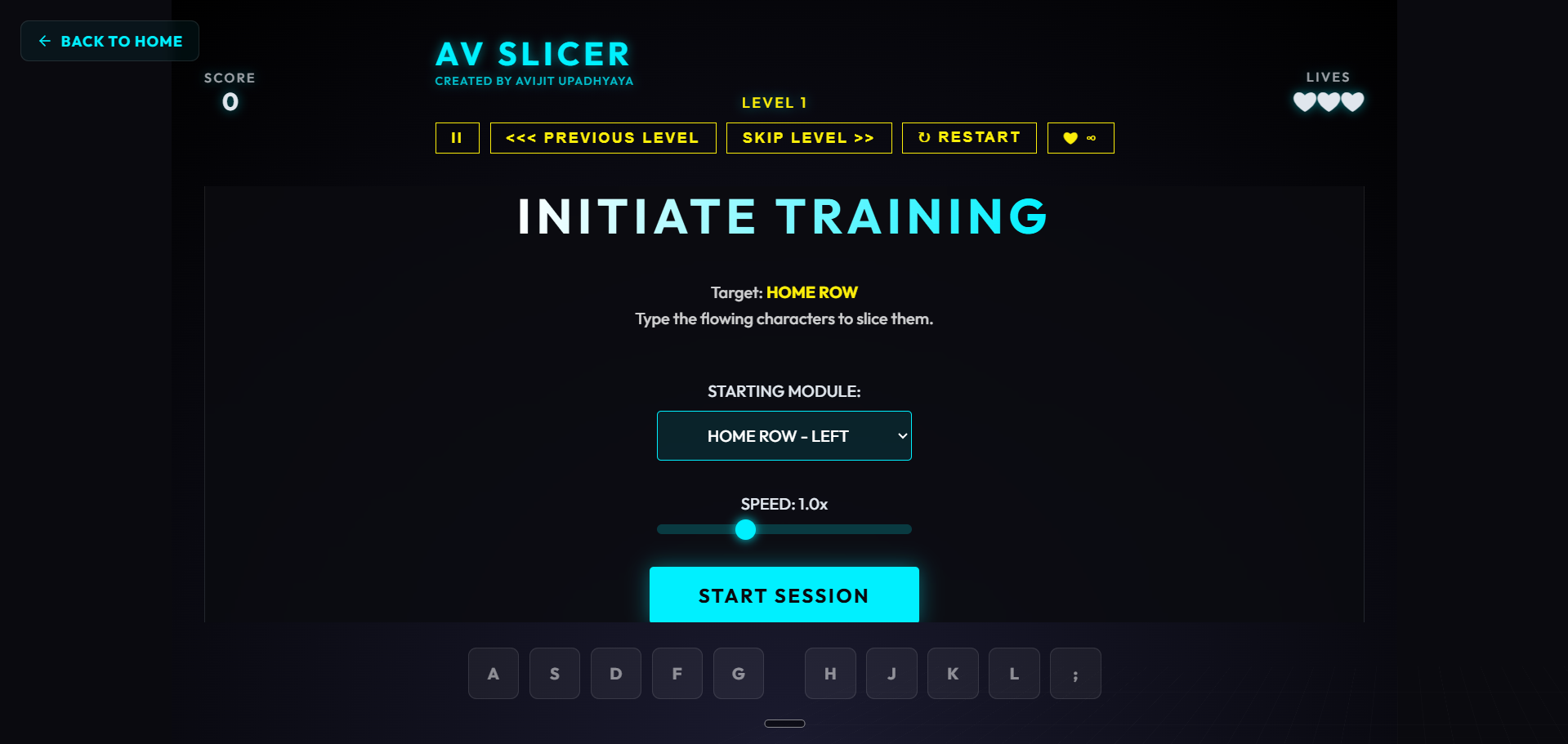
Typing Arena : Performance-based typing speed game using generated summaries to reinforce learning through repetition.
-
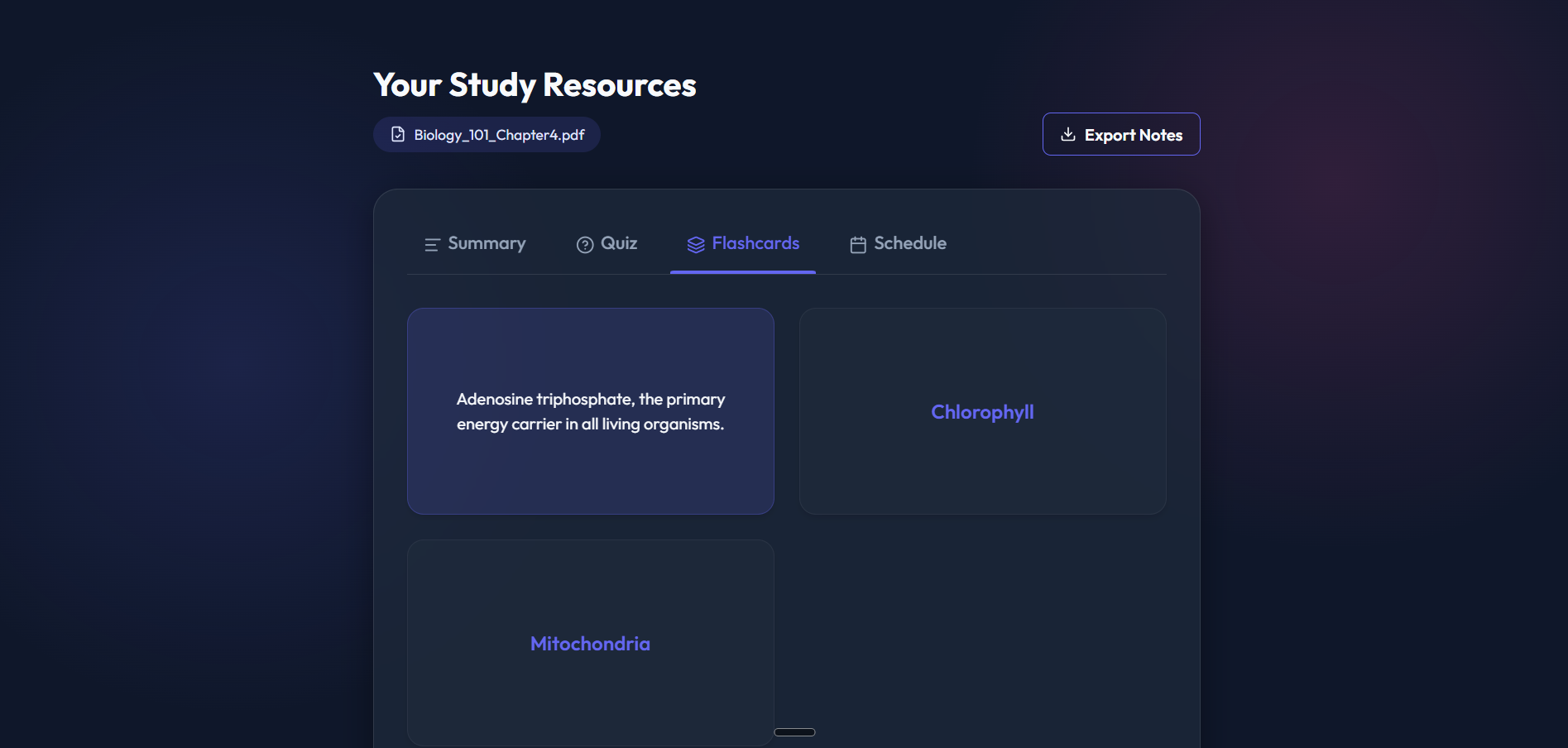
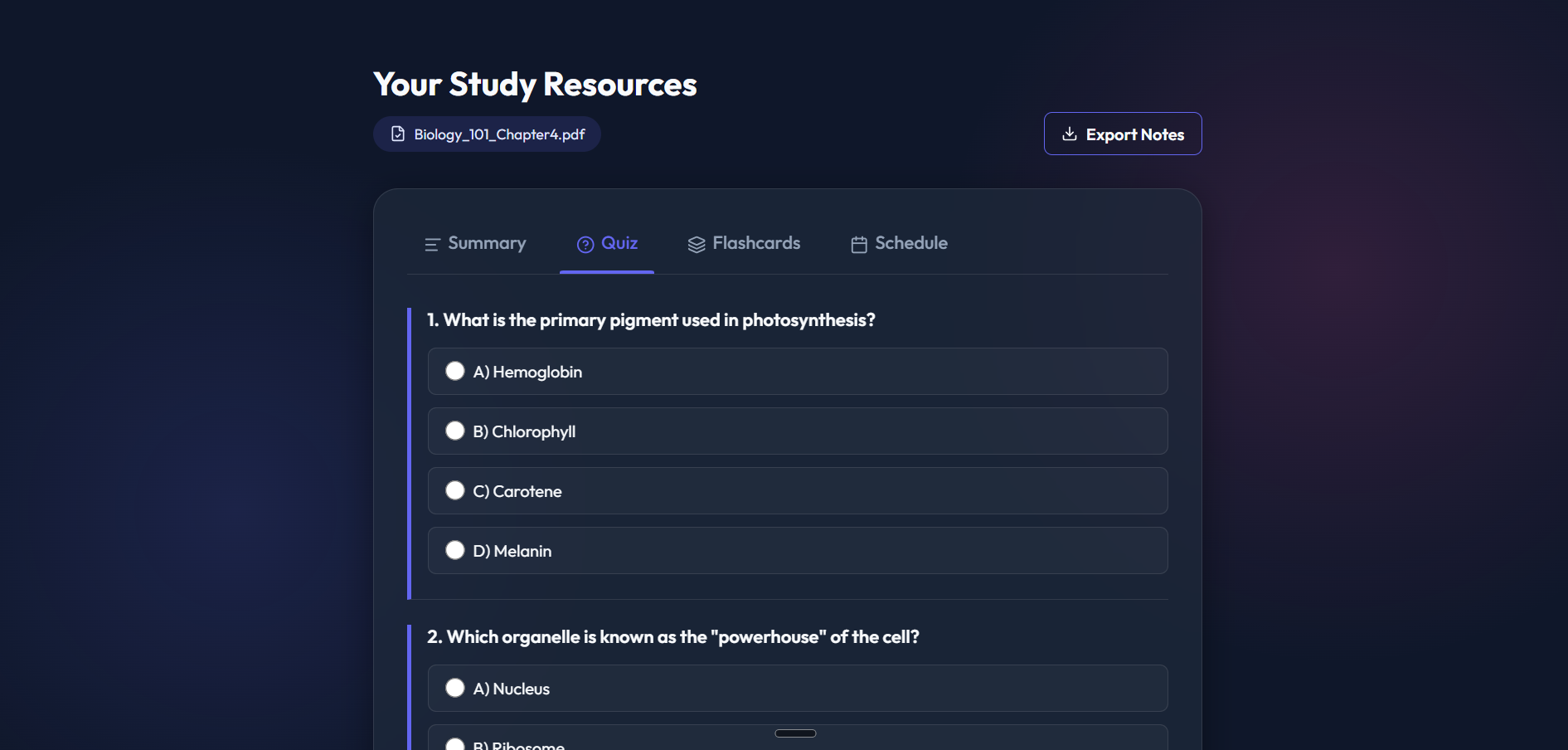
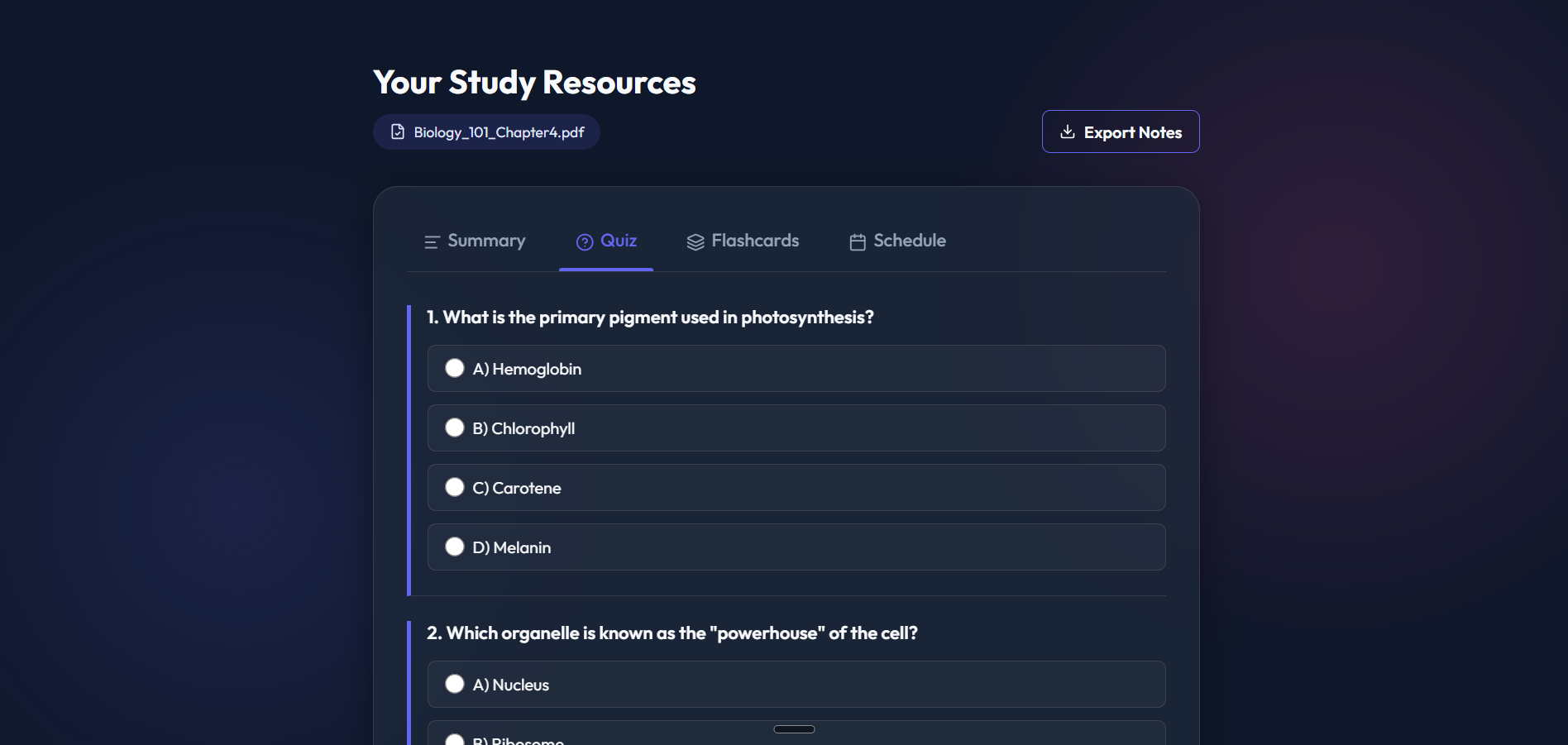
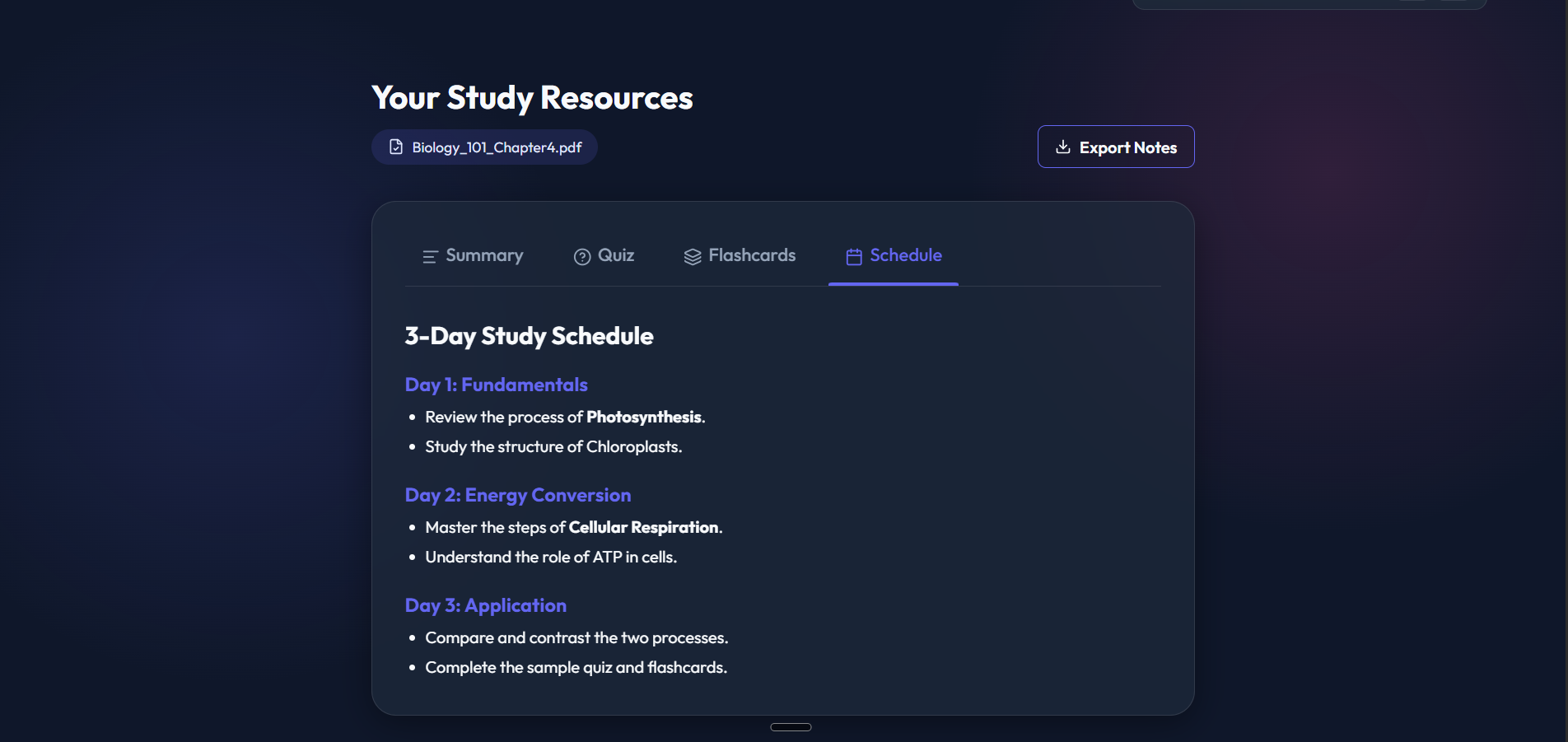
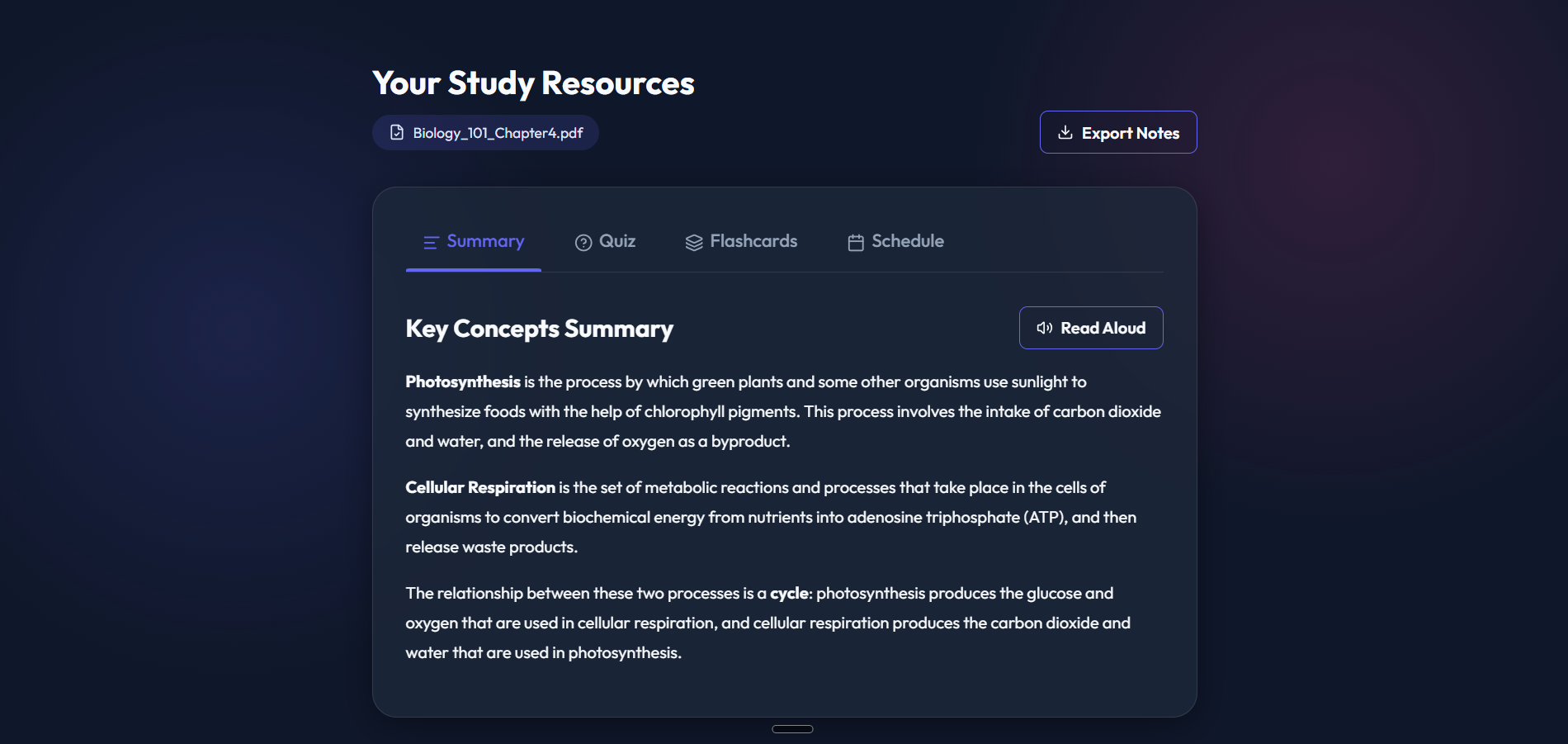
Dashboard: Core hub with study timer, TTS summary, interactive quizzes, 3D flashcards, and a customized 3-day study schedule.
-
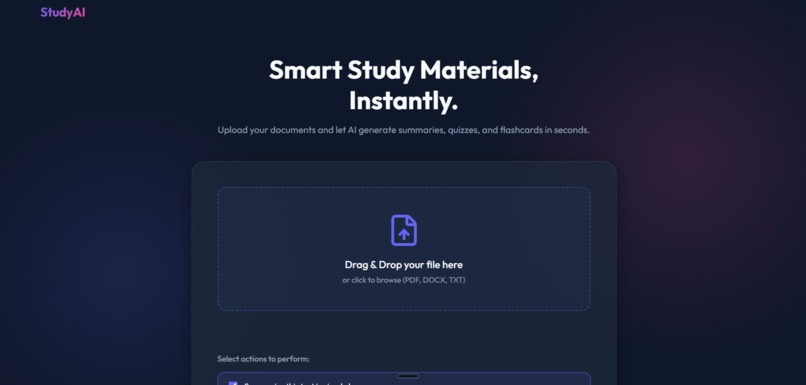
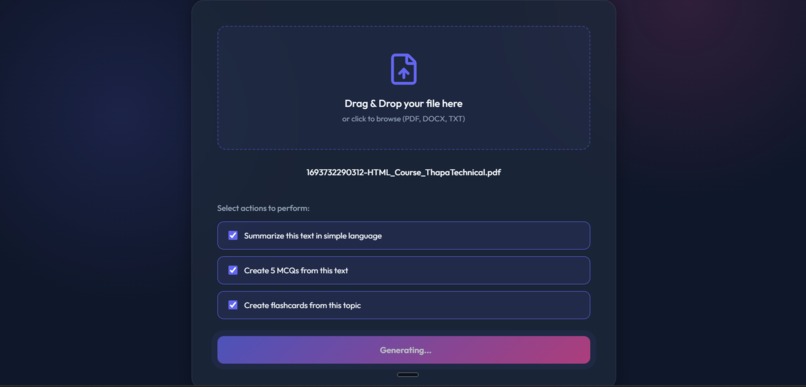
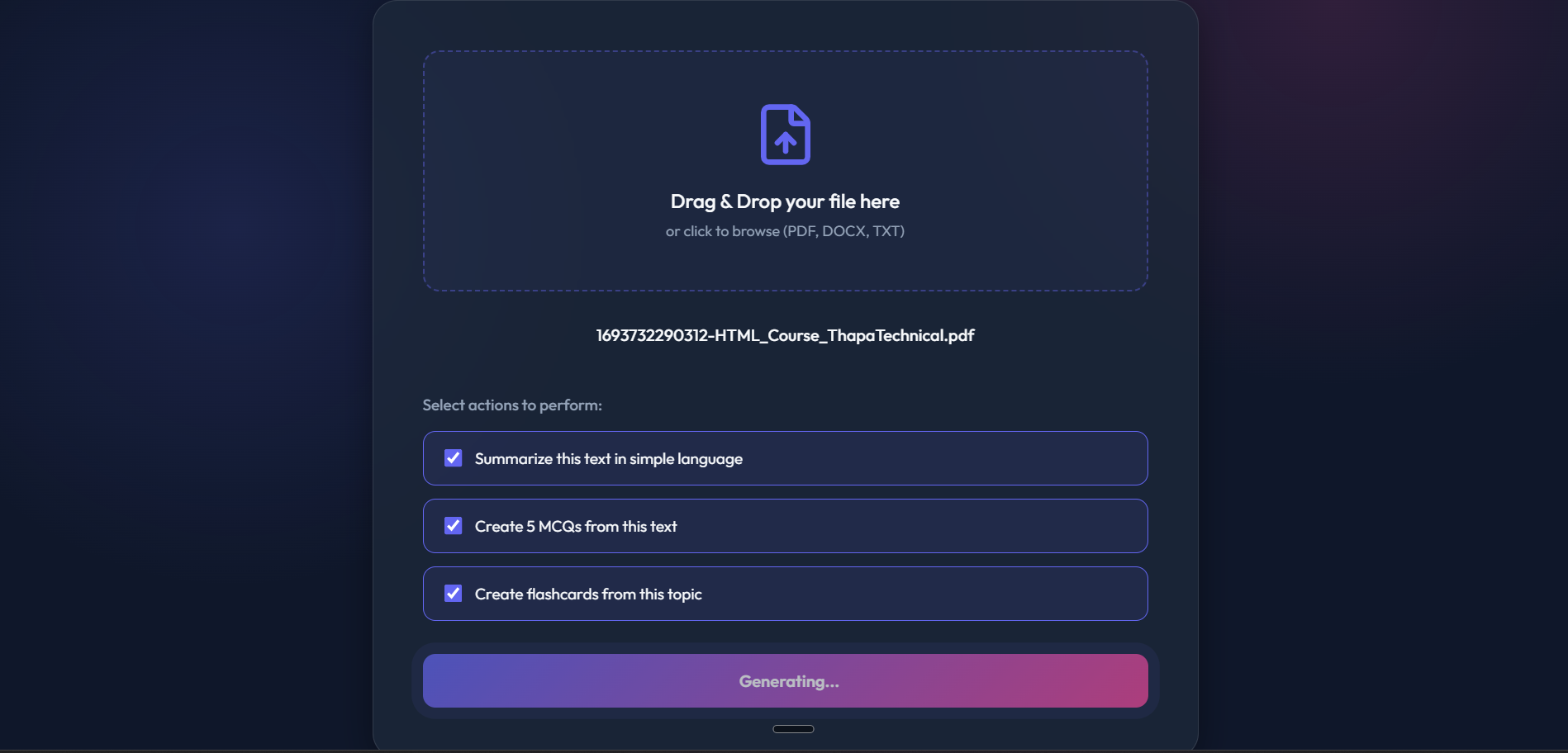
Upload Page: Drag-and-drop zone for PDF/TXT files. Triggers AI analysis to convert documents into interactive resources.
-

Stopwatch: Tracks active learning duration with simple start, pause, and reset buttons, helping students manage their study sessions.
-
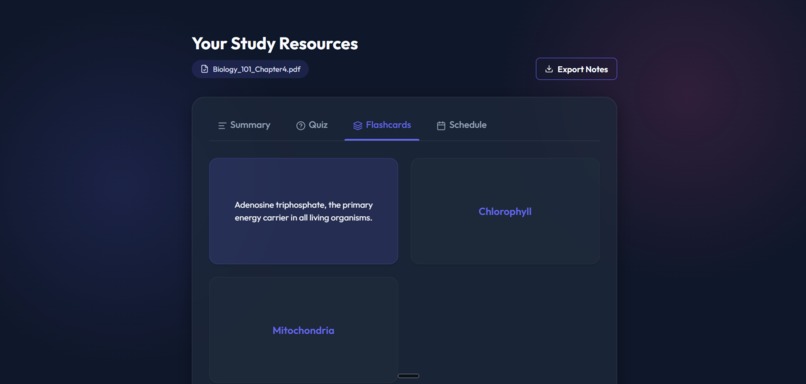
Flashcards: Interactive cards that flip to reveal definitions, designed to help you master active recall.
-
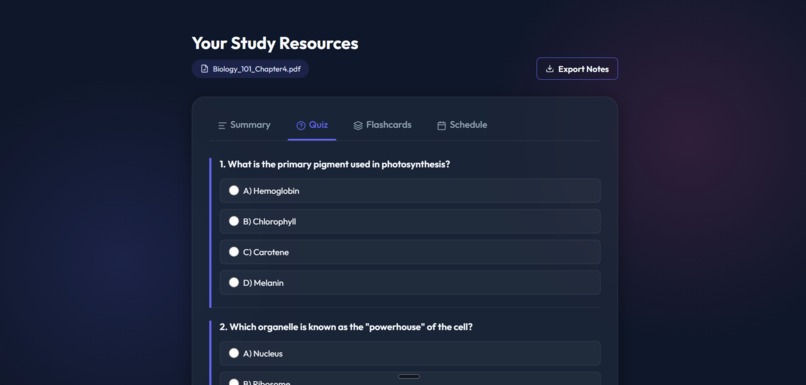
Quiz: Transforms your document into multiple-choice questions with instant feedback on every selection.
-
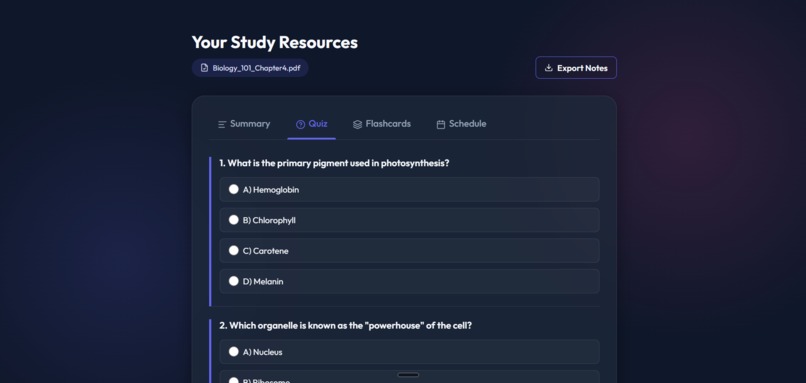
Read Aloud: Uses an AI voice to read the summary aloud, which is perfect for auditory learners.
-
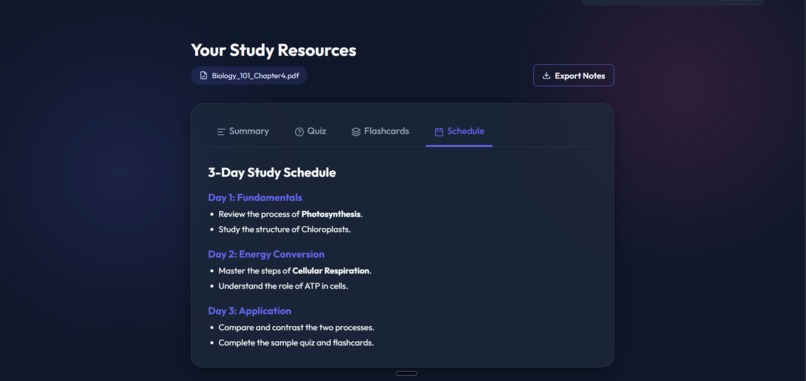
Schedule: Drafts a structured 3-Day Study Plan to break your material down into manageable daily goals.
-
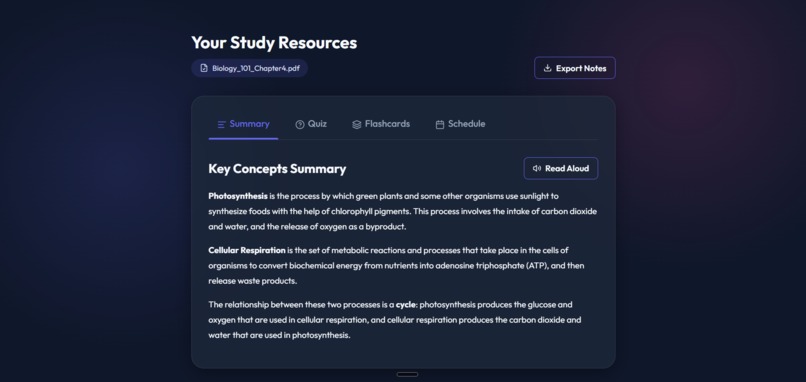
Summary: Provides a high-level overview of the most important concepts found in your document.

Inspiration
Passive learning is a struggle. We’ve all spent hours reading dense, 50-page PDFs only to realize we haven’t retained a single concept. Extracting key summaries and building flashcards is the most effective way to learn, but it’s also the most time-consuming. We built StudyAI to turn "passive reading" into "active mastery" by automating the friction-heavy parts of studying, allowing students to focus entirely on learning.
What it does
StudyAI is a smart learning portal that acts as an autonomous educator. Users upload a PDF or TXT file and are instantly redirected to a personalized dashboard featuring:
AI-Generated Summaries: Distilled notes with browser-native Text-To-Speech for auditory learning. Gamified MCQs & Flashcards: Interactive testing tools generated from the user's specific materials. AV SLICER: A premium, cyber-themed typing game where your own study notes become the level content, turning reading into a high-WPM challenge. CSS Layout Explorer: A built-in Flexbox practice tool to sharpen front-end skills during "study breaks."
How I built it
StudyAI is a full-stack JavaScript application built for speed and visual impact:
Model: We integrated the Gemini 2.0 Flash Lite API through Google AI Studio to handle complex reasoning and structured data extraction. Backend: Powered by Node.js and Express. We used Multer to handle file uploads and raw string extraction. Frontend: Designed with a Glassmorphism aesthetic using vanilla HTML5, CSS3, and JavaScript. We modularized the "Typing Arena" and "CSS Explorer" into consolidated single-page environments for maximum performance and easy deployment via GitHub Pages.
Challenges I ran into
The biggest technical hurdle was Repository Consolidation. Initially, the features were split into different folders and projects. Aligning these into a single production-ready root directory while ensuring all assets (CSS/JS) were correctly linked for a live GitHub Pages deployment required careful refactoring. We also had to engineer the AI logic to return a single, massive JSON object containing perfect summaries, flashcards, and quizzes without hitting token limits.
Accomplishments that I'm proud of
We are incredibly proud of the UI/UX design. Most hackathon tools feel like "Minimum Viable Products," but StudyAI feels premium. Features like the AV SLICER typing game aren't just functional—they are visually stunning with cyber-neon effects and smooth animations. Seeing a dry document transform into a vibrant, interactive game loop is a massive win for us.
What I learned
Building StudyAI taught us to treat LLMs as Structured Data Agents rather than just chat tools. By forcing Gemini to return strict JSON schemas, we learned how to map AI intelligence directly to front-end UI components reliably. We also strengthened our knowledge of responsive design and production-level Git workflows.
What's next for Study AI
The next step is to expand StudyAI into a collaborative platform. We plan to add Study Groups, where students can share their generated dashboards and compete in "Typing Arena" leaderboards. We also want to implement Cross-Document Analysis, allowing the AI to connect concepts between different uploaded lectures to create a "Master Concept Map" of an entire semester's worth of content.
Built With
- ai
- antigravity
- css3-(glassmorphism)
- express.js.-artificial-intelligence:-google-gemini-2.0-flash-lite-api-(agentic-reasoning-&-structured-data-generation).-file-processing:-multer-(for-dynamic-pdf-and-txt-data-extraction).-version-control-&-deployment:-github
- frontend:-html5
- github-pages-(live-hosting).-frameworks-&-platforms:-google-ai-studio
- google-fonts-(outfit
- lucide-icons
- syne).-backend:-node.js
- vanilla-javascript


Log in or sign up for Devpost to join the conversation.