-
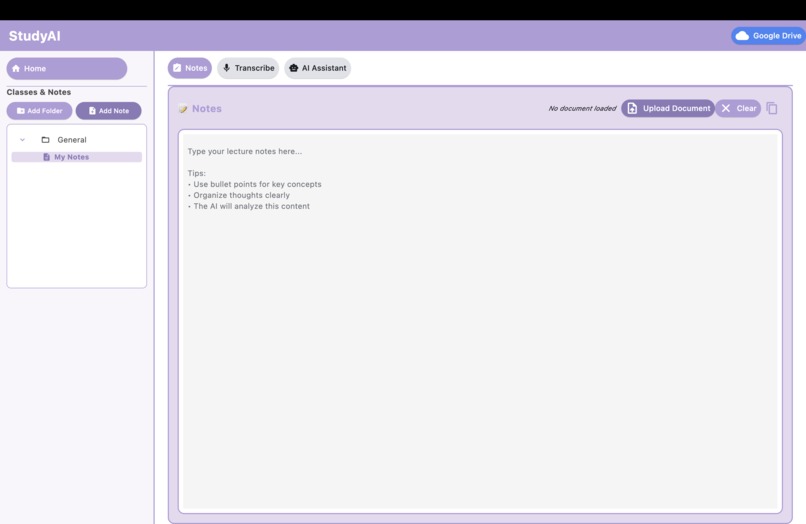
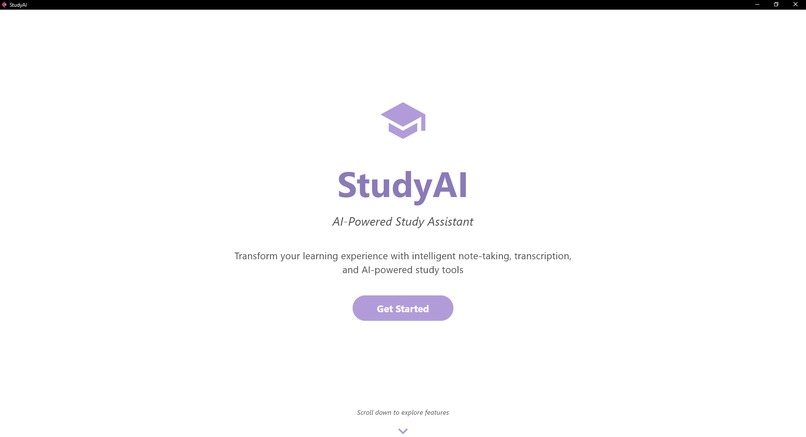
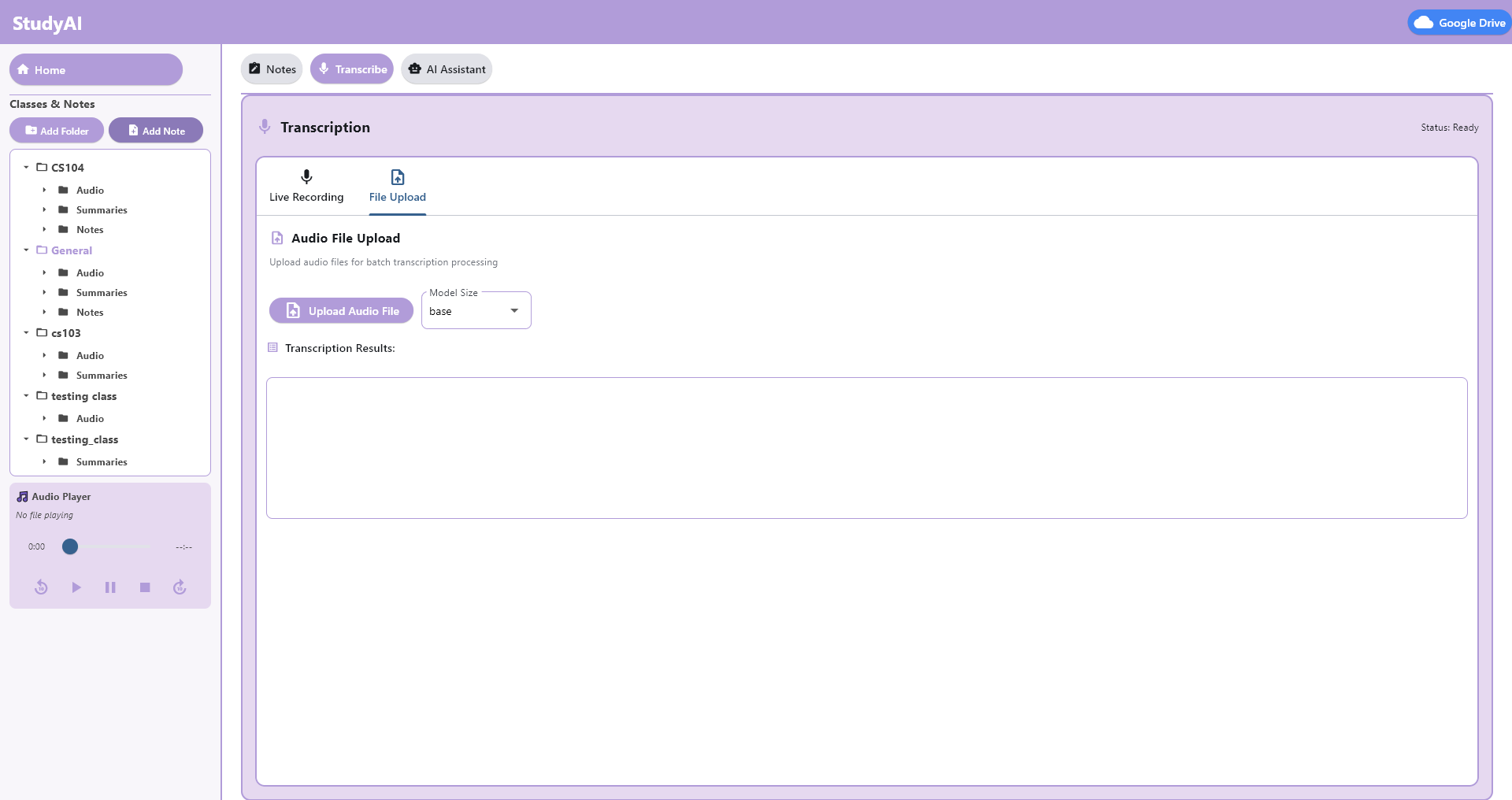
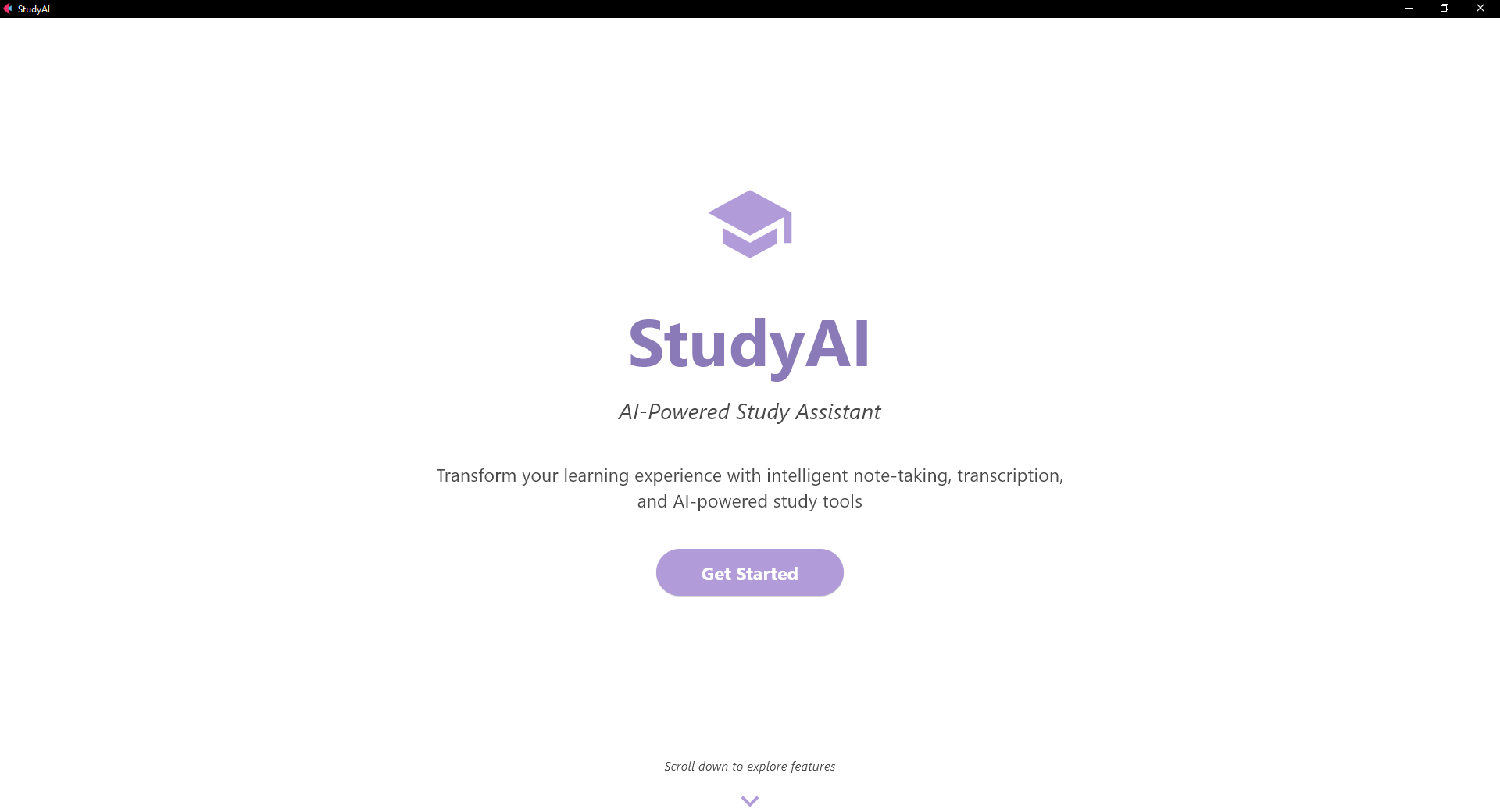
“StudyAI home screen
-
-
-
-
Inspiration
We often struggle to keep up with fast-paced or long lectures while balancing full-time studies, work, commuting, and preparing for other classes. This makes it easy to miss key points, fall behind, or feel overwhelmed. We wanted to create a tool that ensures every student, regardless of pace or learning style, can revisit lectures in a way that is clear, personalized, and accessible.
What it does
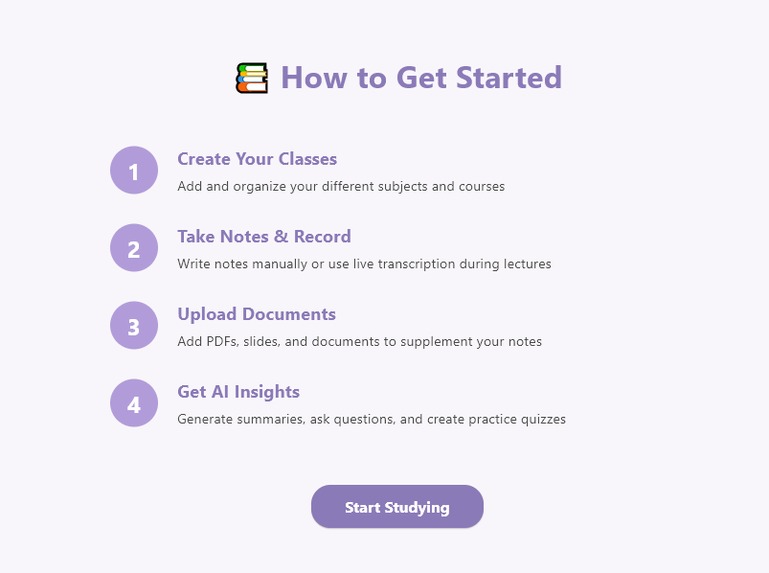
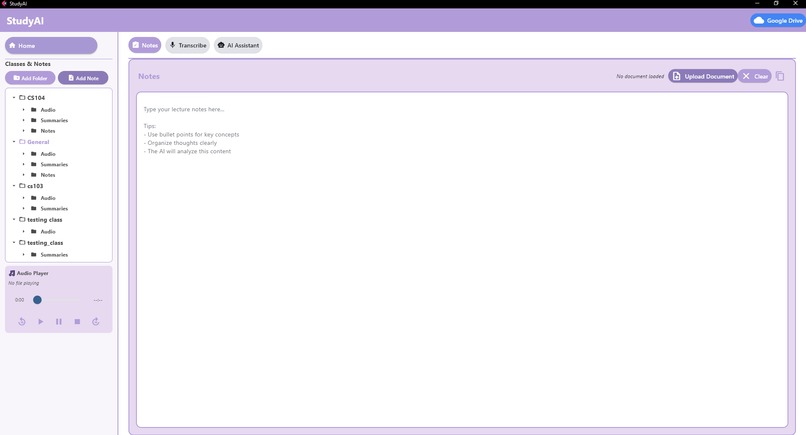
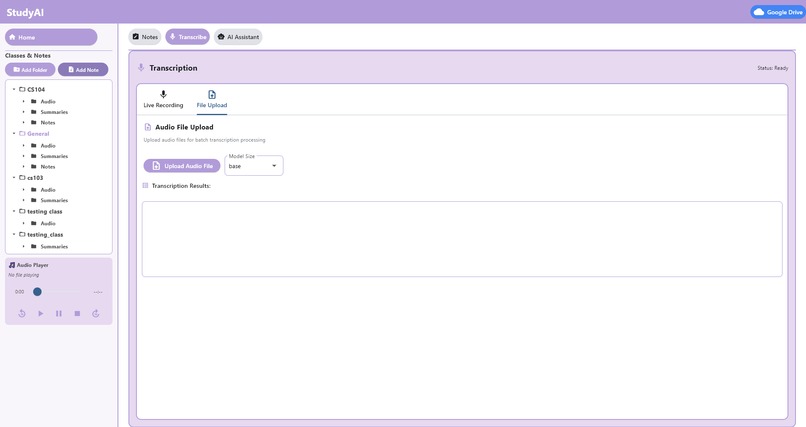
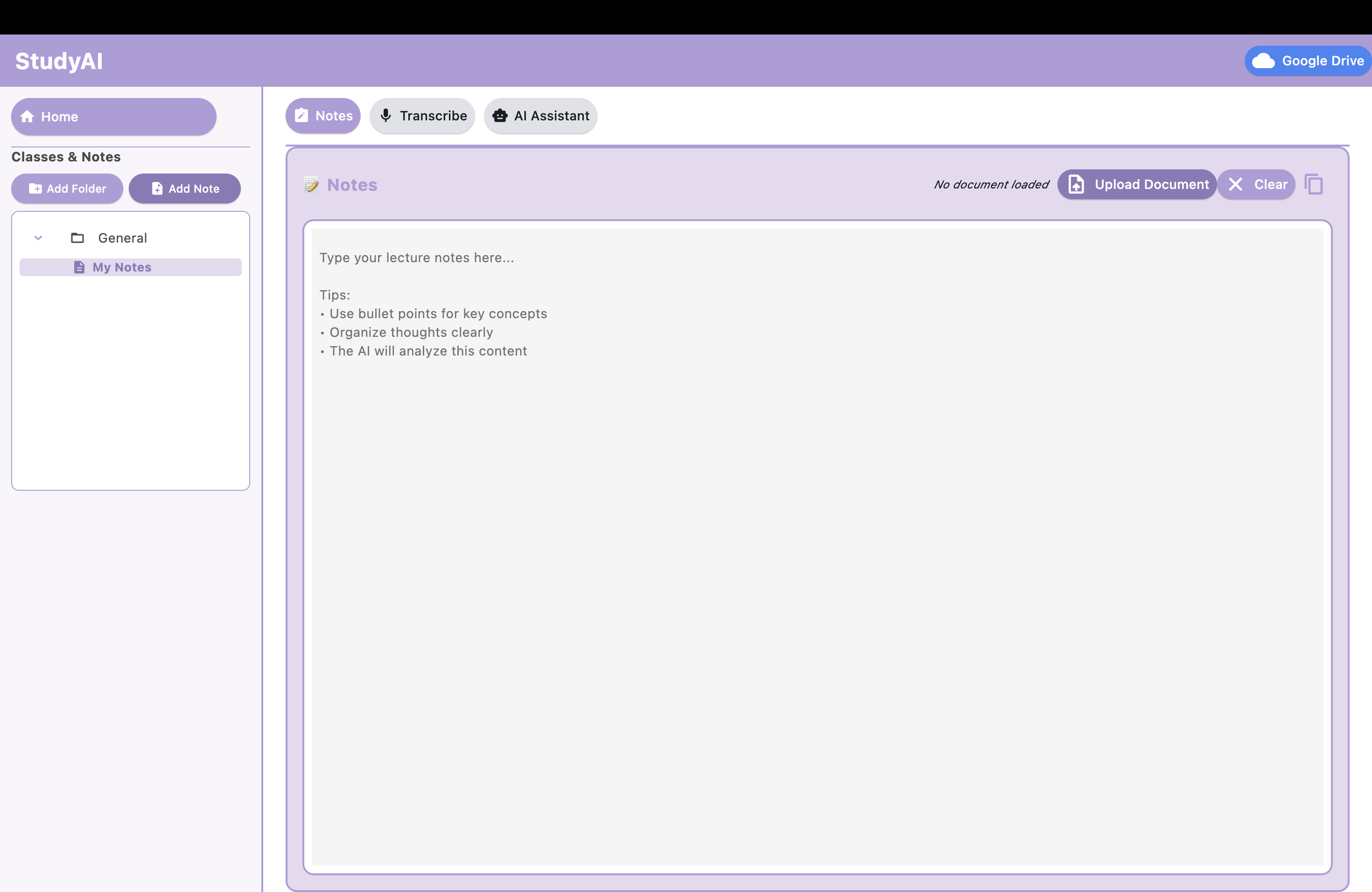
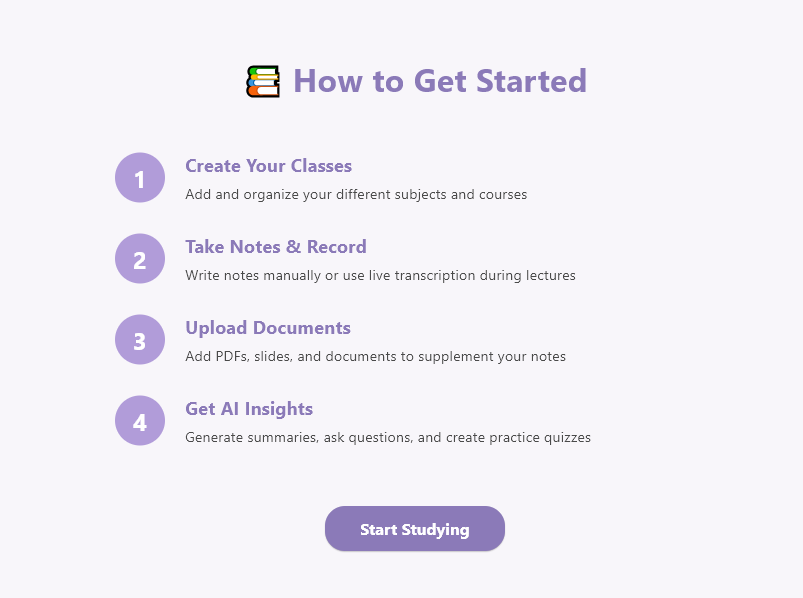
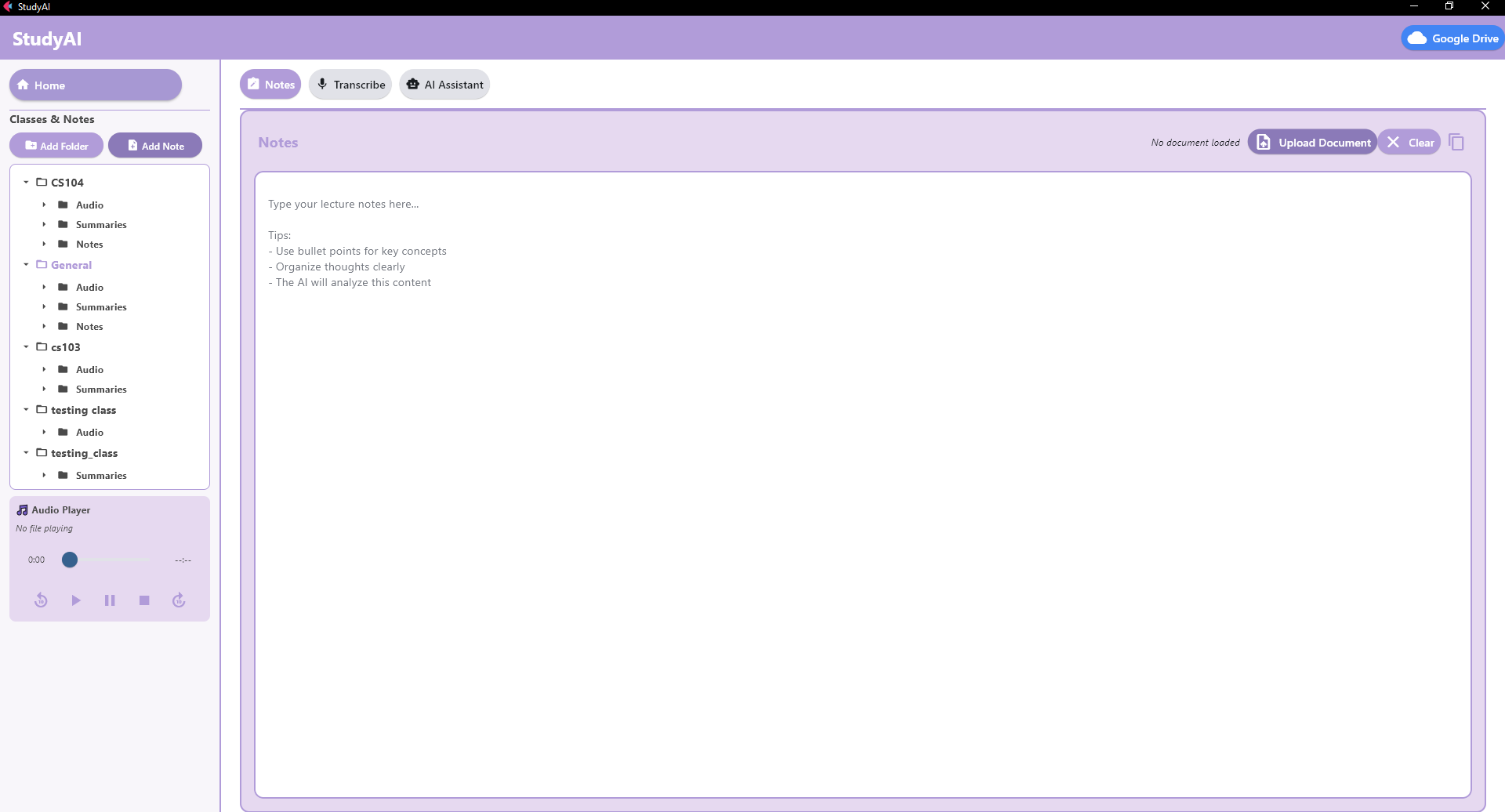
StudyAI transforms raw lectures into study-ready resources. It records or ingests lecture audio, transcribes it into text, summarizes key points, and generates actionable notes. The app integrates with Google Drive, allowing students to organize materials. With AI-powered features like translation and summarization, it ensures learning is inclusive and efficient.
How we built it
- We built StudyAI using Python with the Flet framework for the cross-platform desktop UI.
- Whisper + PyAudio for speech-to-text transcription.
- Google Generative AI (Gemini) for summarization and translation.
- Google APIs for integration with Drive
- NumPy, SoundFile for audio handling.
Challenges we ran into
We faced difficulties with API integrations and encountered frequent merging conflicts, especially when multiple team members were working on the project simultaneously. Coordinating code changes and maintaining consistency across the project was one of the biggest challenges.
Accomplishments that we're proud of
- Successfully building a working prototype that transcribes, summarizes, and integrates with Google services.
- Making the app accessible to students with different learning needs.
- Overcoming technical challenges with APIs, dependencies, and resolving major merging conflicts during development. -Designing an interface that feels intuitive and practical for everyday use.
What we learned
- How to integrate AI models like Gemini into real-world applications.
- The importance of environment management (API keys) and solving merging problems.
- Strategies for processing audio efficiently.
- How small UI/UX choices greatly impact accessibility and ease of learning.
What's next for StudyAI
- Allow users to choose from multiple AI models based on their needs. -Add accessibility features like an audio reader and color-blind–friendly palettes -Introduce dark mode for better usability and comfort during long study sessions -Integrate a time tracker to help students manage study schedules more effectively
- Improve performance so the app can handle longer lectures and larger classes smoothly


Log in or sign up for Devpost to join the conversation.