-
-
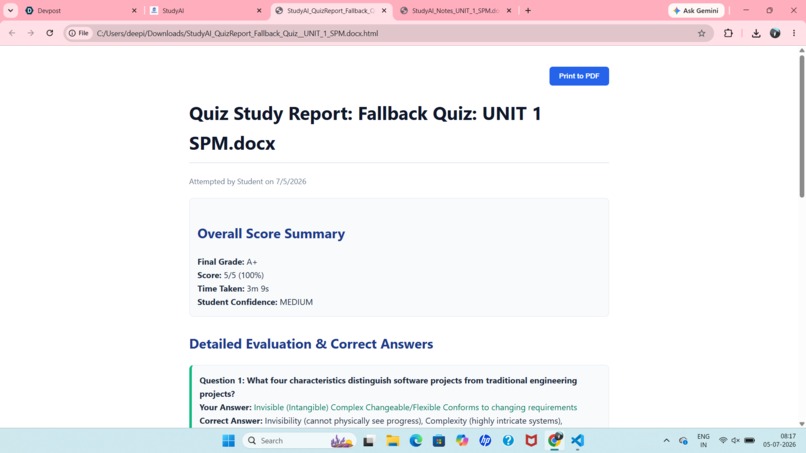
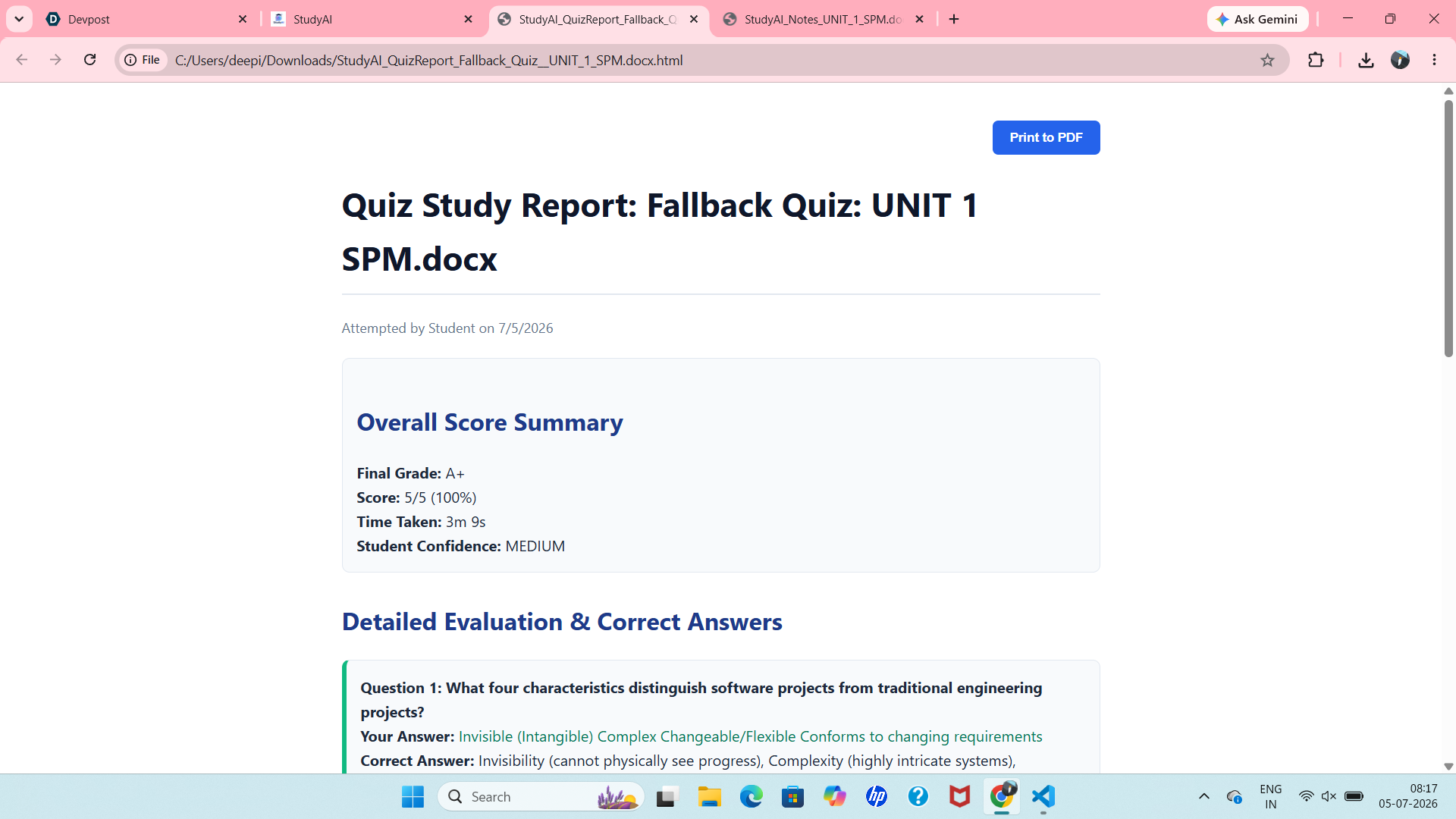
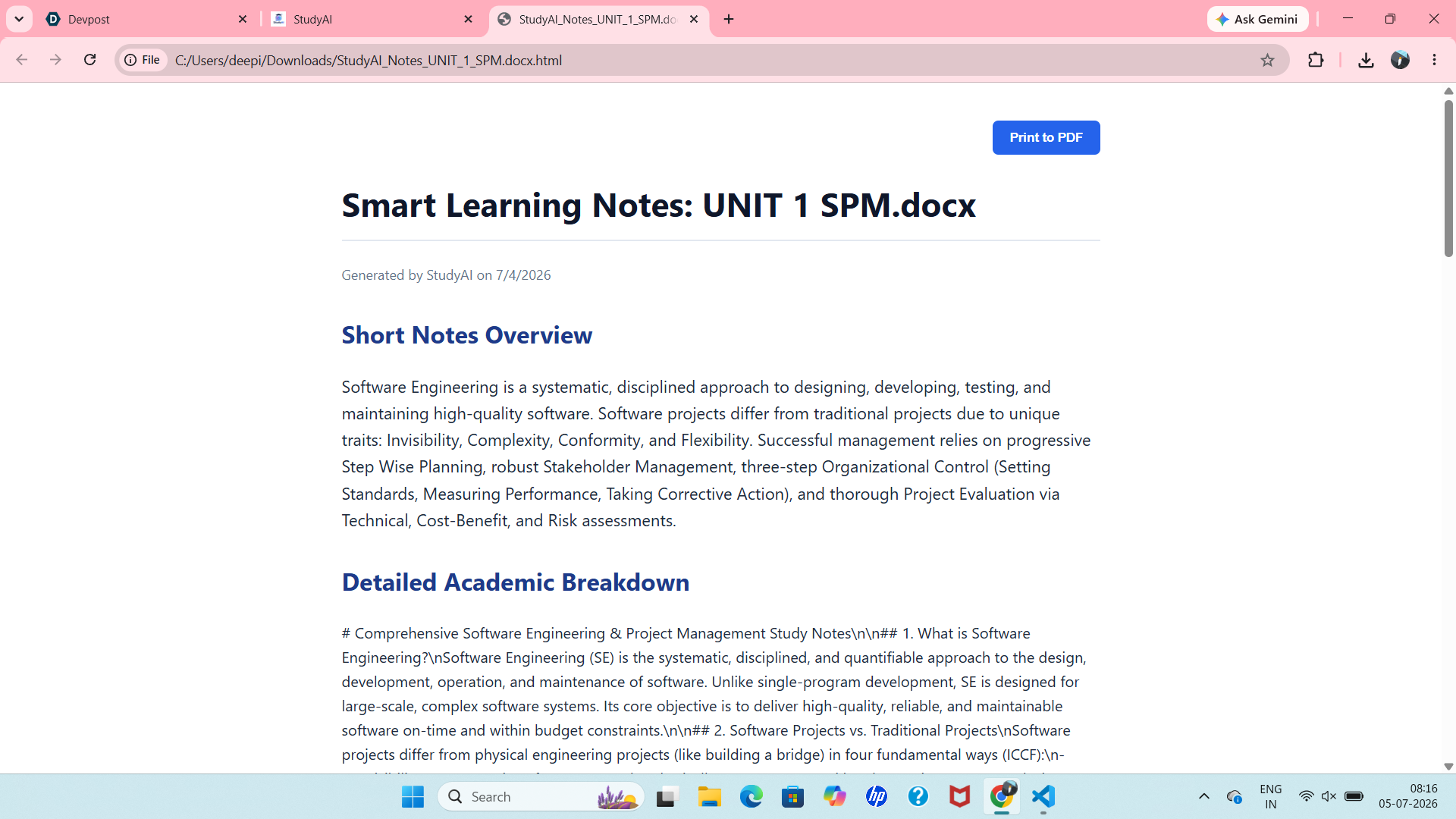
Downloadable Quiz Report
-
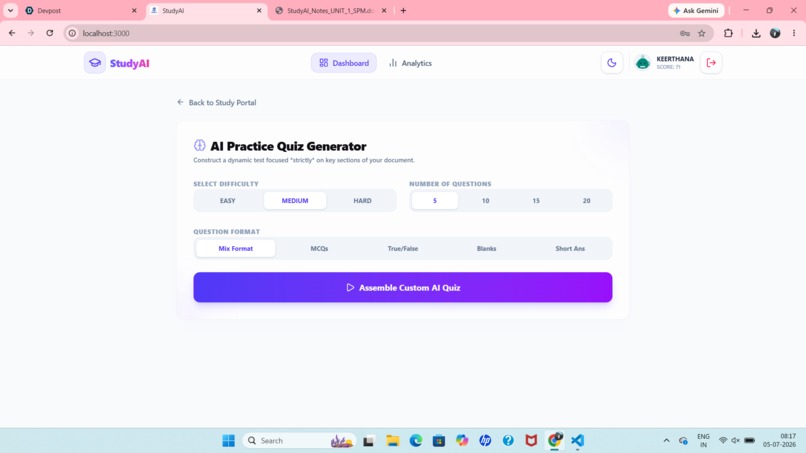
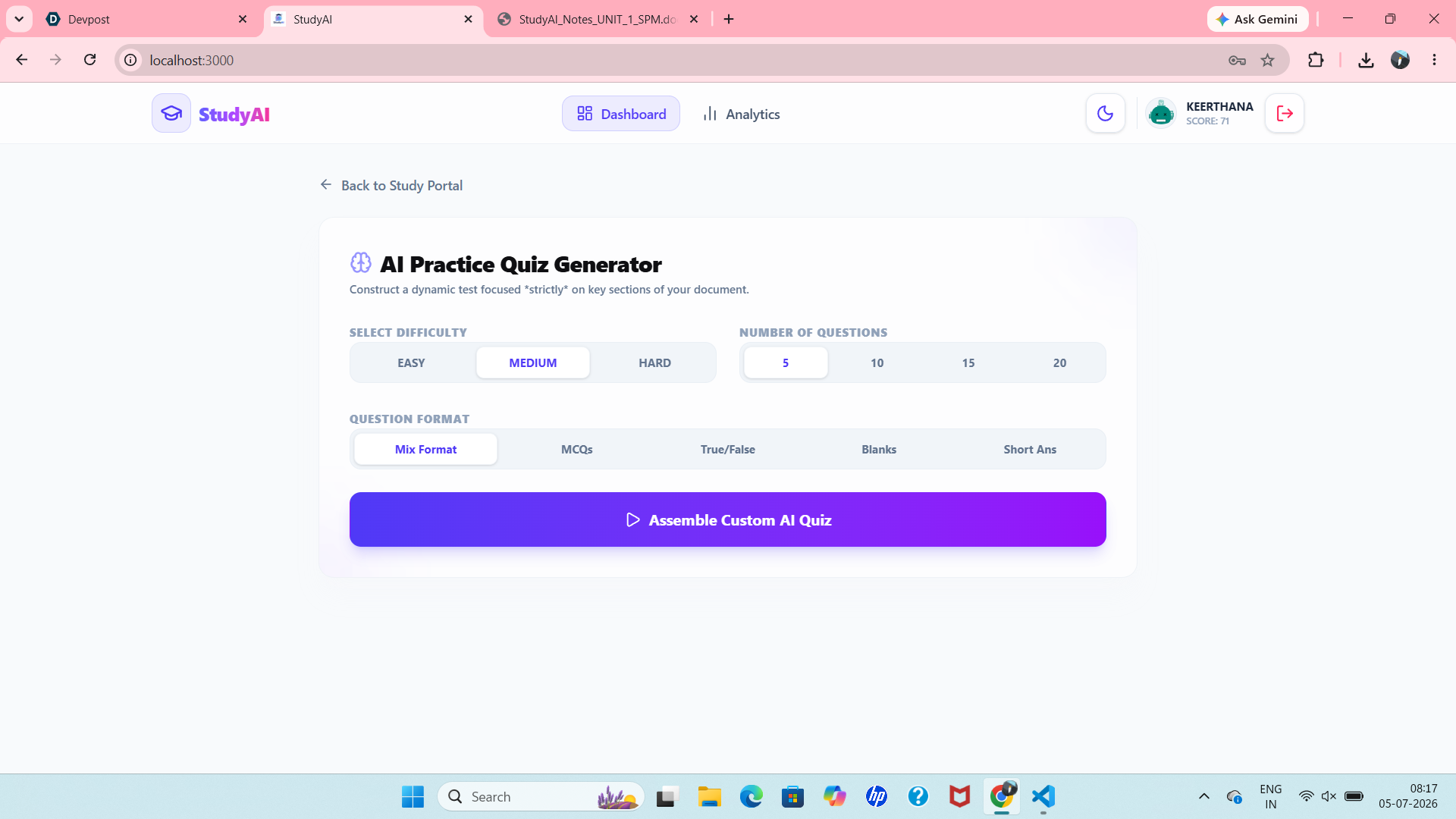
Quiz
-
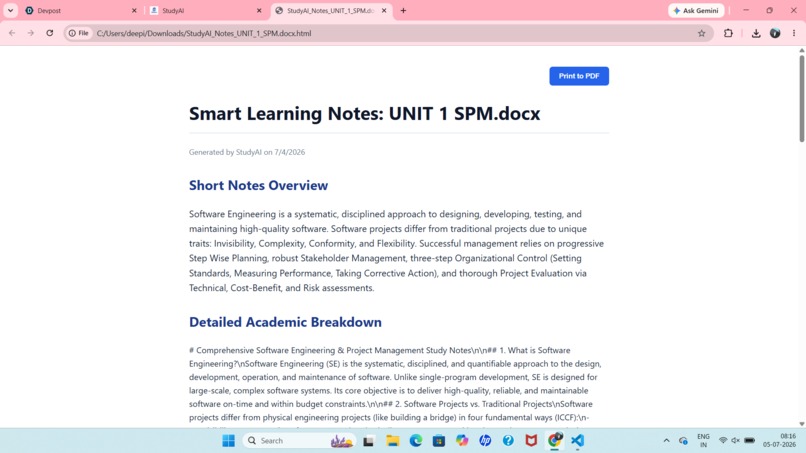
Downloadable Ai Generated Notes
-
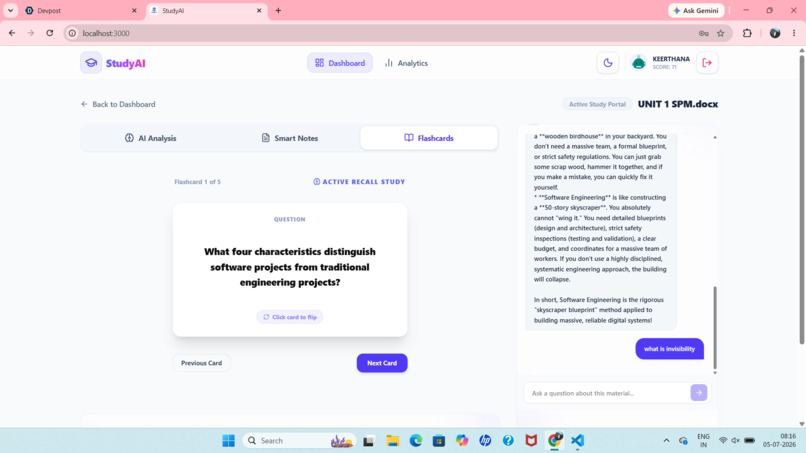
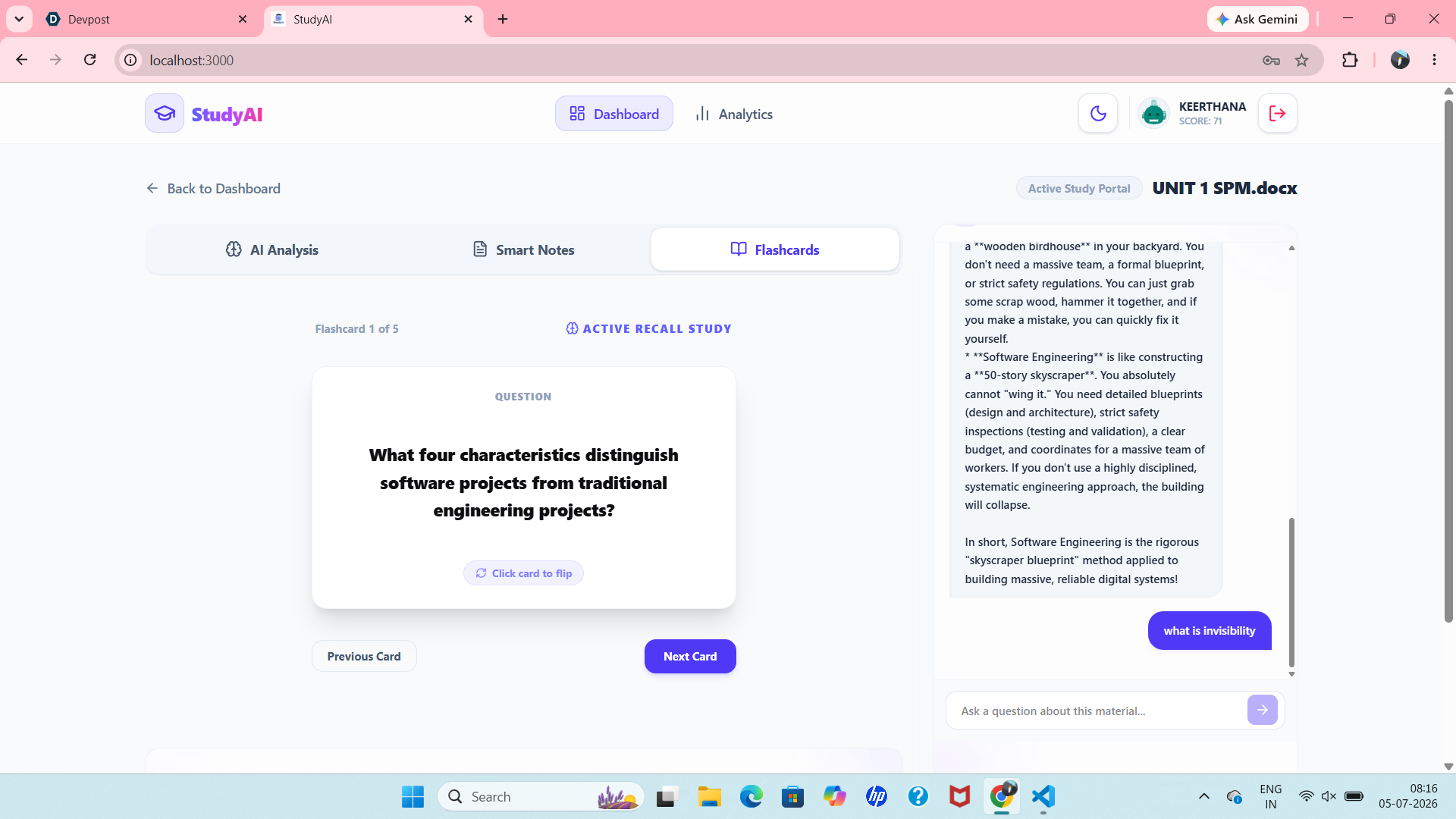
Flash Cards
-
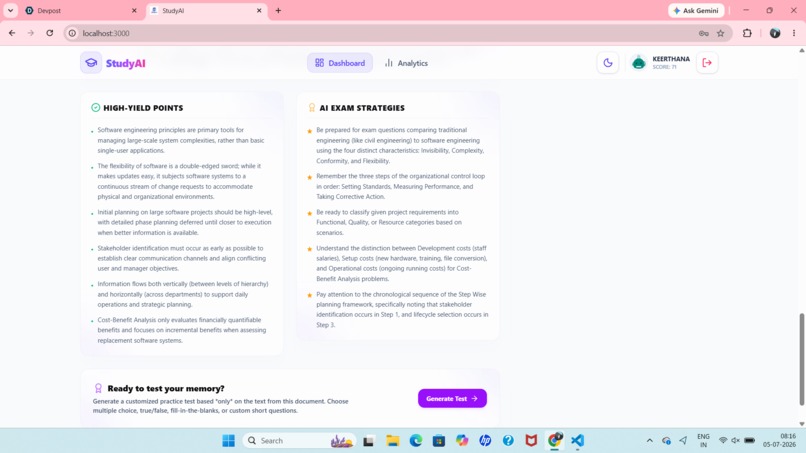
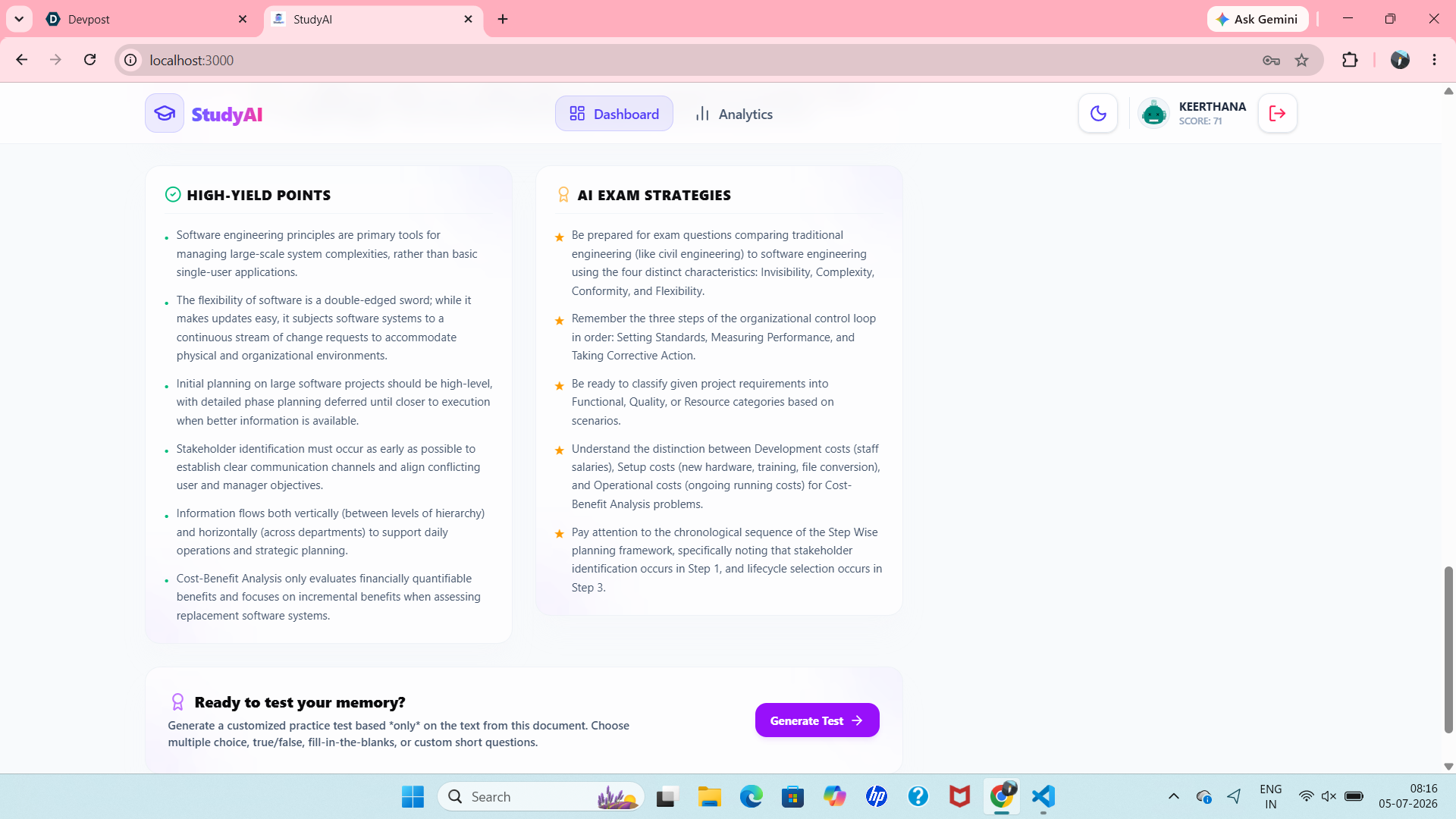
High yield points and Ai Exam Strategies
-
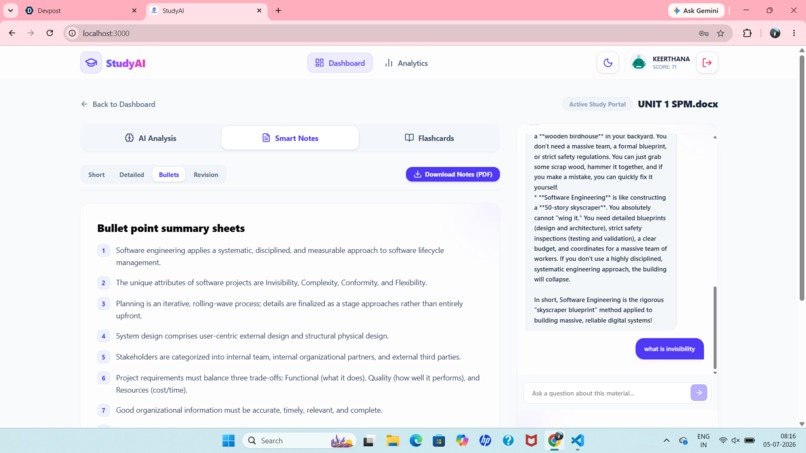
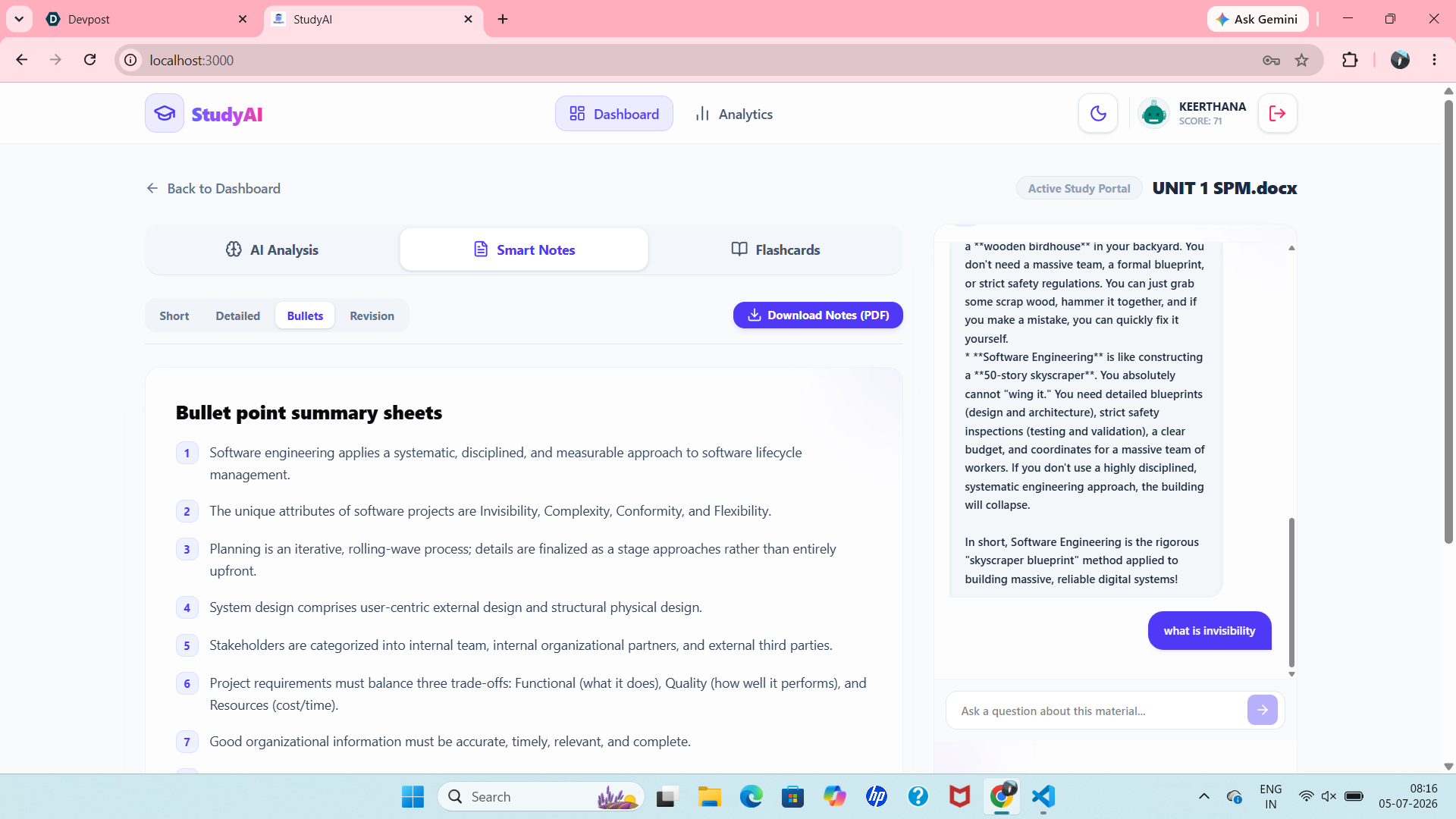
Notes in a Bullet Points
-
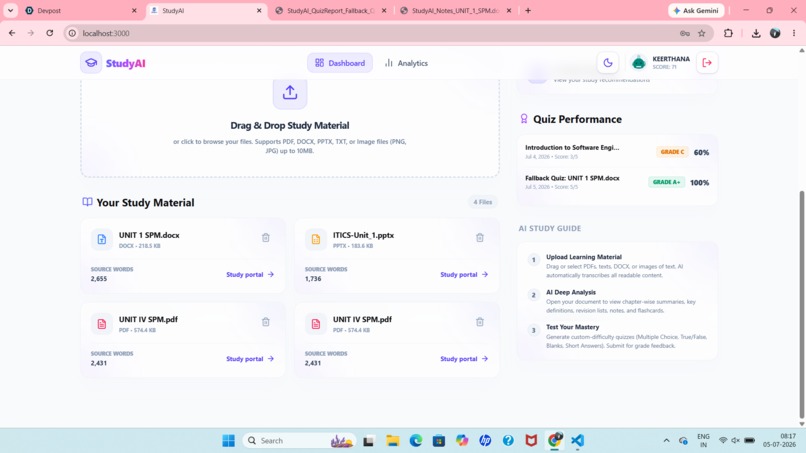
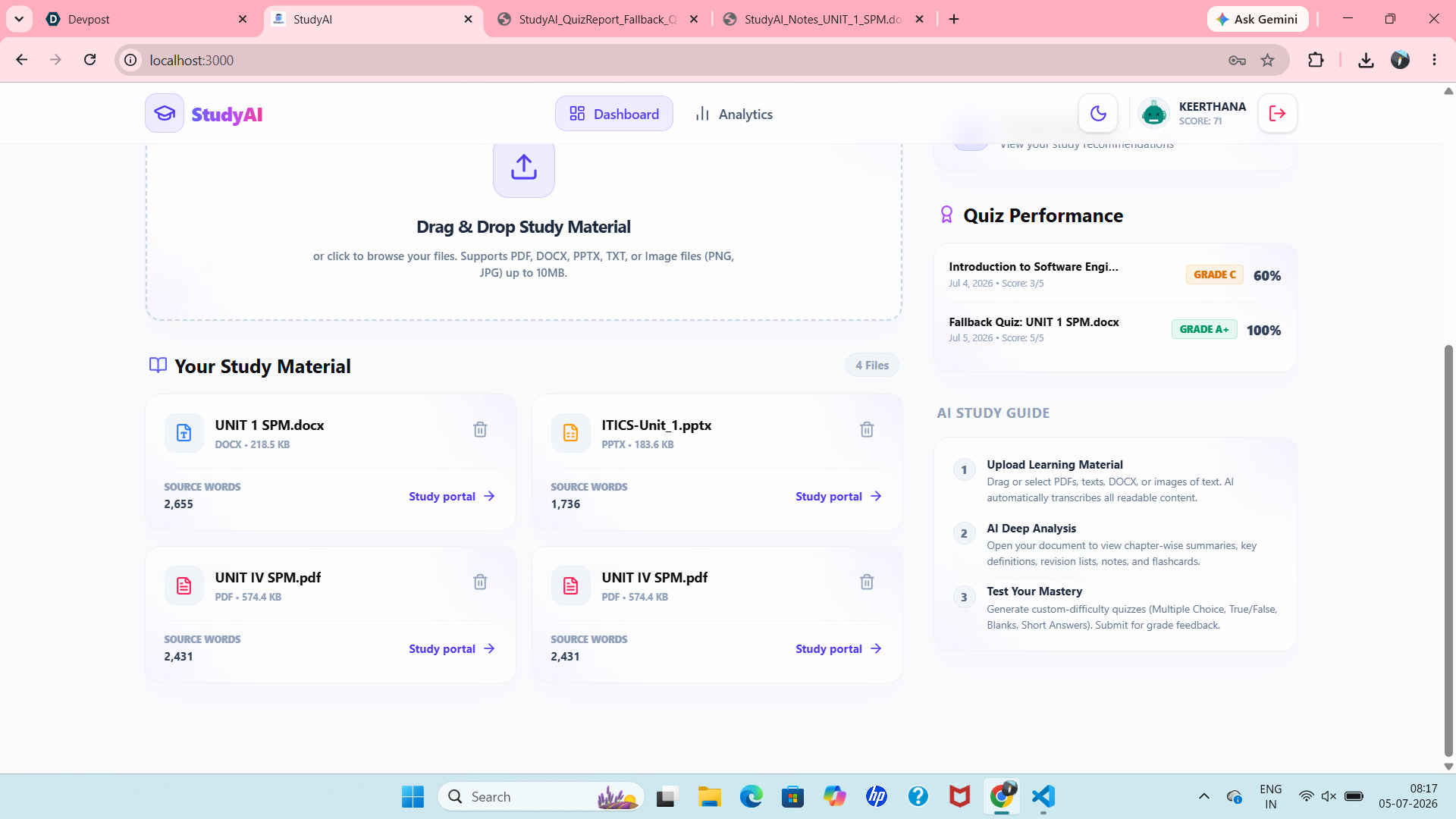
Study Material And Quiz Performance
-
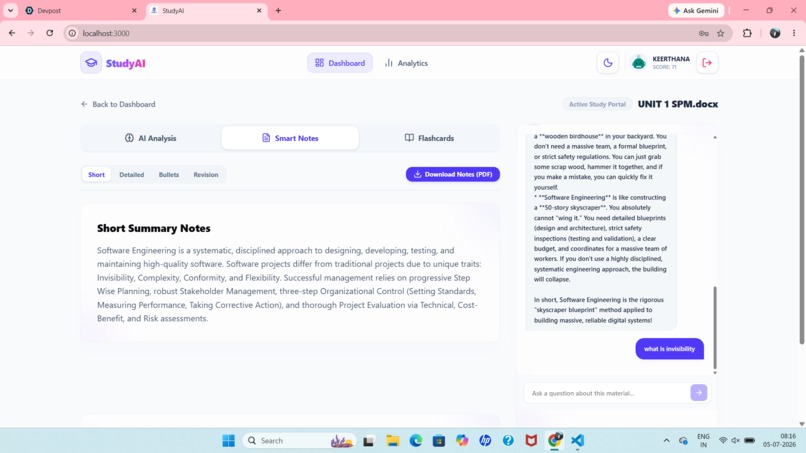
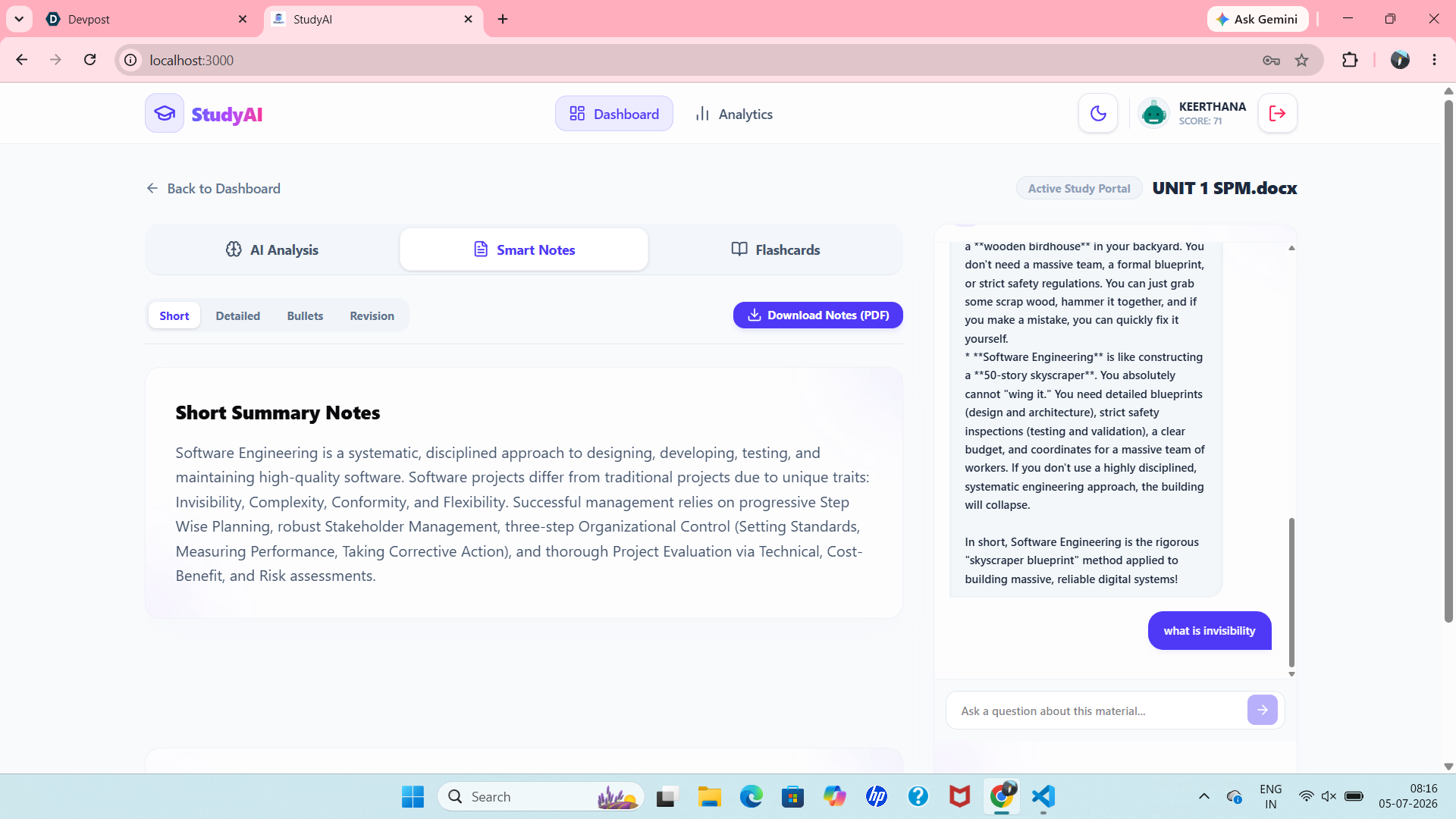
Short Notes
-
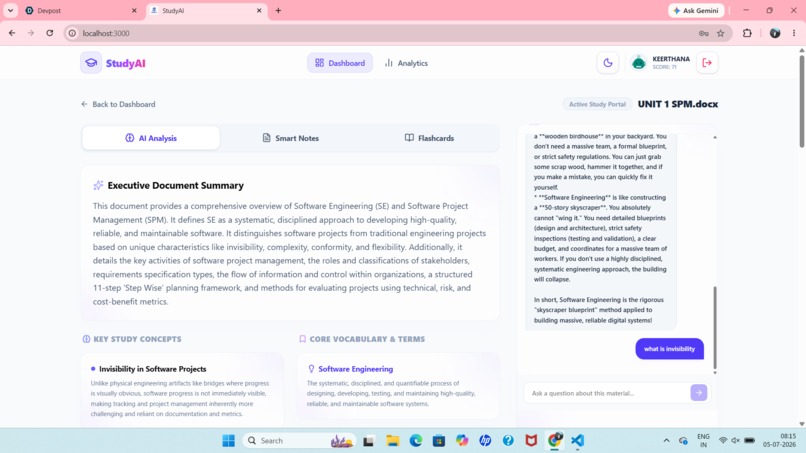
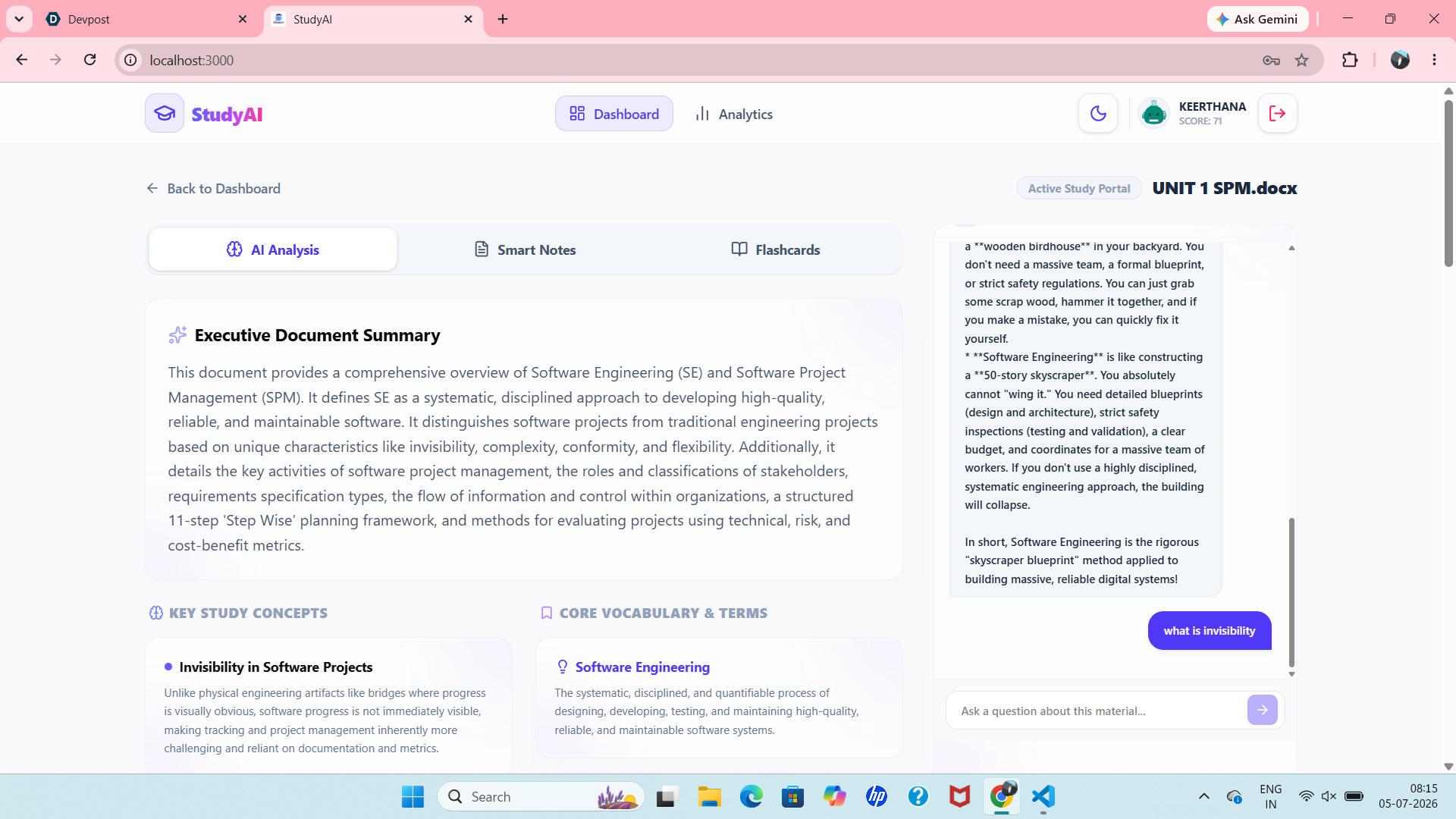
Ai Analysis Notes and AI Tutor
-
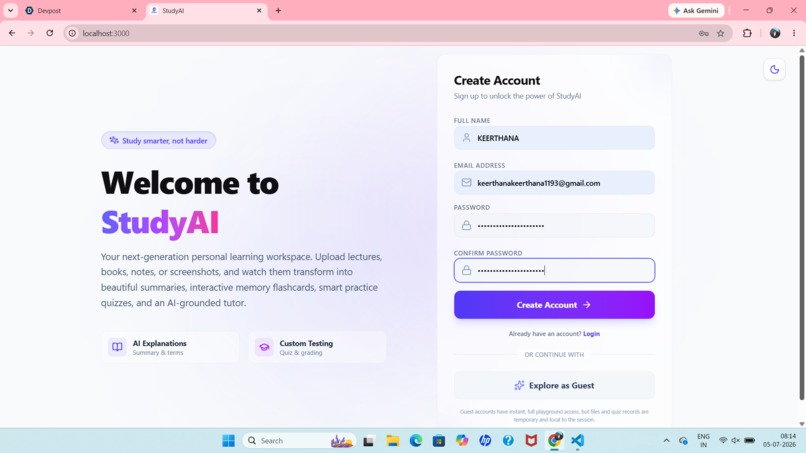
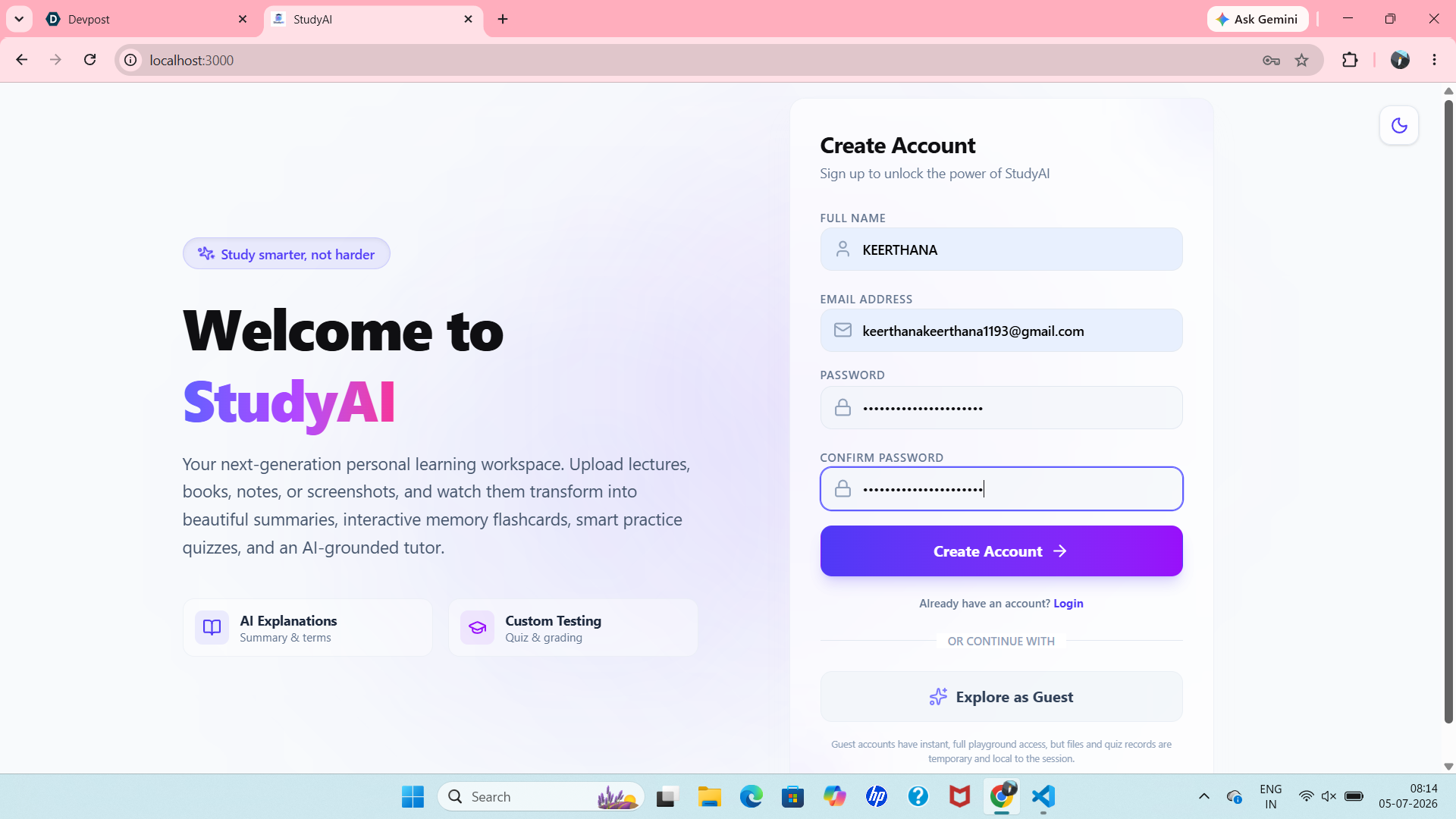
Sign Up Page
-
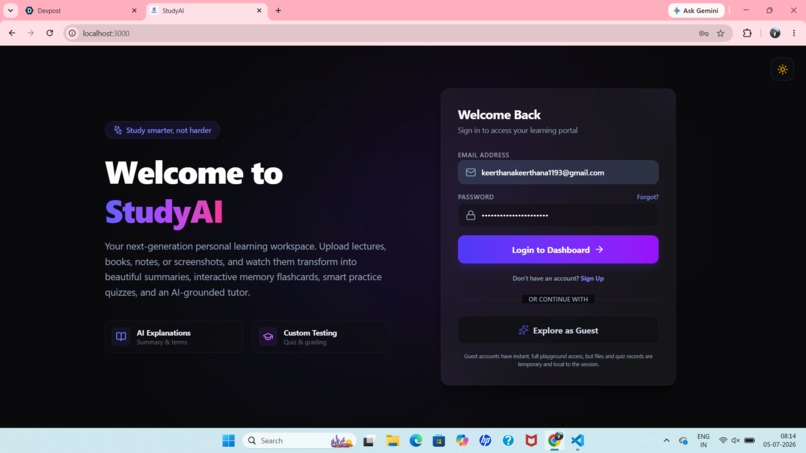
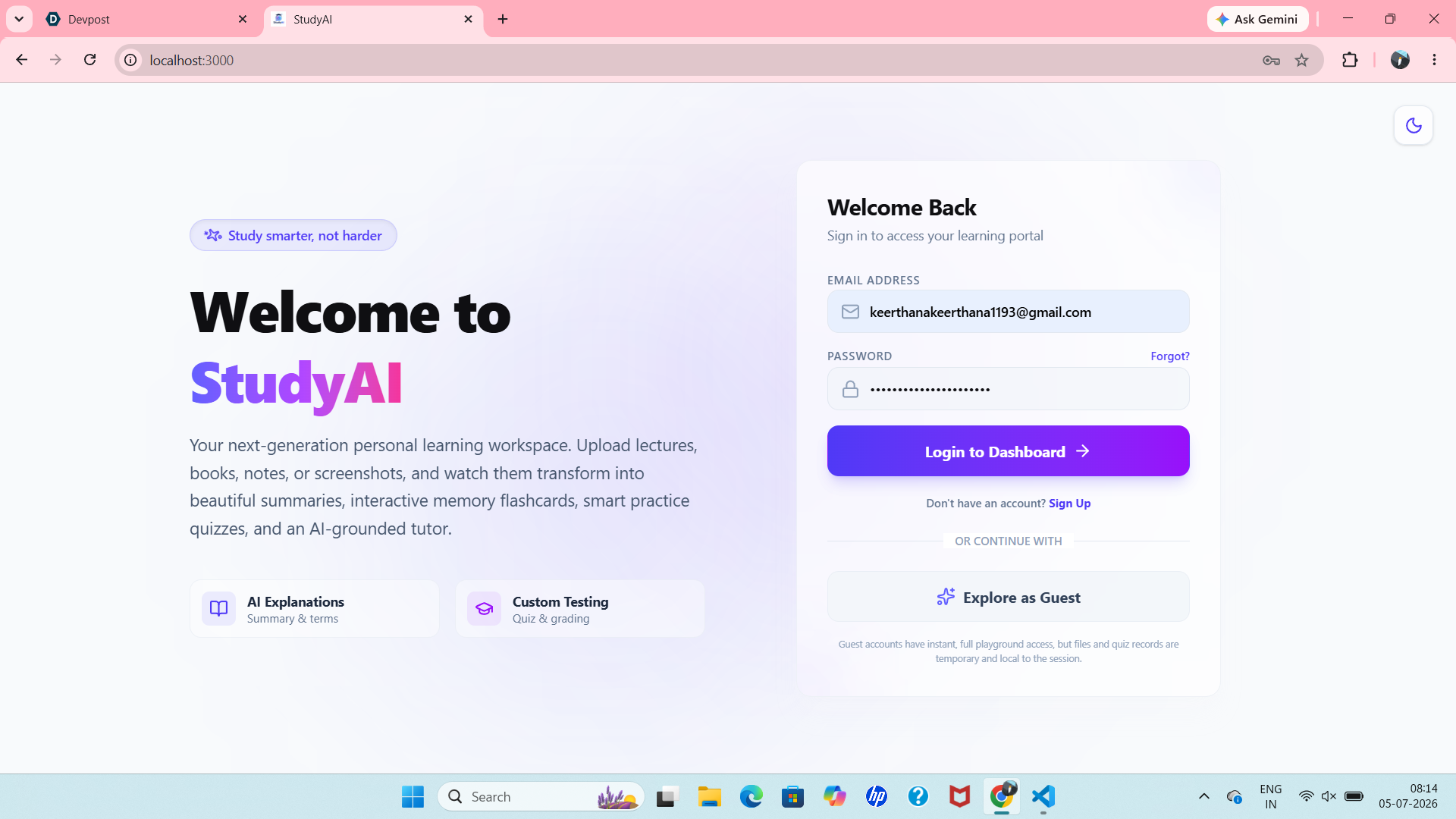
Dark Theme
-
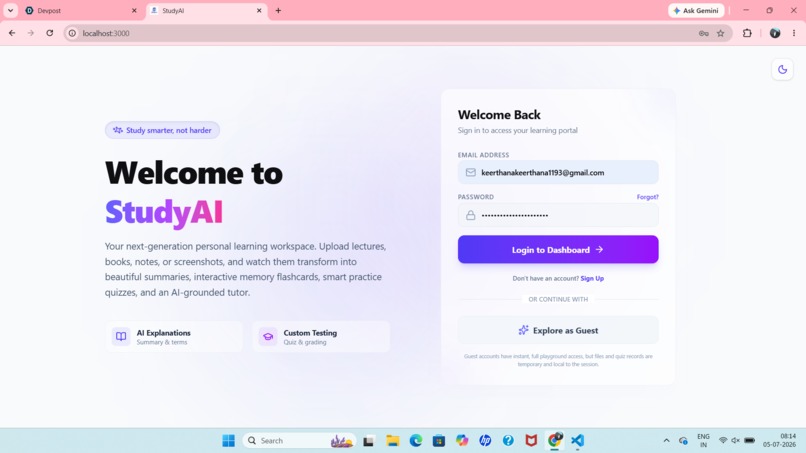
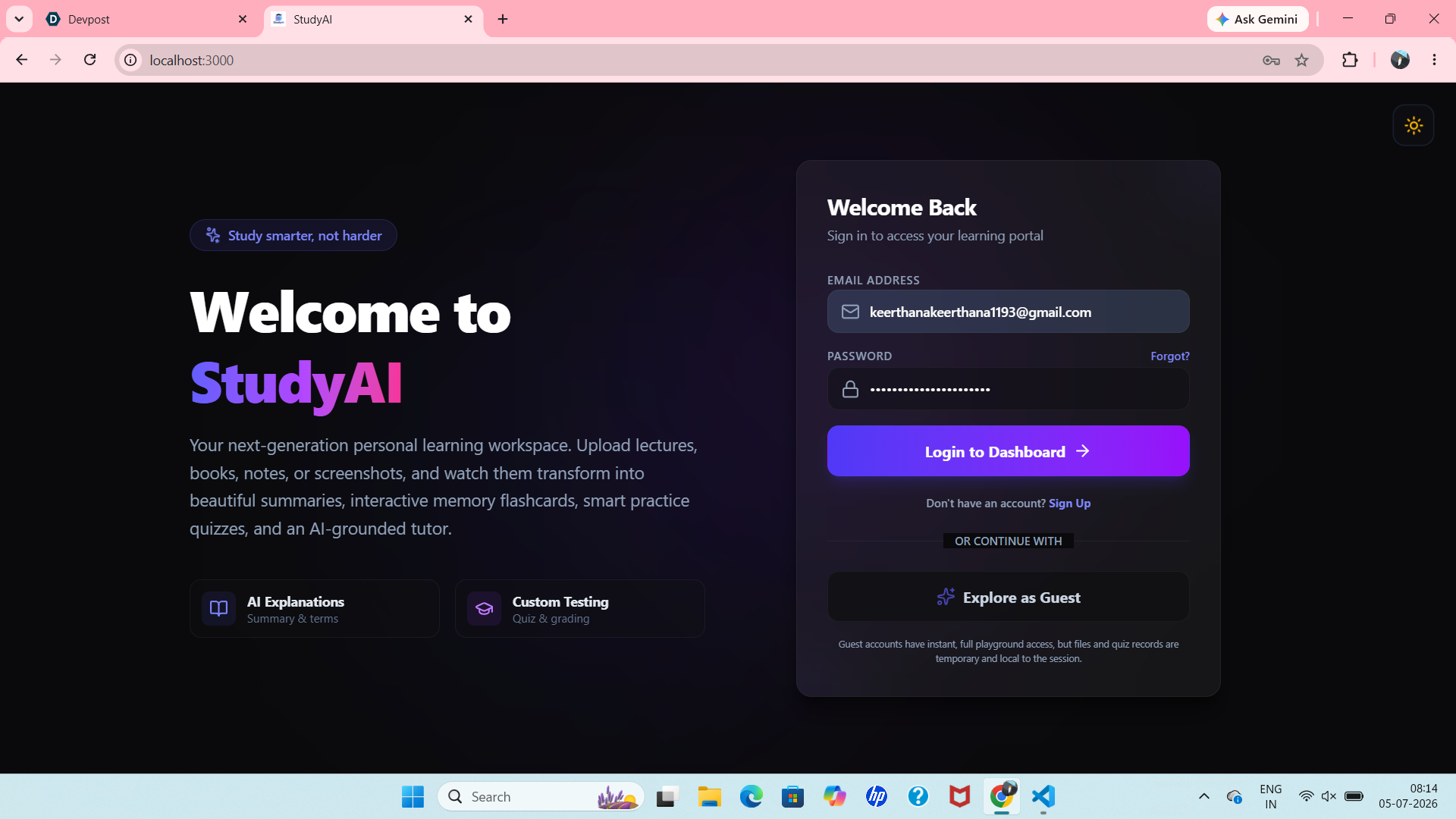
Login Page
-
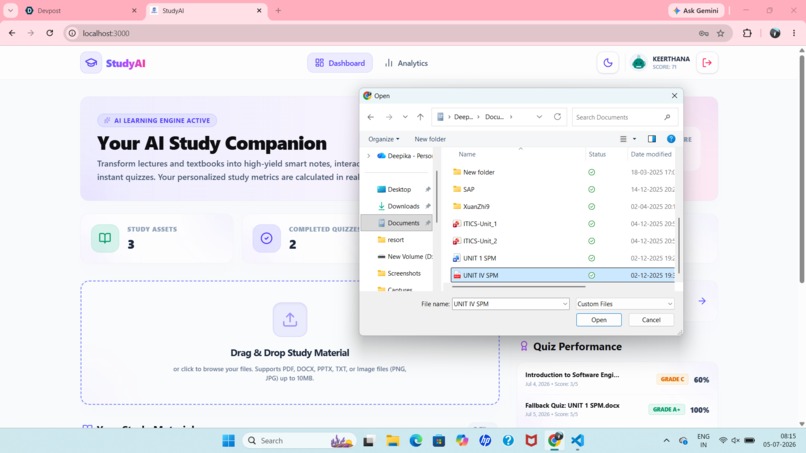
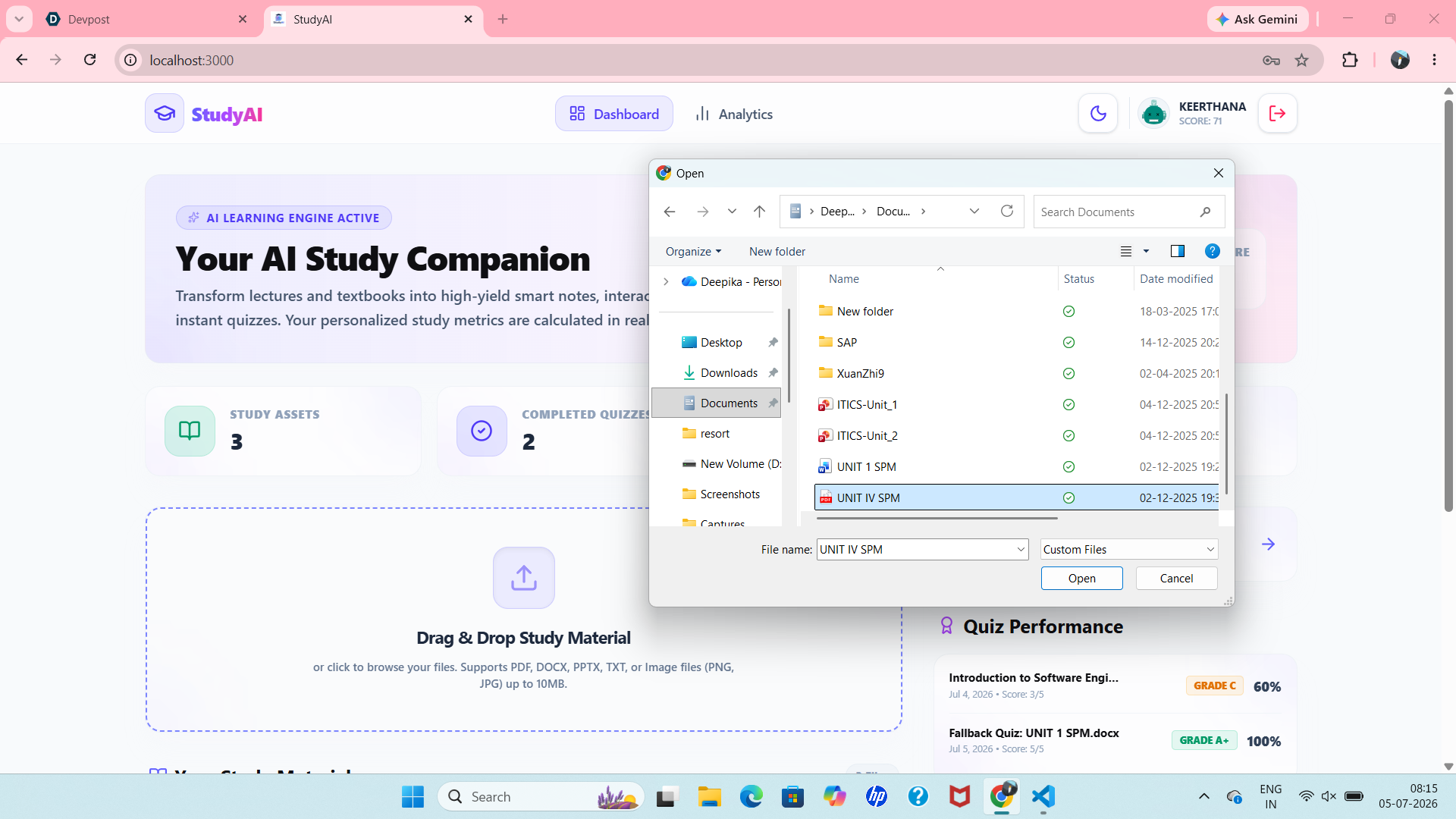
Document Upload
-
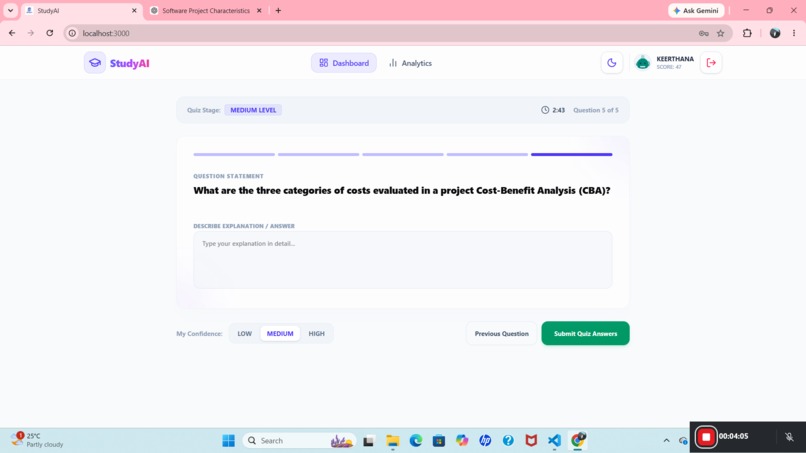
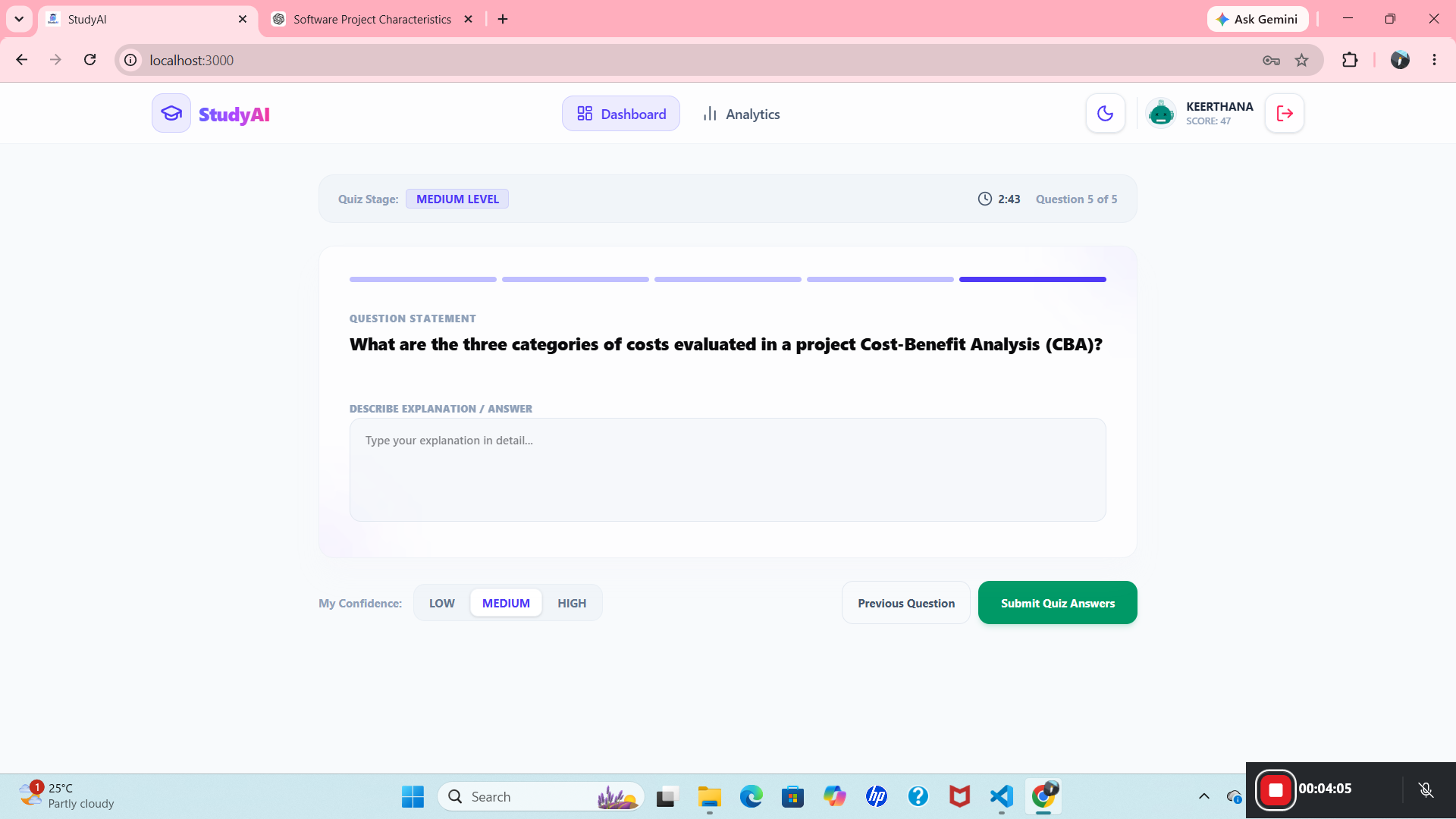
Quiz Submit
StudyAI
Turn any document into a personal tutor — upload your notes, textbook chapter, or slides, and get an AI study partner that explains, quizzes, and tracks your progress.
Inspiration
Studying from a wall of PDF slides or a dense textbook chapter is one of the most common — and most avoidable — points of friction in learning. The material is already there; what's missing is someone to summarize it, answer the "wait, why?" questions, and check whether it actually stuck. We wanted to build that "someone": a tool that takes whatever a student already has (a PDF, a Word doc, a slide deck) and turns it into an interactive study session, instead of asking students to re-type their notes into yet another app.
What it does
StudyAI takes a document a student uploads — PDF, DOCX, or PPTX — and turns it into a full study workflow:
Instant analysis — the AI reads the document and produces a structured summary and key takeaways, so a student can see the shape of the material before diving in. Auto-generated notes — condensed, organized study notes generated straight from the source text. Ask-anything chat — a chat interface scoped to that specific document, so answers are grounded in what the student is actually studying rather than a generic web answer. Custom quiz generation — students choose the question type (multiple choice, true/false, fill-in-the-blank, or short answer) and the AI writes a quiz sourced only from the uploaded material. Instant grading + performance tracking — quizzes are scored automatically, and a performance dashboard visualizes accuracy over time so students can see whether they're actually improving.
The grading itself is simple and transparent — accuracy on a given quiz is just
percentage=⌊scoremaxScore×100⌋\text{percentage} = \left\lfloor \frac{\text{score}}{\text{maxScore}} \times 100 \right\rfloorpercentage=⌊maxScorescore×100⌋ and that percentage gets bucketed into a letter grade (A+ down to F) and rolled into a running average across a student's quiz history, which is what powers the weekly progress chart on the dashboard.
How we built it
The frontend is a React 19 + TypeScript single-page app, built with Vite 6 and styled with Tailwind CSS 4, with Framer Motion driving the transitions between the dashboard, document view, and quiz view, Recharts for the performance graphs, and Lucide for icons.
The backend is a lightweight Express server (run directly via tsx, no separate build step needed in dev) that exposes a small REST API for auth, document upload/parsing, AI analysis, notes, chat, quiz generation/grading, and performance stats. Documents are parsed server-side with pdf-parse (PDF) and mammoth (DOCX); all the "understanding" work — summarizing, answering chat questions, writing quiz questions, and grading free-response answers — is delegated to Google's Gemini API via the @google/genai SDK, using gemini-3.5-flash for fast, low-latency responses. For persistence we kept things intentionally simple: a single JSON file acting as the database, which was fast to iterate on and is easy to swap out for a real database later.
Challenges we ran into
A file-watcher feedback loop. Because the Express server and Vite dev server share the same project folder, every quiz generation or chat message writes to our JSON "database" — and Vite's dev file-watcher was picking up those writes as if they were source code changes, triggering a full page reload mid-request. From the user's side it looked like the app randomly bounced back to the dashboard right after asking a question or generating a quiz, even though the AI response had actually saved successfully in the background. The fix was to explicitly exclude the data directory from Vite's watcher. A landmine in a third-party package. Some published versions of pdf-parse ship an index.js with a leftover self-test snippet that runs on import and crashes looking for a test fixture file that doesn't exist in a fresh install. We had to import the library's internal module directly to sidestep it. Keeping AI output grounded. Getting the model to generate quiz questions and answers strictly from the uploaded document — rather than drifting into general knowledge — took careful prompt scoping, especially for fill-in-the-blank and short-answer formats where grading is more subjective than multiple choice. Parsing "real world" files. Slide decks in particular vary wildly in structure, and getting readable, well-ordered text out of a PPTX (as opposed to a clean PDF) needed a more defensive extraction approach than we initially expected.
Accomplishments that we're proud of
A genuinely end-to-end study loop — upload, understand, ask, quiz, and track — that works from a single file drop, with no manual setup. A chat and quiz experience that stays grounded in the student's own material instead of answering from general AI knowledge. A performance dashboard that turns quiz history into a visual trend, not just a list of past scores. Tracking down and fixing subtle, easy-to-miss integration bugs (like the dev-server reload loop) that would have been very confusing for real users to hit.
What we learned
Building an AI-powered app surfaces bugs that have nothing to do with the AI itself — some of our thorniest issues were plain full-stack plumbing (file watchers, package quirks, async state timing) rather than anything about prompting or model behavior. We also learned a lot about designing prompts that produce structured, checkable output (clean JSON for quiz questions and grading) rather than free-form prose, which made the difference between a demo that occasionally breaks and one that's reliably gradable.
What's next for StudyAI
Spaced-repetition scheduling, so quiz questions a student got wrong resurface automatically instead of disappearing after one attempt. Support for more source formats (scanned/handwritten notes via OCR, YouTube lecture transcripts). Multi-document study sets, so students can quiz themselves across an entire course, not just one file at a time. Swapping the JSON file store for a proper database and adding real user accounts, so progress persists reliably across devices. Collaborative study — shared quizzes and leaderboards for study groups
Built With
- esbuild
- express-ai-/-apis:-google-gemini-api-(gemini-3.5-flash)-via-the-@google/genai-sdk-document-processing:-pdf-parse
- framer-motion-(motion)
- javascript-frontend:-react-19
- languages:-typescript
- lucide-icons-backend:-node.js
- mammoth
- multer-data-storage:-json-file-based-data-store-tooling:-tsx
- recharts
- tailwind-css-4
- vite-6

Log in or sign up for Devpost to join the conversation.