Inspiration
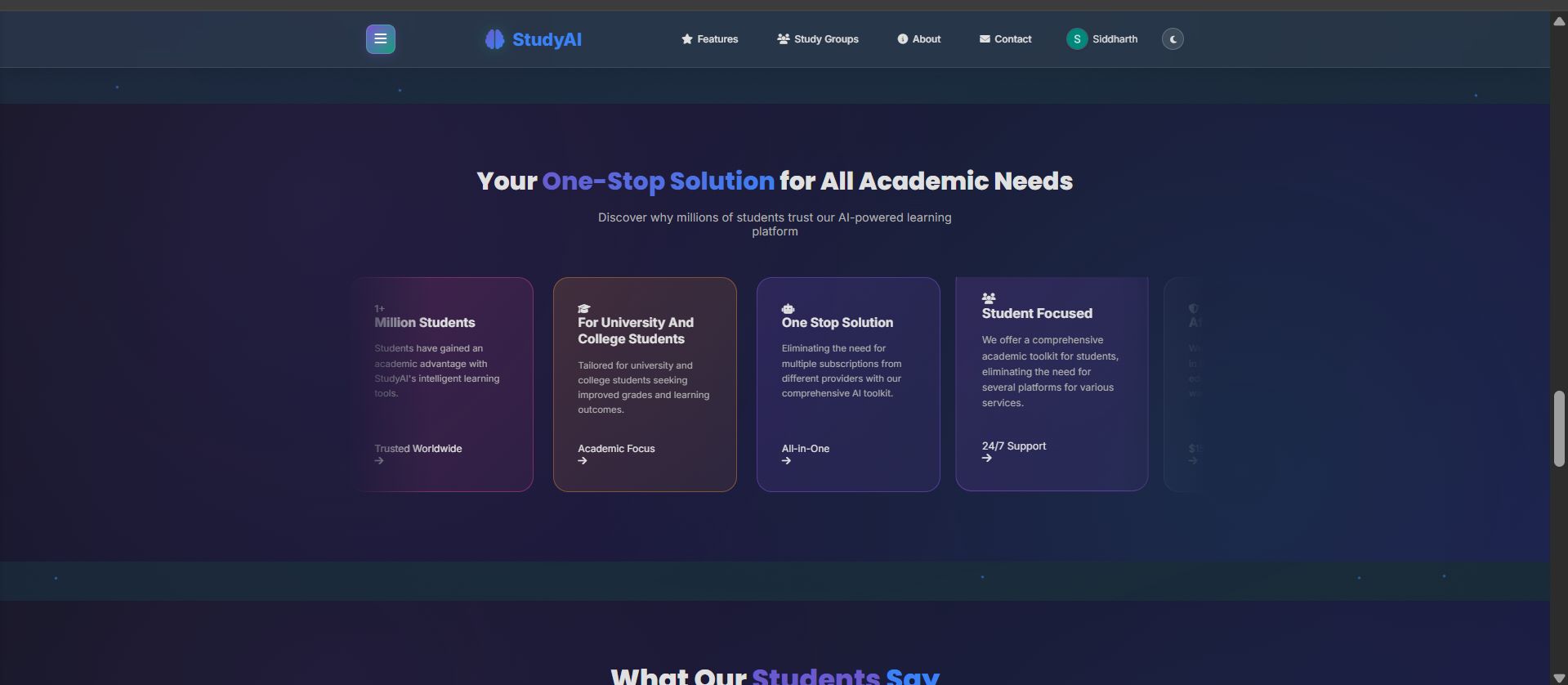
As students in the AI/DS space, we constantly juggle PDFs, handwritten notes, YouTube links, and scattered summaries. We wanted a smarter, centralized platform that turns all that chaos into something actionable. The idea: What if learning content could talk back? What if notes and lectures could evolve into flashcards, quizzes, and mind maps—tailored to each learner and team?
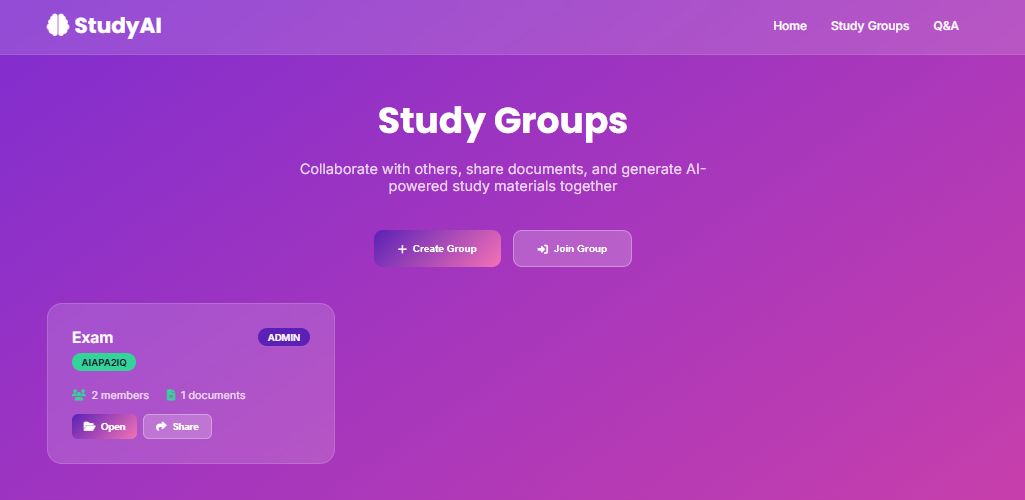
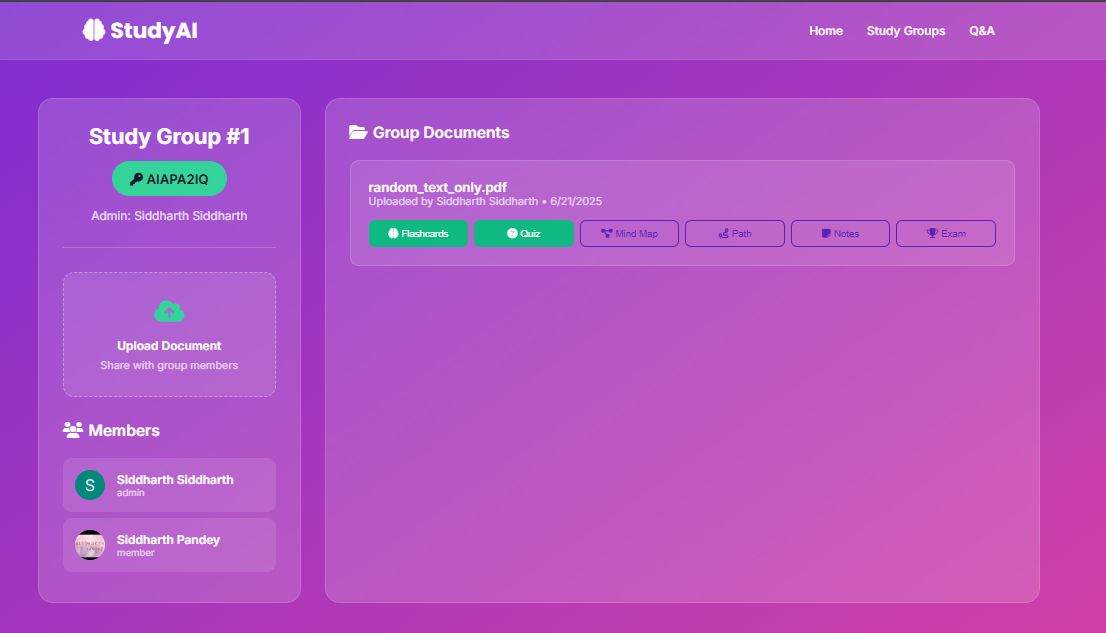
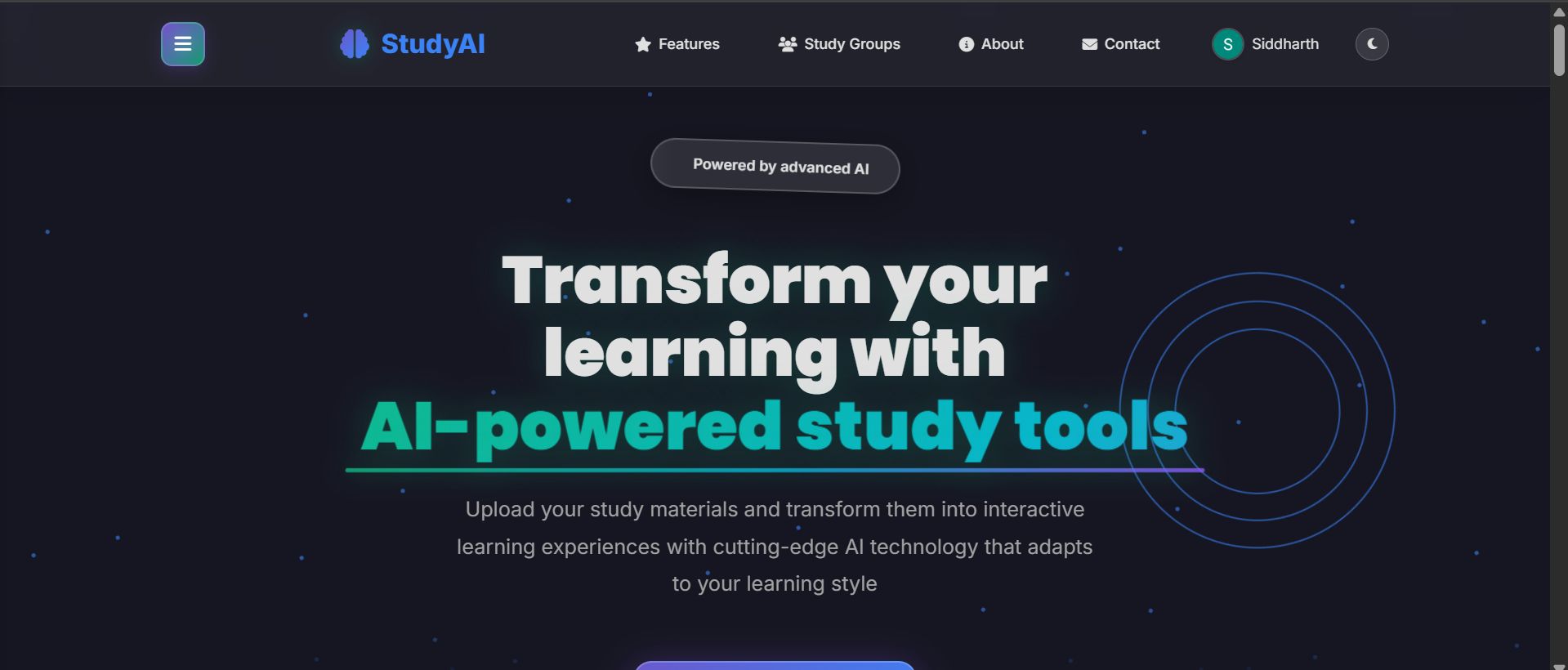
That idea became StudyAI, built not just for individuals, but as a collaborative GenAI-powered Learning OS for study groups, classrooms, and anyone who learns better together.
What it does
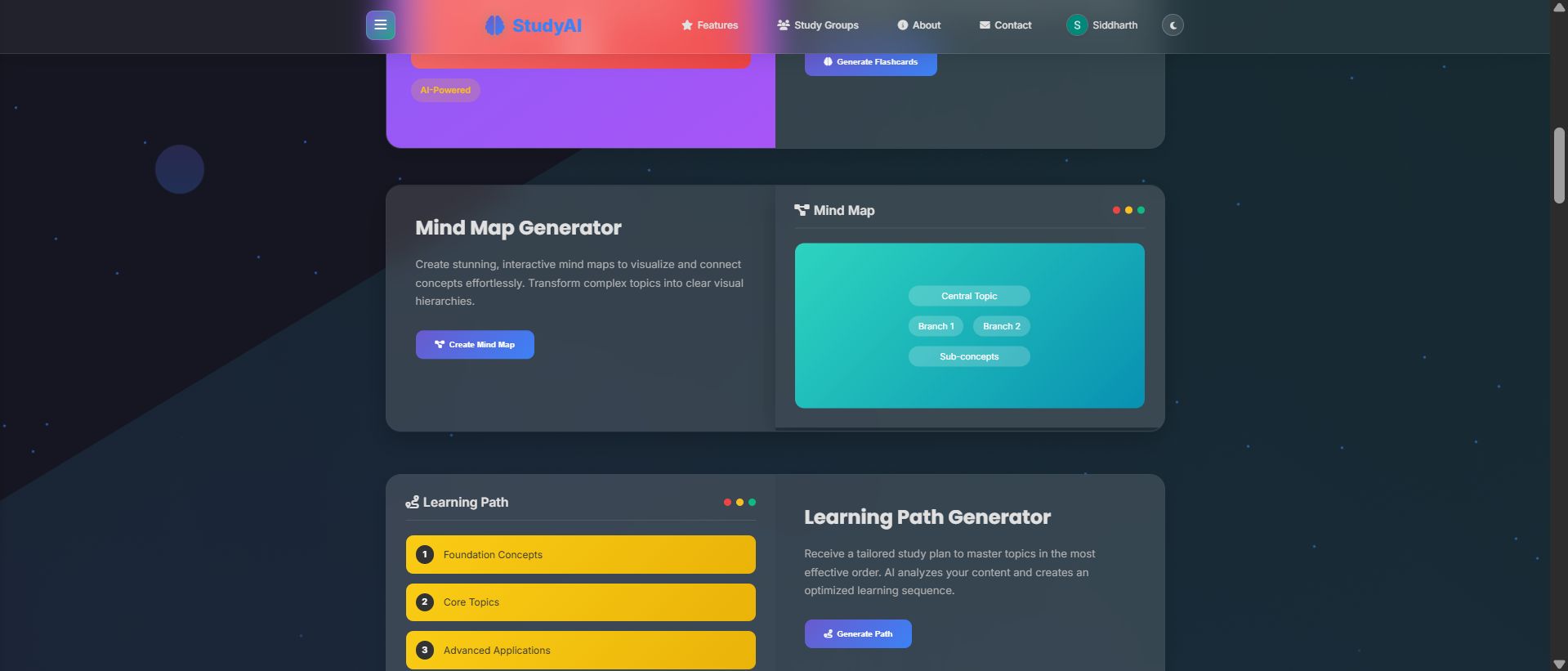
StudyAI transforms any study material—PDFs, images, audio, and YouTube links—into a dynamic, AI-curated learning experience.
Here’s what it delivers:
- 🧠 Adaptive Flashcards from your material
- 📝 Smart Sticky Notes and Summaries
- 🎯 MCQs with real explanation logic
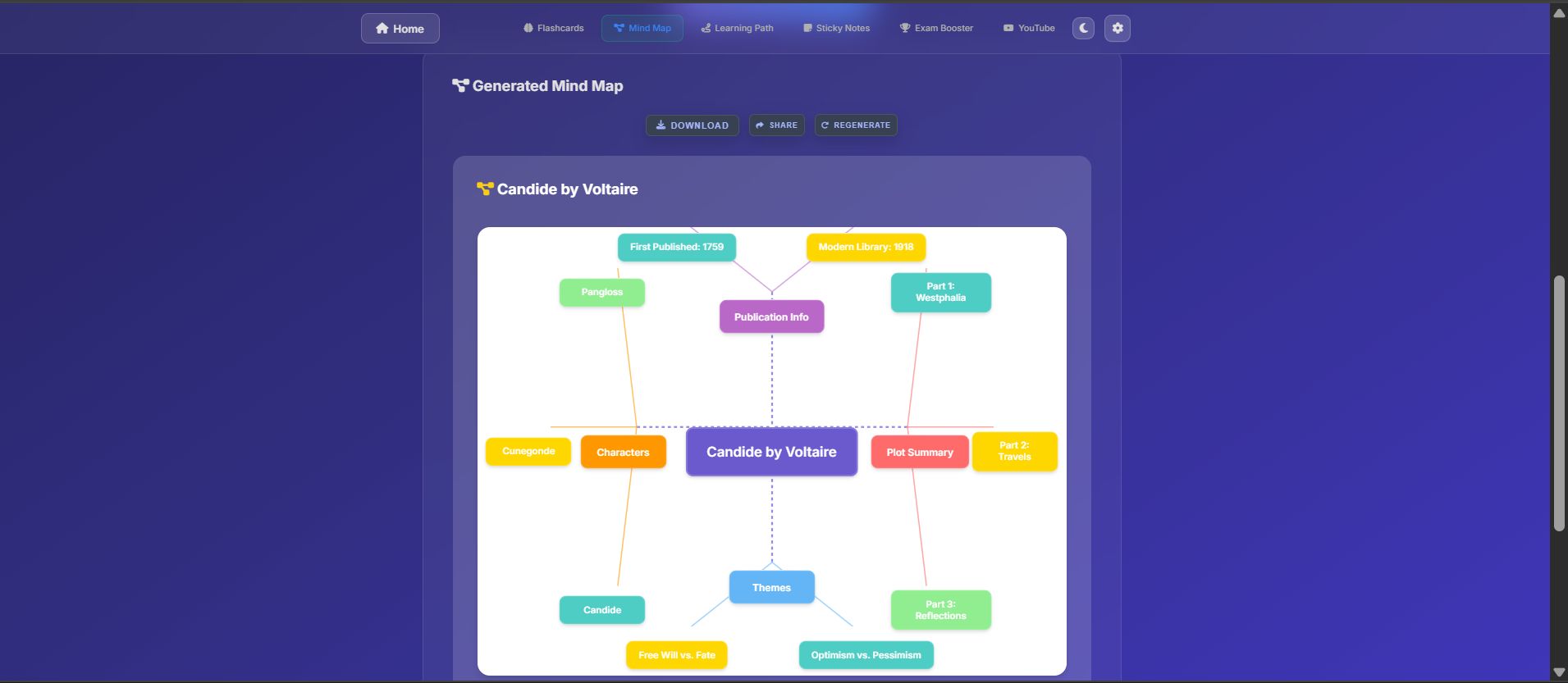
- 🧬 Concept-Based Mind Maps
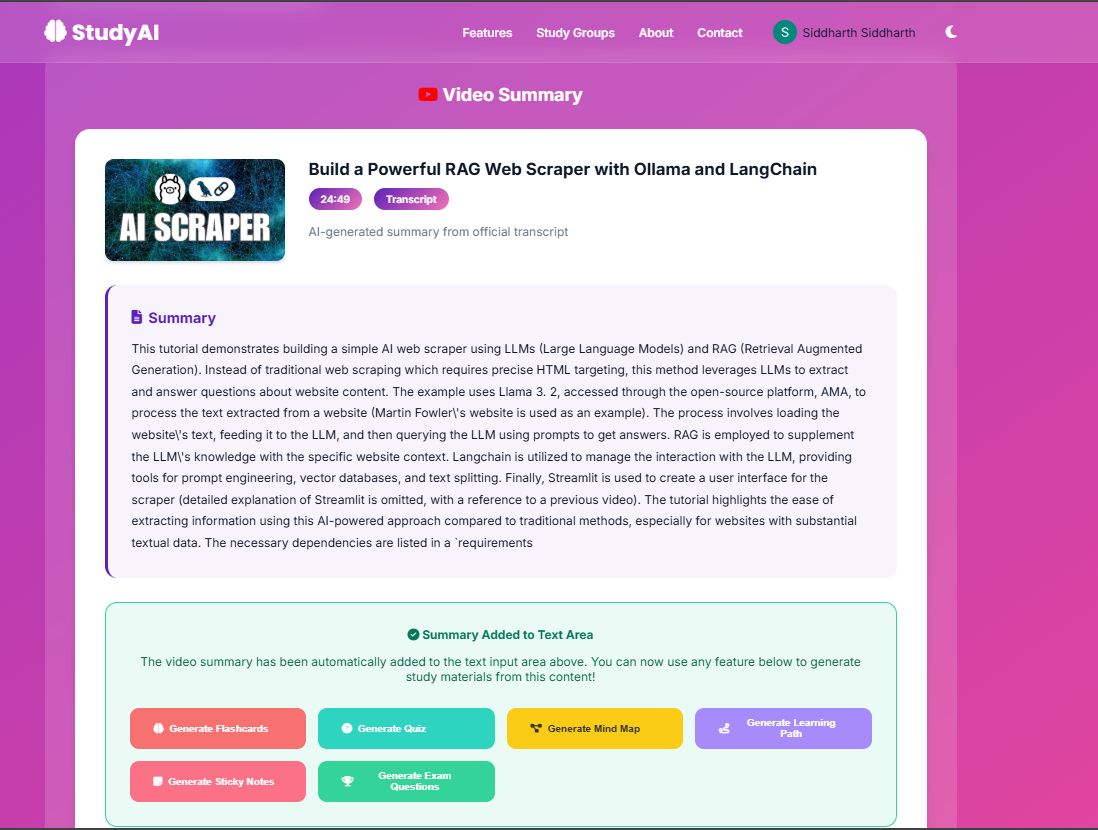
- 📺 YouTube Summarizer → Notes + Quizzes
- 💬 Multimodal Q&A over your uploaded content
- 📊 Team dashboards to track collaborative learning
- 🔐 Role-based access for teams and study groups
It’s like having a personal tutor + collaborative workspace + content analyzer in one platform.
How we built it
We used a powerful AI stack to build StudyAI’s backend from scratch:
- FastAPI to serve the APIs
- Gemini API for summarization, MCQs, flashcards, and more
- LangGraph to handle multi-step AI pipelines
- FAISS + BM25 for hybrid RAG-style semantic + keyword retrieval
- Whisper to transcribe lecture audio
- EasyOCR + pdfplumber for scanned notes and PDFs
- JWT & OAuth2 for secure authentication
- Cloudinary for media uploads
- Vector clustering for semantic mind map generation
- Google Sheets API (planned) for team progress tracking
Our system is modular, persistent, and designed with real student needs in mind.
Challenges we ran into
- Handling long-form PDFs and noisy scanned notes reliably
- Transcribing and chunking lecture audio into meaningful sections
- Avoiding hallucinations while generating MCQs and flashcards
- Building LangGraph workflows that chain logic, rerank answers, and adapt context
- Ensuring team-based workflows don't conflict with individual study paths
- API call cost optimization while maintaining quality
Accomplishments that we're proud of
- 🏅 Won 2nd Runner-Up in the APIhub.Digital Hackathon (Open Track)
- Created a full-stack multimodal GenAI platform in under 48 hours
- Integrated meaningful, adaptive learning features beyond just LLM chat wrappers
- Designed with students in mind—our UI and logic are built for actual study needs
- Worked seamlessly as a 3-person team across multiple components under tight deadlines
What we learned
- How to combine multiple modalities (text, audio, images, video) into one AI pipeline
- Using LangGraph for custom logic trees and feedback loops in AI workflows
- Importance of user-centric design for educational tools
- How to design a GenAI app that adapts and persists, instead of just responding statically
- Real-world limits of OCR, STT, and summarization—and how to work around them
What's next for StudyAI
- 🗺️ Google Maps API Integration: Enable location-based study groups, personalized flashcards based on region (e.g., local history or language), and event-based reminders
- 🧑🏫 Launch a “Classroom Mode” for teachers to create quizzes and mind maps for students
- 💬 Add multilingual support for Q&A and summaries
- 📱 Build a mobile-first progressive web app
- 🧪 Improve semantic feedback loops to adapt questions as students improve
- 🔁 Integrate StudyAI into LMS platforms and Google Workspace for Education
We’re excited to make StudyAI the next evolution of smart, collaborative learning. 🚀
Built With
- bm25
- easyocr
- faiss
- geminiapi
- google-gmail-oauth
- python
- rag
- whisper

Log in or sign up for Devpost to join the conversation.