-
-
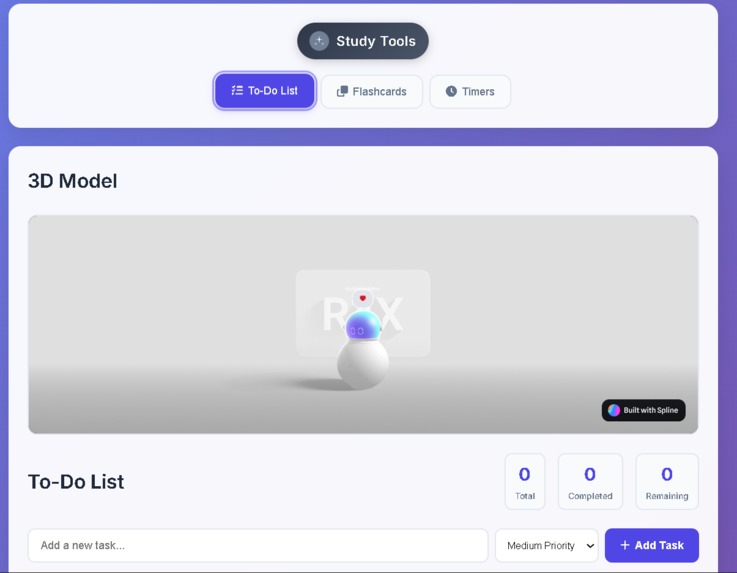
Interface
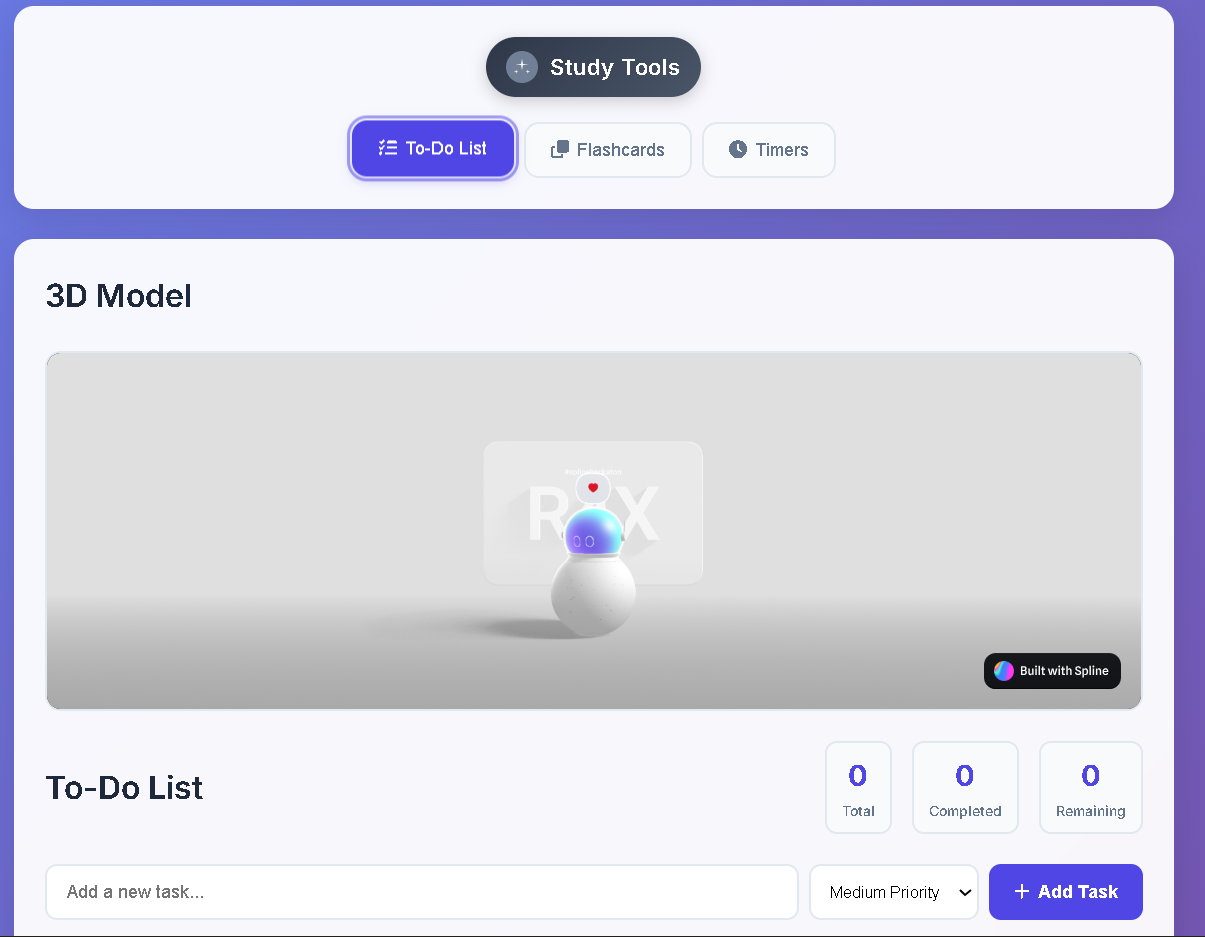
Inspiration
As students, we often juggle multiple tasks, deadlines, and study materials. Switching between separate apps for to-do lists, flashcards, and timers was frustrating. We wanted a single, lightweight, distraction-free tool that could bring everything together in one place.
What it does
StudyTools is an all-in-one productivity suite for learners. It offers:
To-Do Lists to organize and prioritize tasks.
Flashcards for quick self-revision.
Timers (Pomodoro + Custom) to maintain focus and track study cycles. All data is saved locally in the browser, so progress is never lost.
How we built it
We built StudyTools using HTML5, CSS3, and Vanilla JavaScript, ensuring no backend dependency. The design uses glassmorphism and responsive layouts, making it modern, smooth, and accessible across devices. LocalStorage handles data persistence.
Challenges we ran into
Balancing simplicity with feature richness.
Implementing smooth animations without hurting performance.
Ensuring data persistence and cross-device responsiveness with pure front-end tech.
Accomplishments that we're proud of
Built a complete, functional suite without external libraries or a backend.
Designed an intuitive, modern UI that works seamlessly across devices.
Added keyboard shortcuts and accessibility features to improve usability.
What we learned
How to design and build multi-feature apps with pure front-end tech.
Importance of user experience (UX) in learning tools.
Balancing performance, simplicity, and visual appeal.
What's next for Study Tools
Adding cloud sync so data is available across devices.
Introducing collaborative study modes (share tasks/flashcards with peers).
Mobile app version for even easier access.
Expanding flashcard features with AI-generated questions.
Built With
- animations
- core
- glassmorphism
- html5-?-structure-&-semantics-css3-?-responsive
- interactivity
- javascript
- localstorage
- logic
- ui
- vanilla)

Log in or sign up for Devpost to join the conversation.