-
-
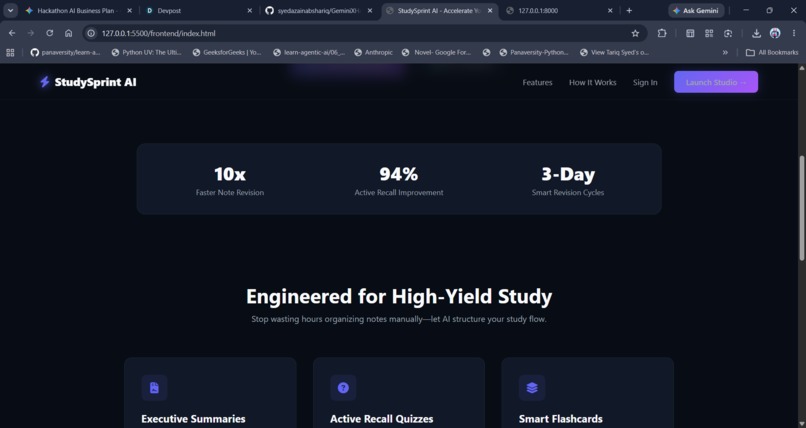
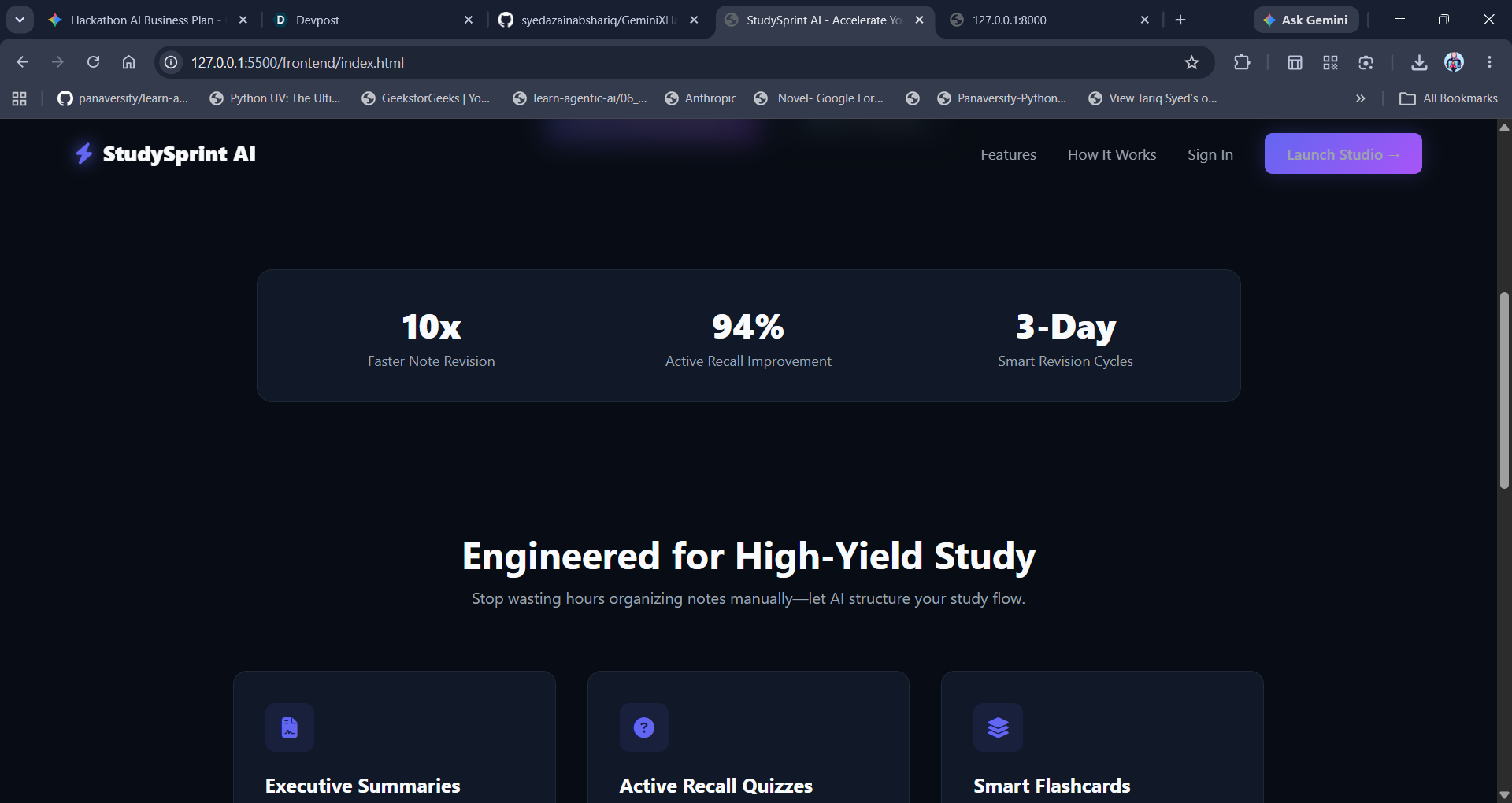
IMG 2 HOME-NALYTICS
-
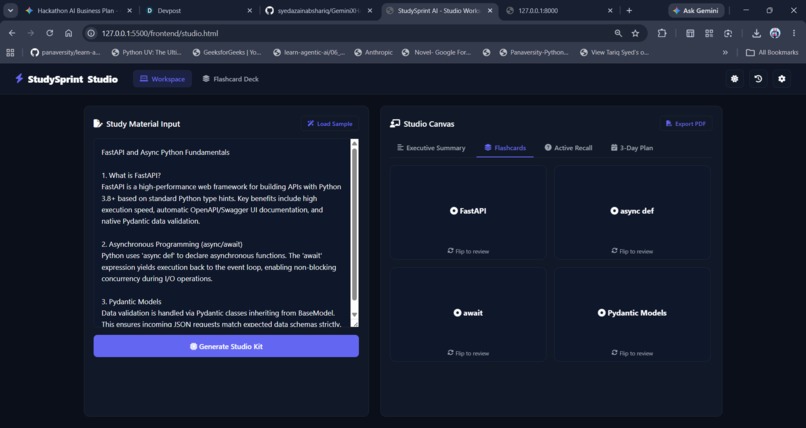
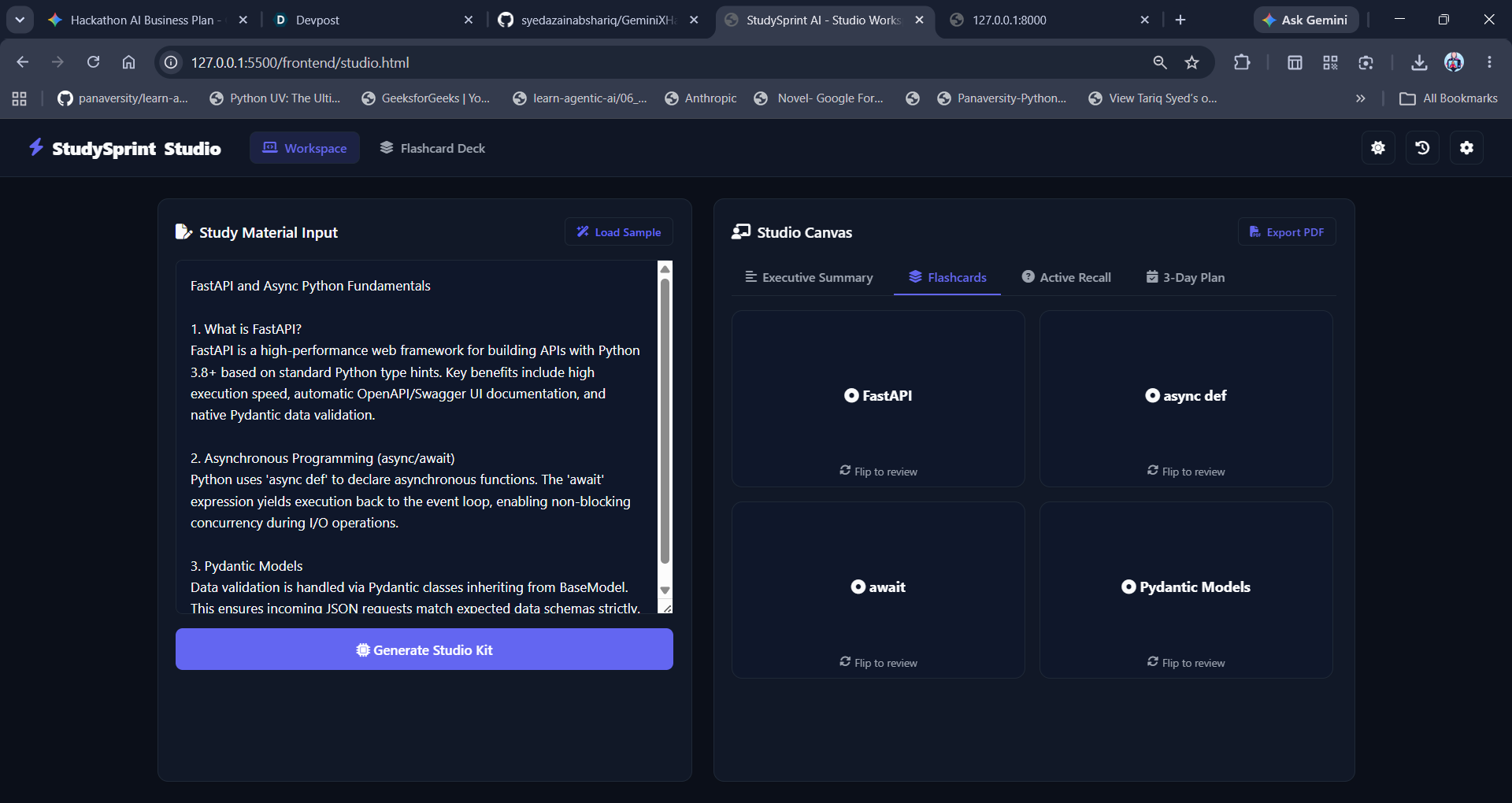
IMG 11 STUDIO - FLASHCARDS
-
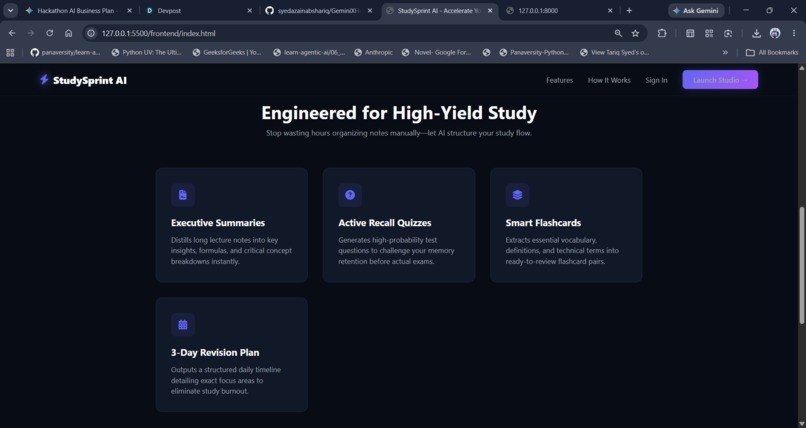
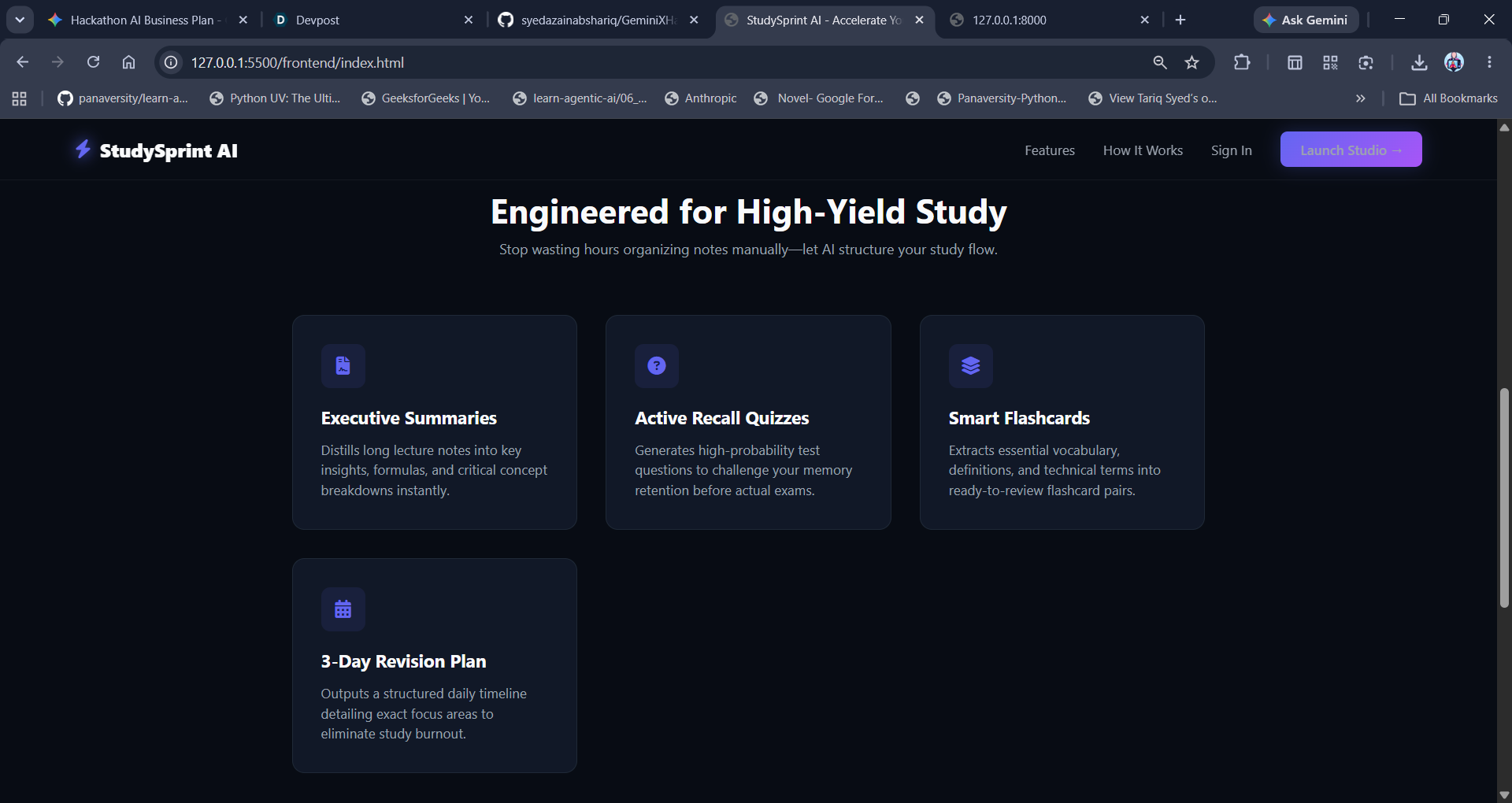
IMG 3 HOME-FEATURES
-
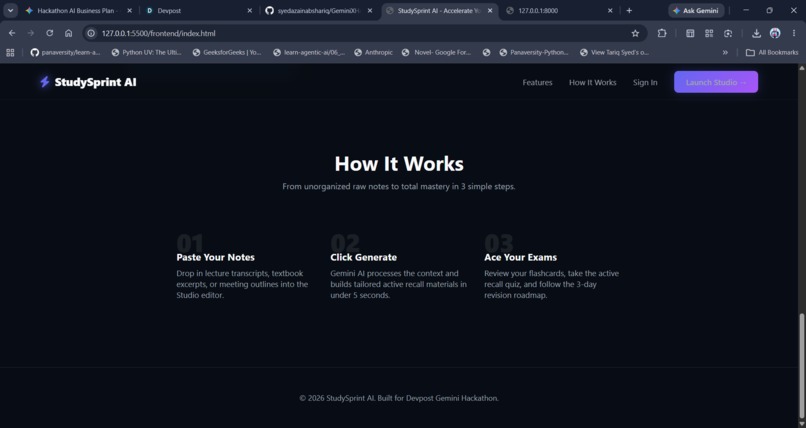
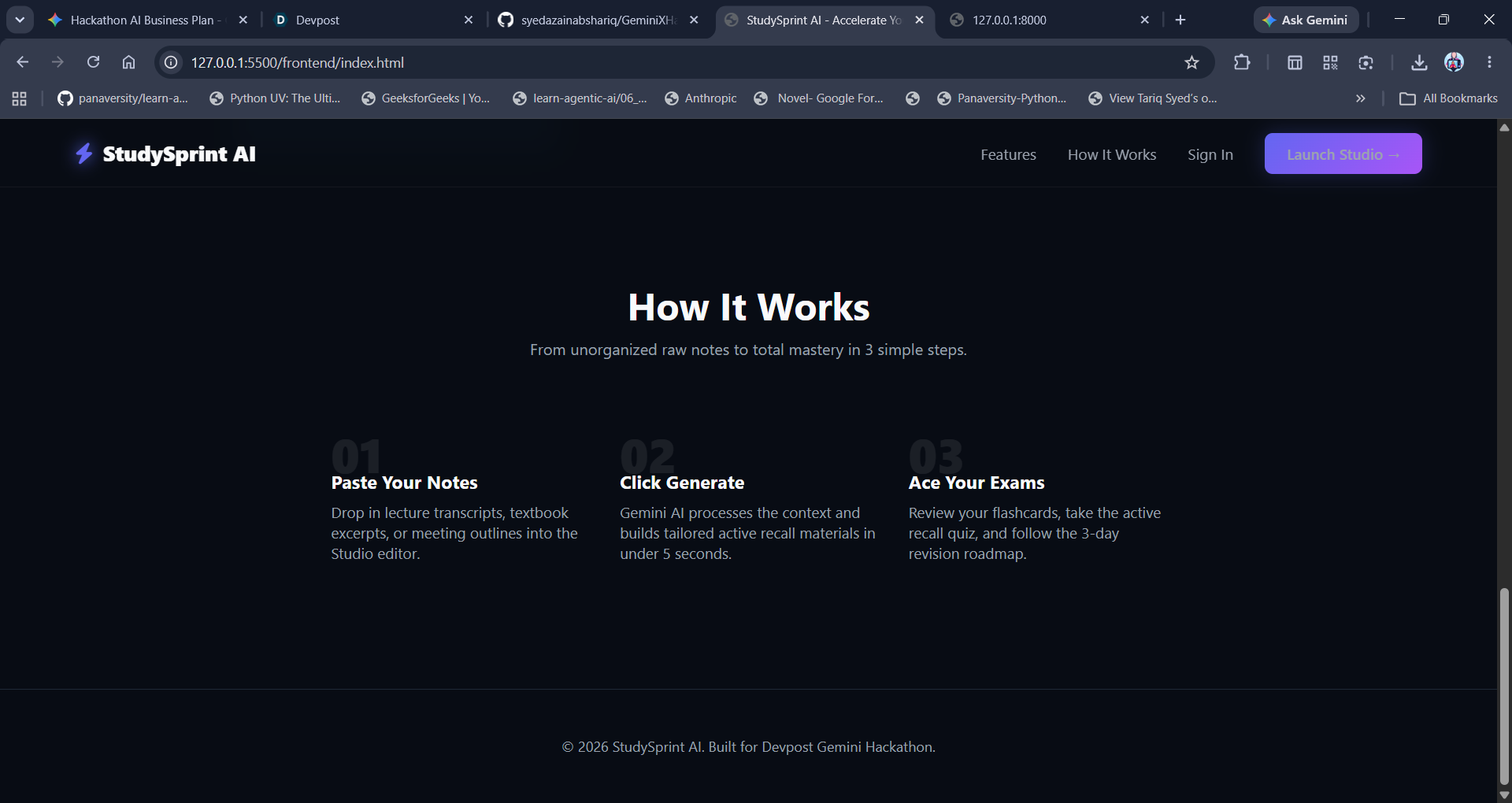
IMG 4 HOME-HOW IT WORKS
-
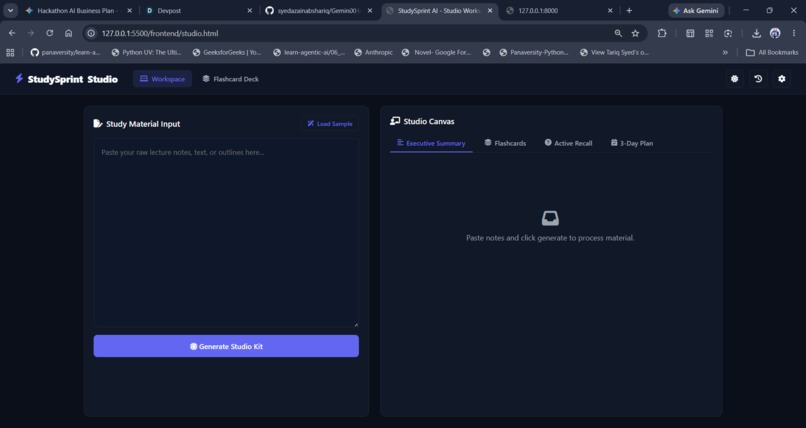
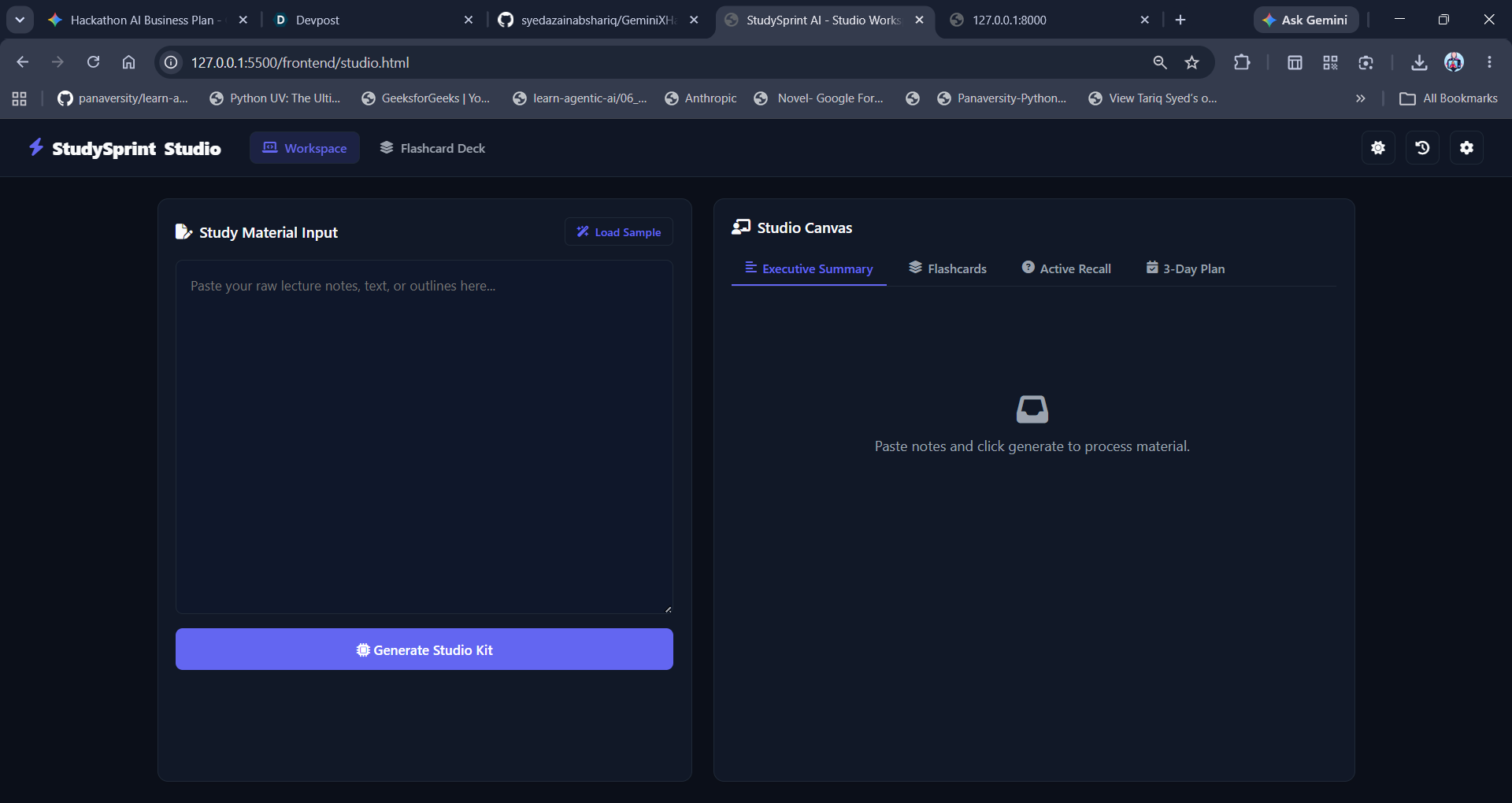
IMG 7 STUDIO
-
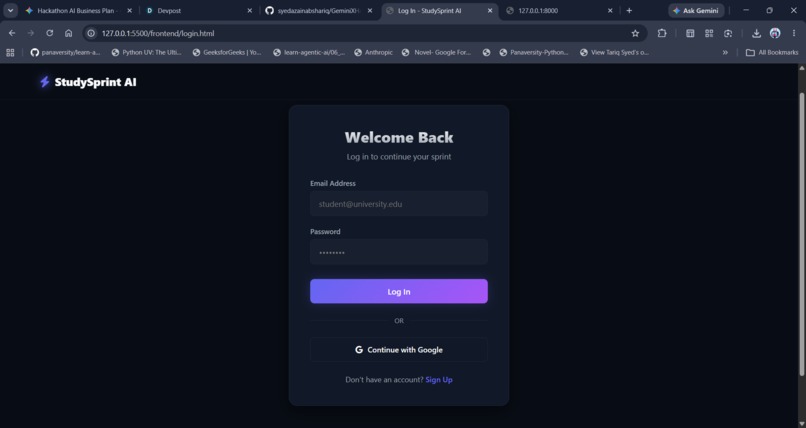
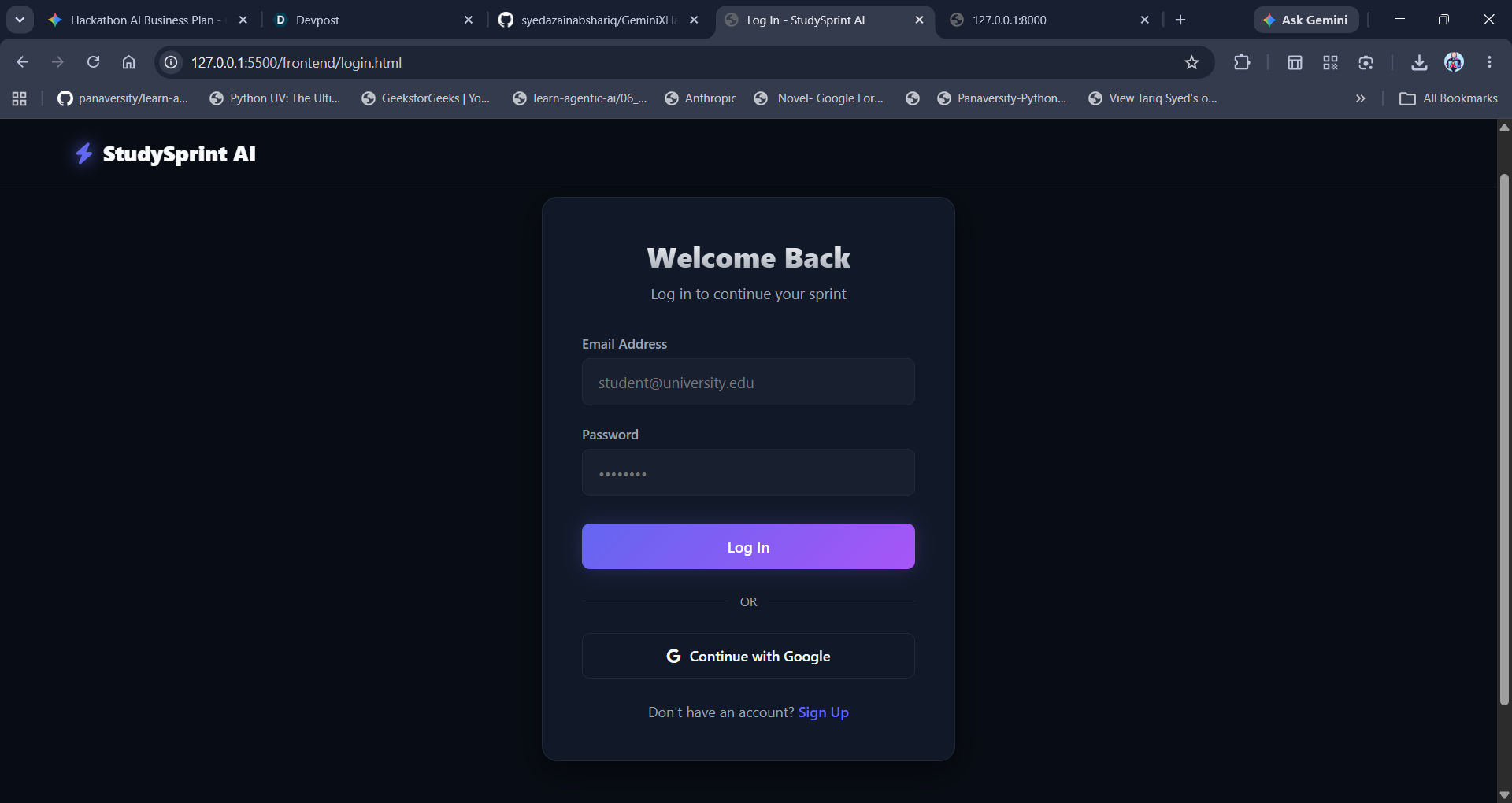
IMG 5 LOGIN
-
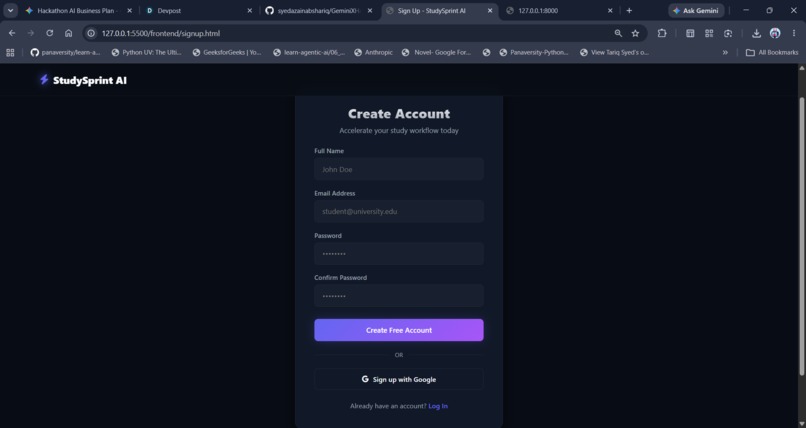
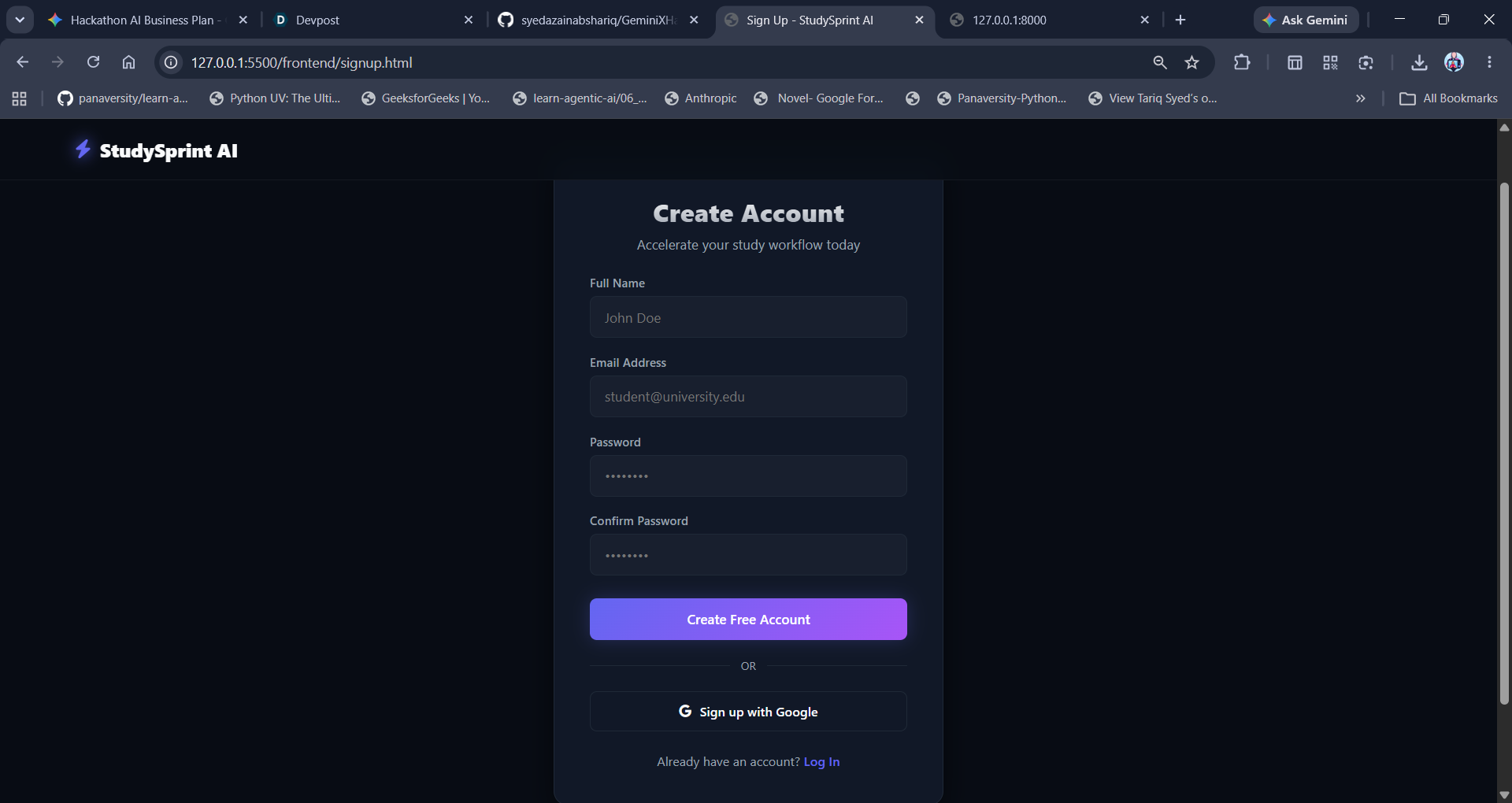
IMG 6 SIGNUP
-
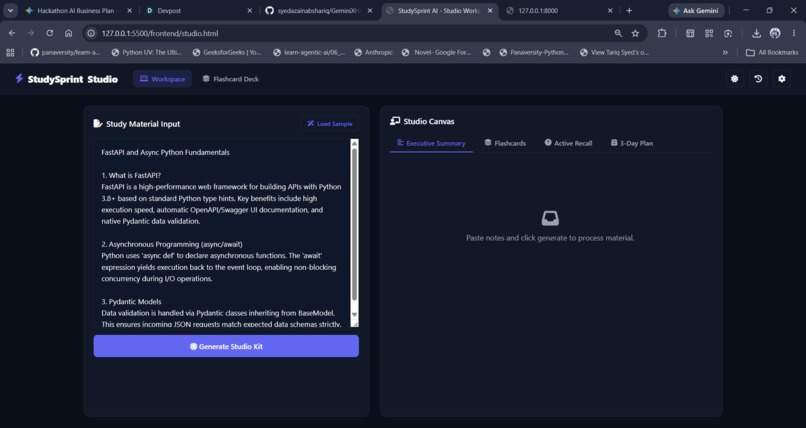
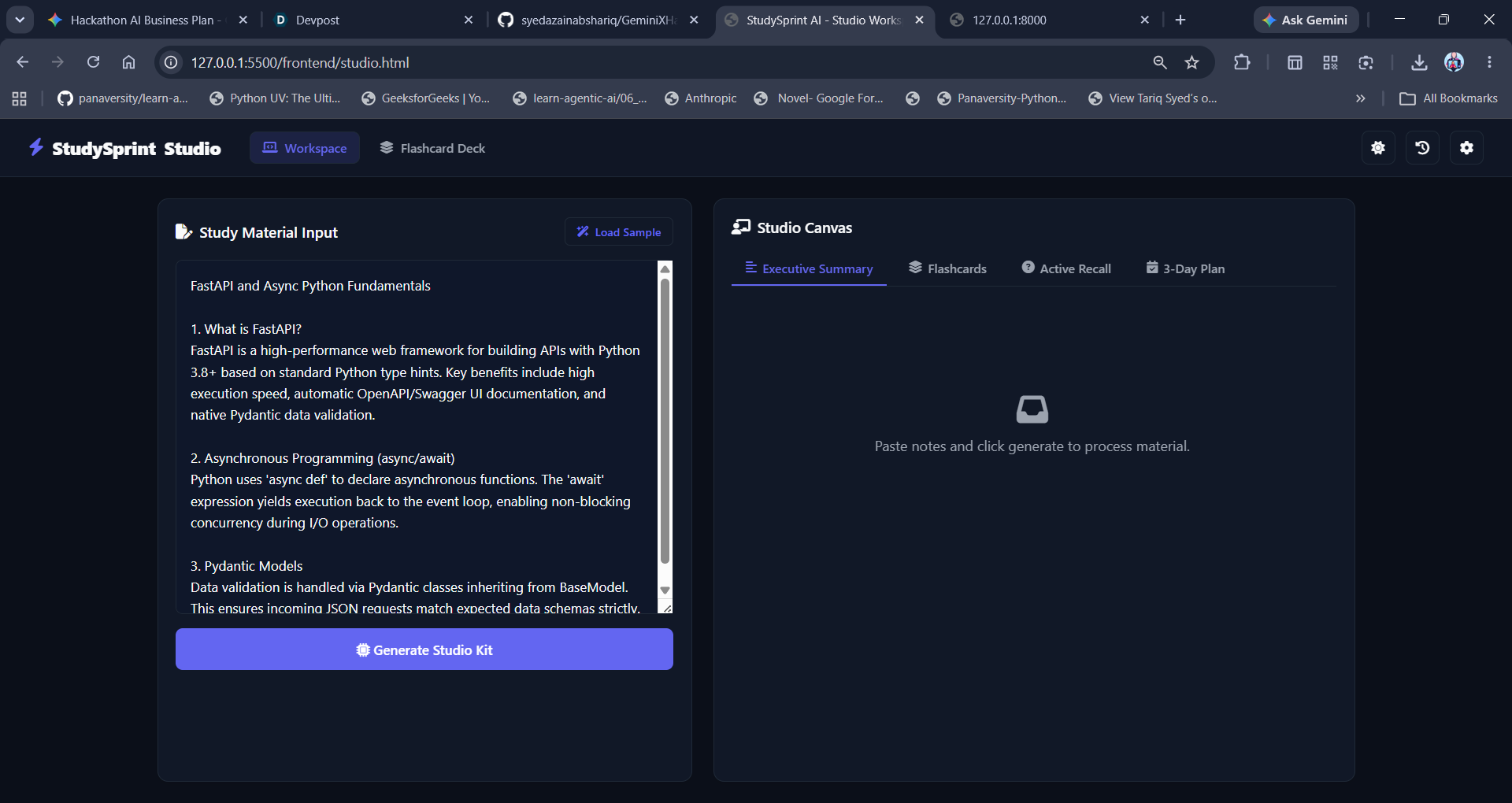
UMG 8 STUDIO - STUDY MATERIAL
-
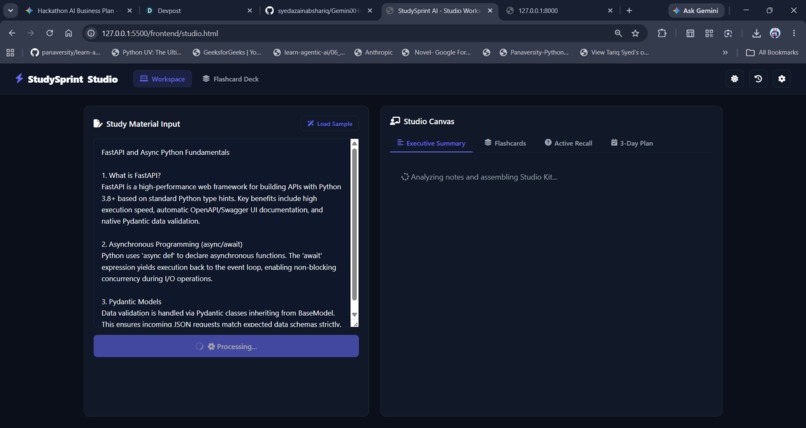
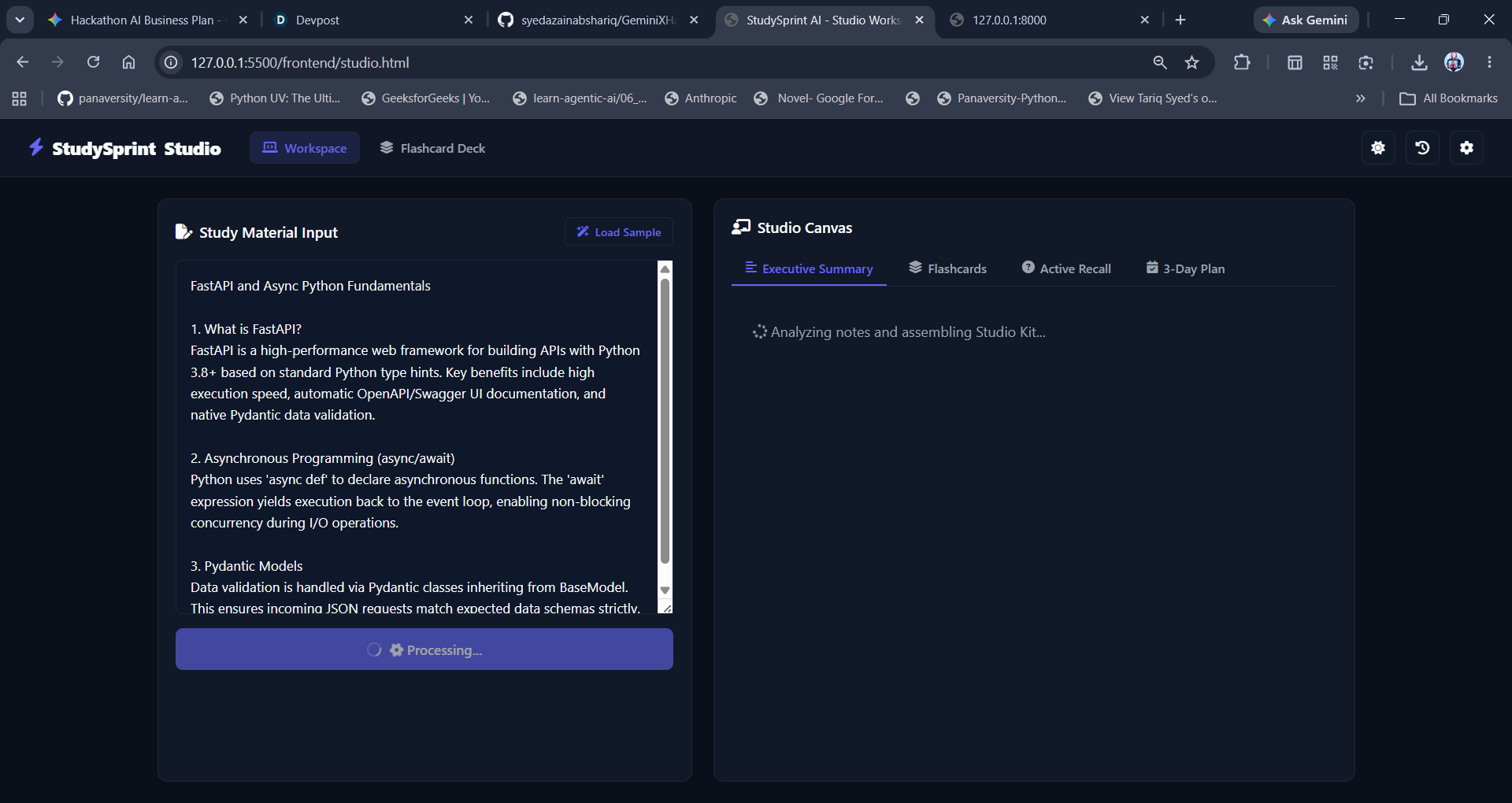
IMG 9 STUDIO - STUDYMATERIAL LOADING
-
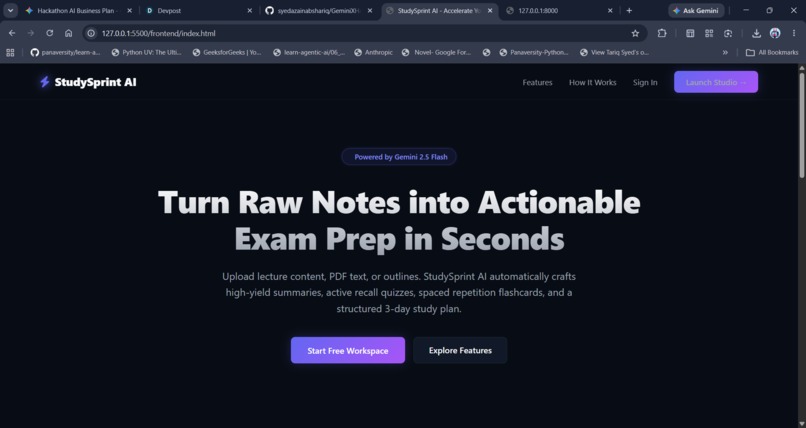
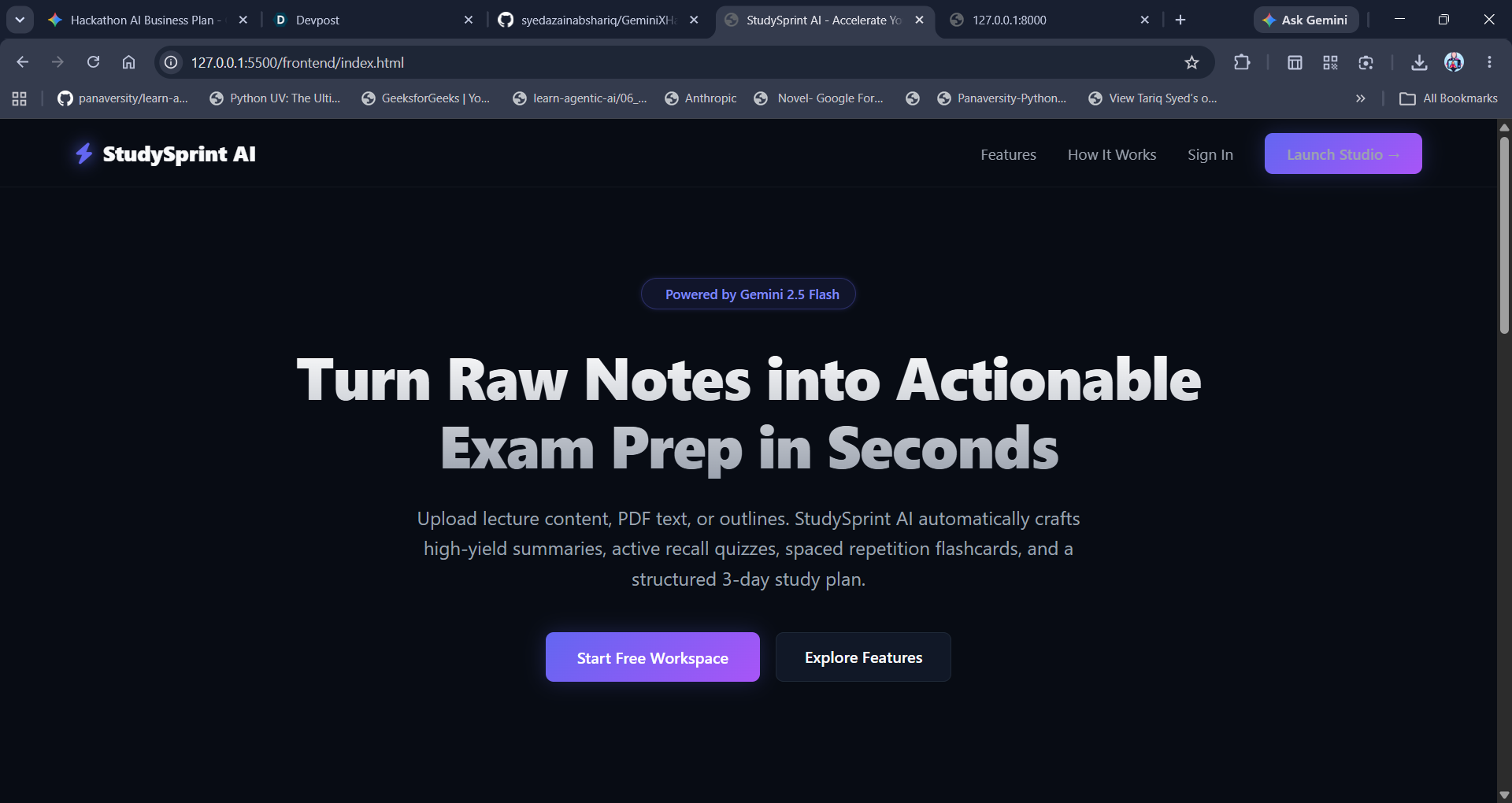
IMG 1 HOME
-
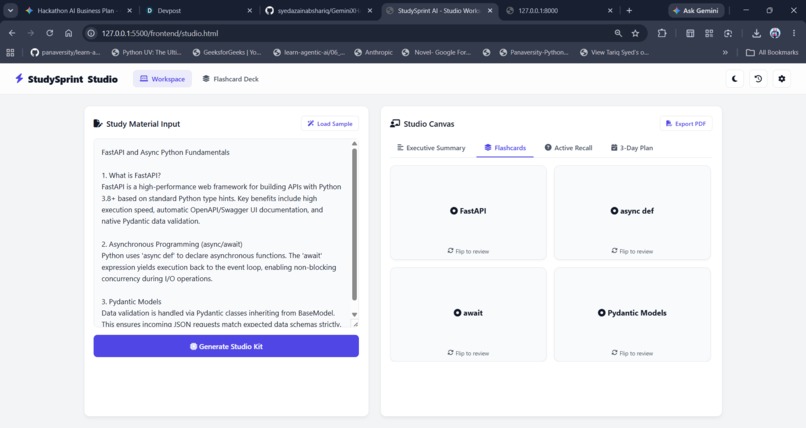
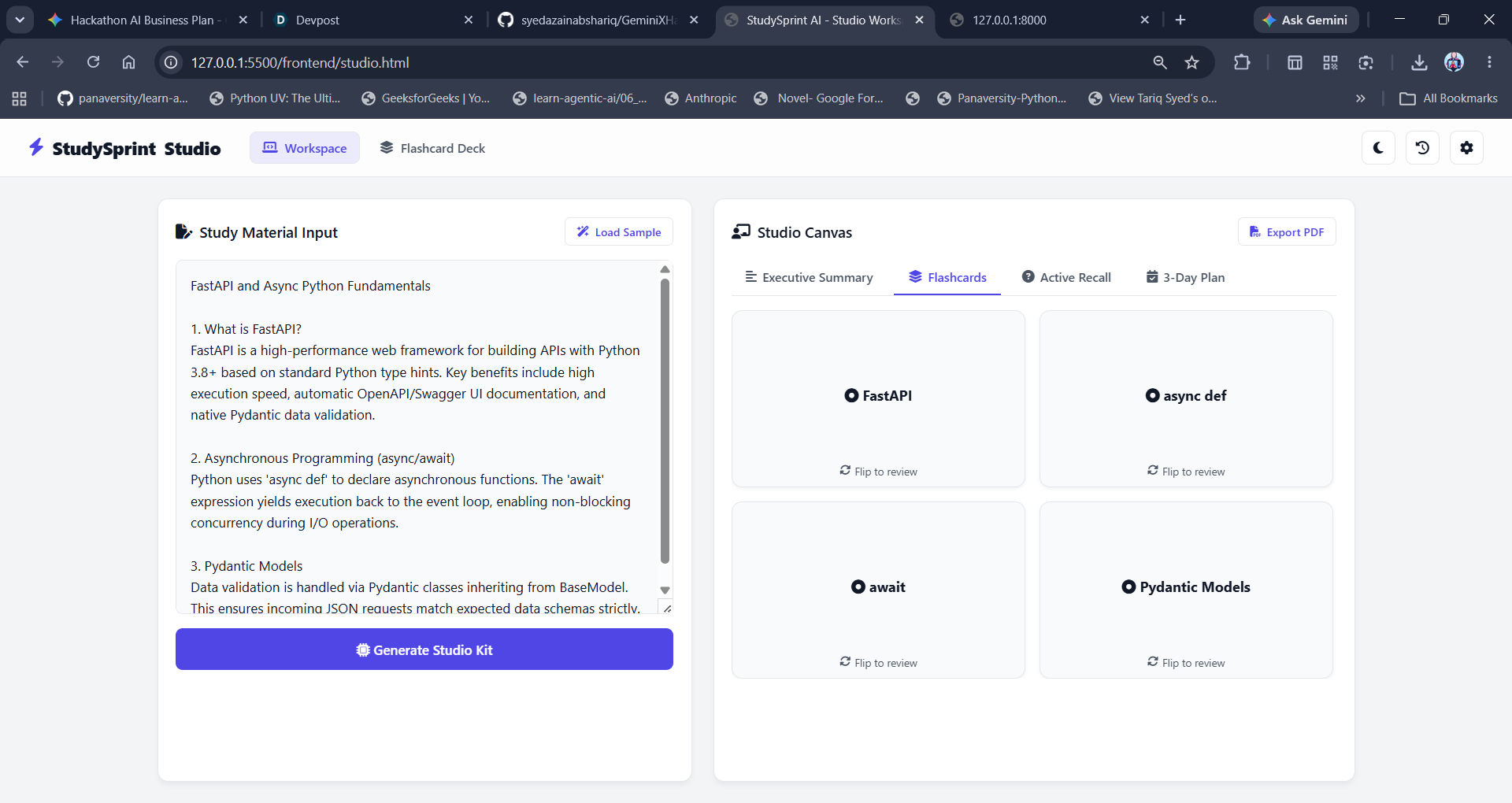
IMG 16 LIGHT MODE STUDIO
-
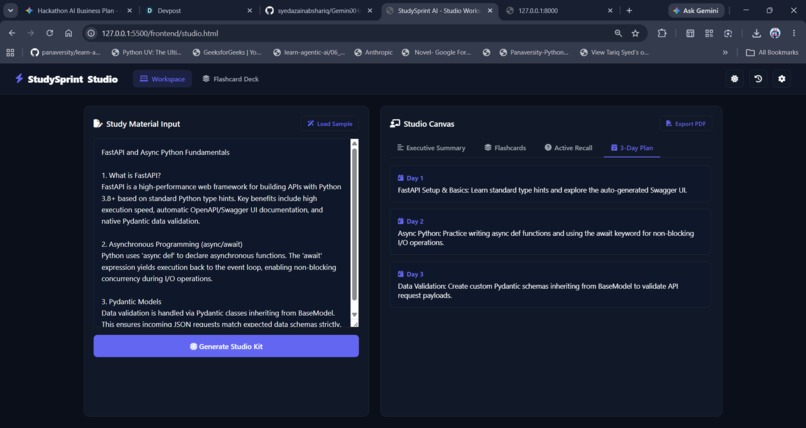
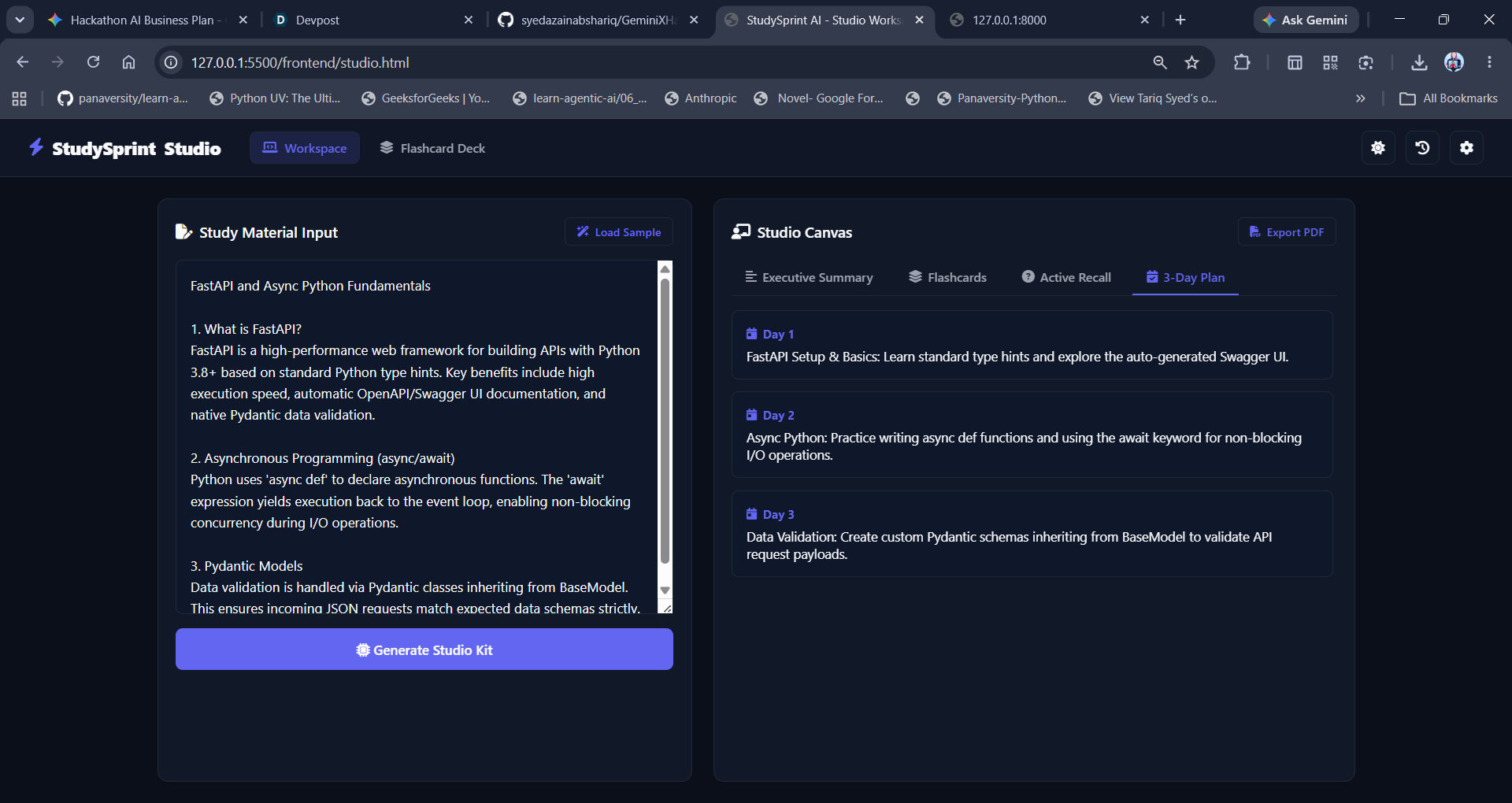
IMG 13 STUDIO - 3DAYPLAN
-
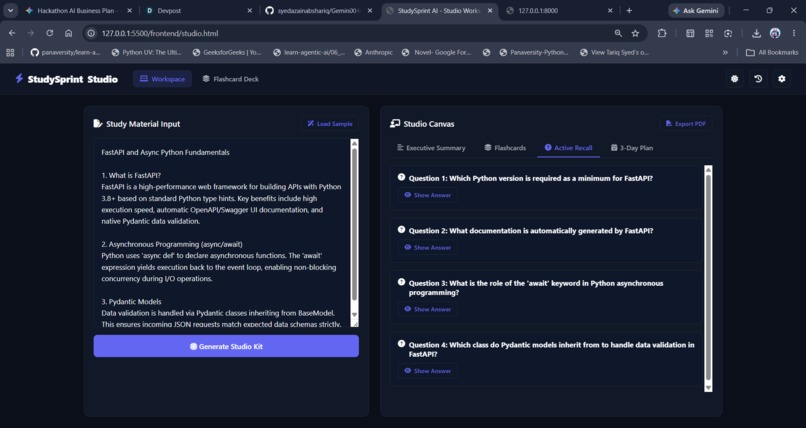
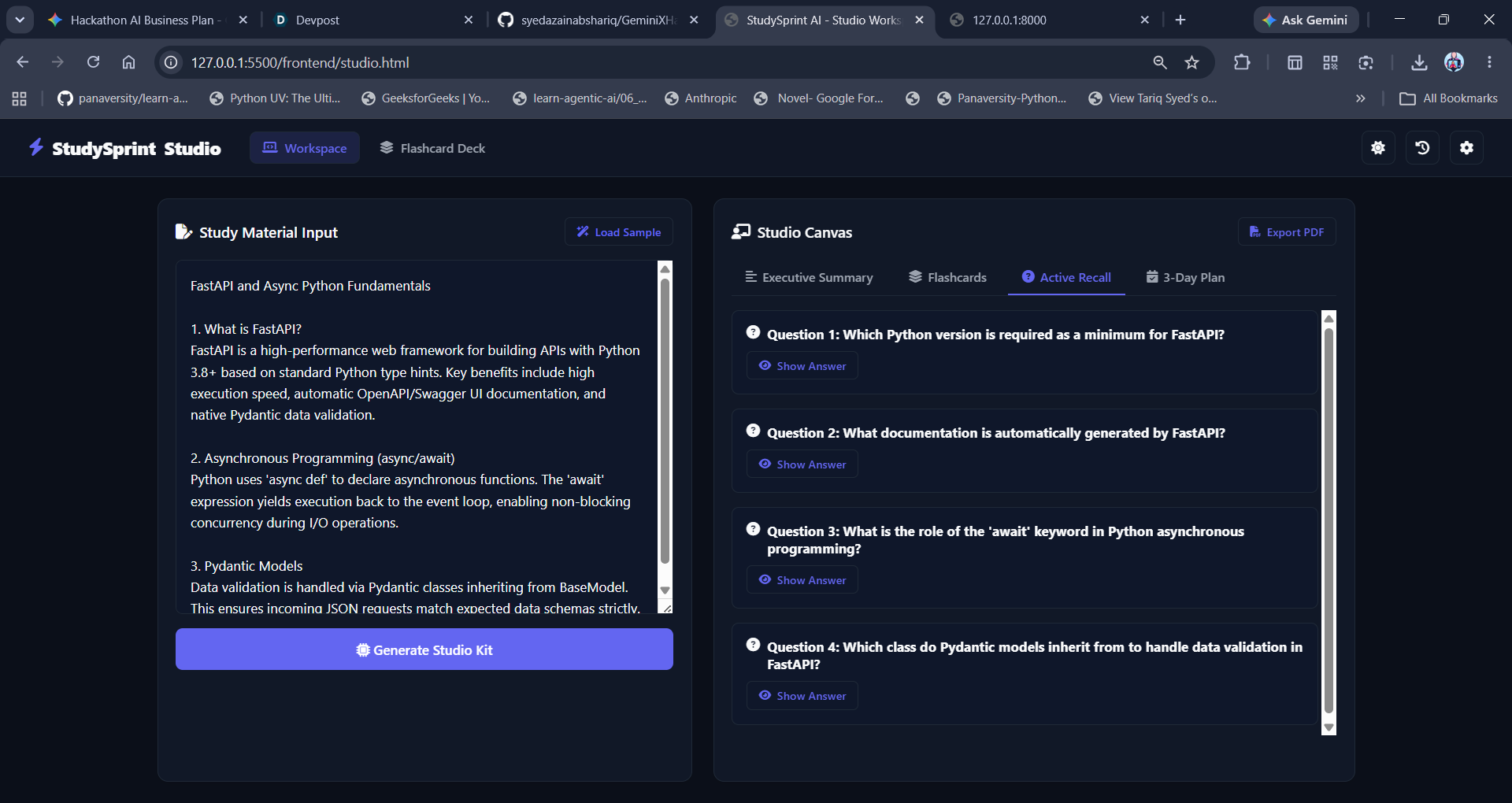
IMG 12 STUDIO - RECALL
-
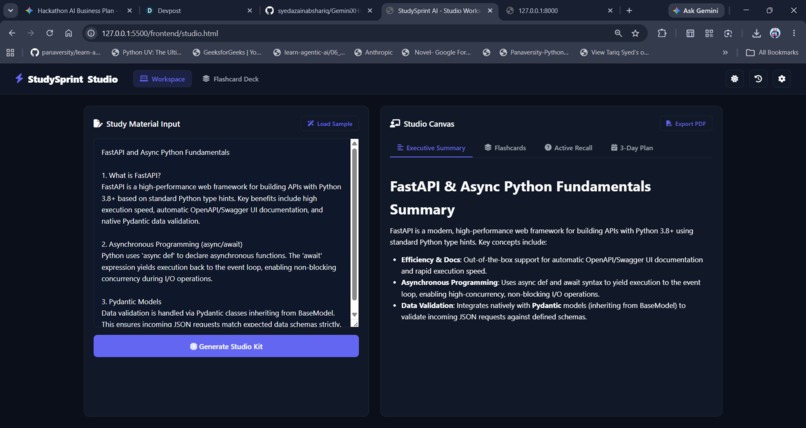
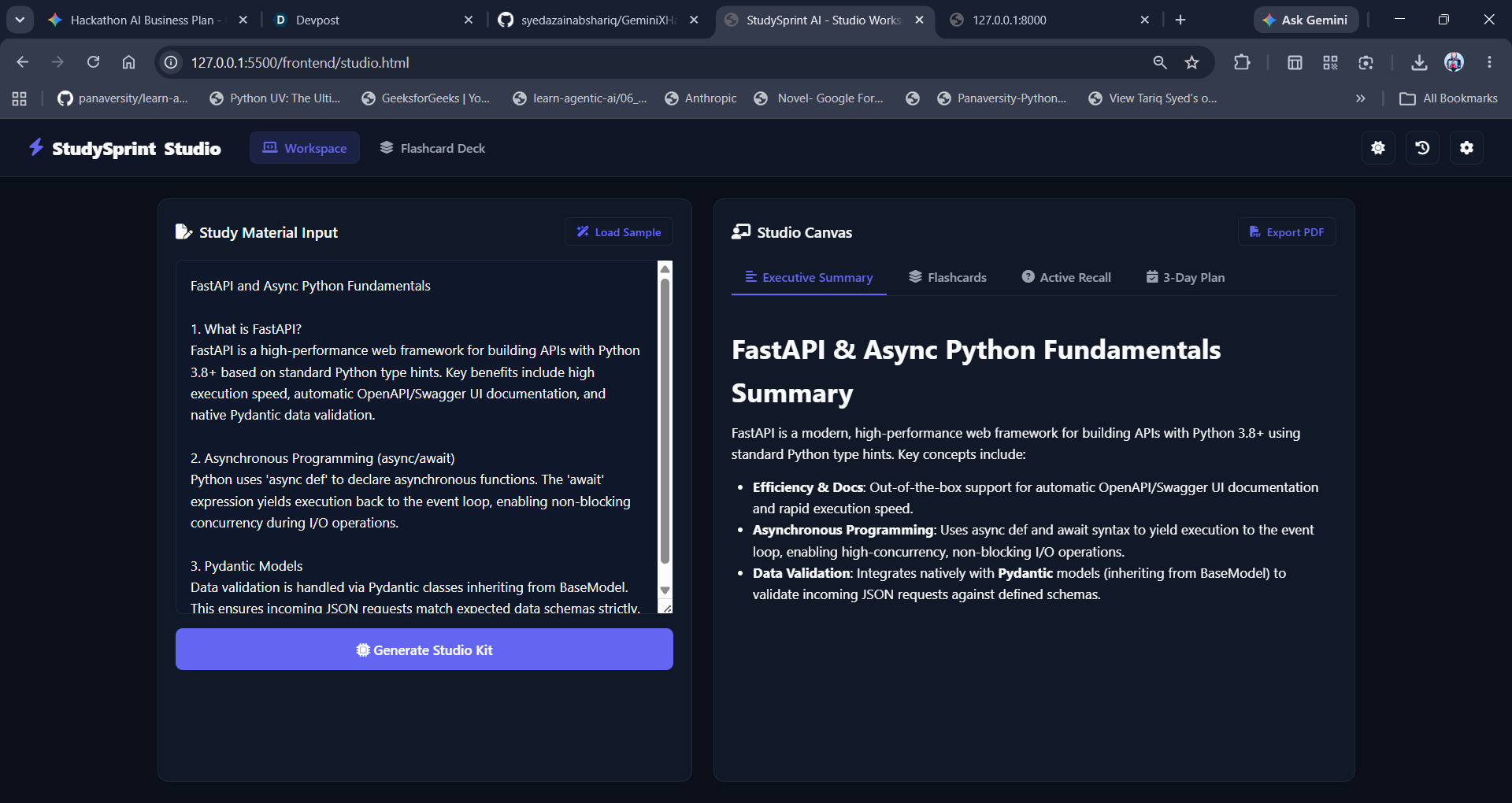
IMG 10 STUDIO - SUMMARY
-
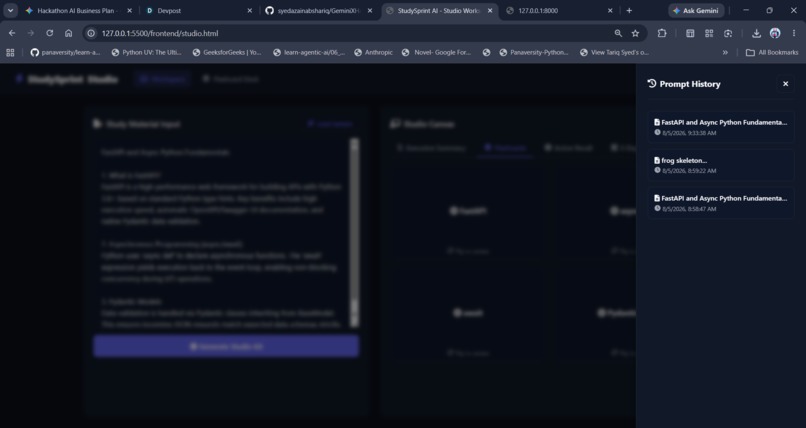
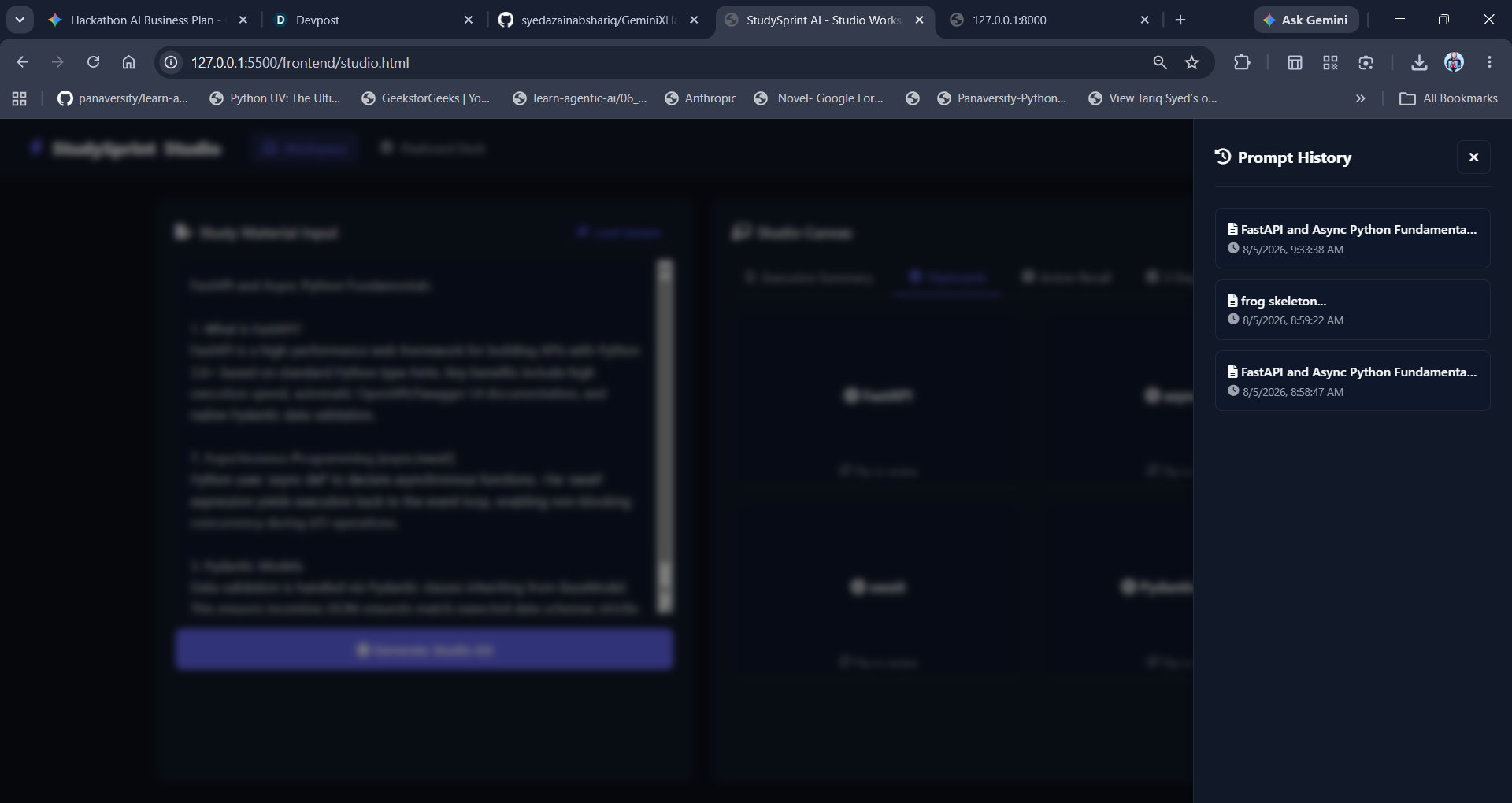
IMG 15V HISTORY
-
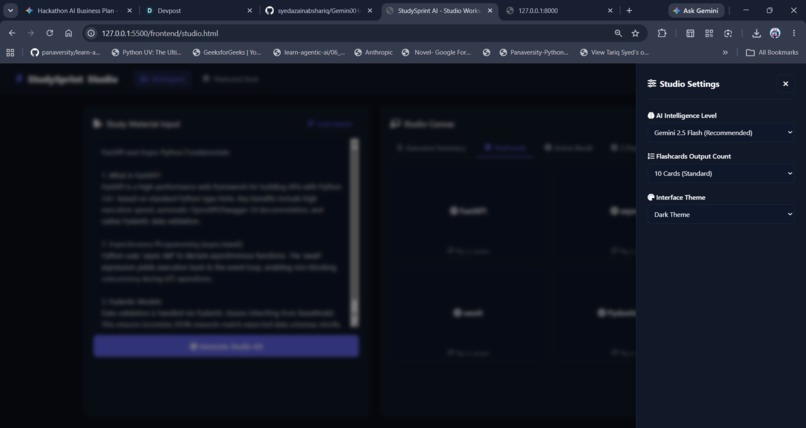
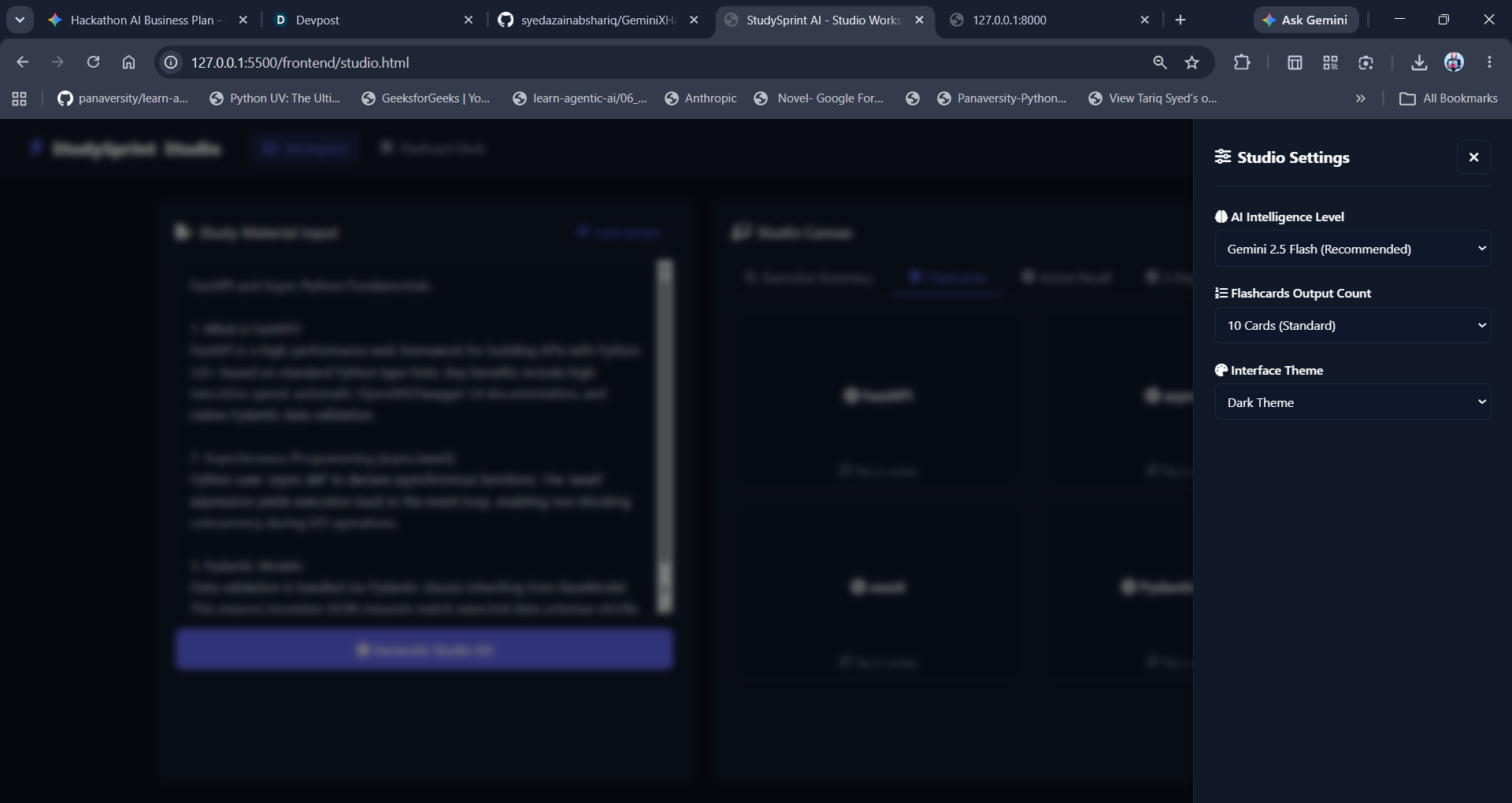
IMG 14 SETTINGS
Inspiration
As a student, I've often stared at a massive wall of disorganized study notes right before an exam, wishing there was an easier way to break them down into actionable learning materials. I wanted to build a tool that bridges the gap between passive reading and active recall. StudySprint AI was inspired by the need to instantly turn messy, raw notes into structured study kits, helping me and other students optimize study time and retain information faster.
What it does
StudySprint AI takes raw, unstructured study notes and transforms them into an organized, comprehensive learning package in seconds. It automatically generates: Executive Summaries: Clear, markdown-formatted breakdowns of core concepts. Interactive Flashcards: Key terms paired with precise definitions for rapid testing. Custom Quizzes: Targeted questions and answers to evaluate comprehension. Personalized Study Plans: Day-by-day schedules to keep exam preparation organized and on track.
How I built it
StudySprint AI is built using a modern full-stack architecture: Frontend: A clean, responsive interface using HTML, CSS, and JavaScript that communicates asynchronously with the backend API. Backend: Powered by FastAPI (Python) to handle incoming text payloads and ensure lightning-fast request processing. AI Engine: Integrated using the official google-genai SDK and the Gemini model to intelligently parse notes and generate structured JSON outputs containing summaries, flashcards, quizzes, and study schedules.
Challenges I ran into
Building StudySprint AI came with a few technical hurdles: JSON Parsing & Reliability: Early on, ensuring the AI model returned strictly formatted JSON without unwanted markdown ticks (```json) required precise prompt engineering and clean server-side text sanitization. CORS and Port Routing: Managing local development across different ports (handling requests between the frontend live server and the FastAPI backend) required setting up robust CORS middleware and clear absolute URL routing.
Accomplishments that we're proud of
Throughout this project, I gained deeper experience in integrating LLM APIs using modern SDKs, structuring asynchronous Python backends with FastAPI, and handling end-to-end data flow between a web UI and a cloud-ready AI agent.
What we learned
Building this project taught me the importance of robust error handling between asynchronous frontends and Python backends. I also gained a much deeper understanding of how to engineer prompts to force large language models into returning strict data structures like clean JSON for UI integration.
What's next for Study Sprint AI
Cloud Deployment: Fully deploying the backend and frontend seamlessly onto Vercel for public access.
User Accounts & History: Adding user authentication so students can save, edit, and track their generated study kits over time.
PDF & Document Uploads: Expanding input methods to let users directly upload PDF textbooks or lecture slides instead of just pasting raw text.
Built With
- and.alot.more
- css3
- fastapi
- google-gemini-api
- html5
- javascript
- python
- vercel


Log in or sign up for Devpost to join the conversation.