
Study Sprint 📚⚡
Inspiration
As a Class 11 science student preparing for MHT-CET, I realized that studying efficiently often means switching between many different apps — one for planning, another for focus timers, another for practice questions, and another for AI help.
So I decided to build my own solution.
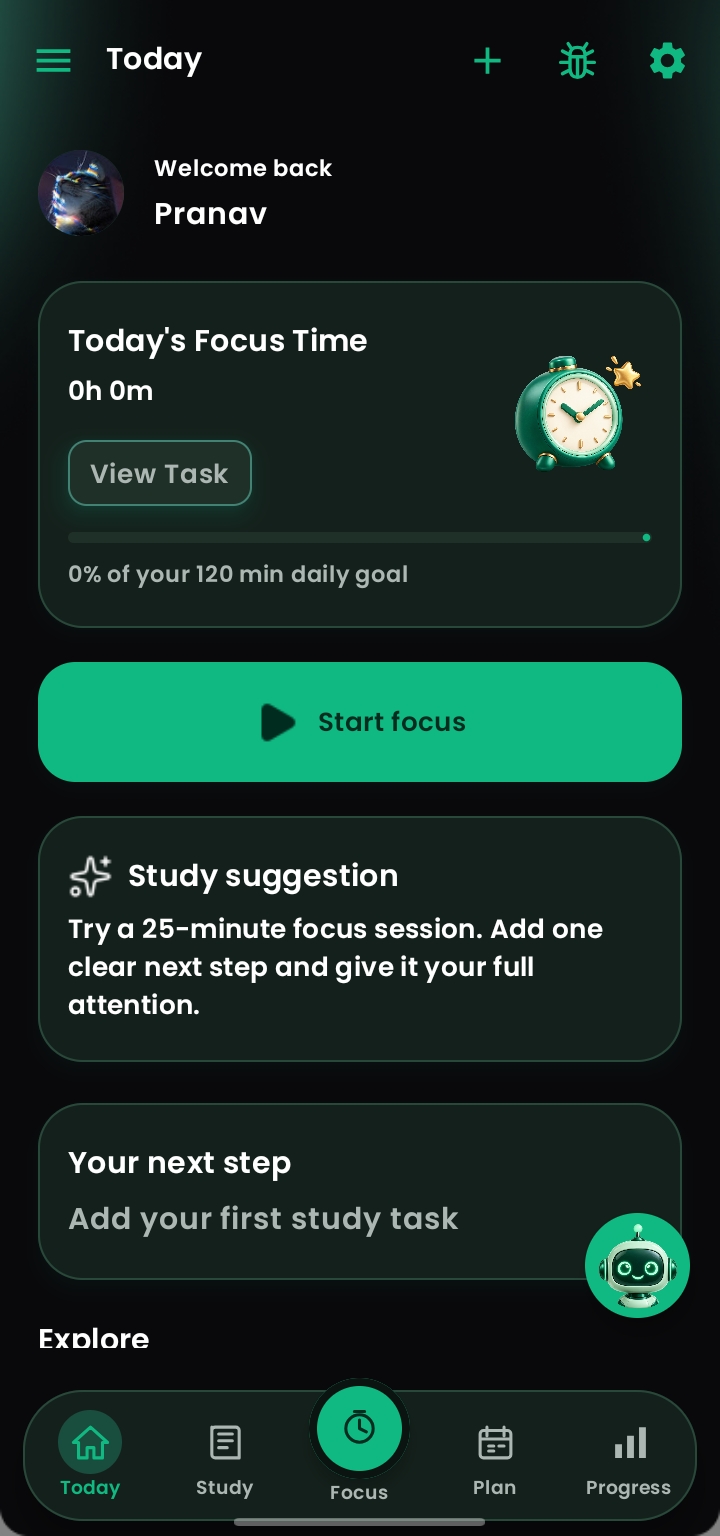
Study Sprint is a native Android study companion designed to bring planning, practice, focus, AI assistance and progress tracking together in one place.
The project started from a problem I personally faced as a student, and I have continued improving it as I use it.
What it does
Study Sprint helps students organize and improve their everyday study routine.
Some of its main features include:
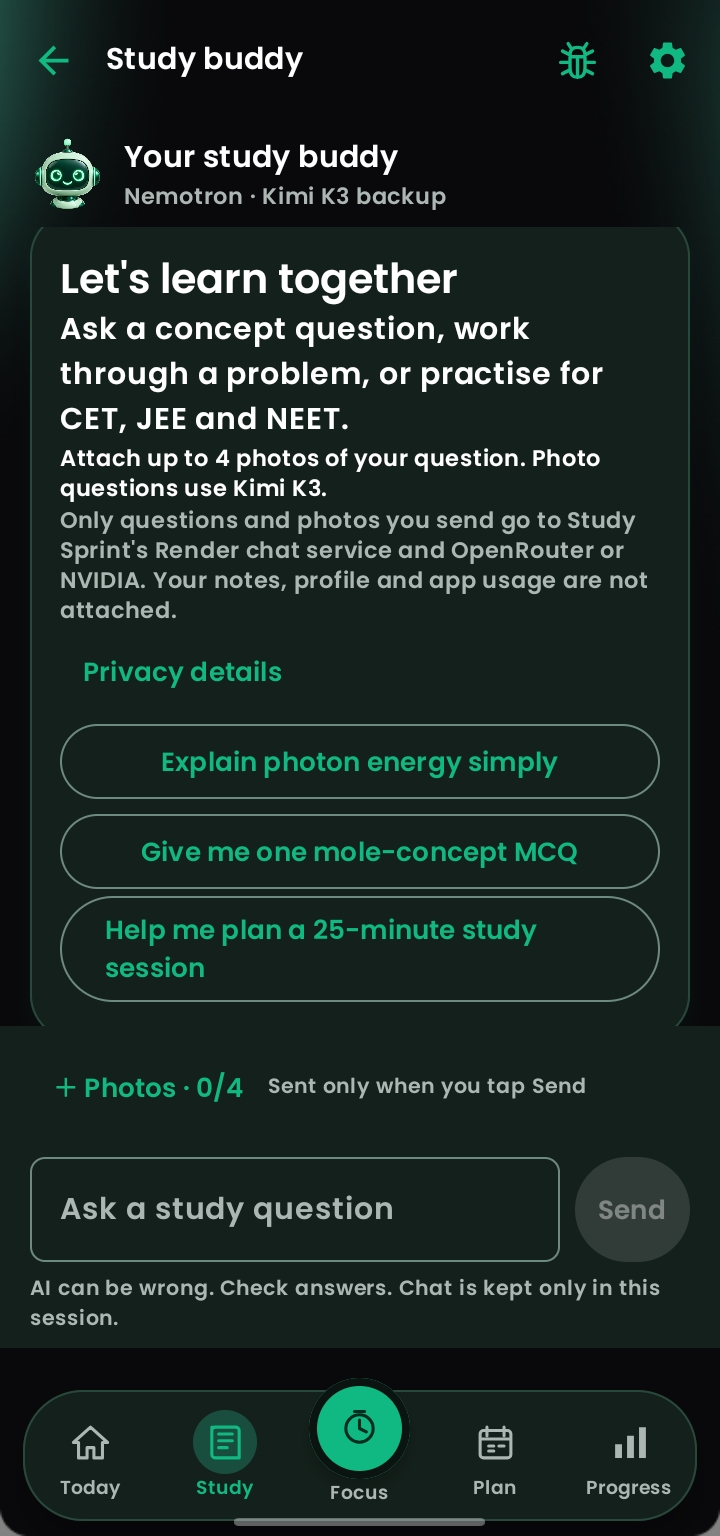
- 🤖 AI-powered study assistant
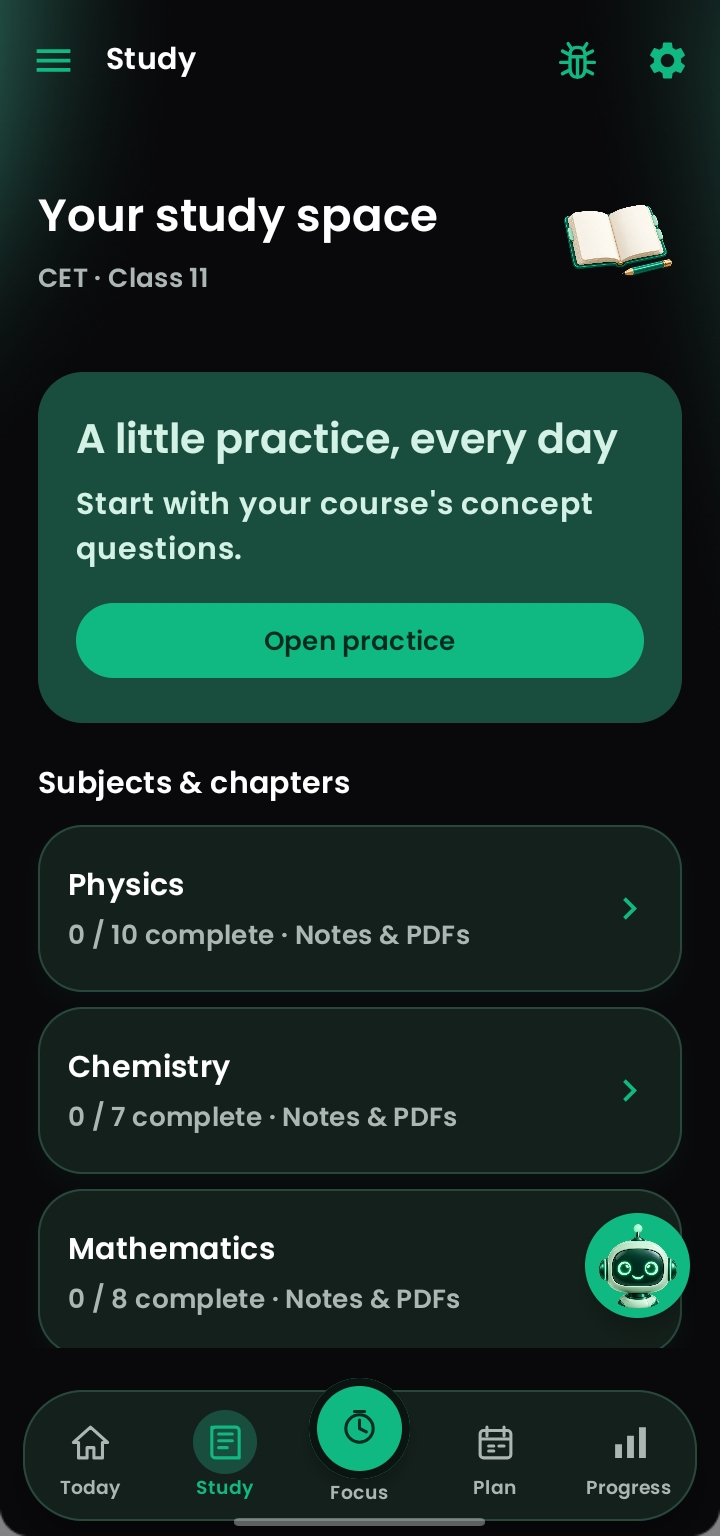
- 🧠 MCQ practice and question generation
- 📸 Generate study material and MCQ PDFs from photos
- 📚 MHT-CET focused preparation tools
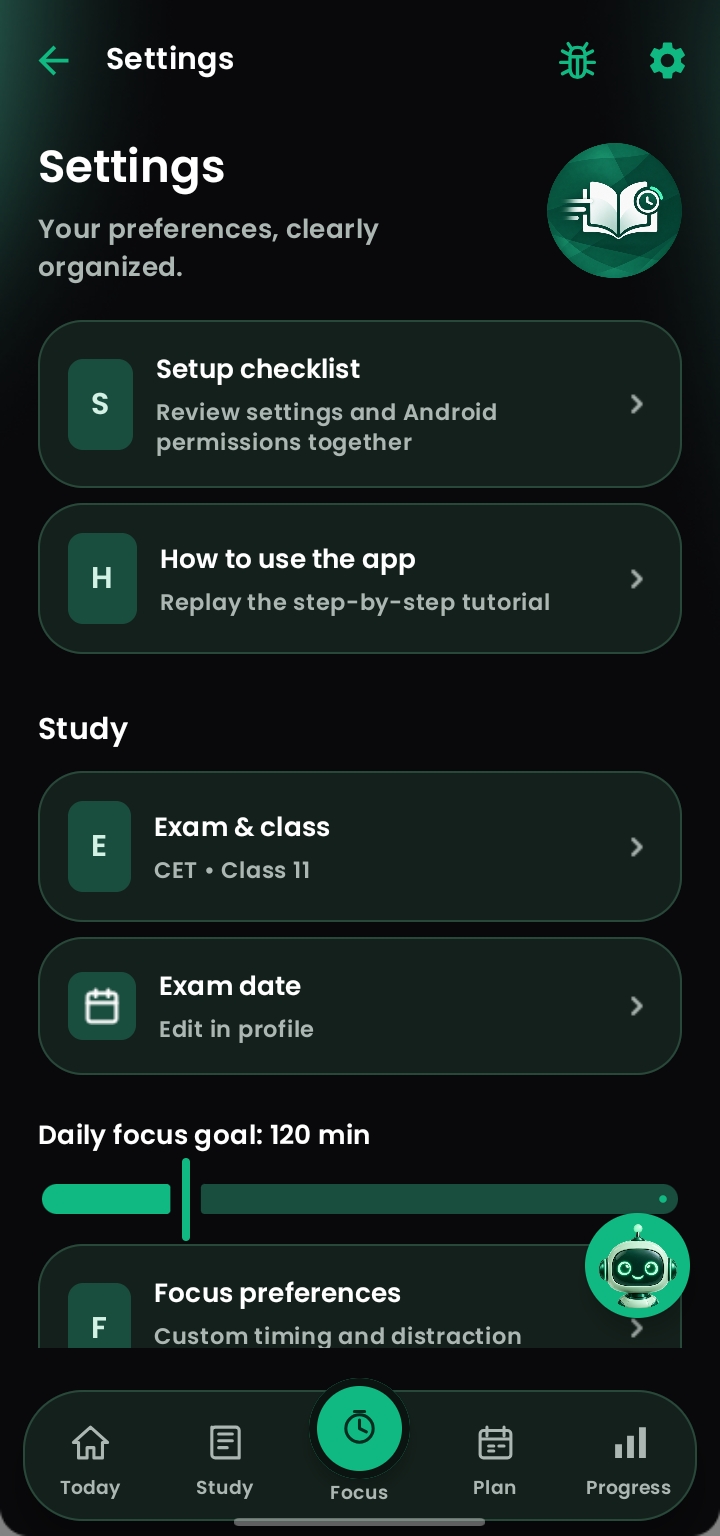
- 🎯 Class 11 and Class 12 syllabus tracking
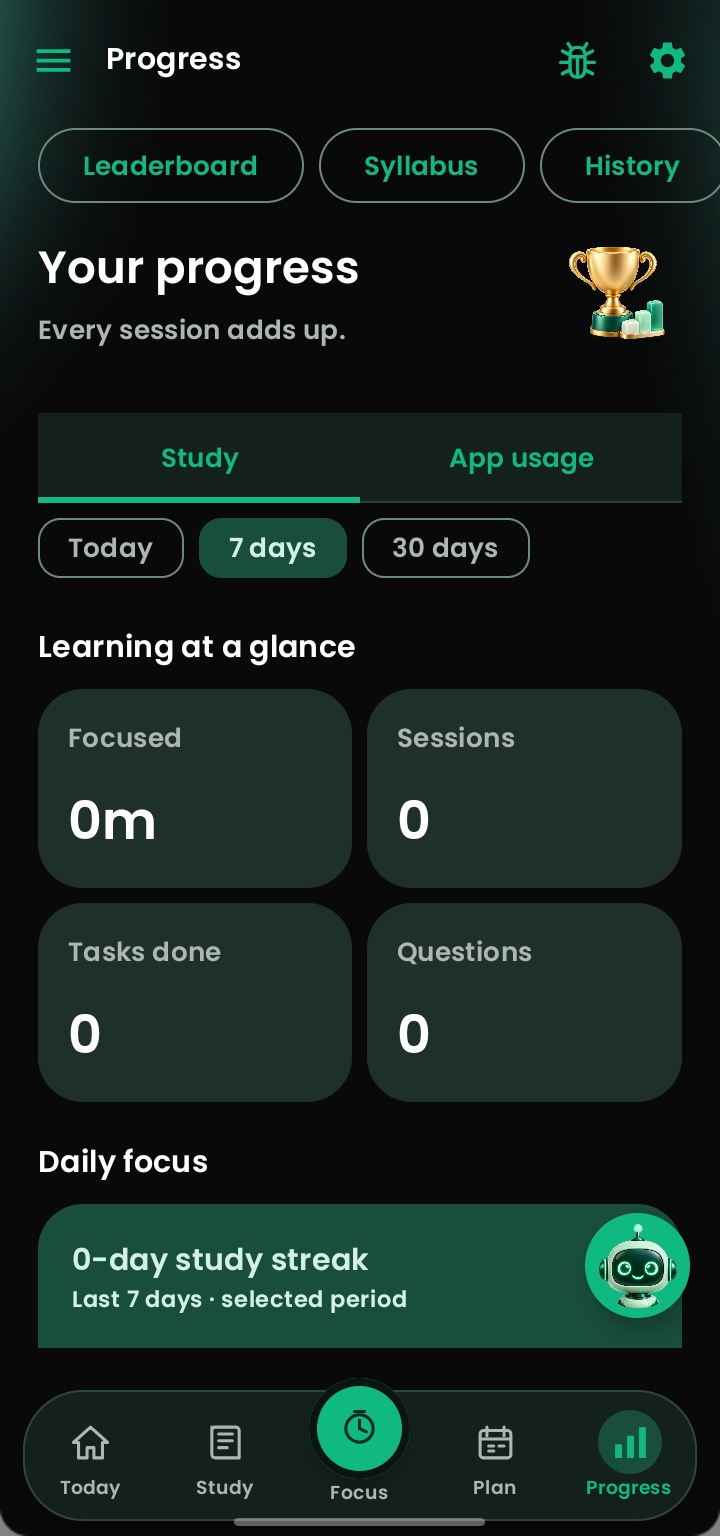
- 📊 Study progress and statistics
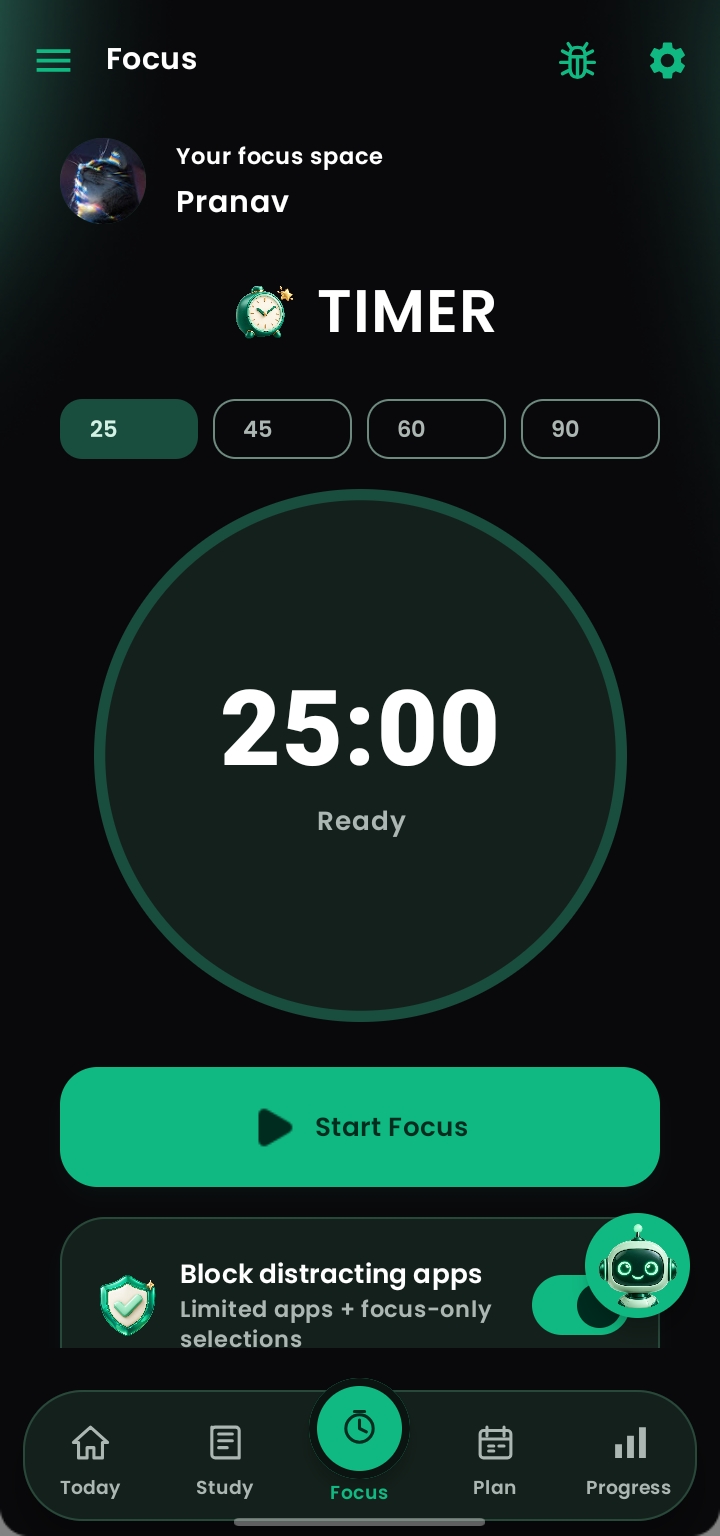
- ⏱️ Customizable Pomodoro focus timer
- 📅 Study planner and reminders
- 📝 "What I Learned Today" study journal
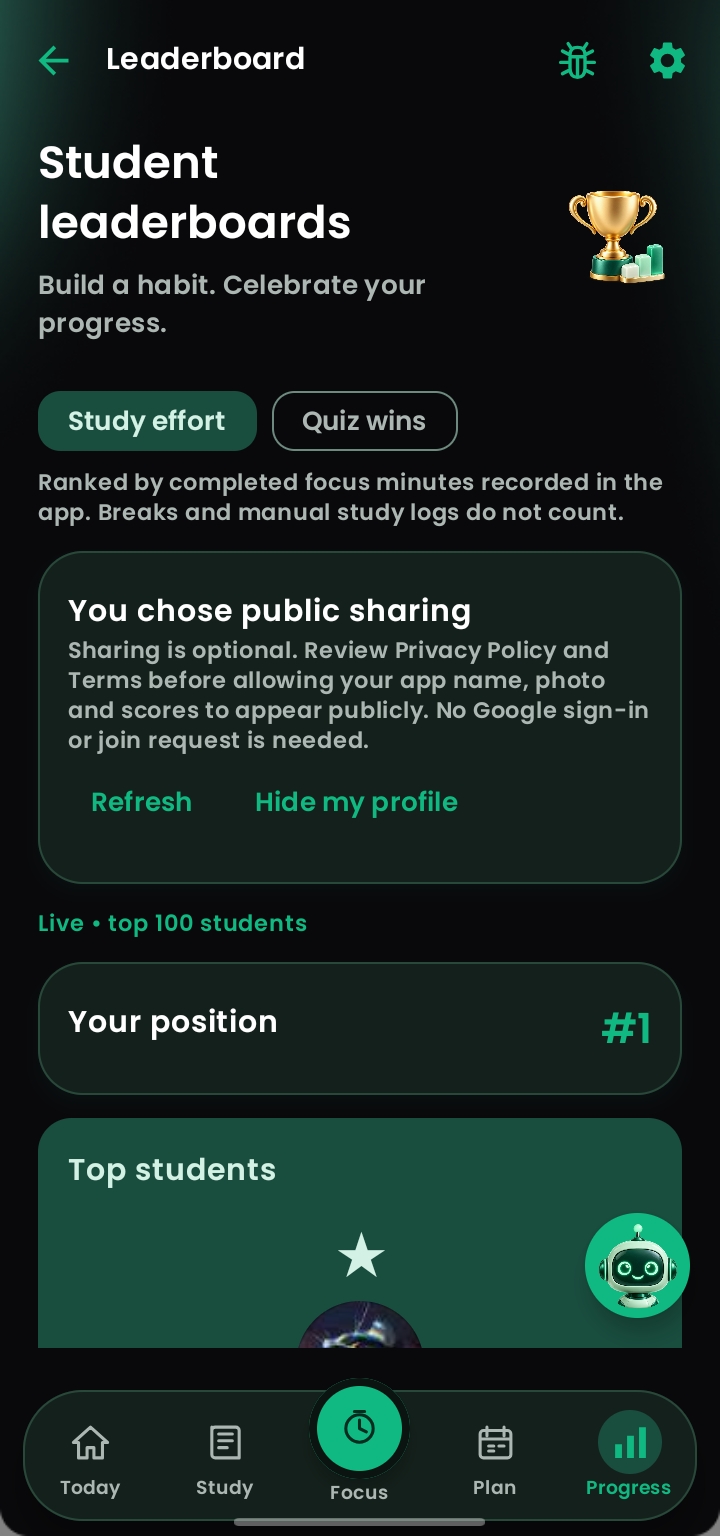
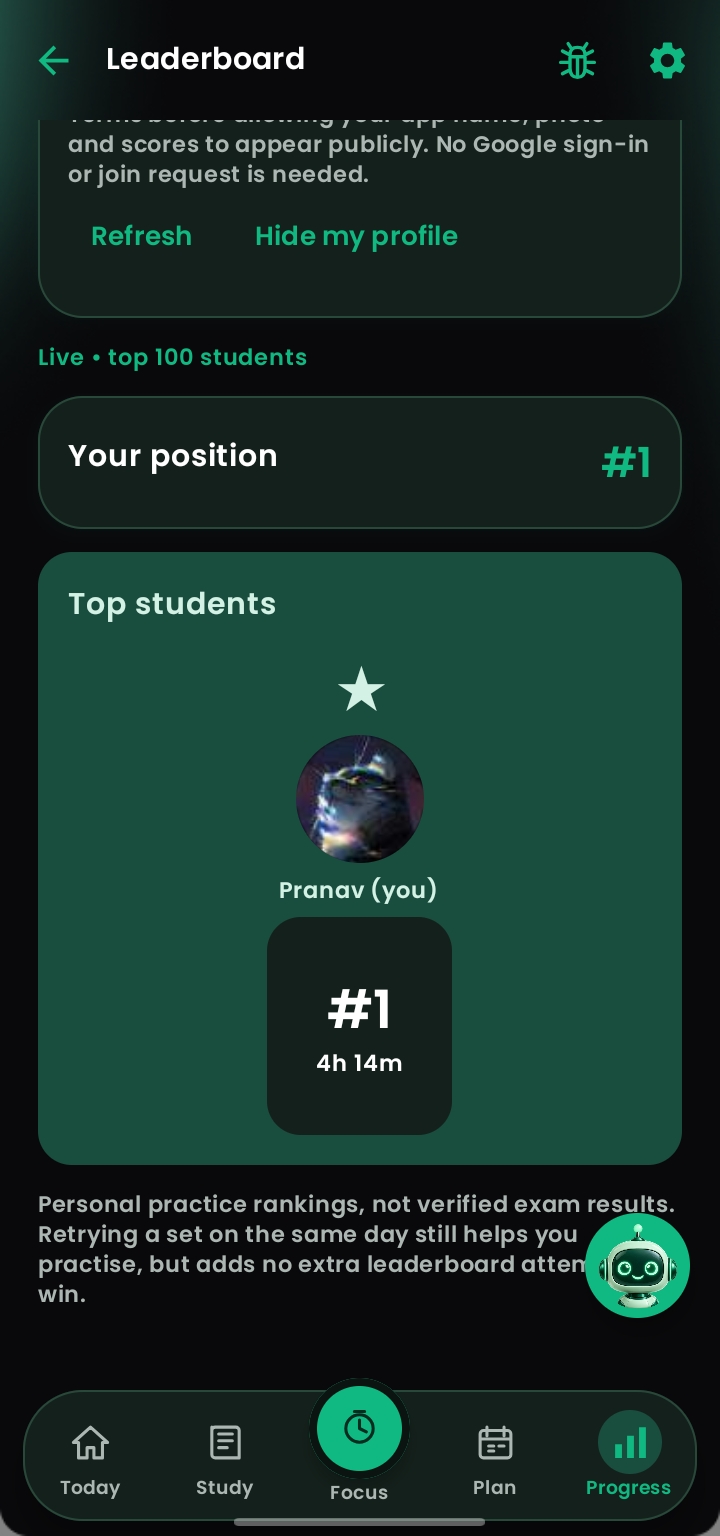
- 🏆 Live student leaderboard
- 👤 Student profiles and avatars
- 📖 Practice organization by question type
- 🔔 Study notifications and reminders
- 🌙 Modern Android interface with dark-mode support
Instead of being just another timer or question app, Study Sprint is designed to act as a complete study companion.
How I built it
I built Study Sprint as a native Android application using Kotlin and Jetpack Compose.
Jetpack Compose is used to create the modern Android interface, while Kotlin handles the application's core functionality and logic.
I integrated APIs and cloud services for features such as the AI assistant, question generation, leaderboard and online functionality.
The AI backend communicates through APIs while backend services are deployed using cloud infrastructure such as Render.
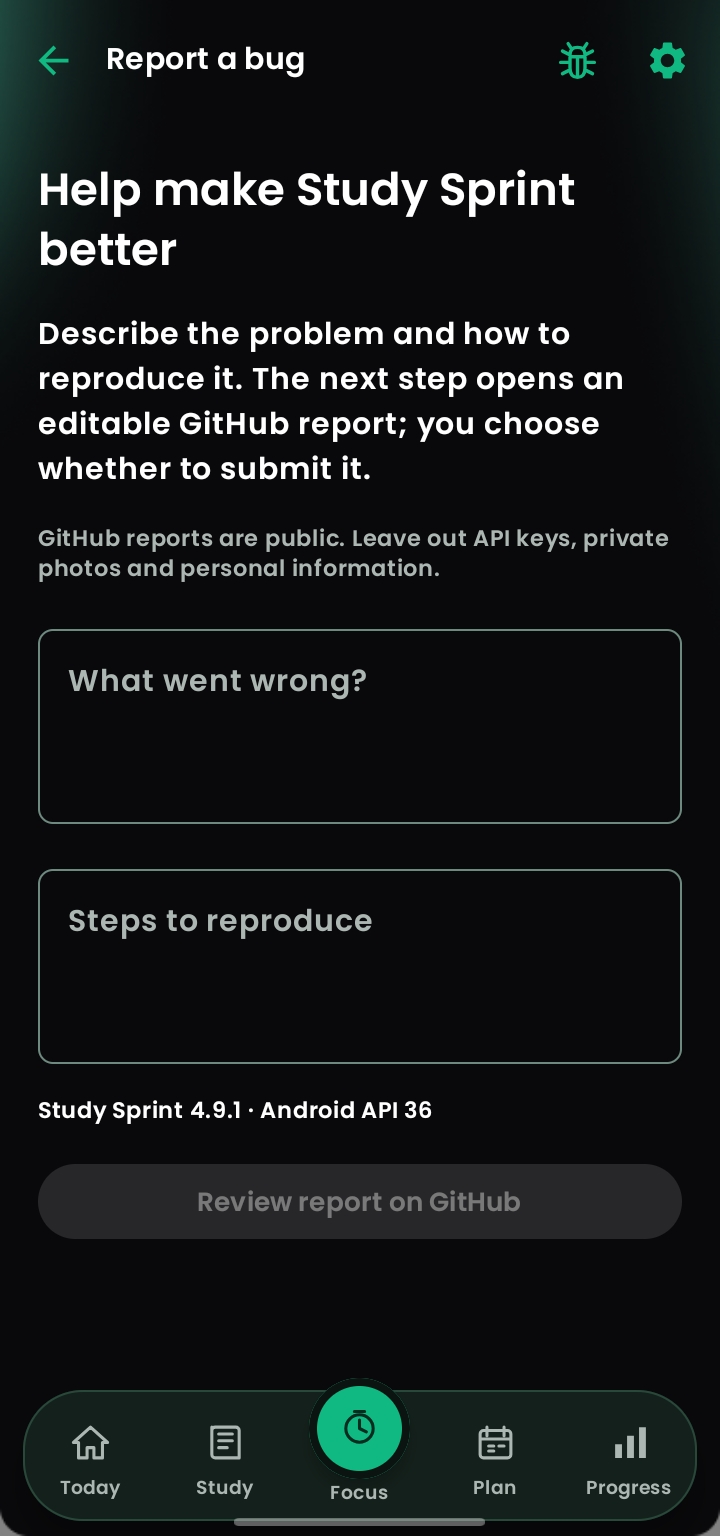
I also use GitHub throughout development for source control, version management and managing improvements to the project.
Challenges
Building Study Sprint has involved much more than simply creating screens.
Some of the biggest challenges were:
- Keeping AI conversations persistent when users leave the app
- Improving AI response speed
- Generating PDFs reliably from study images
- Handling API and backend communication
- Building a real-time leaderboard
- Managing user profiles and cloud data
- Keeping the application responsive
- Designing many features without making the UI confusing
- Debugging problems across different Android devices
Working through these problems has been one of the most valuable parts of building the project.
What I learned
Study Sprint taught me how a real application evolves from an idea into a working product.
While developing it, I learned more about:
- Kotlin
- Native Android development
- Jetpack Compose
- UI/UX design
- REST APIs
- AI integration
- Backend services
- Cloud databases
- Authentication
- Debugging
- Git and GitHub
- Application architecture
- Performance optimization
Most importantly, I learned how to identify a real problem, build a solution, test it, find its weaknesses and continuously improve it.
What's next
Study Sprint is still evolving.
I plan to continue improving:
- ⚡ Faster and more reliable AI
- 🧠 Smarter MCQ generation
- 📸 Better image-to-question processing
- 📄 Faster PDF generation
- 📊 More detailed study analytics
- 🎯


Log in or sign up for Devpost to join the conversation.