-
-
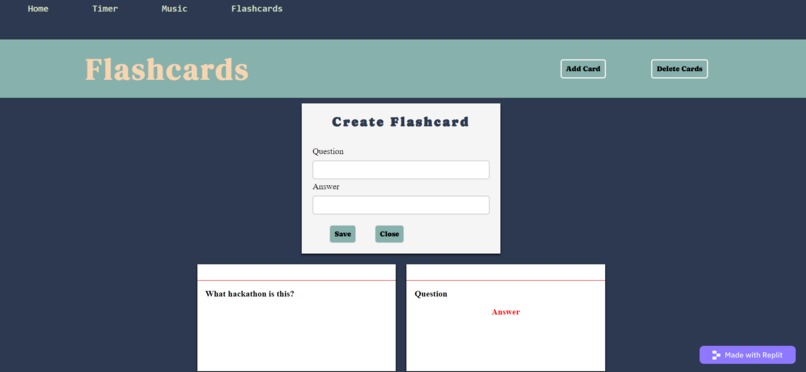
FlashCards
-
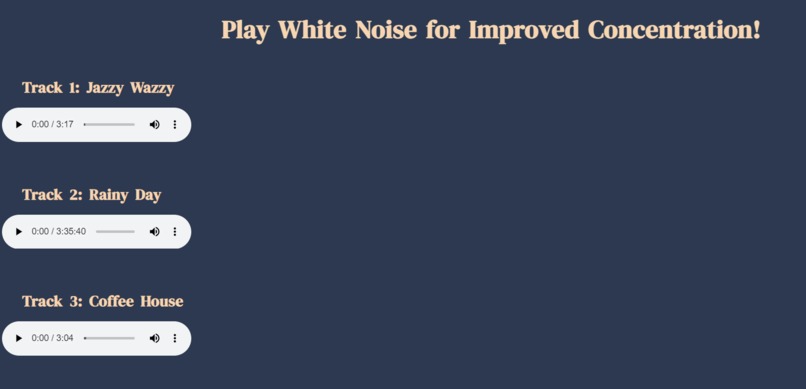
White Noise
-
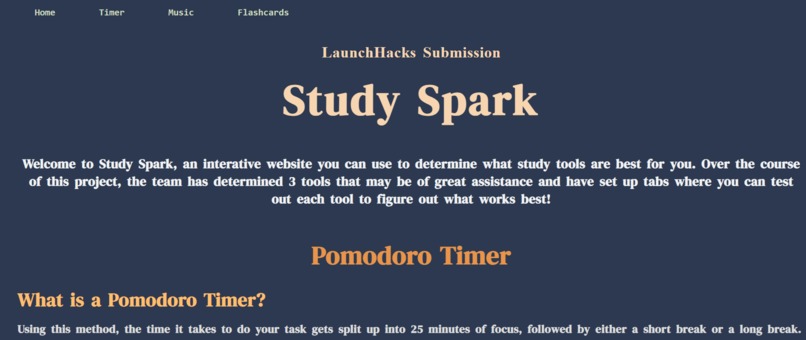
Home Page
-
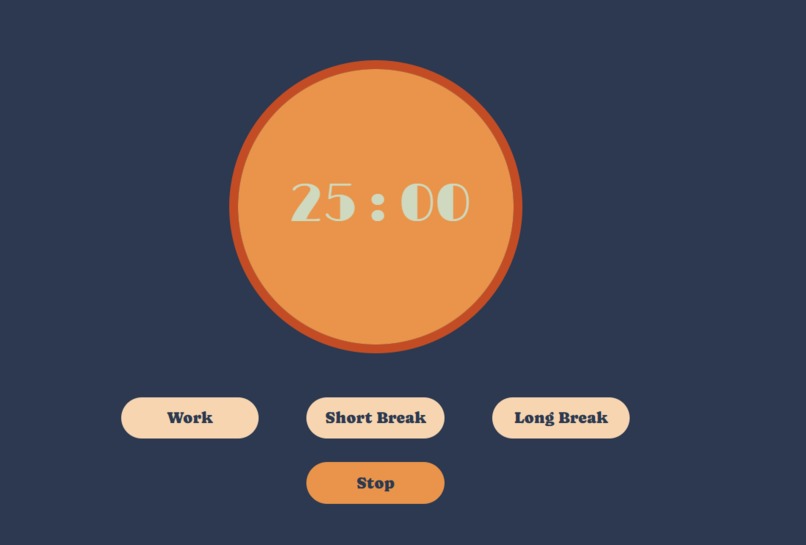
Pomodoro Timer
Inspiration
As student, we always found it difficult to focus while we study and many websites were more focused on interaction with it than actually helping us on whatever we were working on at the time. These websites required us to learn different techniques to actually set things up before we can start creating or using the resources we need. This inspired us to create Study Spark.
What it does
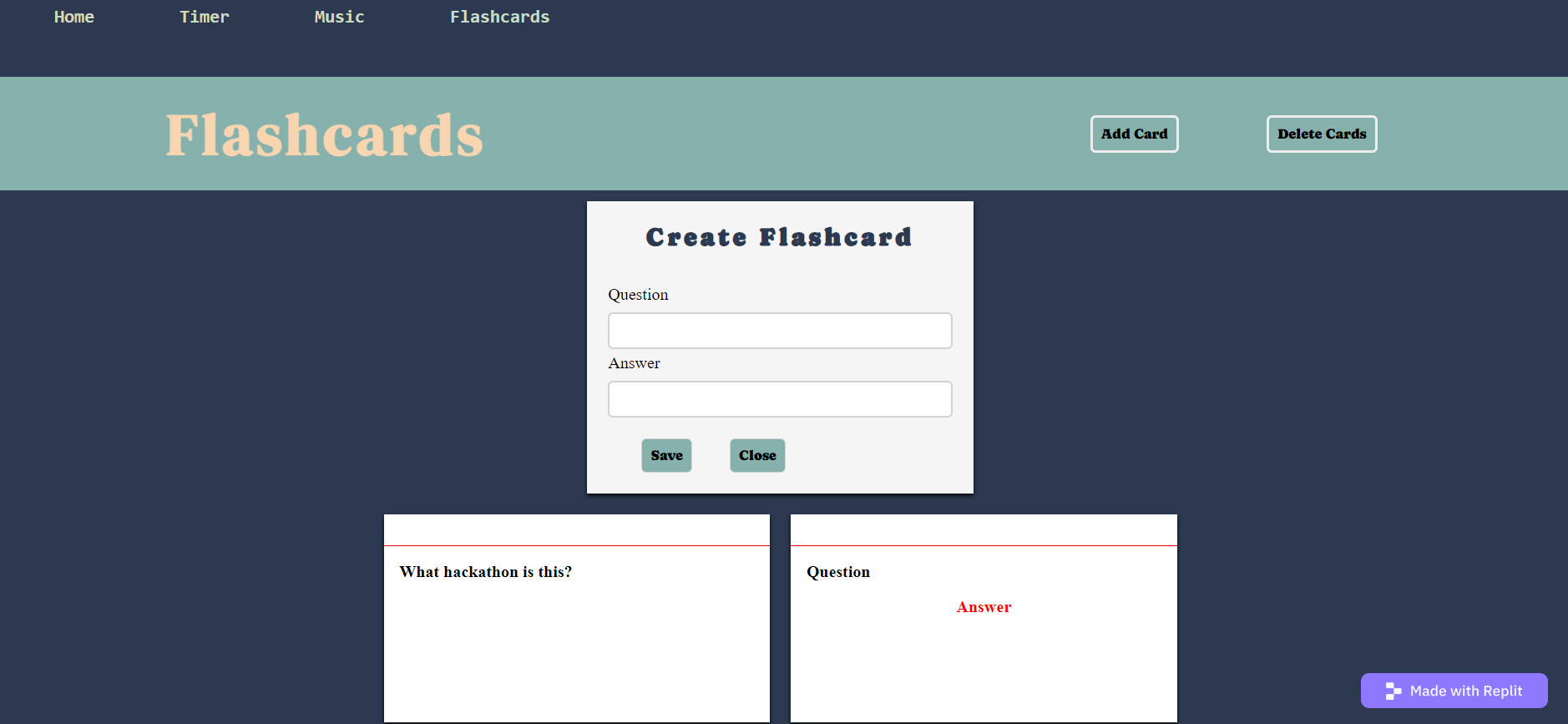
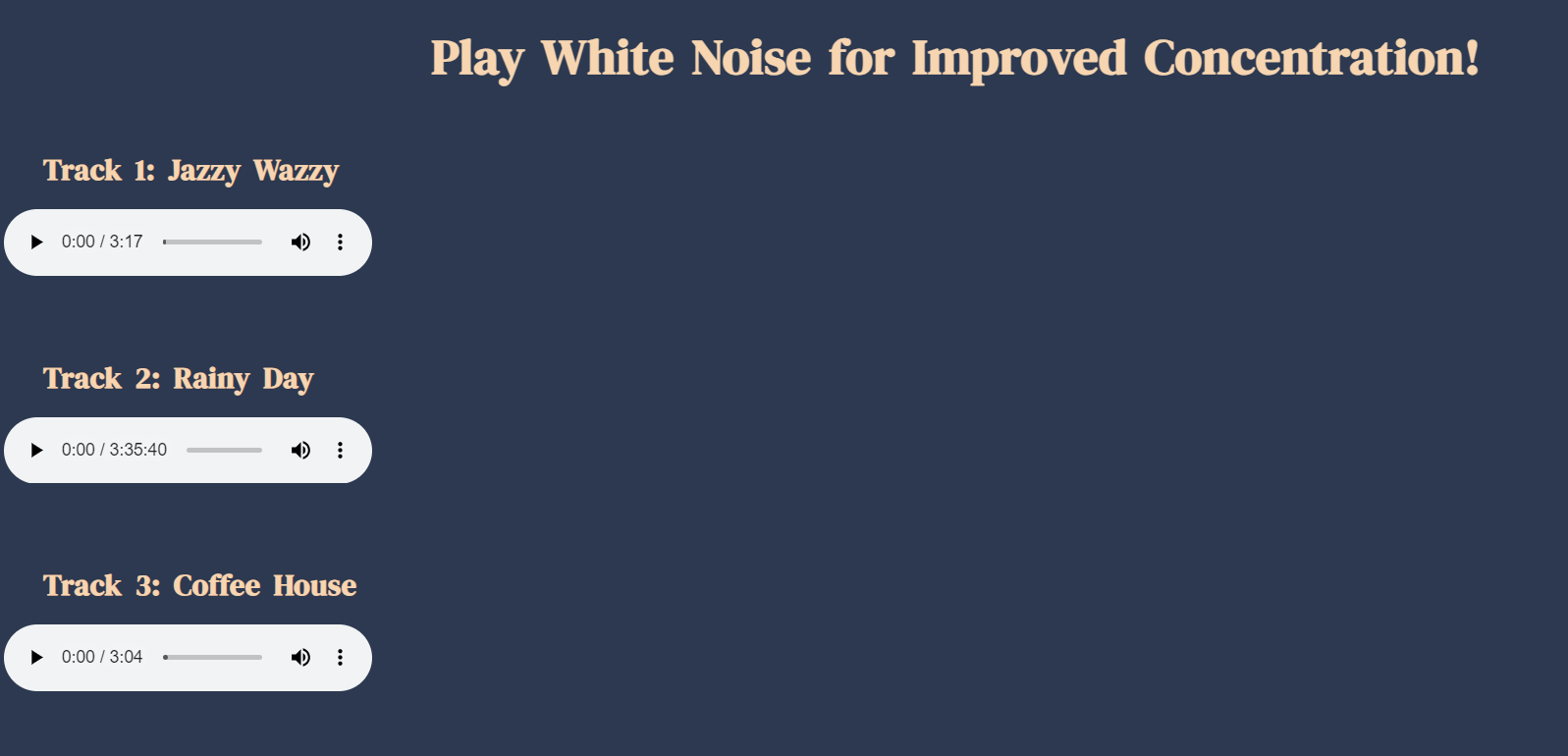
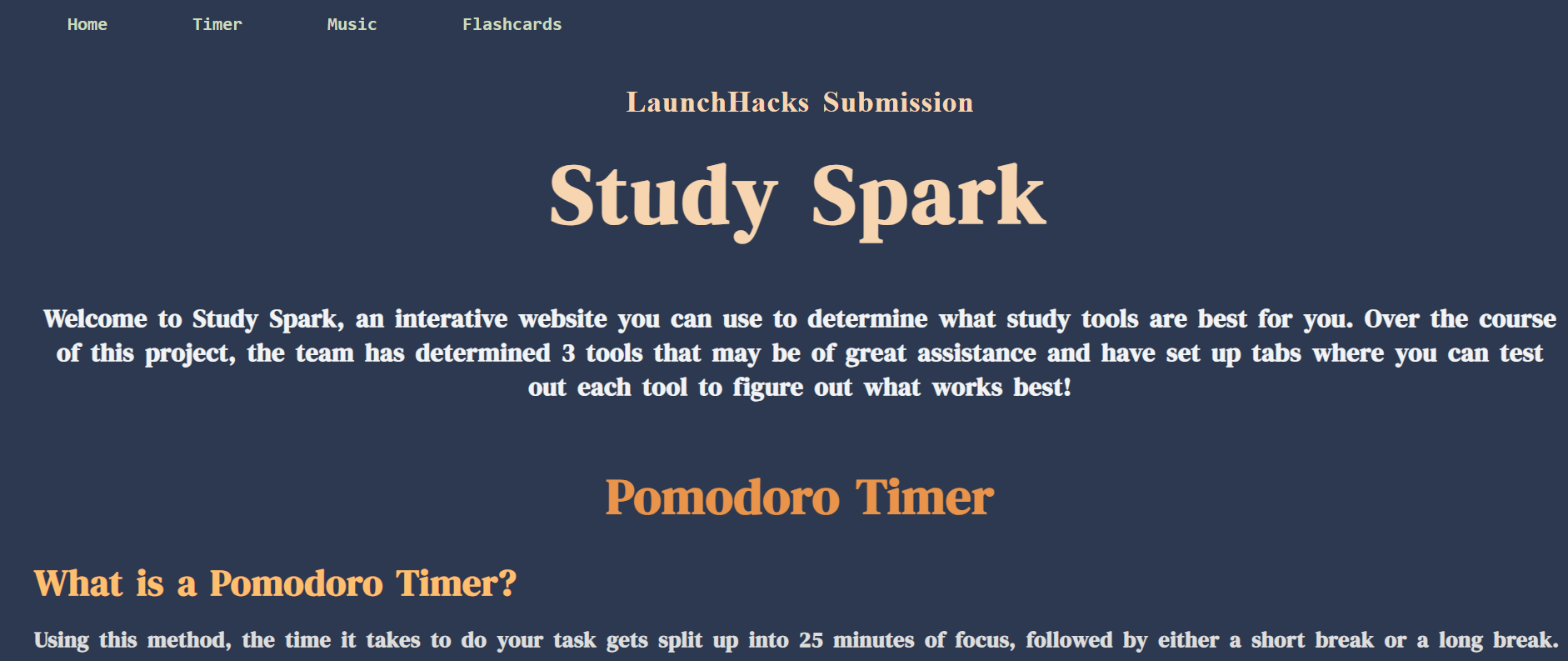
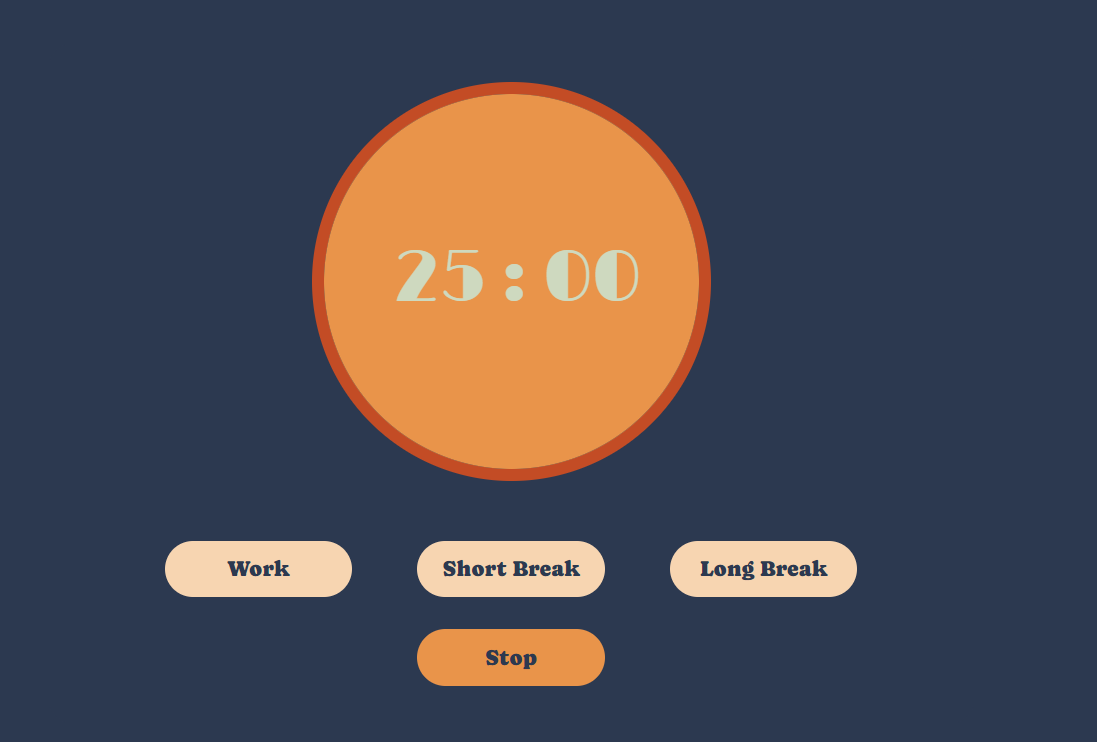
StudySpark is a resource that helps students study more quickly, efficiently and in a more organized manner. Studyspark includes resources that could be quickly and easily accessed and used by users such as a tracklist of white noise to create a soothing atmosphere, a Pomodoro timer to create more efficiency and flashcards to help students retain information faster.
How we built it
We built this website using HTML, CSS and JavaScript. We connected the page buttons designed predominantly using CSS leads to the resources users are looking for when they are browsing our main pages in the nav bar. This website is definitely something we are proud of because it tackles an issue we both personally struggled with throughout our school life.
Challenges we ran into
We had a bit of trouble making sure our Pomodoro timer was engaging and not difficult to use. As time passes by, the Pomodoro timer "fills" with colour to give the user a visual representation of how much time passed/how much time they have left. It took a long time to make sure our formatting matched and made the transition of the timer filling up look smooth and put together.
Accomplishments that we're proud of
We are proud of the save function in our flashcards resource because, in our previous projects, we never created a website that could save any sort of user input so to be able to allow users to create flashcards that do not go away after they reload the website was a big deal for us, as it gives our tool more reliability so that users feel comfortable that their hard work creating the flashcards will not go to waste. We are also proud of how easy our website is to use for first-time users. We focused a lot of our effort on making sure Study Spark was easy to navigate and easy to use as a first-time user. We did not want to crowd features and also wanted to provide information on all our features so the users can get an idea of the benefits of each feature.
What we learned
We really got to sharpen our CSS, HTML and JavaScript skills throughout the course of the creation of this website. We also learnt a lot about how to save user input, how to format to make certain features more visually appealing and how to make sure our website was very user-friendly.
What's next for Study Spark
In the future, we want Study Spark to include a wider range of study resources. We still want our website to be easy to navigate so we want the navbar to include different aspects of studying such as repetition, retention, and a calm atmosphere. Under those aspects, we want to list the study techniques associated with it so users have an easier time exploring different study techniques based on the aspect of studying they want to improve on.
Built With
- css
- html
- javascript
- repl
- website

Log in or sign up for Devpost to join the conversation.