-
-
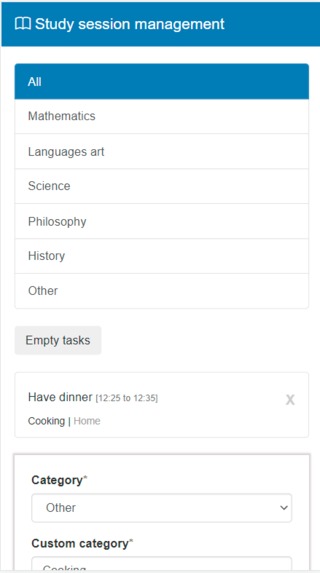
Mobile-friendly
-
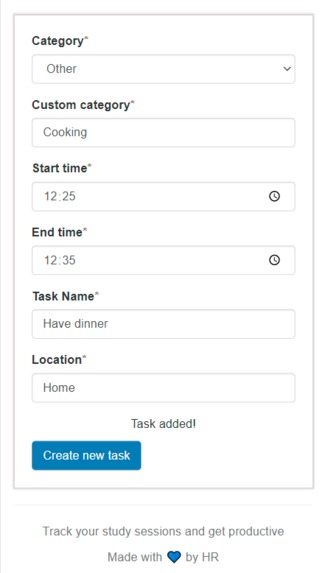
Mobile-friendly
Inspiration
I usually make a to-do list whenever I am studying, so I realized it would be time-saving and more effective to have a custom online version of it.
Important notes
The demonstration has been done locally using Port 5500. However, the website with the same code has been deployed on http://www.brilliantstudy.co
What it does
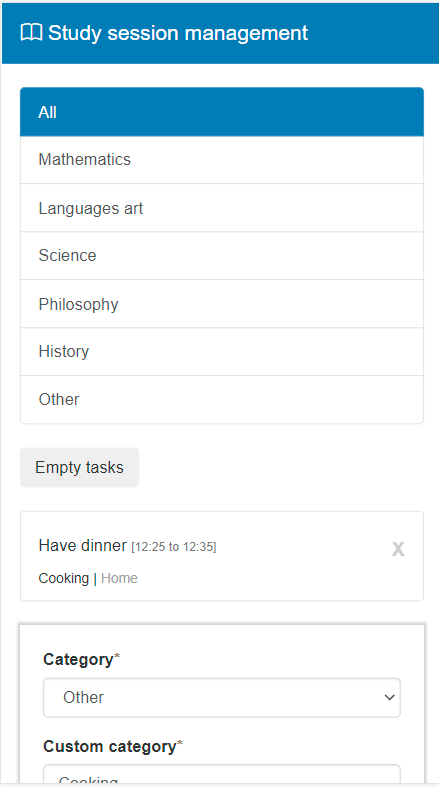
This project acts like a to-do list. New tasks can be entered manually by users, filtered by category and deleted. The place (location) where users should do the tasks can also be opened in google maps.
How I built it
The project was built and styled with front-end technologies (HTML, CSS, Bootstrap, JS, JQuery) and uses local storage to store and keep data after page refresh.
Challenges I ran into
- Using JQuery. I have recently learned jQuery so using it to make the website interactive was challenging. Research and reading were very helpful.
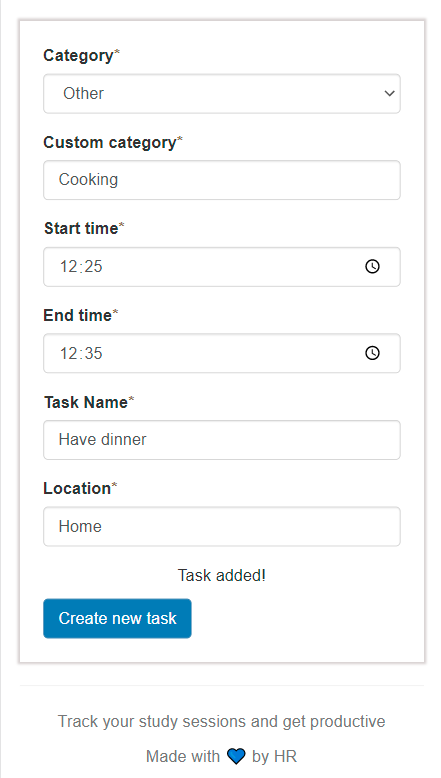
- Adding a custom category. When I initially did the website, users could only choose from the category given (mathematics, languages art, ...). But I thought it would be a great idea to add a custom category. Adding a custom category required a few changes in the code, but it definitely improved the user experience.
Accomplishments that I'm proud of
The initial set requirements were refined, improved and completed. The website that I intended to build is now deployed online, and I can use it myself on my pc or mobile phone (mobile-friendly). What I am proud of how I was able to solve the issues that I have encountered.
What I learned
Basic and Intermediate use of JQuery. Obtaining and using a domain. Deploying a web app using a custom domain.
What's next for Study session management
Implement back-end and use a database Make task editing possible Adding custom filters to the filter list Order tasks by time

Log in or sign up for Devpost to join the conversation.