-
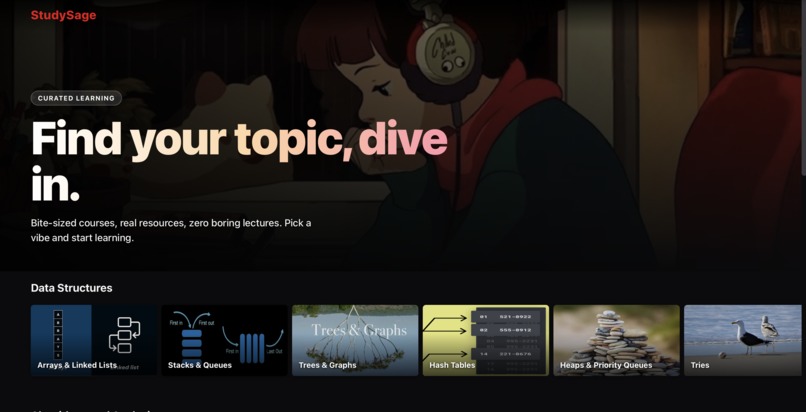
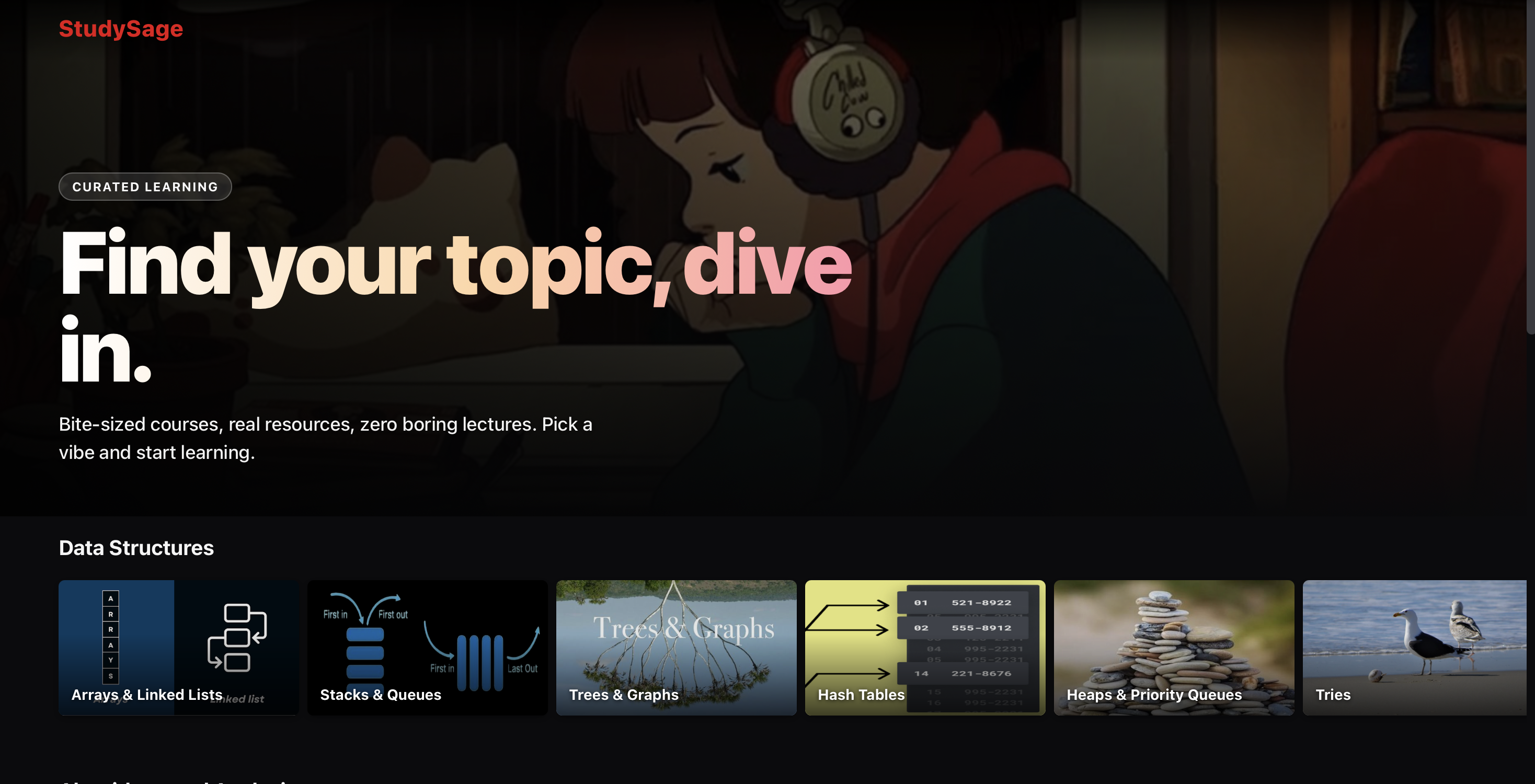
Home Page
-
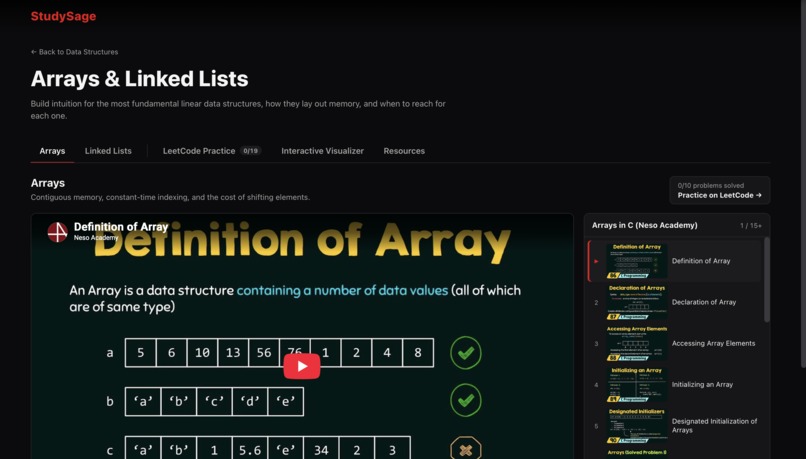
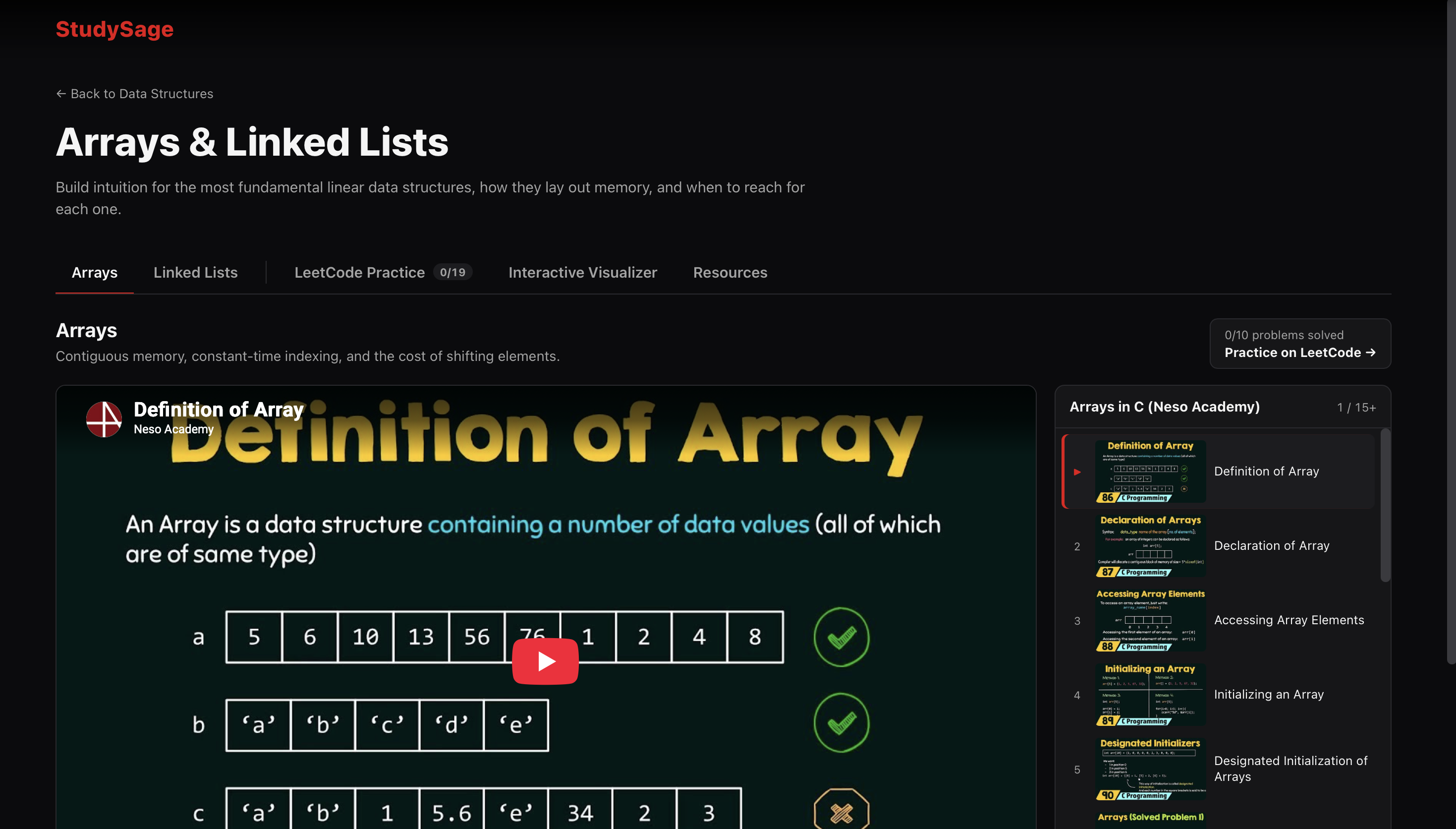
Course playlist
-
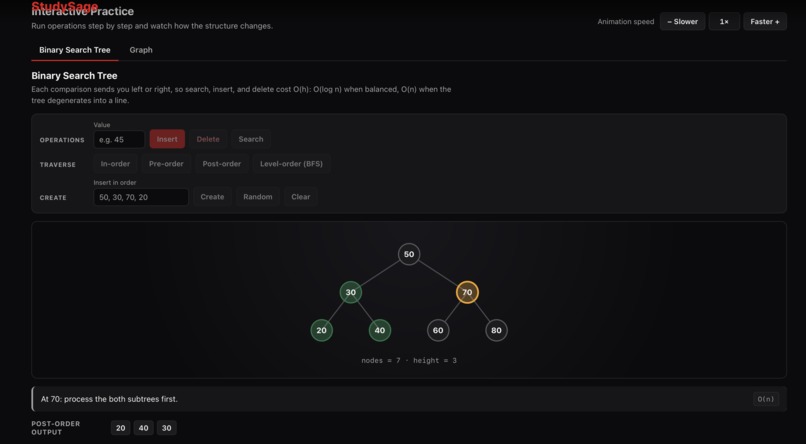
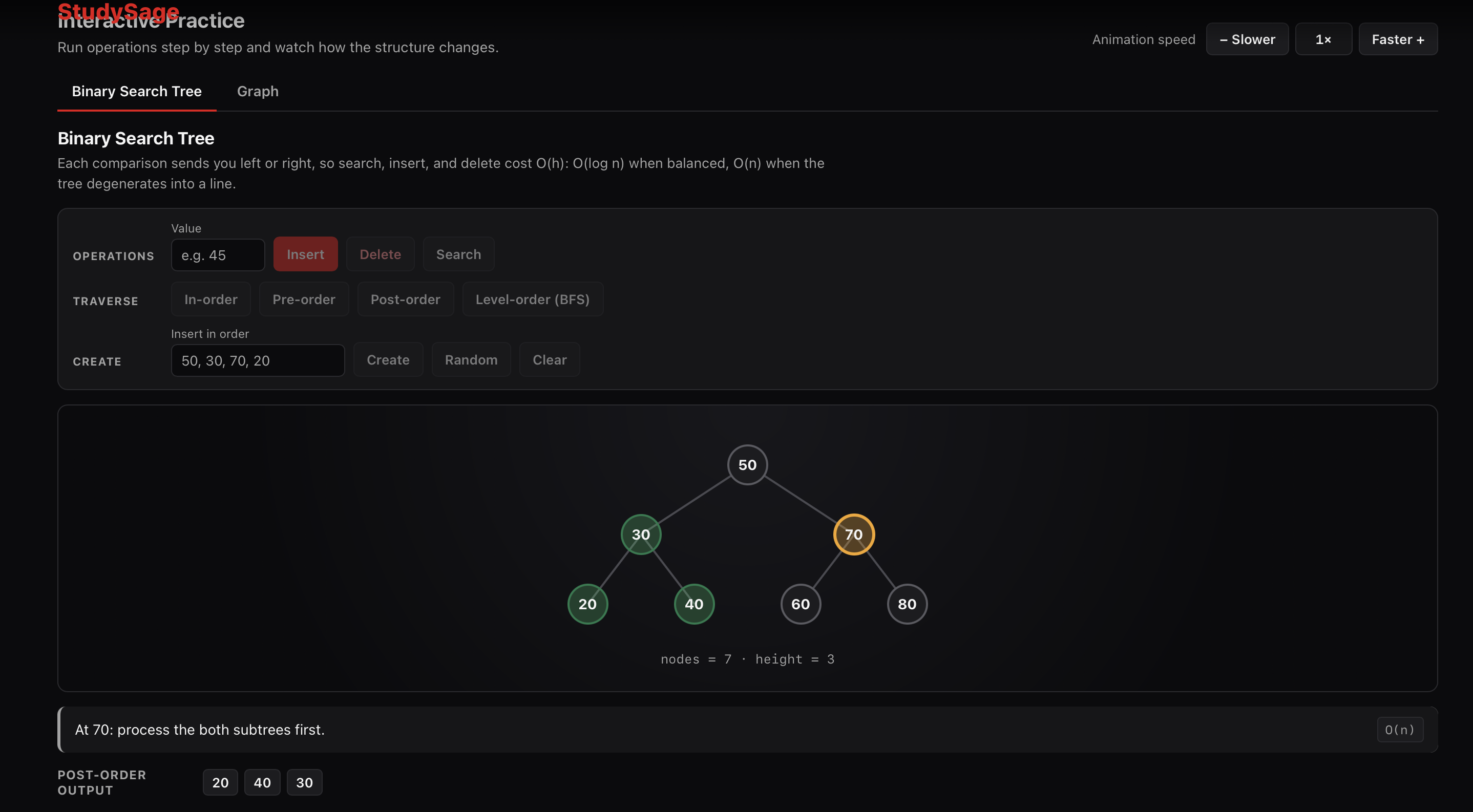
Interactive visualiser depicting tree traversal
-
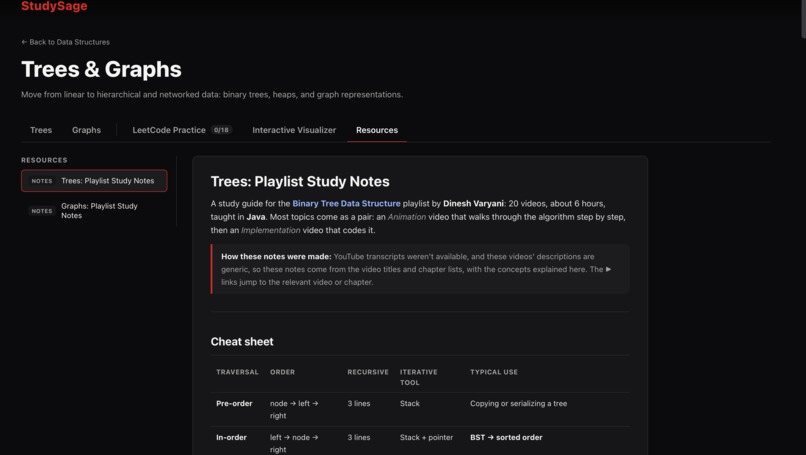
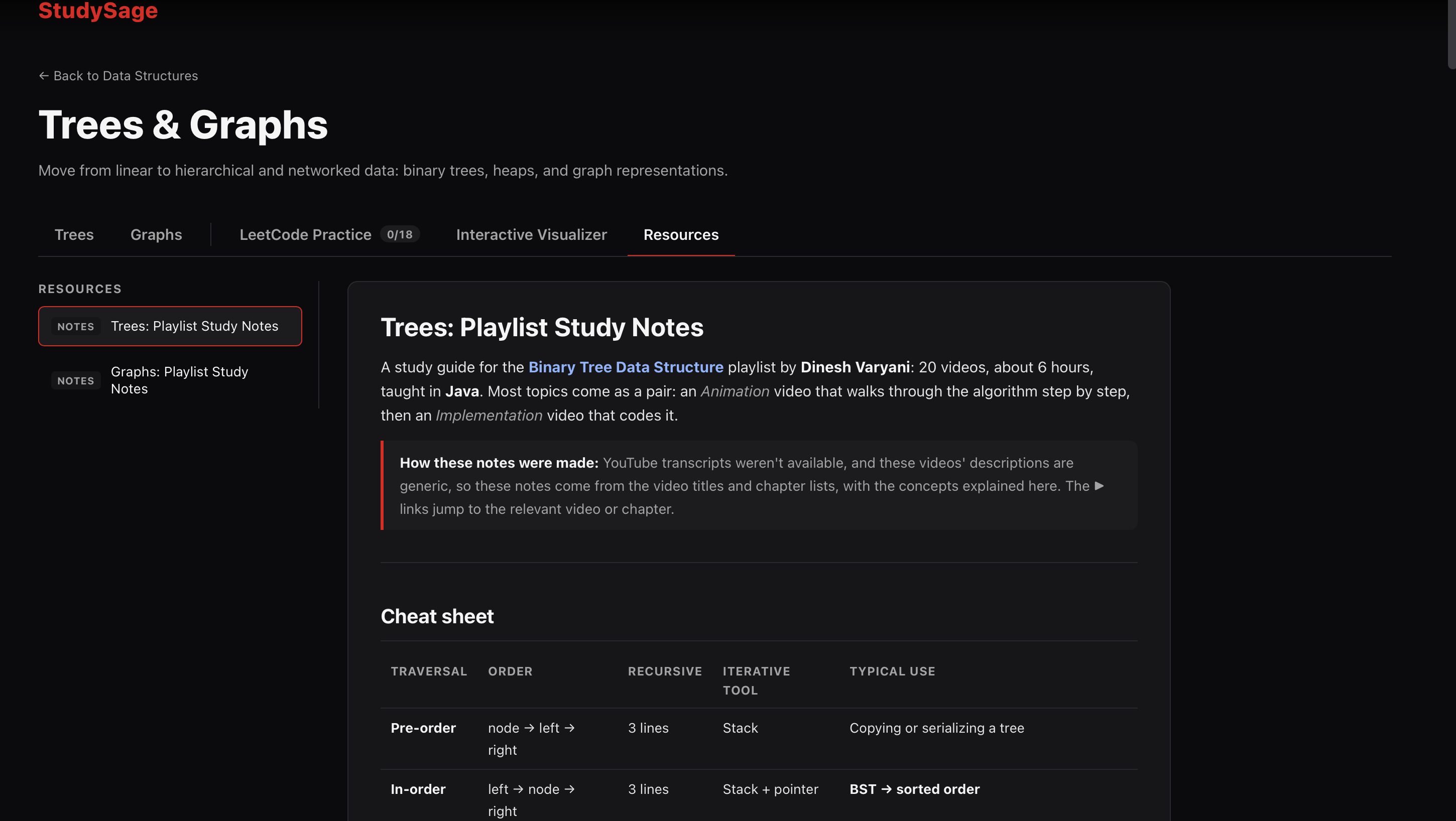
Curated summary of the course.
-
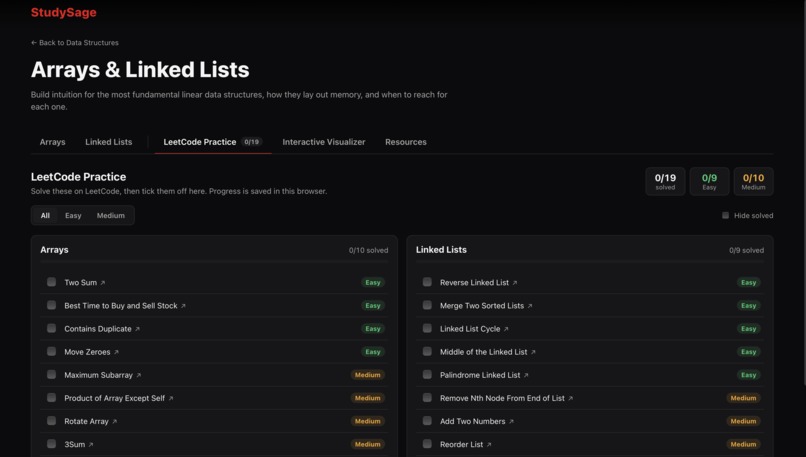
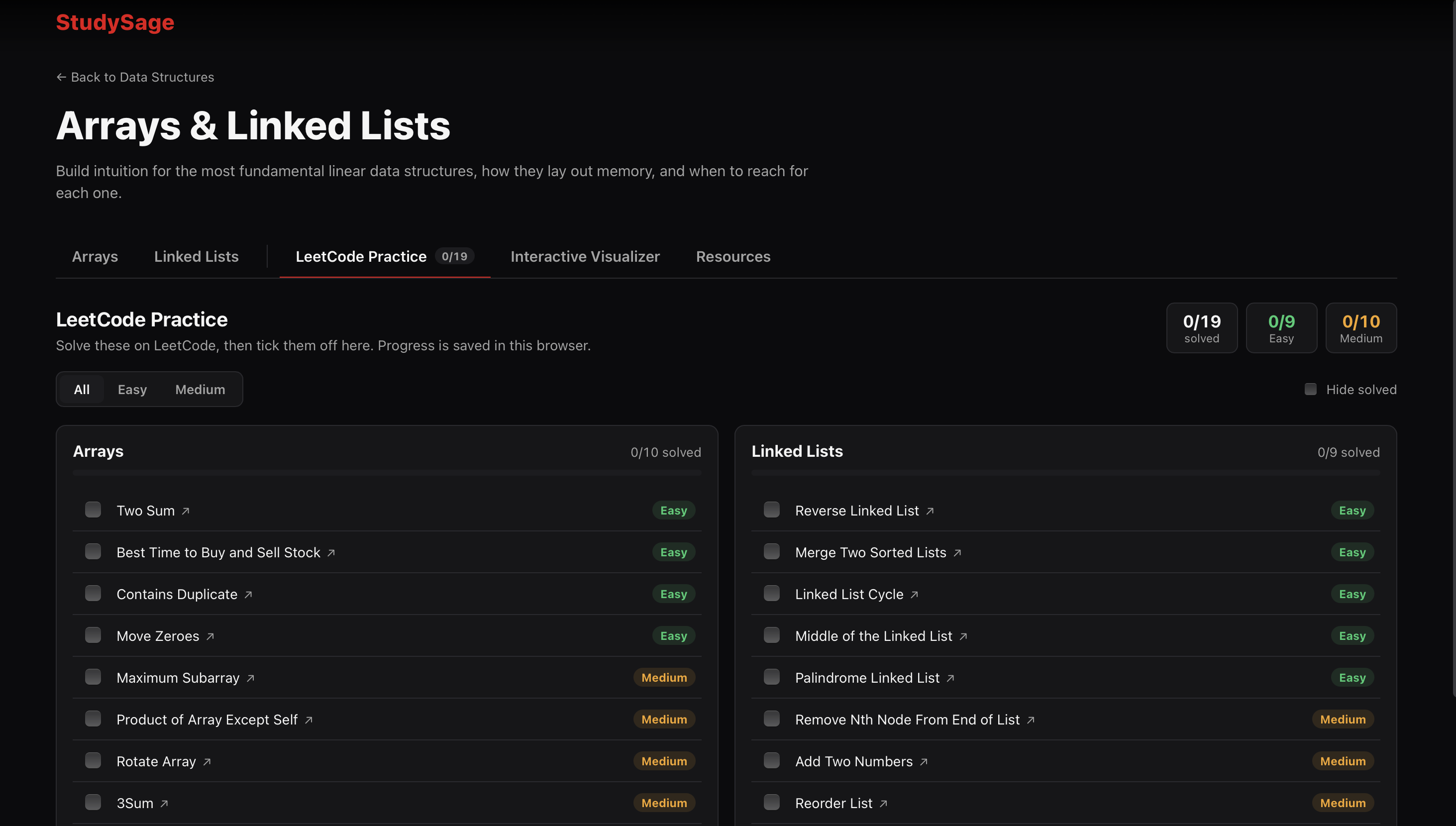
Leetcode Practise page
Inspiration
Learning data structures usually means juggling five browser tabs: a YouTube playlist in one, a LeetCode problem in another, lecture notes somewhere else, and a visualizer site if you can find a good one. It's easy to lose track of where you are and what to do next.
We wanted to build a study space where every topic (Arrays, Linked Lists, Stacks, Queues, Trees, Graphs) has everything in one page. You watch the lessons, see the data structure move, read a summary, and then prove you understand it by solving real problems.
What it does
Each course in StudySage is split into topic tabs, and every topic brings together four ways of learning:
Watch: a YouTube playlist player with a thumbnail panel on the right. You can pick any video, step through with Previous and Next, and switch between playlists when a topic has more than one.
Visualize: interactive, animated visualizers for: arrays: insert, delete, access, search linked lists: insert, delete, find, step-by-step reversal stacks & queues: peek, pop and push binary search trees: insert, delete, search, plus in-, pre-, post- and level-order traversals graphs: BFS and DFS, showing the live queue or call stack Every step comes with a plain-English explanation and its Big-O cost. A speed control lets you slow things down.
Read: study notes for every playlist, with a cheat sheet, complexity tables, code snippets, and links that jump straight to the right moment in each video.
Practise: a LeetCode tab with 53 Easy and Medium problems grouped by topic. You can tick off what you've solved, track your progress per topic and overall, and filter by difficulty.
How we built it
- Backend: an ASP.NET Core 9 Web API. All course content (topics, playlists, problems, notes) lives in a single content.json file, so new topics can be added without touching any code. The backend checks the file at startup and refuses to start if something is wrong, such as duplicate ids, a missing notes file, or a tab name that clashes with a built-in one.
- Frontend: React 19 + TypeScript + Vite, using react-router for tab URLs and react-markdown for the study notes.
- Playlists: a backend service lists a playlist's videos. It uses the YouTube Data API when a key is configured and falls back to YouTube's public RSS feed when it isn't. Results are cached, and the backend only serves playlists that appear in the course content, so it can't be used as an open proxy.
- Animations: a small animation engine of my own. Each operation is an async script of steps, and a token-based cancellation system stops old timers from changing the screen after you switch tabs or start a new operation.
- Progress tracking: stored in the browser using React's useSyncExternalStore. Every component sees the same progress instantly, and it stays in sync across open tabs.
- AI pair programming: We built StudySage with Claude Code as a coding partner. It handled scaffolding, writing visualizers, verifying data, and drafting the study notes, while I made the product decisions and reviewed the output.
Challenges we ran into
- Making animations readable: Showing a linked-list reversal meant drawing each arrow flipping one at a time, including the moment the list is briefly split in two. Laying out trees so nodes never overlap came down to positioning each node by its in-order rank.
- Small bugs in the moment: Two quick clicks on the speed buttons only moved the speed one step. Auto-scrolling the playlist panel made the whole page jump. Both needed small but careful fixes.
- Getting the content right: I checked every one of the 53 LeetCode problems against LeetCode itself (correct title and difficulty, none premium-only), and every one of the 179 video links in the notes against its playlist.
Accomplishments that we're proud of
- Six interactive visualizers built from scratch: Arrays, linked lists, stacks, circular queues, binary search trees and graphs all animate step by step. They show what's happening inside the structure: elements shifting in an array, a linked list's prev/curr/next pointers flipping one arrow at a time during a reversal, and the live queue or call stack during BFS, DFS and tree traversals. Every step is explained in plain English with its Big-O cost.
- *One page per topic: * Students can watch a playlist, see the structure animate, read the notes and solve LeetCode problems without opening another tab, which was the problem that inspired the project.
- Content anyone can extend: Topics, playlists, problems and notes all come from a single content.json file. Adding a new topic takes no code changes, and the backend refuses to start if the content contains a mistake, rather than breaking for students later.
- Six sets of study notes covering 176 videos (about 38 hours). Each has a cheat sheet, complexity tables, code examples, and links that jump straight to the right moment in a video.
- A polished, responsive experience.
- A dark, cinema-style interface.
- Shareable tab links such as ?tab=leetcode.
- Adjustable animation speed.
- Solved-problem progress that stays in sync across browser tabs.
What we learned
- Data-driven design pays off. Once content was separate from components, adding a topic, a playlist or a problem became a one-line JSON edit.
- Third-party platforms set the limits. API quotas, feed caps, disabled captions and rate limits shaped the design as much as my own plans did, so building in fallbacks from the start matters.
What's next for Study Sage
- User accounts, so progress follows you across devices.
- Fuller transcript-based notes once the YouTube block lifts, or with local speech-to-text.
- More topics, such as Sorting and Dynamic Programming, which only need new entries in content.json.
- Quizzes at the end of each topic.

Log in or sign up for Devpost to join the conversation.