-
-
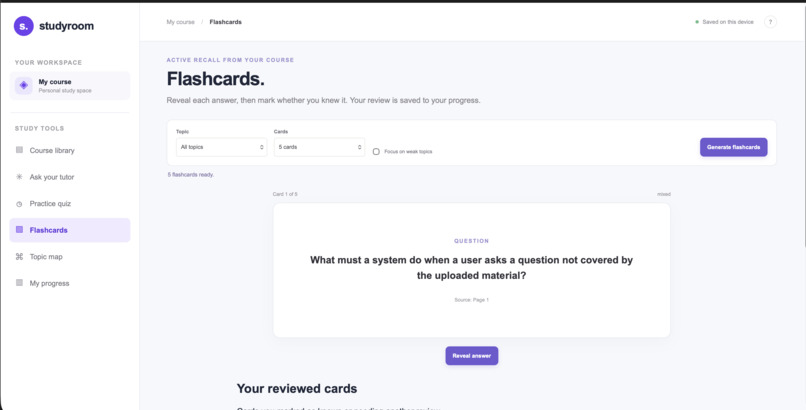
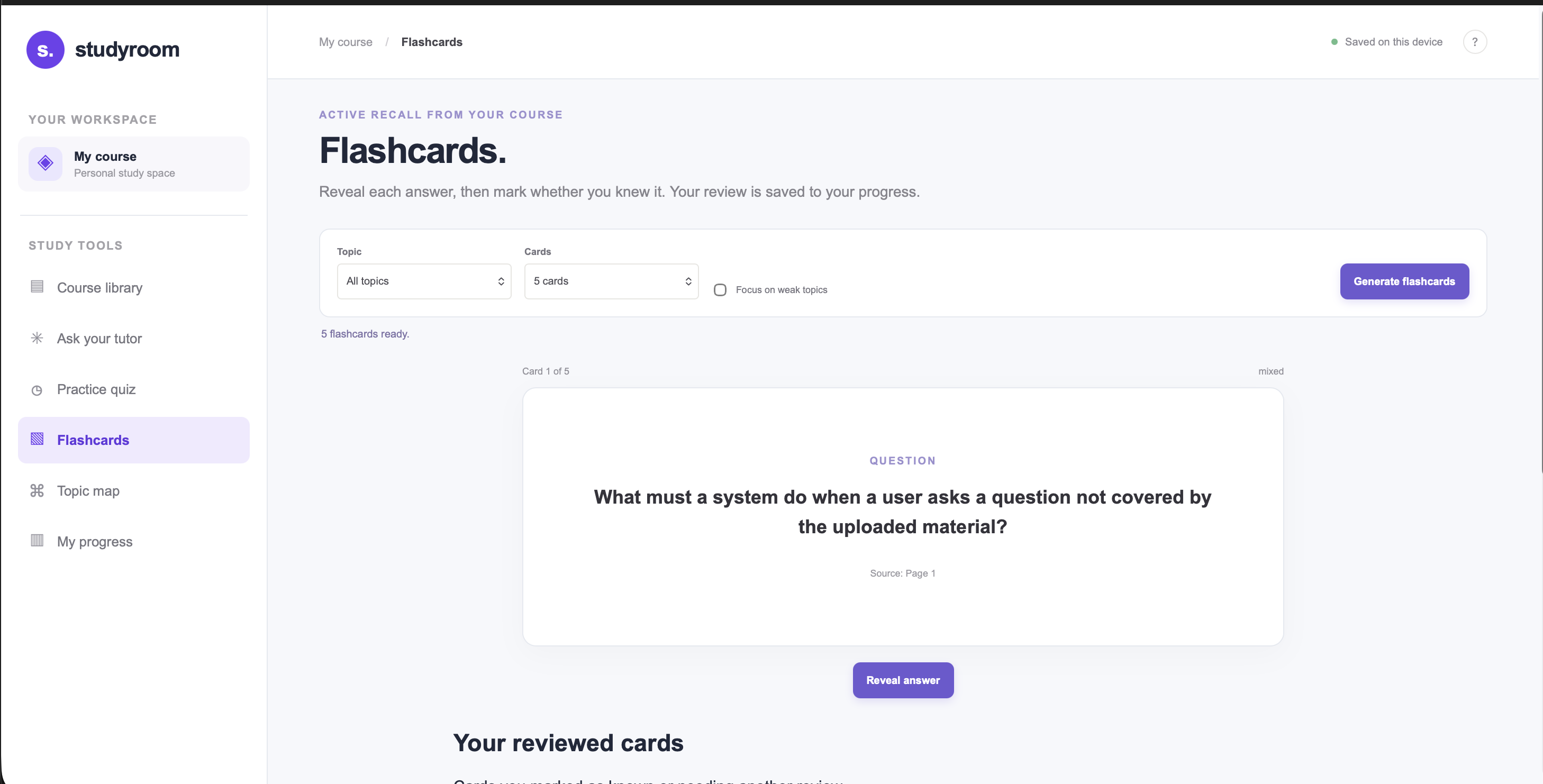
Flash Card Generator
-
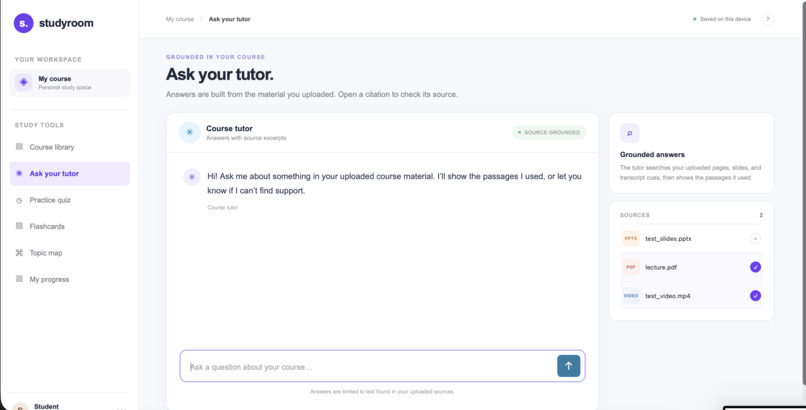
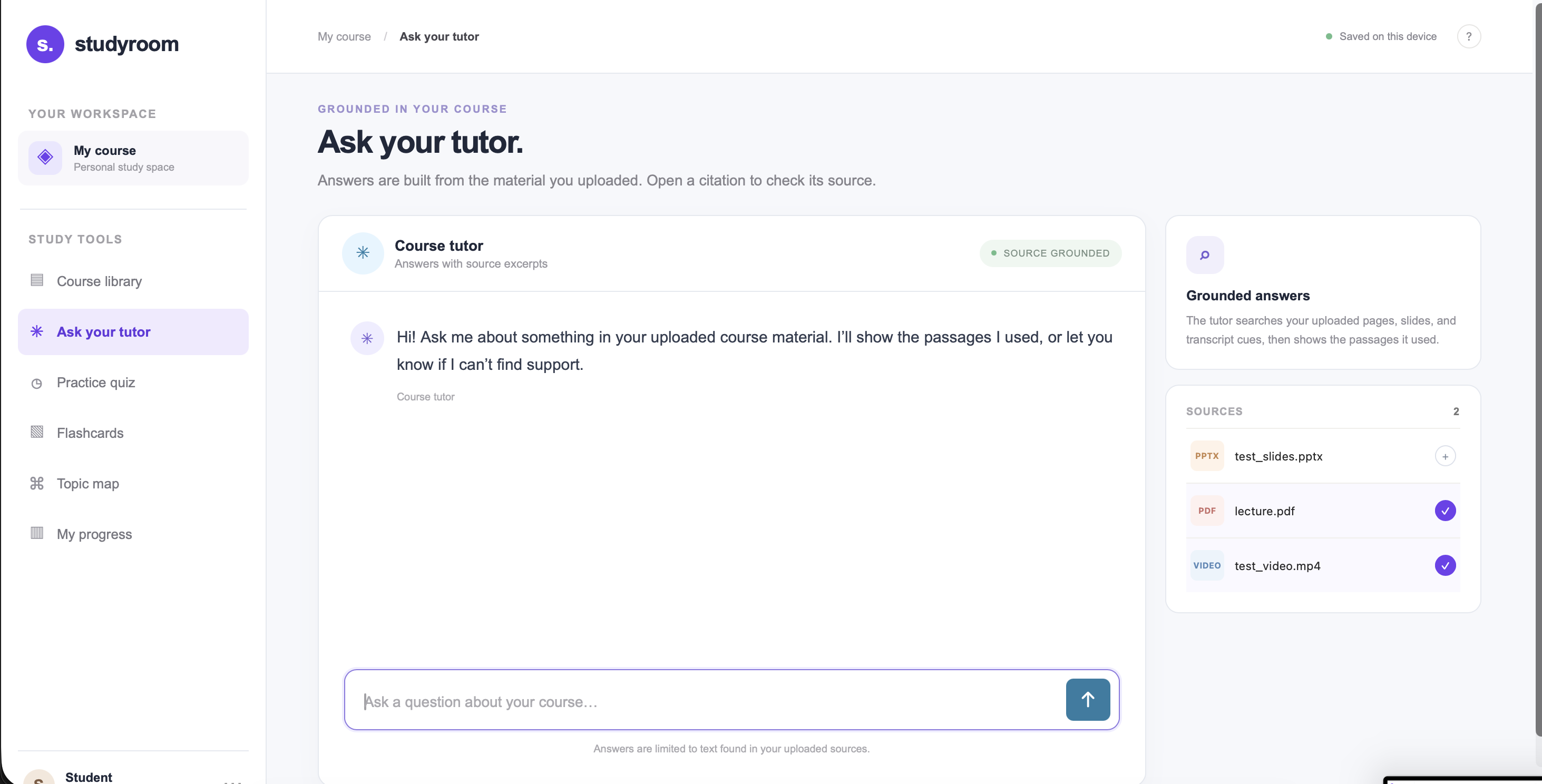
Tutor Section
-
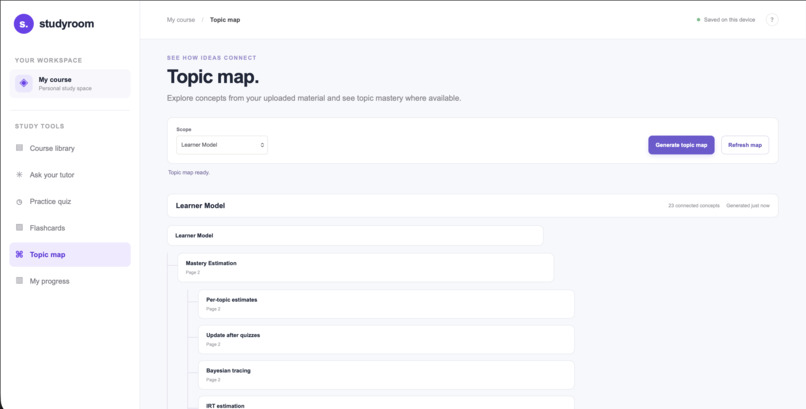
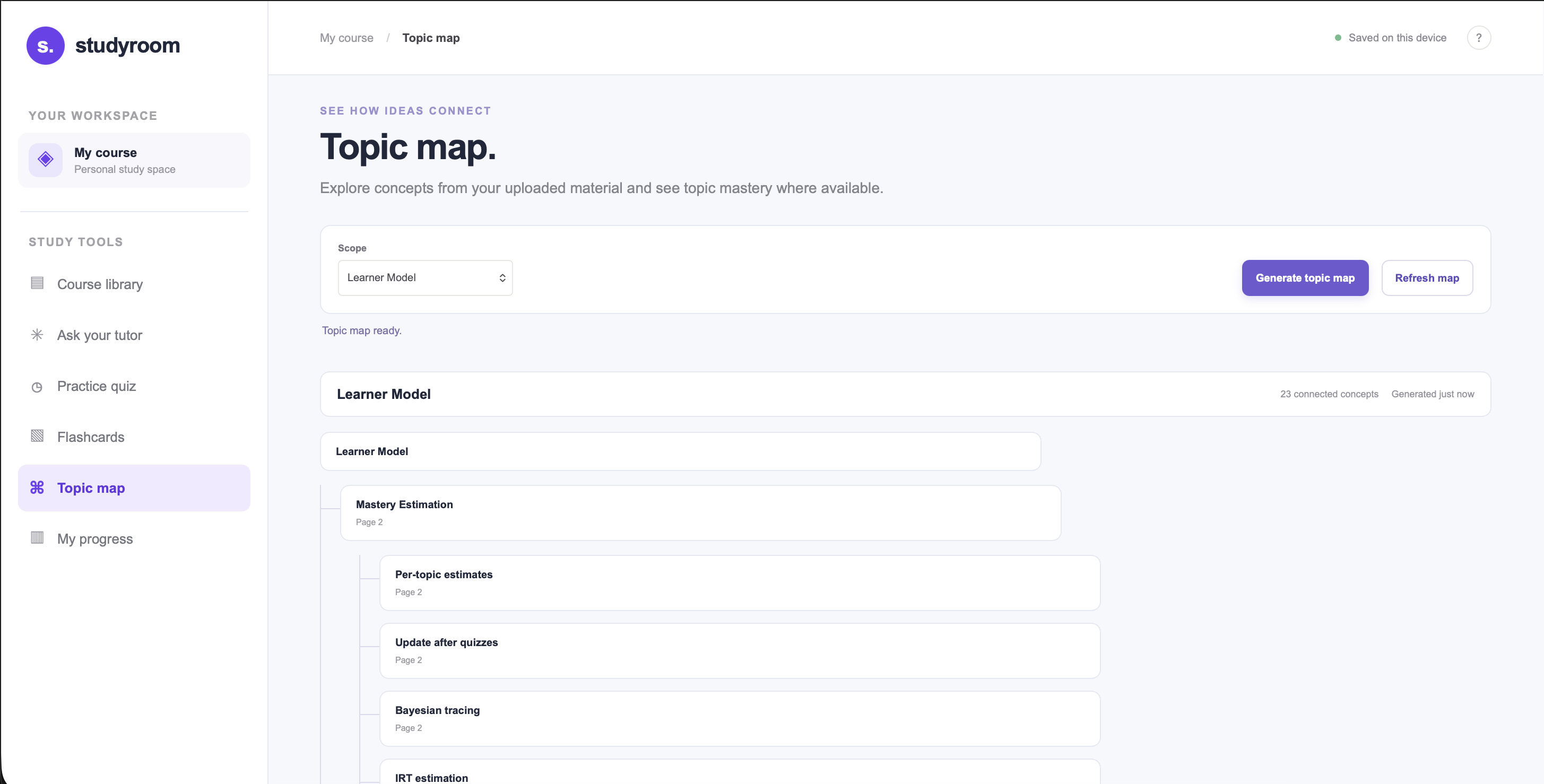
Mind Map Generator
-
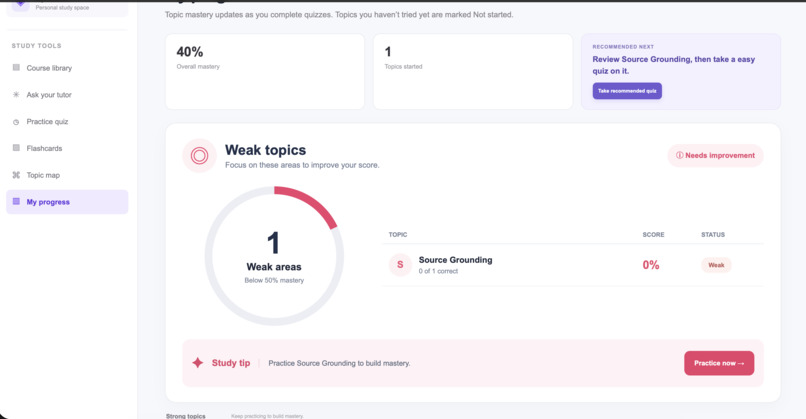
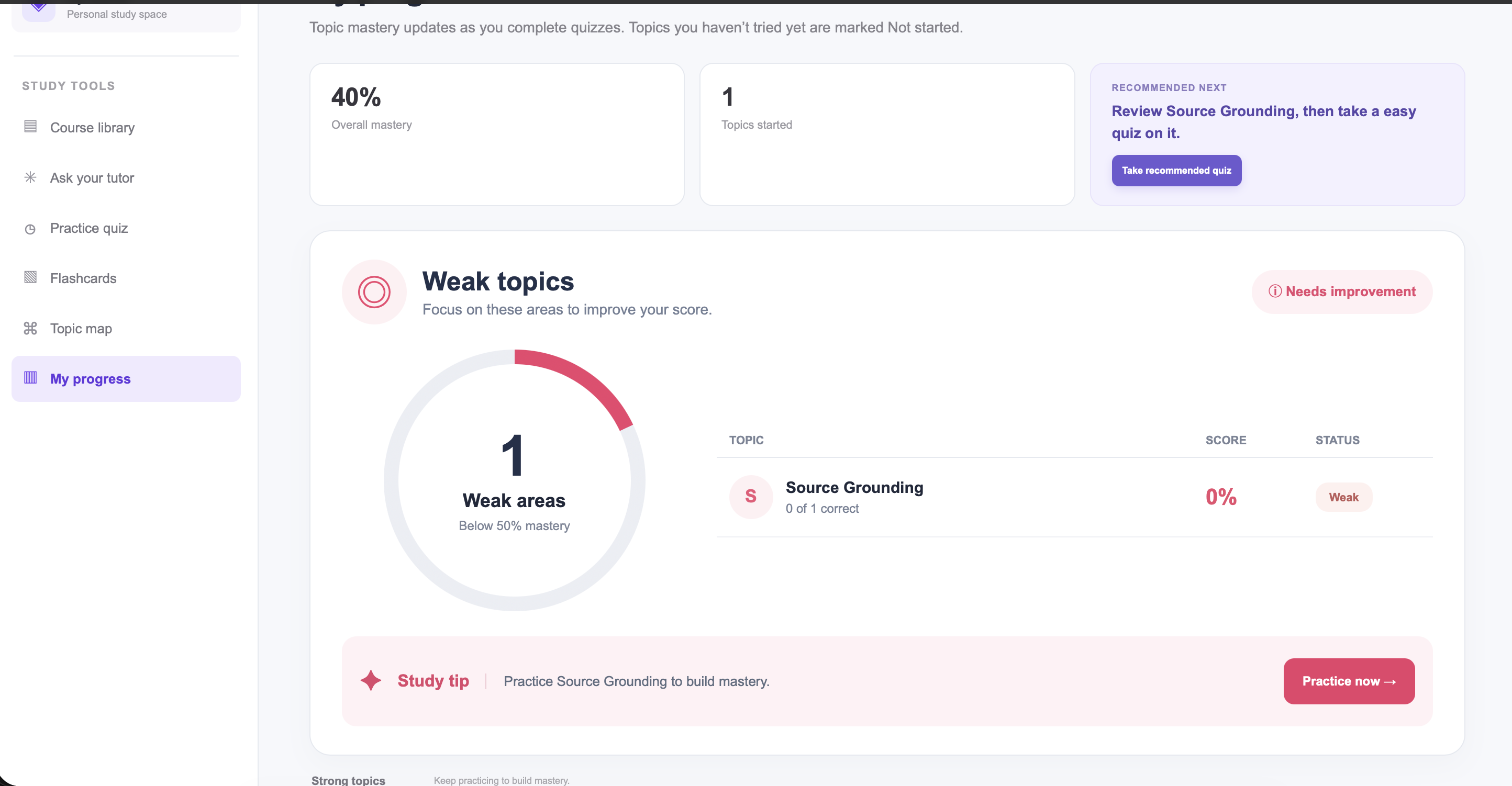
Progress Tracker
-
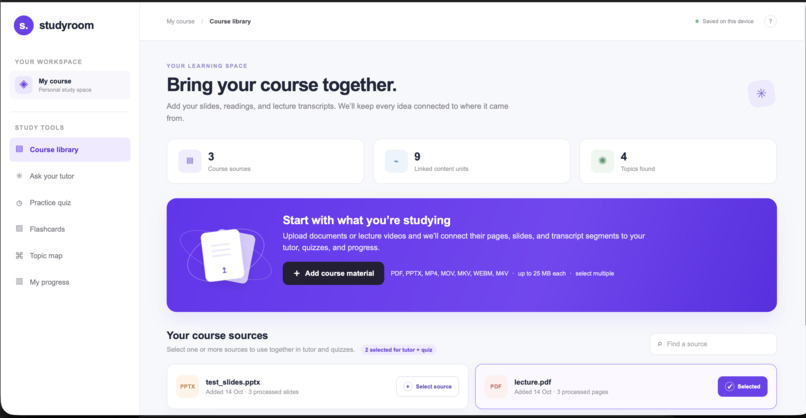
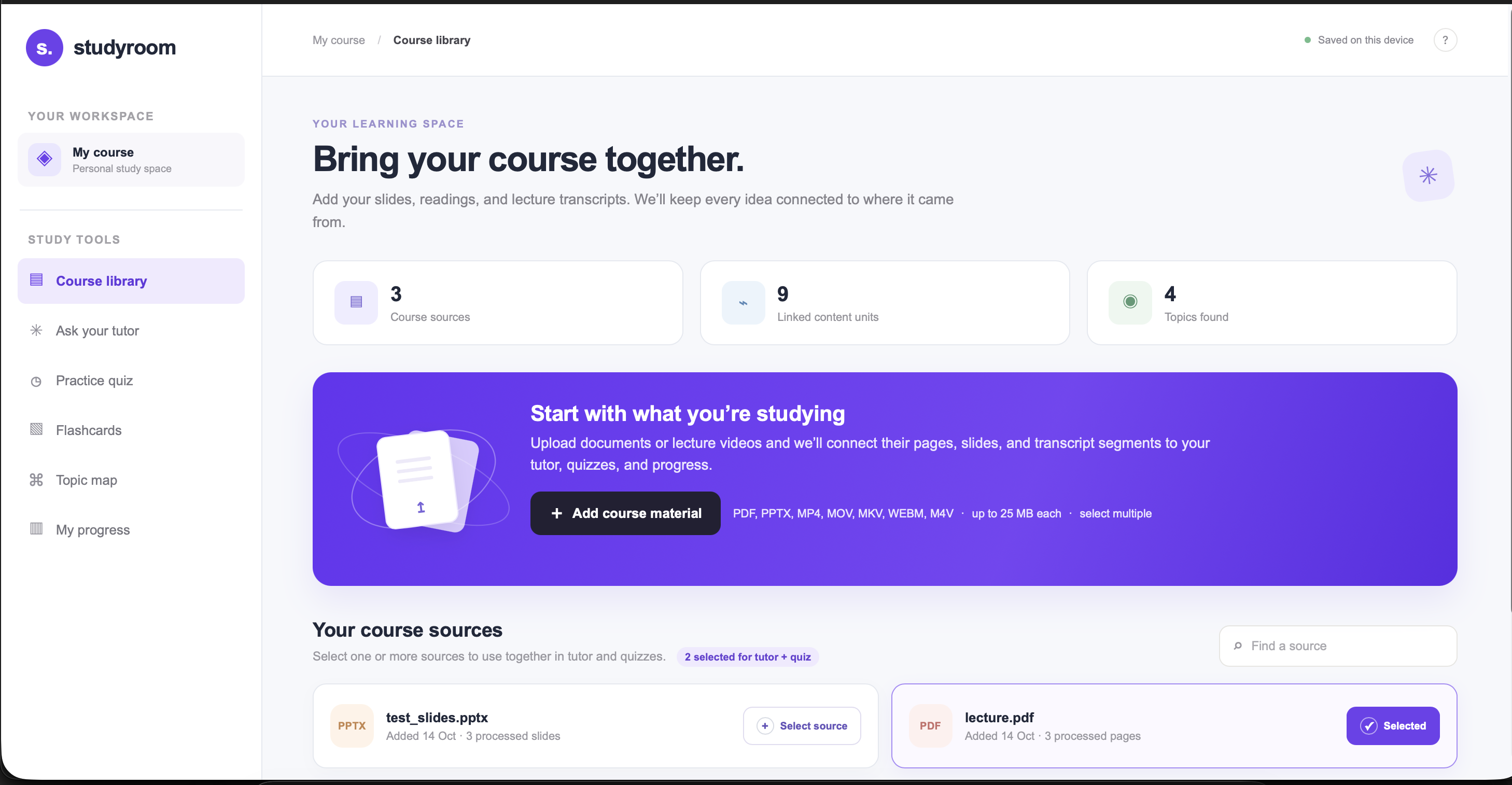
Home Page
-
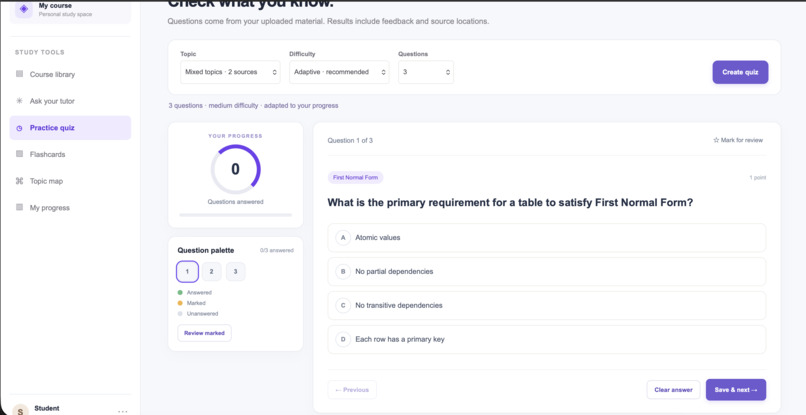
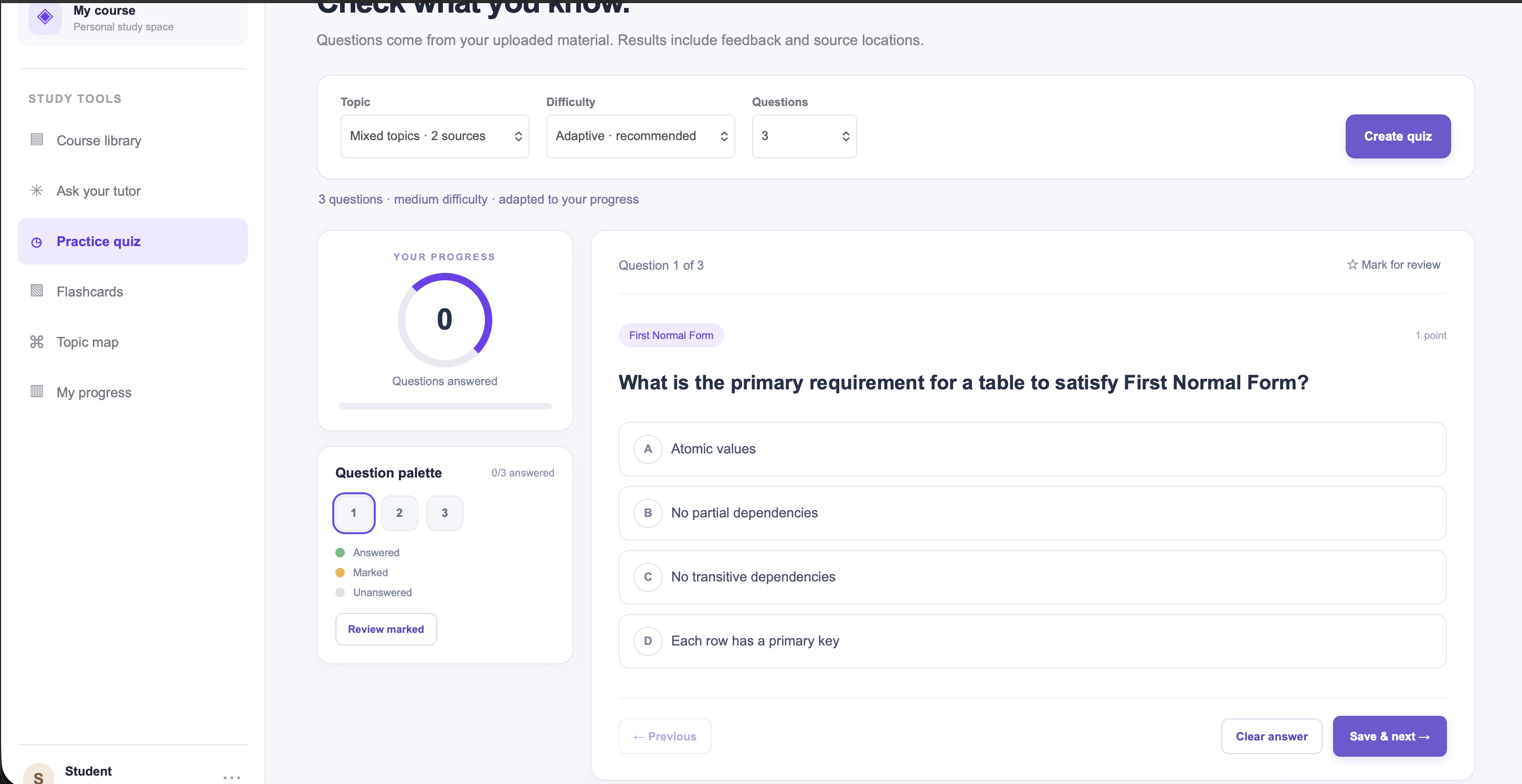
Quiz Generator
Inspiration
Studying usually means jumping between slides, PDFs, and lecture videos, then losing time just finding the right explanation or deciding what to review next. We wanted to bring all of that into one place where a student can ask a question, get an answer grounded in their own course material, and then practise it straight away.
What it does
STUDY ROOM is an AI study companion built around your own course materials. Students upload their materials and choose which sources to study from. From there they can:
- Ask the tutor questions and get answers drawn from the selected sources, with a pointer back to where each answer came from
- Take quizzes and review flashcards generated from the material
- Explore a topic map to see how concepts connect
- Track progress to see what to study next
- Study across sources, selecting several documents at once for tutor questions and quizzes
- Upload lecture videos, which are transcribed so they can be studied like any other source
How we built it
| Layer | What we used |
|---|---|
| Frontend | HTML, CSS, JavaScript |
| Backend | Python, FastAPI |
| Database | PostgreSQL with pgvector for storing embeddings |
| AI | Embedding model for retrieval, plus an LLM for answers and study content |
| Video | FFmpeg-based transcription workflow |
The tutor uses retrieval-augmented generation (RAG). Uploaded material is split into chunks and embedded. When a student asks a question, we embed the question and retrieve the chunks that are closest in meaning, using cosine similarity:
$$ \text{sim}(q, d) = \frac{q \cdot d}{\lVert q \rVert \, \lVert d \rVert} $$
The top chunks are passed to the language model with instructions to answer from the provided material, and each answer links back to its source. The same retrieval step feeds quizzes, flashcards, and topic maps.
Challenges we ran into
- Frontend and backend coordination. Keeping the two sides in sync took constant communication, especially once we added the ability to use multiple course sources at once.
- Environment setup. Getting API credentials and FFmpeg working on each teammate's computer took more time than we expected.
- Debugging. Many bugs only showed up in the server logs, so we spent a lot of time tracing errors back to their cause.
Accomplishments that we're proud of
- A single app where students can move between their library, tutor, quizzes, flashcards, topic maps, and progress tools
- Multi-source studying, so tutor questions and quizzes can draw on several documents at once
- An AI tutor that answers from the student's own materials and points back to its sources
- A working pipeline that turns lecture videos into studyable text
What we learned
- How to connect a frontend to APIs and a database, and how retrieval helps an AI tutor stay grounded in course materials
- That building as a team means agreeing on how the parts of the app communicate, and re-checking that they still work together as features change
What's next for STUDY ROOM (Tutoring AI)
- [ ] Test video uploads more thoroughly
- [ ] Try the app with more types and amounts of course material
- [ ] Improve how clearly the tutor explains and cites its answers
- [ ] Gather feedback from real students to decide what to build next
Built With
- css3
- fastapi
- html5
- javascript
- pgvector
- psycopg
- pydantic
- pymupdf
- supabase
- uvicorn


Log in or sign up for Devpost to join the conversation.