Inspiration
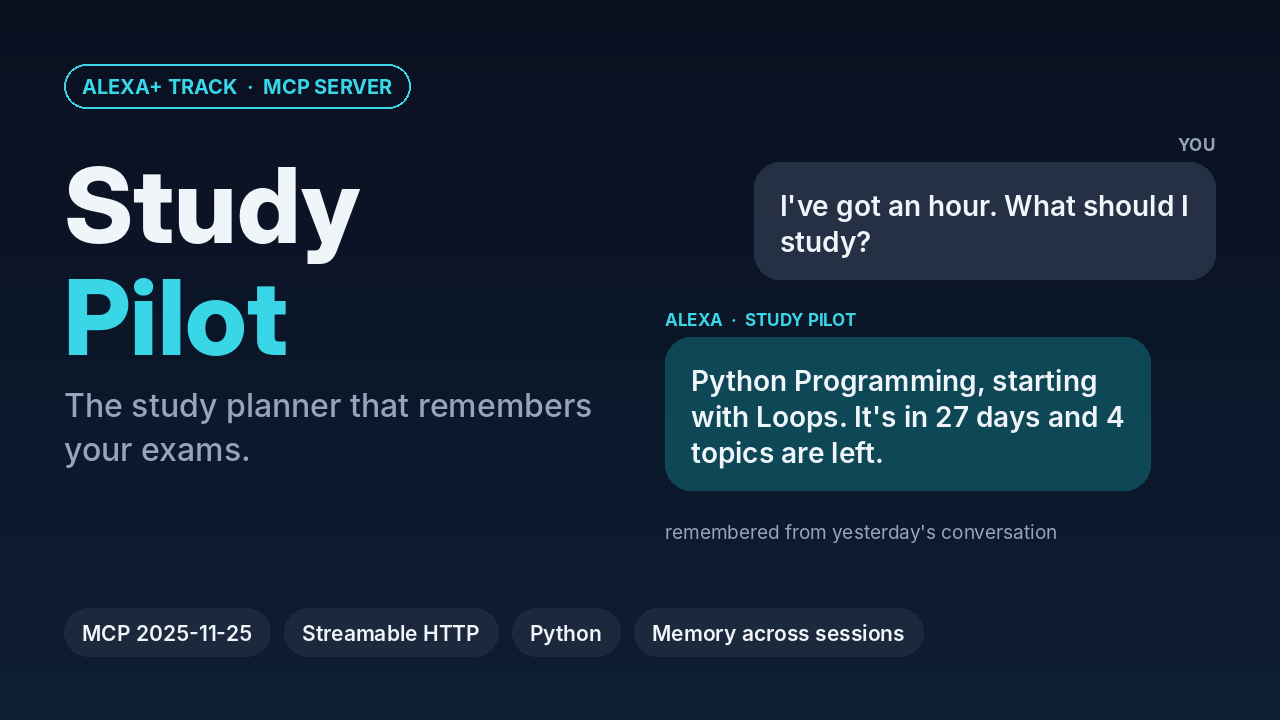
I'm a first-year engineering student with final exams coming up. Every evening I lose time deciding what to study, and every study app wants me to open it and type. I wanted to just ask out loud: "I've got an hour — what should I study?" and get a real answer based on my actual exams and what I've already covered.
What it does
Study Pilot is a self-hosted MCP server for the Alexa+ track. You tell Alexa about your exams once, and it remembers them across conversations:
- add_exam — "My Calculus exam is on 16 November: limits, derivatives, integration, series."
- log_study_session — "I did 45 minutes of Calculus and finished limits."
- what_should_i_study — "I've got an hour, what should I study?" → picks the most urgent subject and the next topic.
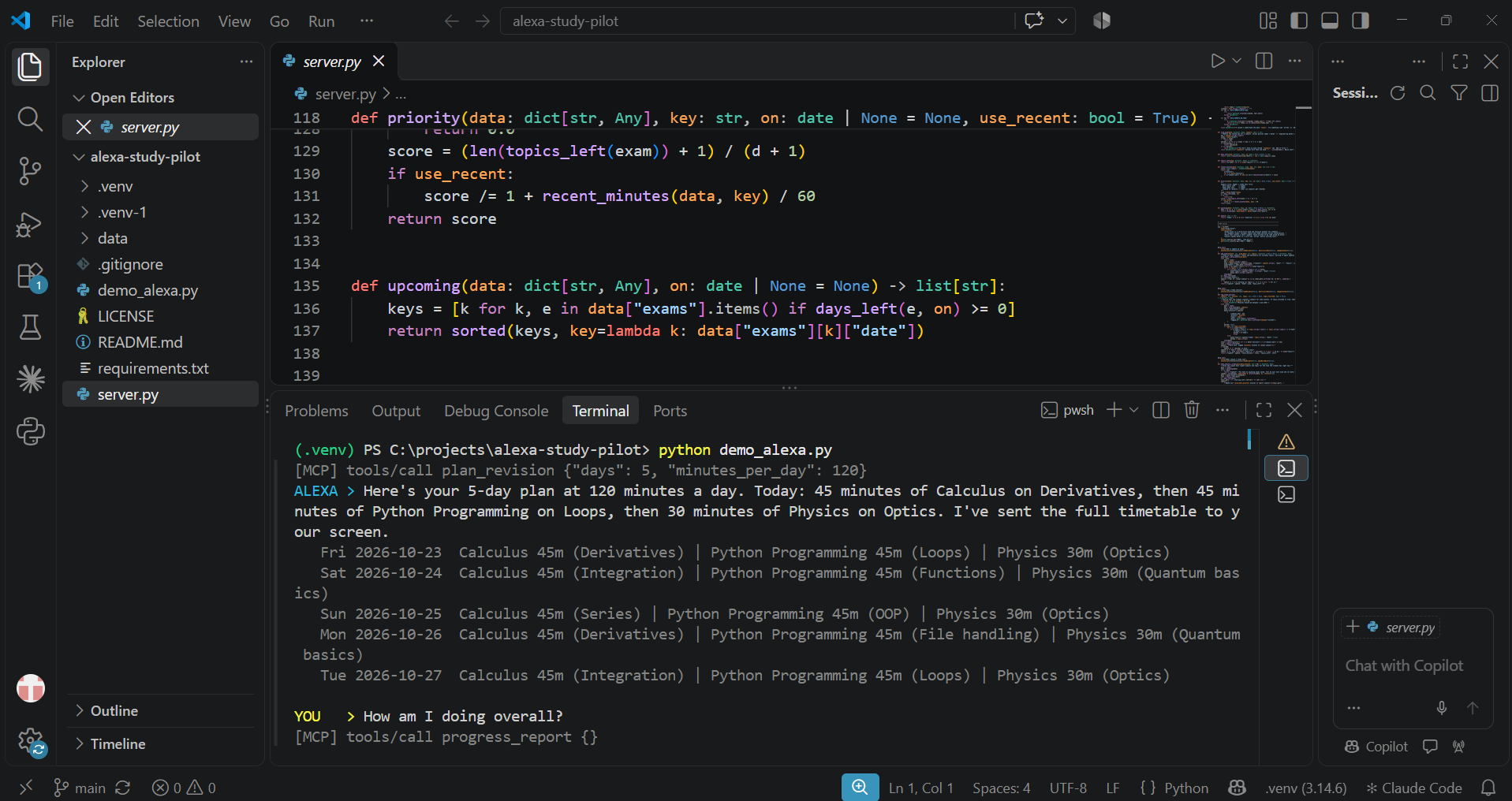
- plan_revision — "Plan the next 5 days, 2 hours a day." → a day-by-day timetable in 15-minute blocks; the day before an exam is reserved for that subject.
- progress_report — "How am I doing?" → days left, topics done, minutes studied.
- remove_exam — clean up after an exam.
Every tool returns structured output plus a short speech field written to be read aloud, so the answer works on a speaker and the full timetable can go to a screen.
How I built it
- Python with the official MCP Python SDK (pinned to 1.30.0) and FastMCP.
- MCP spec 2025-11-25 over Streamable HTTP at
/mcp, plus a/healthroute. - Six tools with tool annotations (
readOnlyHint,destructiveHint,idempotentHint) so an agent knows which calls are safe;remove_examis the only destructive one. - A resource (
studypilot://exams) and a prompt (daily_checkin). - State is stored in a small JSON file with atomic writes and a lock, so memory survives new sessions and server restarts.
- The ranking is simple and explainable:
urgency = (topics left + 1) / (days left + 1) / (1 + minutes studied in the last 3 days / 60). Subjects you just studied drop down, so they rotate. - Because Alexa+ device access for MCP integrations is in preview,
demo_alexa.pyplays the Alexa+ orchestrator with scripted turns using the official MCP client. The server is real: it negotiates protocol 2025-11-25, and the second conversation opens a brand-new MCP session to prove the memory carries over. - I used AI coding assistance (Claude) while building.
Challenges I ran into
The current MCP Python SDK (2.x) removed mcp.server.fastmcp and defaults to a newer protocol version than the one this hackathon requires, so the quickstart code I found didn't run. I pinned SDK 1.30.0, whose latest protocol is exactly 2025-11-25. Writing replies that sound natural when spoken (short, no lists, "in 3 days" instead of dates) took more iteration than the logic did.
Accomplishments that I'm proud of
State that genuinely persists across separate MCP sessions, a recommendation you can explain in one sentence, and voice-first responses with a structured version for screens.
What I learned
How MCP separates tools, resources and prompts; how Streamable HTTP sessions work; and that designing for voice means designing the answer, not the interface.
What's next
Multi-user support with Alexa account linking, a calendar export of the revision plan, spaced-repetition reminders, and an MCP Apps card that shows the timetable on Echo Show and Fire TV.

Log in or sign up for Devpost to join the conversation.