-
-
Study Pilot
Inspiration
Studying often means switching between notes, timers, flashcards, and to-do lists. We wanted to create one simple workspace that helps students stay focused and turn passive reading into active learning—without depending on external APIs or an internet connection.
What it does
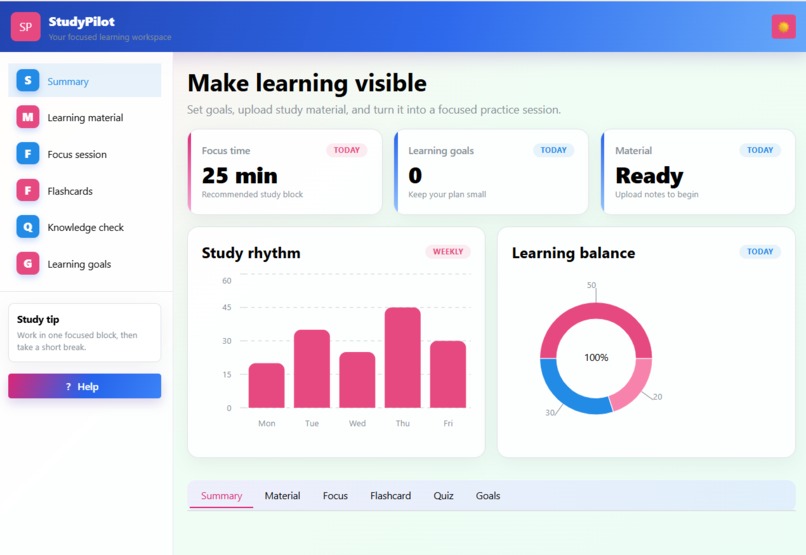
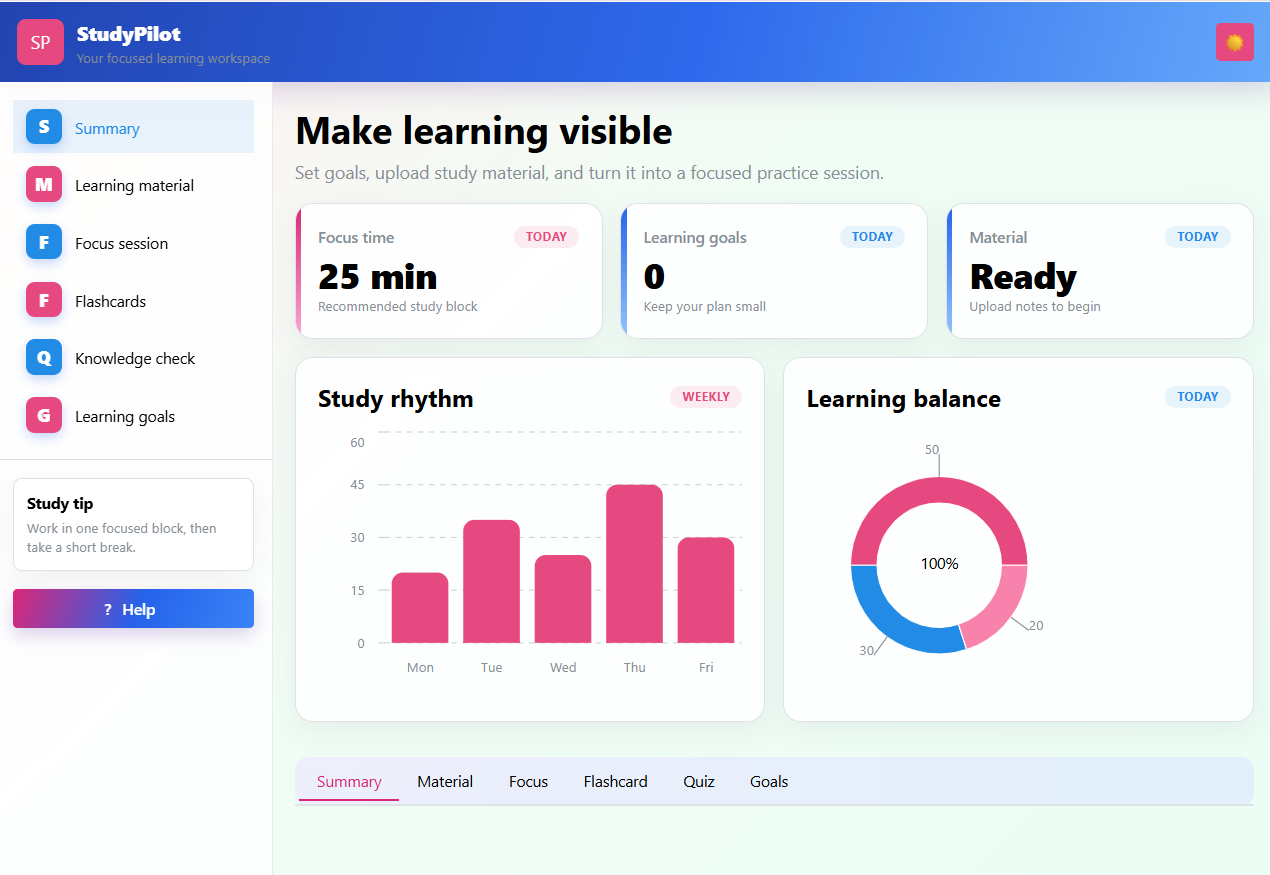
StudyPilot lets users upload PDF, DOCX, or TXT study materials, extract and preview their content, and receive a short summary. Users can ask questions about the material, generate flashcards and quizzes, set learning goals, and use a 25-minute focus timer. The dashboard also visualizes study habits and supports light and dark mode.
How we built it
We built StudyPilot with Python, Dash, and Dash Mantine Components. Document processing happens locally, and the app uses local text matching to answer questions based on uploaded material. We focused on a clean, responsive dashboard experience with interactive learning tools.
Challenges we ran into
One challenge was supporting multiple document formats while keeping processing reliable and local. We also had to connect the different learning features—summaries, questions, quizzes, flashcards, goals, and the timer—into one clear and easy-to-use interface.
Accomplishments that we're proud of
We are proud that StudyPilot brings several essential study tools into one privacy-friendly application. It works without an API key or internet connection, while still helping students review material actively instead of only reading it.
What we learned
We learned how to build an interactive dashboard with Dash, manage uploaded files, extract text from different document types, and design a user interface that keeps learning features organized and accessible.
What's next for Study Pilot
Next, we would like to improve the quality of generated questions, add progress tracking over time, support more file formats, allow users to save study sessions, and introduce personalized recommendations based on learning goals and quiz results.

Log in or sign up for Devpost to join the conversation.