-
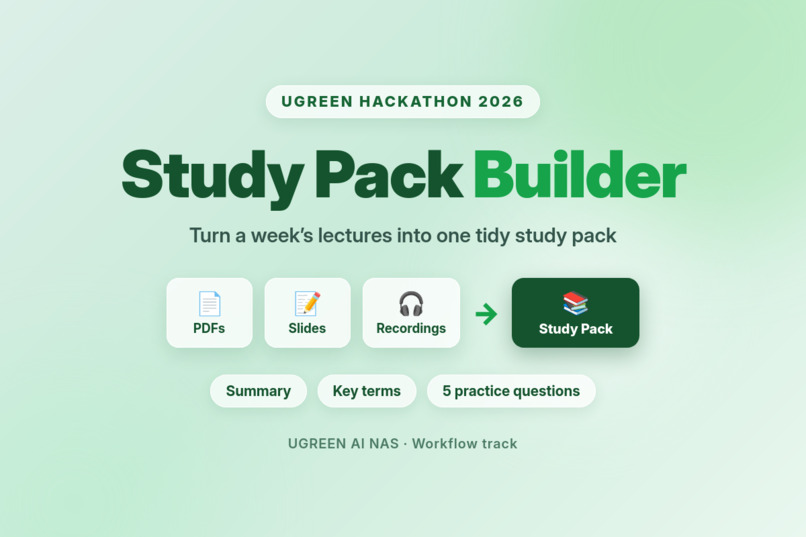
Study Pack Builder for Ugreen AI NAS
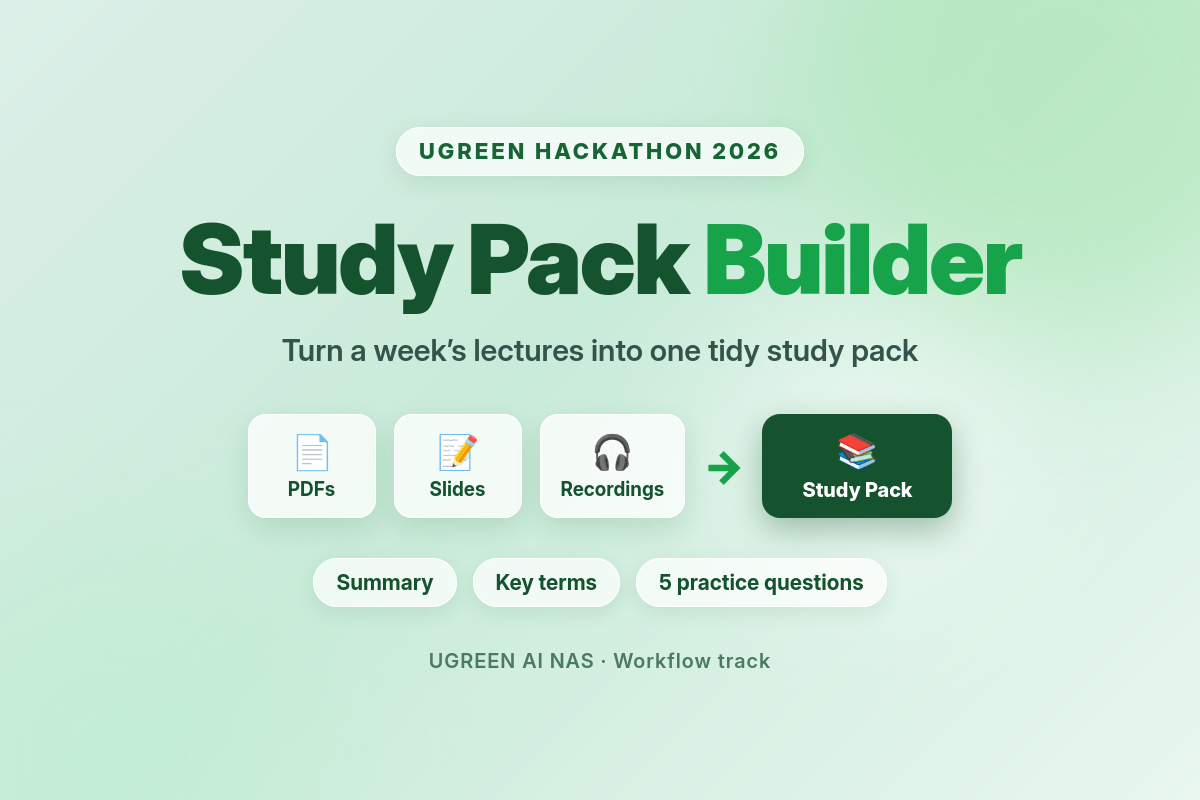
Inspiration
Every week, the same mess. Lecture PDFs pile up, slides sit in a folder, and class recordings run for hours — and by the time I've organised all of it, there's no time left to actually revise. I built Study Pack Builder because I was tired of spending more time organising my lectures than studying them. I wanted one command that turns a week's materials into one tidy revision pack, so I can revise instead of reorganise.
The UGREEN AI NAS made it possible to do this properly: the skill runs on my own files, on my own device, privately — nothing leaves the NAS.
What it does
Point Study Pack Builder at a week or course folder and it builds one study pack: a summary of the week's material, key terms with short definitions, and five practice questions covering the key concepts.
It works in four steps:
- Find — it lists the lecture PDFs, slides and class recordings in the folder.
- Understand — it transcribes the recordings and reads the PDFs and slides, then reconciles them. Where a document and a transcript disagree, it keeps both and notes the difference.
- Build — it writes the pack from the reconciled concepts, using only what actually appears in the materials.
- Save — after you confirm, it creates a folder named "Study Pack + week name" and saves the pack there, then reports what was included, which files it used, and what was missing.
It is careful by design: it asks before creating or overwriting anything, it stops (and creates nothing) if the folder is empty, and if a recording is poor or missing it flags the gap as missing instead of inventing what was said.
How I built it
I wrote the skill as a single SKILL.md for UGOS, using the official UGOS Skill Creation Tool. The skill is built as an orchestration: it delegates each step to the right capability — a file agent to find the materials, a knowledge agent to transcribe the recordings, and a document agent to read the PDFs and write the pack. Each step only uses the real result of the step before it, so nothing is ever invented.
I validated it two ways. First, the official checker (uliya-skill-kit): the skill passes with 0 errors and 0 warnings. Second — and more important — I tested it with real materials: two lecture PDFs (supervised learning and neural networks) and a real 2-minute-48-second class recording. I ran three tests: a full week folder (both lectures, one pack, five questions, nothing invented), an empty folder (it stopped and created nothing), and a missing recording (it flagged the recording as missing and built the pack from the PDFs only). All three passed.
Challenges I ran into
The first draft failed the official checker with 6 errors and 1 warning. It wasn't written to the official format, so I rewrote it from scratch to the UGOS format — that version passed clean.
The harder challenge was honesty. A study pack is only useful if you can trust it, so the skill had to be built around "never invent": if the audio is poor, flag the gap; if the folder is empty, stop; if a concept isn't in the materials, don't use it. Getting those failure paths right took more care than the happy path.
And the static checker only proves the format is correct — it doesn't prove the skill actually works. So I had to build my own functional tests with real lecture materials to prove the behaviour, because the real NAS test environment is only available to finalists.
Accomplishments that I'm proud of
The skill passes the official checker clean, and all three functional tests passed: the pack it built covers both lectures with five questions and nothing invented, it stops cleanly on an empty folder, and it flags a missing recording instead of inventing it.
What I learned
I learned how UGOS skills are structured — the frontmatter, the orchestration, and how delegation works between the file, document and knowledge capabilities. I learned that a skill's safety rules (ask before creating, stop on empty, never invent) are as important as its main flow. And I learned that passing a format check is not the same as working correctly: you have to test the actual behaviour with real inputs.
What's next
If the skill advances to the finals, I'll test it in the official NAS environment with real student folders, and build the Round 2 demo video showing it running on the NAS.
Built With
- ai
- automation
- creation
- document
- file
- management
- markdown
- nas
- processing
- skill
- speech-to-text
- tool
- ugos
- ugreen
- uliya
- workflow
