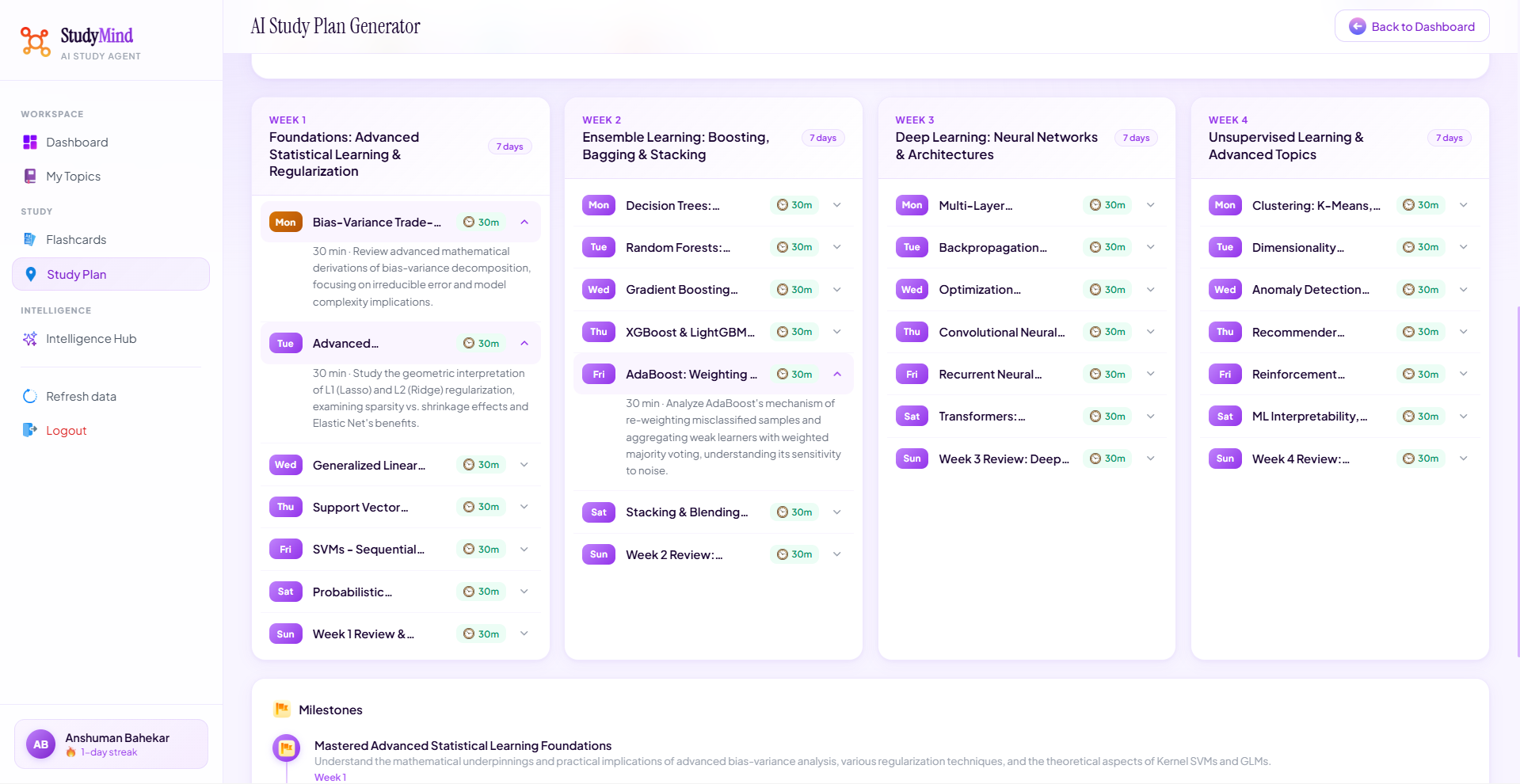
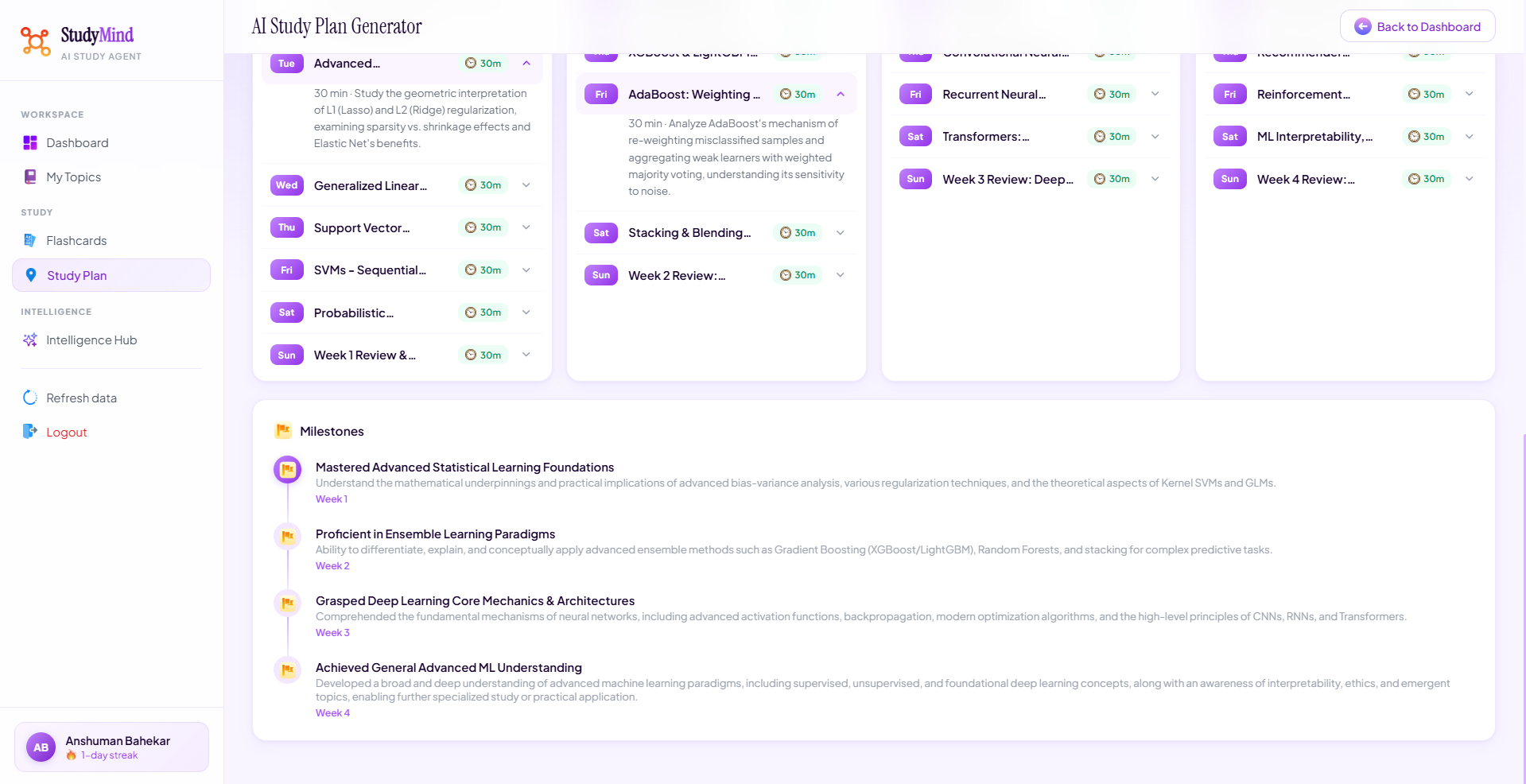
StudyMind
An AI study agent that teaches concepts first, then helps you practice — intelligently.
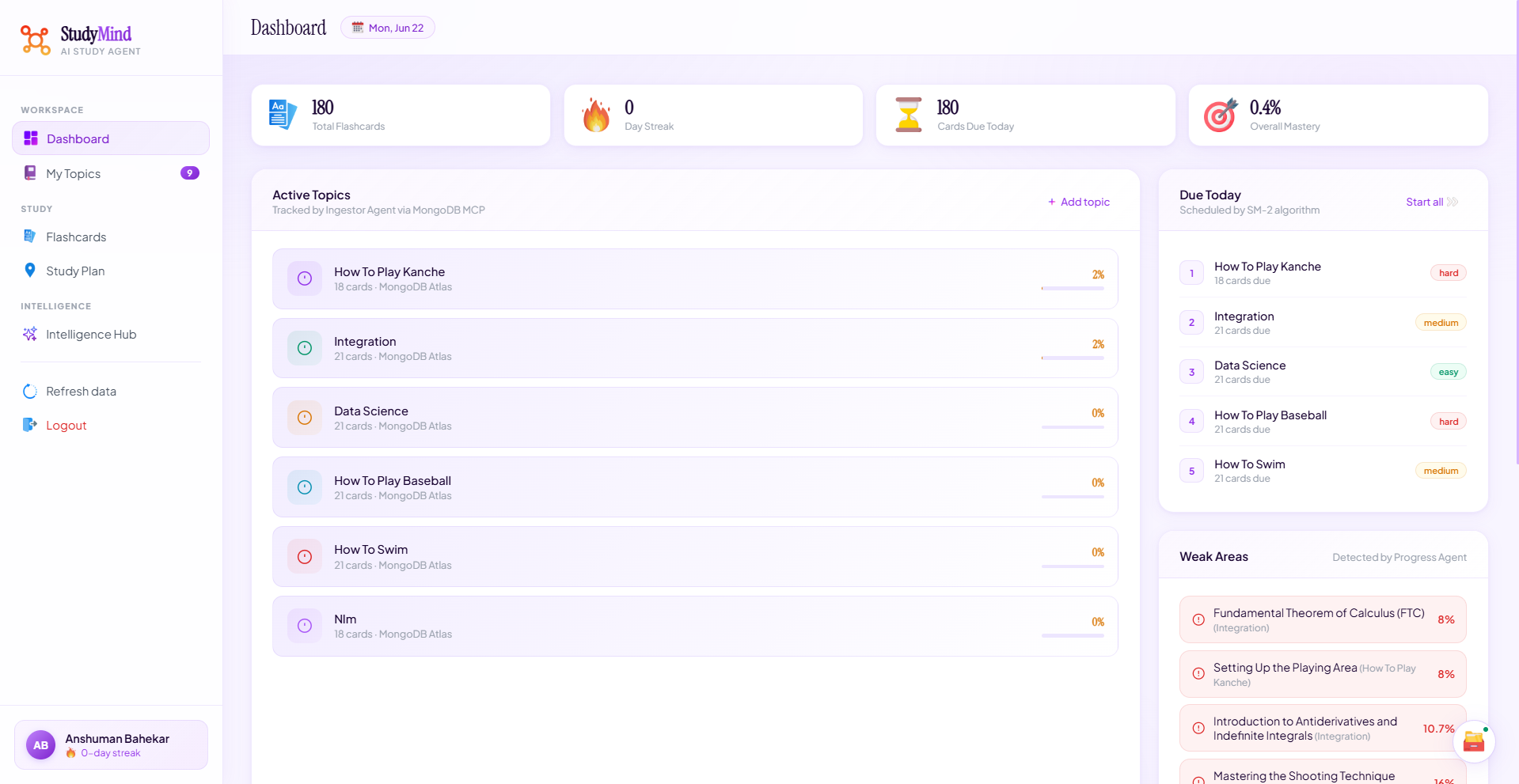
Give StudyMind any topic. It breaks it into a structured learning path, teaches each concept in your preferred style, creates flashcards, and uses the SM-2 spaced repetition algorithm to schedule exactly when you should review each card. Every action — learning, answering, reviewing — is stored in MongoDB Atlas and feeds a live progress dashboard that surfaces your weak areas and recommends what to study next.
🔗 Live App: https://anshumanbahekar.github.io/studymind-agent
🏆 Built for: Building Agents for Real-World Challenges Hackathon — MongoDB Partner Track
What it does
Most study tools hand you flashcards and call it a day. StudyMind works differently: learn first, practice second.
When you type "I want to learn Newton's Laws", the agent doesn't immediately drop flashcards on you. It teaches you — in whatever mode you choose. Then it builds flashcards behind the scenes and schedules them using a spaced repetition algorithm proven by decades of cognitive science. As you answer cards over time, the system builds a picture of exactly what you know and don't know, and your next session is prioritized accordingly.
Core features
Three teaching modes
Every topic can be learned three ways — choose based on how your brain works right now.
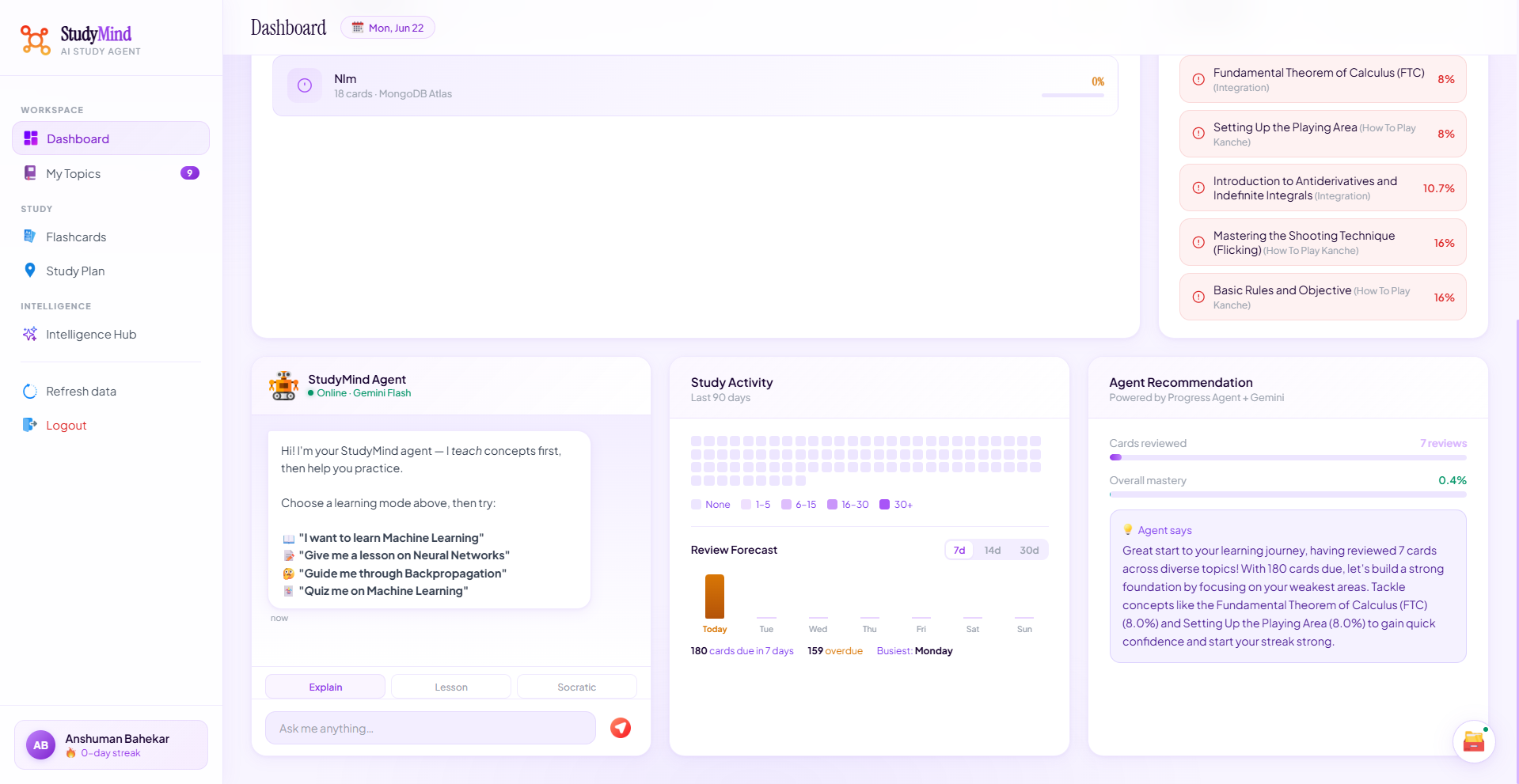
- Explain — the brilliant friend. Gives you the core idea, one vivid analogy, a concrete example, and the single most important thing to remember. Under 250 words, no textbook voice.
- Lesson — step-by-step. Connects to what you already know, walks through the mechanism, shows a real example, and explicitly calls out the most common misconception.
- Socratic — guided discovery. Asks you questions that lead you to figure out the concept yourself. You feel like you understood it on your own — because you did.
AI Ingestor Agent
Type any topic and the Ingestor calls Gemini to decompose it into 5–8 ordered concepts, from foundational to advanced. Each concept gets 3 flashcards — a recall question, a fill-in-the-blank, and a multiple choice — all stored directly in MongoDB Atlas with full metadata.
SM-2 Spaced Repetition
Every time you answer a flashcard, the Tutor Agent runs the SM-2 algorithm: it updates the card's ease factor, calculates the next review interval, and writes the new next_review_at timestamp to MongoDB. Cards you know well get pushed weeks into the future. Cards you struggle with come back tomorrow. The result is that you spend almost zero time reviewing things you already know.
AI Answer Evaluation
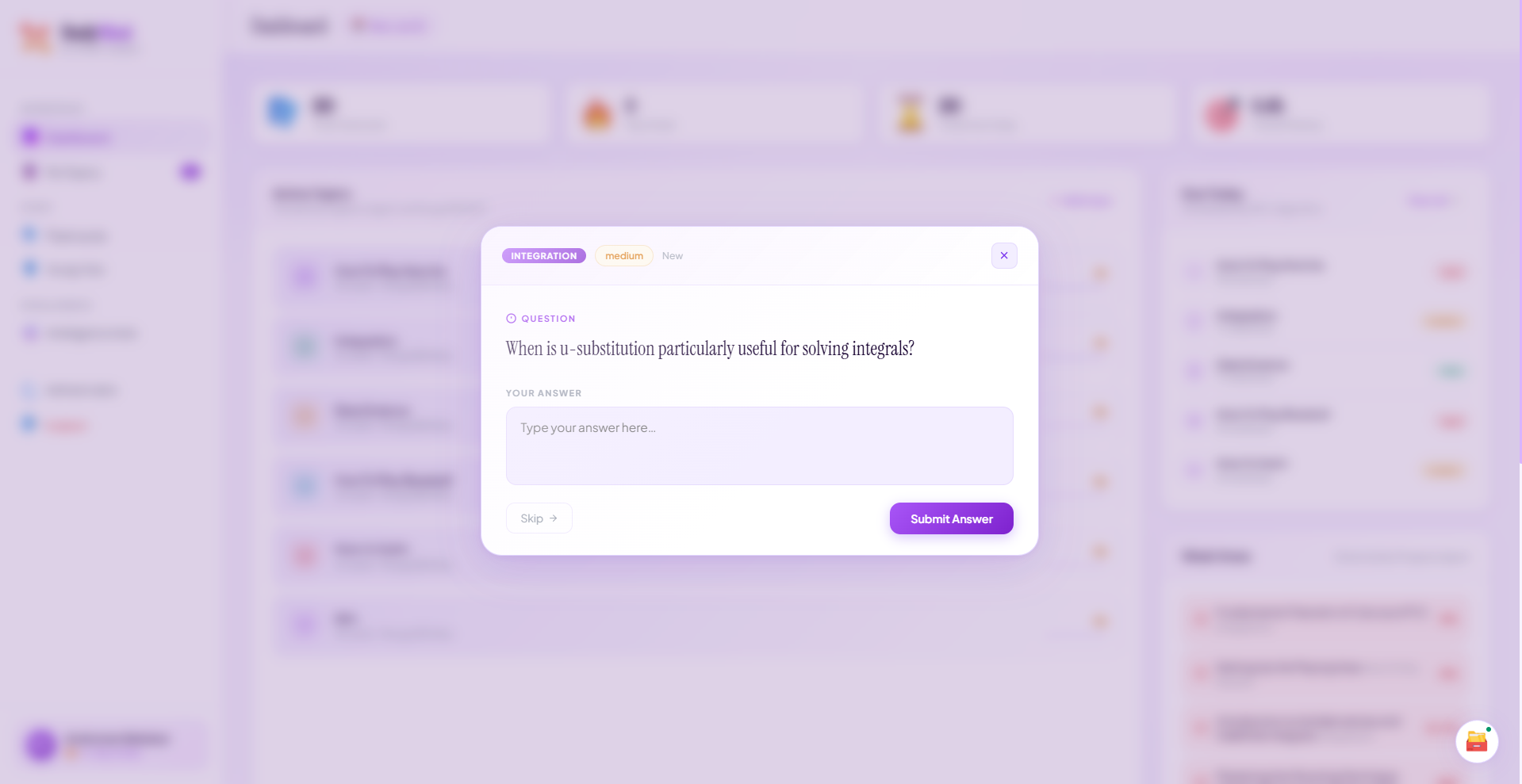
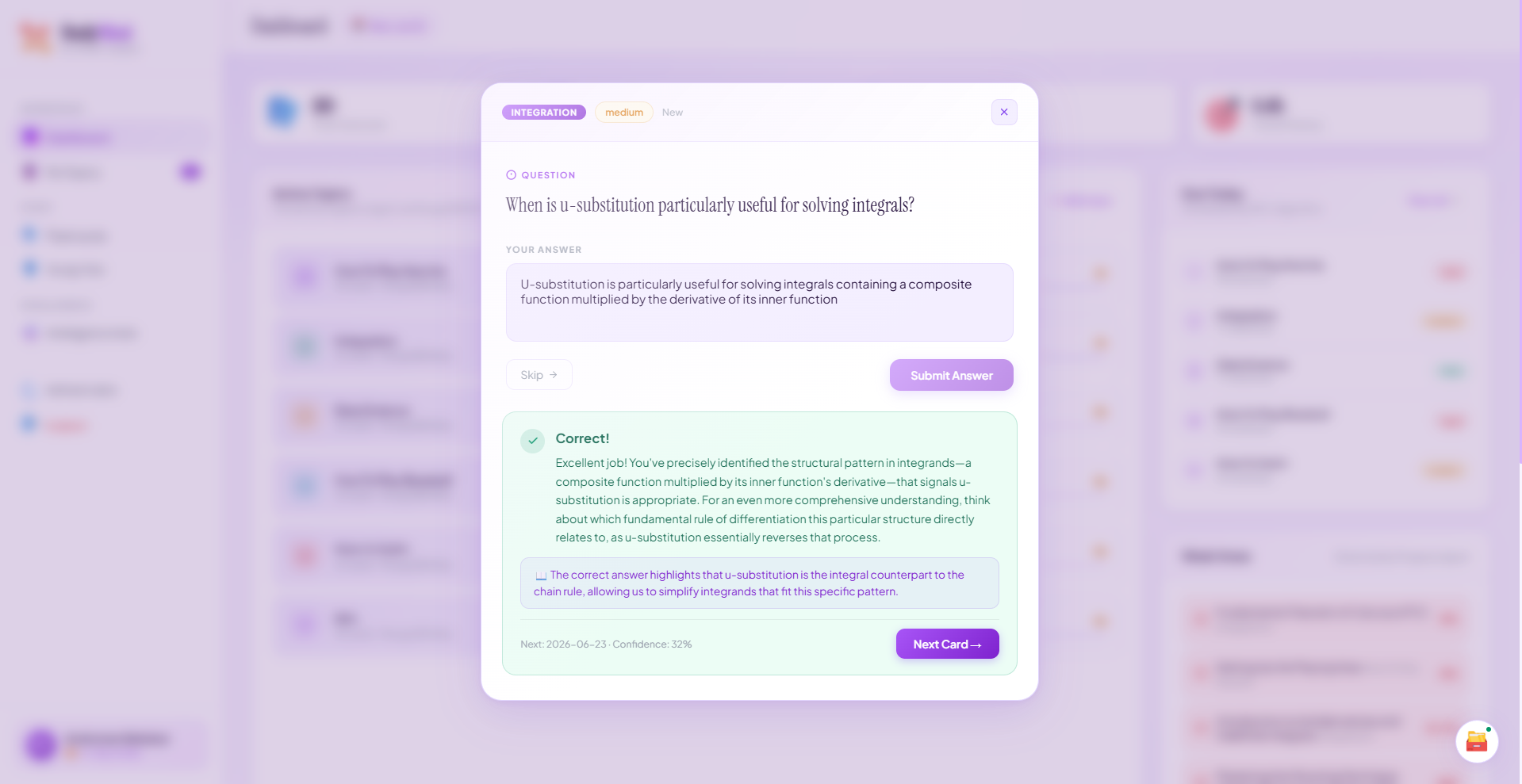
You don't just mark answers right or wrong yourself. You type a free-text response, and Gemini evaluates it: rates it on a 0–5 quality scale, decides if it's correct, writes one sentence of specific feedback, and gives a hint if the answer was wrong. The evaluation is cached in MongoDB — if the same card gets the same answer again, the response is instant.
Progress Agent
After every session, the Progress Agent runs MongoDB aggregation pipelines across your flashcards and sessions to compute: overall mastery percentage per topic, concepts with confidence below 60% (your weak areas), cards due today, and your current study streak. Gemini synthesises all of this into a 2–3 sentence personalised recommendation — specific, not generic.
Intelligence Hub
A separate page with three tools:
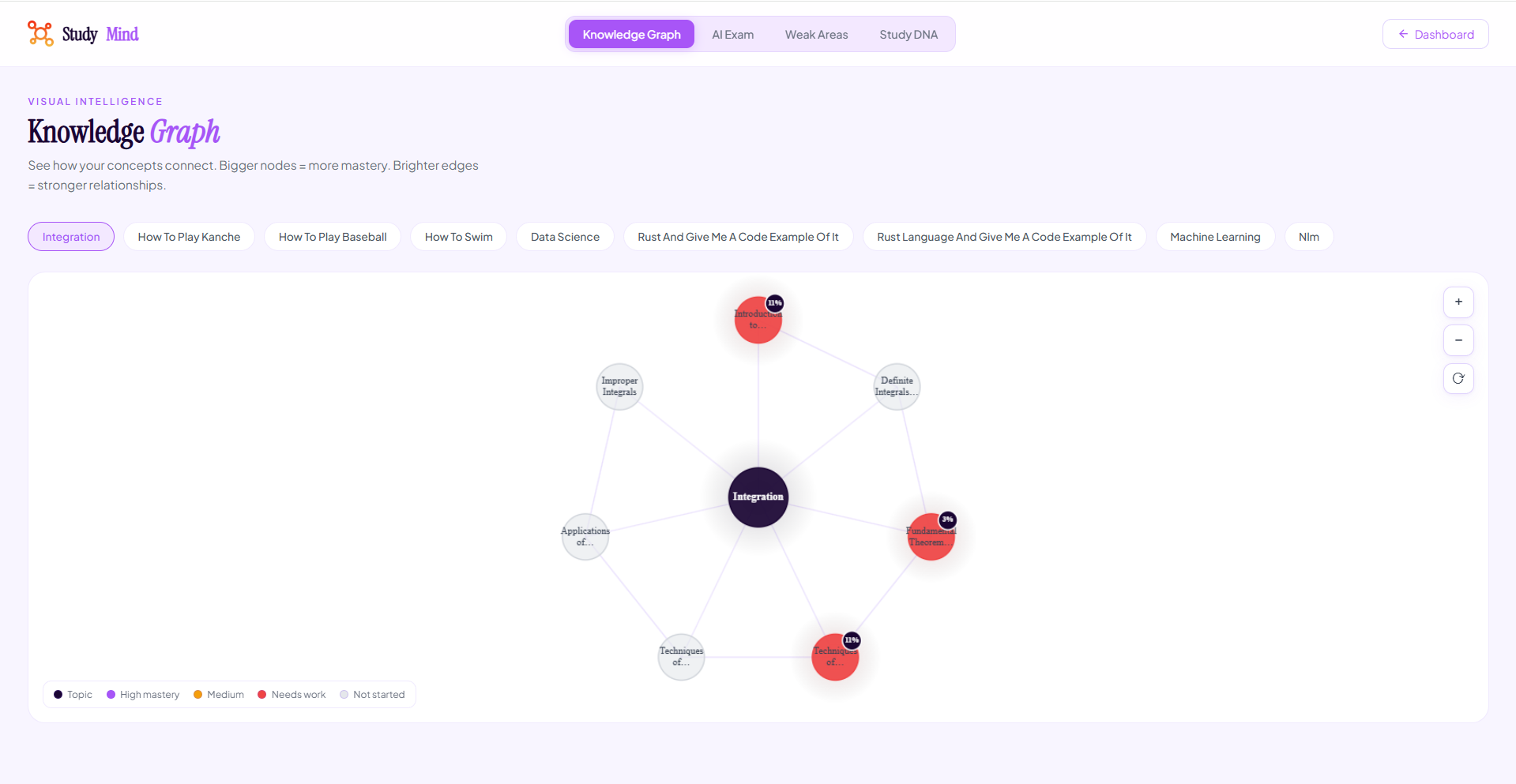
- Knowledge Graph — an interactive canvas showing your concepts as nodes, sized by mastery, color-coded by confidence level (purple = strong, amber = needs work, red = weak). Hover any node to see details.
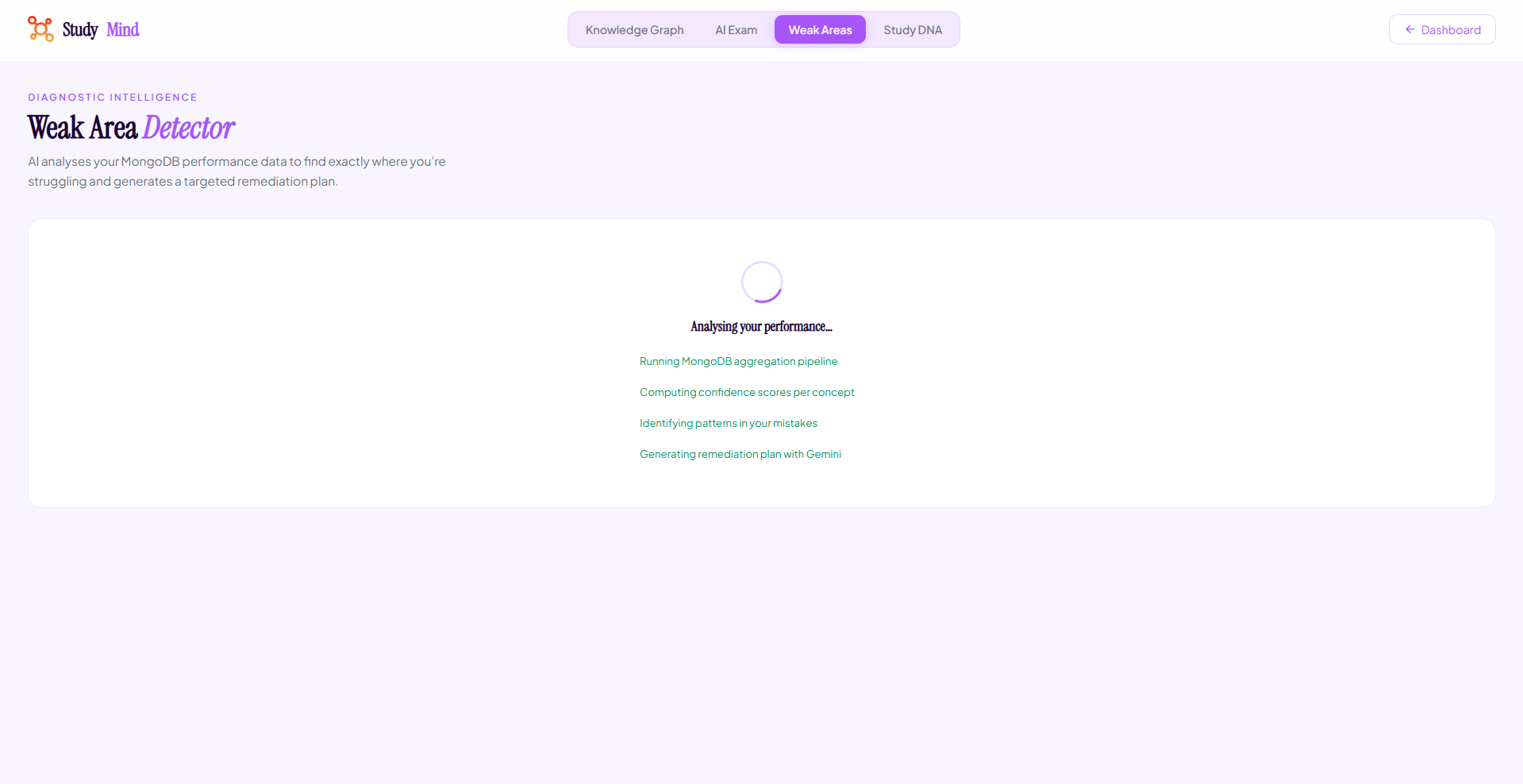
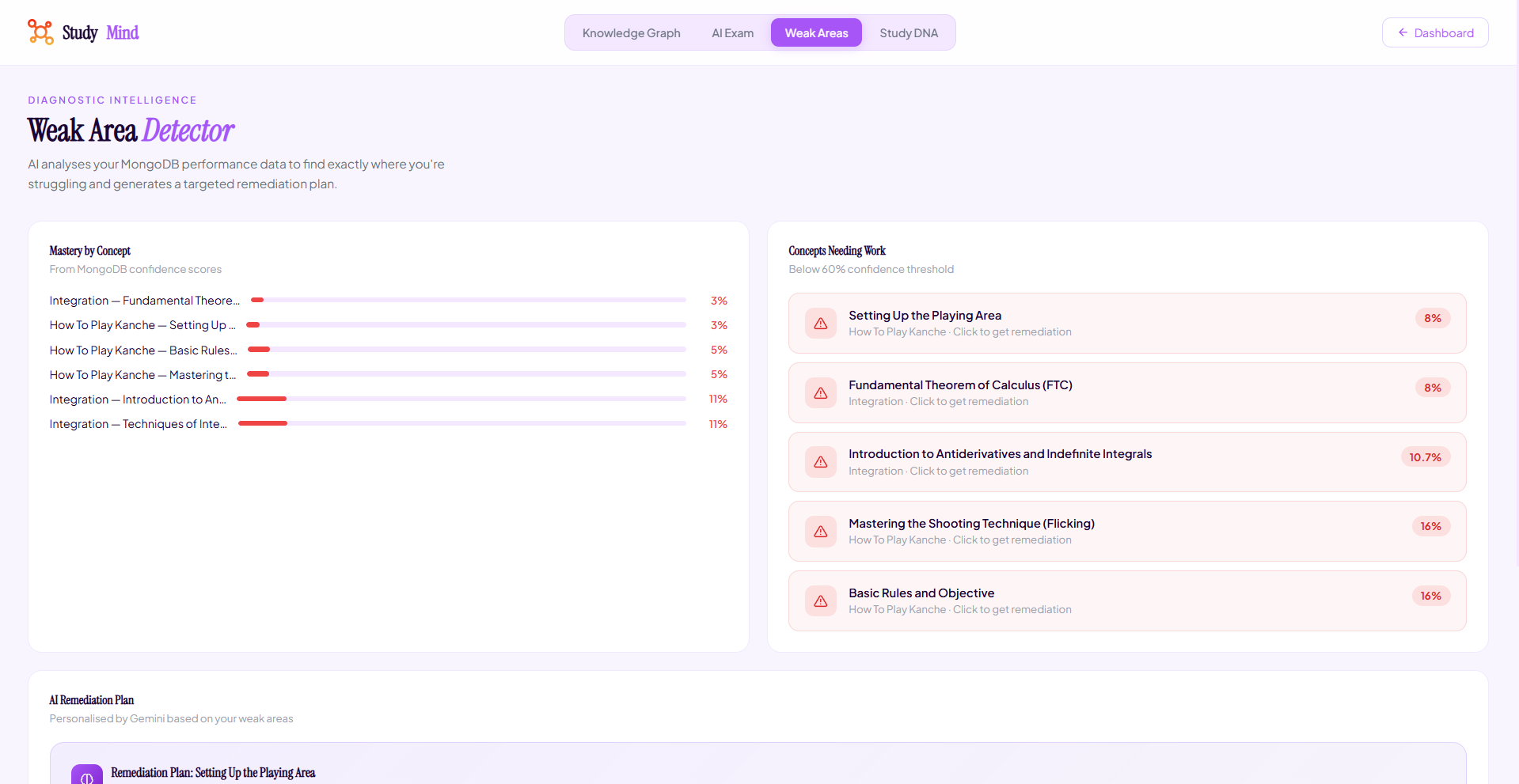
- Weak Area Detector — pulls your lowest-confidence concepts from MongoDB and generates a 3-step remediation plan for each one via Gemini.
- AI Exam Generator — pick a topic, difficulty, and question count, set a timer, take the exam, and get an instant score breakdown.
Cross-device accounts
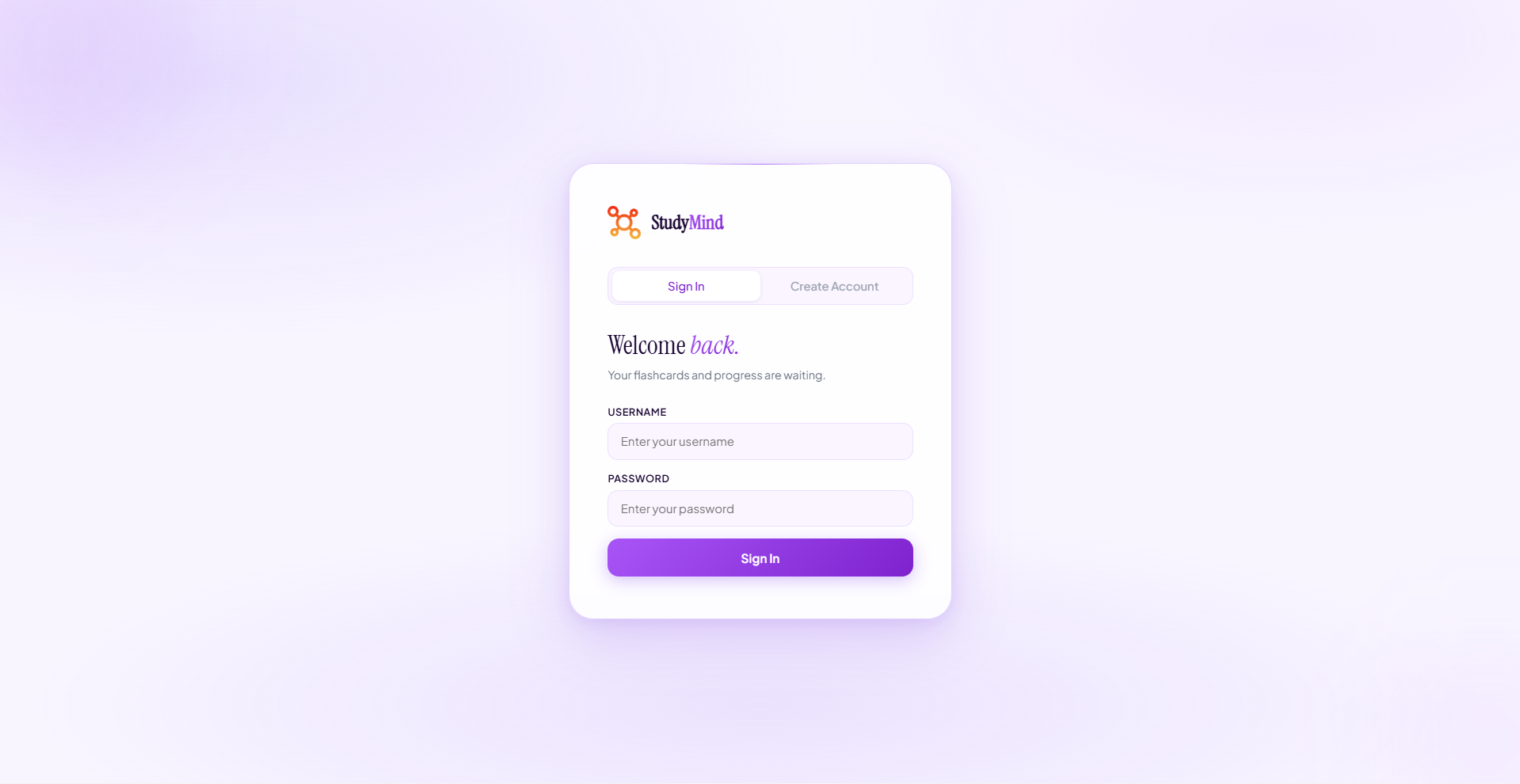
Username and password authentication with SHA-256 hashed passwords stored in MongoDB. Sessions are 30-day tokens also stored in Atlas. Log in on any device and your flashcards, progress, and streak are all there.
How the agent architecture works
User Message
     │
     ▼
Chat Orchestrator (main.py)
     │  Intent detection (learn / practice / progress / next concept)
     │
     ├─► Ingestor Agent ──────────────────────────────────────────────►  MongoDB
     │     Gemini: topic → concepts + flashcards JSON                    topics
     │     Writes: topics, concepts, flashcards collections              concepts
     │                                                                   flashcards
     ├─► Teacher Agent
     │     Gemini: concept + mode → teaching content
     │     Three prompt templates (explain / lesson / socratic)
     │
     ├─► Tutor Agent ─────────────────────────────────────────────────► MongoDB
     │     SM-2 algorithm: schedules next_review_at                      flashcards (updated)
     │     Gemini: evaluates free-text answers (0–5 quality)             eval_cache
     │     Caches evaluations in MongoDB
     │
     └─► Progress Agent ──────────────────────────────────────────────► MongoDB
           MongoDB aggregation pipelines: mastery, weak areas, streak    quiz_sessions
           Gemini: generates personalised recommendation
All five agents are independent Python modules. The orchestrator detects intent from the message and routes to the right agent. MongoDB is the shared state — agents write to it and read from it; nothing is held in memory between requests.
MongoDB schema
Five collections in the studymind database:
topics
{
  "user_id": "string",
  "title": "Newton's Laws of Motion",
  "description": "string",
  "concept_count": 7,
  "mastery_score": 0.0,
  "created_at": "datetime"
}
concepts
{
  "topic_id": "string",
  "user_id": "string",
  "title": "Newton's First Law",
  "summary": "string",
  "depth_level": 1,
  "tags": ["mechanics", "inertia"]
}
flashcards
{
  "concept_id": "string",
  "topic_id": "string",
  "user_id": "string",
  "question": "string",
  "answer": "string",
  "card_type": "recall | fill_blank | mcq",
  "difficulty": "easy | medium | hard",
  "times_seen": 0,
  "times_correct": 0,
  "confidence_score": 0.0,
  "ease_factor": 2.5,
  "interval_days": 1,
  "next_review_at": "datetime",
  "last_reviewed_at": "datetime | null"
}
quiz_sessions
{
  "user_id": "string",
  "cards_attempted": 5,
  "cards_correct": 4,
  "topic_ids": ["string"],
  "completed_at": "datetime"
}
users and sessions — for authentication.
API endpoints
| Method | Endpoint | Description |
|---|---|---|
| GET | / |
Health check |
| POST | /auth/register |
Create account |
| POST | /auth/login |
Login, get session token |
| POST | /auth/logout |
Invalidate token |
| GET | /auth/me |
Verify token |
| POST | /chat |
Main chat orchestrator (all intents) |
| POST | /teach |
Teach a specific concept in a specific mode |
| POST | /concepts |
Get ordered concept list for a topic |
| POST | /ingest |
Create flashcards for a topic |
| POST | /quiz/next |
Get next due flashcard (optional topic filter) |
| POST | /quiz/answer |
Submit answer, run SM-2, get feedback |
| GET | /progress |
Full progress report with aggregations |
| POST | /topic/cards |
All flashcards for a topic, enriched with concept titles |
| POST | /session/record |
Record a completed quiz session |
Tech stack
| Layer | Technology |
|---|---|
| Backend | Python 3.11, Flask, Flask-CORS |
| Database | MongoDB Atlas (M0 free tier), PyMongo |
| AI | Google Gemini 2.5 Flash via google-generativeai |
| Auth | SHA-256 hashed passwords, 30-day session tokens in MongoDB |
| Frontend | Vanilla HTML/CSS/JS, hosted on GitHub Pages |
| Deployment | Replit Autoscale |
Project structure
studymind-agent/
│
├── main.py                  # Flask app, all API routes, chat orchestrator
├── db.py                    # MongoDB MCP layer (insert, find, aggregate, update)
├── requirements.txt
├── .env.example
│
├── agents/
│   ├── ingestor.py          # Breaks topics into concepts + flashcards via Gemini
│   ├── teacher.py           # Three teaching modes (explain / lesson / socratic)
│   ├── tutor.py             # SM-2 algorithm, flashcard scheduling, answer evaluation
│   ├── progress.py          # Aggregation pipelines, streak, weak areas, recommendation
│   ├── auth.py              # Register, login, token verification
│   └── session_tracker.py   # Quiz session recording for streak tracking
│
└── docs/                    # GitHub Pages frontend
    ├── index.html           # Login / register
    ├── dashboard.html       # Main study dashboard
    ├── topic.html           # Per-topic detail with concept mastery breakdown
    ├── intelligence.html    # Knowledge Graph, Weak Area Detector, Exam Generator
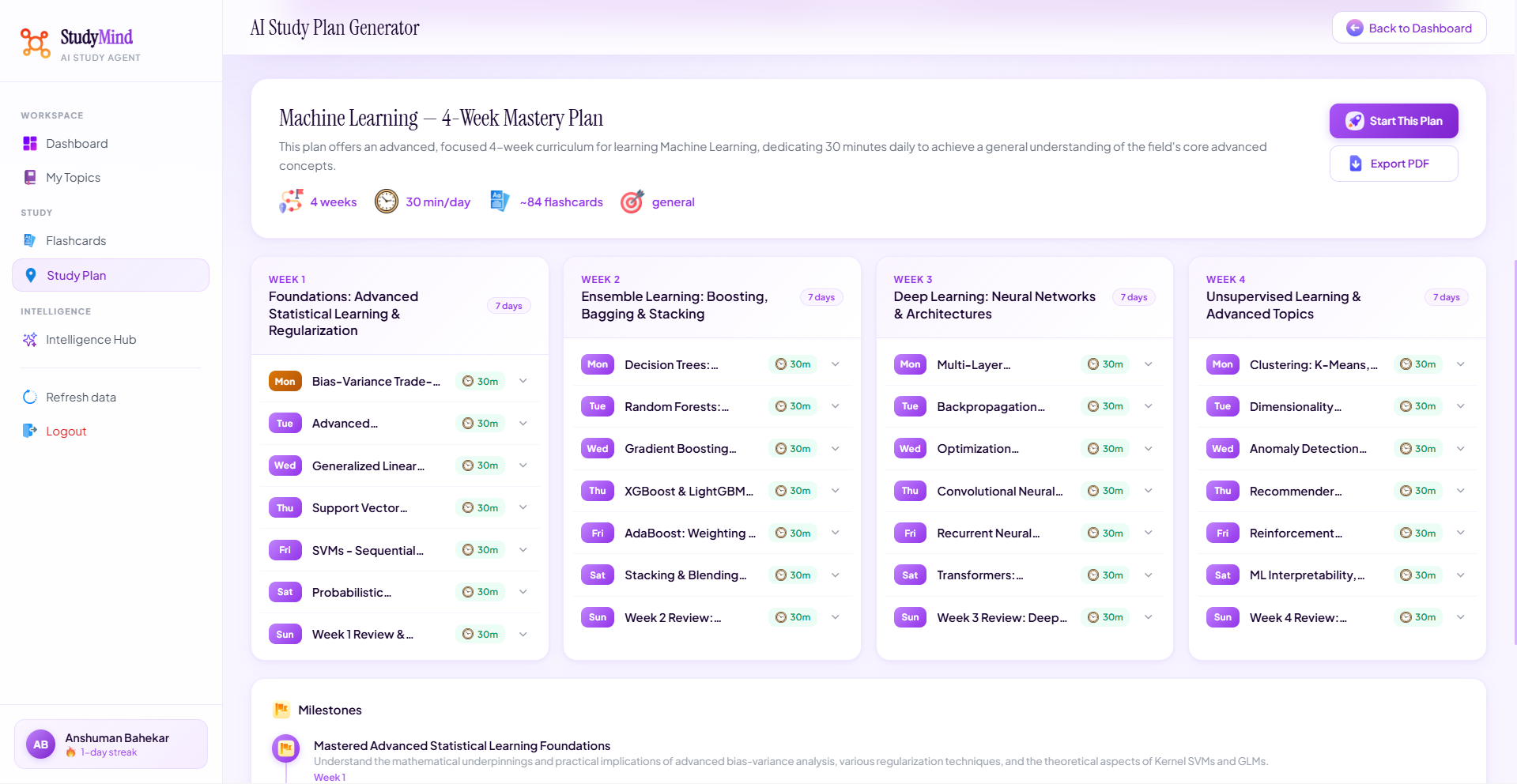
    └── studyplan.html       # AI Study Plan Generator
Local setup
Prerequisites: Python 3.11+, a MongoDB Atlas account (free M0 tier), a Google AI Studio API key.
git clone https://github.com/anshumanbahekar/studymind-agent
cd studymind-agent
pip install -r requirements.txt
Copy .env.example to .env and fill in:
MONGODB_URI=mongodb+srv://...
GEMINI_API_KEY=your_key_here

# Optional: rotate up to 50 keys to avoid rate limits
GEMINI_KEY_1=key_one
GEMINI_KEY_2=key_two
python main.py
# Running on http://0.0.0.0:8080
Open docs/index.html in your browser (or serve the docs/ folder with any static server) and point the API constant to http://localhost:8080.
MongoDB Atlas setup:
- Create a free M0 cluster at mongodb.com
- Add your IP (or
0.0.0.0/0for unrestricted) in Network Access - Create a database user and copy the connection string into
MONGODB_URI
The database and all collections are created automatically on first use.
Gemini rate limits
The free tier of Gemini 2.5 Flash allows 10 requests per minute and 250 per day. The backend auto-rotates through all GEMINI_KEY_1 through GEMINI_KEY_50 environment variables — when one key hits its quota, it switches to the next automatically. Answer evaluations are cached in MongoDB, so re-answering the same flashcard is instant and uses no quota.
License
Apache 2.0 — see LICENSE.

Log in or sign up for Devpost to join the conversation.