-
-
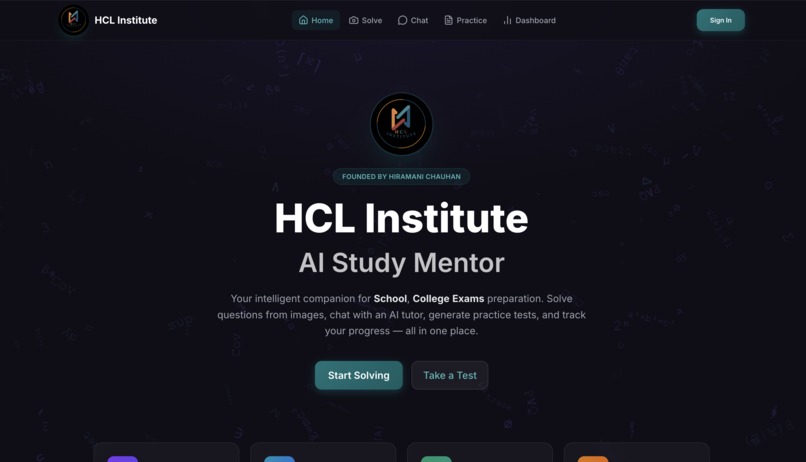
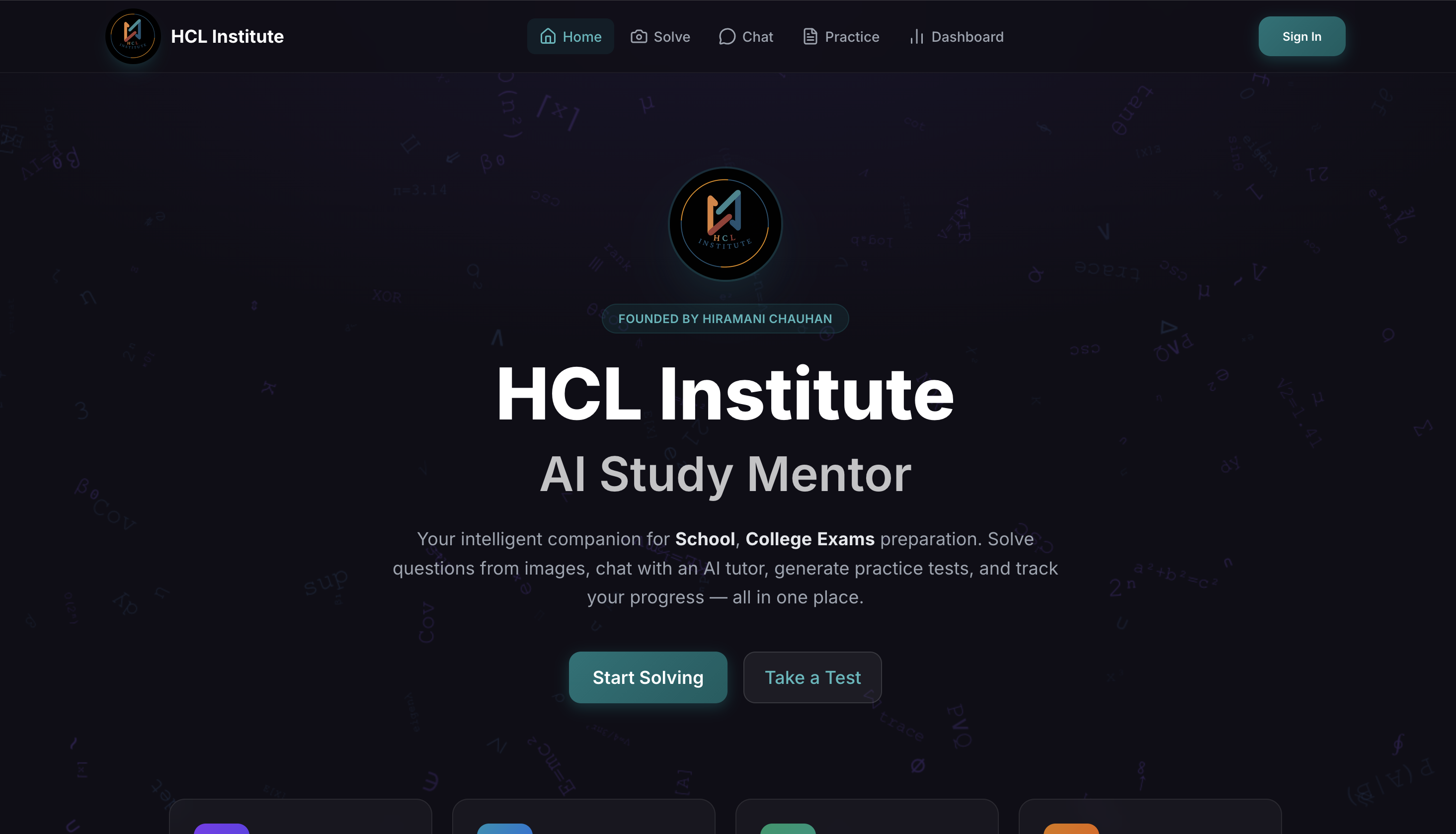
home page 1
-
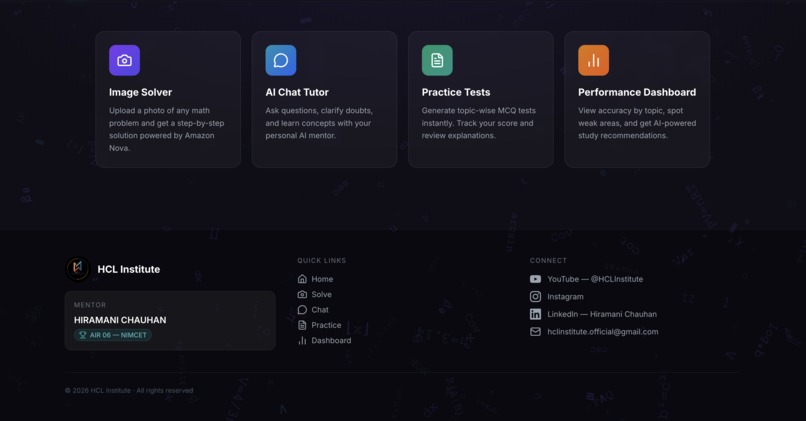
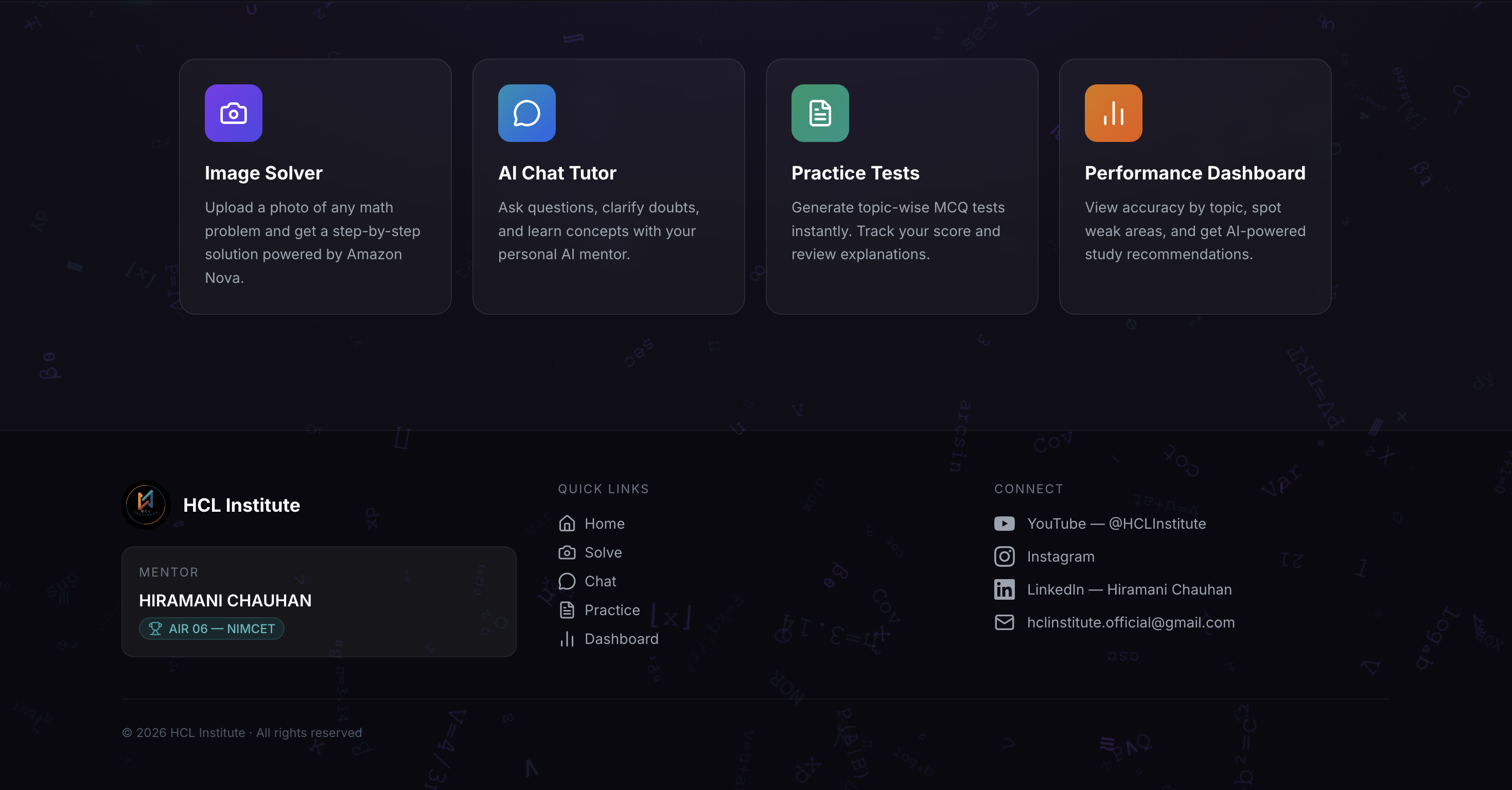
home page 2
-
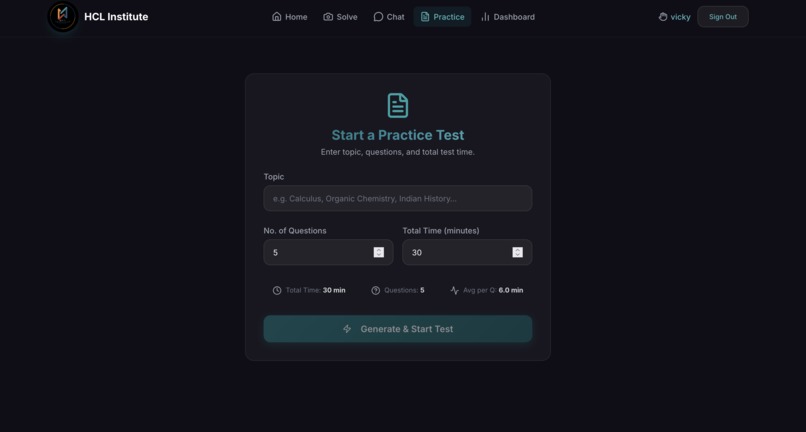
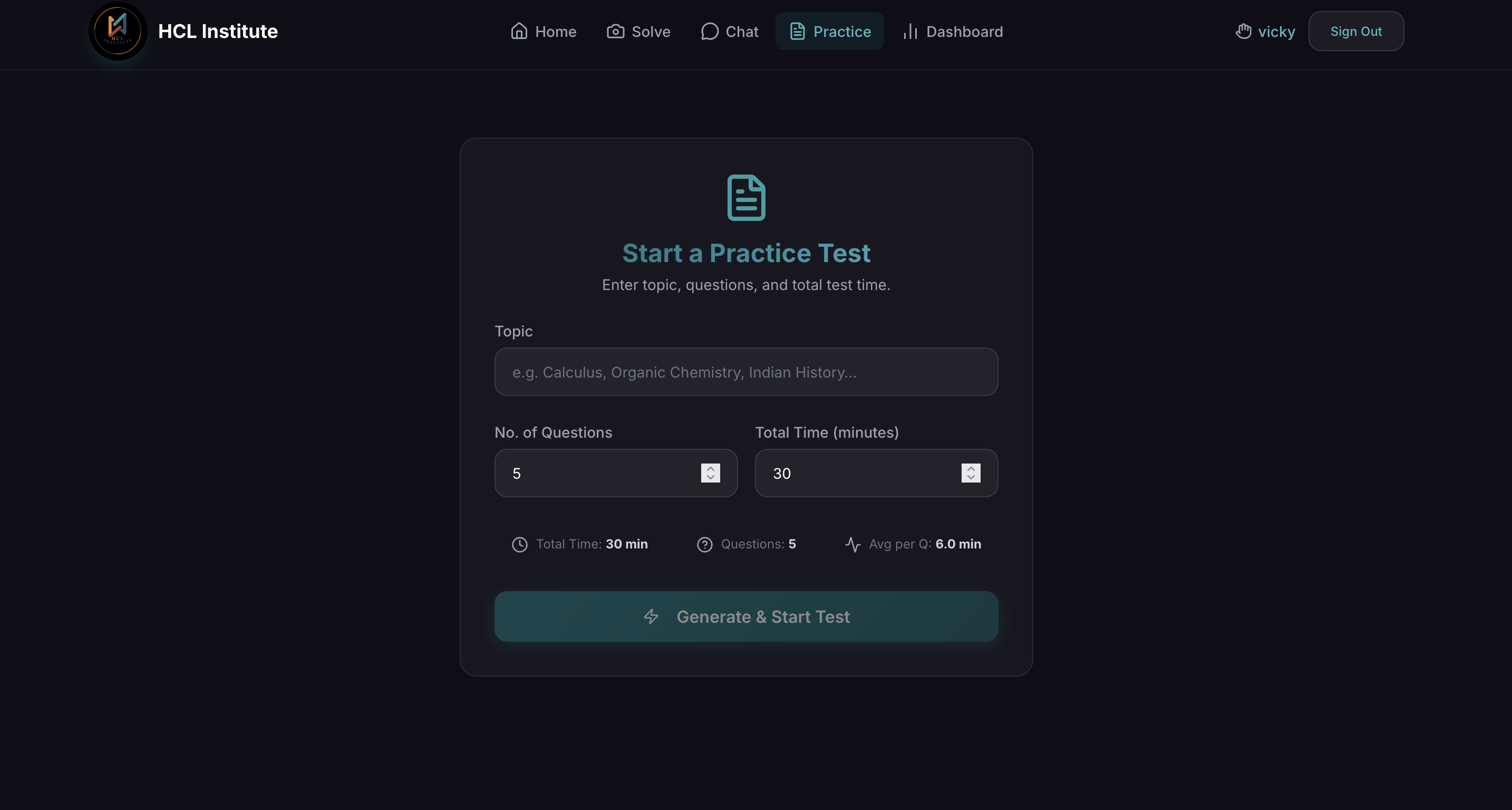
test formation
-
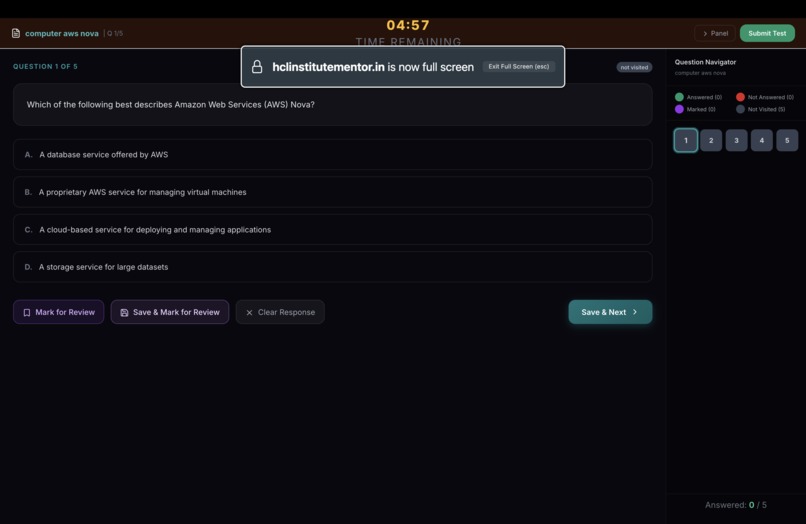
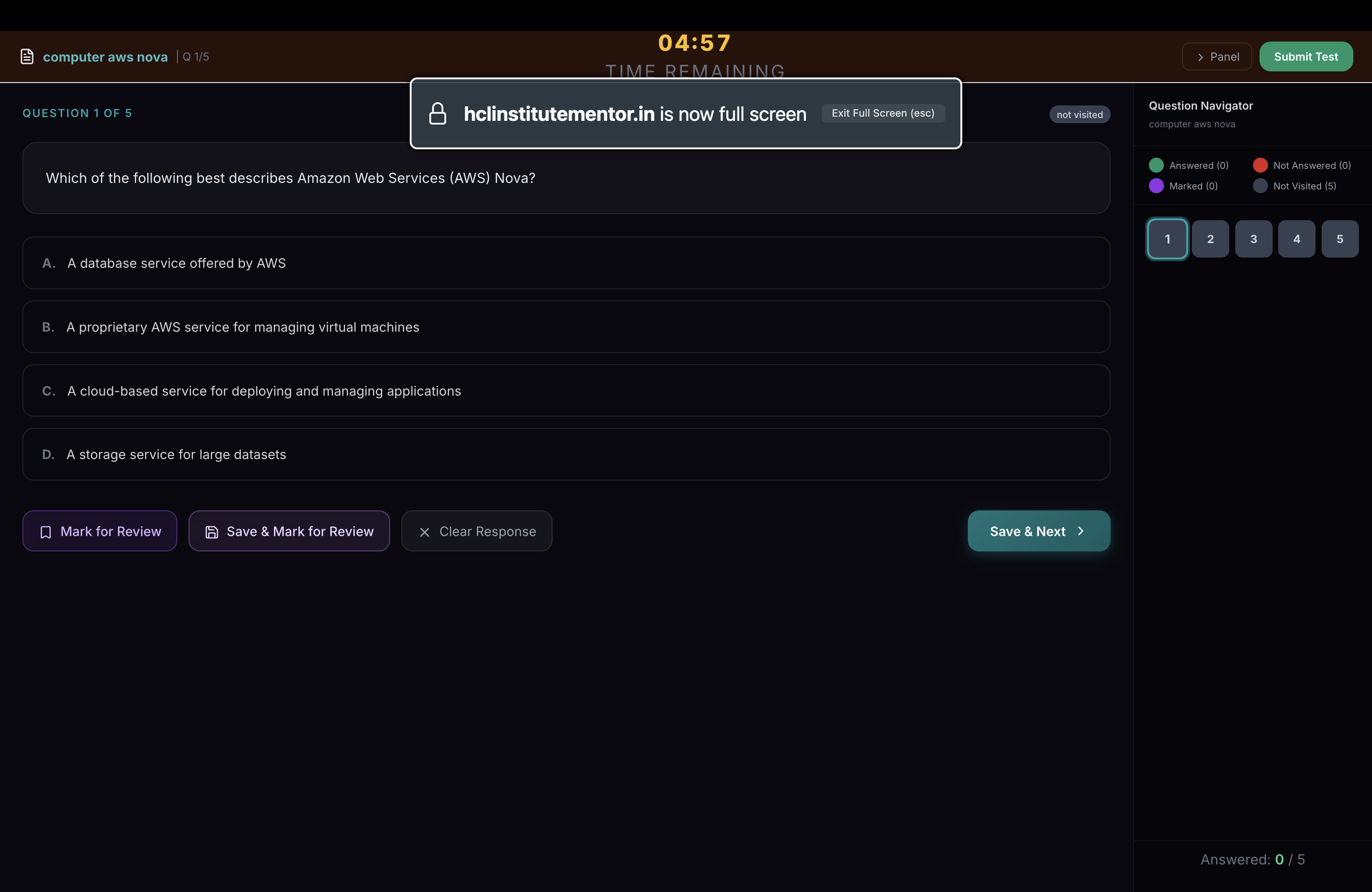
test interface
Inspiration
The seeds for the HCL Institute AI Study Mentor were planted by me with a simple but powerful vision: _ Every student deserves a world-class personal tutor, regardless of their location or resources. _
While interacting with students preparing for competitive exams, I repeatedly noticed a common challenge. Many students were not stuck because they didn’t understand the topic — they were stuck because one step in a solution was missing or unclear. A single equation like: $$ \int \frac{1}{\sqrt{x^2 + a^2}} dx = \ln|x + \sqrt{x^2 + a^2}| + C $$ might appear straightforward in textbooks, but for a student trying to understand it alone, it can easily halt their progress for hours. That observation inspired the idea of building a learning companion that doesn’t just provide answers, but patiently explains the _ why _ and _ how _ behind each step.
What it does
The HCL Institute AI Study Mentor is an all-in-one educational platform designed to support students while they study independently and bridge the gap between classroom learning and self-practice Image Question Solver: Students can snap a photo of any complex equation, such as _ ( \nabla \cdot \mathbf{E} = \frac{\rho}{\epsilon_0} ) _, and receive an instant, narrated step-by-step breakdown. Encouraging AI Tutor: A conversational mentor that uses simple analogies to explain difficult concepts in Math, Physics, and Informatics. Instant Practice Tests:Students can generate MCQ tests for specific topics instantly, allowing them to check their understanding right after studying. Detailed Analytics:The platform tracks student performance over time and highlights weaker areas, helping learners focus on the topics that need more attention.
How we built it
The project combines modern AI capabilities with a scalable cloud architecture.: Multimodal Intelligence: We leveraged Amazon Nova Lite via AWS Bedrock. This allows the application to analyze a student’s handwritten or printed question, extract the text, and reason through the solution. The Brain: The backend is built using Node.js and Express, which acts as the bridge between the frontend application and AWS Bedrock. Persistence Layer: We chose Amazon DynamoDB because it offers serverless scalability and can handle increasing numbers of students without requiring manual infrastructure management Elegant Frontend: The interface is built using React and Tailwind CSS. To ensure mathematical expressions look clean and professional, we integrated KaTeX for high-quality LaTeX rendering. Example of how we handle API responses: javascript const response = await bedrockClient.send(command); const parsed = JSON.parse(new TextDecoder().decode(response.body)); return parsed?.output?.message?.content?.[0]?.text ?? '';
Challenges we ran into
Math Sanitization: Early versions sometimes returned raw HTML tags when rendering complex mathematical expressions. This caused issues with KaTeX rendering, so we implemented a sanitizeAiText logic to clean and format the output properly. Latency vs. Quality:One challenge was balancing detailed explanations with quick response times. We experimented with parameters like temperature and response length to maintain clarity without making students wait too long.
Accomplishments that we're proud of
Seamless Multimodal Integration: One of the most exciting moments was seeing the AI correctly interpret a complex handwritten expression such as _ ( \sum_{n=1}^{\infty} \frac{1}{n^2} = \frac{\pi^2}{6} ) _from a simple photo and produce a clear explanation. Zero-Infrastructure Scalability: By relying entirely on AWS Bedrock and DynamoDB, the platform can scale from a handful of users to thousands without needing dedicated server management. Aesthetic Mathematics: We focused heavily on the user experience, building an interface that feels smooth and engaging, including a custom Math Rain animation and precise KaTeX rendering for equations. Ethical Tutoring: A key goal was to ensure the AI behaves like a mentor rather than just an answer generator, guiding students through reasoning so they truly understand the solution.
What we learned
The "Double Render" Bug: While building the system, we encountered a tricky issue in the sanitizeAiText function in novaService.js where AI-generated HTML interfered with KaTeX rendering. Fixing this taught us a lot about handling AI-generated content safely. JSON Fragility: During the generateTest feature development, we discovered that AI-generated JSON responses could sometimes include markdown fences or unexpected formatting. We had to implement careful parsing and error handling. Prompt Engineering: We learned how important clear instructions are for AI. Using the MATH_FORMAT_INSTRUCTION prompt ensured the AI consistently used LaTeX delimiters like \( ... \) and $$ ... $$)and ..so the frontend could render equations correctly. Canvas Performance: Building the MathRain animation on the homepage helped us learn how to optimize animations using the HTML5 Canvas API to keep performance smooth even with many moving elements.
What's next for Study Mentor
Today, HCL Institute is evolving into more than just a website — it is becoming a platform where technology helps make learning clearer and more accessible. Whether it's solving a quadratic equation ( x = \frac{-b \pm \sqrt{b^2-4ac}}{2a} ) or preparing a study plan for weaker topics, the goal of the AI Mentor remains the same: to support students in understanding concepts more deeply and learning with confidence.
Built With
- amazondynamodb
- amazonnovaliteviaawsbedrock
- awsec2-/nginx
- express.js
- katex
- node.js
- react-markdown
- react.js
- tailwindcss

Log in or sign up for Devpost to join the conversation.