-
-
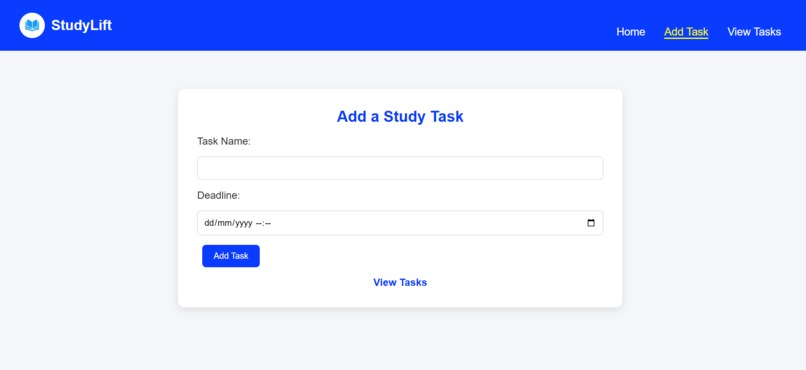
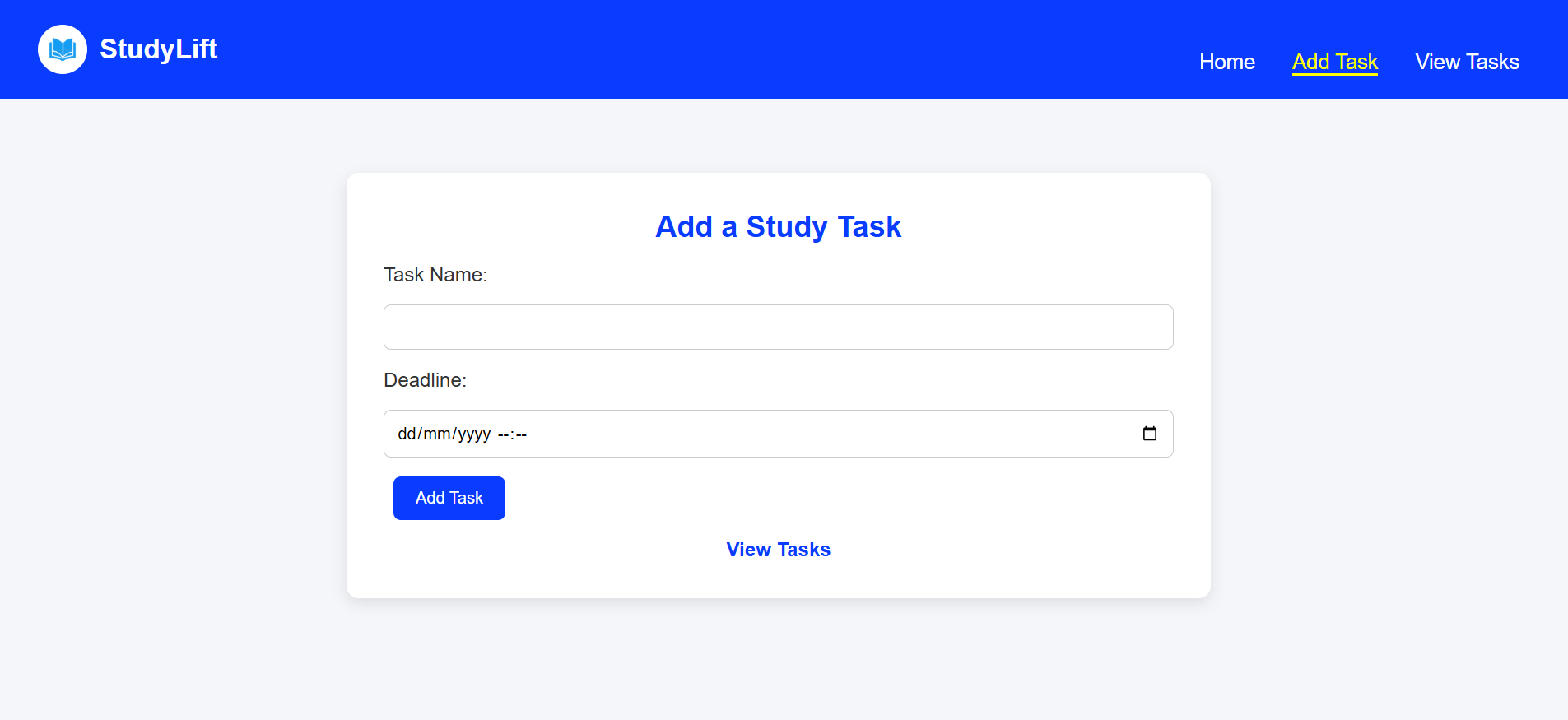
StudyLift Task Addition Page – Add a new study task with its name and set a deadline easily.
-
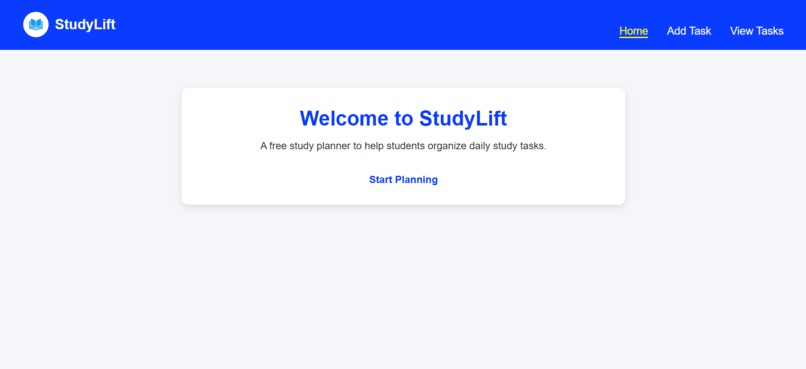
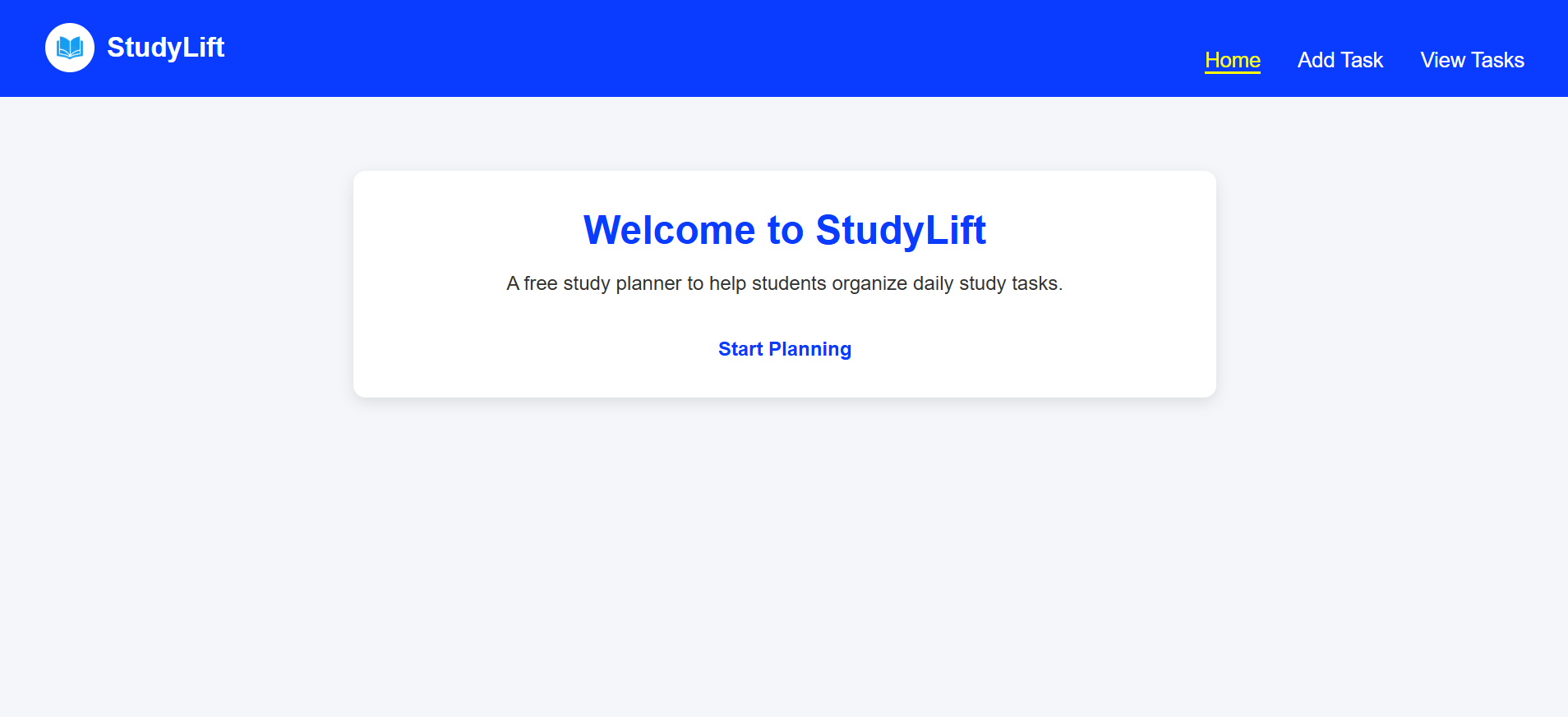
StudyLift Home Page – A clean and intuitive dashboard for students to navigate between adding new tasks and viewing existing study tasks.
-
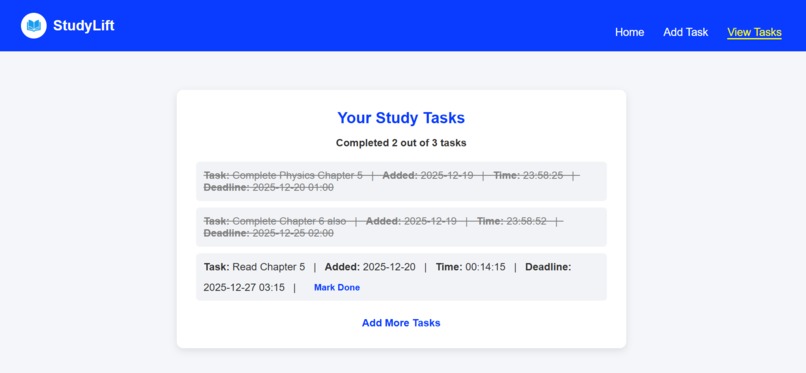
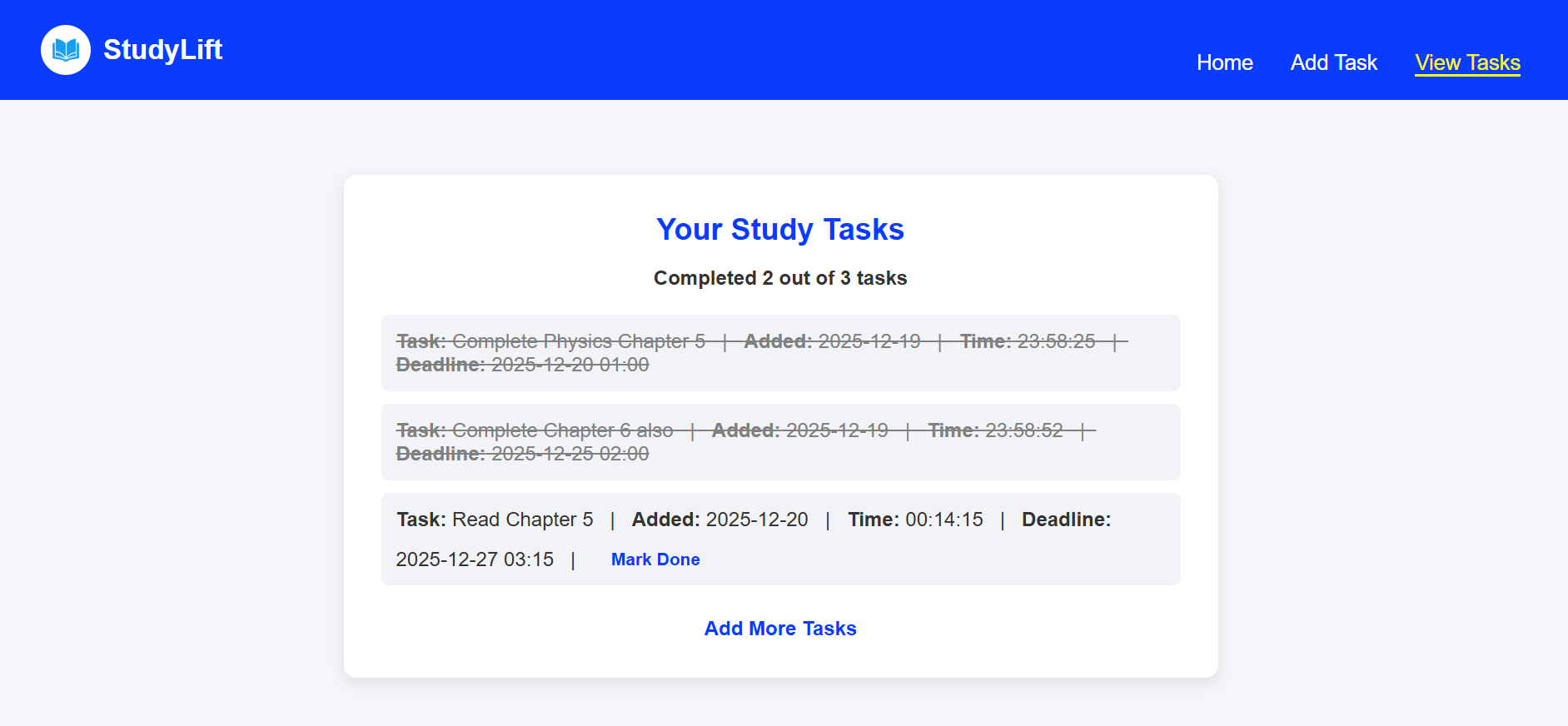
StudyLift Tasks Page – View all your study tasks in an organized list showing task name, added date & time, and deadlines.
1- Inspiration
Many students struggle to manage multiple study tasks and deadlines, often forgetting important assignments or wasting time deciding what to do next. I was inspired to create a simple yet effective task manager that helps students stay organized, track progress, and manage deadlines efficiently.
2- What it does
StudyLift allows students to:
Add study tasks with a name, date added, and deadline.
View all tasks in a clear, organized list showing task name, added date & time, and deadline.
Mark tasks as completed and track progress with a completion summary.
Navigate seamlessly between adding tasks and viewing tasks to stay productive.
3- How I built it
Backend: Python Flask handles routing, task storage, and processing form data.
Frontend: HTML and CSS with Jinja2 templates dynamically display tasks and deadlines.
Logic: Each task stores name, done status, date_added, and deadline, allowing easy tracking and display.
Design: Clean, responsive UI ensures tasks are readable and manageable on all devices.
4- Challenges I ran into
Displaying deadlines alongside task name, date, and time without cluttering the UI.
Handling task completion logic while maintaining the correct task order and ID mapping.
Making the interface intuitive and user-friendly while showing all necessary information.
5- Accomplishments that I’m proud of
Successfully implemented deadline tracking for tasks.
Developed a clear task list with added date, time, and deadline.
Enabled task completion marking and progress tracking.
Built a fully functional student-oriented task manager using Flask without a database.
6- What I learned
How to work with Flask routing, Jinja templates, and forms to build dynamic web pages.
Managing date, time, and deadline data and displaying it effectively.
The importance of UX/UI design for productivity tools and readability.
Structuring a small project to handle task management logic efficiently.
7- What’s next for StudyLift – Smart Task Manager for Students
Add persistent storage using SQLite or MongoDB so tasks remain after closing the app.
Include task categories, priorities, or tags for better organization.
Highlight overdue tasks or tasks nearing their deadline.
Add notifications or reminders to alert students about upcoming deadlines.
Improve UI for mobile and desktop users for a smoother experience.


Log in or sign up for Devpost to join the conversation.