-
-
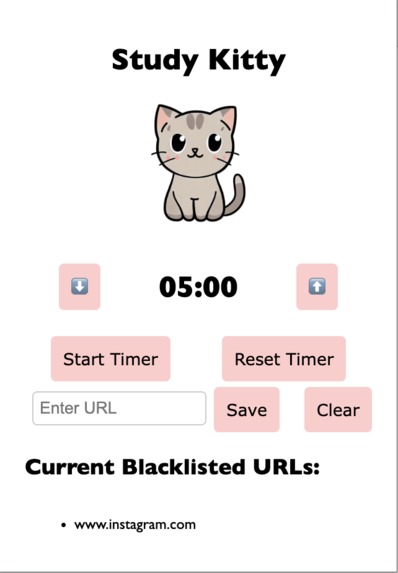
chrome extension
-

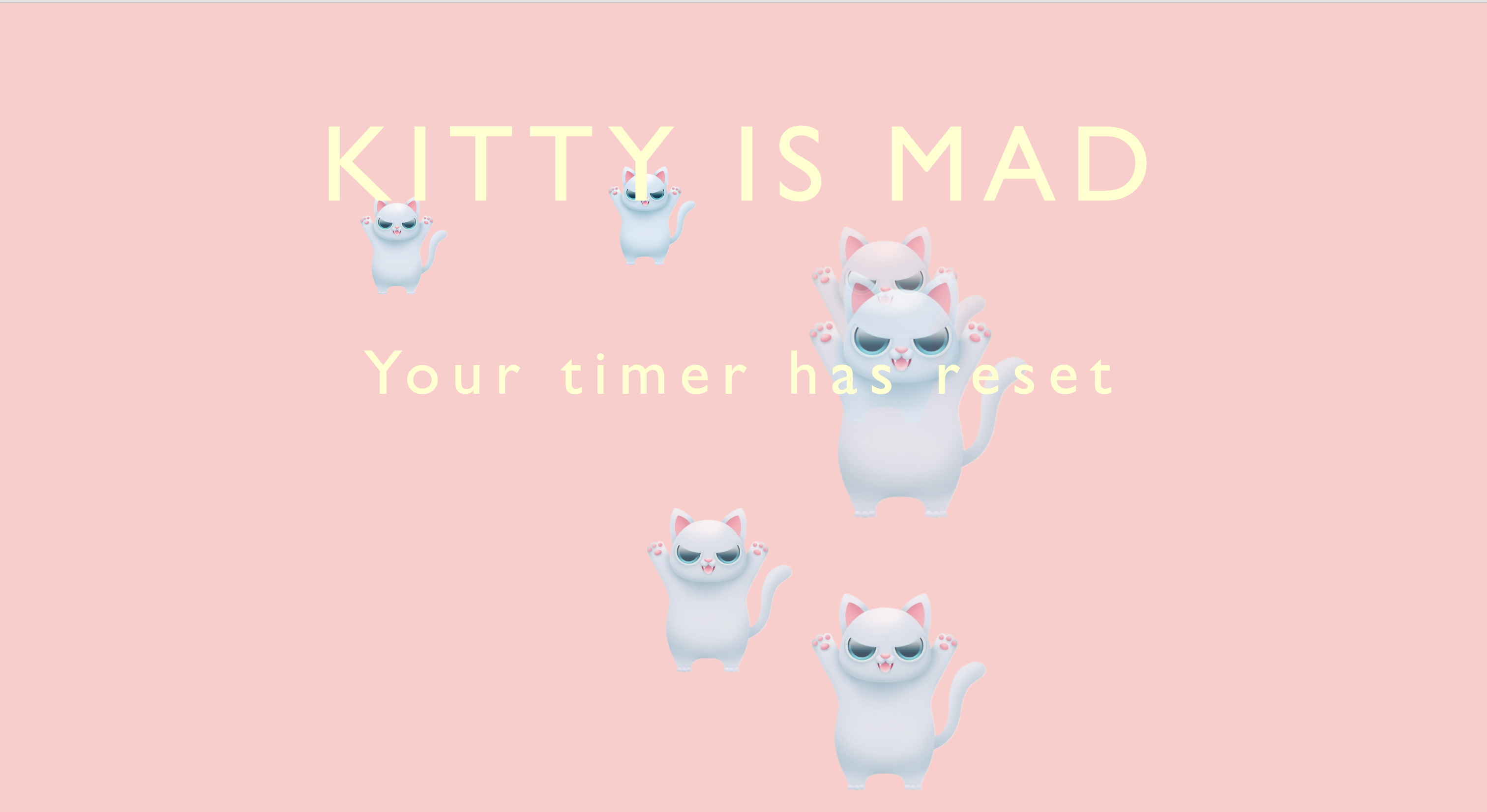
restricted website popup
Inspiration
As a college student, it is easy to get distracted by social media platforms and streaming services when studying. This project helps block distractions from the user in an enjoyable and fun way.
What it does
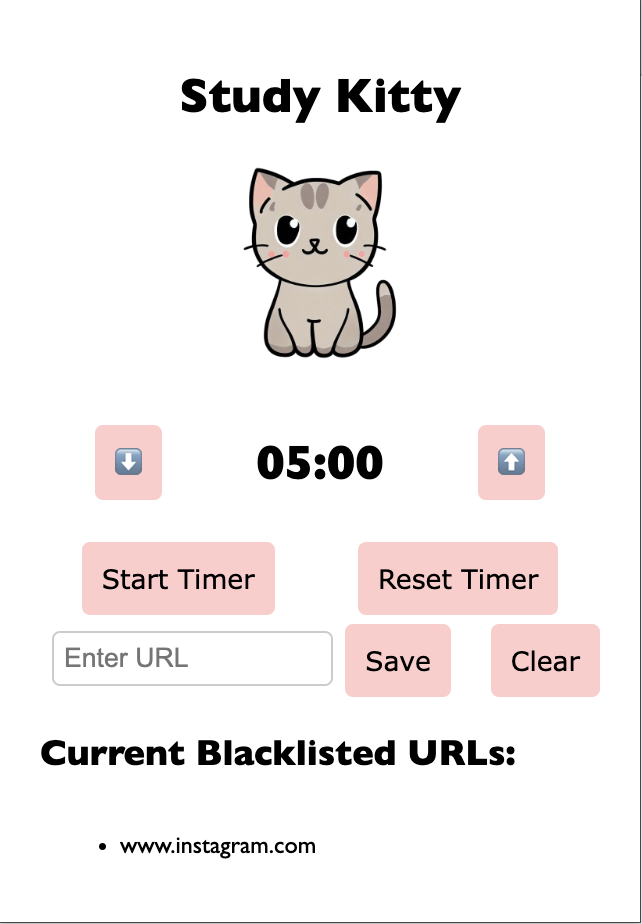
Study Kitty is a Chrome extension where users can set a timer for how long they want to be productive for and specify websites they want to restrict during this productivity time. Once the user hits the start button, it cannot be paused. During the time if a restricted website is visited, a popup will appear telling the user there time has been reset. At the end of the timer if no restricted websites are visited, there will be a notification letting the user know that their study time has been completed.
How we built it
Study Kitty was built using HTML, CSS, JavaScript and Chrome Extension API.
Challenges we ran into
When creating Study Kitty, we ran into problems with each developer having unique extension identification codes.
Accomplishments that we're proud of
We are proud of making a Google Chrome extension where the user is able to input their own URL's they want restricted, and create a timer that stops based off of if the user visits a restricted website.
What we learned
We learned HTML and CSS design strategies to make a seamless UI. We gained experience in debugging with JavaScript and using external APIs.
What's next for Study Kitty
We plan to expand the features of Study Kitty by allowing users to collect cats after every successful productivity time.

Log in or sign up for Devpost to join the conversation.