-
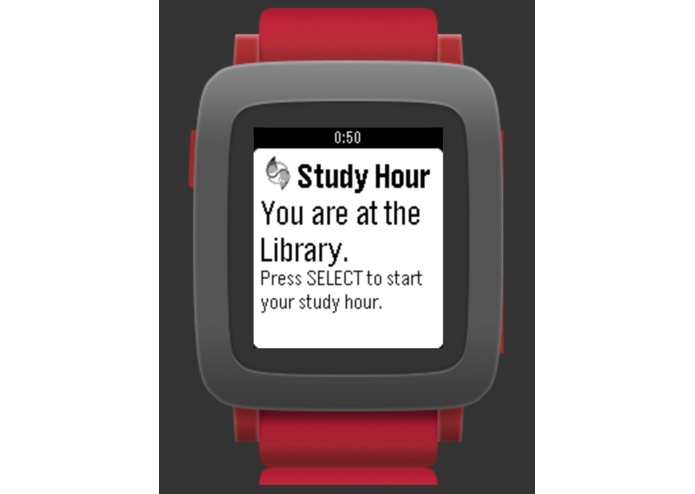
1. Home Page with location/zone recognition
-
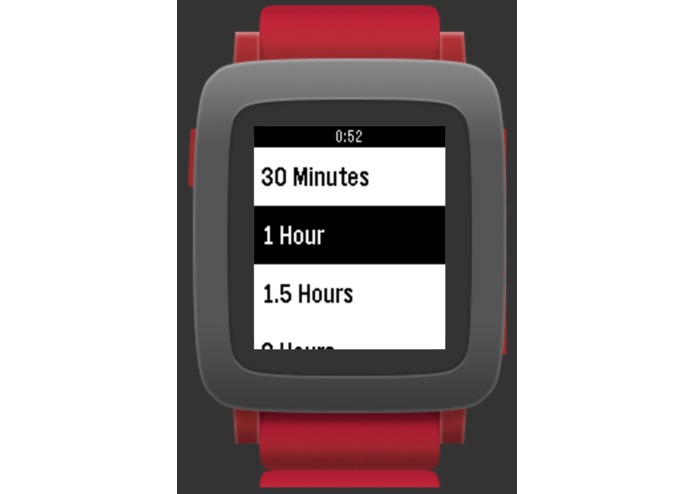
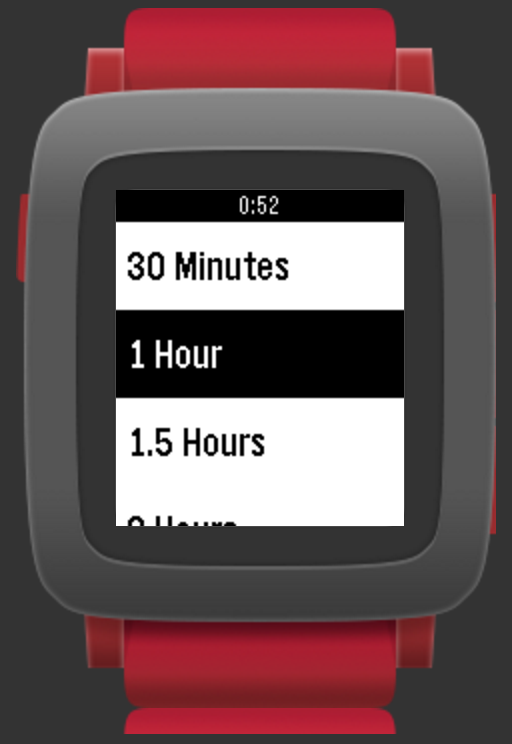
2. Menu Page where user selects the length of study hour at this location/zone
-
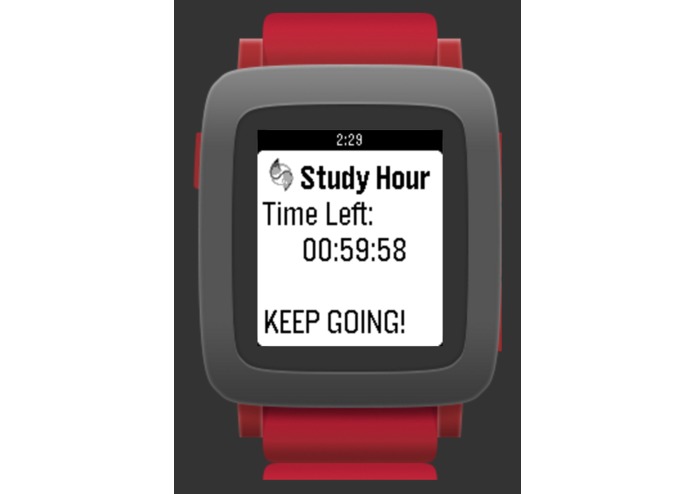
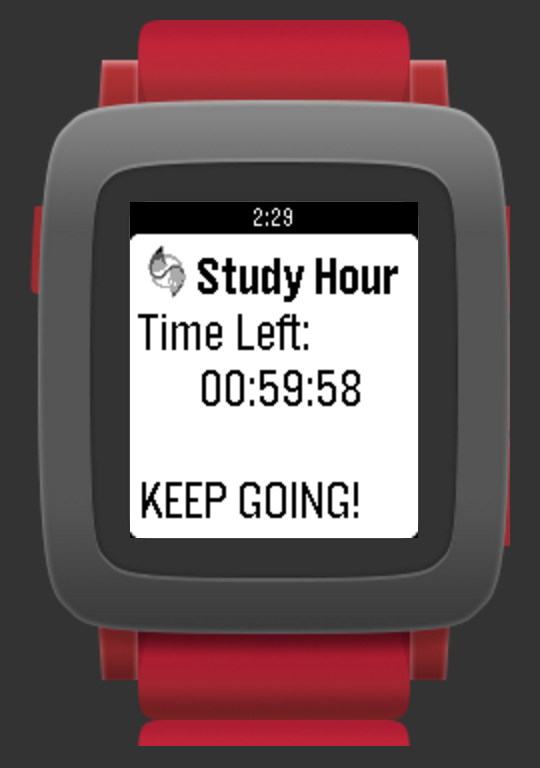
3. Once user selects a time, the countdown starts.
-
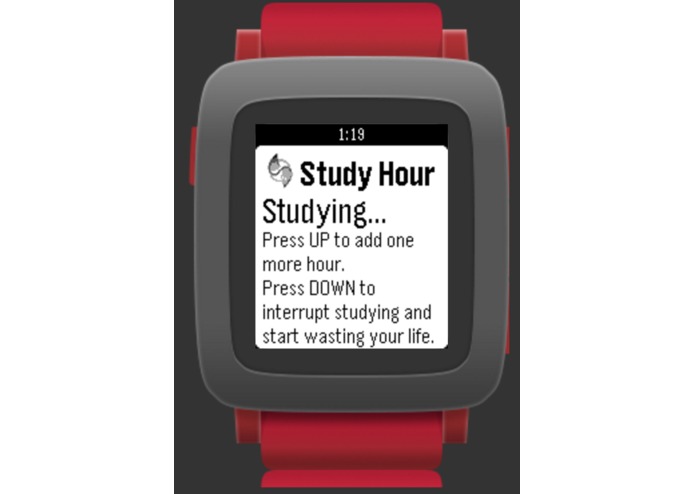
4. During the countdown, the user can go back to the Home Page to add more hours or cancel the study time
-
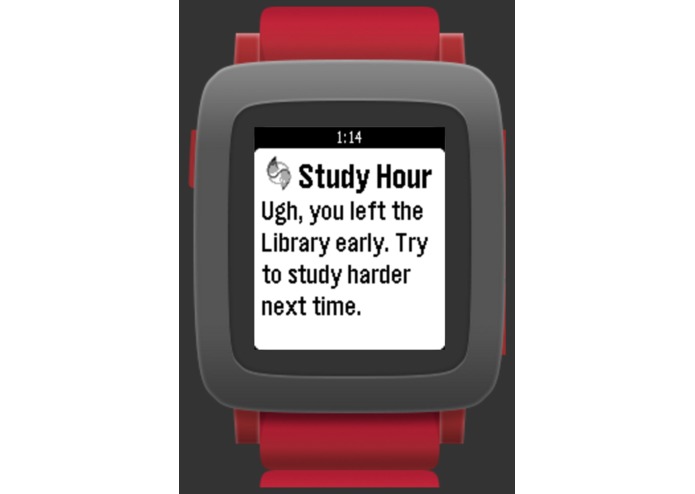
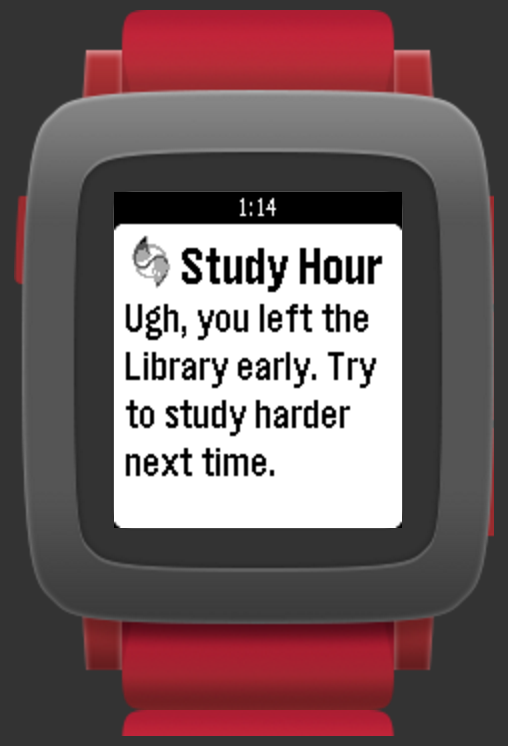
5. If the watch detects that the user leaves the zone before the study time ends, it will vibrate and display this message and reset
-
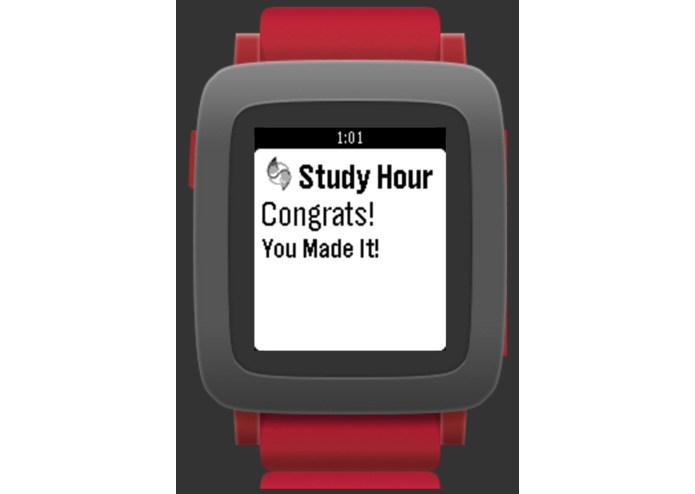
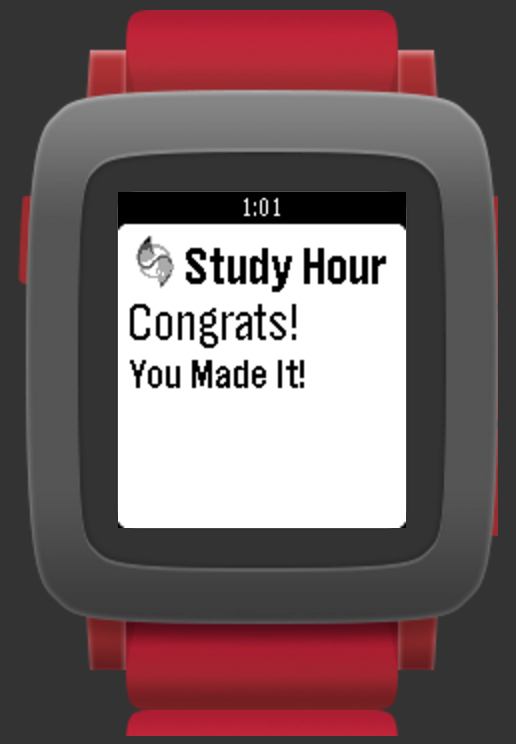
6. If the user successfully completes the study time at the zone, the watch congrats the user


Inspiration
As students it is always hard to find the motivation to study. We wanted to create an application that makes planning to study easy and painless. Usually, when intending to study, a certain amount of hours of study time is allocated at a specific distraction-free place. This is exactly what Study Hour does.
What it does
- Study Hour receives user's location and detects the zone/field the user is in. Zones are defined polygons in the climate corporation database that can be customized to include any building or area like the Union or the Siebel building.
- A user then selects how many hours he/she wants to study at their current location/zone. Once selected, the input time triggers a countdown.
- During the countdown or "the study hour", the app constantly monitors user's location and displays messages like "Keep Going!" to encourage the user to stay in the zone and study.
- If the user leaves the zone before the countdown, the pebble watch notifies the user and urges him/her to study harder next time.
- If the user successfully completes the study hour within the designated area, the watch will display a congratulation message.
How we built it
Our application was written in CloudPebble using JavaScript. The application uses Climate Corporation’s Fields API to access custom fields that include study areas on campus. The application then checks to see if the user is in one of these fields, and if so, it’s time to study!
Challenges we ran into
Using the Climate Corporation API was a challenge in itself – it was difficult to work with the authentication. Additionally, the API did not come with a method to check if a certain point was inside a field. This method would have been extremely helpful had it been included in the API. In addition, CloudPebble using JavaScript is still in Beta mode. As a result, there is not a lot of documentation or examples to refer to.
Accomplishments that we're proud of
We’re extremely proud of getting the Pebble app running and designing the interface for Study Hour. Additionally we both learned how to develop with Pebble and how to work with APIs.
What we learned
We learnt how to use the Climate Corporation API's geofencing capabilities. We also explored the interface design features using JavaScript for Pebble.
What's next for Study Hour
Study Hour will include a better incentive system that encourages the user to study at the area. In addition, more location/field data will be added on the Climate Corporation database or users can define their own study spaces.
Built With
- climate-corporation-api
- javascript
- pebble

Log in or sign up for Devpost to join the conversation.