-
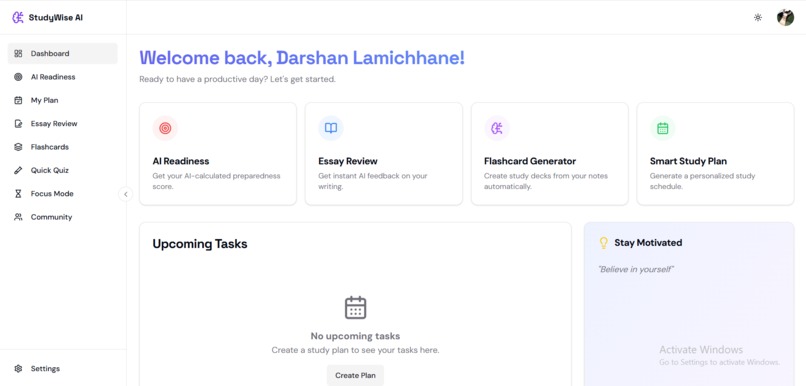
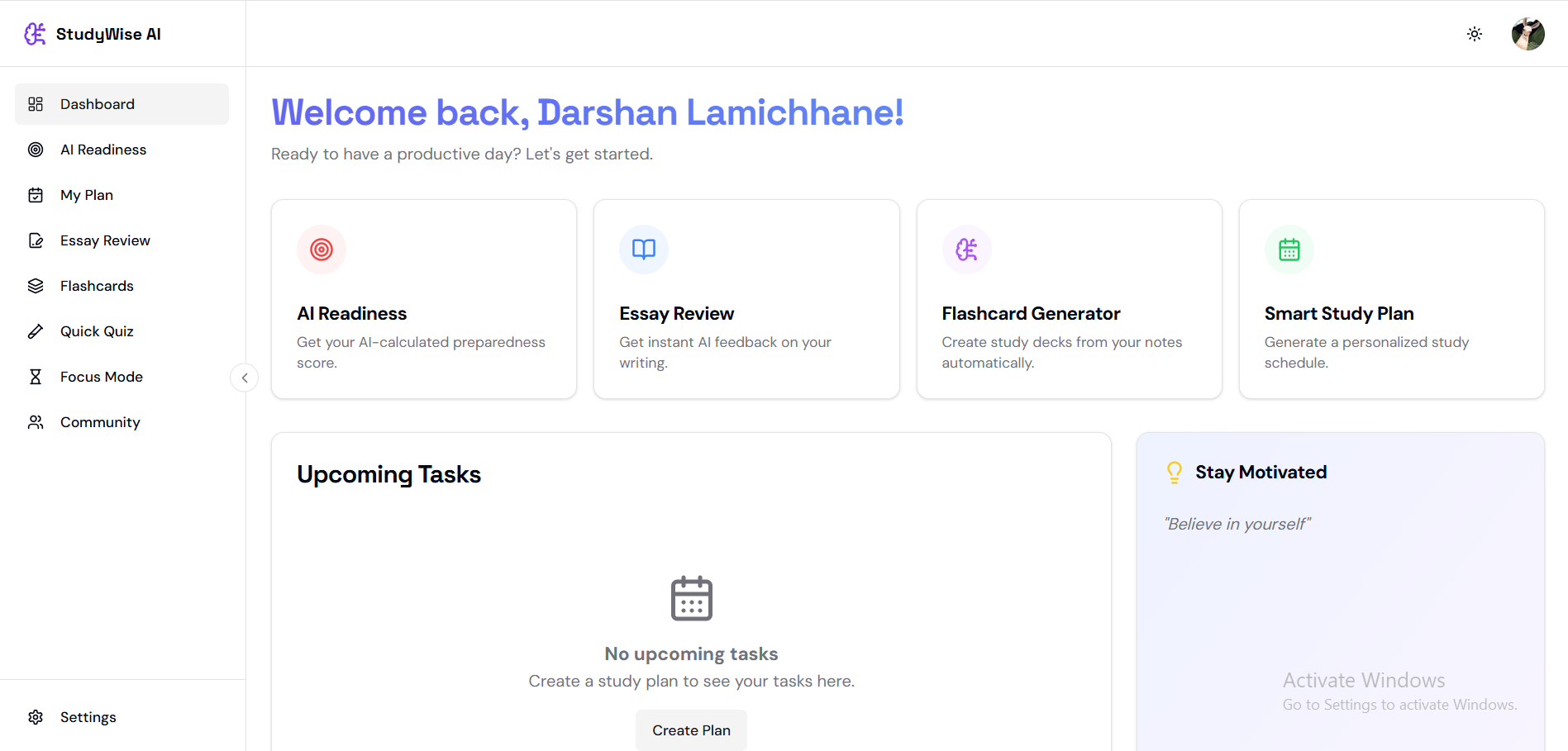
Dashboard
-

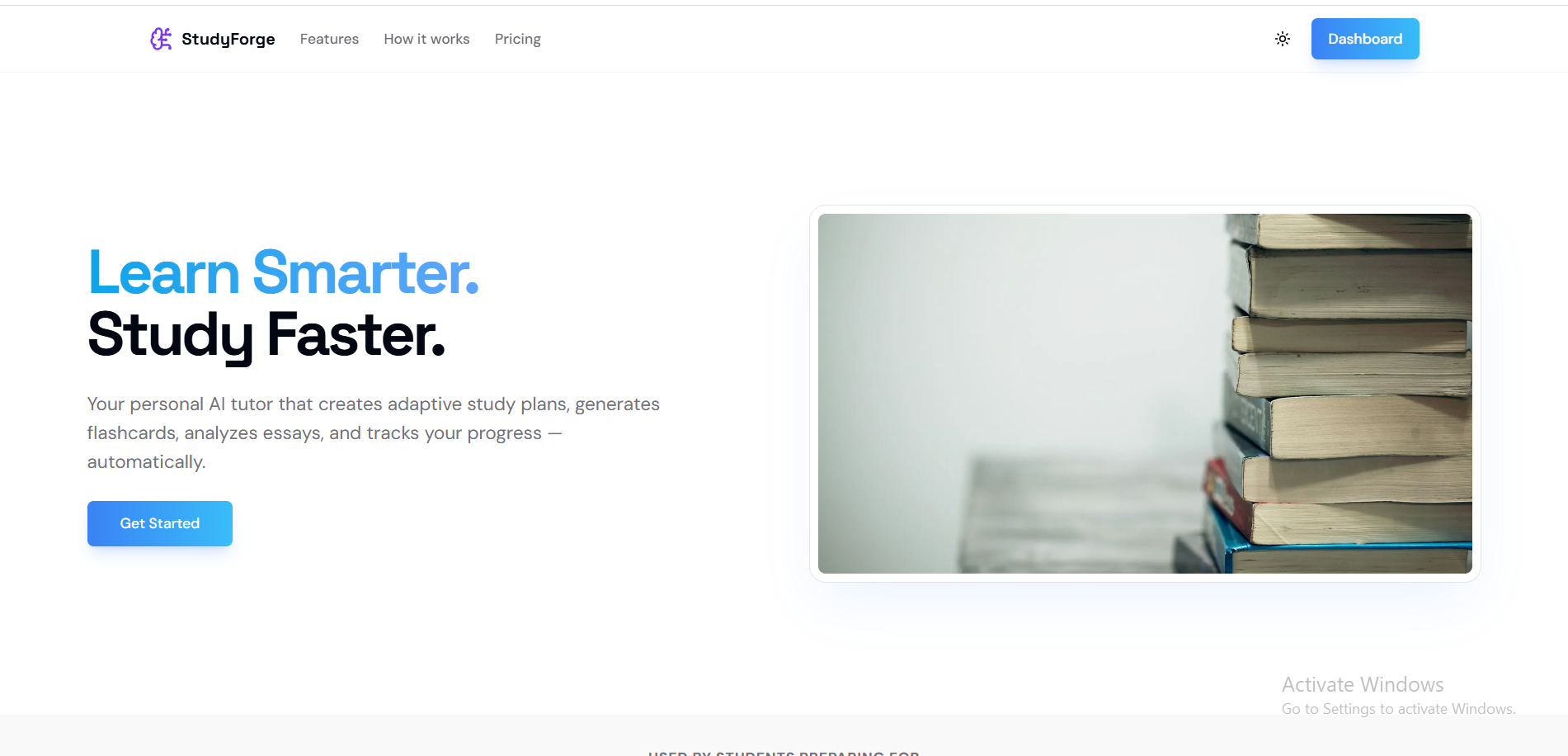
Landing Page
-
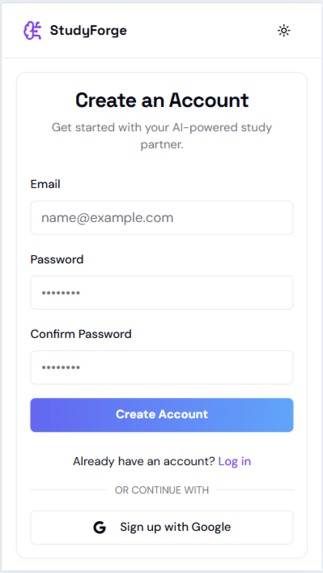
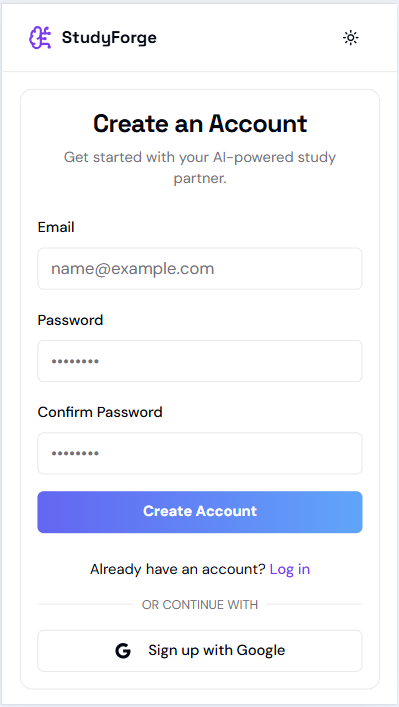
Signup Page
-
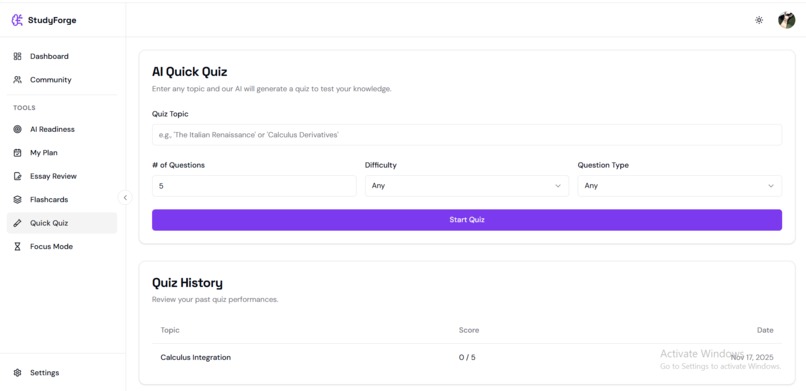
Quick Quiz (AI powered)
-
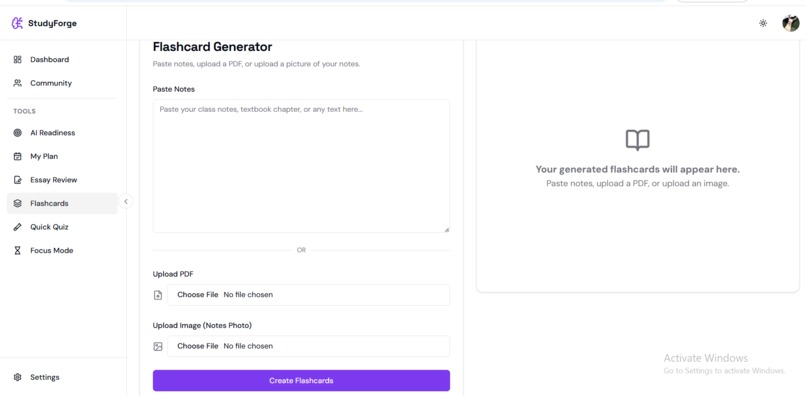
Flashcard Generator (AI powered)
-
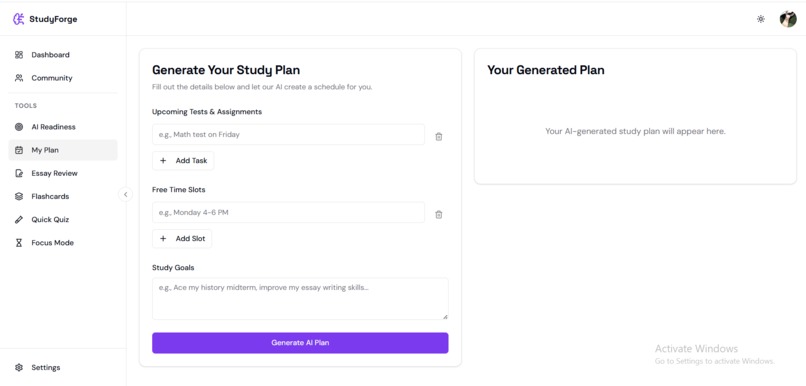
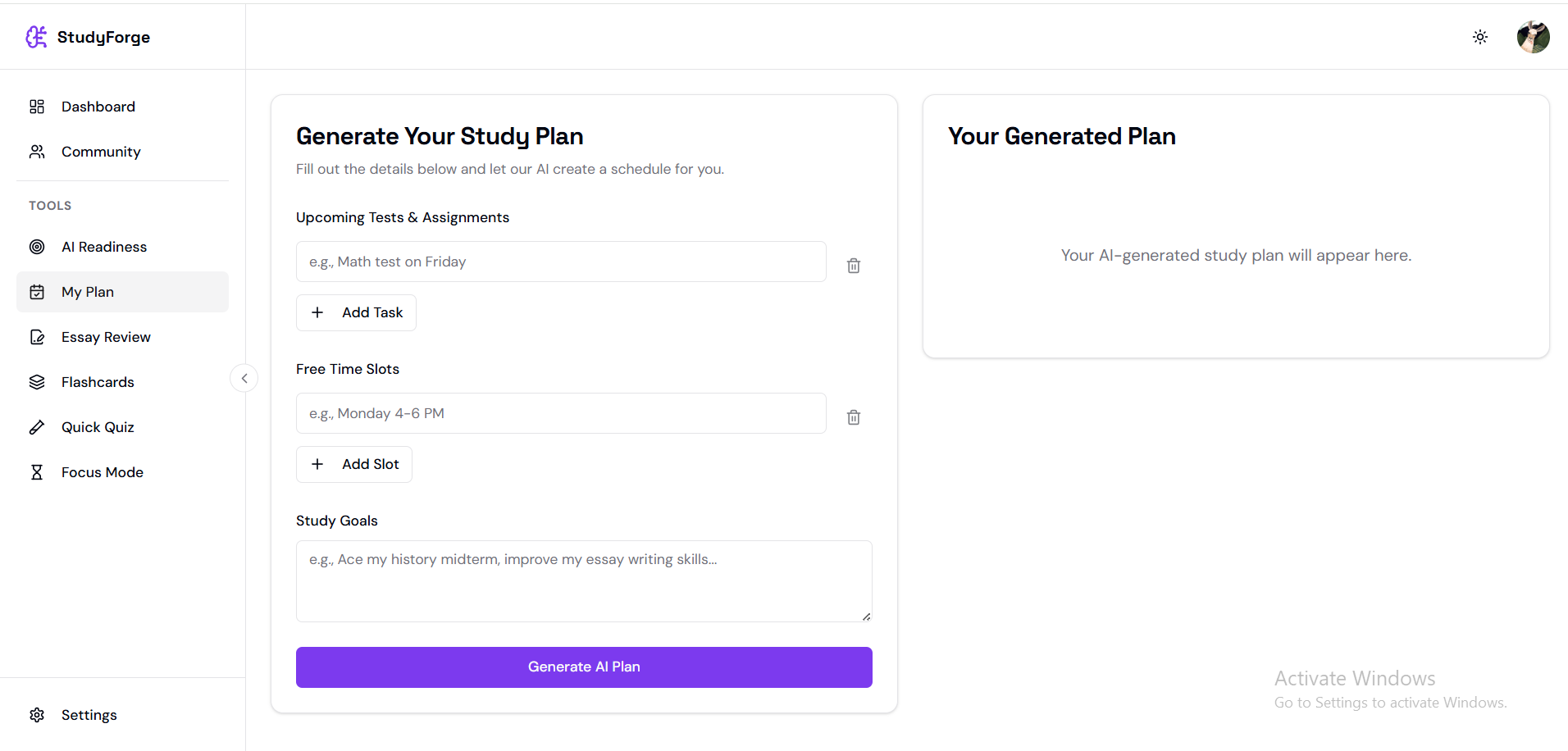
Study Planner (AI powered)
-
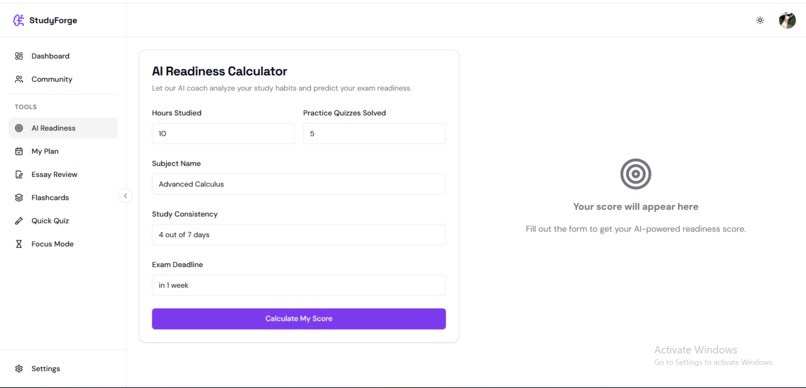
AI Readyness. Check whether you are ready or not for you upcoming test.
-
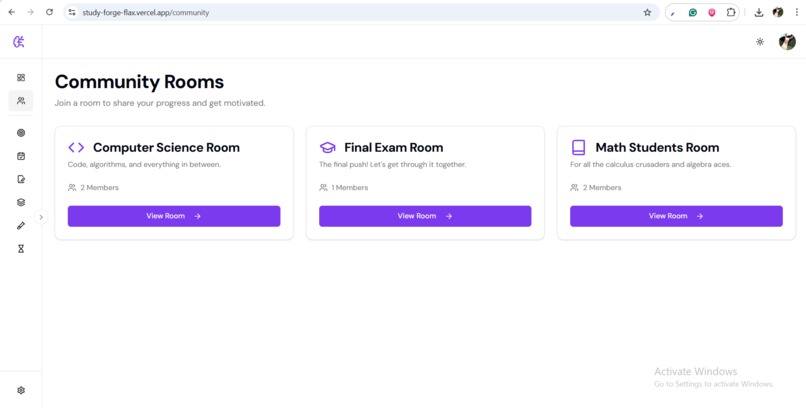
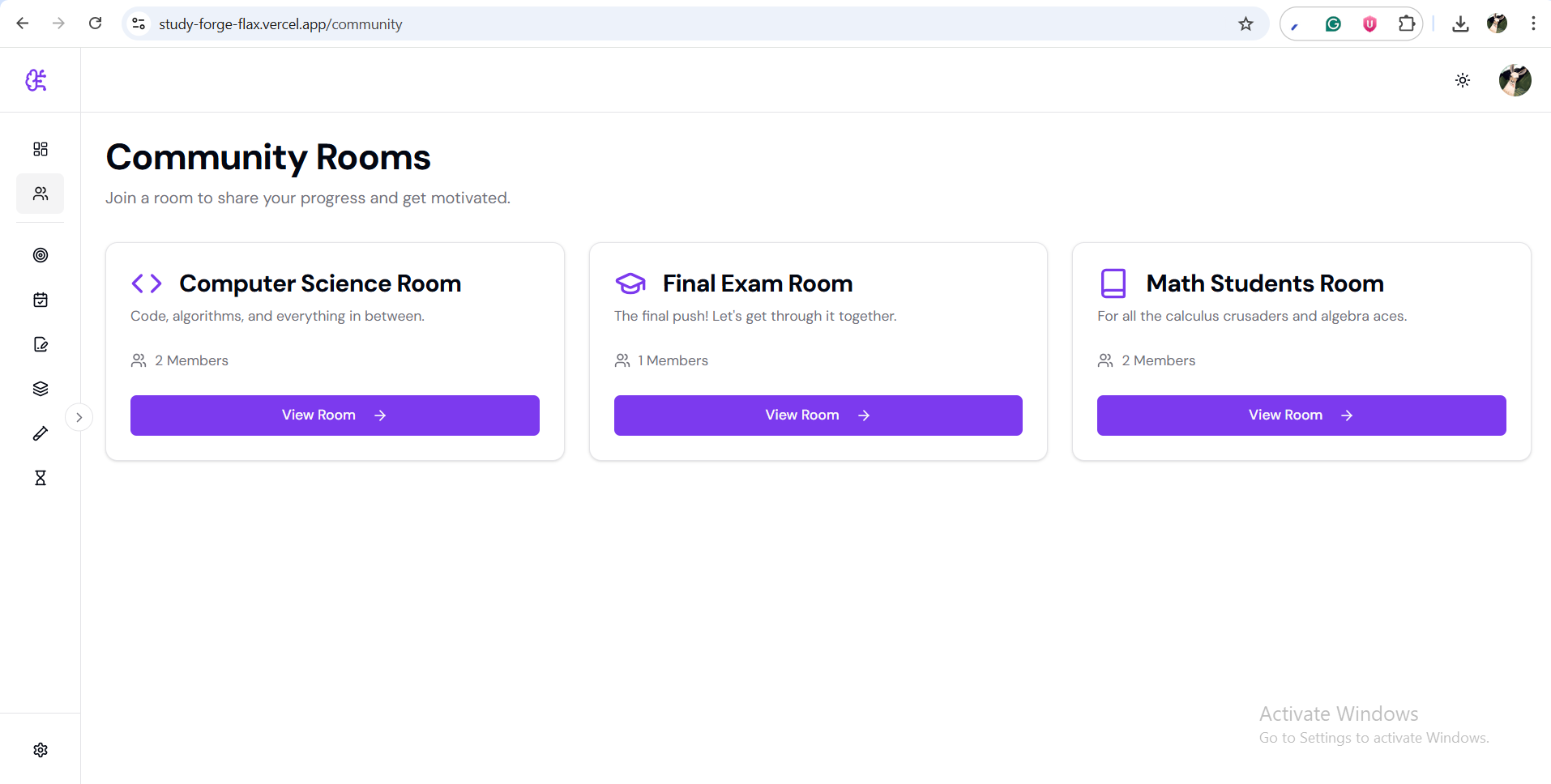
Community Rooms.



Inspiration
Every student knows the cycle: You sit down to study, open your notebook… and then suddenly realize you don’t know what to study first. Exams pile up, assignments overlap, and planning becomes a bigger challenge than the learning itself.
As students ourselves, we experienced:
- the stress of planning large syllabi,
- the lack of personalized guidance, and
- the endless struggle to stay motivated.
This problem is massive and universal. We realized that AI isn’t just for convenience—it can fundamentally change how students learn. The idea for StudyWise AI was born from a simple question:
What if a student had their own intelligent study assistant who planned, coached, generated flashcards, and even reviewed essays—instantly ?
That vision became my mission.
How I Built StudyWise AI:
I focused on crafting a powerful yet minimal platform using modern tools: Next.js for a fast, scalable, and responsive UI
- Firebase for serverless backend, auth, database, and deployments
- Tailwind CSS for a sleek, modern interface
- Groq LLaMA 3.3 Models for real-time, low-latency, high-accuracy AI generation ## Architecture Overview Each major feature is powered by a custom AI flow:
- generateStudyPlanFlow → builds daily & weekly study schedules
- generateFlashcardsFlow → converts raw text into structured flashcards
- analyzeEssayFlow → scores essays and rewrites them
- quizGenerator & readinessEvaluator → create on-demand quizzes and readiness scores
I used clean Zod schemas to strictly validate AI output. This helped avoid malformed responses and made the app stable, even when AI hallucinated.
📚 What I Learned
Building StudyWise AI taught us far more than just coding skills:
1. The importance of strict output schemas:
Working with AI means you must expect unpredictability. Using Zod validation and JSON-only prompts made our flows much more reliable.
2. Latency matters:
Groq’s ultra-fast inference showed us how important speed is for user experience. A delay of even 1.2 seconds1.2 seconds feels slow for interactive features like quiz generation.
3. Simple UI > Fancy UI:
Students want clarity, not complexity. Minimalism won over unnecessary animations.
4. AI suggestions + iteration
I iterated constantly—design → feedback → refine—and that made the final product stronger.
Challenges I Faced
1. AI Output Formatting:
Models sometimes returned invalid JSON or missed required fields like estimatedTime. I had to refine prompts repeatedly and implement robust cleaning logic.
2. Model Deprecation & Switching Providers
I initially used Gemini, but rate limits forced us to switch to Groq mid-hackathon. This required quickly rewriting: prompts model names response formatting logic
3. Time Pressure
Balancing multiple features—study plan, flashcards, essays, quizzes, community streaks—within the hackathon timeline was difficult. We prioritized an MVP but still aimed for a polished experience.
4. Designing a Beautiful but Functional UI
The UI is judged heavily, so I spent significant effort:
- refining color palettes
- choosing typography
- balancing whitespace
- creating a lightweight, student-friendly aesthetic
5. Making the Platform Feel “Alive”
We wanted the user to feel guided, not overwhelmed. Adding micro-interactions, friendly empty states, and subtle animations took time but elevated the experience.
❤️ Final Reflection
What started as “a simple AI study planner” quickly evolved into a full learning ecosystem. "StudyForge" became a platform we genuinely wished I had during school.
This project made me realize something powerful:
AI is not replacing students—it’s empowering them. It gives them clarity, confidence, and control over their academic journey. That’s what makes StudyWise AI meaningful.
Built With
- cloudinary
- firebase
- firestore
- gemini
- groq
- nextjs
- typescript


Log in or sign up for Devpost to join the conversation.