-
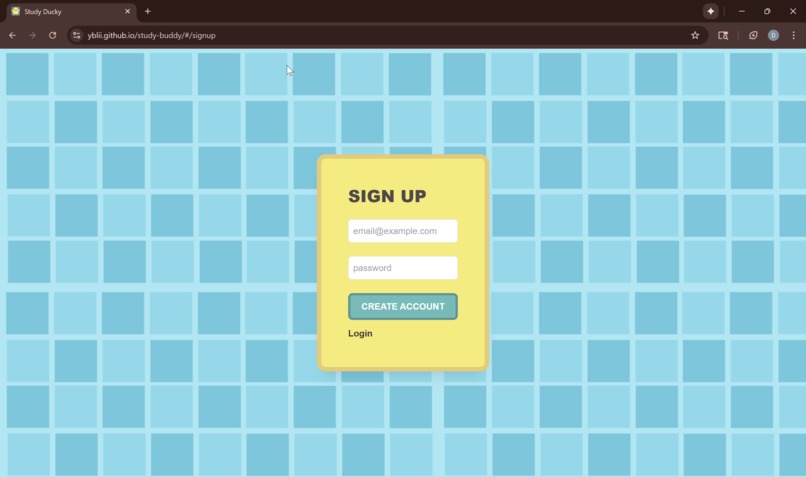
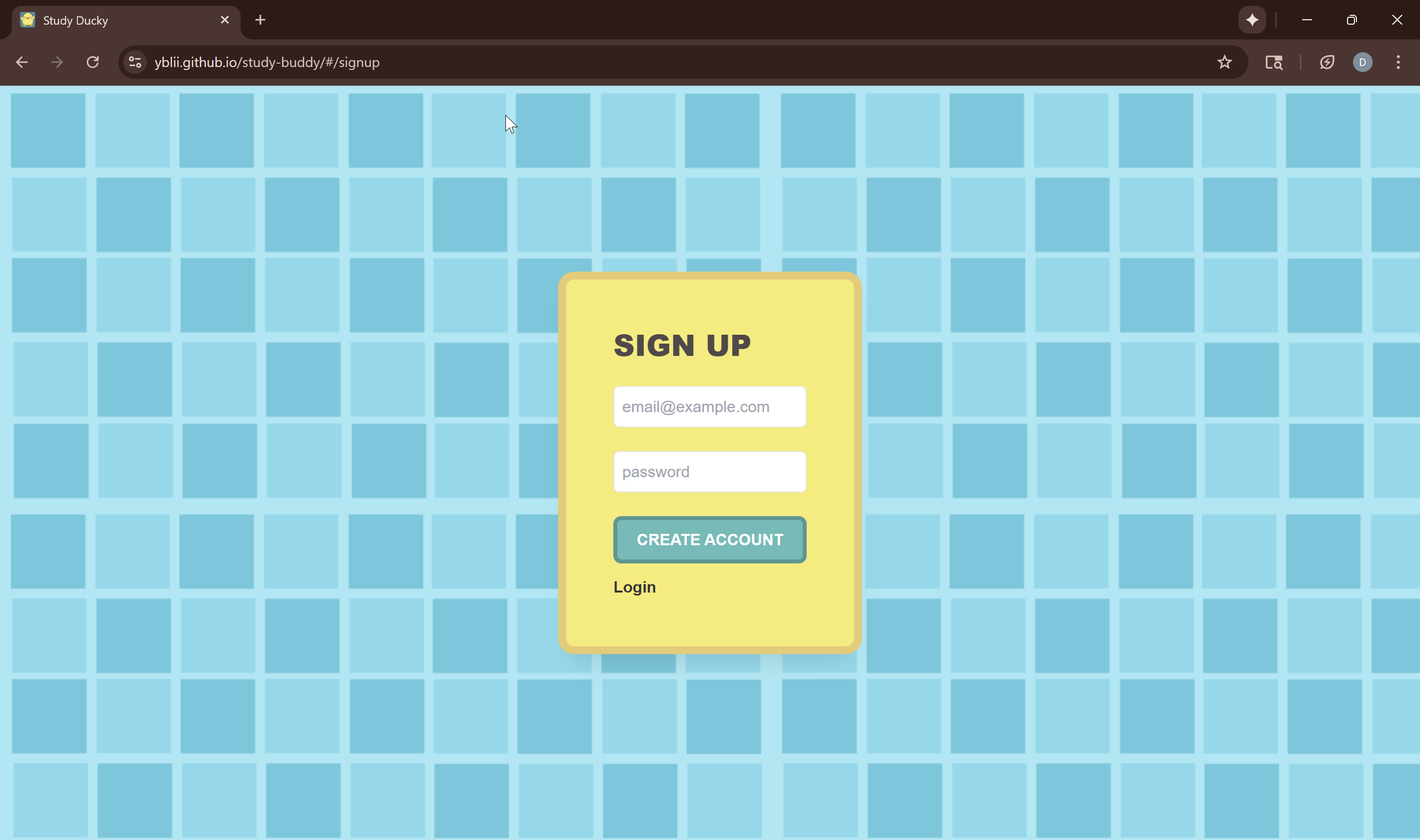
Sign-up Page
-
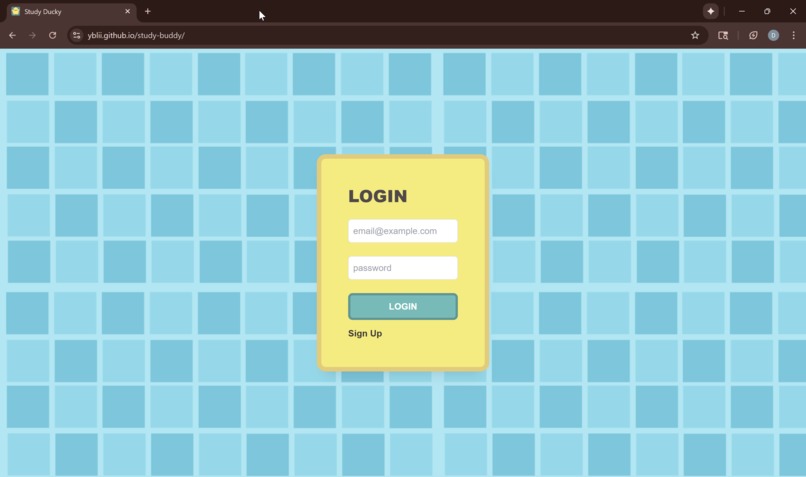
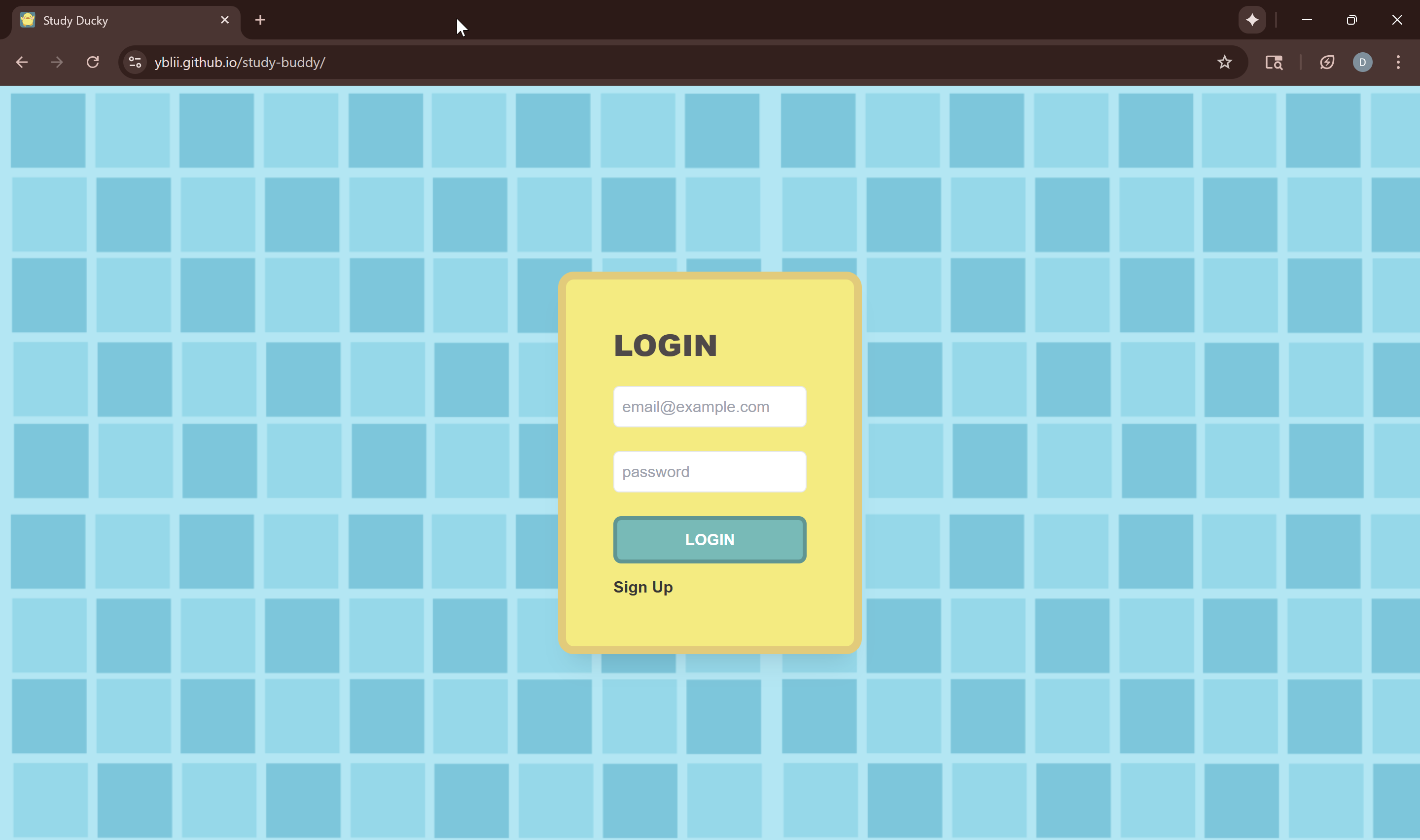
Login Page
-
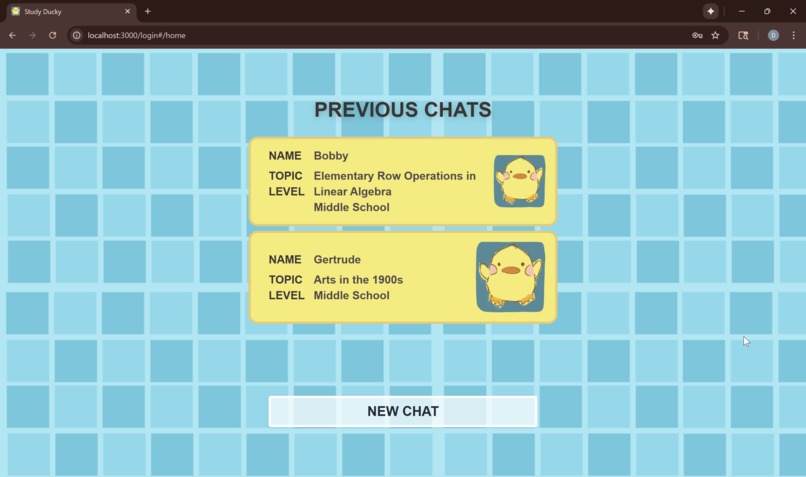
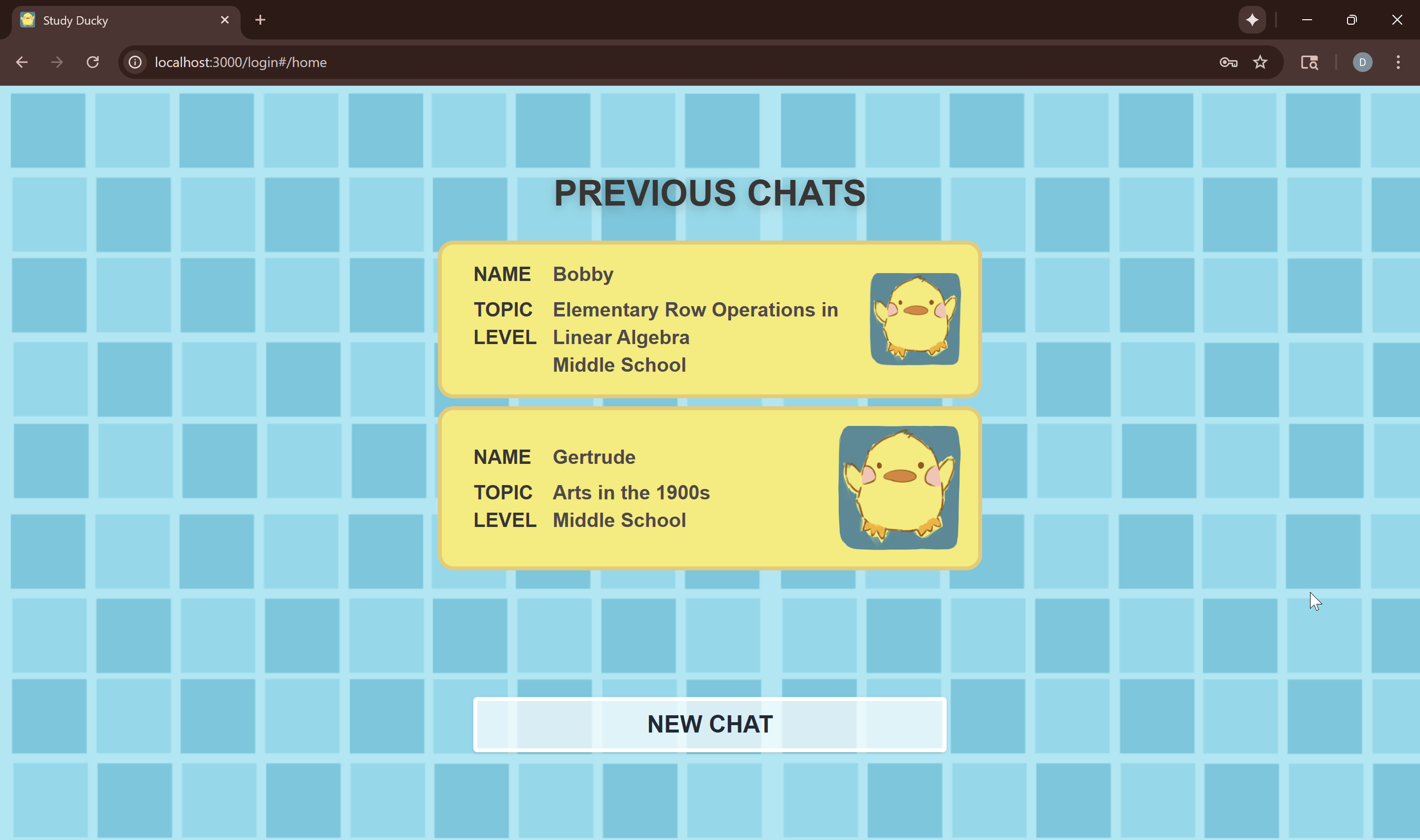
Home Screen
-
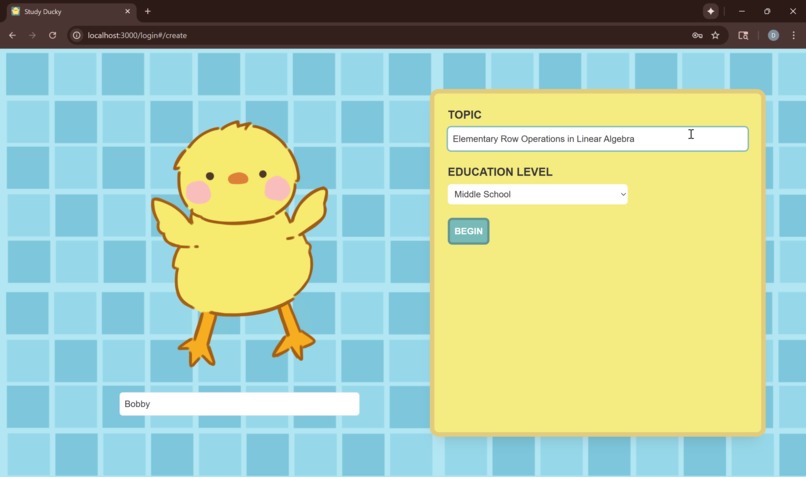
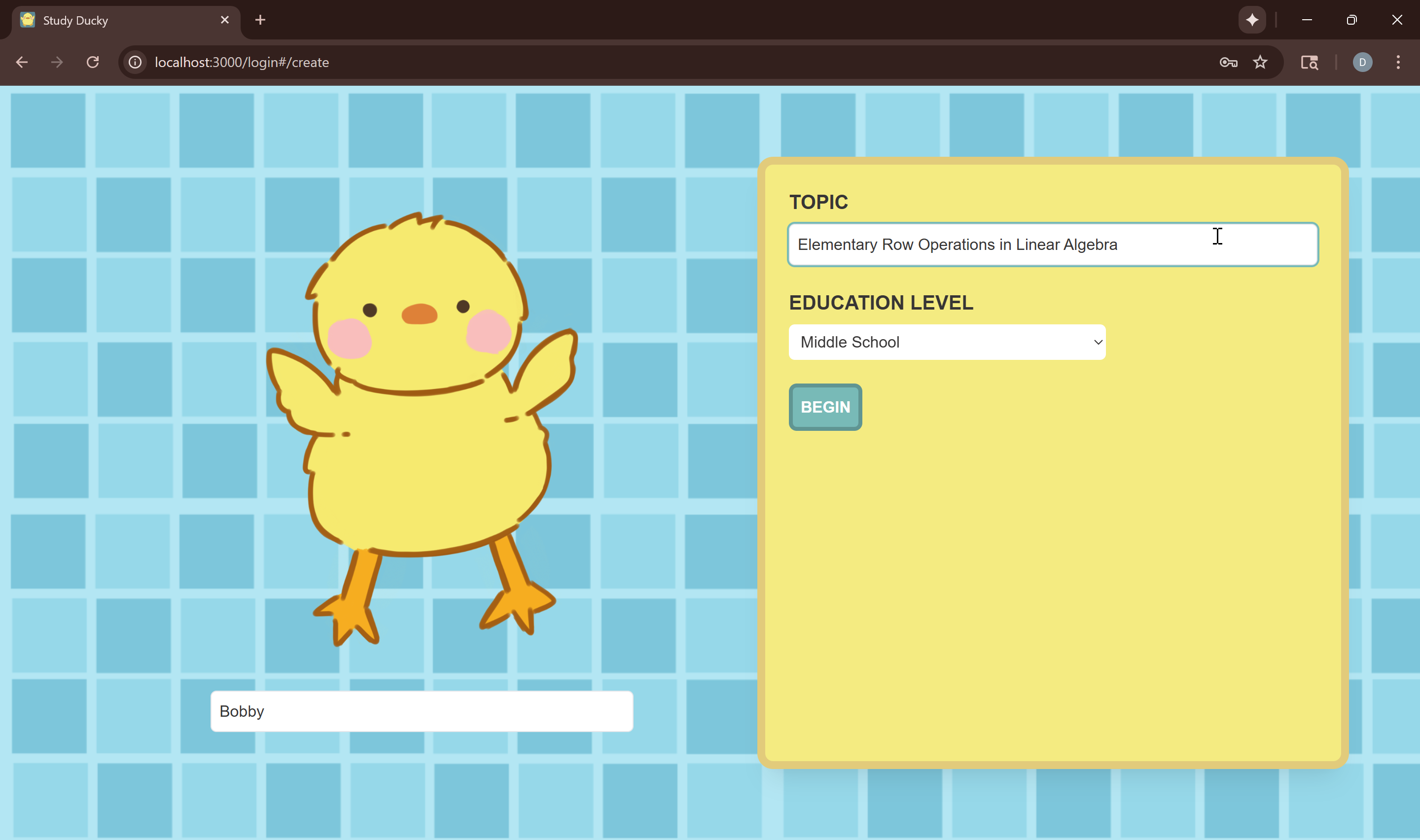
Create Chat Screen
-
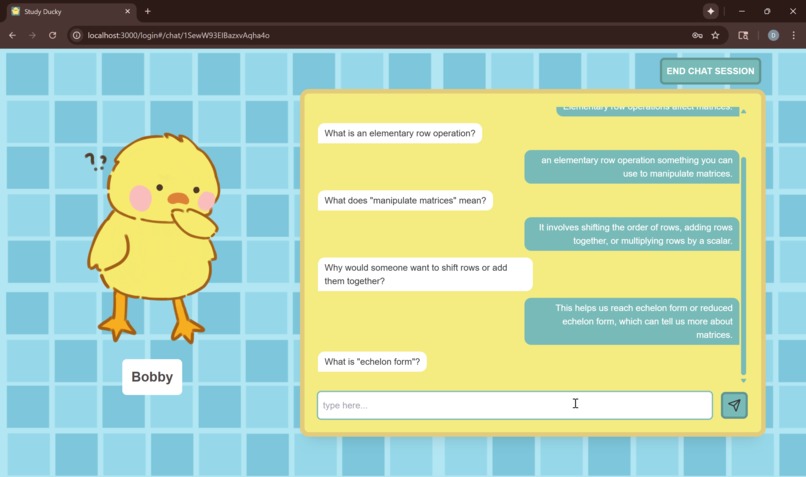
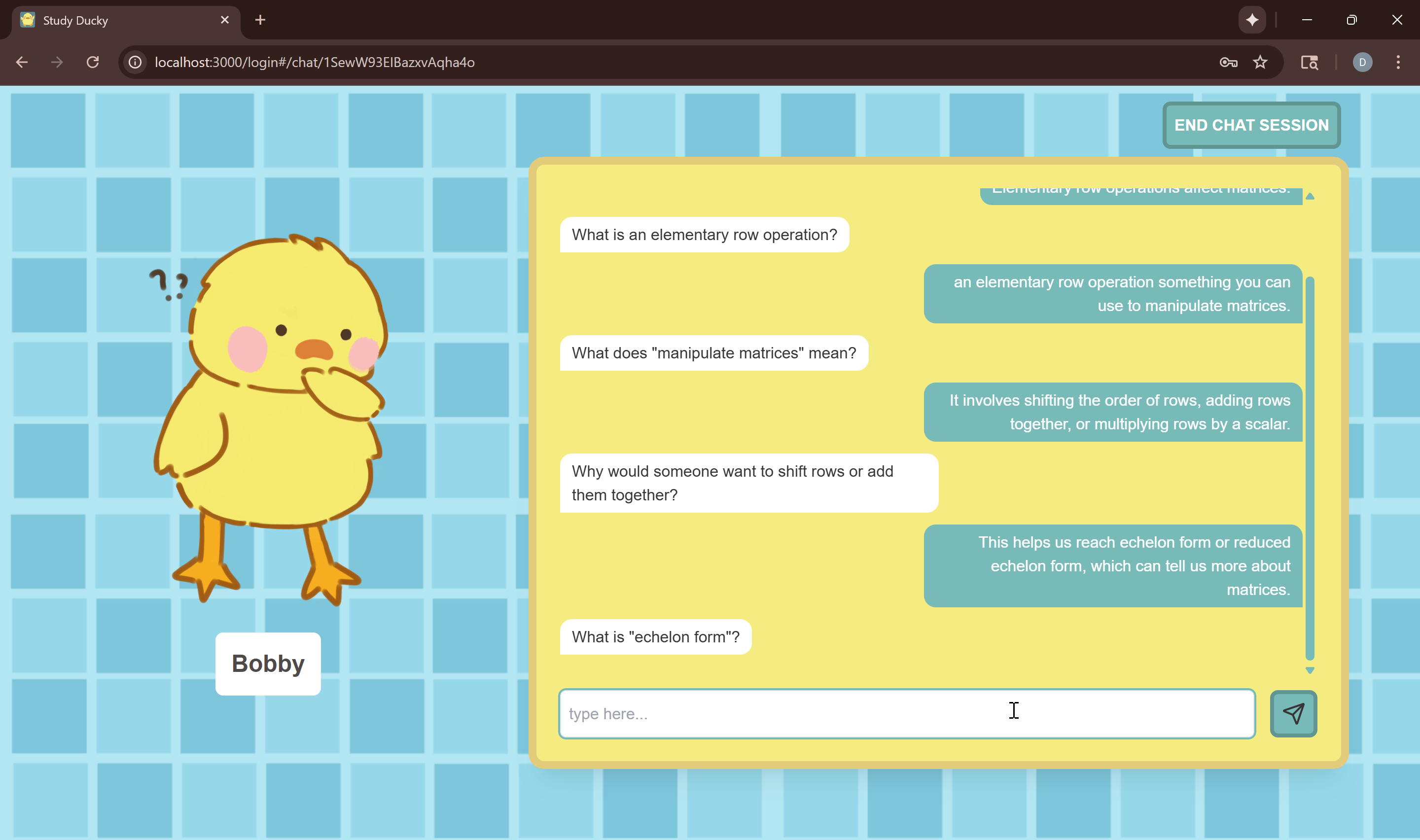
Chat Screen
-
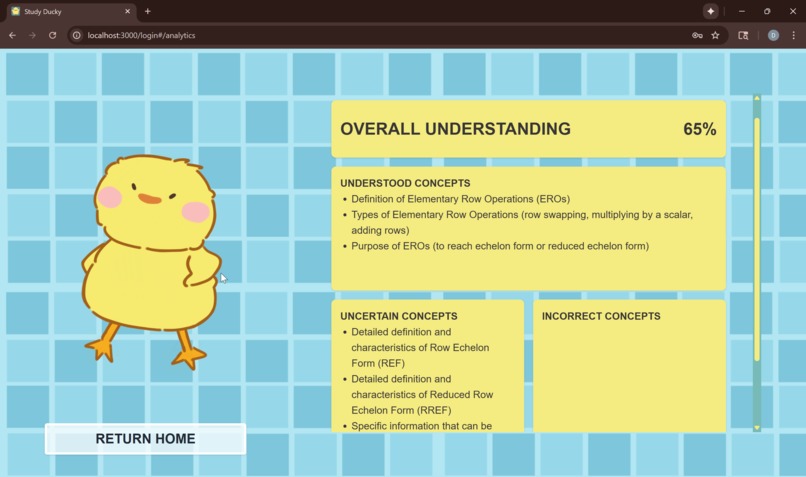
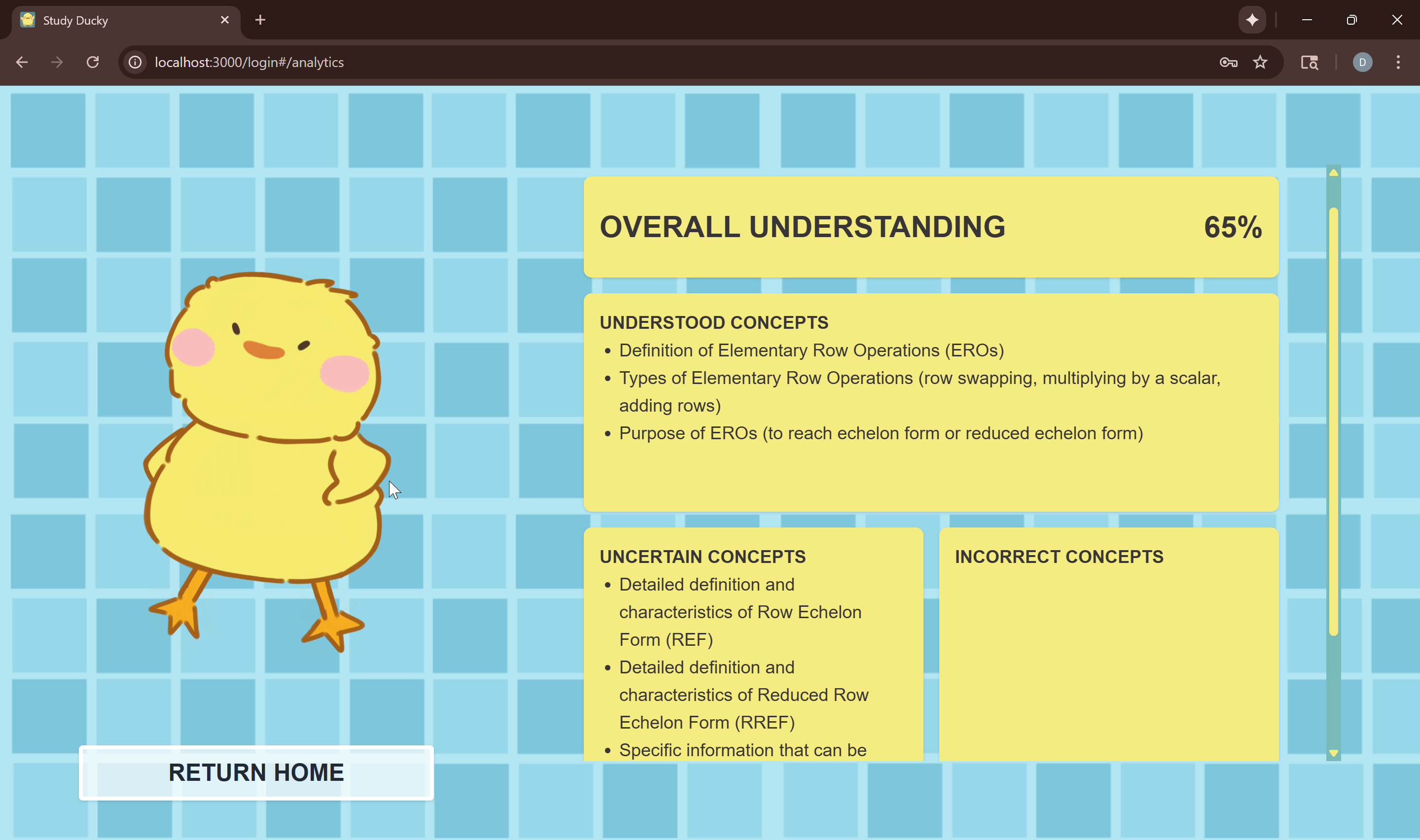
Analytics Screen
Inspiration
We wanted to bring back the joy of figuring things out for ourselves. Inspired by the nostalgic charm of the rubber duck debugging method, we imagined what it would be like if that little duck could actually talk back, curious, persistent, and always asking why.
But instead of using AI to give students the answers, we wanted to flip the script. What if the AI became the student, and the human became the teacher?
Research shows that teaching others is one of the most powerful ways to deepen understanding. By having to explain concepts clearly and respond to questions, learners uncover their own blind spots and strengthen what they already know.
What it does
Study Ducky helps students deepen their understanding by explaining what they know instead of being told the answers. Users teach their Ducky about any topic, and the Ducky listens and asks thoughtful, adaptive questions that grow in complexity as the conversation develops. Through this back-and-forth, students are encouraged to clarify their thinking, fill in gaps, and reflect on what they truly understand. After each session, Study Ducky analyzes the conversation and highlights areas of strength, misunderstanding, and topics that were left out, helping students see their learning more clearly and identify what to revisit next. By turning studying into an active, reflective process, it transforms curiosity into deeper comprehension.
How we built it
We built the frontend with React.js and styled it using Tailwind CSS for a clean and responsive interface. The backend was developed with Node.js and Express to manage API routes and handle communication with the Google Gemini API for question generation and analysis. Firebase manages user authentication and stores chat histories, allowing users to return to past sessions and track their learning progress. Throughout development, we collaborated using GitHub to organize our codebase.
Challenges we ran into
Building Study Ducky pushed us far outside our comfort zones. We were learning React, Express, Firebase, and the Gemini API all at once, and figuring things out as we went. Getting Gemini to communicate smoothly with our backend and frontend took multiple rounds of debugging and formatting fixes, and setting up Firebase for authentication and data storage was an entirely new experience. Each step came with its own set of obstacles, but through persistence and collaboration, we turned every challenge into a learning milestone.
Accomplishments that we're proud of
We started this project with ambitious goals and limited experience with many of our tools, and we honestly thought we’d have to sacrifice a lot more of our original vision to make it work. Instead, we were able to bring nearly every part of it to life, and we’re proud of how much we built and learned along the way. We successfully integrated the Google Gemini API to create an adaptive questioning system, implemented Firebase for authentication and chat storage, and connected everything through a full-stack setup using React, Express, and Tailwind. We also built an analytics feature that interprets user responses to identify strengths and gaps in understanding. Most of all, we’re proud that we turned a simple idea inspired by rubber duck debugging into a working, interactive study companion that captures the curiosity and playfulness we envisioned.
What we learned
One of our biggest takeaways was the importance of scoping and researching our tech stack before building. We decided to use Firebase late in the process, only realizing afterward that it could have streamlined many of the backend features we had already implemented with Express. We also learned a lot about prompt engineering and how large language models interpret and respond to instructions. Fine-tuning the prompts to our desired style of adaptive questioning took much more time and experimentation than we expected, but it gave us valuable insight into how to guide AI behavior effectively.
What's next for Study Ducky
Looking ahead, we want to make Study Ducky smarter, safer, and more community-driven. We plan to move more of our backend onto Firebase to simplify data handling and improve scalability. While the model has performed well so far, we want to strengthen reliability by filtering out unwanted or inappropriate responses and refining how the agent analyzes user confidence, especially when responses are short or vague. We also hope to improve the questioning logic so the Ducky can ask more thoughtful, layered questions that inspire detailed, reflective answers.
On the user side, we’re excited to expand Study Ducky into a shared learning experience. We want to add a community aspect where students can view others’ explanations for questions similar to the ones they missed, fostering peer learning and new perspectives. We also plan to visualize learning trends over time, helping users see how their understanding evolves across sessions, through more detailed analytic sections.
Beyond analytics, we’re exploring gamified elements like leaderboards, and duck customization to make learning more motivating and fun. We also aim to polish the interface for better readability and accessibility, including potential voice input/output options for auditory learners. Finally, we plan to prioritize user privacy, giving users full control over data storage, consent, and deletion.
Built With
- express.js
- firebase
- gemini
- github
- javascript
- node.js
- react.js
- tailwind


Log in or sign up for Devpost to join the conversation.