-
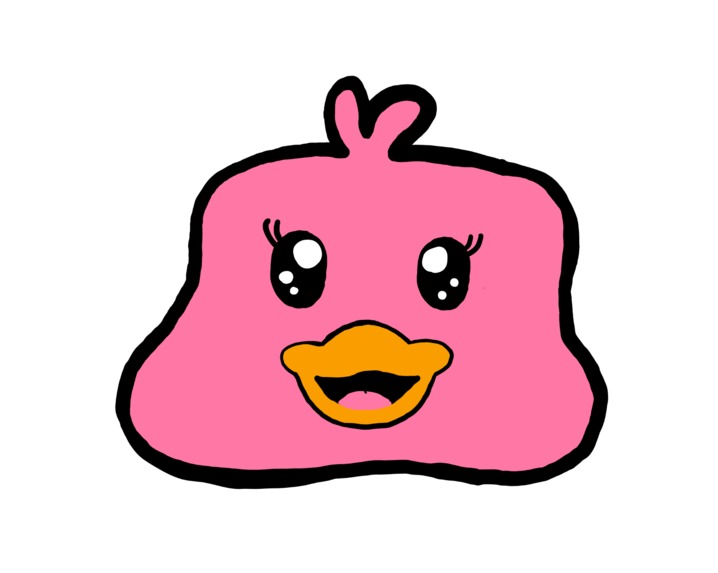
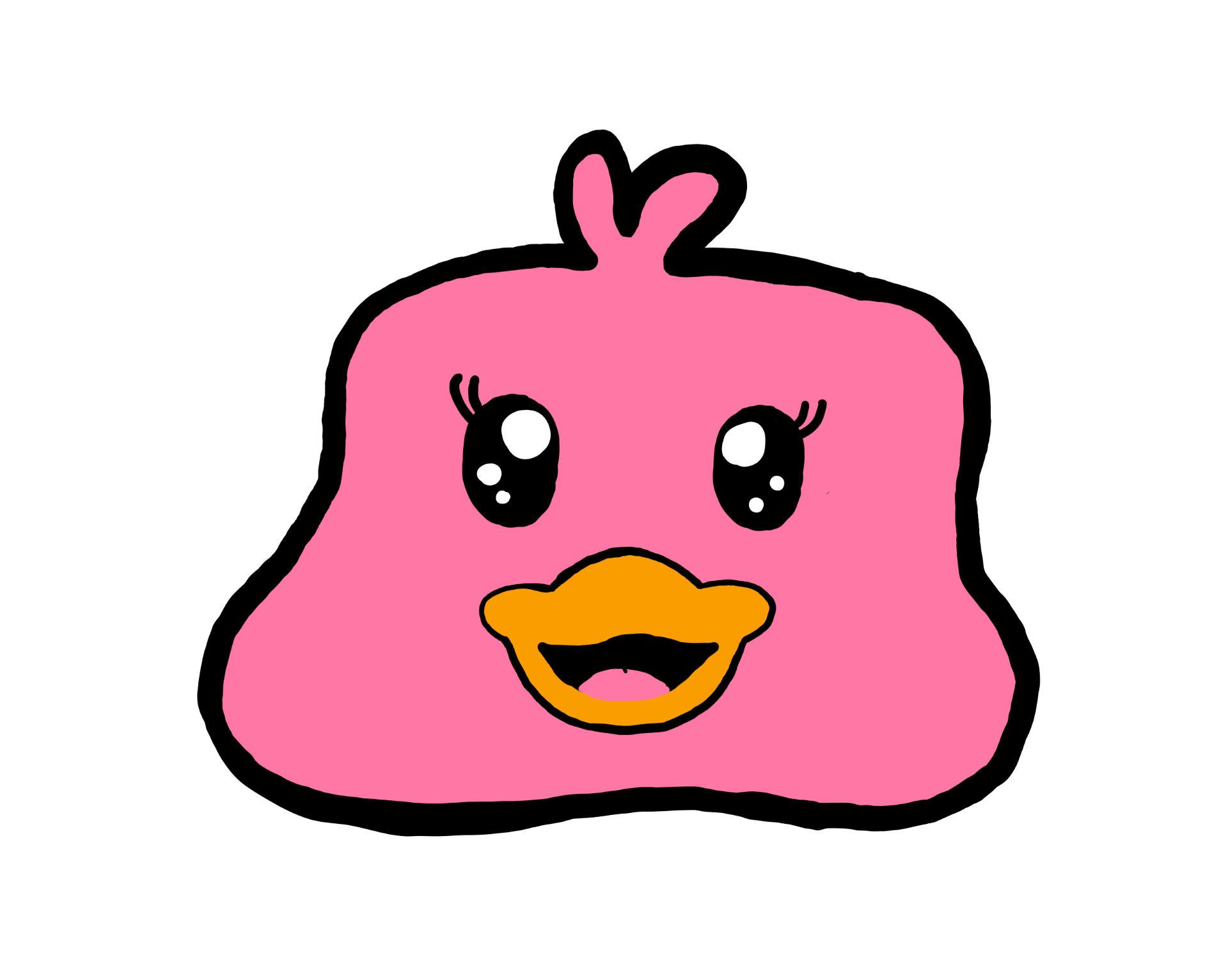
Meet the Study Duck!
-
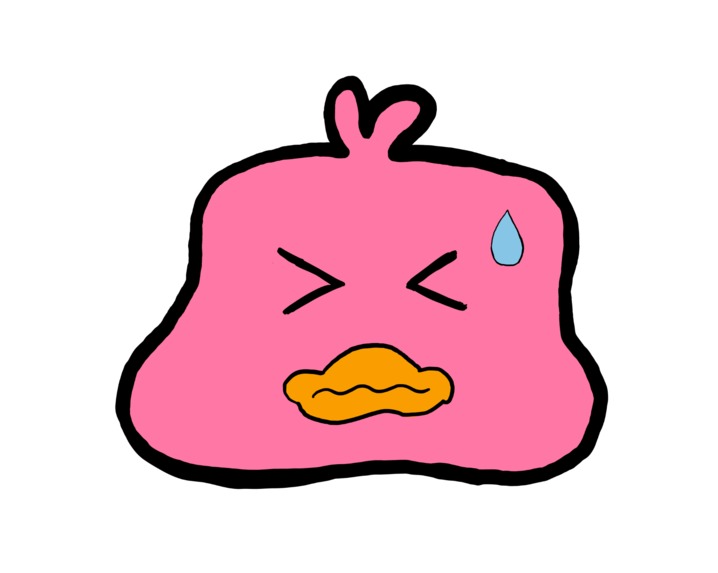
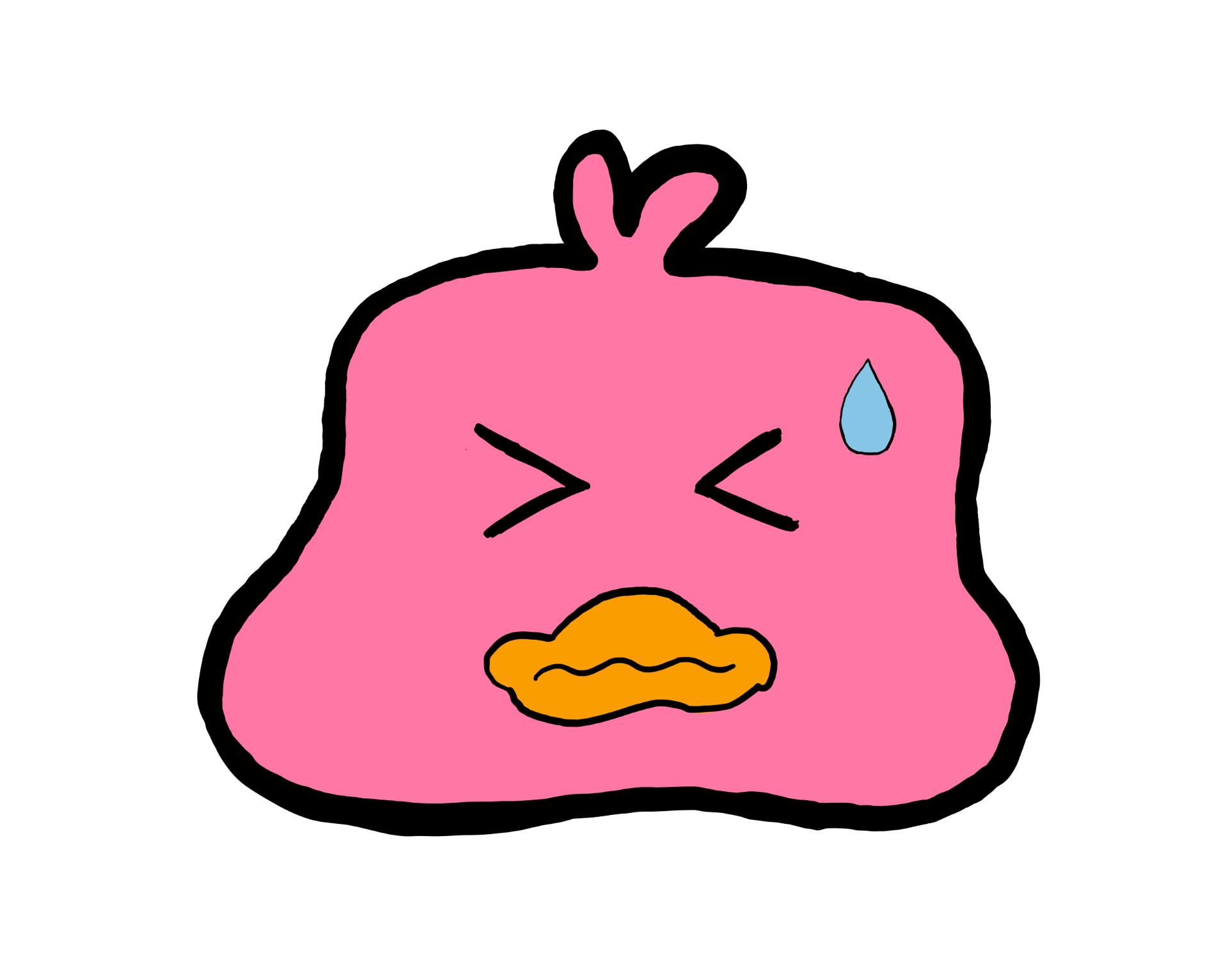
It senses your emotion. Maybe time to take a break!
-
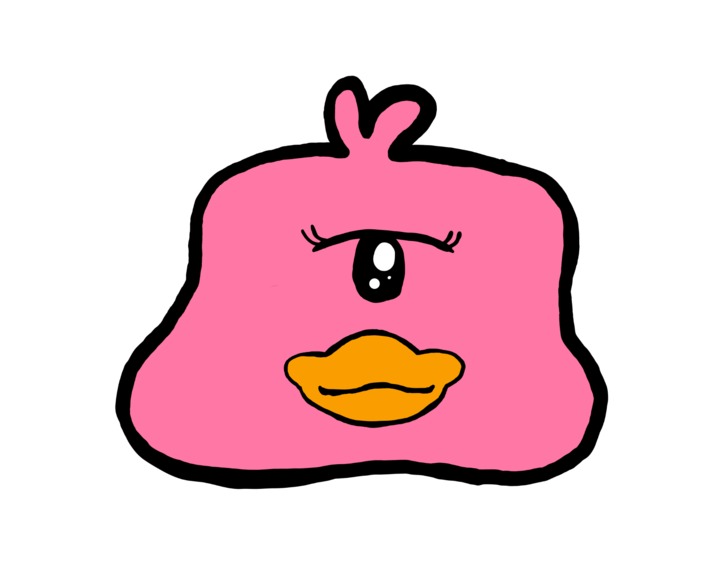
Even if it's hard to otherwise describe.
-
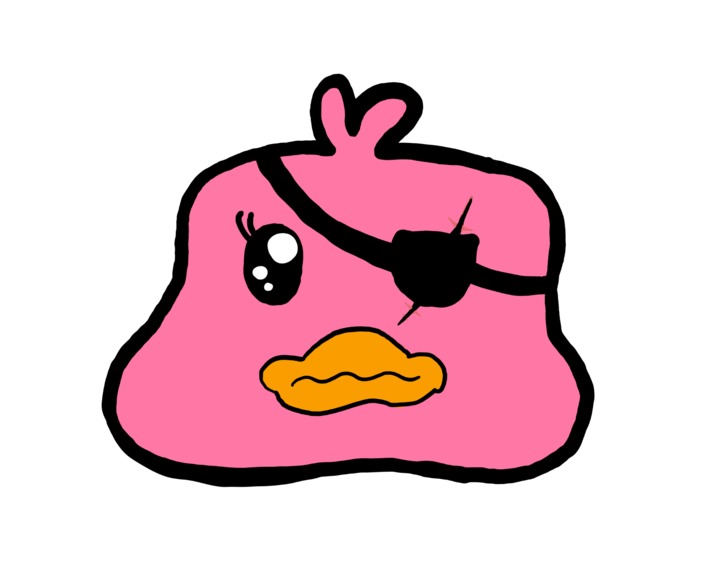
rar!
Inspiration
We have all had moments of coding frustration - you've been sat for hours on your computer and just nothing seems to click. You hesitate, delete, redo, undo. But what if there was a little programming pal who could help you?
What it does
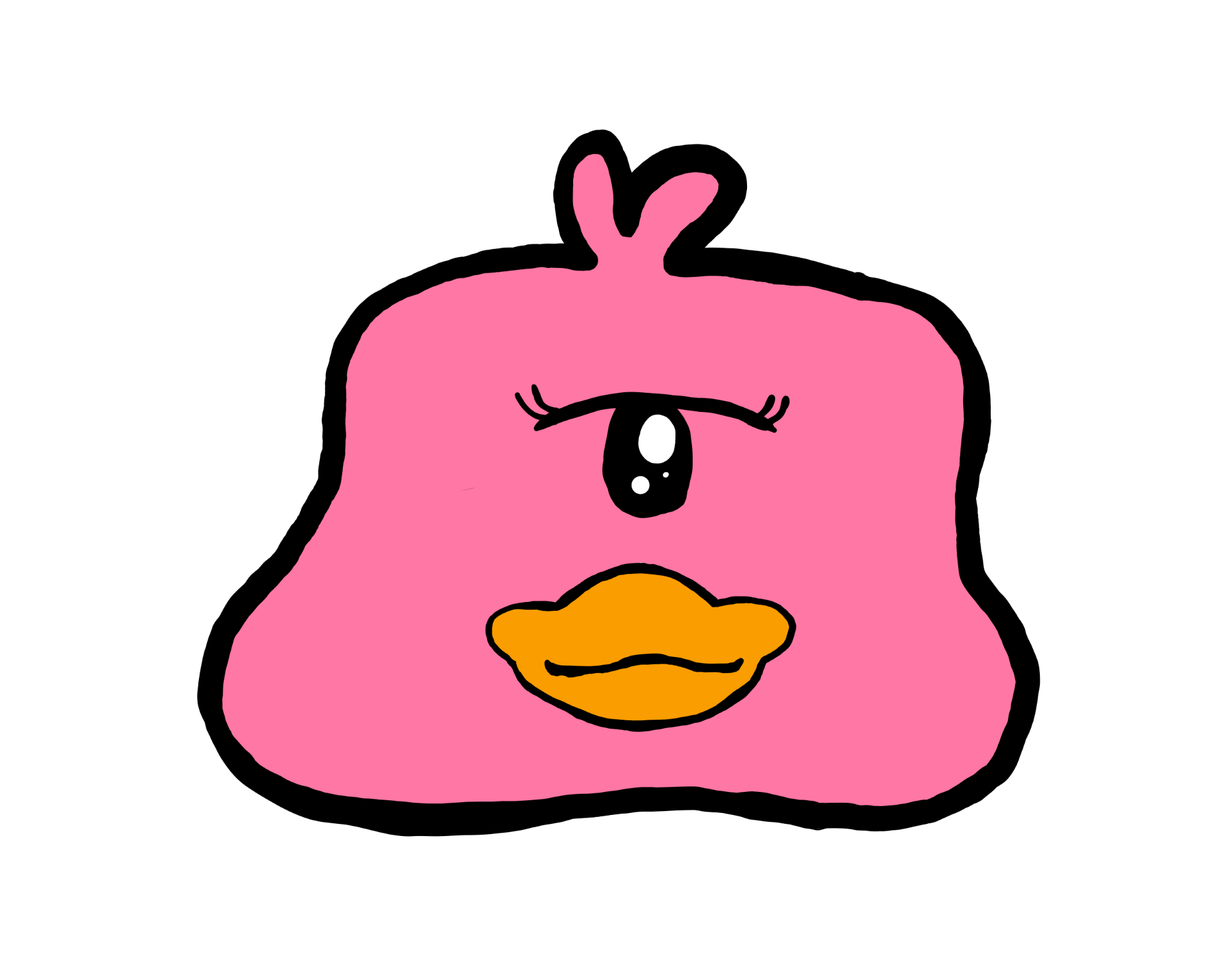
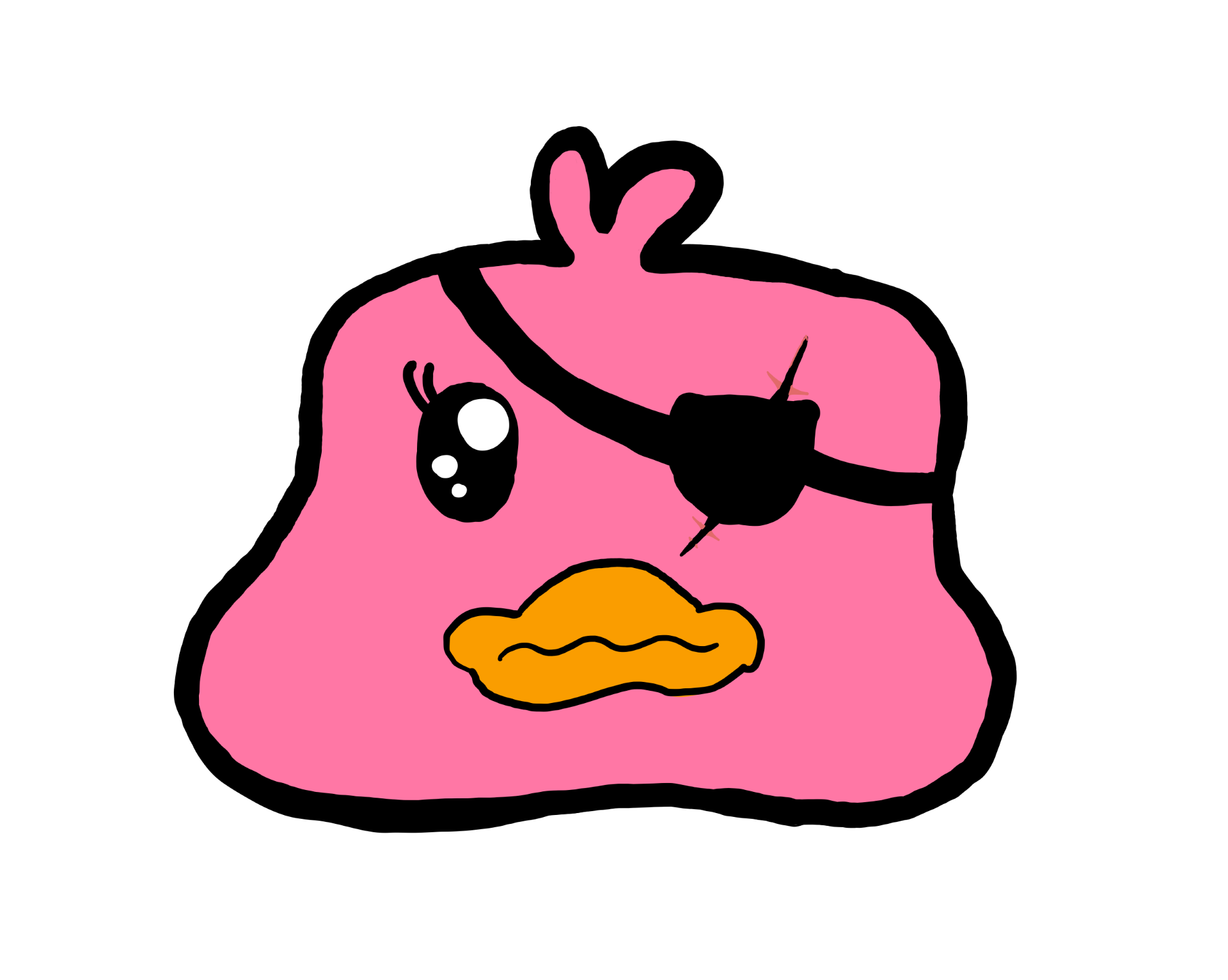
By tracking your typing speed and patterns, our VS code extension study duck will keep track of your mood and alert you to changes in your behavior from flow state to frustration. Along side this, it reminds to take study breaks, stay hydrated and encourages you keep going giving plenty of encouragement. This is all done via a text panel on your sidebar underneath an animation of out study ducky.
Alongside this extension is an additional optional hardware extension. The hardware extension grounds the outcomes of this extension into reality through the use of a wearable watch-like device. The device contains a temperature and humidity sensor in order to provide environmental contextual information. This data informs the frequency of hydration breaks and displays messages onto an LCD display. A non intrusive vibration feature is also included to alert the user and give haptic feedback.
How we built it
The duck is a VSCode extension that tracks your typing pattern and analyses it as a time-series, detecting anomalies and reacting encouragingly.
Challenges we ran into
Making our model generalize to out of sample data was a tricky task.
Accomplishments that we're proud of
The artstyle and animations do a good job at keeping the user engaged.
What we learned
A project that seems straight forward has quirks you didn't expect, but it is important to stay strong, take breaks and drink water.
What's next for Study Ducky
Expand the range of messages by making it more tailored to each user.
Built With
- typescript
- vscode

Log in or sign up for Devpost to join the conversation.