-
-
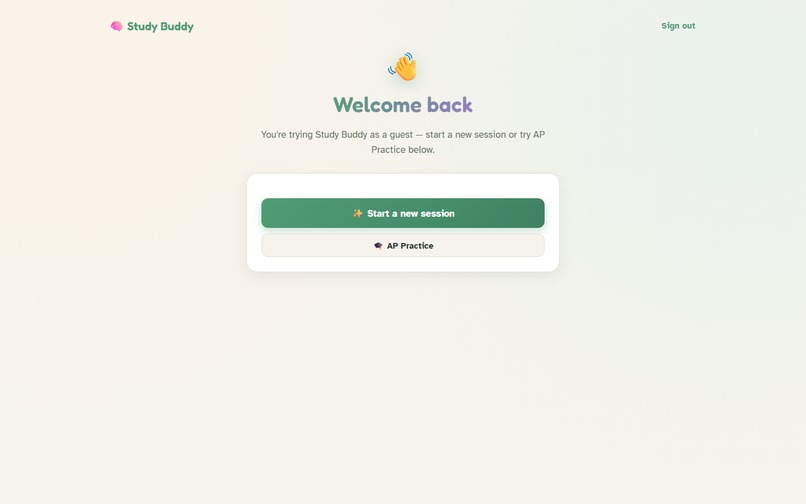
Dashboard
-
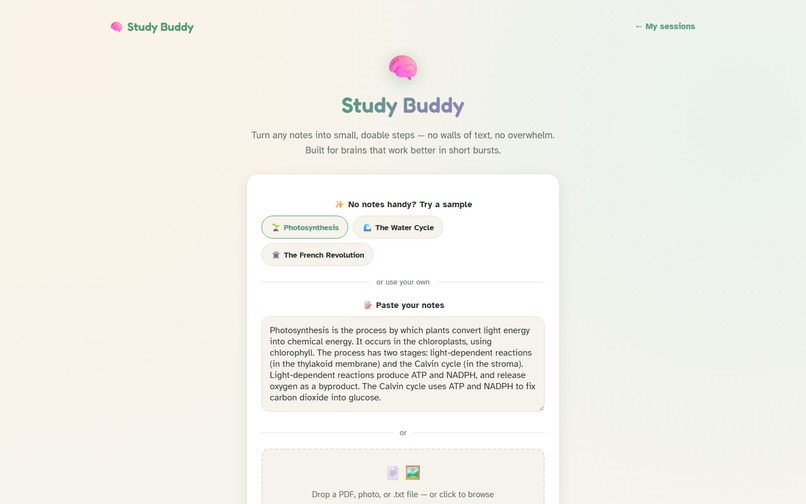
Upload
-
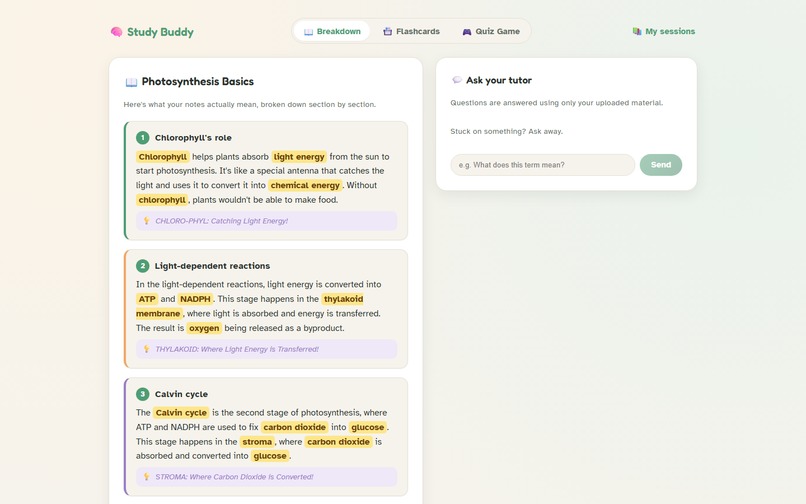
Notes Breakdown
-
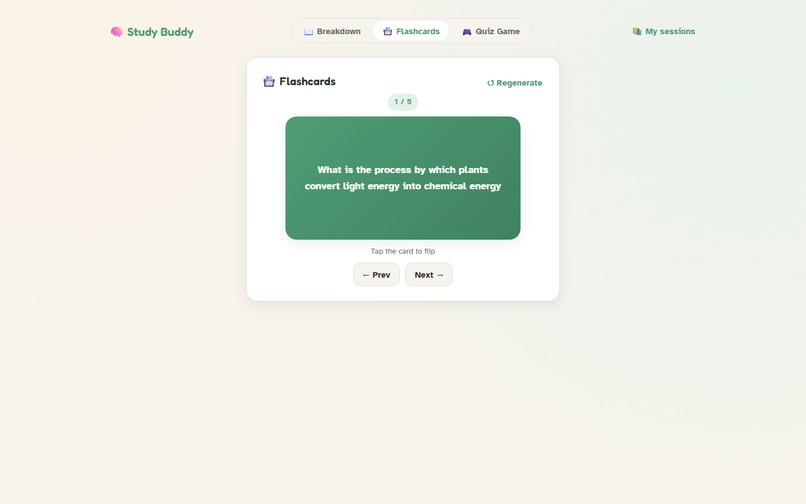
Flashcards
-
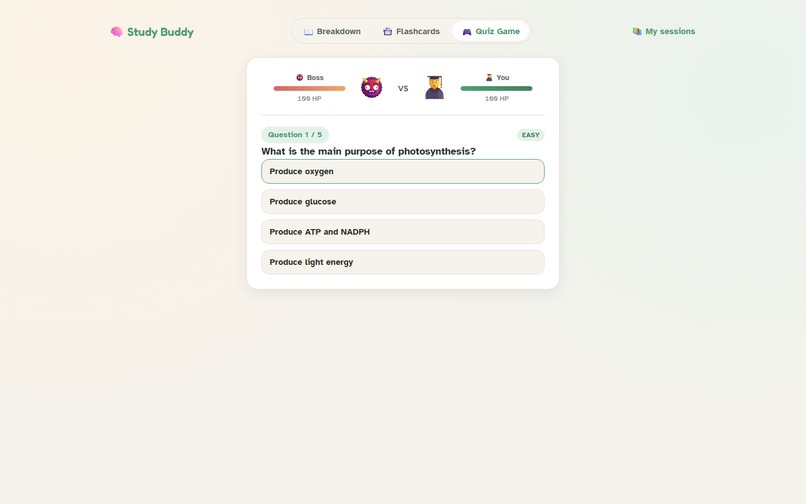
Quiz Boss Battle
-
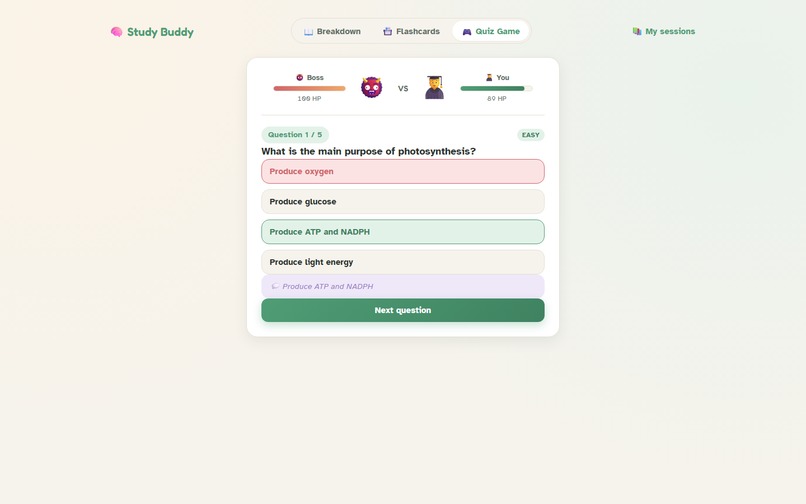
Quiz Answered
-
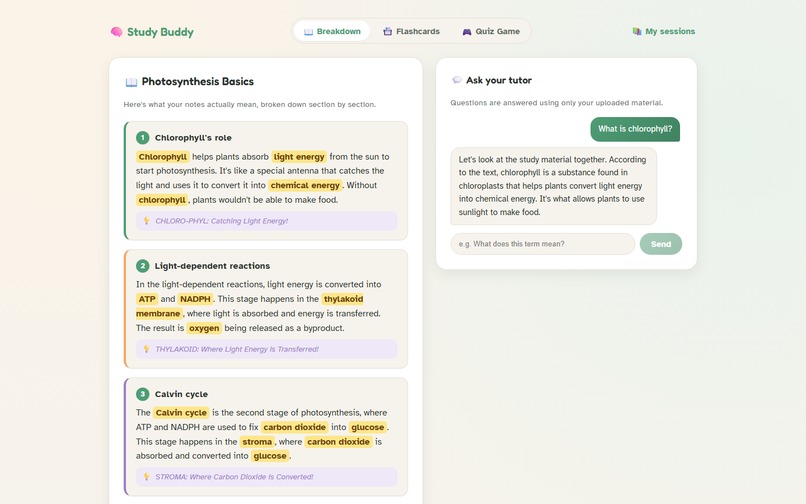
Tutor Chat
-
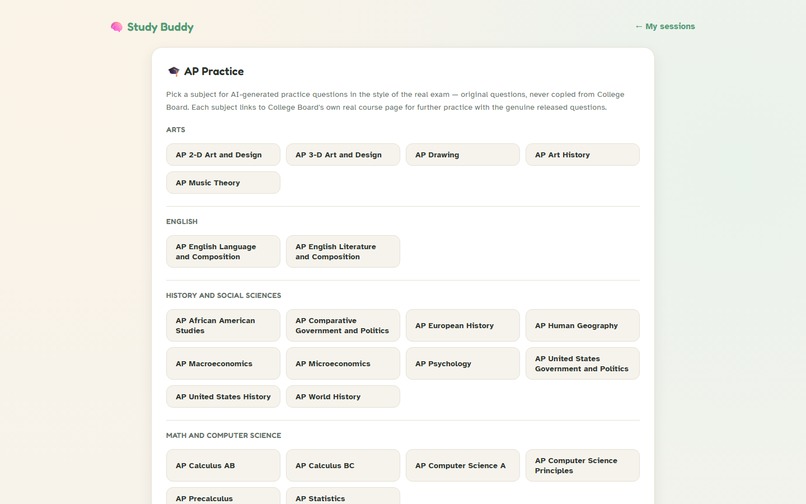
AP Practice Picker
-
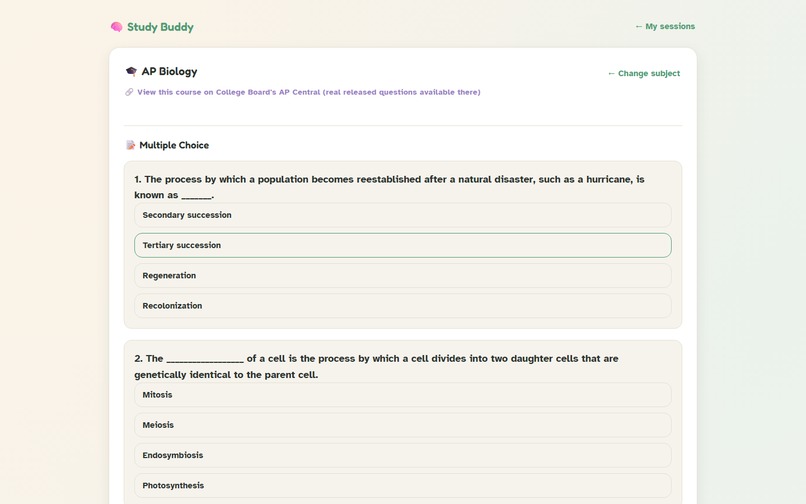
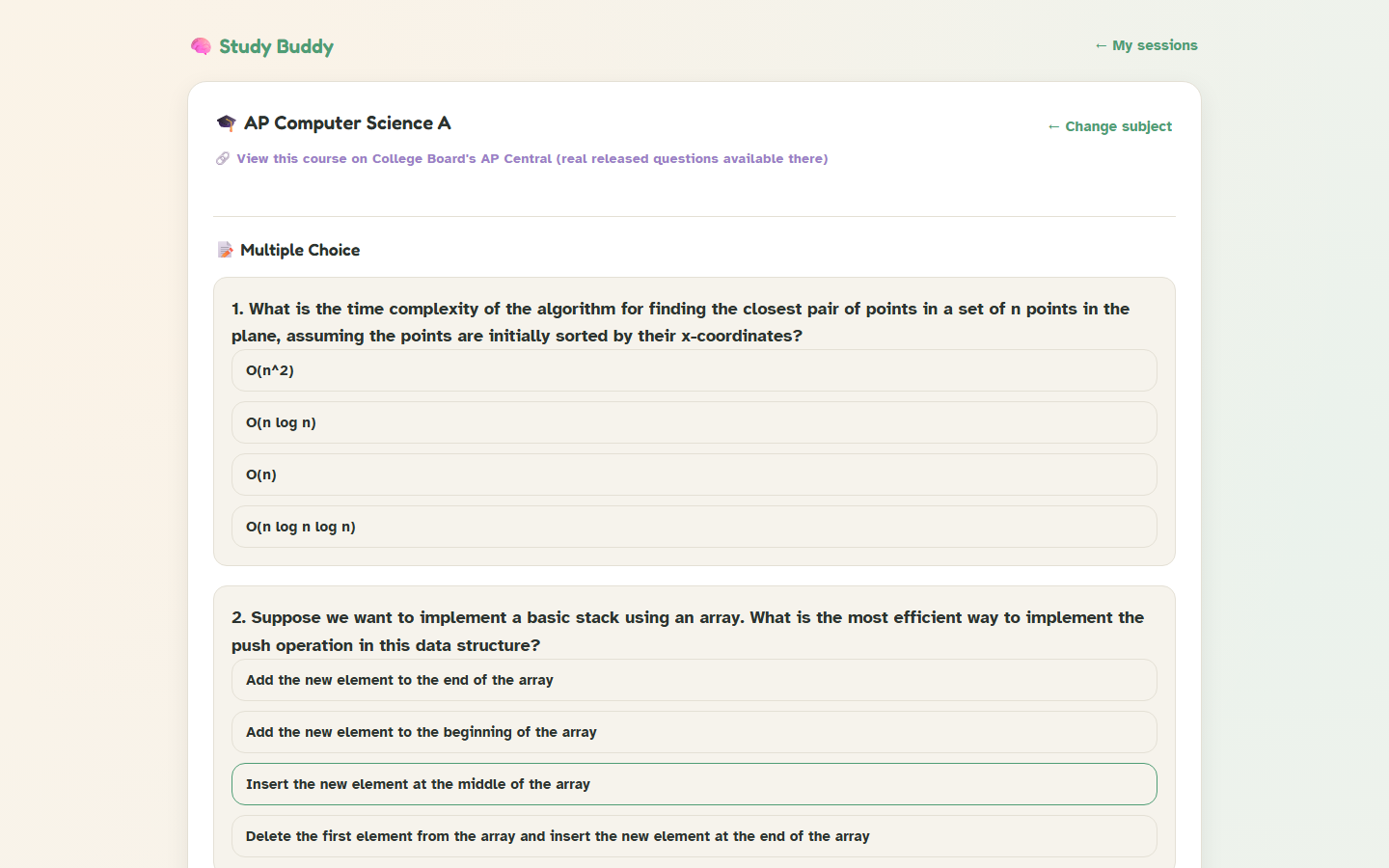
AP Practice Questions
-
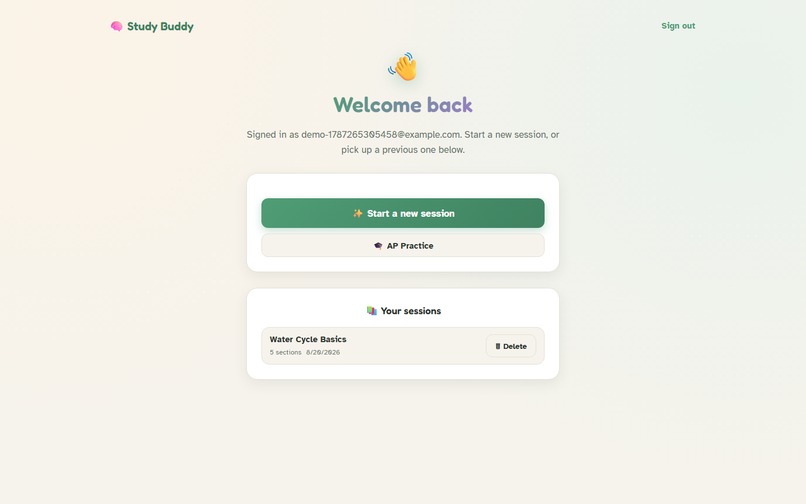
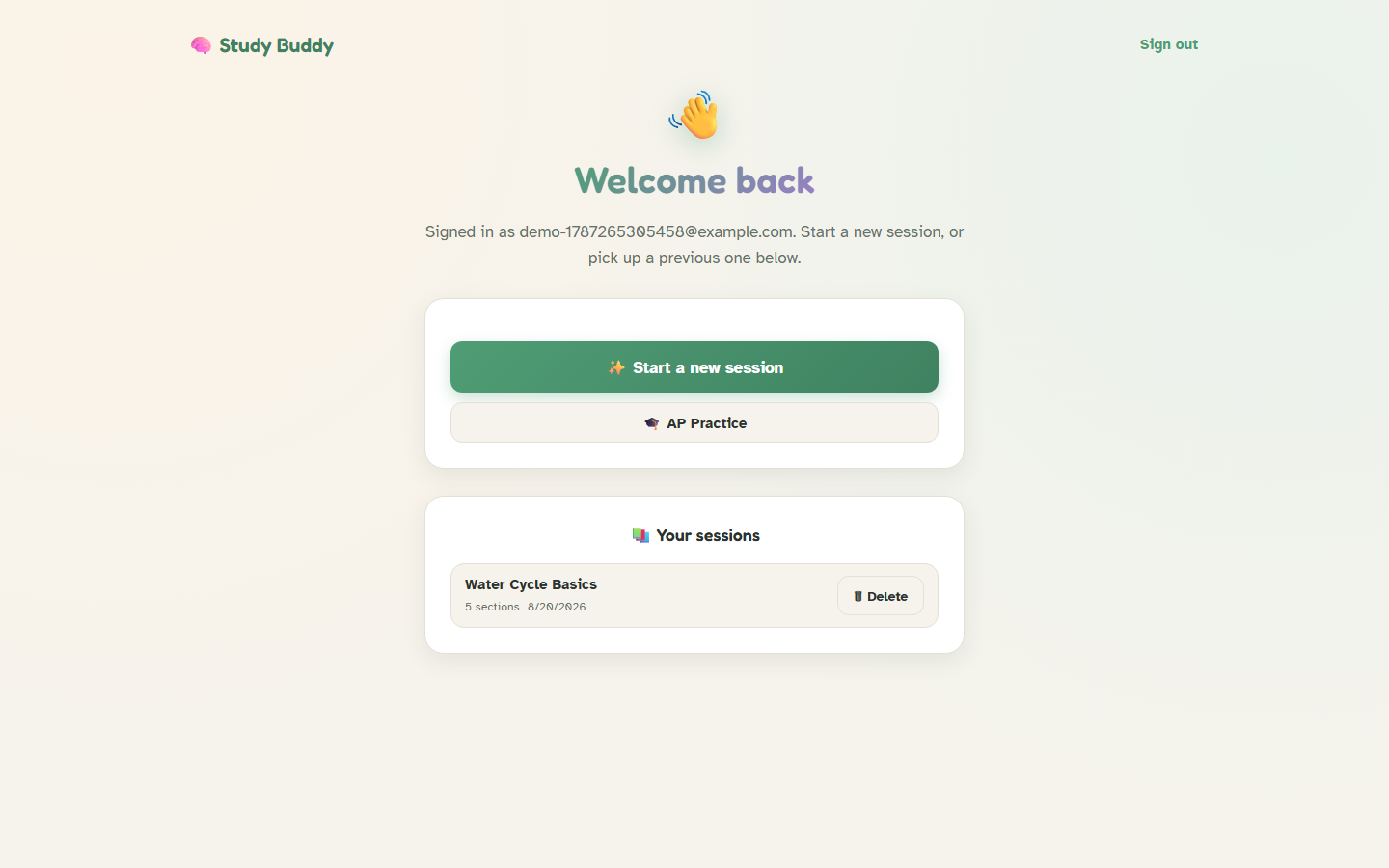
Dashboard Signed In
-
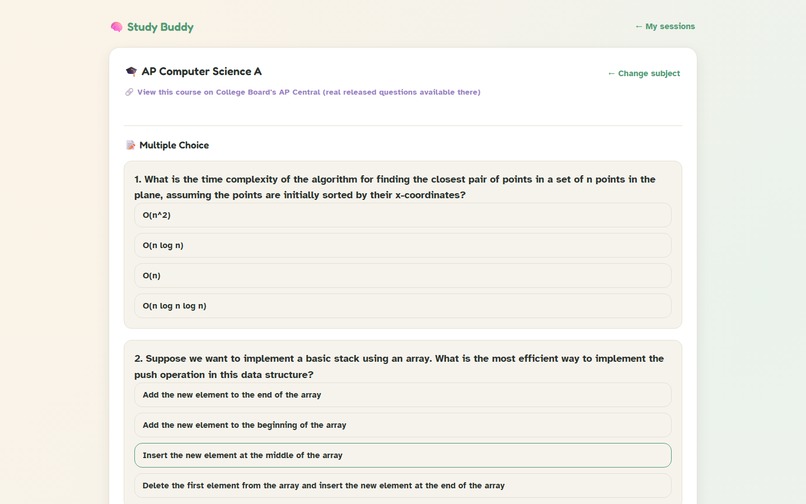
AP Computer Science
Inspiration
Dense, jargon-heavy class notes are often harder to learn from than the subject matter actually deserves — especially if you have ADHD, autism, a hearing-loss or any other executive-function challenge, where an unstructured wall of text causes overwhelm before real learning even starts. It's worse if you missed the class entirely: there's no one around to re-explain it in simpler terms. I wanted to build something that acts like that "someone" — a tool that takes whatever messy notes a student already has and turns them into something they can actually learn from.
What it does
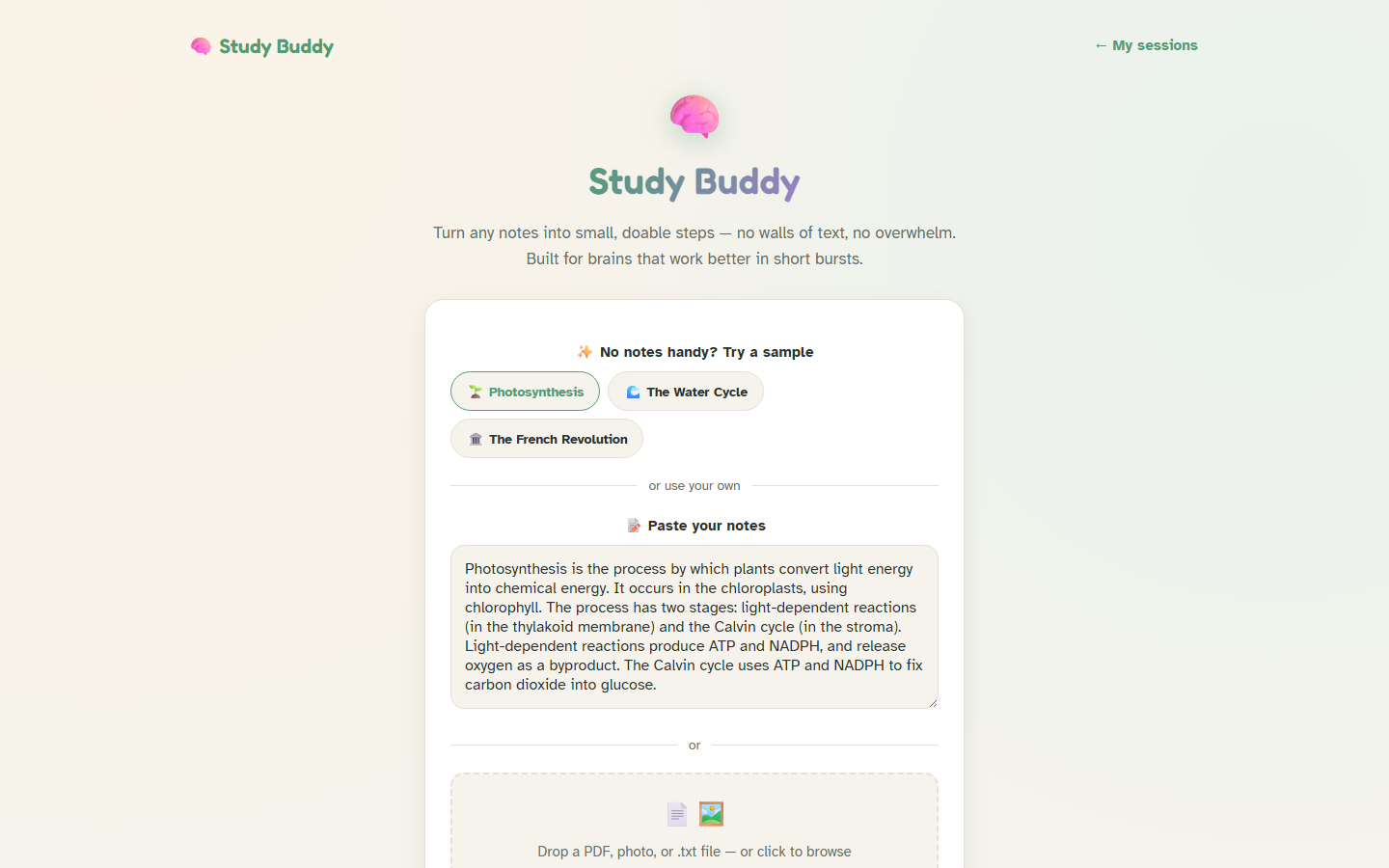
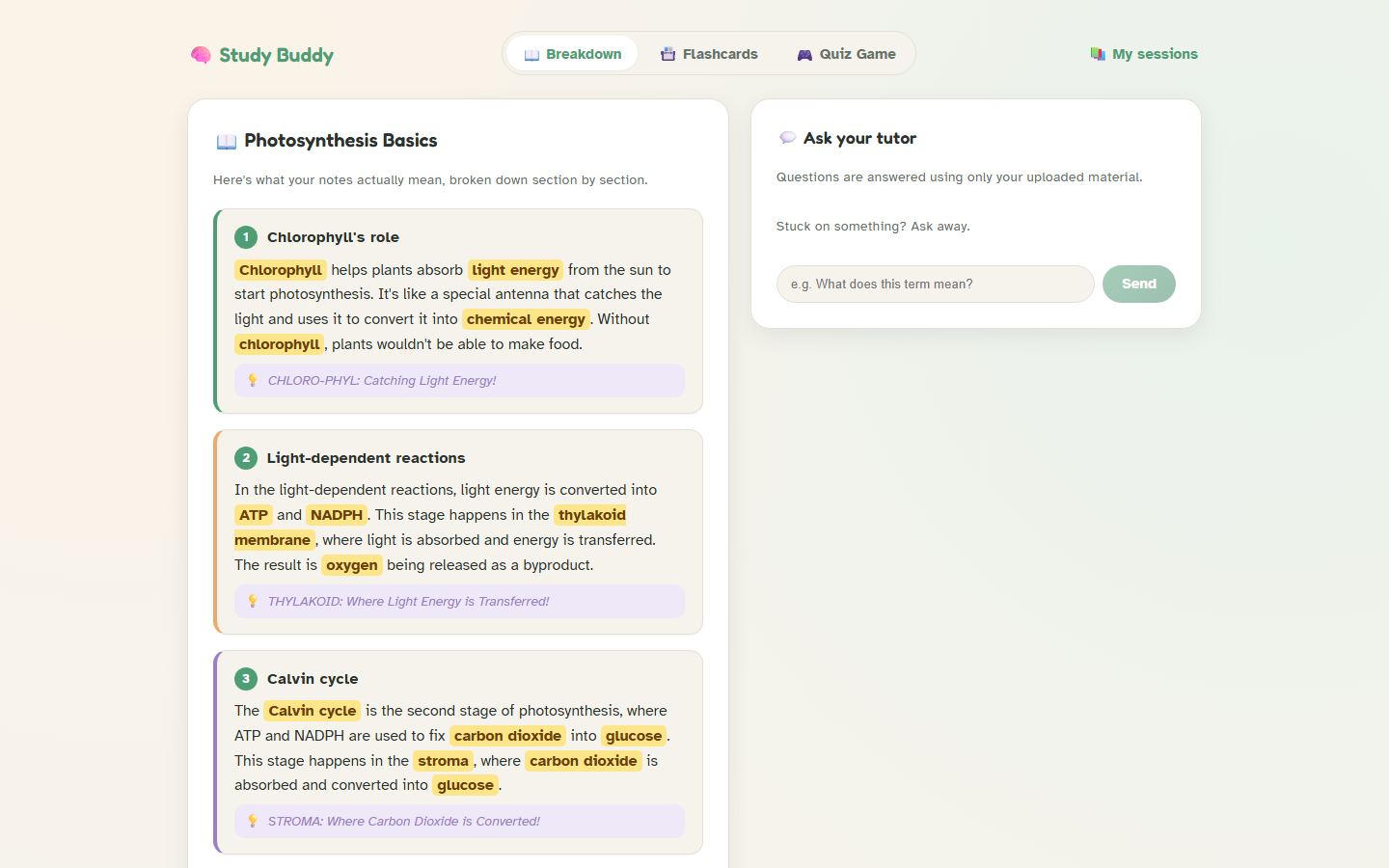
Study Buddy takes notes in any form — pasted text, a PDF, a photo of handwritten notes, even a plain .txt file — and turns them into:
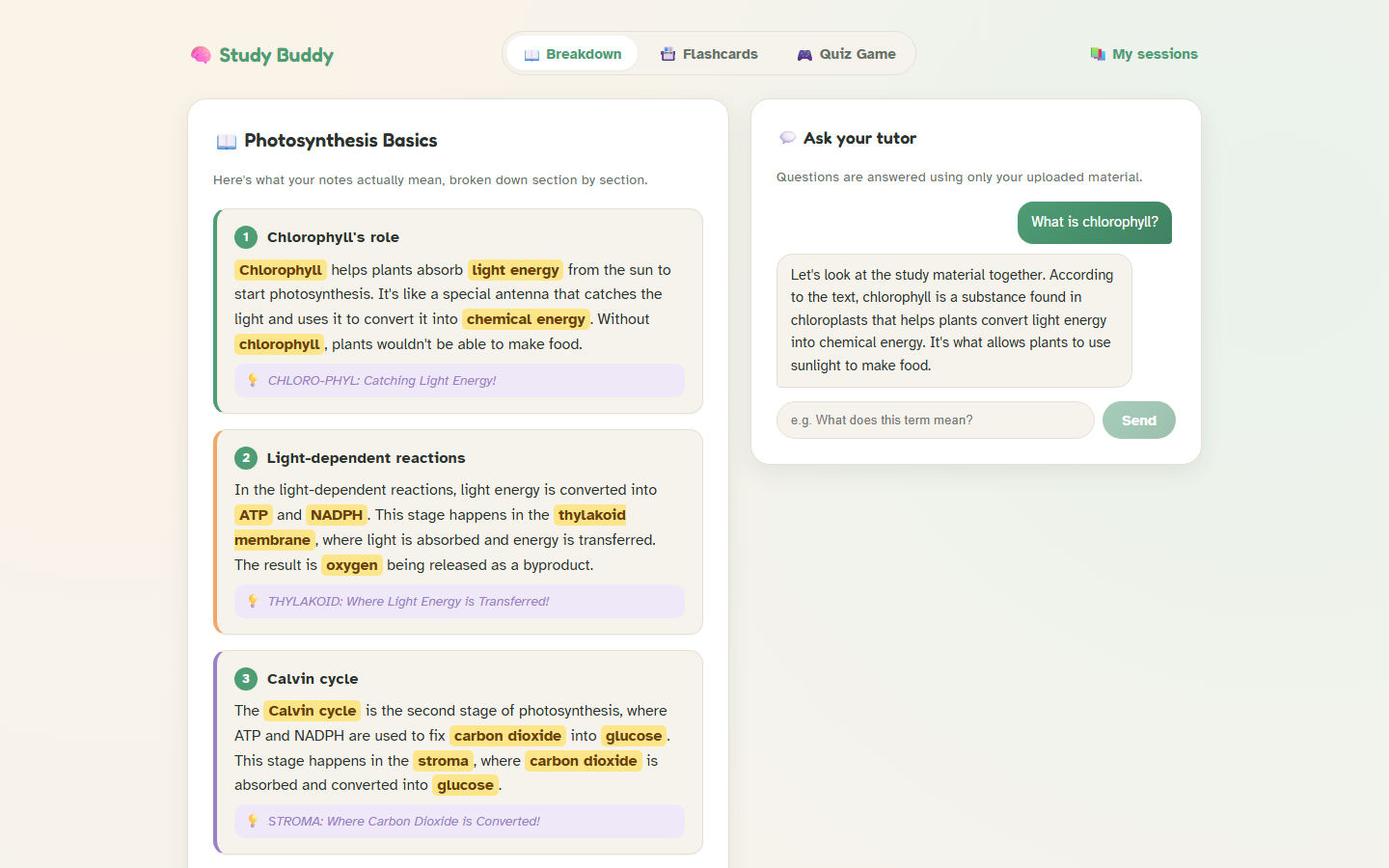
- A plain-language breakdown: exactly 5 sections, each naming one specific concept and actually explaining it (not just repeating the original wording), with key terms highlighted and a memory trick (mnemonic, silly acronym, or vivid mental image) attached to every section.
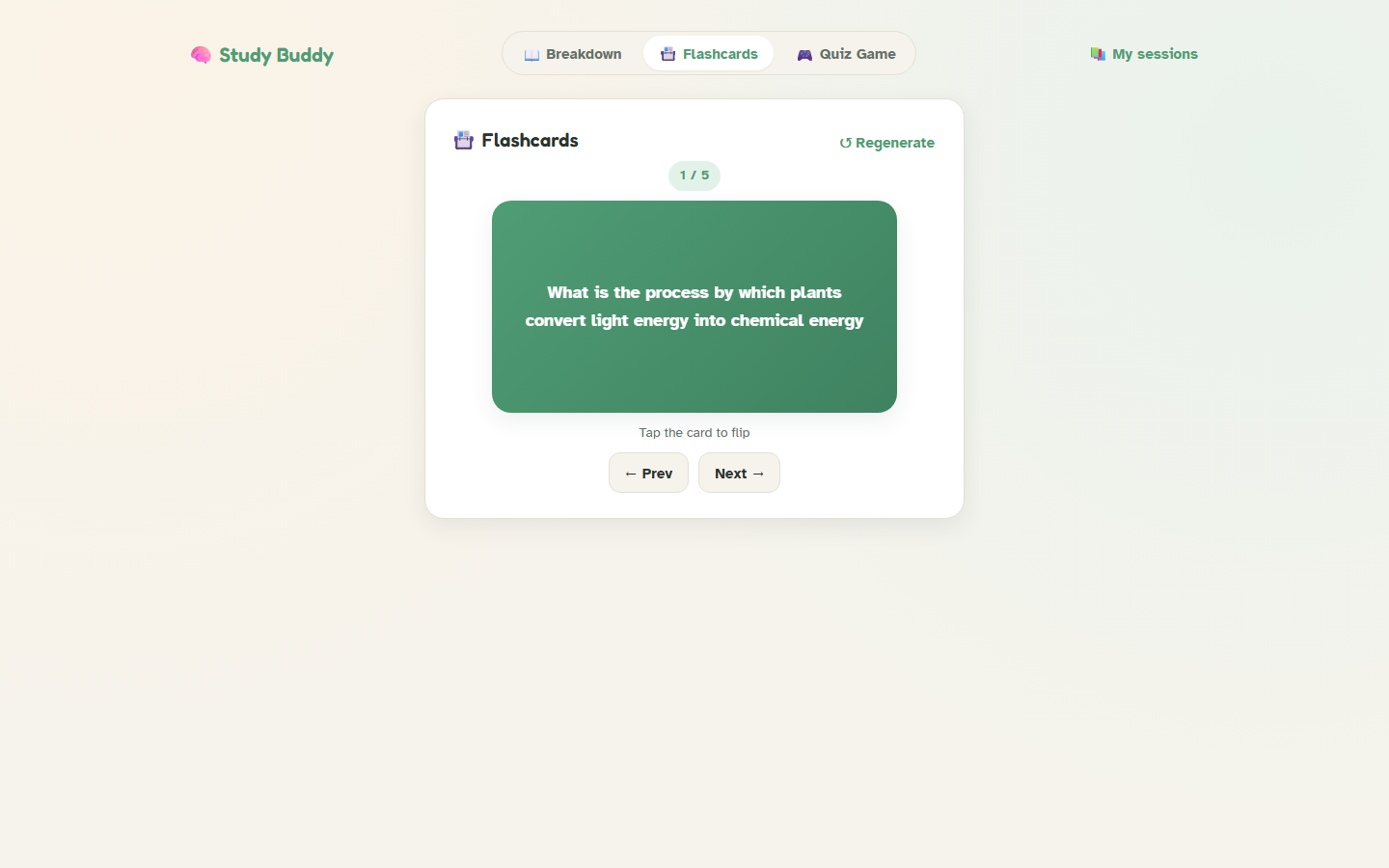
- Flashcards for active-recall practice.
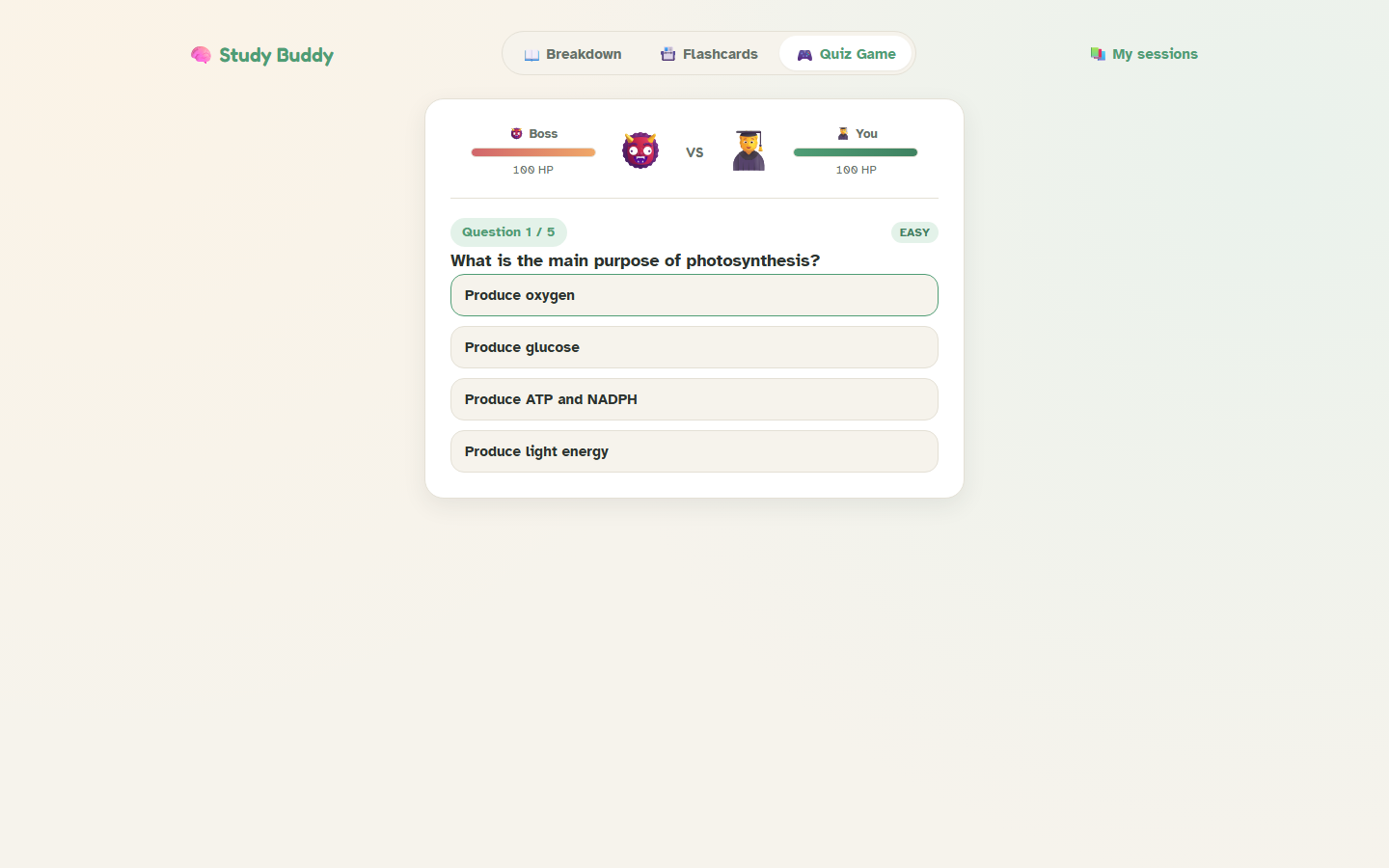
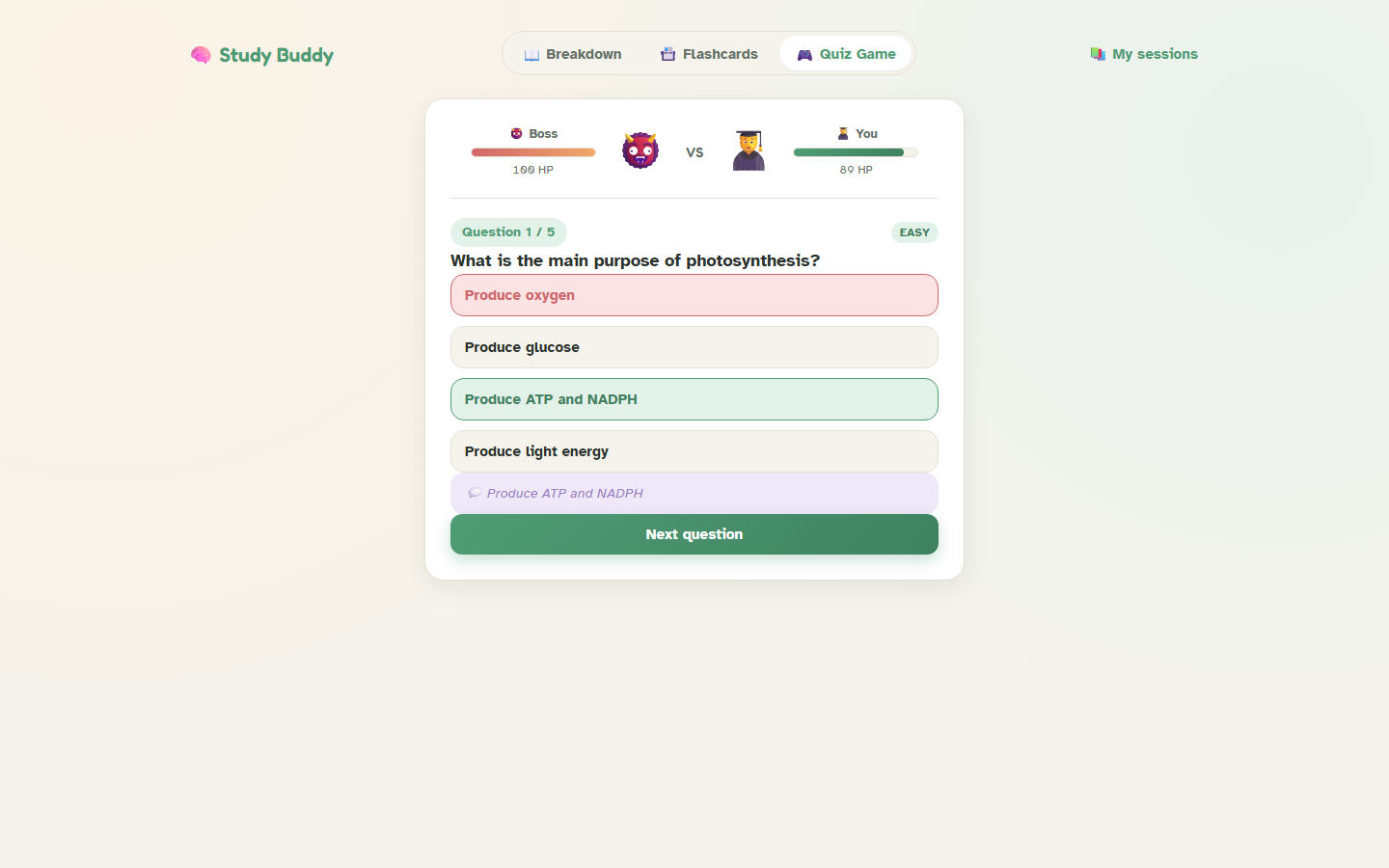
- A Quiz Game: multiple-choice questions from your own notes, played as a boss battle — answer right to attack, get one wrong and the boss hits back, with live HP bars and a difficulty/question-count picker.
- A tutor chat scoped strictly to the uploaded material, so it never wanders off-topic or makes things up.
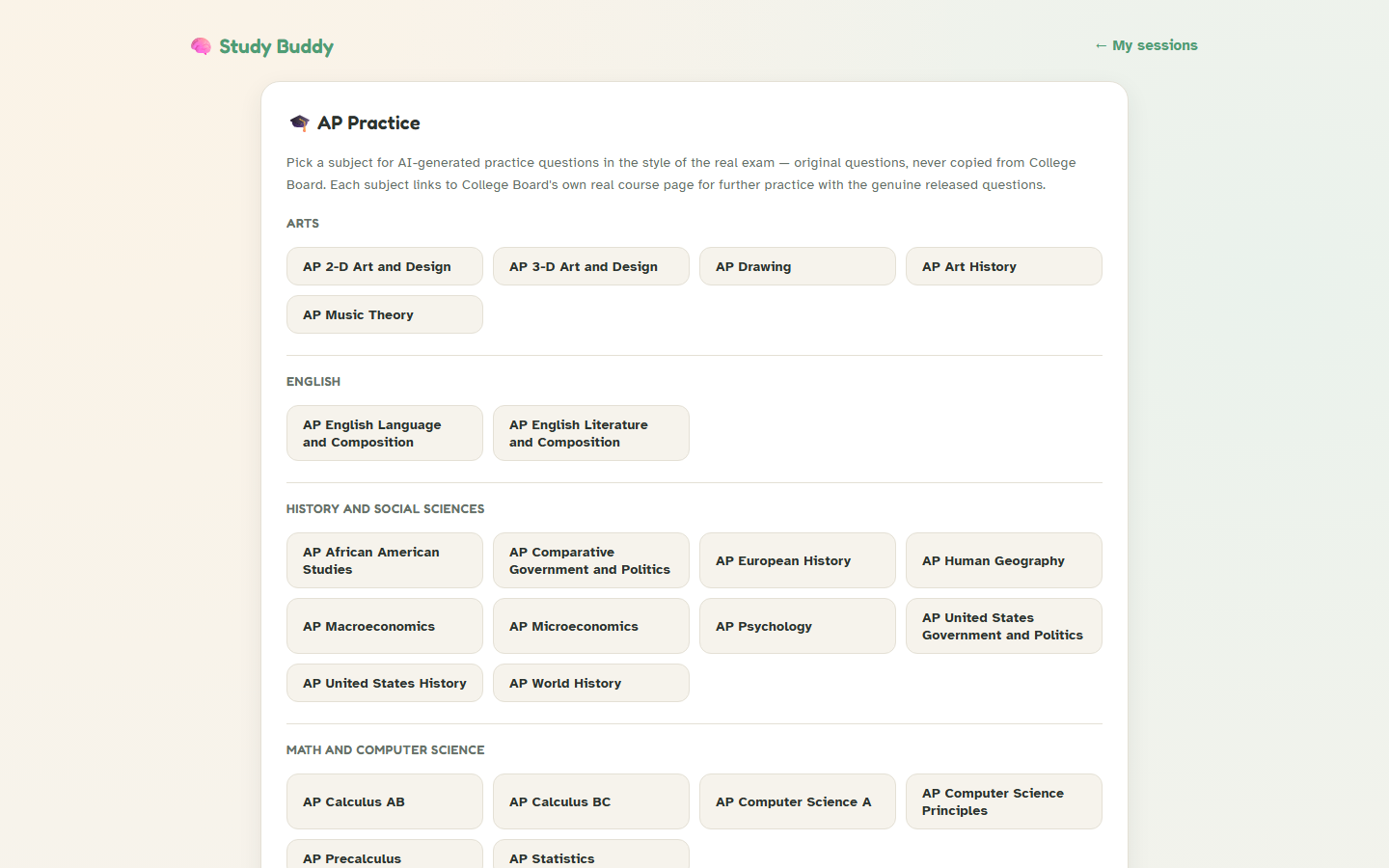
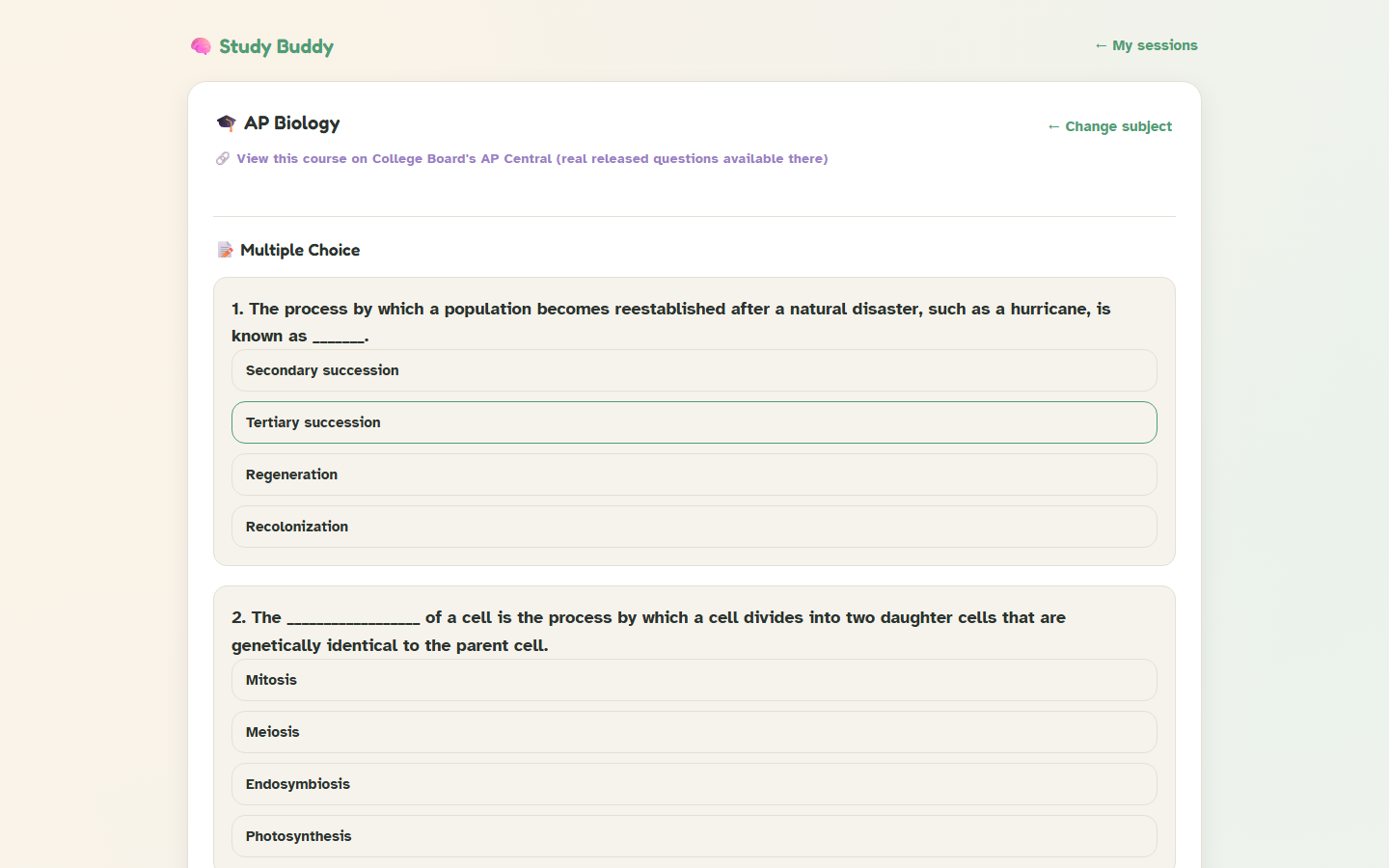
- AP Practice: a standalone mode covering all 43 official College Board AP subjects, with MCQs and FRQs in the style of the real exam
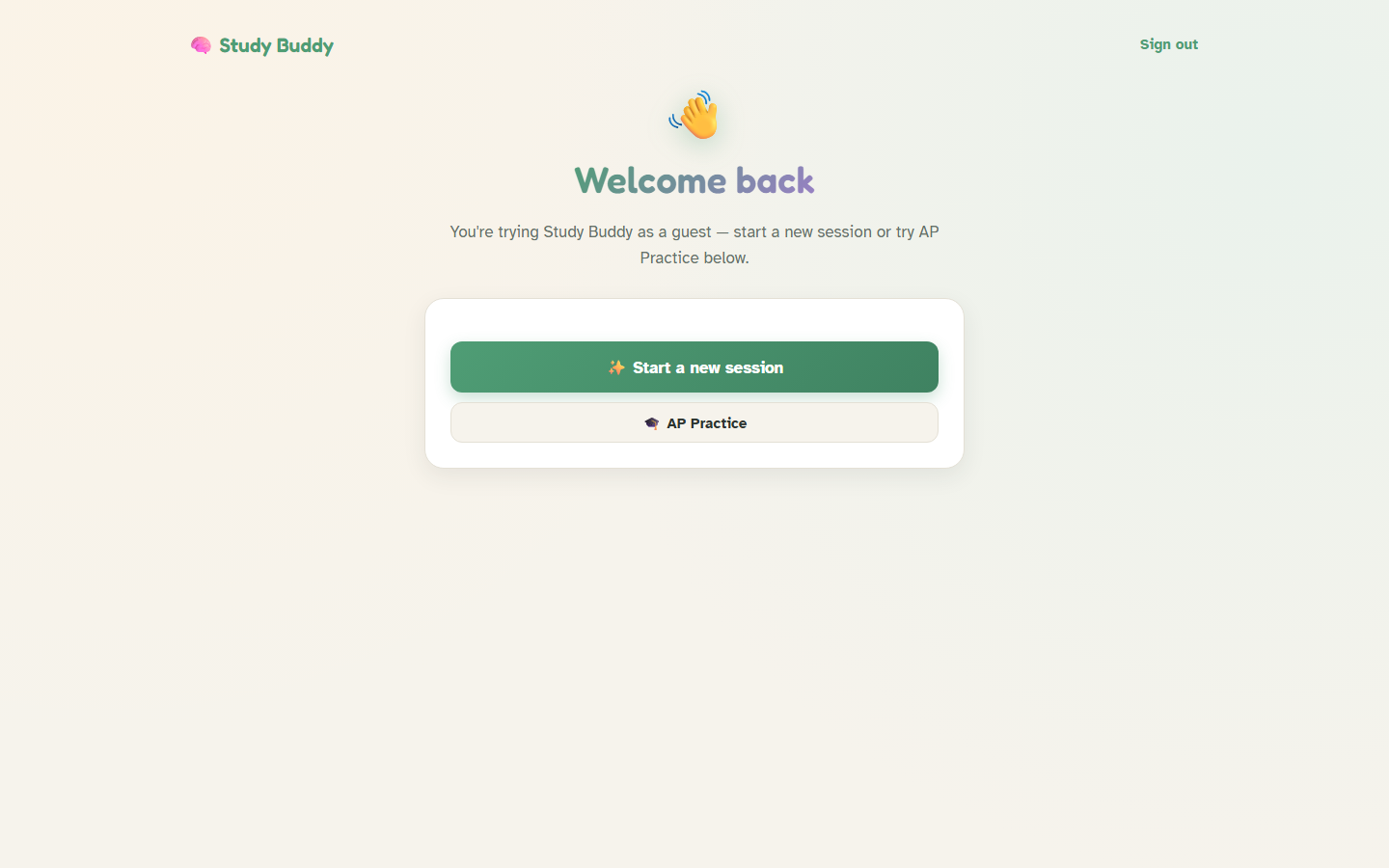
- Accounts and guest mode: sign up to save sessions permanently, or try the whole app instantly with sample notes and no sign-up at all.
How I built it
The frontend is React + Vite; the backend is Node/Express. For local development, all AI generation runs through Ollama (llama3.2 for text, llava for OCR on photographed notes) — completely free and offline. Auth and saved sessions use Node's built-in node:sqlite and node:crypto, specifically to avoid pulling in native-module dependencies or an external auth service.
I built it feature-by-feature: the core notes-breakdown pipeline first, then flashcards and a quiz, then gamified the quiz into the boss-battle format, then full accounts with guest mode, and finally AP Practice as its own standalone tab. For the live deployment, I swapped the AI layer to Groq's free hosted API behind an AI_PROVIDER environment variable, since a deployed backend can't reach a model running on someone's own laptop — the rest of the app is completely unaware of which provider is active. The frontend is on Vercel, the backend on Render.
Challenges I ran into
- Small models don't reliably follow instructions. Early on, asking for "5 sections" in JSON would often produce 1 or 2, because the model was pattern-matching the length of the example in my prompt rather than the instruction itself. Fixing this took explicit multi-item examples, exact-count language, and a retry loop with real per-item validation — catching JSON that was syntactically valid but semantically garbage (wrong array lengths, a stray string where a question object should be).
- A regenerate button that silently broke retries. A parsing helper was throwing outside its own try/catch, which meant a single malformed response skipped the entire retry loop instead of recovering from it — a one-line bug that undid the whole point of having retries.
- Vision model incompatibility.
llama3.2-visionfailed to load entirely due to an architecture mismatch with my installed Ollama version; switching tollavafixed OCR on handwritten notes. - A legal line I almost crossed. My original plan for AP Practice was to pull some questions directly from College Board. That's copyrighted exam content — so I pivoted to AI-generating original questions in the same style and linking out to College Board's real course pages instead.
- Hidden reasoning tokens ate my token budget. Switching the live deploy to Groq's models, some requests came back completely empty. It turned out the model was spending its entire token budget on hidden chain-of-thought reasoning before ever writing an answer — and on the vision model, that reasoning leaked directly into the OCR output as literal
<think>tags. Both needed explicit reasoning-effort and reasoning-format parameters to fix. - Cookies that worked locally and silently failed live. Once frontend and backend lived on different domains (Vercel and Render), the session cookie's
sameSite: "lax"setting silently blocked login on every cross-site request — it only works for same-site or top-level navigation, not thefetchcalls a single-page app actually makes. It needed to become environment-conditional:sameSite: "none"+secure: truein production,laxlocally.
Accomplishments that I'm proud of
- Shipping something that's actually accessible, not just an AI wrapper. Every feature — the plain-language breakdown, the memory tricks, the tutor chat that refuses to wander off-topic — is built around one specific, underserved need: executive-function support for studying. It was easy to imagine a version of this that's just a generic chatbot; I wanted it to actually help someone who gets overwhelmed by a wall of dense notes.
- Catching real bugs, not just shipping features. The retry-logic bug, the quiz answers that didn't match their own explanations, the hidden reasoning tokens eating the token budget — none of these were visible from a glance at the code. Finding them took actually testing the app repeatedly and reading the output critically instead of trusting that "it ran without an error" meant "it worked."
- Making the right call on the College Board content. It would have been easy to just scrape real AP questions and call it a feature. Catching that as a copyright problem before building it, and building a better, fully original alternative instead, is something I'm glad I did early rather than after the fact.
- A quiz that's actually fun. Turning multiple-choice review into an HP-bar boss battle sounds like a small design choice, but it's the difference between "another quiz app" and something a student would actually want to open again.
- Covering all 43 official AP subjects, not a token handful — so the feature is genuinely useful to any AP student, not just a demo of the idea.
- Getting it actually live, not just working on localhost. Swapping the AI layer to a free hosted provider for deployment, fixing cross-origin auth, and shipping a real public URL means anyone — not just someone with Ollama installed — can try the whole app right now.
What I learned
Prompt engineering for small, local models is a different discipline than working with a large hosted model — you have to defensively assume the model will occasionally ignore instructions, and build validation and retries around that assumption rather than trusting the output. I also learned a lot about the gap between "works on localhost" and "works deployed": auth, CORS, and cookies all behave identically until frontend and backend cross an actual origin boundary, and that boundary exposes assumptions you didn't know you were making.
What's next
Turso or another persistent hosted database, so accounts and saved sessions survive backend restarts on free hosting. Beyond that: spaced-repetition scheduling for flashcards, and letting students export their notes breakdown as a study guide PDF.
Built With
- css
- express.js
- gpt-oss
- groq
- javascript
- multer
- node.js
- ollama
- qwen
- react
- render
- sqlite
- vercel
- vite


Log in or sign up for Devpost to join the conversation.