Inspiration
As students ourselves, we've experienced the frustration of traditional studying: endless hours of passive reading, generic practice questions that don't match our materials, and no feedback until exam day. We wanted to create something that felt like having a personal tutor available 24/7—one that actually understands your specific course content.The inspiration struck when we realized that AI has reached a point where it can truly personalize education. Why should students struggle alone with difficult concepts when AI can provide instant, context-aware explanations? We envisioned a tool that doesn't just answer questions, but actively helps students learn more effectively through conversation, practice, and progress tracking.
What it does
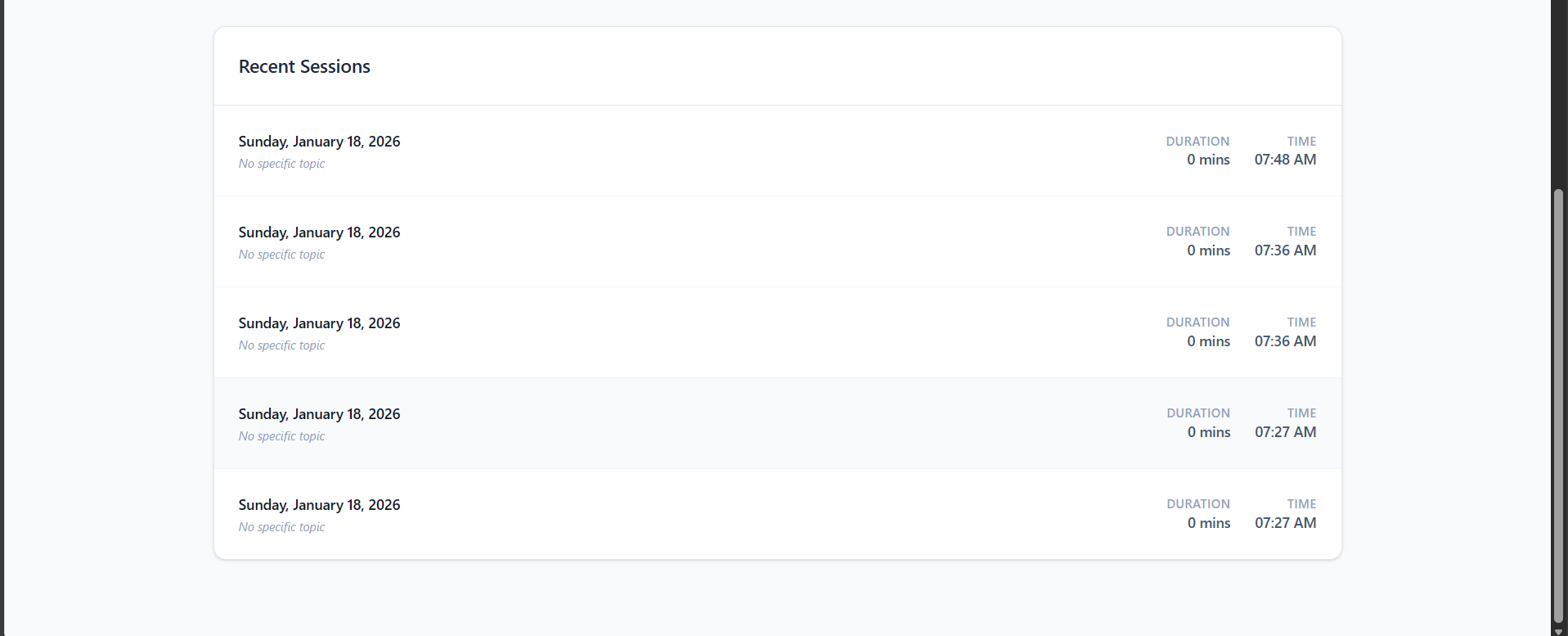
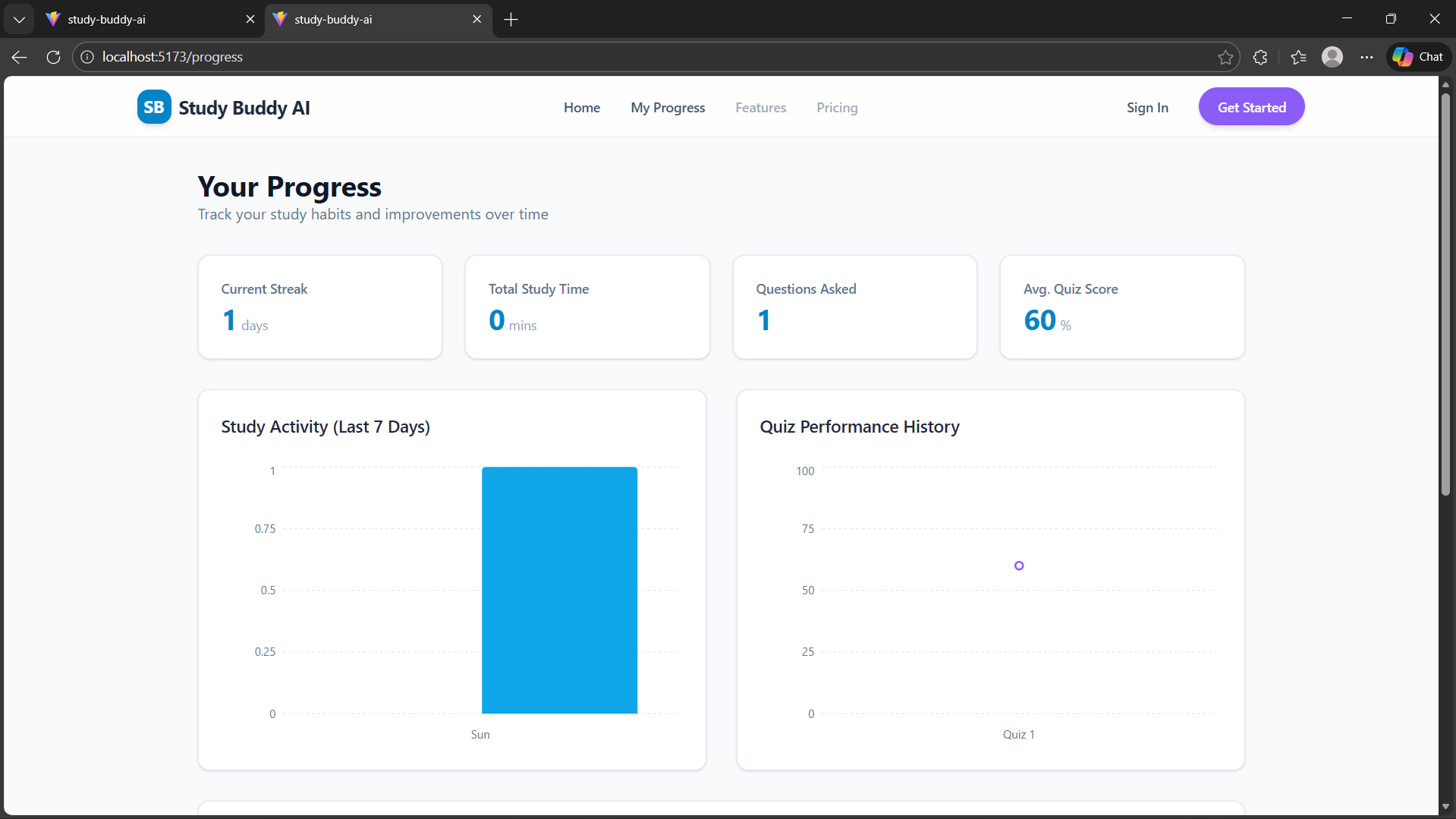
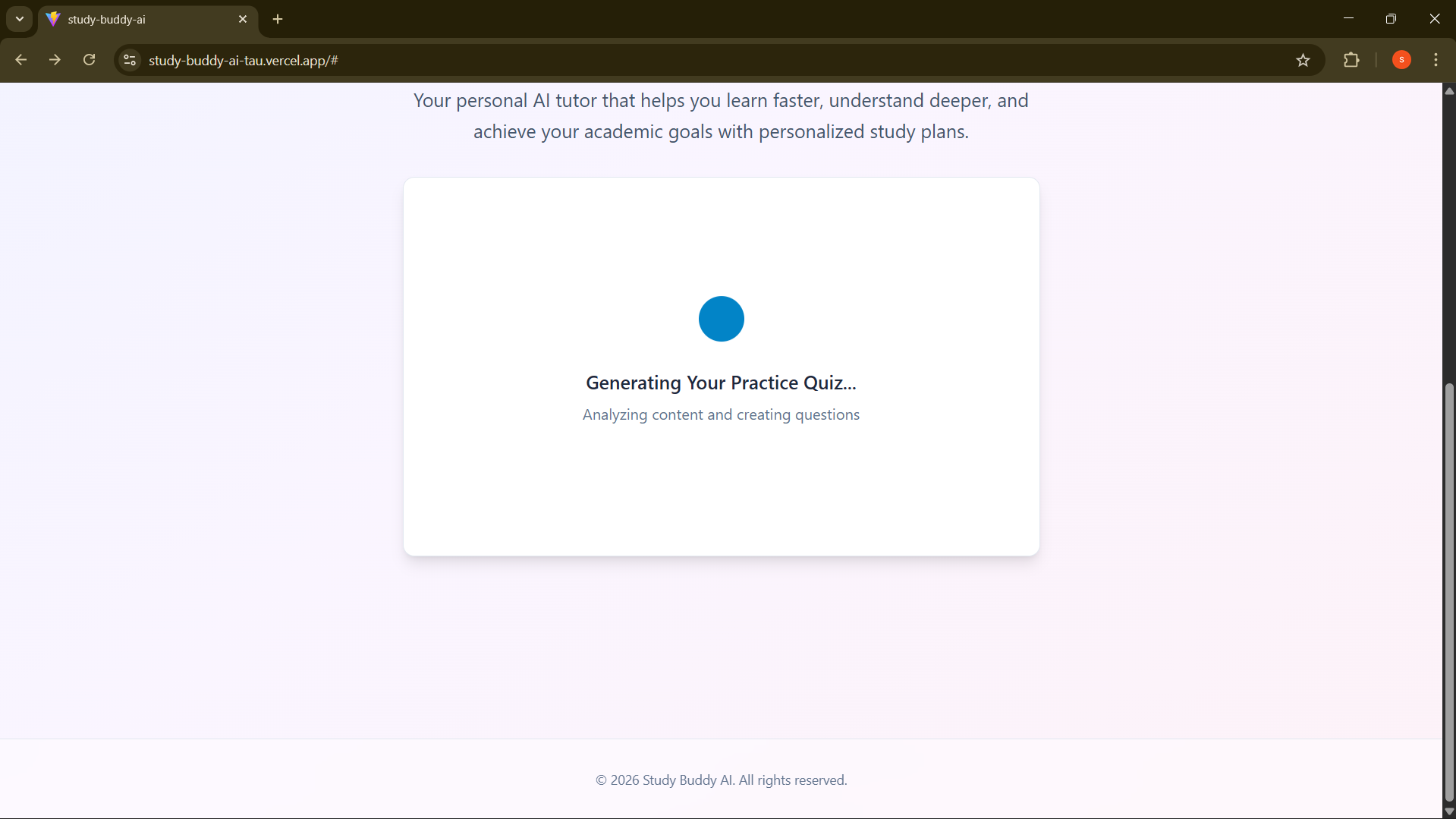
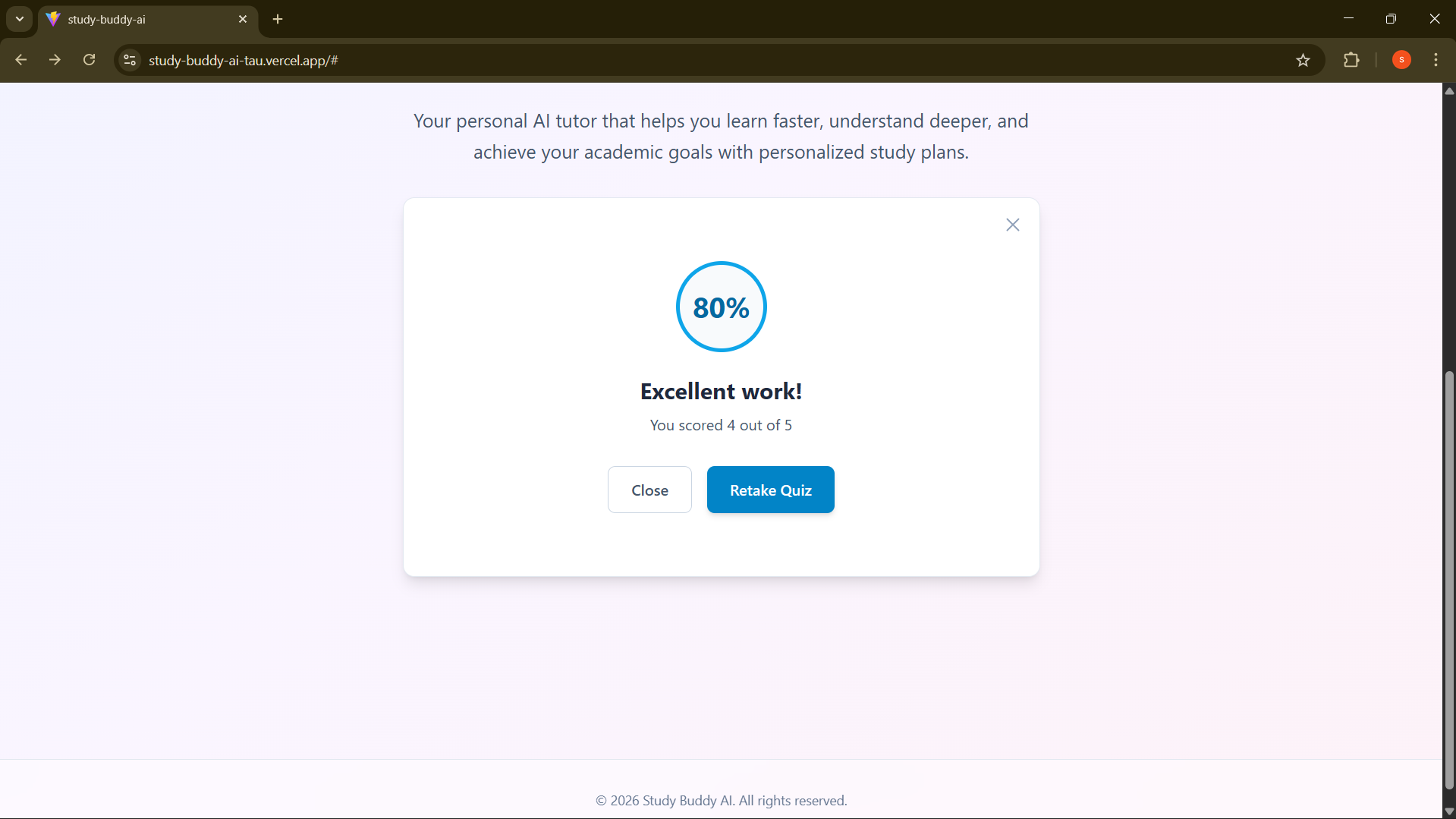
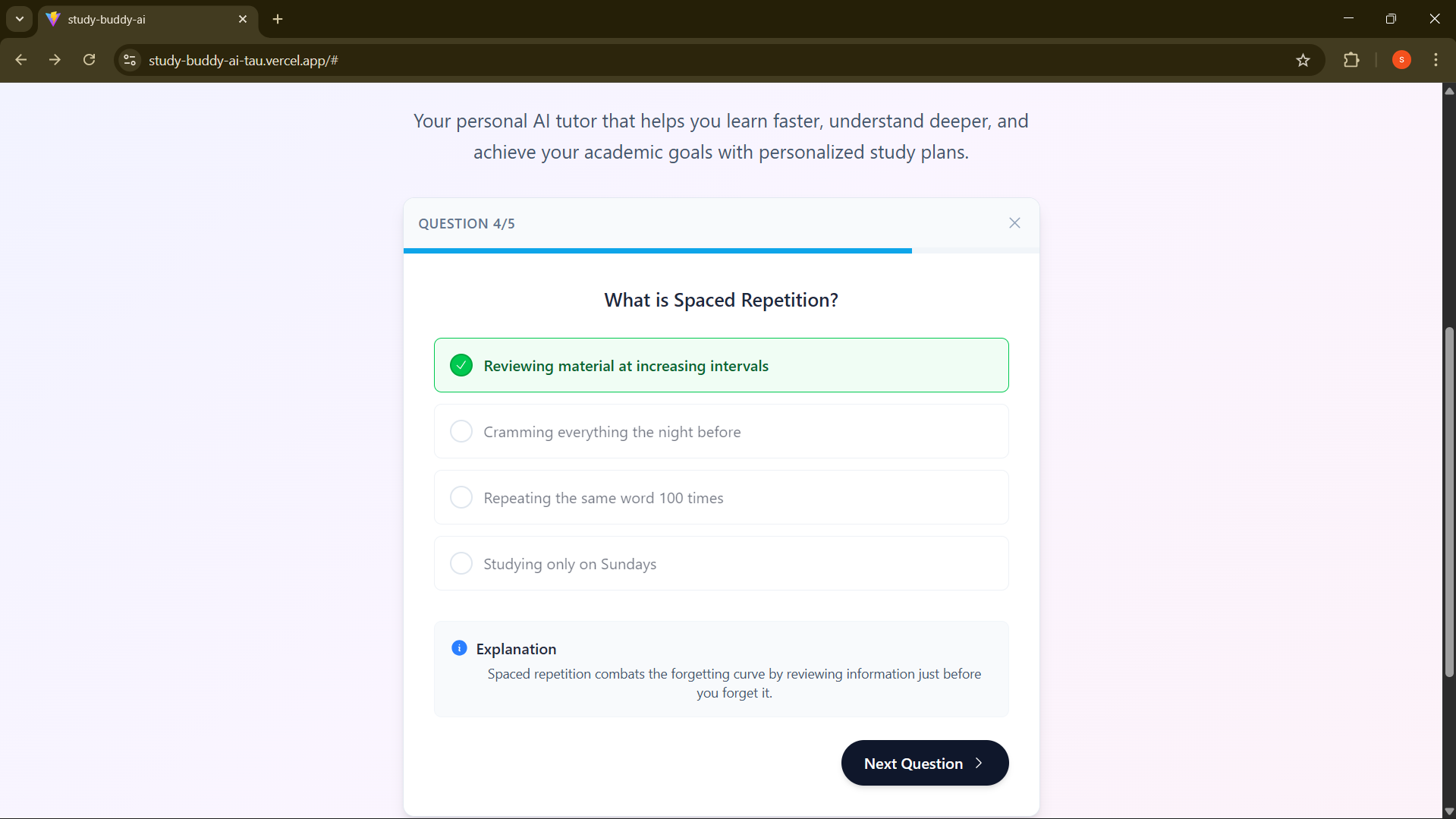
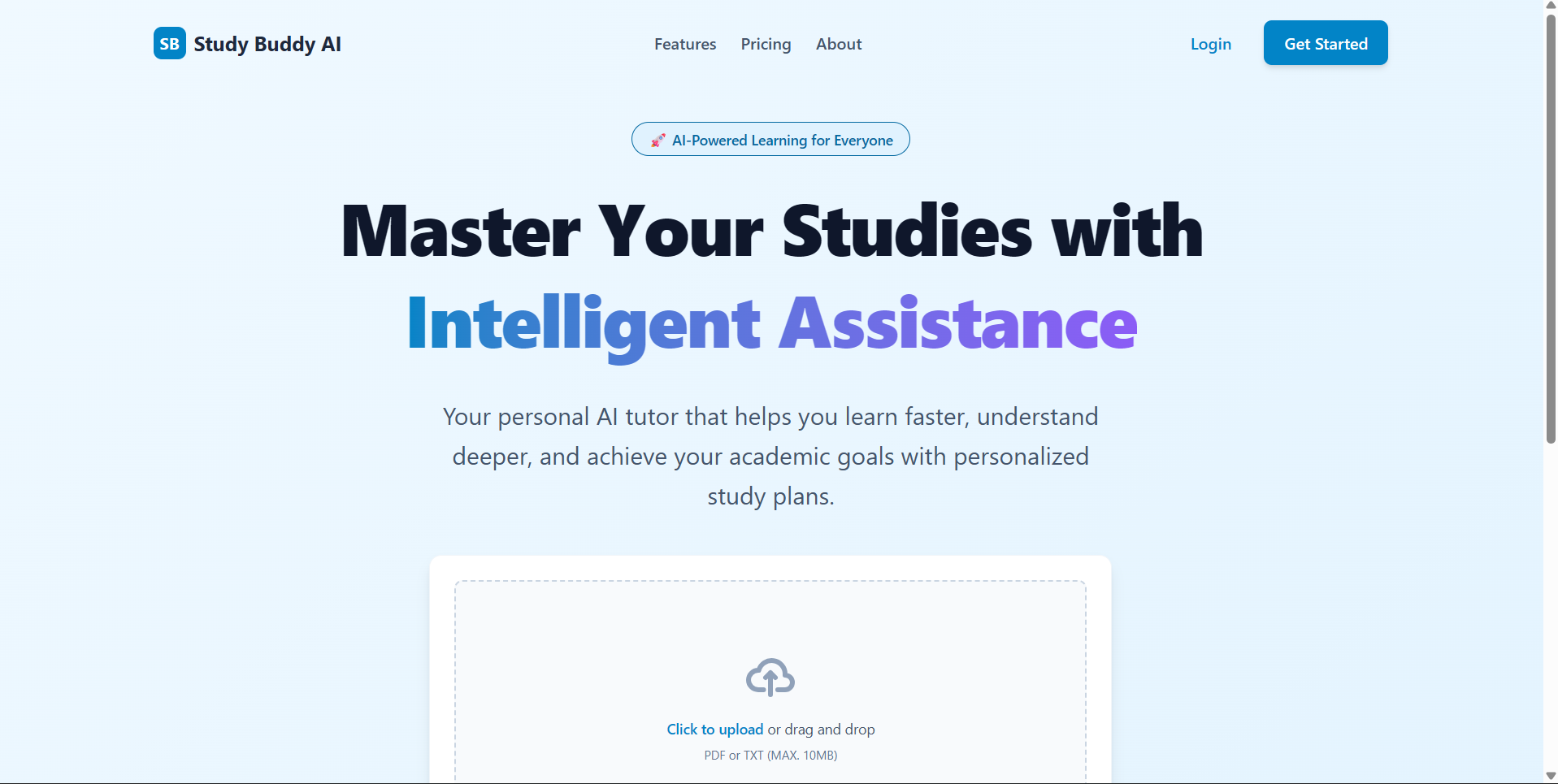
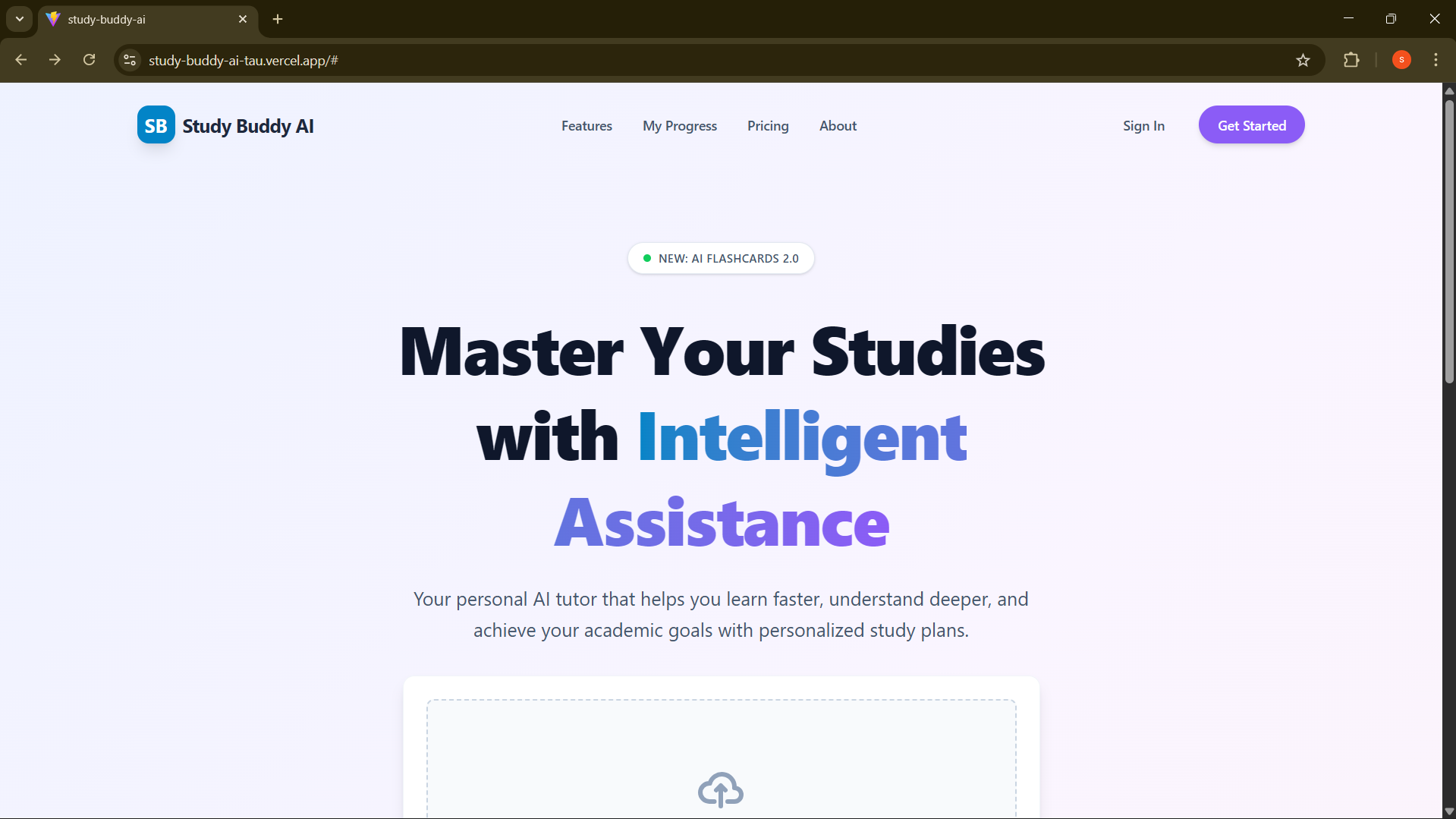
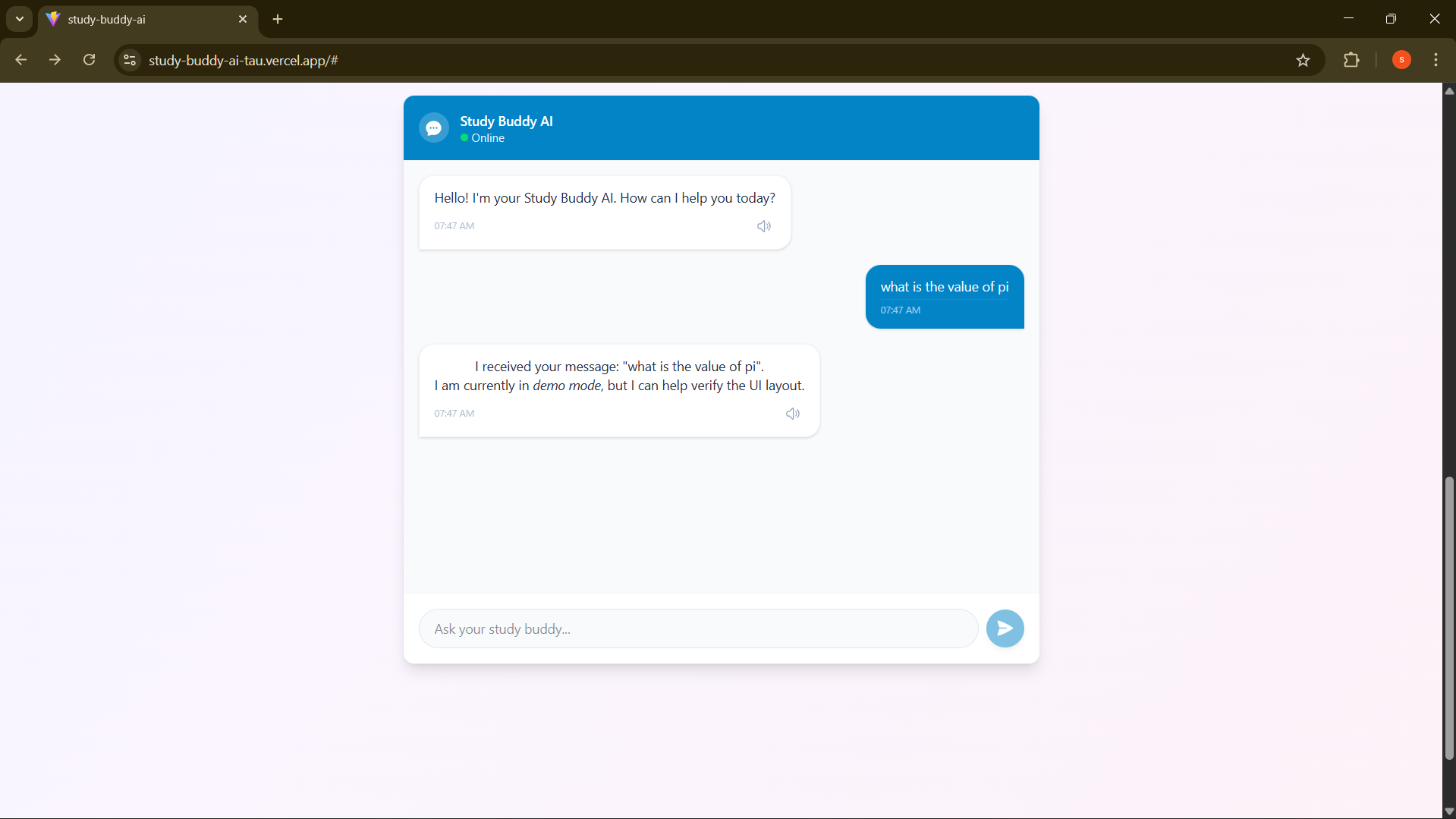
Study Buddy AI is an intelligent study companion that transforms how students interact with their course materials. Smart Content Processing: Upload PDFs or text files containing lecture notes, textbooks, or study guides. Our AI analyzes the content and identifies key concepts automatically. Interactive Learning: Ask questions about your material in natural language. Unlike searching through notes or generic ChatGPT conversations, Study Buddy AI answers specifically based on your uploaded content, providing personalized explanations with examples. Adaptive Practice: Generate custom quizzes from your study materials. The AI creates multiple-choice questions that test your understanding, provides instant feedback, and explains why answers are correct or incorrect. Voice-Enabled Study: Listen to explanations read aloud with natural-sounding voices (ElevenLabs integration), or ask questions hands-free using voice input—perfect for accessibility and auditory learners. Progress Tracking: Monitor your learning journey with visual dashboards showing study time, topic mastery levels, quiz scores, and study streaks. Know exactly where you need more review before exam day.
How we built it
Frontend: React 18 + TypeScript + Vite for fast development Styling: Tailwind CSS for modern, responsive UI AI Brain: Claude Sonnet 4 (Anthropic API) for intelligent tutoring Voice: ElevenLabs API for natural text-to-speech Speech Input: Web Speech API for voice questions Data Visualization: Recharts for progress analytics Storage: LocalStorage and Claude's persistent storage API Deployment: Vercel for instant global deployment
Challenges we ran into
- PDF Text Extraction Accuracy: Initially, complex PDFs with multiple columns or embedded images extracted poorly. We solved this by implementing chunking strategies and fallback text cleaning algorithms to handle various document formats.
- API Rate Limiting: During testing, I hit Claude API rate limits frequently. We implemented request queuing, added loading indicators, and cached common responses to reduce unnecessary API calls.
- Voice Synthesis Latency: ElevenLabs API calls took 2-3 seconds, creating awkward pauses. We added pre-loading for common phrases and clear visual feedback so users know audio is generating.
- Context Management: Keeping Claude "aware" of the uploaded study material across multiple questions was tricky. We engineered prompts that include document context with each request and implemented conversation memory.
- Quiz Question Quality: Early AI-generated questions were sometimes too easy or ambiguous. We refined our prompts to specify difficulty levels and require clear, unambiguous answer choices.
- Mobile Responsiveness: The chat interface broke on mobile screens. We redesigned with a mobile-first approach, ensuring touch-friendly buttons and proper text wrapping. ## Accomplishments that we're proud of Built a fully functional product in 48 hours - not just a prototype, but something genuinely useful Real personalization - Unlike generic AI chatbots, our app truly adapts to each student's specific materials Accessibility-first design - Voice features make learning accessible to students with visual impairments or reading difficulties Smooth user experience - Despite complex AI operations, the interface feels snappy with proper loading states and error handling Multi-track qualification - Built a single app that meets Education, ElevenLabs, and General track requirements Zero backend complexity - Everything runs client-side, making deployment and scaling trivial Practical utility - We'd actually use this ourselves for studying, which is the ultimate validation ## What we learned Technical Skills: How to architect AI-powered applications with proper context management Streaming responses for better UX during long API calls Working with multiple AI APIs (Claude for intelligence, ElevenLabs for voice) Implementing voice recognition in web apps with browser APIs Building data visualizations that actually communicate insights
Product Design: The importance of demo-ready features - we initially built too many features that didn't demo well Loading states and error messages are just as important as core functionality Voice UI requires different interaction patterns than traditional interfaces Educational tools need immediate feedback loops to be effective
What's next for Study Buddy AI
Short-term (Next Month):
Flashcard Generation: Auto-create spaced repetition flashcards from study materials Study Groups: Enable collaborative study sessions where multiple students can share materials and quiz each other Mobile App: Native iOS/Android apps for studying on the go More File Types: Support for PowerPoint, Word docs, and even YouTube transcript imports


Log in or sign up for Devpost to join the conversation.